You’re probably looking at two builds that are almost identical except for the CPU. One has a Core i5. The other jumps to a Core i7 and drags the total price up with it. That’s where the decision becomes difficult.
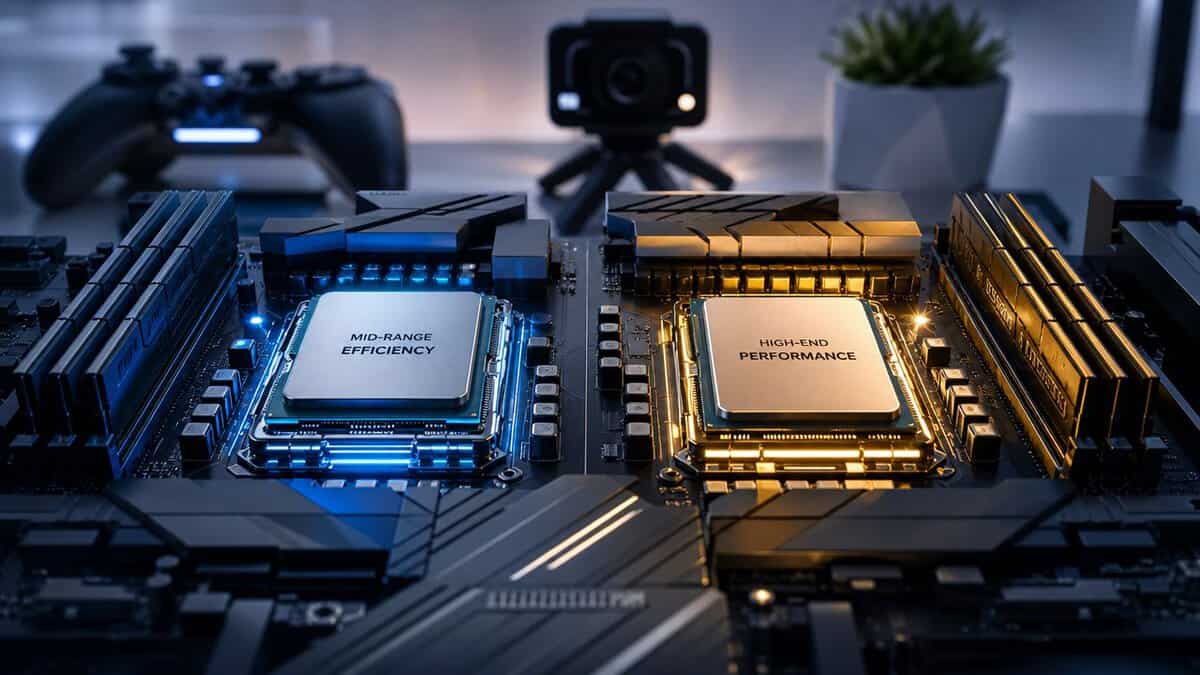
For a gaming PC, this choice matters, but not in the way marketing usually frames it. The question isn’t whether the i7 is faster. It usually is. The important question is whether you’ll feel that extra CPU in the games you play, with the way you use the system, and whether it’s worth giving up money that could’ve gone into a better GPU, cooler, SSD, or monitor.
That’s the heart of Intel i5 vs i7 for budget-conscious gamers. There’s a point where the i5 is plainly good enough, and there’s another point where the i7 stops being a luxury and starts being the right tool. If you mostly play esports shooters and want strong frame rates per dollar, the i5 often makes more sense. If you game, stream, keep a pile of apps open, and want more headroom under load, the i7 earns its place.
Early on, it helps to see the practical split at a glance.
| Buyer type | Better fit | Why |
|---|---|---|
| Pure gamer focused on value | Core i5 | Better balance of price and gaming performance |
| Esports player chasing high FPS | Core i5 or Core i7 | Depends on whether you also stream or multitask heavily |
| AAA gamer at 1440p or higher | Core i5 | GPU usually deserves more of the budget |
| Gamer who streams regularly | Core i7 | Extra threads and cache help under mixed workloads |
| Laptop buyer using integrated graphics | Core i7 | Higher clocks, larger cache, and stronger iGPU can matter more |
| Buyer who keeps systems for years and multitasks hard | Core i7 | More performance headroom |
- For most gaming PCs, a Core i5 hits the good-enough threshold: buy it and put the savings toward a stronger GPU
- The i7’s extra cores and cache matter most for streaming, recording, and heavy multitasking, not raw gaming FPS
- In GPU-bound AAA games, the frame-rate gap between a comparable i5 and i7 is usually small
- Step up to an i7 when your machine doubles as a streaming or content-creation workstation
- Intel retired the i5/i7 names after 14th gen: the same logic now maps onto Core Ultra 5 vs Core Ultra 7
Table of Contents
The Core Question: Is an i7 Worth the Extra Cost?
Most builders don’t buy the wrong CPU because they ignored specs. They buy the wrong CPU because they bought for the label instead of the workload.
If you’re building a gaming rig right now, the safest default is this. Buy the i5 unless you already know why the i7 solves a problem you have. That sounds blunt, but it saves people from overspending on CPU tier while leaving the graphics card, cooling, or case airflow underfunded.
The i7 makes sense in a narrower set of situations. You’ll get better value from it if your PC has to do more than just run a game. Streaming is the obvious example. Heavy background multitasking is another. So is wanting a machine that stays smoother when you’ve got voice chat, browser tabs, launchers, recording, and a game all active at once.
Don’t treat the i7 as an automatic upgrade. Treat it as a workload upgrade.
For a pure gaming build, especially one aimed at competitive shooters or standard single-player gaming, the i5 usually lands closer to the smart middle. It gives you strong real-world performance without eating too much of the budget. That matters because gaming performance comes from the whole build, not just the processor.
If you’re still deciding at the platform level, this broader look at AMD vs Intel for gaming helps clarify where Intel’s midrange chips fit.
Three simple buying rules generally offer reliable guidance:
- Choose the i5 if your main goal is strong gaming performance for the money.
- Choose the i7 if you’ll stream often, do heavier multitasking, or want more CPU headroom.
- Upgrade the GPU first if your current debate is taking money away from graphics performance.
That last point is the one people ignore most. A balanced build lasts longer, runs cooler, and feels better every day than a lopsided one built around a fancier CPU name.
Core Counts, Clocks and Cache Explained
The spec sheet only helps if you know what the parts perform during a game.
Intel created Core i5 and Core i7 as separate tiers in the Core family. The i5 sits in the mainstream and mid-range slot, while the i7 is the higher-performance tier. In practical terms, CDW notes that i5 CPUs typically have 4 to 6 cores and 4 to 6 threads, while i7 CPUs usually have 6 to 8 cores and 12 to 16 threads because of hyper-threading, which is why i7 chips have traditionally been aimed at heavier multitasking and professional work while i5 chips target balanced value for mainstream users and gamers, as outlined in CDW’s breakdown of Intel Core i5 and i7 tiers.
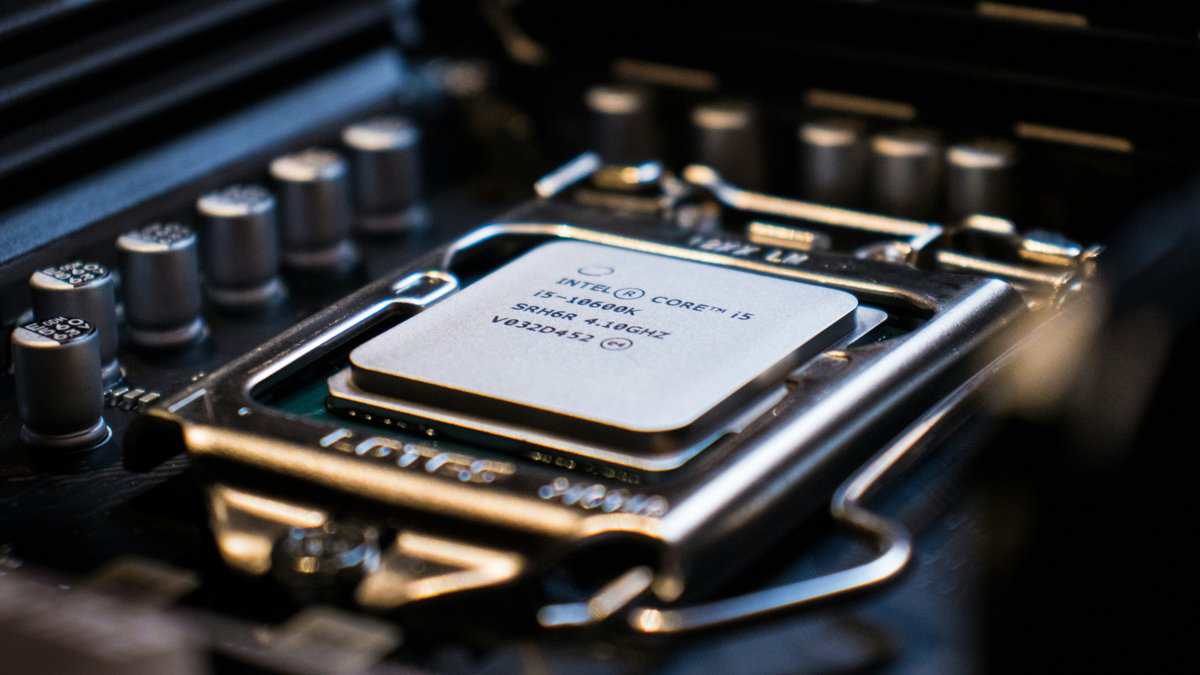
What cores and threads change in practice
Think of cores as the CPU’s workers. More of them helps when the PC is juggling multiple demanding tasks. Threads help those cores stay busy with parallel work. For gaming alone, that extra capacity doesn’t always transform your frame rate. For gaming plus streaming, game recording, voice chat, and background apps, it matters more.
That’s why Intel i5 vs i7 isn’t just a speed question. It’s a workload question.
A few real-world translations help:
- More cores and threads help when you stream while gaming, compile files in the background, or run several apps at once.
- Higher clocks help in games that respond well to fast single-core performance, which is common in competitive titles and some older engines.
- Larger cache helps the CPU keep frequently used data close at hand, which can smooth out heavier multitasking and certain game scenarios.
Why clocks still matter for gamers
Clock speed is easier to understand because you can feel it in CPU-bound situations. If you play high-FPS shooters at lower settings, the processor has to feed frames quickly. That’s where higher clocks can help keep responsiveness sharp.
But don’t isolate clocks from cooling. A chip that runs hot in a weak case or under a cheap cooler won’t hold boost behavior as well. Build quality matters here. A sturdy motherboard, decent airflow, and a cooler that isn’t overwhelmed do more for sustained performance than people expect. If you’re choosing a chip that runs hotter, pairing it with one of the best budget CPU coolers is one of the smarter upgrades in the whole build.
A fast CPU on paper can turn into an average CPU in practice if the cooler and case can’t keep up.
Cache matters more when your PC is busy
Cache gets less attention than cores and clocks, but it matters once your workload gets messy. If you alt-tab a lot, keep apps open, or stream while gaming, cache helps the system stay less strained.
That doesn’t mean every i7 is automatically the better gaming buy. It means the i7 usually has more room before things start feeling crowded.
Real-World Gaming Benchmarks Compared
For most gamers, the choice simplifies. The i5 often gives you most of the gaming experience for less money.
In most games an i5 gets close to an i7 at a significantly lower cost, and that matches the pattern many builders already know. In gaming and lighter workloads, the gap can be small enough to barely matter, while the i7 pulls further ahead in more demanding multi-threaded scenarios.
In laptops, the gap can be small at default power settings, while the i7 pulls ahead in higher-performance modes. Note that the i7-12700K and i5-12600K both carry a 125-watt TDP, which shows the i7 advantage is more about extra execution resources than a simple power jump, as discussed in this 2026 Intel Core i5 vs i7 comparison.
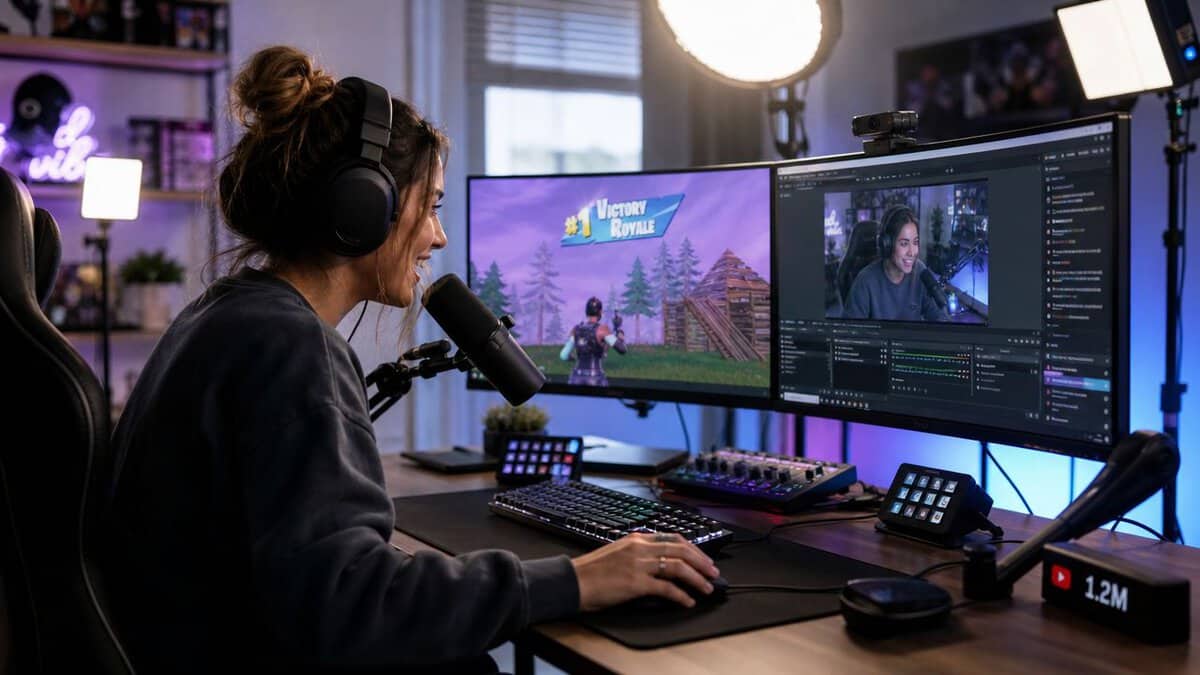
Esports and high-FPS gaming
If you mainly play fast shooters, battle royale games, or other esports titles, both chips can make sense. The difference is how hard you’re pushing the system outside the game.
An i5 is usually enough when you:
- Play at competitive settings where you care more about value than squeezing every last frame.
- Run a clean setup with minimal background clutter.
- Prioritize GPU, monitor, and cooling instead of stacking budget into CPU tier.
An i7 starts making more sense when you:
- Chase very high refresh gameplay and want extra CPU headroom.
- Keep multiple apps open while gaming, including chat, music, capture, and browser windows.
- Want fewer compromises later if your usage grows.
For esports alone, the i5 usually crosses the good-enough line.
AAA games and visually heavy titles
For modern single-player and big-budget games, the CPU still matters, but the GPU usually deserves the larger slice of the budget. That’s especially true once you move up in resolution or visual settings.
In practical terms, a stronger graphics card paired with a solid i5 often feels smarter than stepping up to an i7 and settling for a weaker GPU. That’s the classic budget mistake. The CPU looks impressive in the parts list, but the game ends up more limited by graphics horsepower anyway.
If your build is for cinematic AAA gaming, don’t starve the GPU to afford a higher CPU badge.
Diminishing returns are sharply evident. Many players won’t notice enough difference in pure gaming to justify the extra CPU spend.
CPU-heavy game types
Not every game behaves the same. Some genres lean harder on the processor:
- Large online battles and MMOs can stress the CPU when lots of players, effects, and background simulation hit at once.
- Strategy and simulation games often care more about CPU throughput than flashy graphics alone.
- Open-world games with lots of systems running can expose the limits of a weaker chip when the scene gets crowded.
In these cases, the i7 can help, but that doesn’t make it automatic. If your main pattern is “play one demanding game, no stream, few background apps,” the i5 is still often enough.
If you want a broader look at balanced gaming CPU choices, this guide to the best CPU for gaming is a useful next step.
The good-enough threshold for gamers
Here’s the blunt version.
An i5 is enough if your PC’s main job is gaming, especially if you mostly play esports titles, AAA games at higher resolutions, or a mix of both without regular streaming.
An i7 becomes worth it when your gaming PC is also a multitasking machine, a streaming rig, or a long-haul system where CPU headroom matters more than squeezing the absolute best price-to-performance today.
When Streaming and Gaming Collide
Streaming changes the buying advice fast. A gaming PC that feels smooth when it’s doing one thing can feel much less comfortable when it’s doing five things at once.
That’s where Intel i5 vs i7 stops being a debate about tiny gaming gains and starts becoming a conversation about system headroom. Recent desktop examples make the difference easy to see. The i5-13600K is listed with 14 cores, 20 threads, and 24 MB of L3 cache, while the i7-13700K is listed with 16 cores, 24 threads, and 30 MB of L3 cache. That extra capacity matters in heavily threaded tasks like streaming, compiling, and background multitasking, even though it doesn’t guarantee a straight-line gaming jump in every title, as shown in this desktop comparison of recent i5 and i7 chips.
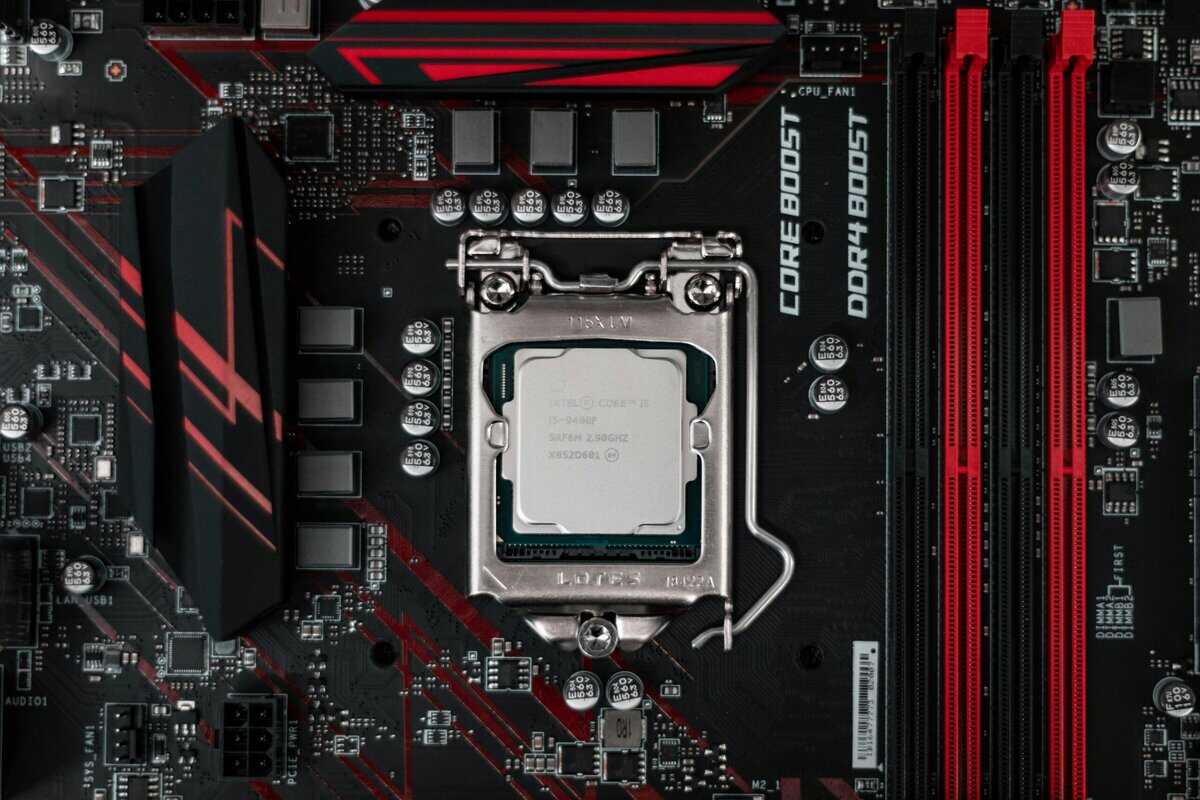
What actually loads the CPU during a stream
A beginner streamer often thinks the game is the workload. It isn’t. The game is just one part.
Your CPU may also be handling:
- Encoding work, depending on how your setup is configured
- Voice chat and alerts
- Browser tabs, music, and chat moderation windows
- Recording or clipping in the background
That stack is exactly why an i7 can stop being optional for some people. It’s not just about average performance. It’s about preventing the ugly moments. In-game stutter, sluggish alt-tabbing, and a system that feels strained when the match gets busy.
When an i5 is still fine for streaming
An i5 can still work for entry-level streaming if the build is otherwise sensible and your expectations are realistic.
You can usually stay on the i5 side if you:
- Stream casually, not as your main use case
- Keep background clutter under control
- Use hardware encoding where appropriate
- Play games that aren’t already hammering the CPU
That last point matters. Streaming a lighter esports title is very different from streaming a CPU-heavy game while also running a second monitor full of browser content and overlays.
Streaming doesn’t just test raw performance. It tests whether your PC stays composed when everything is happening at once.
When the i7 becomes non-negotiable
There’s a clear threshold where the i7 moves from “nice to have” to “buy it.”
That threshold looks like this:
- You stream regularly, not occasionally.
- You play games that already stress the CPU.
- You keep multiple apps open during sessions.
- You care about stable gameplay as much as stream quality.
If all four sound like you, the i7 is the safer buy.
For creators who also cut stream highlights into short clips, a separate workflow matters too. If you’re repurposing long broadcasts into social content, this guide to AI short video makers is useful for understanding the clip-making side without adding more manual editing work to your setup.
If you’re building a machine specifically for this mixed workload, a dedicated streaming PC guide will help you balance CPU, GPU, cooling, and memory without wasting money in the wrong place.
Stability matters more than bragging rights
For streaming rigs, I’d take a stable, well-cooled build over a flashy parts list every time. Durability and build quality matter here. A decent board, reliable cooler, solid case airflow, and a power supply that isn’t being pushed too hard all contribute to smoother long sessions.
A strained system doesn’t just benchmark worse. It feels worse to use.
Choosing Your CPU and GPU Combo
At this critical point, people either build a balanced PC or waste money chasing the wrong bottleneck.
The first rule is simple. Match the CPU to the class of GPU you can afford. Don’t overspend on processor tier and then cut back on the graphics card. For gaming, that trade usually hurts.
The second rule is to choose the right CPU suffix. You don’t need every variant.
Which CPU version makes sense
Here’s the quick practical split:
- K models are for buyers who want overclocking potential and usually pair them with better cooling and stronger motherboards.
- F models skip integrated graphics. They make sense if you know you’ll always use a dedicated GPU.
- Standard non-K models are often the easier value play for people who want a stable gaming system without chasing extra tweaking.
For a value-focused gaming tower, an i5 in one of those forms is usually the default answer. For a higher-end gaming and streaming box, an i7 becomes easier to justify.
Balanced pairings that make sense
A smart build isn’t the one with the fanciest CPU. It’s the one where neither the CPU nor GPU feels obviously mismatched.
| Budget Tier | Recommended CPU | Paired GPU | Best For |
|---|---|---|---|
| Value gaming | Core i5 non-K or Core i5 F-series | Mid-range GPU | 1080p gaming, esports, general use |
| Balanced performance | Core i5 K-series | Upper-mid-range GPU | 1440p gaming, some multitasking, long-term value |
| Gaming plus streaming | Core i7 non-K or Core i7 K-series | Upper-mid-range to high-end GPU | AAA gaming, streaming, heavier multitasking |
| Higher-end all-rounder | Core i7 K-series | High-end GPU | Gaming, streaming, creation workloads, more headroom |
A lot of shoppers should live in that second row. That’s the sweet spot. Spend enough on the CPU to avoid obvious limits, then put real money into the GPU. If you’re still deciding on graphics card class, this roundup of the best mid-range GPUs helps narrow the field.
Laptop buyers need a different mindset
Laptop Intel i5 vs i7 isn’t always the same story as desktop. In one laptop-class comparison, both chips shared the same core and thread count, but the i7 still had higher clocks, larger cache, and stronger integrated graphics. Hardware Canucks reported an i5 at 2.4 GHz base and 4.2 GHz single-core boost with 8 MB cache, versus an i7 at 2.8 GHz base and 4.7 GHz boost with 12 MB cache, plus 96 execution units on the Xe iGPU versus 80 on the i5. Their testing found the i7 ahead in lightly threaded work and notably better in 1080p graphics performance, even though day-to-day responsiveness was often close, according to this laptop-focused i5 and i7 comparison.
That matters if you’re buying a laptop for light gaming, everyday use, or a setup that sometimes runs without a discrete GPU. On laptops, the i7 can earn its keep more easily if the cooling is competent and the chassis is built well. Thin, flimsy laptops with poor thermals don’t magically become good because they carry an i7 sticker.
For desktops, the GPU pairing usually decides value. For laptops, cooling and chassis quality decide whether the CPU can even show its strengths.
The Final Verdict and Budget-Focused Recommendations
For most gaming PCs, buy the Core i5. That’s the cleanest answer. It usually hits the good-enough threshold for pure gaming, keeps the build balanced, and leaves room in the budget for parts that often matter more to the actual experience. Better graphics, better cooling, better airflow, and better overall durability.
Buy the Core i7 if your PC has a second job. Streaming is the big one. Heavy multitasking is another. If you regularly game with chat, recording, browser windows, background apps, and stream software all running together, the i7 gives you more breathing room and fewer rough edges under load.
Here’s the short version:
- Buy the i5 if you mostly play FPS games, MMOs, and AAA titles without regular streaming.
- Buy the i5 if you want the strongest gaming value and would rather push more money into the GPU.
- Buy the i7 if you stream often, multitask hard, or want extra headroom for a higher-end mixed-use rig.
- Buy the i7 if smoothness under combined gaming and background workloads matters more than pure value.
The biggest mistake isn’t choosing an i5 or an i7. It’s building a system that looks impressive on a spec list but feels unbalanced on your desk.
Spend for your actual use. Don’t pay for CPU headroom you’ll never touch. But don’t cheap out if you already know your gaming PC is also going to be your streaming, recording, and multitasking machine.\
If you’re buying new in 2026, the Intel Core i5-13600K is still the value sweet spot for a gaming-first build, while the Core i7-14700KF is the sensible step-up once streaming, recording, and heavy multitasking are part of the picture. Worth knowing: Intel has since folded this lineup into its Core Ultra branding, but the i5-versus-i7 logic here maps cleanly onto Core Ultra 5 versus Core Ultra 7.
Intel i5 vs i7 FAQ
Quick answers to the most common questions about the Intel i5 vs i7 decision for gaming and streaming builds.
Is a Core i5 good enough for gaming in 2026?
For the vast majority of gaming PCs, yes. A modern Core i5 clears the good-enough threshold for high frame rates in most titles, and the money saved is usually better spent on a stronger GPU, a faster SSD, or better cooling.
Does a Core i7 give you more FPS than an i5?
Sometimes, but less than the price gap suggests. In GPU-bound AAA games the difference is often small. The i7’s extra cores and cache mainly help in CPU-heavy titles, simulation games, and when you run demanding tasks alongside the game.
Should I get an i7 for streaming while gaming?
If streaming, recording, and multitasking are a regular part of your setup, the i7’s extra cores add real headroom and stability. For occasional streaming with GPU-based encoding (NVENC), a good i5 usually copes fine.
Is the i5 or i7 better value for a budget build?
The i5 wins on value for pure gaming. Put the difference toward the GPU first. Step up to the i7 only when you know the machine will double as a streaming, recording, or content-creation workhorse.
If you want practical, hype-free advice on building a gaming or streaming setup that performs well without wasting money, check out Budget Loadout. It’s a solid resource for value-focused parts guides, peripherals, and upgrade recommendations that keep the whole setup balanced, durable, and worth what you spend.
Related Articles