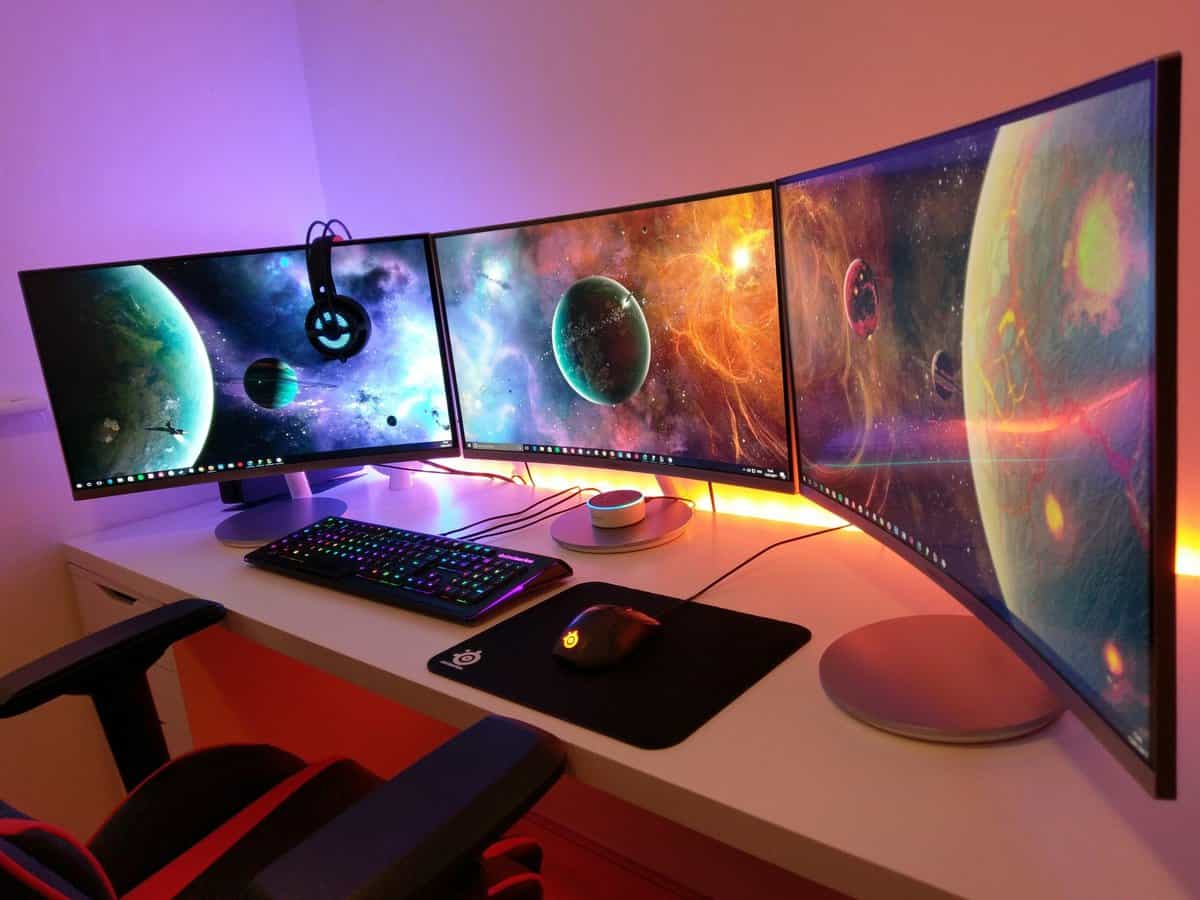
Finding the best Asus monitor often leads to the TUF Gaming VG27AQ3A, and for good reason. It balances 1440p resolution, a fast refresh rate, and a price that doesn’t require a second mortgage. For most gamers, it’s the practical middle ground, offering premium features without the steep cost of the high-end ROG series.
- The TUF Gaming VG27AQ3A is the best overall value — 1440p 180Hz IPS for budget-friendly
- The ROG Strix XG27AQMR is the competitive FPS pick with a blazing 300Hz refresh rate at 1440p
- The ProArt PA279CRV is ideal for streamers and creators with 4K, 99% DCI-P3 color, and 96W USB-C delivery
- All three picks are 27-inch IPS panels — the sweet spot for sharp gaming and accurate colors
- TUF is the value tier, ROG is the performance tier, and ProArt bridges gaming and content creation
- Most modern Asus FreeSync monitors are G-Sync Compatible — you likely don’t need a dedicated G-Sync module
Table of Contents
- Budget-friendly 1440p 180Hz gaming
- IPS panel with great color accuracy
- Excellent motion clarity for the price
- Modest HDR at 250 nits
- No USB-C connectivity
- Limited stand adjustments
- 300Hz refresh rate for competitive edge
- 1440p resolution keeps visuals sharp
- Fast IPS with excellent response times
- Pricier than TUF tier
- Overkill for casual gamers
- Incremental HDR gains
- 99% DCI-P3 with Delta E < 2 out of the box
- USB-C with 96W power delivery
- 4K resolution ideal for editing and streaming
- 60Hz limits competitive gaming
- Pricier than TUF options
- Not built for competitive play
Choosing the Right Asus Monitor for Your Setup
Picking the right Asus monitor isn’t about finding a single “best” one—it’s about matching your needs to one of their distinct product lines. Asus creates specialized tiers for different users, and understanding them is the key to getting real value for your money.
This guide cuts through the marketing noise. We’ll break down what each tier actually means for you, whether you’re a competitive FPS player, an MMO enthusiast, or a streamer who needs accurate colors. We’ll focus on performance, build quality, and the real-world trade-offs you’ll face at every price point.
We’ll examine the three main product families:
ROG (Republic of Gamers): Top-tier models with cutting-edge specs for esports and high-performance gaming.
TUF Gaming: The workhorse lineup focused on durability and delivering essential gaming features at a sensible price.
ProArt: Built for creative professionals demanding color accuracy, but many models serve as excellent hybrid gaming displays.
Quick Picks: Best Asus Monitors by Use Case
To get you started, here’s a quick look at how the Asus lineup breaks down for different gaming and streaming needs. This table should help you zero in on the right category before you start comparing individual models.
| Model Category | Primary Use Case | Key Feature | Price Tier |
|---|---|---|---|
| ROG Strix | Competitive FPS Gaming | 240Hz+ Refresh Rate | High-End |
| TUF Gaming | MMOs & General Gaming | 1440p at 180Hz | Mid-Range |
| ProArt | Streaming & Content Creation | High Color Accuracy | Mid-to-High |
This is a starting point to ensure you invest in features that will actually improve your experience, rather than paying for specs you’ll never use.
Asus Monitor Tiers Explained: ROG vs. TUF vs. ProArt
Asus doesn’t use a one-size-fits-all approach. Their monitors are split into distinct families, each designed for a specific type of user and budget. Understanding the philosophy behind Republic of Gamers (ROG), TUF Gaming, and ProArt is the first step to getting the right monitor without overspending on features you don’t need.
Republic of Gamers (ROG): The Performance Tier
The ROG line is Asus’s flagship, performance-first brand. These monitors are packed with the latest technology, often boasting the highest refresh rates on the market (240Hz and beyond), fast response times, and premium panels like OLED. The build quality is typically robust, with heavy metal stands and an aggressive “gamer” aesthetic.
However, all that performance comes with a significant price tag. A 360Hz ROG monitor is only a practical investment for high-level competitive FPS players where every millisecond can make a difference. For almost everyone else, the performance gains are marginal compared to the substantial cost increase over a TUF model.
TUF Gaming: The Value Sweet Spot
TUF Gaming is the workhorse of the Asus lineup and where most budget-conscious gamers should be looking. These monitors deliver strong performance-per-dollar by focusing on core essentials: solid 1440p resolutions and high 180Hz refresh rates, while omitting the exotic, expensive features of the ROG series.
The trade-off is usually found in secondary areas, like peak HDR brightness or the number of ports. What they don’t compromise on is durability. TUF monitors are known for their solid, no-frills construction, making them a reliable long-term investment. For anyone playing MMOs or single-player epics, a 27-inch TUF is a much smarter purchase than an entry-level ROG.
A common mistake is assuming ROG is always better. For the price of an entry-level 1080p ROG monitor, you can often get a 1440p TUF Gaming display that offers a far better all-around experience for general gaming.
ProArt: The Hybrid for Creators and Streamers
While built for creative professionals, the ProArt series is a practical hybrid option for streamers and gamers who prioritize visual fidelity. These monitors deliver excellent color accuracy (Delta E < 2) out of the box, which is critical for video editing and ensuring your stream looks as intended to your audience.
The compromise is usually a lower refresh rate compared to gaming-focused monitors at the same price, though many newer ProArt models offer a respectable 120Hz. Their build quality is professional and understated, using high-quality plastics and metal that feel built to last. If you split your time between content creation and gaming, a ProArt is often the most sensible choice.
Essential Gaming Specs That Actually Matter
A monitor’s spec sheet can be a wall of numbers and acronyms, but only a handful of those specs truly define your gaming experience. Understanding the trade-offs between panel types, refresh rates, and resolution is how you find the best Asus monitor for your rig without overpaying for features you won’t notice.
Panel Type: The Foundation of Your Image
The panel is the core of the display, and each type has distinct characteristics.
IPS (In-Plane Switching): These excel at color accuracy and wide viewing angles, making them ideal for streamers and players who love the vibrant worlds of RPGs. Their historical weakness of slower response times has been largely eliminated in modern Asus panels.
VA (Vertical Alignment): These are masters of contrast, producing deep blacks that make atmospheric games immersive. The trade-off can be “black smearing” in fast motion, where dark pixels lag behind bright ones.
OLED (Organic Light-Emitting Diode): This is the premium option. OLED provides perfect blacks and near-instantaneous response times. The downsides are a higher price and the potential for burn-in.
For most gamers on a budget, a good IPS panel is the most practical all-around choice. The color reproduction is a noticeable improvement, and current versions are fast enough for all but the most elite esports professionals.
Refresh Rate and Resolution
The sweet spot for most gamers is a 27-inch 1440p monitor running at 144-180Hz. This combination delivers a crisp, fluid image that most mid-range graphics cards can drive effectively. It’s a tangible upgrade from 1080p.
While 240Hz+ monitors offer a slight competitive edge in twitch shooters, the visual difference is minimal for most players and demands a powerful PC to justify the cost. Similarly, 4K is impressive for cinematic games, but achieving high frame rates is a significant challenge. You’ll also need the right connection; see our guide on finding the right HDMI 2.1 monitor to support next-gen gaming.
Top Asus Monitor Recommendations for Every Budget
The right Asus monitor is about finding the best real-world value for how you actually game and create. We’ve selected three monitors that balance performance, build quality, and price for different needs. These are practical buys for budget-conscious gamers who care more about performance than inflated spec sheets.
Best Overall Value: TUF Gaming VG27AQ3A
For most gamers, the TUF Gaming VG27AQ3A is the most sensible choice. This 27-inch 1440p monitor hits the sweet spot with a smooth 180Hz refresh rate and a responsive IPS panel. The build quality is functional and sturdy, designed to last without adding unnecessary costs for flashy aesthetics.
The trade-off? Its HDR performance is basic. With a peak brightness around 250 nits, it won’t provide a true HDR experience. However, for a monitor that often sells for under $200, its motion clarity and color performance in standard dynamic range are excellent, making it a perfect fit for MMOs, RPGs, and general gaming. If your budget is tighter, our guide to the best gaming monitor competitively priced can help.
Best for Competitive FPS: ROG Strix XG27AQMR
If you focus on competitive shooters like Valorant or Apex Legends, the ROG Strix XG27AQMR is a significant upgrade. Its key feature is a very fast 300Hz refresh rate at 1440p, which delivers motion clarity that can provide a tangible edge in fast-paced engagements. The build is classic ROG—rock-solid, with a heavy-duty stand and good ergonomics.
The compromise is purely financial. You’re paying a steep premium for that elite refresh rate. While its colors and contrast are good, they are not substantially better than the TUF model for watching movies or playing single-player games. This is a specialized tool built to help you win.
Best Hybrid for Streaming and Gaming: ProArt PA279CRV
Streamers and content creators need a monitor that shows accurate colors for video work but can also handle gaming. The ProArt PA279CRV balances these needs well. It is a color-focused display, boasting a Delta E < 2 rating out of the box and 99% DCI-P3 coverage, which means what you see is what your audience gets.
On the gaming side, the specs are solid but not exceptional. You get a crisp 4K resolution, but the refresh rate is limited to 60Hz. That’s insufficient for competitive shooters but more than enough for the large library of single-player titles and RPGs. The build is professional, with a functional design and a strong port selection that includes USB-C with 96W of power delivery.
Asus Monitor Feature Comparison
To make the differences clearer, here’s a side-by-side look at our top picks. This table highlights what each monitor is built for.
| Model | Resolution & Size | Refresh Rate | Panel Type | Best For |
|---|---|---|---|---|
| TUF Gaming VG27AQ3A | 1440p, 27″ | 180Hz | IPS | All-around gaming on a budget. |
| ROG Strix XG27AQMR | 1440p, 27″ | 300Hz | IPS | Competitive FPS players needing max frames. |
| ProArt PA279CRV | 4K, 27″ | 60Hz | IPS | Streamers and creators needing color accuracy. |
The right choice comes down to your primary use. The TUF is the do-it-all workhorse, the ROG is a competitive weapon, and the ProArt is a creator’s tool that can also game.
Matching Your Monitor to Your Favorite Games
Let’s be direct: the idea of a single “best Asus monitor” is a myth. A display that provides a tactical edge in Counter-Strike is not the right tool for the world of Baldur’s Gate 3. The most effective way to get real value is to match the monitor to the games you actually play. This approach prevents you from overspending on specs that sound good but do nothing for the genres you prefer.
For Competitive FPS and Battle Royale
In fast-paced shooters like Valorant and Apex Legends, speed is the priority. Your focus should be on refresh rate (Hz) and response time (ms). A high refresh rate, like 240Hz or more, provides smooth motion, which makes tracking fast-moving targets easier.
Don’t fixate on resolution; 1080p or 1440p is sufficient. Trading some visual sharpness for a higher frame rate is a strategic move that provides a competitive advantage. Build quality is also important—a sturdy, adjustable stand ensures your screen remains stable during intense moments.
For MMO, RPG, and Adventure Games
When playing visually rich games like World of Warcraft or Cyberpunk 2077, the goal is immersion. Your focus shifts to resolution, panel quality, and HDR performance. A 1440p or 4K monitor will make these worlds look sharp and detailed.
An IPS panel is a good choice for vibrant colors, while a VA or OLED panel will deliver the deep blacks that enhance atmospheric scenes. This is where Asus’s push into OLED technology pays off.
For streamers, priorities change. Excellent color accuracy is non-negotiable for a professional-looking broadcast. A ProArt display with its factory calibration is often the right call. Features like multiple inputs are also useful for connecting a gaming PC and a console, like an Xbox Series X, to a single screen. For more console-specific advice, check out our guide on the best monitor for Xbox Series X. PlayStation owners can find similar advice in our PS5 monitor guide.
Common Questions About Choosing an Asus Monitor
A few practical questions often arise when selecting an Asus monitor. Let’s address some common concerns.
Is an Asus TUF Monitor Good Enough for Competitive Gaming?
For the vast majority of gamers, yes. A high-refresh-rate TUF monitor is more than sufficient for competitive play. A 180Hz TUF model will provide a fluid, responsive experience that is a significant improvement over a standard 60Hz screen.
The jump to a premium ROG model is a case of diminishing returns. While you might get a slightly faster response time or a higher refresh rate, that advantage is often imperceptible unless you are an elite esports professional. For most players, that price difference is better spent on a GPU upgrade.
Do I Need G-Sync for My Nvidia GPU?
You almost certainly do not need a monitor with a native G-Sync module. Most modern Asus FreeSync monitors are “G-Sync Compatible,” meaning they work with Nvidia graphics cards to eliminate screen tearing.
A dedicated G-Sync module adds significant cost for a feature that offers a marginal advantage at extremely low frame rates. For anyone seeking the best value, a G-Sync Compatible FreeSync monitor delivers a nearly identical, tear-free gaming experience.
How Do I Calibrate My New Asus Monitor?
You don’t need to buy expensive hardware for a basic calibration. A few simple adjustments in the on-screen menu can make a significant difference.
Start by selecting the most color-accurate picture preset, often labeled ‘Racing Mode’ or ‘sRGB Mode’ in the monitor’s settings. Next, adjust the brightness to a comfortable level for your room, typically between 120-150 cd/m². Finally, tune your in-game brightness and graphics settings to match. These steps will give you a more accurate and vibrant picture.
As you finalize your choice, you might also consider what to do with old computer monitors to handle your existing display responsibly.
For more hype-free reviews and guides to help you build a high-performance gaming setup on a budget, explore Budget Loadout at https://budgetloadout.com.
Related Articles