The controller dies halfway through a match, and you end up digging through a drawer for two AA batteries that may or may not be charged. Every Xbox Wireless Controller ships with disposable AAs, so sooner or later you need an Xbox controller charger of some kind, whether that is a rechargeable pack, a charging dock or a set of rechargeable AAs.
Which one fits comes down to how you play. One controller at a desk needs something different from two controllers on a couch, and this guide is built around those habits, with four licensed picks that cover every one of them.
The first-party battery that slots in where the AAs go. Plug the USB-C cable in and it charges while you play or while the console sleeps.
- Made by Microsoft for the controller
- Charges during play or standby
- Full in under four hours
- One battery for one controller
- Cable charging only, no dock
- Costs more than third-party packs
Two batteries and a long 10-foot cable in one box, so both controllers in a two-player home run on rechargeables. Doors for Xbox One pads are included.
- Two batteries in one box
- Long 10-foot USB-C cable
- Doors for Series X|S and Xbox One
- One cable charges one pad at a time
- Batteries work best with PowerA stands
- No charge dock included
A drop-in dock with a magnetic cradle and a charge light that turns from amber to white when the pad is full. Styled to match the console.
- Magnetic cradle for drop-in charging
- Charge light shows amber then white
- Storage compartment in the base
- Charges one controller at a time
- Includes only one battery pack
- Costs more than the PowerA stand
The cheapest route to a stand and a battery. The controller sits upright to charge, and the box includes the battery, two doors and the cable.
- Stand and battery at a low price
- Two-year PowerA warranty
- Displays the controller upright
- Short 3.3-foot USB cable
- No magnetic seating
- Single slot for one controller
- Every Xbox Wireless Controller ships with disposable AA batteries, so any rechargeable option pays for itself over time.
- A battery pack with a cable is the simplest fix for one controller; a dock earns its place when you want to drop the pad and walk away.
- Two controllers need two batteries. A kit with a pair covers both without buying twice.
- Rechargeable AAs still make sense if you swap batteries across several devices in the house.
- Charge docks only work with batteries whose doors have charge contacts, so stick with the pack that comes with your dock.
Table of Contents
Four Xbox Chargers at a Glance
Two of these are battery kits you charge by cable, and two are stands that charge the controller through contacts on the battery door. Read the Type and Batteries Included columns first, since those decide how many controllers each one really covers.
| Charger | Type | Batteries Included | Battery Capacity | Cable | Charges While Playing | Charge Light | Licensed | Warranty | Best For |
|---|---|---|---|---|---|---|---|---|---|
| Xbox Rechargeable Battery + USB-C Cable | Battery kit | 1 | Not listed | USB-C | Yes | Controller light | Microsoft official | Standard | One controller at a desk |
| PowerA Play & Charge Kit | Battery kit | 2 | 1,100 mAh each | 10ft USB-C | Yes | Controller light | Official license | Two years | Two-controller homes |
| 8BitDo Charging Dock | Charging dock | 1 | 1,100 mAh | USB | No, dock only | Amber to white | Official license | Standard | Drop-in charging |
| PowerA Solo Charging Stand | Charging stand | 1 | 1,100 mAh | 3.3ft USB | No, stand only | On the stand | Official license | Two years | The lowest price |
The battery kits let you keep playing with the cable plugged in, which is the whole point for a desk. The stands trade that for convenience: you set the controller down and it charges, with no cable to plug in each night.
Pick by How You Play
The right charger follows your routine more than any spec. Think about where the controller lives when you are not holding it, and how many controllers the house actually runs.
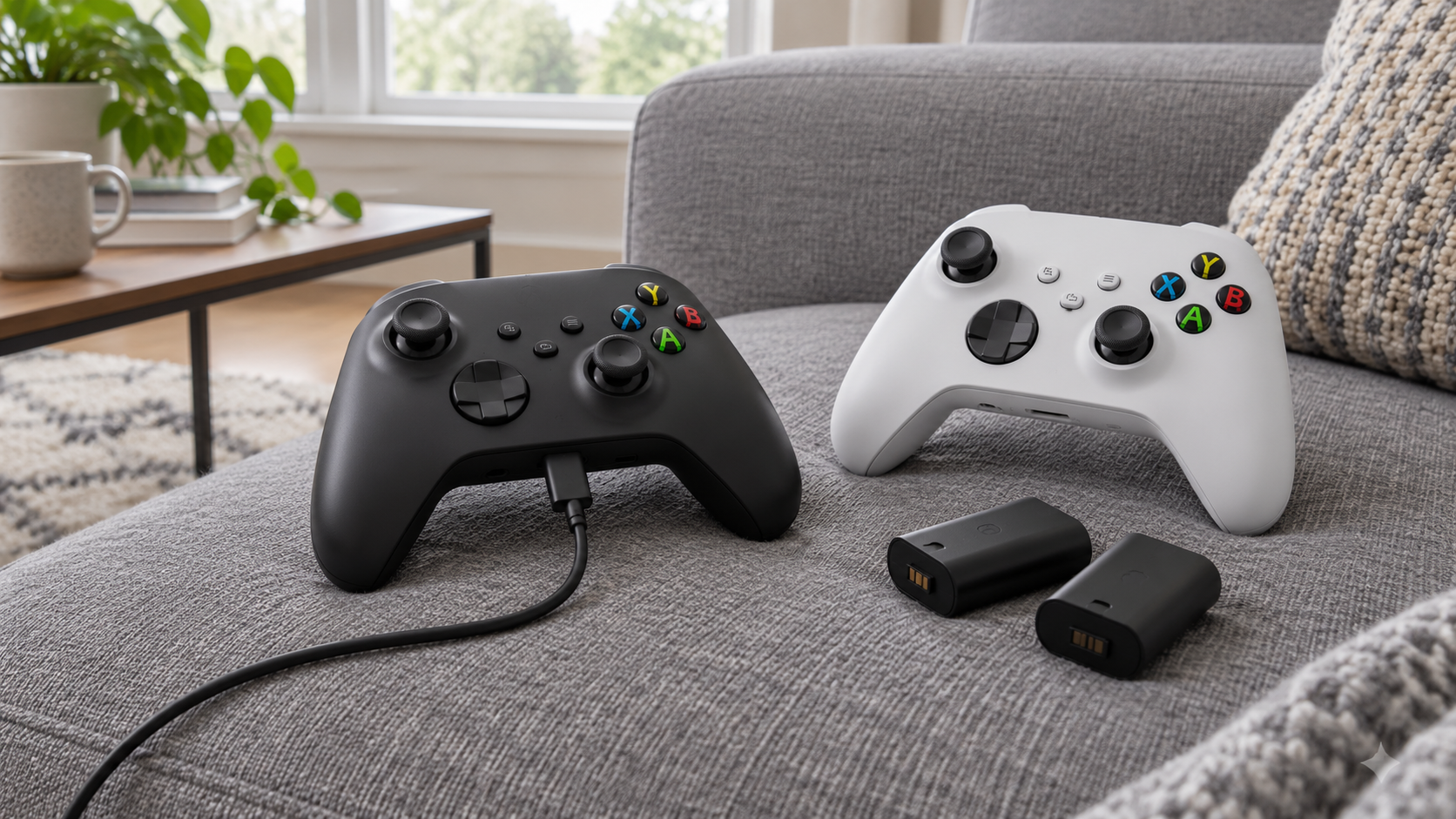
One Controller at a Desk
If you play at a desk, the console or PC is always within cable reach, so a battery pack with a USB-C cable is the cleanest answer. You plug in when the battery warning appears and keep playing without a pause.
The official Microsoft kit is built for exactly this, and it charges while the console sits in standby, so the controller is full the next time you pick it up.
Two Controllers on the Couch
A couch setup with two players needs two batteries, not one battery and a hope. The PowerA kit includes a pair, and its long cable reaches from a TV stand to the couch, so one controller can charge while the other plays.
If both controllers get heavy use every night, pairing the kit with a stand or dock for the second pad saves the cable swap.
The Controller That Lives on a Stand
Some players never want to think about charging at all. A dock or stand gives the controller a home: you set it down after a session and it is full next time.
A stand turns charging into a habit you never have to remember.
This is where the 8BitDo dock and the PowerA stand earn their place. Both include a battery, so you are not buying a pack separately just to use the dock.
A Controller for PC Gaming
The Xbox controller is the default pad for PC games, and at a desk the USB-C cable does double duty. Plugged in, it charges the pack and connects the controller to the PC in one go, so a battery kit makes more sense here than a dock.
If you switch between the console and the PC, a second battery in the drawer keeps you from waiting on a charge. Our budget PC controller guide covers other pads if you are still deciding on the controller itself.
Choosing an Xbox Controller Charger
Start with the number of controllers, then decide between cable and dock. One controller at a desk points to a battery kit. Two controllers point to the PowerA pair, and anyone who hates cables should go straight to a dock.
Stick with officially licensed gear. All four picks here carry Xbox licensing, which means the battery doors fit properly and the contacts line up with the controller.
The Four Chargers
Each pick covers a different habit, from a single desk controller to a two-player couch.
Xbox Rechargeable Battery + USB-C Cable
The Xbox Rechargeable Battery + USB-C Cable is Microsoft’s own answer to the AA problem. The battery replaces the AAs in the controller, and the included USB-C cable charges it during play or while the console is in standby.
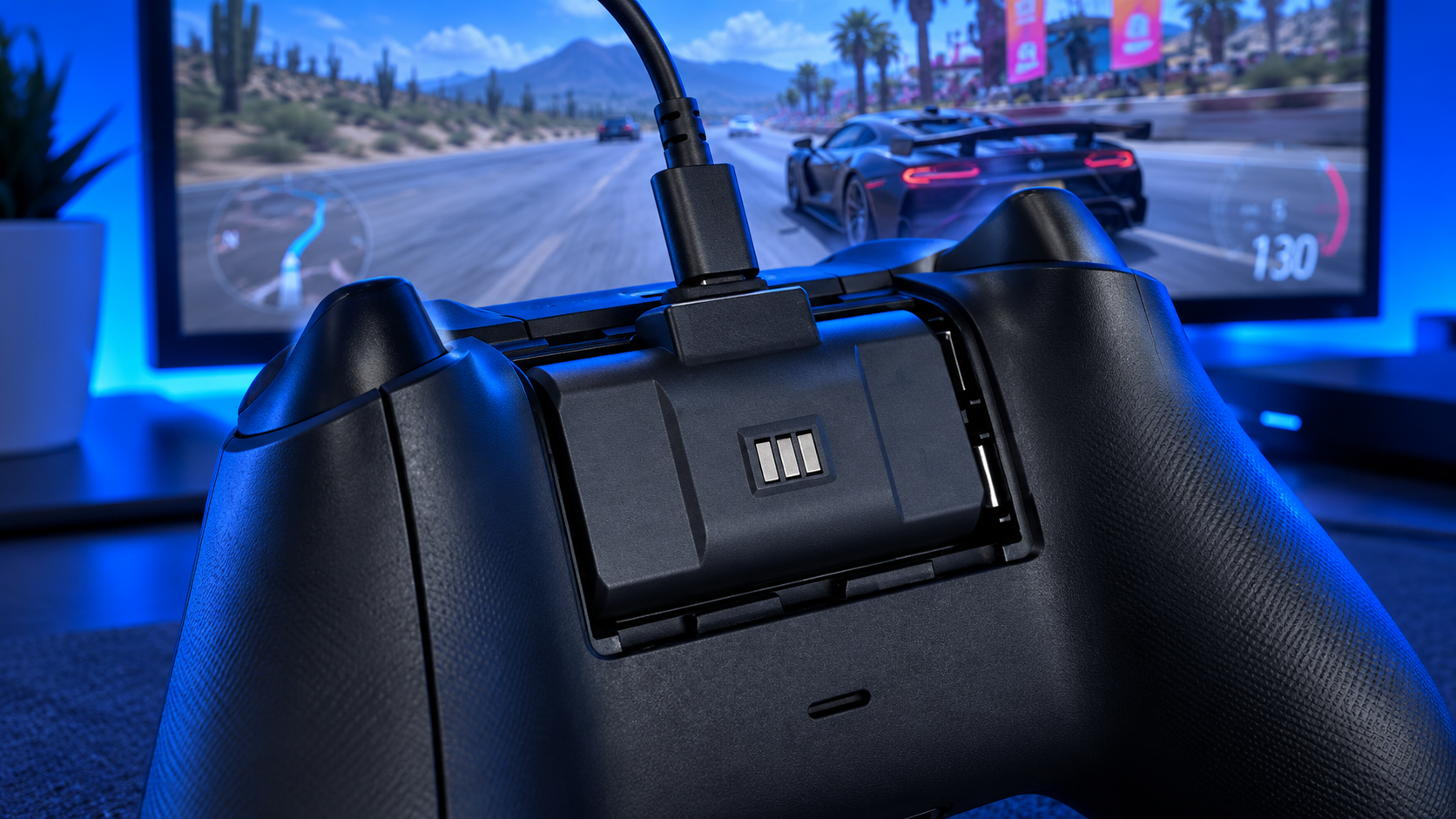
Microsoft rates a full charge at under four hours, and the cable doubles as a wired connection when you want one. Because it is first-party, the fit is exact and there is no guesswork about compatibility with the Series X|S controller.
It is the fix Microsoft should have put in the box.
The limits are simple. It covers one controller, it charges by cable only, and it costs a little more than third-party packs. If you run one controller at a desk, none of that matters.
It is also the pick to buy first even if you plan to add a dock later. A spare official battery keeps a second controller going, and the cable stays useful as a wired fallback when a pack runs flat mid-game.
PowerA Play & Charge Kit
The PowerA Play & Charge Kit is the value pick for homes with two controllers. The box includes two 1,100 mAh batteries, four battery doors to fit both Series X|S and Xbox One controllers, and a 10-foot USB-C cable.
That long cable matters on a couch, where the console usually sits across the room. One battery charges while the other plays, and swapping takes seconds.
PowerA builds its batteries to work with its own charging stands too, so adding a stand later turns the kit into a two-controller charging station. The kit itself charges one pad at a time over the single cable.
Two batteries in one box is the fix most couch setups actually need.
The doors deserve a mention. Series X|S and Xbox One controllers use different battery covers, and the kit includes both, so an older controller in the house is covered without buying a separate pack.
8BitDo Charging Dock
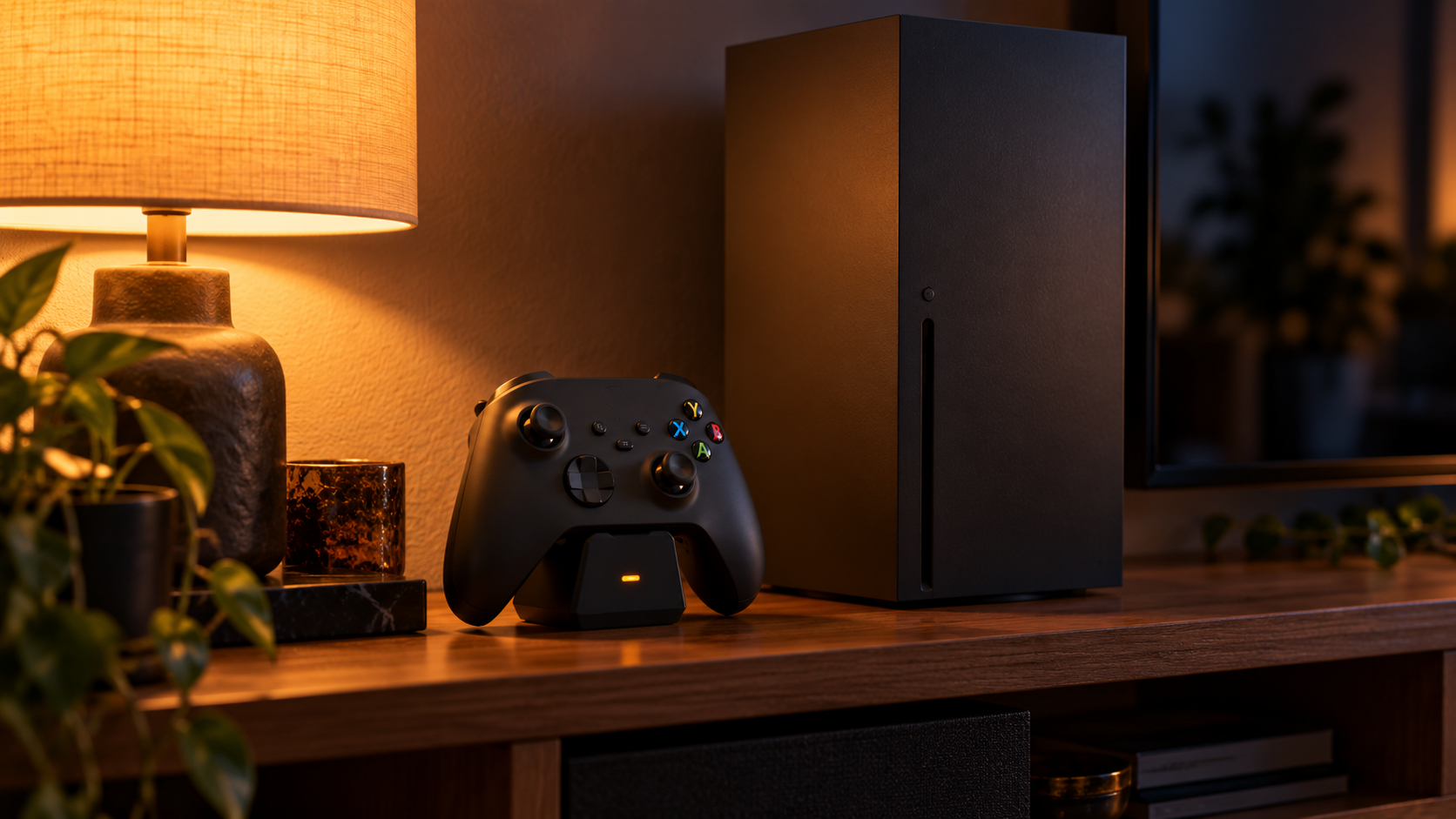
The 8BitDo Charging Dock is for players who want to set the controller down and walk away. A magnetic cradle seats the controller, and the charge light glows amber while charging and turns white when it is full.
The box includes a 1,100 mAh battery and two battery doors, so the dock works on day one. A small storage compartment in the base holds a spare battery or cable, and the light can be adjusted so it does not glare across a dark room.
You can tell at a glance whether the controller is ready.
It charges one controller at a time and includes one battery. For a two-controller home, pair it with the PowerA kit, or buy a second dock.
The design is the other reason to pick it. It is styled to sit next to an Xbox console without looking like a third-party add-on, which matters if the dock lives in a living room rather than on a desk.
PowerA Solo Charging Stand
The PowerA Solo Charging Stand is the cheapest way to a stand and a battery in one box. It includes a 1,100 mAh battery, two battery doors and a 3.3-foot USB cable, and PowerA backs it with a two-year warranty.
The controller stands upright to charge, which doubles as a tidy way to display it next to the console. It lacks the 8BitDo’s magnetic seating and adjustable light, and the short cable means it needs a USB port or wall adapter close by.
For a single controller on a budget, that is an easy trade. You get the stand, the battery, the cable and the warranty in one box, and PowerA’s battery works with its other stands if you expand later.
Battery Pack vs Charging Station vs Rechargeable AAs
This is the question every Xbox forum thread ends up arguing about, and the honest answer is that each one wins in a different home.
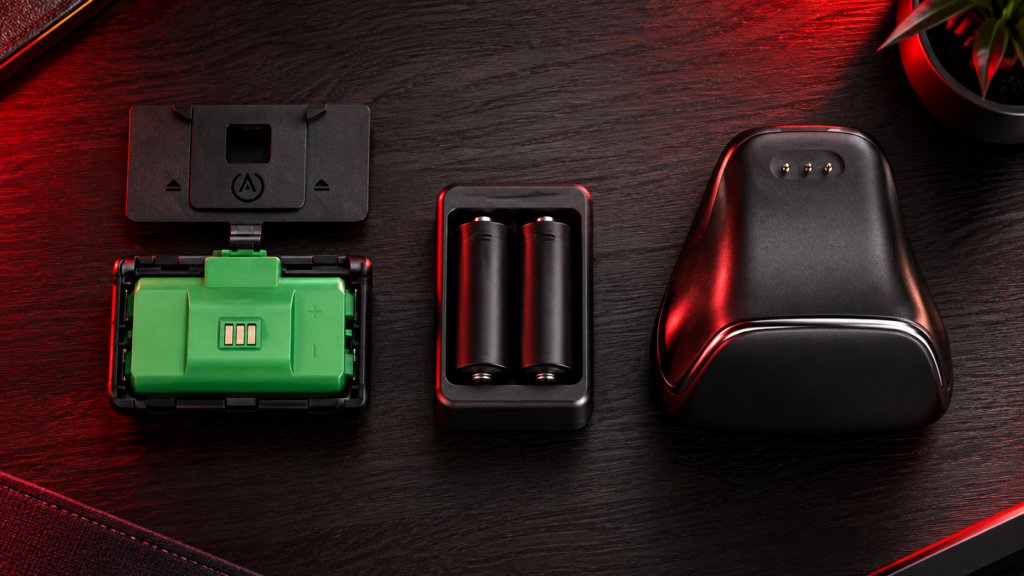
What a Pack Does
A rechargeable pack replaces the two AAs with a single battery that charges inside the controller. You plug in a cable when it runs low and keep playing. It is the simplest and cheapest way to stop buying disposable batteries.
The tradeoff is the cable. If your console is across the room, you either sit closer while it charges or swap to a second battery.
What a Dock Adds
A dock charges the pack through contacts on the battery door, so there is no cable to plug into the controller. The controller has a home, and it is full every time you pick it up.
Docks only work with batteries whose doors carry those contacts, which is why the 8BitDo and PowerA stands include their own. A plain AA setup will not charge on a dock.
When Rechargeable AAs Still Win
If your house already runs rechargeable AAs for remotes, keyboards and toys, a single wall charger can cover the controller too. You swap in a fresh pair and put the flat ones on the charger.
Microsoft’s own guide to controller batteries covers both options. The downside is the swap itself: you have to remember to keep a charged pair ready, and you cannot play while they charge.
The Cost Over Time
Disposable AAs look cheap until you count how often a busy controller eats a pair. Any of the rechargeable options here pays for itself after a few months of regular play, and a dock or pack keeps paying back for years.
The bigger saving is the interruptions you avoid. A pack or dock means the controller is ready when you are, instead of dying at the worst moment and sending you hunting for batteries.
What Drains an Xbox Controller Faster
Two controllers with the same battery can last very different amounts of time. A few habits make a bigger difference than the pack you buy.
A Headset Plugged Into the Controller
Plugging a wired headset into the controller’s audio jack sends the audio through the controller, and the controller powers it. That draw adds up over a long session.
If your sessions run long, a wireless headset that connects straight to the console takes that load off the controller. Our Xbox headset picks include options that connect directly.
Rumble and the Impulse Triggers
Vibration motors are one of the biggest drains in any controller, and the Xbox pad has four of them, including the impulse triggers. Racing and shooter games lean on them hard.
Turning vibration down or off in the controller settings stretches a charge noticeably. It is a trade some players happily make in games where rumble adds little.
Leaving the Controller On
The controller turns itself off after a stretch of inactivity, but leaving it on during menus, videos or streaming still burns through a charge. Turning it off with the Xbox button when you walk away keeps the pack ready for the next session.
Elite and Wired Controllers
Not every Xbox controller needs a charger from this list. The Xbox Elite Series 2 has a built-in rechargeable battery and ships with its own charging dock, so the packs and stands here are for the standard Xbox Wireless Controller.
Wired controllers skip the question entirely, since the cable powers them. Our best Xbox controller guide covers the wired PowerA models if you would rather never think about batteries at all.
Keeping Controller Batteries Healthy
Rechargeable controller packs last for years with a little care. Most third-party packs, including PowerA’s, use nickel-metal-hydride cells, which behave differently from the lithium batteries in phones.
Battery University’s overview of nickel-based batteries explains that these cells lose charge on their own when left sitting. A pack that has been in a drawer for a few weeks will need a top-up before a long session.
Keep packs away from heat, like a sunny window or a console exhaust vent, and charge them fully before the first use. If a pack starts dying far sooner than it used to, replace it rather than living with short sessions.
If a spare pack sits unused for a while, store it partly charged in a cool drawer and top it up before a long session. Rotating two packs between controllers also spreads the wear, so neither one ages much faster than the other.
Which Charger Fits Which Player
Match your setup to one row. For the rest of the Xbox kit, see our best Xbox controller picks, our Xbox Series X accessories guide and the best Xbox headset roundup.
| Charger | Controllers Covered | Where It Fits | Pick It If |
|---|---|---|---|
| Xbox Rechargeable Battery + USB-C Cable | One | Desk within cable reach | You want the official battery and nothing else |
| PowerA Play & Charge Kit | Two | Couch with the console across the room | Two players need two batteries |
| 8BitDo Charging Dock | One | Beside the console or TV | You want to drop the controller and walk away |
| PowerA Solo Charging Stand | One | Near a USB port or wall adapter | You want a stand at the lowest price |
Running a PlayStation too? Our PS5 controller charging station guide covers the same problem for the DualSense, and if your Xbox is running out of space, see our Xbox Series X storage expansion picks.
Frequently Asked Questions
Quick answers about charging Xbox controllers.
Does the Xbox controller come with a rechargeable battery?
No. The Xbox Wireless Controller ships with two disposable AA batteries. To recharge it, you need a rechargeable pack like the official Xbox Rechargeable Battery, a kit like PowerA’s, or rechargeable AA batteries.
Can I charge an Xbox controller with a phone charger?
Yes, once a rechargeable pack is installed. The pack charges through the controller’s USB-C port, so a USB-C cable plugged into a standard USB wall adapter or a USB port on the console works.
Is a battery pack better than rechargeable AAs?
For most players, yes. A pack charges inside the controller, so you can plug in and keep playing. Rechargeable AAs make sense if you already use them across other devices and do not mind swapping in a charged pair.
How long does it take to charge an Xbox controller?
Microsoft rates its official rechargeable battery at a full charge in under four hours. Third-party packs vary, so plug in during a break or at the end of a session rather than waiting for the battery to run flat.
Will a charging stand work with the battery already in my controller?
Only if that battery’s door has charge contacts. Stands like the 8BitDo dock and PowerA Solo charge through contacts on their own battery doors, which is why they include a battery. Plain AA batteries will not charge on a stand.
Looking for more budget gaming gear? Check out Budget Loadout for the latest reviews and recommendations.
Related Articles