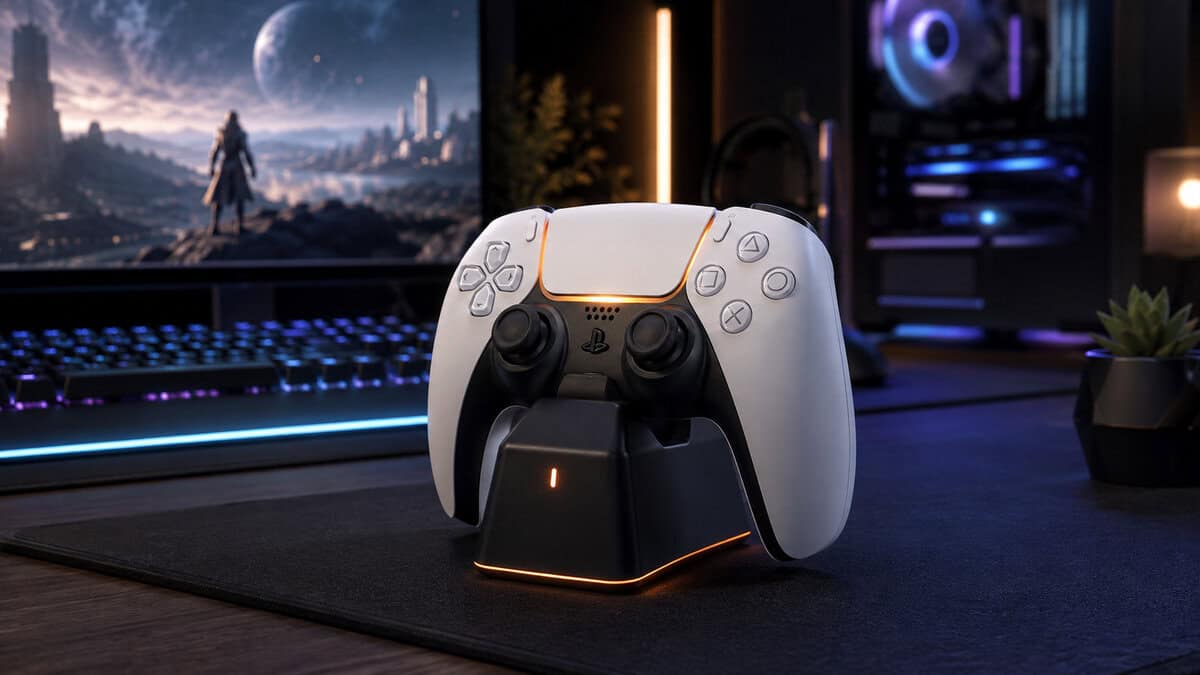

The wrong dock costs more than the right one. It just collects the fee later: cradle pins that loosen after two months, a controller that reads full but dies mid-match, and a replacement order for the same money you tried to save. A good PS5 controller charging station is boring in the best way. You seat the pad, the light bar breathes orange, and every session starts at full.
- Officially licensed for PlayStation 5 with a two-year warranty
- Charges two DualSense controllers at once from wall power
- Click-in cradle design seats the controller without cable fiddling
- Charges at standard speed rather than a quick-charge rate
- No charge indicator beyond the controller light bar itself
- Plain looks next to RGB-styled third-party docks
- Copper contact pins deliver a roughly two-hour full charge
- Fits both the standard DualSense and the DualSense Edge
- Doubles as a display stand that keeps the desk organized
- Not officially licensed by PlayStation
- Controllers must seat squarely on the pins or nothing happens
- AC brick adds one more plug to the power strip
- Charges two DualSense or Edge controllers at once
- RGB base lighting with one-button mode switching
- Battery lights on each slot show charging status
- No wall adapter in the box
- Lighting is wasted if the dock sits out of sight
- Not officially licensed by PlayStation
Picks and availability last verified: November 23, 2026
- A charging station keeps a second DualSense ready without hogging the console’s front USB ports
- The officially licensed PowerA Twin Charging Station is the safe default: two slots, wall power, and a two-year warranty
- The OIVO charger is the budget favorite, refilling two controllers in around two hours through copper cradle pins
- Docked charging does not wear the battery faster; lithium-ion cells stop drawing current once they are full
- No dock fixes stick drift or a tired cell; budget for a second controller before a premium dock
Table of Contents
Why the Wrong PS5 Controller Charging Station Ends Up in a Drawer
Every PS5 controller charger on the market gets judged on the same failure point, because charging docks fail in predictable ways: almost all of them trace back to the contact pins. Cheap docks use thin, springy contacts that lose tension with every insertion. After a few dozen dockings the controller has to sit at exactly the right angle, and one nudge of the shelf breaks the connection without anyone noticing until the next session. (If the pad itself is the problem rather than the dock, start with our best PS5 controller guide.)
Power delivery is the second divider. The docks worth buying run from a wall adapter, which means they charge whether the console is on, off, or unplugged. Docks that draw from the PS5’s own USB ports inherit every quirk of the console: rest mode settings, port availability, and a cable snaking across the media stand.
The port math is worse than it sounds. A PS5 offers a limited set of USB ports, and in most setups at least one already feeds a headset dongle or an external drive. Giving a permanent port to controller charging is a real cost, and it is one a wall-powered dock refunds on day one.
Fit is the quiet third factor. A dock designed tightly around the standard DualSense can reject a controller wearing a grip cover, and the larger DualSense Edge does not fit every cradle. If your controllers wear skins, check the fit notes before buying anything.
A dock earns its desk space by removing decisions. If charging still involves a cable, a setting, or a second thought, the dock has failed at its only job.
The Three Docks at a Glance
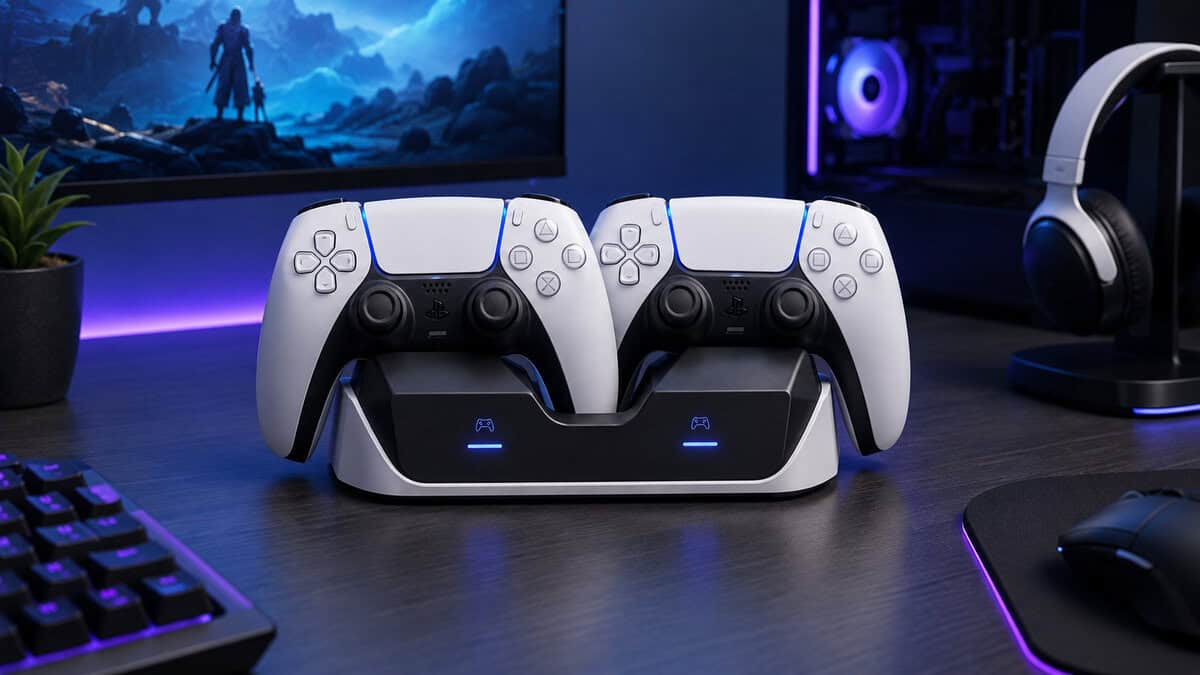
Three docks cover the whole field. One is licensed, one is the volume favorite, and one is the premium way to charge a single pad.
| Dock | Slots | Charging Style | Standout |
|---|---|---|---|
| PowerA Twin Charging Station | Two | Click-in cradles | Official license and warranty |
| OIVO PS5 Controller Charger | Two | Copper pin cradles | Fastest refill and Edge fit |
| IINE Dual Charging Station | Two | Dock stand | RGB lighting and battery lights |
The Picks in Depth
PowerA Twin Charging Station: Best Overall
The PowerA Twin Charging Station is the dock Sony’s licensing program built for this exact job. Two controllers click into angled cradles, an AC adapter keeps them filling regardless of what the console is doing, and a two-year warranty backs the whole unit.
The click-in design is the underrated part. There are no pins to align by feel; the cradle guides the controller into place with a positive snap you can trust in the dark. If a dock is going to live next to the TV and get used by everyone in the house, that kind of idiot-proofing matters more than any spec.
The license is not just a sticker, either. Officially licensed accessories are built to Sony’s specifications for the DualSense’s charging circuitry, which is exactly the assurance you want from the device that touches your controllers every night. The two-year warranty is roughly double what the generic end of the category offers.
The tradeoff is patience. It charges at the standard rate rather than a quick-charge pace, so an empty pad wants a few hours in the cradle. Dock at the end of the night and that limitation never costs you anything.
OIVO PS5 Controller Charger: Budget King
The OIVO PS5 Controller Charger is what most PS5 owners actually buy, and the review count towers over everything else in the category. The reason is simple: copper contact pins refill two controllers in around two hours, noticeably quicker than charging over the console’s USB port.
It is also the dock to pick if you own a DualSense Edge, which the cradles fit alongside the standard pad. Between sessions it works as a stand, keeping both controllers upright and off the desk instead of face-down on a speaker.
OIVO has also been shipping essentially this same design for years, and the long track record shows in the details: the pins are the upgraded copper type, the base is weighted enough to survive a one-handed grab, and the AC adapter comes in the box rather than being a separate purchase.
The budget dock wins on the spec that matters most in practice: how fast a dead controller gets back into the rotation.
The compromise is the seating. Pin-based cradles need the controller placed squarely, and a careless drop can leave it resting rather than charging. The light bar tells you instantly, but it is a habit the click-in PowerA never asks you to build.
IINE Dual Charging Station: Best Light-Up Dock
The IINE Dual Charging Station answers a different question. What if the charger is part of the setup’s lighting? It charges two DualSense or DualSense Edge controllers at once in about two to three hours, and RGB lighting runs along the base. One button cycles the color modes or turns the lights off, and a battery light on each slot shows how far along each controller is.
This is the pick for an RGB setup where the dock sits in plain view. It is not officially licensed like the PowerA, and there is no wall adapter in the box, so it runs from the console’s USB port or a 5V/2A phone charger. If you just want a quiet charger with no lights, one of the docks above is the simpler choice.
It also suits a desk that doubles for PC play. The DualSense pairs happily with a computer, and a lit dock beside the monitor looks deliberate, where a pad lying flat between the keyboard and the monitor riser does not.
Get our free Budget Gaming Setup Checklist
Plus one email every Thursday on what changed for budget gaming gear.
No spam. Unsubscribe any time. Privacy
Charging Myths That Cost You Controllers
Controller charging attracts folklore the way any invisible process does. Four myths do most of the damage, and each one either wastes money or shortens the life of a pad.
Myth: Rest Mode Charging Is All You Need
Rest mode charging works, and Sony’s DualSense support page walks through the setup. But it chains your charging to three things at once: the correct rest mode setting, a free USB port, and a cable that survives being plugged and unplugged every single day.
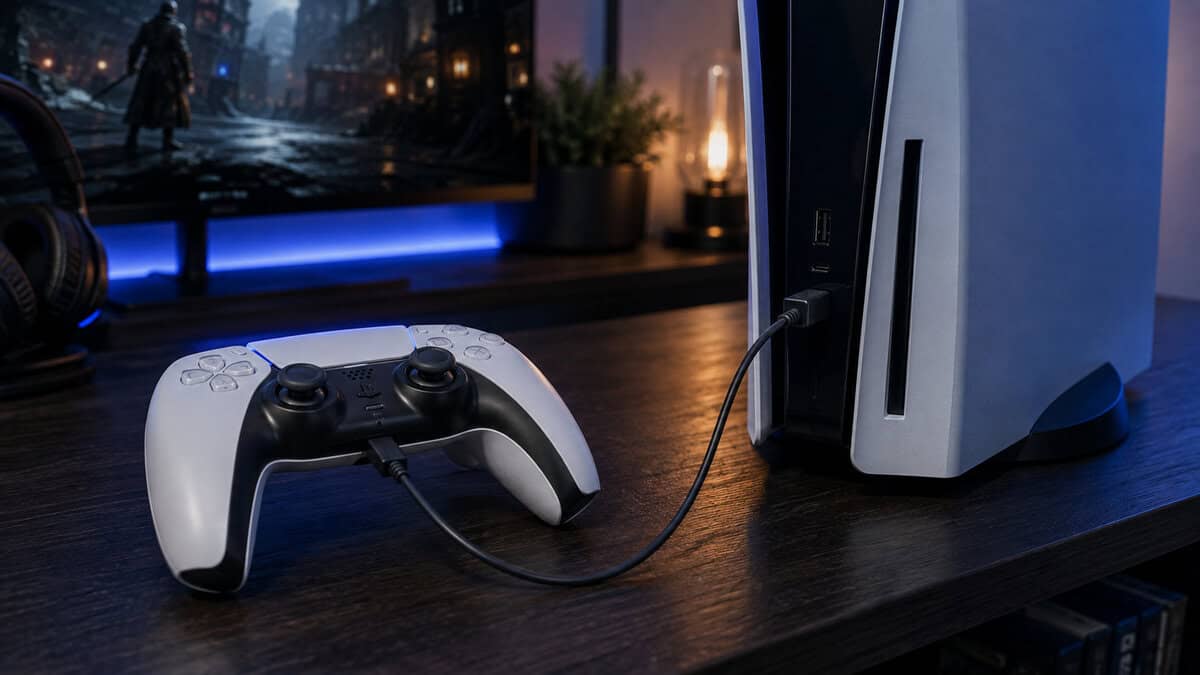
That last one is the sleeper cost. The controller’s USB-C port is rated for thousands of insertions, but daily cable duty is exactly how ports get sloppy years before the rest of the pad wears out. A dock moves that mechanical wear onto hardware that costs a fraction of a controller.
Myth: Any Dock Fits Any Controller
Docks are molded around the standard DualSense shell, and anything that changes the shape can break the fit. Grip covers and skins are the usual culprits; the larger DualSense Edge is the other. Of the picks here, the OIVO explicitly fits the Edge, while cover wearers should expect to undress the pad before docking on any tight cradle.
Myth: Leaving It Docked Overnight Wears the Battery
Lithium-ion cells stop drawing current when they reach full, so a docked controller is not trickle-cooking itself all night. Battery University’s lithium-ion longevity guidance points at the real enemies: heat and deep discharge cycles.
The battery-friendly habit is the convenient one: dock the pad before it hits empty, and keep the dock away from the hot air over the console vents.
That second clause is the practical takeaway. A dock parked directly above a PS5’s exhaust bathes both batteries in warm air every evening. Give it a shelf of its own and the myth flips into a mild truth.
Myth: A Dock Replaces the Cable Entirely
Keep one good USB-C cable in the drawer anyway. Firmware updates for the DualSense install over a wired connection, and wired play remains the lowest-latency option for the rare session where that matters. The dock ends daily cable duty, not cable ownership.
Myth: The Official Sony Dock Is the Only Safe Choice
Sony’s own DualSense Charging Station is a fine product with one chronic problem: it spends much of the year out of stock at its normal price. That is why it is absent from this list. The good news is that Sony runs an official licensing program, and the PowerA Twin carries that license with a longer warranty than most generic docks offer. The license is the safety net; the logo on the box is not.
Habits That Make a Dock Stick
A dock only pays off if docking becomes automatic, and a few placement decisions decide that within the first week.
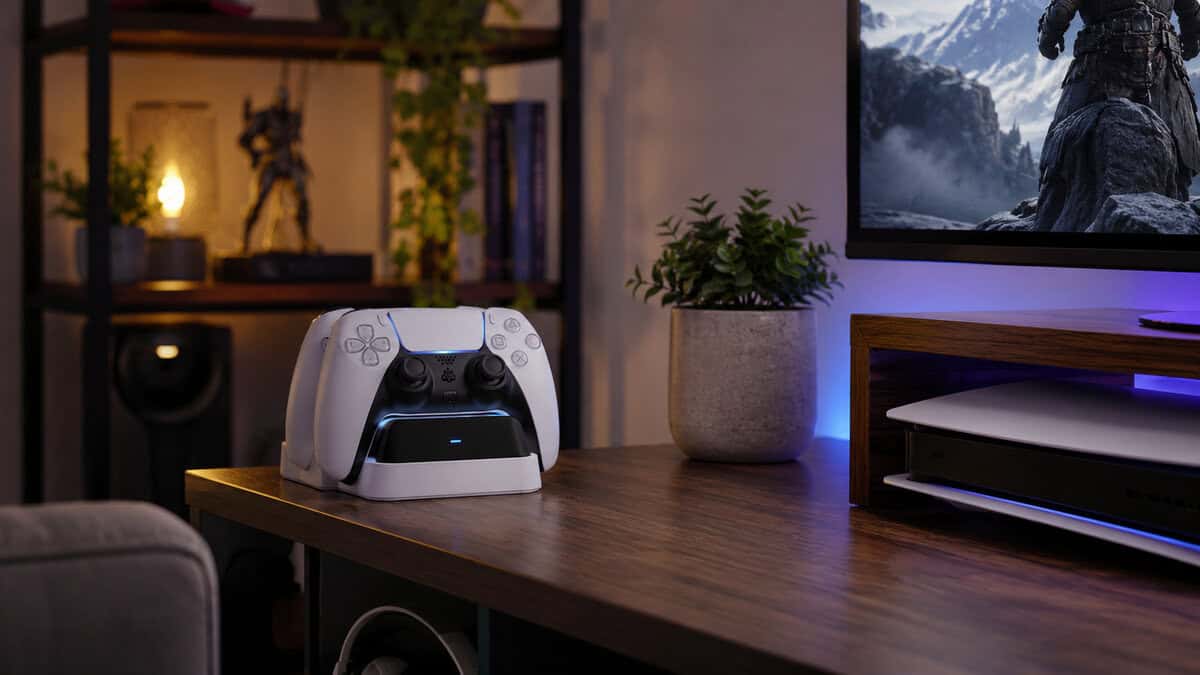
Put it where the controller already lands. If pads pile up on the coffee table, the dock belongs there, not across the room in the media unit. The best position is the one that makes docking lazier than not docking.
Run a rotation if you own two controllers. One lives on the dock, one is in your hands, and they swap when the light bar complains. With a twin dock the rotation happens on its own; guests hand back a pad and it goes straight to the empty slot.
And retire the old charging cable from the front of the console. Coil it into the drawer for firmware days. An empty front port and a clean media stand are half the reason people love these docks in the first place.
What a Charging Dock Will Not Fix
A dock solves exactly one problem: dead controllers. It will not cure stick drift, which is a sensor problem; if drift is your actual complaint, the DualSense Edge and its swappable stick modules are the repair path, not a charger.
It also cannot restore a tired cell. Every battery fades with age, and a three-year-old pad that dies in an evening will die in an evening no matter how it charges. The honest fix is a second controller in the rotation, which conveniently is also what makes a twin dock earn its slots. Running an Xbox too? Our Xbox controller charger guide covers the same problem for the Xbox pad.
It is worth naming the replacement moment honestly. When a controller starts dying mid-evening after a full dock, the cell is done, and no charging accessory undoes chemistry. Docks extend convenience, not lifespan.
Buy the dock to end the charging chore. Buy a second controller to end the anxiety. Neither purchase fixes the other’s problem.
If the rest of the setup deserves the same once-and-done treatment, our best PS5 accessories roundup covers the supporting cast, and the best monitor for PS5 guide handles the screen side. Headset users can keep the charging theme going with the best PS5 headset picks, several of which dock the same way.
Frequently Asked Questions
Quick answers to the questions PS5 owners actually ask about charging docks.
Does a Charging Station Charge Faster Than the Console USB Port?
Usually, yes. Docks with dedicated AC power and copper contact pins, like the OIVO, refill a DualSense in around two hours, while console USB charging typically takes closer to three.
The bigger win is consistency: a wall-powered dock charges at full rate every time, with no rest mode settings involved.
Do PS5 Charging Stations Work With the DualSense Edge?
Not all of them. The Edge is slightly larger than the standard DualSense and does not seat in every cradle. Of our picks, the OIVO charger explicitly fits both the standard DualSense and the Edge.
If you run grip covers or skins, expect to remove them before docking on any tight-fitting station.
Is It Safe to Leave a Controller on the Dock Overnight?
Yes. Lithium-ion cells stop drawing current once they are full, so overnight docking does not overcharge the battery. Keep the dock away from the console’s warm exhaust air, since heat ages batteries faster than charging habits do.
Why Is the Official Sony DualSense Charging Station Not on This List?
Availability. Sony’s station is a solid product that spends much of the year out of stock at its normal price. The officially licensed PowerA Twin Charging Station does the same twin-slot job, carries a two-year warranty, and is consistently in stock.
Will a Third-Party Dock Damage My Controller?
A well-built dock will not. Licensed docks like the PowerA are certified for the DualSense, and established third-party options charge through the same USB-standard circuitry. The risk lives at the no-name bottom of the market, where loose pins and crude power delivery are common. Stick to docks with long track records.
Related Articles