Most advice on the best Xbox Series X accessories gets one thing wrong. It assumes the fastest way to improve your setup is to buy the most expensive controller, headset, or storage option you can justify. That’s usually bad advice.
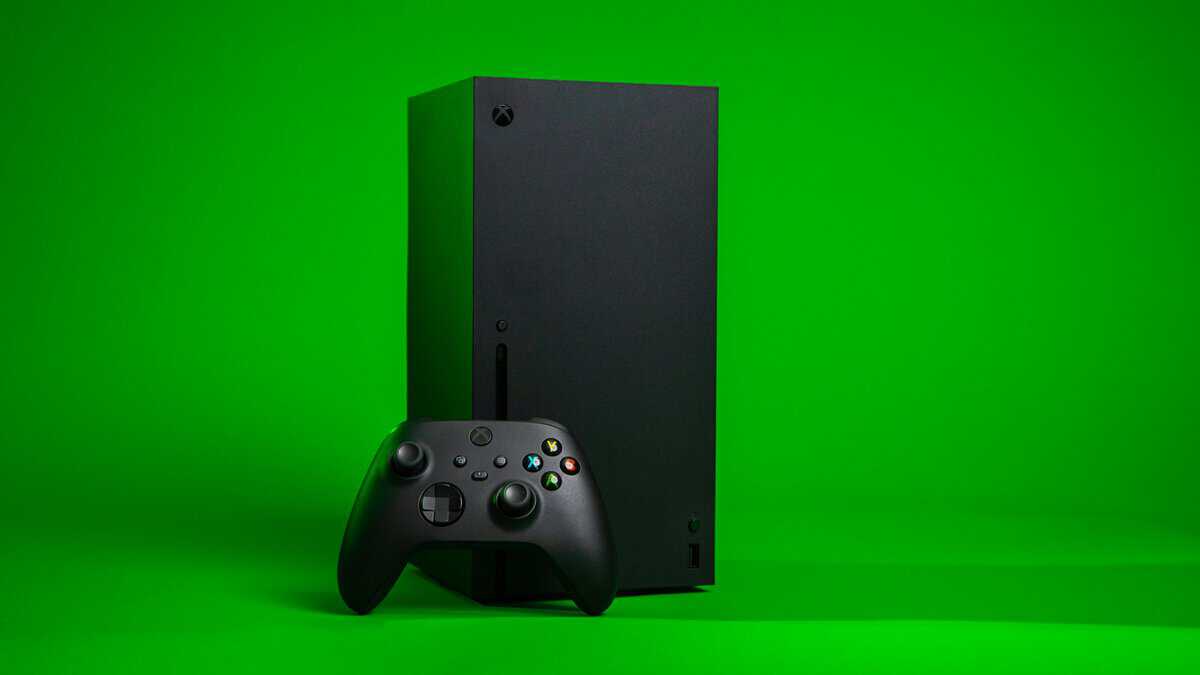
A Series X setup gets better when each add-on solves a specific problem. More storage so you stop deleting games. A second controller that reliably holds up. A headset that works for party chat and real-life calls. Small quality-of-life upgrades that make long sessions easier. If you’re still sorting out the display side of your setup, a good monitor for Xbox Series X matters just as much as the gear around the console.
A lot of roundups also skip the middle of the market. Existing coverage leans hard toward premium gear and often ignores budget budget options that can deliver 80-90% of premium performance for many players, according to GamesRadar’s accessory roundup context. That leaves students, parents, and value-focused players digging through low-effort recommendations and random marketplace listings.
The better approach is simple. Buy accessories that improve performance, comfort, or convenience in a way you’ll notice. Skip features that sound good in marketing copy but don’t change your day-to-day use.
- Skip the Elite Series 2 unless you’re a competitive shooter — the standard Xbox Wireless Controller covers 95% of player needs at a fraction of the price.
- Get the Seagate or WD_Black Storage Expansion Card if you play Series X|S exclusives — USB drives only run last-gen titles, not Quick Resume games.
- A rechargeable battery pack or charging dock pays for itself in a few months versus disposable AAs and avoids the wired-only fallback.
- Budget dual-use headsets in the budget tier hit 80-90% of premium audio quality and double for PC and work calls — that flexibility is the real value.
- Skip the gimmicks (RGB charging stations, branded covers) and put that money toward an extra controller or a media remote that actually changes how you use the console.
Table of Contents
Beyond the Box: What Your Series X Setup is Missing
The Xbox Series X is powerful out of the box, but the stock experience still has obvious weak spots. Storage fills fast. One controller isn’t enough for a lot of homes. Basic audio works, but it usually isn’t where communication, comfort, or immersion feels sorted.
That’s where most buyers get pushed toward “pro” gear. In practice, a lot of that spend goes into niche features, flashy design, or branding. If you mainly play shooters, sports games, co-op, MMOs, or stream casually, you usually get more value by covering the basics first and upgrading only where your own habits justify it.
What usually matters most
For most players, the highest-value upgrades fall into a few categories:
Storage that matches the console’s pace: This matters if you bounce between large games and don’t want constant reinstalls.
A reliable controller and charging plan: Build quality matters more than gimmicks, especially if your setup gets heavy weekly use.
A headset with clear mic performance: That matters in ranked games, raids, and party chat, but also for Discord and work calls.
Comfort add-ons: Small upgrades can make long sessions easier without costing much.
Premium gear makes sense for some players. Most people get better results by fixing their biggest annoyance first.
A good accessory should earn its spot in your setup. If it doesn’t improve comfort, save time, or make you play better, it’s just clutter.
Top Value Xbox Series X Accessories at a Glance
If you want the short version, these are the picks and categories that usually give the best return for the money. Some are true “buy once and stop thinking about it” accessories. Others are only worth it for specific use cases.
| Category | Top Value Pick | Why It Wins | Ideal For |
|---|---|---|---|
| Storage | Seagate 1TB Storage Expansion Card | It gives native-style performance for Series X | S games without workarounds |
| Controller | Xbox Wireless Controller (2-Pack) | Reliable baseline ergonomics, strong durability, broad compatibility | Most players, families, and co-op setups |
| Charging | PowerA Solo Charging Stand | Cuts down on battery swapping and keeps extra controllers ready | Shared consoles and long sessions |
| Headset | HyperX Cloud Stinger 2 Core | Better value when it handles games, chat, and work calls | Students, remote workers, and casual streamers |
| Convenience | Xbox Media Remote | Easier streaming app control than using a controller | Living room setups |
| Aim upgrade | KontrolFreek FPS Freek Galaxy | Cheap way to fine-tune feel in shooters | FPS players |
The pattern here is simple. The best Xbox Series X accessories aren’t always the most advanced products in their category. They’re the ones you keep using because they solve a daily problem without creating a new one.
What separates value from “cheap”
Cheap accessories usually fail in one of three ways:
Weak plastics or loose fit: They feel fine for a week, then start creaking or wobbling.
Bad battery behavior: Runtime becomes inconsistent, or charging gets unreliable.
Convenience that adds hassle: A stand, dock, or adapter should simplify your setup, not add extra cables and maintenance.
Value-focused gear is different. It doesn’t have to be the least expensive option. It just has to deliver enough real performance, durability, and convenience that you don’t regret the purchase six months later.
Choosing Your Next Controller and Charging Setup
The standard Xbox controller is still often the right place to start. That isn’t a boring answer. It’s the answer that holds up after long sessions, multiplayer use, and regular travel between console and PC.
The current Xbox Wireless Controller has textured grips, connects over Xbox Wireless with under 10ms latency, can reach up to 40 hours of battery life with rechargeable packs, and has been tested for more than 1 million button presses, according to Best Buy’s Xbox accessory overview. That combination matters more than a long feature list.

Why the stock controller still wins for value
The stock pad gets the fundamentals right:
Shape and grip: It’s comfortable across different hand sizes.
Build quality: Buttons, triggers, and shell quality are generally dependable for mainstream use.
Compatibility: It works cleanly across Xbox, PC, and mobile setups.
Replacement cost: If you need a second one later, you’re not locked into a premium ecosystem.
That last point matters. A lot of “upgrade” controllers feel attractive because they promise rear buttons, trigger stops, or modular parts. Some of those features help in FPS games. Many cheaper pro-style alternatives trade long-term reliability for extra inputs.
When an upgraded controller makes sense
If you mainly play competitive shooters, an upgraded pad can help if it gives you easier access to jump, crouch, reload, or ping without moving your thumbs off the sticks. But you should be strict about what you’re paying for.
A good controller upgrade should offer at least one clear benefit:
Better rear input placement for shooters.
More secure grip texture for long sessions.
Improved trigger feel for faster response in competitive games.
If it’s mostly cosmetic, skip it. If durability feels questionable in the shell, paddles, or stick tension, skip it faster. For a deeper buying breakdown, Budget Loadout has a focused guide on the best Xbox controller.
Practical rule: If you can’t explain exactly how a controller feature changes your play, you probably don’t need to pay extra for it.
Charging setup that actually saves hassle
Your power plan matters almost as much as the controller itself. Disposable batteries work, but they’re a bad long-term habit for anyone who plays regularly.
The smarter options are:
Official-style rechargeable packs: Cleaner fit, simple charging, less swapping.
AA rechargeables with a charger: Flexible if you use batteries in other devices too.
Drop-in charging docks: Best for homes with multiple controllers and shared use.
The right choice depends on how you play. Solo players usually do fine with one controller and a rechargeable pack. Families and couch co-op setups benefit more from a dock because there’s always a charged controller ready.
Finding the Right Headset for Gaming and Beyond
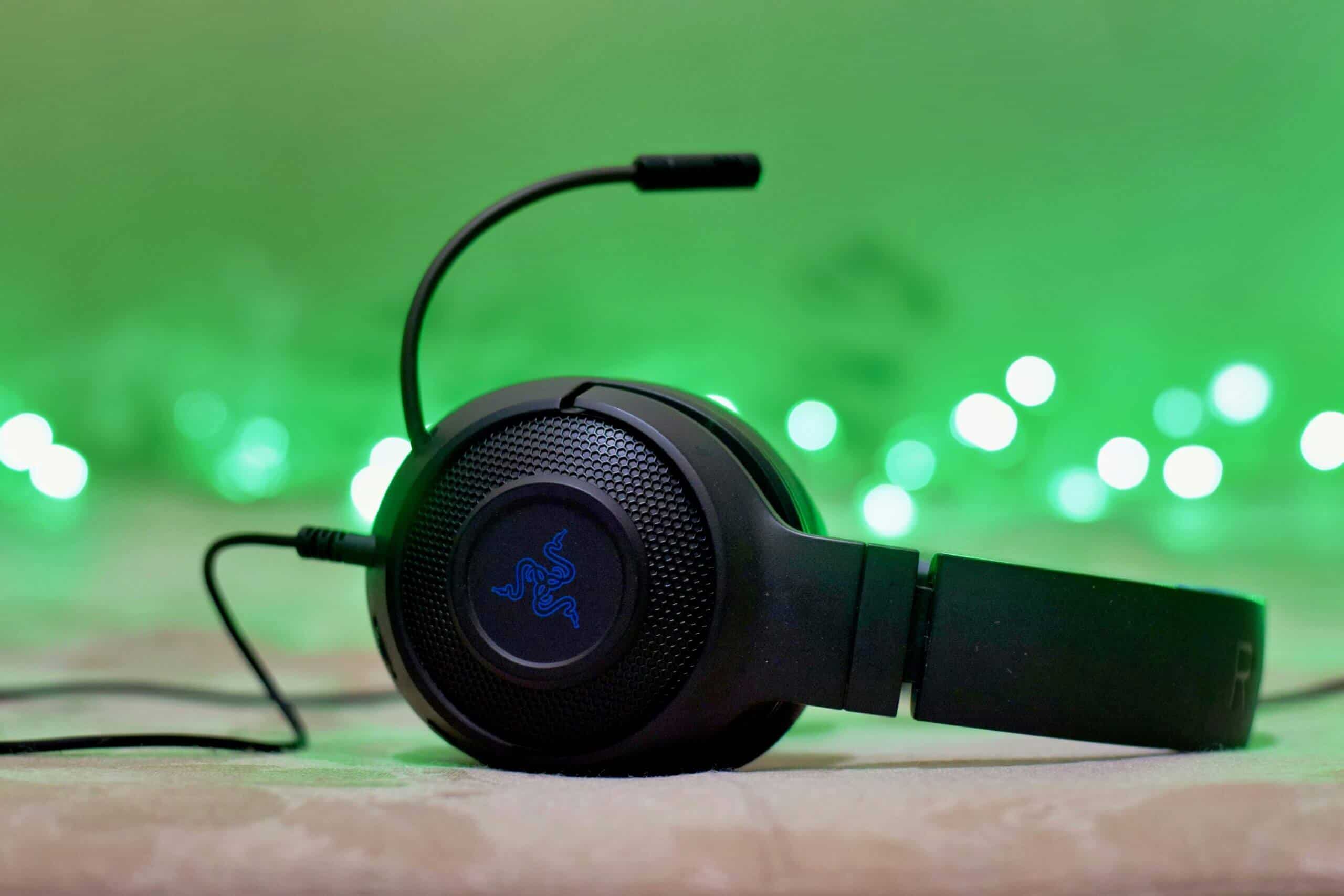
Headset buying gets messy because brands often sell “gaming” as a look, not a result. What matters is simpler than the spec sheet suggests. You need clear sound cues, a mic people can understand, and comfort that doesn’t fall apart halfway through a long session.
That matters even more now because a lot of players use the same headset for games, Discord, and work. According to Tifosi’s accessory trend summary, 40% of gamers also work remotely, and recent firmware updates enable smoother PC-Xbox switching, making budget headsets in the budget tier with office-grade ENC mics and low-latency game modes a strong fit for hybrid users.
What matters in actual play
The best headset for an FPS player isn’t always the best one for MMO raids or streaming.
For shooters: Positional clarity matters more than oversized bass. You want footsteps, reloads, and directional cues to sound distinct.
For MMOs and co-op: Mic quality and long-session comfort matter more because communication stays constant.
For streaming and chat-heavy play: Consistent voice pickup matters more than flashy virtual surround features.
A lot of cheaper headsets get one of these right and fumble the rest. The sweet spot is usually a model with balanced sound, a clear mic, and a headband that doesn’t clamp too hard.
Wired versus wireless
Wired headsets still make a lot of sense if you care about simplicity and cost. There’s less charging to think about, and they’re often easier to troubleshoot. They’re especially practical for desk setups where you’re always close to the controller or monitor.
Wireless headsets earn their keep when you move around, play from the couch, or want one device for Xbox and PC. The convenience is real. The trade-off is that cheaper wireless headsets can cut corners on hinge quality, battery consistency, or mic clarity.
If you need one headset for games and meetings, buy for microphone clarity and comfort first. Fancy audio extras matter less than sounding clean every day.
Dual-use gear is where the value gets better
For students, remote workers, and anyone splitting time between console and desk, dual-use accessories are one of the most overlooked upgrades in this category. A headset that works for party chat, Discord, and video calls gives you more real value than a gaming-only set that sits unused outside of matches.
If you want a more focused shortlist, this guide to the best Xbox headset is useful because it separates gimmicks from the features that affect day-to-day use.
Solving the Xbox Storage Problem Without Overspending
Storage is the accessory problem Series X owners run into the fastest. The console starts with a 1TB drive, and modern games can eat through that space quickly. Microsoft’s holiday accessory guide notes that some titles such as Call of Duty: Black Ops 7 exceed 150GB, which is why players end up deleting and reinstalling games so often. The official solution matters because the Seagate Storage Expansion Card matches the internal NVMe SSD’s speed, avoiding the compromises you get from slower USB storage for Series X|S optimized games.
Why USB storage isn’t the full answer
A standard external USB drive is still useful. It just isn’t a full replacement for native-speed expansion.
Here’s the practical version:
You can store a lot of games on external USB drives.
You can play older backward-compatible titles from them.
You cannot rely on them the same way for Series X|S optimized games that expect internal-speed storage.
That’s the part many buyers miss. They buy a big external drive, assume the problem is solved, then realize they still need to move some games around.
The best-performance option
If you want the cleanest experience, the official expansion card is still the answer. It works like built-in storage instead of a workaround.
That matters if you:
rotate through large current-gen games,
use Quick Resume heavily,
want plug-in simplicity,
don’t want transfer management becoming part of your routine.
For a dedicated buying guide on that route, see this breakdown of Xbox Series X storage expansion.
Here’s a quick visual explainer before the budget strategy.
The budget strategy that actually works
If you don’t want to pay premium pricing for native-speed expansion right now, use a two-tier setup:
Keep your main rotation on internal storage.
Use external storage as a holding area for games you’re not actively playing.
Move games back when they return to your rotation.
This isn’t as integrated as native expansion, but it’s practical. It saves money and keeps your library organized. Players with huge backlogs often get more value from this approach than from buying the biggest premium expansion option immediately.
Storage spending should match your habits. If you finish one game before starting the next, cold storage is often enough. If you bounce between several massive games every week, native-speed expansion pays off.
Essential Add-Ons for Comfort and Convenience
Not every worthwhile accessory is a major purchase. Some of the best Xbox Series X accessories are small fixes for daily annoyances. These don’t need to be flashy. They just need to make your setup easier to live with.
Media remote for living room use
If your Series X doubles as a streaming box, a media remote is one of the easiest wins. Using a controller for movies and apps works, but it’s clumsy for simple tasks like pausing, jumping between apps, or adjusting playback when someone else in the room just wants a normal remote.
This upgrade makes the most sense in shared living rooms. It matters less if your console stays on a desk and mostly runs games.
Vertical stand and setup organization
A stand is less about aesthetics and more about stability, space, and cable control. In tighter setups, a good stand can make the area around the console easier to clean up and can free space for a charger, headset, or external drive.
What doesn’t work is buying a bulky stand loaded with extra features you won’t use. The more parts attached, the more chances for wobble, excess heat trapping, or cable mess. Simple usually ages better.
Thumbstick grips and small control upgrades
Precision thumbstick grips are one of the few low-cost add-ons that many players feel in-game. In shooters, they can help some players make finer aim adjustments and reduce thumb fatigue. In sports or racing games, the benefit is more about comfort and stick feel than raw performance.
A few guidelines keep these upgrades useful:
Match them to your games: Taller or grippier caps tend to help most in FPS play.
Check fit carefully: Loose grips are worse than no grips.
Keep expectations realistic: They refine control feel. They won’t fix poor dead zones or a worn-out analog stick.
These smaller accessories work best after your core setup is sorted. Controller, headset, and storage come first. Convenience extras come after that.
Building a Budget Streaming Setup from Your Xbox
A lot of new streamers overspend early. They buy accessories for a future version of their channel instead of the one they’re starting today. For Xbox streaming, that usually means chasing “creator” gear before locking down the few pieces that really affect stream quality.
What you actually need
If you’re streaming directly from the console with basic functionality, you can get started with very little. If you want overlays, scene control, more flexible audio routing, and a cleaner production workflow, a capture card becomes the key upgrade.
The basic priority order is:
Reliable audio first: Viewers will tolerate average video longer than rough sound.
Stable capture path second: This matters once you move to a PC-based stream setup.
Camera third: A webcam helps, but it isn’t the first thing I’d prioritize over clean voice audio.
If you’re still deciding whether you need one, this explainer on what a capture card is lays out the practical use case.
Needs versus luxuries
A beginner setup doesn’t need every accessory that established streamers use.
Usually worth it early
A capture card: Necessary if your workflow runs through a PC and you want more control.
A better mic solution: Even a simple dedicated mic can sound more focused than a headset boom.
Decent lighting: Clean lighting often improves the webcam image more than buying a pricier camera.
Usually optional at the start
Control pads and macro gear: Nice once your stream routine is established.
Decor accessories: Fine later, low priority now.
Specialized audio extras: Useful for advanced routing, not required on day one.
Keep the running costs sane
Streaming setups can get expensive in small ways. Subscription stacking, cloud storage, graphics packs, and media services add up. If you also watch a lot of entertainment through the same setup, these tips for cheaper streaming are a practical way to cut recurring costs without touching your core gear budget.
The smartest beginner streaming setup is the one you’ll keep using. Reliable audio, sensible capture choices, and one good camera angle beat a pile of underused accessories every time.
Frequently Asked Xbox Accessory Questions
Are old Xbox One accessories still worth using on Series X?
Some are. Controllers, many headsets, and external drives can still be useful depending on how you play. The bigger question isn’t just compatibility. It’s whether the accessory still fits the way Series X is used today.
Old gear is worth keeping when it still feels solid, connects cleanly, and doesn’t create friction. If a controller has worn sticks or a headset has a weak mic, compatibility alone doesn’t make it a good value.
If I can only buy one accessory, what should it be?
That depends on your biggest problem.
If you keep deleting games: Put storage first.
If you share the console: Buy a second controller and a charging solution.
If you play online a lot: Upgrade your headset.
If you mostly play single-player: Comfort and convenience accessories can wait.
That’s the simplest way to think about the best Xbox Series X accessories. Buy the item that removes the most friction from your actual routine, not the one with the most features.
How do I avoid bad third-party accessories?
Look for fit, materials, and use-case honesty. Low-quality accessories often promise too much at once. A stand that also cools, charges, stores discs, routes cables, and glows in five colors usually does none of those jobs especially well.
A few signs help:
Look for plain construction: Fewer moving parts usually means fewer failures.
Read complaints, not just praise: Negative reviews tell you more about durability.
Avoid vague marketing language: If the listing talks more about style than materials or compatibility, be cautious.
If you want more practical gear breakdowns without the usual hype, Budget Loadout covers gaming and streaming equipment with a value-first lens, focusing on durability, real-world use, and which upgrades are worth your money.
Related Articles