Your Switch 2 already has a film on its screen, and it is not there to stop scratches. Nintendo applies it at the factory to hold the display together if it ever cracks, and the manual tells you to leave it in place. That makes a Switch 2 screen protector a separate job: a layer that sits on top of the film and takes the scuffs from keys, bag zippers and grit, so the screen underneath never has to.
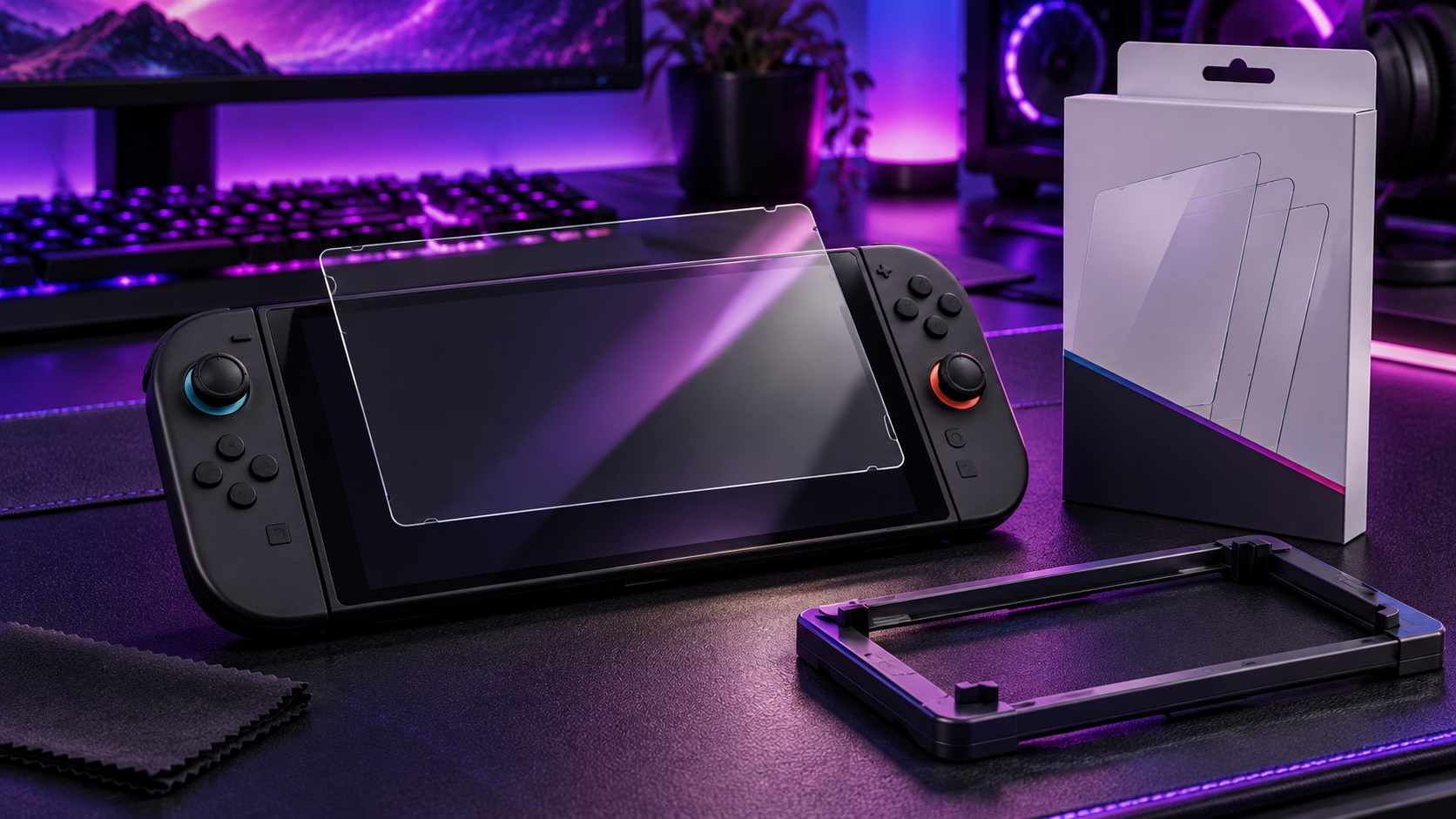
The good news is that the choice is small. It comes down to clear glass or an anti-reflective finish, how much help you want lining it up, and whether a warranty matters in your house. The three picks below cover each of those.
Three sheets of 9H glass and a guide frame that snaps onto the console, so a crooked first try costs you nothing. The easiest way to protect the screen properly.
- Three sheets for retries or spares
- Guide frame lines up the glass
- Oleophobic coating resists fingerprints
- Glossy finish reflects bright lights
- No long-term warranty
- Frame must sit firmly to work
One sheet of tempered glass backed by ZAGG’s limited lifetime warranty, which replaces the protector if it gets worn or damaged. The pick for kids, shared consoles and busy travel bags.
- Limited lifetime replacement warranty
- Tabs and tray guide the install
- Smooth glass feel under fingers
- Only one sheet in the box
- Costs more than multi-packs
- Hardness rating not listed
Anti-reflective glass for players who fight lamps, windows and daylight. It cuts reflections without the grainy haze of a matte film, and an alignment frame helps it go on straight.
- Cuts reflections from lamps and windows
- 9H glass with alignment frame
- Two years of coverage
- Single sheet only
- Fewer owner reviews so far
- Costs more than clear glass
- The film on a new Switch 2 screen is a safety layer that holds the display together if it breaks. Leave it on and put the protector over it.
- Protectors made for the original Switch, the OLED model or the Lite will not fit the Switch 2, so buy one made for the Switch 2.
- Clear tempered glass suits most players; anti-reflective glass earns its place if you play near windows, lamps or outdoors.
- A 9H rating describes resistance to a pencil test, not to sand and grit, so keep the console out of pockets full of debris.
- An alignment frame and a dust-free room matter more to a clean install than the brand on the box.
Table of Contents
Which Switch 2 Screen Protector Fits Your Play
All three picks are tempered glass cut for the Switch 2’s 7.9-inch display. They split on finish, how many sheets come in the box and what happens if the glass cracks later. Read the Finish and Warranty columns first, since those are the real differences.
| Protector | Material | Hardness | Sheets | Finish | Coating | Install Aid | Warranty | Best For |
|---|---|---|---|---|---|---|---|---|
| JSAUX 3-Pack Ultra HD | Tempered glass | 9H | 3 | Glossy clear | Oleophobic | Guide frame | Install damage replaced | Most players |
| ZAGG Glass+ | Tempered glass | Not listed | 1 | Glossy clear | Oil-resistant | Tabs and tray | Limited lifetime | Kids and travel bags |
| Belkin Anti-Reflective | Tempered glass | 9H | 1 | Anti-reflective | Anti-fingerprint | Easy Align frame | 2-year coverage | Bright rooms and daylight |
If you play mostly at home under normal lighting, the clear glass picks are the right call, and the JSAUX three-pack gives you spares for a second console or a second attempt. The Belkin makes sense when reflections, not scratches, are the thing ruining your sessions.
JSAUX vs ZAGG vs Belkin Up Close
Each pick answers a different worry: getting the install right, replacing the glass for free later, or seeing the screen in bright light.
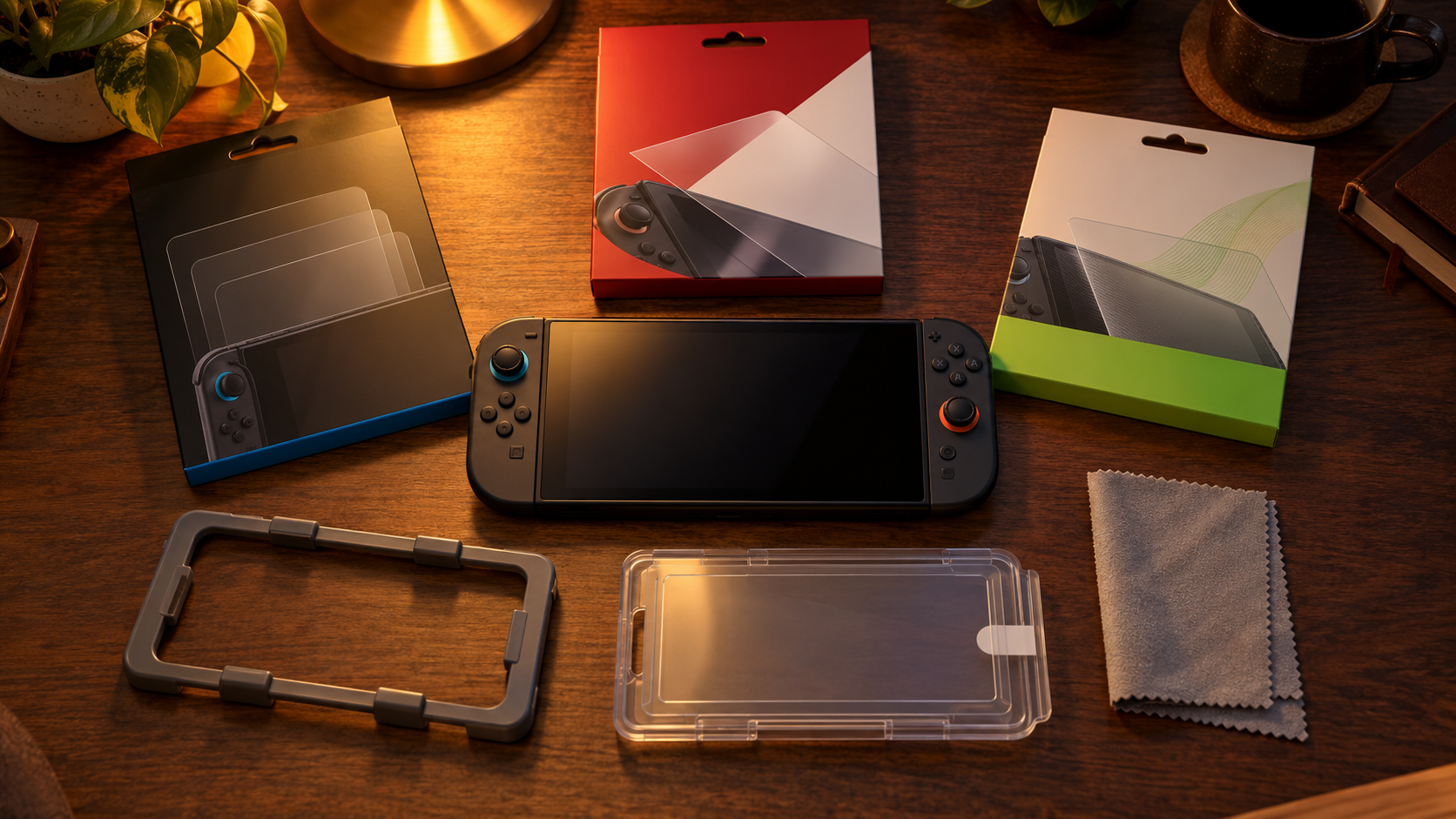
JSAUX 3-Pack Ultra HD Screen Protector
The JSAUX 3-Pack Ultra HD Screen Protector is the one to buy if you just want the screen covered properly. The box holds three sheets of dual-tempered 9H glass and a guide frame that clips onto the console, so the glass drops straight into place instead of relying on a steady hand.
JSAUX states plainly that the glass goes on over the factory film, which is exactly what Nintendo wants. An oleophobic coating helps fingerprints wipe off, and the glossy finish keeps the image as sharp as the bare screen.
Three sheets turn a crooked first attempt into a free do-over.
The spares are the quiet advantage. If a speck of dust gets trapped or the glass cracks after a drop, you peel it off and fit the next sheet without buying anything. A two-console house can cover both screens from one box.
For a first-time installer, that frame is the feature that matters most. Lining up edge-to-edge glass by eye is where most bubbles and crooked edges come from, and the frame takes the guesswork out of it.
The tradeoffs are small. The glossy face reflects bright lamps like the bare screen does, and there is no long-term warranty beyond JSAUX replacing a sheet damaged during installation. The guide frame also has to sit firmly before you drop the glass, or the alignment drifts.
ZAGG Glass+ Screen Protector
The ZAGG Glass+ Screen Protector costs more for one sheet, and the reason is the warranty. ZAGG’s limited lifetime warranty replaces the protector if it gets worn or damaged for as long as you own the console.
That changes the math in a house with kids or a console that lives in a backpack. Every cracked protector becomes a replacement claim instead of a new purchase. Easy Apply tabs and a tray handle the alignment, and an oil-resistant coating keeps smudges down.
You pay once and the glass keeps getting replaced.
The install kit is the other reason to pick it. The tray holds the console steady while the tabs guide the glass down, which suits anyone who has never fitted a screen protector and does not want to waste a sheet learning.
ZAGG does not list a hardness rating for this model, and you only get one sheet, so a botched install is on you until the warranty process kicks in. ZAGG also markets the glass as stronger than an unprotected screen; that is a claim from the maker, and the warranty is the more useful promise.
Belkin Anti-Reflective Tempered Glass
The Belkin Anti-Reflective Tempered Glass is the pick when the problem is glare. The glass is treated to cut reflections, which helps on a glossy LCD that picks up every lamp and window in the room.
It is still 9H tempered glass, so it protects like the clear picks, and it comes with an Easy Align frame, a cleaning cloth and two years of coverage. An anti-fingerprint coating helps on a screen you touch constantly in menus.
Anti-reflective glass is also a better fit for the Switch 2 than a matte film. The screen is only 7.9 inches and sits close to your face, so any grain in the surface shows. A coating that tames reflections keeps the picture closer to the bare panel.
Owner reviews are thinner than the other two picks, so there is less real-world history on how the coating holds up over months of wiping. It also costs more than clear glass, which only makes sense if reflections actually bother you. If you mostly play in a dim bedroom, save the money and buy the JSAUX.
Five Myths That Trip Up New Switch 2 Owners
Most bad screen protector purchases come from one of these assumptions. Each one sounds reasonable and each one costs money or a screen.
Myth: The Factory Film Is a Screen Protector
The film on a new console looks like a protector, so plenty of owners assume the screen is already covered. It is not. Nintendo’s manual describes it as a layer that keeps fragments from scattering if the screen is damaged, and it tells owners not to peel it off, as Nintendo Life reported at launch.
The truth: the film is a safety layer, not a scratch shield. Leave it where it is and put the protector on top. All three picks here are designed to go on over it.
Myth: Any Switch Protector Fits
The Switch family looks similar enough that an old protector in a drawer seems like a free fix. Nintendo says otherwise. Its support page on protectors that do not fit the Switch 2 notes that protectors made for the original Switch, the OLED model and the Lite will not work on the Switch 2.
The truth: the Switch 2 screen is larger, so anything cut for older models leaves exposed edges or will not seat at all. Buy one made for the Switch 2.
Myth: 9H Means Scratch-Proof
A 9H rating sounds like armor. It refers to the pencil hardness test, where the surface resists a graphite pencil of that grade. It says nothing about sand, grit or the metal on your keys.
The truth: grit in a pocket or bag can still mark 9H glass. The difference is that the protector takes the mark instead of the screen, and a scratched protector costs little to replace. Keep the console in a case and out of pockets full of debris.
A scratched protector is a win, because the screen underneath is fine.
Myth: Matte Always Beats Glossy
Matte protectors do cut glare, and some guides treat them as the automatic upgrade. On a small 1080p screen held close to your face, the etched surface that scatters reflections also adds a faint grain to the image.
The truth: a matte finish is a trade, not an upgrade. If glare is your problem, anti-reflective glass like the Belkin reduces reflections while keeping a smoother image. If glare is not your problem, clear glass looks best.
Myth: Glass Dulls the Touchscreen
Some owners skip glass because they expect touch controls to feel mushy through it. A properly seated tempered glass protector passes touch through normally, and the coatings on these picks keep your finger gliding rather than dragging.
The truth: touch trouble almost always comes from a bad install, like a dust bubble or a lifted edge, not from the glass itself. Seat it cleanly and the screen responds the way it did out of the box.
Clear vs Anti-Reflective by Where You Play
The finish is the one decision that changes how the screen looks every day. Where you play matters more than any spec on the box.
Bedroom and TV Room
Indoors under soft light, reflections rarely get in the way, and clear glass keeps the HDR image as crisp as the bare screen. The JSAUX or the ZAGG is the right call here.
If the console spends most of its time docked, the protector mainly guards against handling scratches when you pull it out for handheld play, so the cheaper multi-pack makes the most sense.
Commute and Window Seat
Trains, buses and planes put a window next to you, and a glossy screen mirrors it. Anti-reflective glass is worth the extra cost if you play most of your hours in transit.
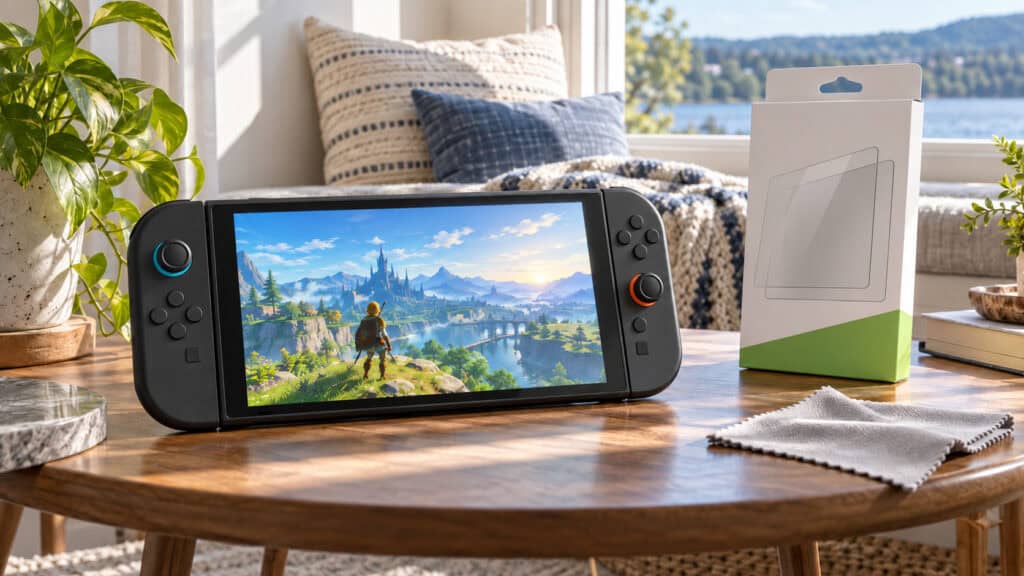
A travel console also takes more abuse, which is where the ZAGG warranty earns its keep. Pair either one with a hard case, since the protector only covers the face.
Outdoors and Bright Rooms
Daylight is the hardest test for any LCD. No protector makes the screen brighter, but cutting reflections leaves more of the image visible when you cannot find shade.
The Belkin is the only pick here built for that. Clear glass still protects just as well, but you will be tilting the console to dodge the sky.
Tempered Glass or Plastic Film for a Handheld
Every pick here is glass, and that is a deliberate choice. Plastic film protectors still sell well, so it is worth knowing what each material does on a console that travels.
What Tempered Glass Gives You
Tempered glass is stiff, so it spreads the force of a knock across the sheet instead of passing it to one spot on the screen. When something hits hard enough, the glass cracks in place of the display, which is the whole point of a Switch 2 screen protector.
Glass also feels closest to the bare screen under your finger, and it keeps its clarity after months of wiping. That is why it has become the default for handhelds.
Where Plastic Film Still Fits
Thin plastic films are flexible, cost less and forgive a sloppy install, since they bend around small specks of dust. Some matte anti-glare filters are made this way.
The downside is protection. A film scratches easily and does little against a drop or a sharp knock, so it is a smudge and scuff layer more than real armor. For a console that lives in a bag, glass is the better buy.
Going On Over the Factory Film
A good protector fitted badly looks worse than no protector at all. Three habits separate a clean install from a bubbled one.
Kill the Dust First
Dust is the enemy of every screen protector. Fit it in a small room with the air settled, such as a bathroom after a hot shower, and wipe the factory film with the included cloth until it is spotless.
Use a dust sticker or a strip of tape to lift the last specks. One trapped speck leaves a bubble that no amount of pressing will fix.
Let the Frame Do the Aligning
Guide frames and trays exist because freehand alignment on an edge-to-edge protector is hard. Clip the frame on firmly, check that it does not wobble, then drop the glass in and let it settle.
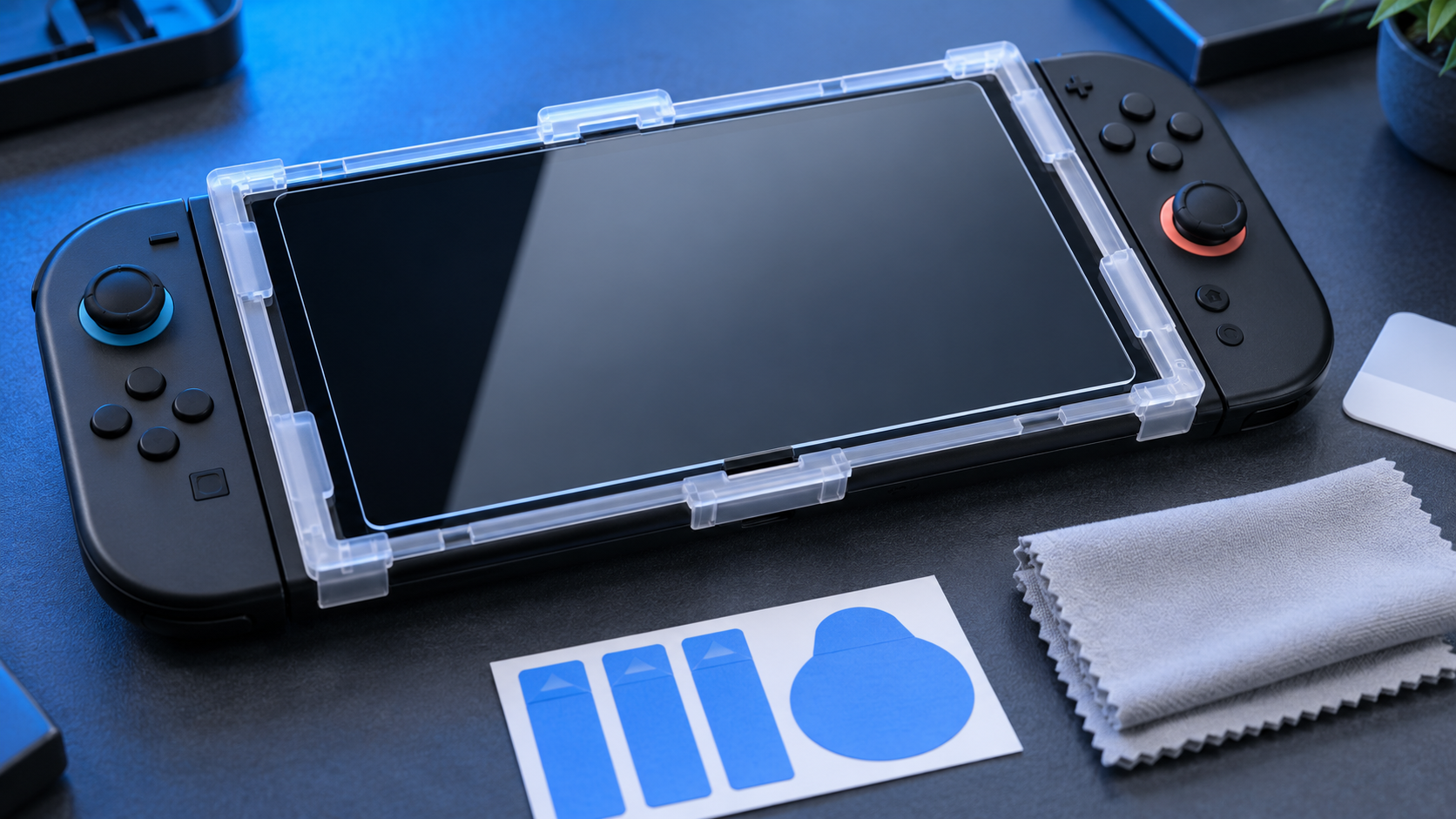
The glass should spread across the film on its own from the point of contact. Resist the urge to reposition it once it touches.
Bubbles and What to Leave Alone
Push small air bubbles toward the nearest edge with the cloth. A bubble that will not move usually has dust under it, and lifting that corner with a dust sticker, then lowering it again, often clears it.
Whatever happens, do not peel the factory film to start over. If the glass goes on badly, remove the protector and fit a spare, which is exactly why the three-pack is the default pick.
When the Glass Meets Your Case
A protector and a case have to share the edge of the screen, and that is where most lifted corners start.
Case Lips and Glass Edges
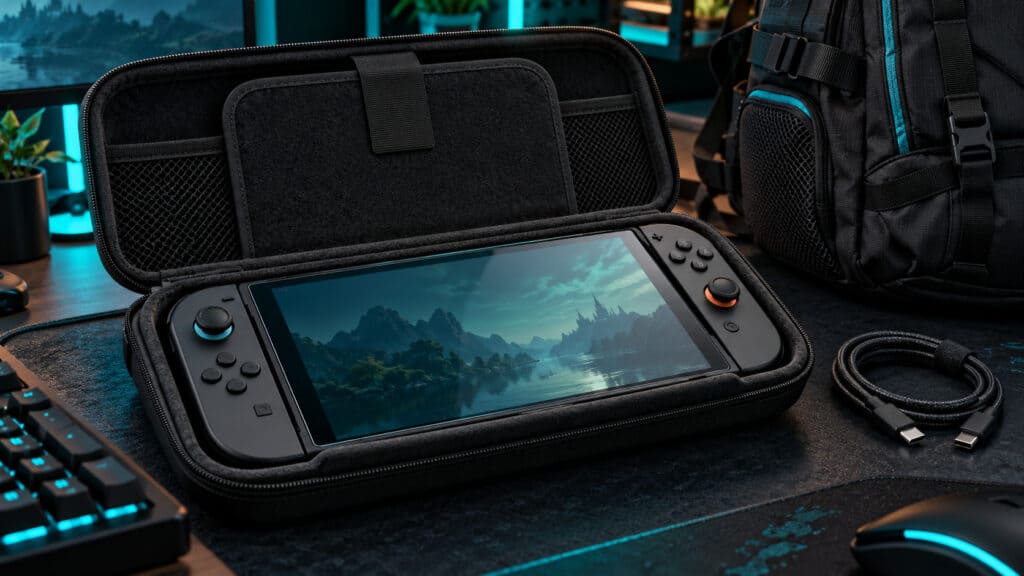
Many cases have a raised front lip that sits a little above the screen. If that lip presses on the edge of the glass, it can push a corner up over time and let dust in.
Fit the protector first, then try the case, and look along the edges for any lift. Our Nintendo Switch 2 case guide covers slim and hard shells that leave room for glass.
Fit the glass first and the case second, never the other way around.
Bags and Pockets
Loose in a bag, the screen meets keys, chargers and cables. A protector buys you margin, but a sleeve or hard case does the heavy lifting on the rest of the console.
Store the console screen-in if your case allows it, and keep cables in a separate pocket. That habit saves the protector as much as the protector saves the screen.
When to Replace the Glass
A protector is a consumable. It is meant to take damage so the screen does not, and knowing when it has done its job saves you from playing through a cracked sheet.
Cracks and Lifted Corners
A crack that crosses the play area is the obvious sign, but a lifted corner matters just as much. Once an edge lifts, dust creeps under it and the bubble grows, and a loose edge can catch on a case or a bag lining.
Replace the glass as soon as either shows up. With a multi-pack, that means five minutes and a spare sheet; with the ZAGG, it means a warranty claim.
Taking the Old One Off
Lift the old protector slowly from one corner with a fingernail, and peel it back evenly. Avoid metal tools, which can nick the factory film underneath.
If you see the factory film starting to lift along with the glass, stop and work from a different corner. The goal is to remove the protector and nothing else, then fit the new Switch 2 screen protector on the same clean film.
Rounding Out a Handheld Kit
Match your habits to one row, then fill in the rest of the kit.
| Protector | Where It Fits | Pick It If |
|---|---|---|
| JSAUX 3-Pack Ultra HD | Home play under normal light | You want spares and a guide frame |
| ZAGG Glass+ | Shared consoles and travel bags | You want free replacements for years |
| Belkin Anti-Reflective | Windows, commutes and daylight | Reflections bother you more than price |
If you want the Nintendo licensing seal on the box, the PowerA Screen Protector 2-Pack is officially licensed and includes placement guides, dust stickers, an applicator and a two-year limited warranty. It is a fair alternative, though its owner reviews are more mixed than our three picks.
For the rest of the handheld kit, our Nintendo Switch accessories guide covers storage cards, grips and chargers, and our gaming earbuds picks cover audio on the go. When the console heads back to the TV, see our Switch 2 dock guide and the best Switch 2 controller roundup.
Frequently Asked Questions
Quick answers about protecting the Switch 2 screen.
Does the Switch 2 come with a screen protector?
No. The Switch 2 ships with a factory film on the screen, but Nintendo describes it as a layer that keeps fragments from scattering if the screen breaks, not a scratch protector. Leave it on and add a Switch 2 screen protector over it.
Can I peel off the film on the Switch 2 screen?
Nintendo’s manual says not to. The film is a safety layer bonded to the display. Screen protectors made for the Switch 2 are designed to go on top of it.
Do Switch or OLED screen protectors fit the Switch 2?
No. Nintendo says protectors made for the original Switch, the OLED model and the Switch Lite will not work on the Switch 2, because its screen is a different size. Buy one made for the Switch 2.
Is tempered glass or film better for the Switch 2?
Tempered glass suits most players. It resists everyday scratches and takes the hit from a knock so the screen does not. Thin plastic films cost less but scratch more easily. For bright rooms, pick anti-reflective glass over a matte film to keep the image sharper.
Will a screen protector affect touch controls on the Switch 2?
Not when it is seated properly. Touch passes through tempered glass normally. Problems come from dust bubbles or lifted edges, so fit the protector in a clean room and use the alignment frame.
Looking for more budget gaming gear? Check out Budget Loadout for the latest reviews and recommendations.
Related Articles