You let go of A, tapped D to stop, and your character kept sliding for one frame you did not ask for. Then you reached for the build key mid-fight and hit a function layer instead. Both of those are keyboard problems, and the best keyboard for Wardogs is the one that fixes the pair of them without costing more than the game. Wardogs drops up to 100 players across three teams onto 2x2km control zones with vehicles, an in-match shop, and buildings that go up and come down mid-fight, so your left hand is doing more jobs than it does in a lane shooter.
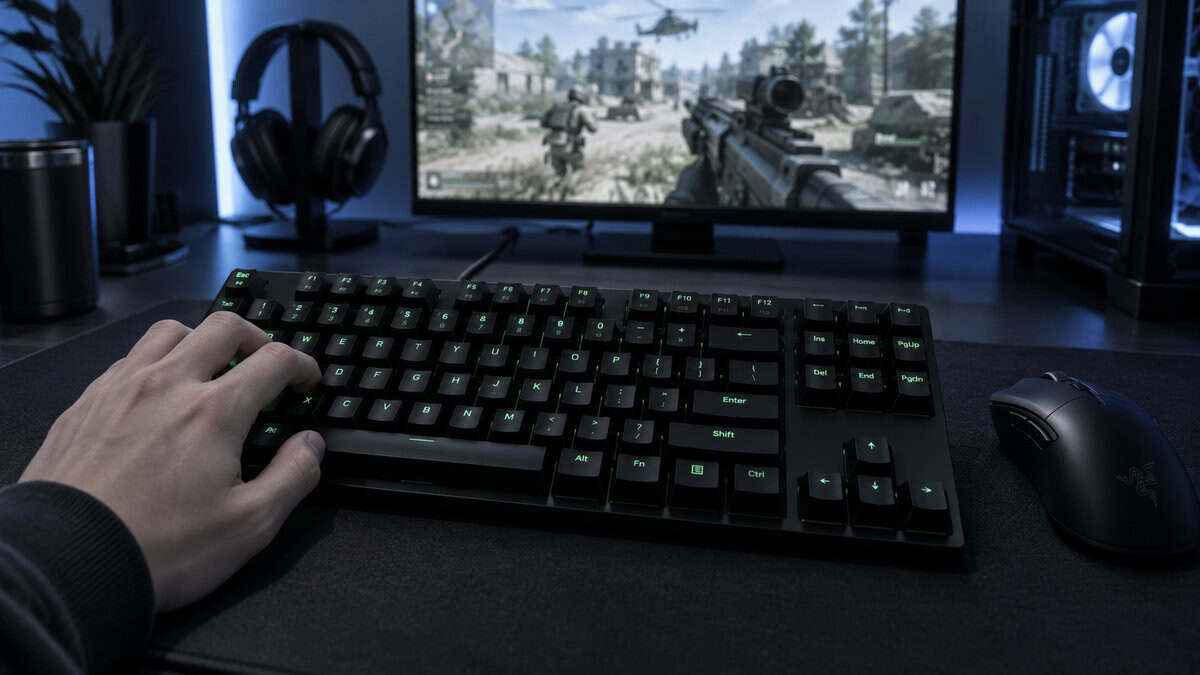
This guide is organized by those jobs. Three picks, sorted by how fast the movement keys reset and how many binds the layout keeps within reach, because those two things decide more of a Wardogs match than any switch feel or RGB effect ever will.
The proven cheap mechanical pick: smooth linear red switches, the F-row and arrows a build-heavy bind set needs, and a huge review pool. No rapid trigger, but every bind has a home.
- Keeps the F-row and arrows for build binds
- Linear red switches, quieter than clicky blues
- Largest review pool here by a wide margin
- Fixed-actuation switches, no rapid-trigger reset
- No per-key actuation for build keys
- Linear feel will not suit tactile fans
Magnetic switches, rapid trigger, and 8K polling on a board that costs less than a keycap set. Movement keys reset the instant you lift, which is the feature that matters most in a Wardogs peek. The price is the 60% layout, which pushes the F-row and arrows onto a function layer.
- Rapid trigger and adjustable actuation at a fraction of the usual magnetic-board price
- 8,000Hz polling and hot-swap sockets are rare at this tier
- Compact footprint leaves room for the low-sensitivity swipes a 2x2km zone asks for
- 60% layout means F-keys and arrows live on a function layer, awkward for build and vehicle binds
- A newer listing with a smaller review pool than the K552
- Tuning actuation points requires Redragon’s desktop software
The board that solves both problems at once: magnetic rapid trigger for the movement cluster and a full tenkeyless layout for everything else. Razer’s 2026 magnetic TKL lands well under the flagship analog boards while keeping 8K polling and per-key actuation tuning.
- Rapid trigger plus a full TKL bind count, the combination the other two picks each give up
- Per-key actuation lets movement keys sit hair-trigger while build keys stay deliberate
- Doubleshot PBT keycaps and 8,000Hz polling on a wired tournament-style build
- The highest price in this guide, though still below the analog flagship tier
- A 2026 release with a small review pool so far
- Snap Tap should stay off until Bulkhead publishes a policy on input-priority features
Picks and availability last verified: October 19, 2026
- Two keyboard jobs decide a Wardogs fight: how fast the movement keys reset on a peek, and whether build, vehicle, and shop binds sit on real keys or a function layer.
- Rapid trigger only helps the movement cluster. It does nothing for aim, recoil, or the frame rate, so buy it for counter-strafing and nothing else.
- Count your binds before choosing a layout. A 60% board is fine for a pure gunfighter and frustrating for anyone who builds and drives.
- A tenkeyless board is the sweet spot for this game: every key on the surface, with desk space left for a low-sensitivity mouse.
- Leave Snap Tap style input-priority features off until Bulkhead states a policy, and set movement keys shallow and build keys deep on day one.
Table of Contents
Where Your Left Hand Lives in Wardogs
Most shooter keyboard advice stops at WASD. Wardogs does not let you. The Steam page describes a match where three teams fight over a randomized control zone inside a much larger map, buy loadouts and vehicles with cash earned as they play, and put up or tear down structures while the fight is still on. Every one of those systems lands on a key, and they land on different parts of the board.
Think of the keyboard as three regions with three different jobs. Get the right board for the region you use most and the rest follows.
The Movement Cluster
W, A, S, D, and the crouch and sprint keys around them are where a keyboard earns or loses a gunfight. The moment that matters is the counter-strafe: you release one direction and tap the opposite one so your character stops dead and your first shot is accurate. On a standard mechanical switch, the release does not register until the key travels back above a fixed reset point, and that dead travel is time you are still moving.
Magnetic switches with rapid trigger reset the instant the key starts moving up, so the stop arrives as early as your finger does. In a game where every peek across a zone edge can be watched by two other teams, that is the single feature worth paying for. It lives entirely in this cluster. The rest of the board does not care.
The Build and Utility Row
Weapon slots, the build key, material selection, grenades, healing, and the shop all want their own key, and most of them want it on the number row or the keys just beyond it. This is the region a compact keyboard quietly takes away. On a 60% board the F-row is gone and the arrows are gone, so anything you would have put there now needs a function-layer combo you have to hold with a hand that is also trying to move.
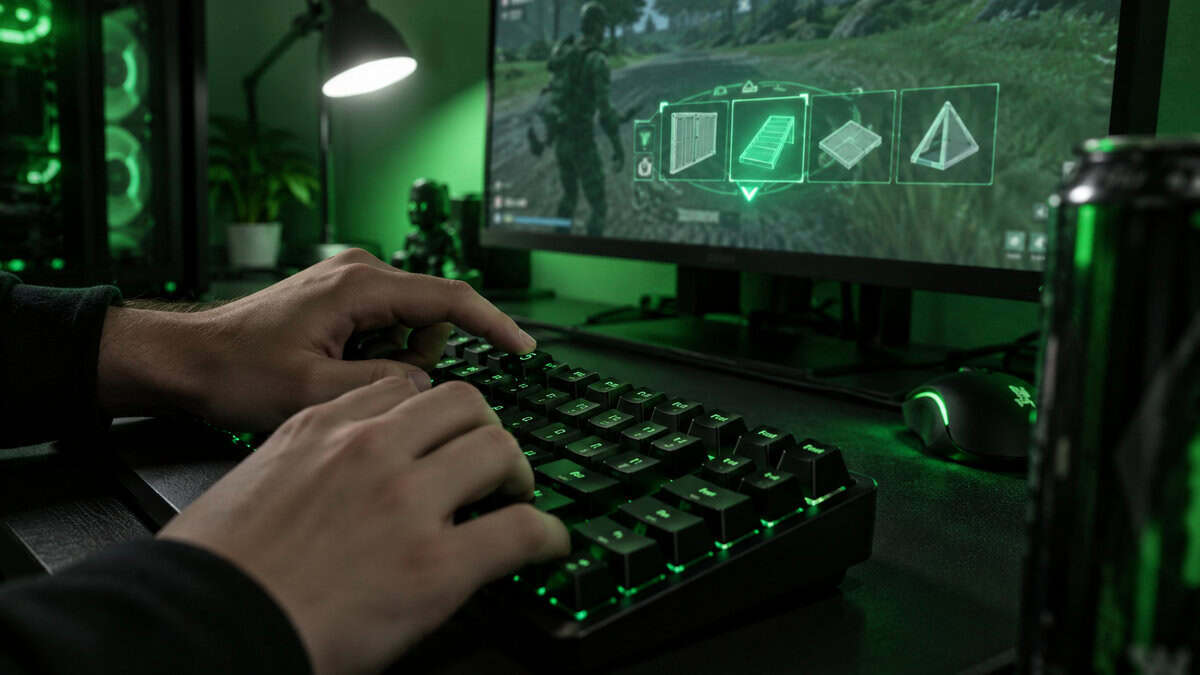
A bind you have to think about is a bind you will miss when a building comes down on you.
If you plan to play Wardogs as a builder or a support player, the layout matters more than the switch. A tenkeyless board keeps every one of those keys on the surface while still dropping the number pad, which is the part you genuinely do not need. Our TKL keyboard guide covers why that layout became the default for shooters in the first place.
Vehicle Seats and the Shop Menu
The third region is the one most people forget until launch night. Vehicles mean seat-swap keys, a horn, and lights. The shop means opening a menu mid-match and navigating it without taking your hand off movement. Voice and ping keys sit here too. None of these need a fast switch. All of them need to be somewhere your fingers can find without looking, which is another argument for a layout with the arrow cluster and a few spare keys to the right of the main block.
The board that serves all three regions is the one with rapid trigger on the left and a full key surface everywhere else. That combination used to cost a lot. In 2026 it does not, and that is what changed the picks below.
Best Keyboard for Wardogs Picks for Launch Day
Three boards, three different answers to the same two questions. One keeps every bind and skips rapid trigger. One has rapid trigger and gives up keys to get the price down. One does both and asks the most money for it. Which one is right depends on which region of the keyboard you live in.
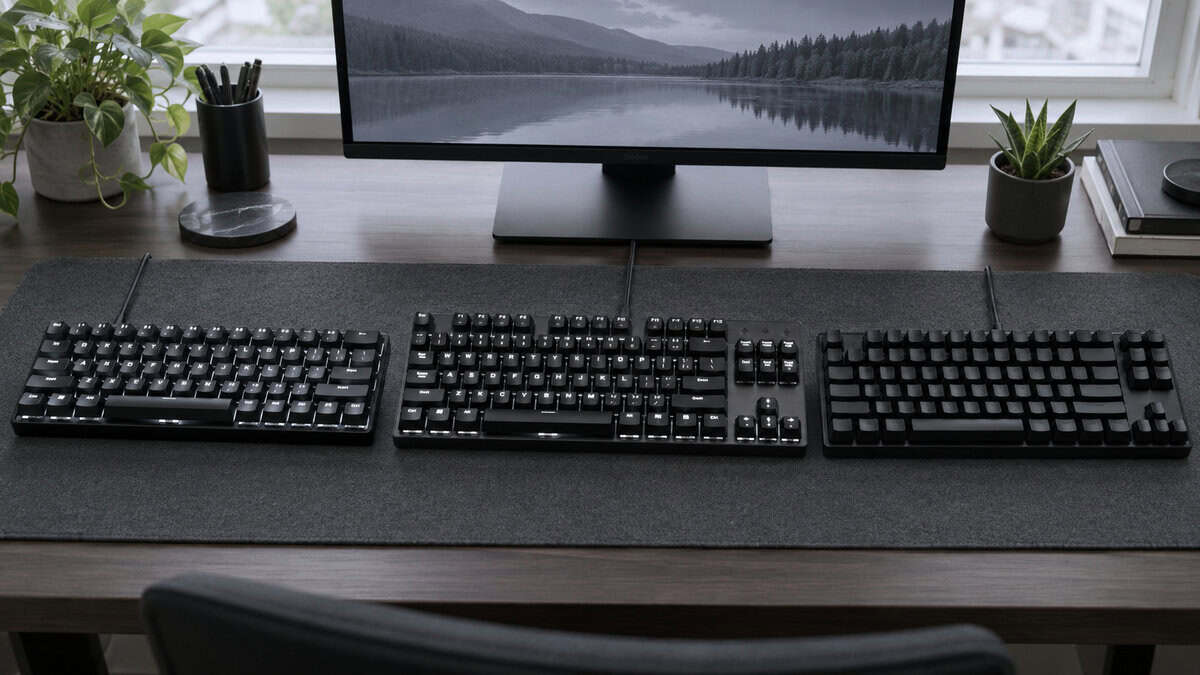
Redragon K552: Every Bind Without the Price
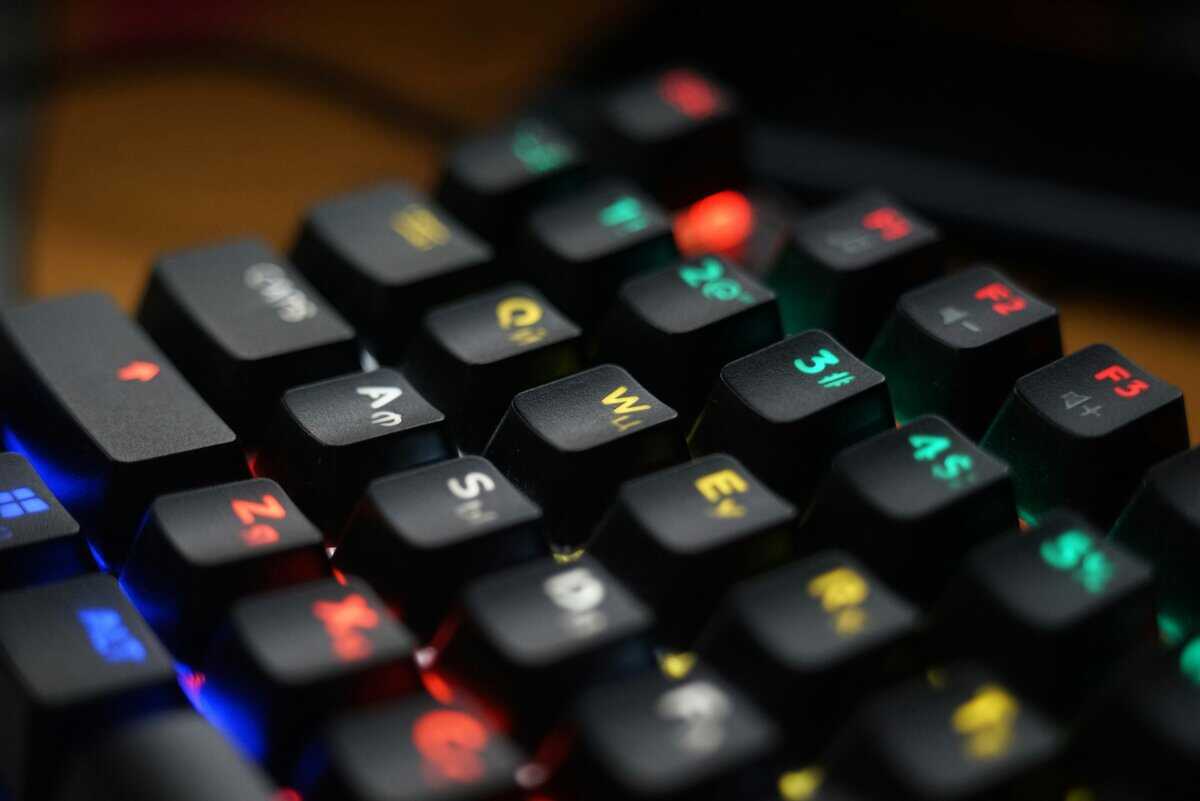
The Redragon K552 has been the answer to “cheap mechanical keyboard” for years, and it still is. Its linear red switches press straight down with no tactile bump and run quieter than the clicky blues budget boards often ship with, and the rainbow backlight cycles through preset lighting modes. It keeps the F-row and the arrow cluster, so every Wardogs bind you can think of has a physical home.
For a builder, a driver, or anyone whose left hand spends the match reaching for the number row, this is the sensible buy. It also has by far the largest review pool here, measured in the tens of thousands, which matters when you are buying for a game that launches in days and want a board with no surprises.
The simplest board on this list still puts every bind on a real key.
What you give up is the reset. These are fixed-actuation mechanical switches, so the counter-strafe registers at the same travel point every time, with no rapid-trigger shortcut. There is no per-key actuation either, so your build key fires at the same depth as W. If your Wardogs game is about building and driving more than peeking, none of that will cost you a fight. If it is about peeking, read on.
Redragon K617 HE: Rapid Trigger for Pocket Money
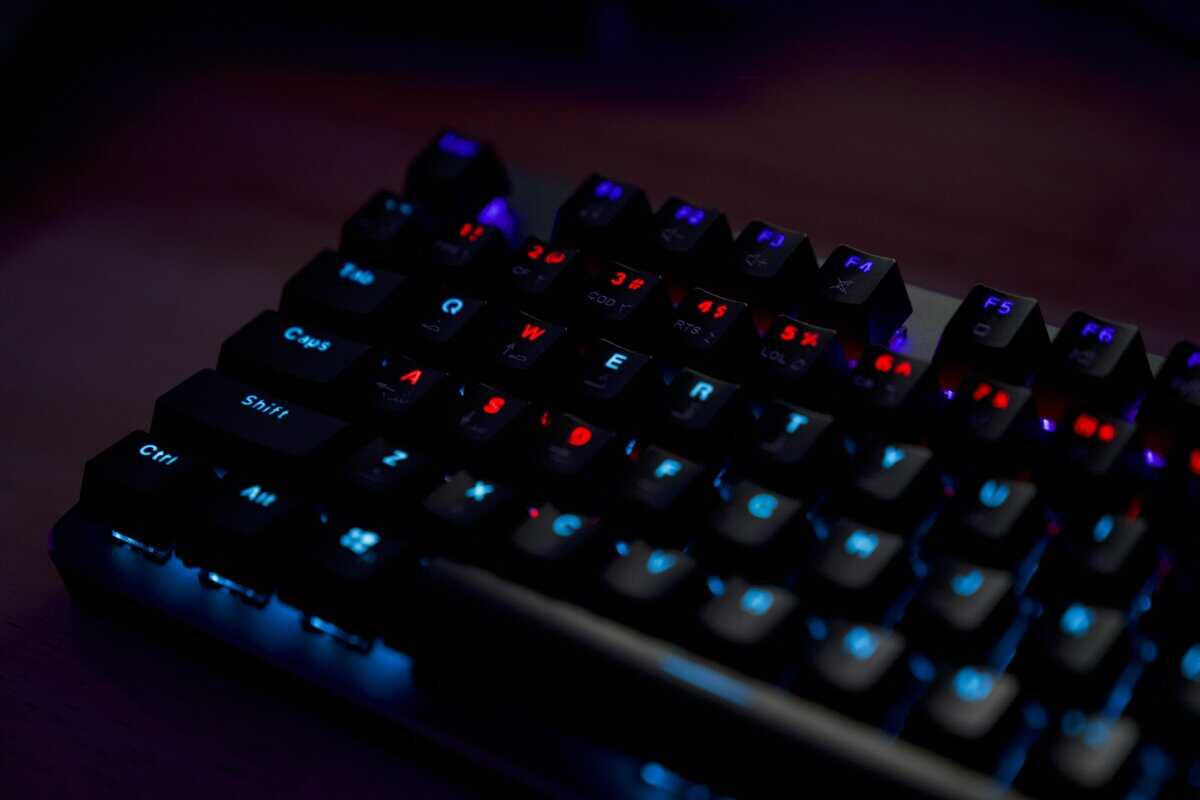
The Redragon K617 HE is the cheapest way to put magnetic switches under your movement keys, and it is not a token version of the technology. It has rapid trigger, per-key actuation from 0.1mm to 3.4mm, 8,000Hz polling, and hot-swap sockets, on a 61-key board that costs less than most sets of keycaps. Two years ago that spec list started at four times the money.
Set the movement cluster shallow and the counter-strafe becomes the stop-on-a-dime move the magnetic boards are known for. Set the weapon keys deeper so a brushed finger does not swap your gun mid-peek. The compact footprint also frees desk space for the wide, low-sensitivity mouse swipes a 2x2km zone asks for, which pairs well with the mouse picks for Wardogs.
The tradeoff is the layout, and it is a real one for this game. A 60% board has no F-row, no arrows, and no navigation block, so build, vehicle, and menu binds either crowd onto the number row or move to a function layer. If you are a pure gunfighter who leaves building to teammates, that is a fair trade for the price. If you are not, the K617 HE will frustrate you by the second weekend. It also needs Redragon’s desktop software for the actuation tuning, and its review pool is a fraction of the K552’s.
Razer Huntsman V3 HE TKL: Magnetic Switches and the Full Row
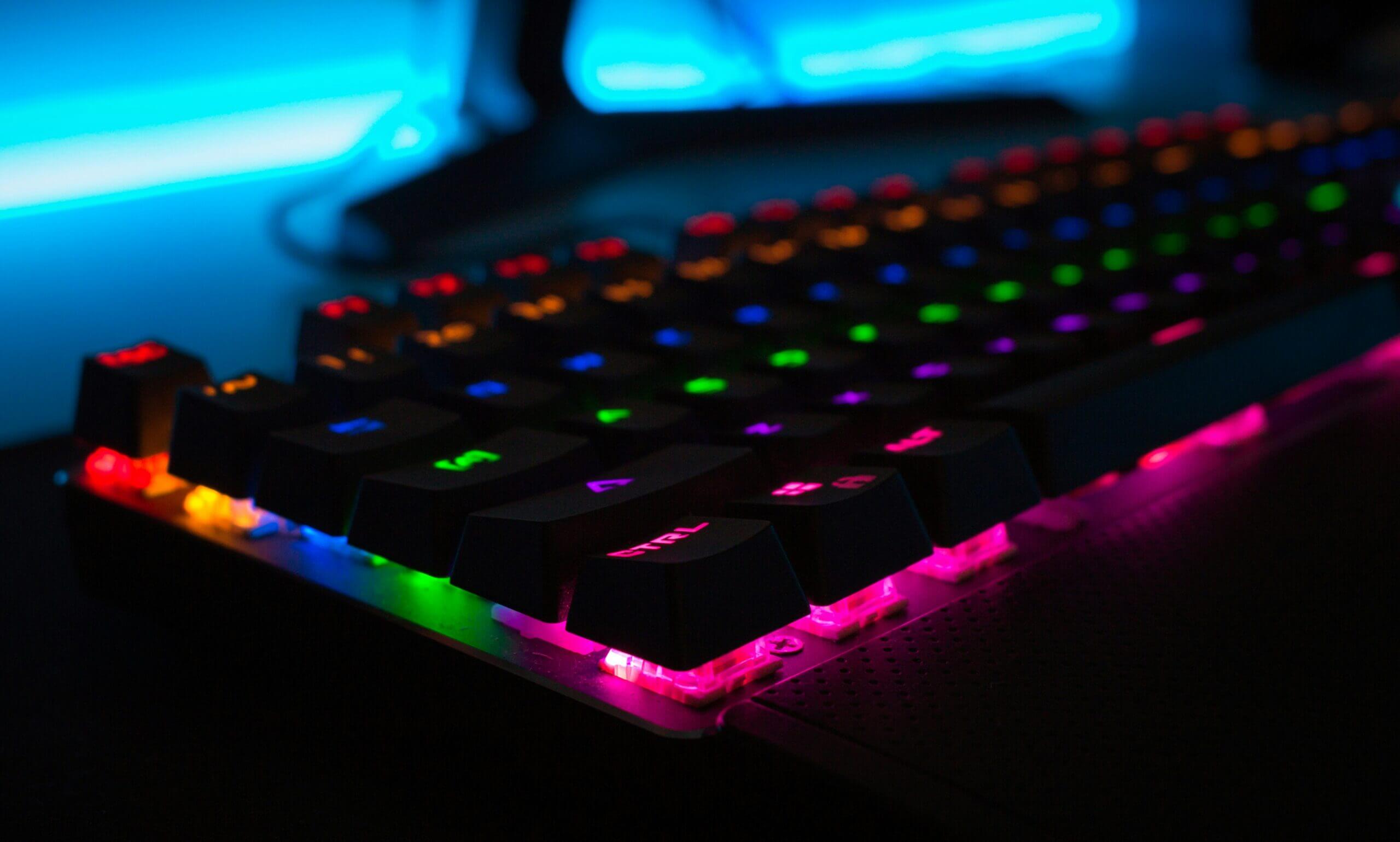
The Razer Huntsman V3 HE TKL is the board that does not make you choose. Razer’s Hall-effect magnetic switches bring rapid trigger and adjustable actuation to the movement cluster, and the tenkeyless layout keeps the F-row, arrows, and navigation keys for everything else. It polls at 8,000Hz, wears doubleshot PBT keycaps, and tunes through Razer’s web-based Synapse rather than a heavy desktop install.
Rapid trigger on the left, a real key for every bind on the right. That is the whole spec sheet that matters.
Per-key actuation is the feature that makes it a Wardogs board rather than a generic esports one. You can run W, A, S, and D at a hair-trigger depth for the counter-strafe and set the build key, the grenade key, and the shop key deep enough that a knocked finger never fires them. Razer’s own support guide to customizing Rapid Trigger mode walks through the sensitivity settings if you want to go further than the defaults.
It is the most expensive pick here, though it sits well below the analog flagship boards it borrows from. It is also a 2026 release, so its review pool is still small. And it ships with Snap Tap, Razer’s input-priority feature that resolves opposite movement keys automatically. That feature has been restricted in other competitive shooters, and Bulkhead has not published a policy for Wardogs yet. Leave it off until they do. The board is excellent without it.
Rapid Trigger Without the Marketing
Rapid trigger is the most oversold keyboard feature since RGB, and it is also genuinely useful, which makes it worth separating what it does from what the box says. Our Hall effect vs mechanical breakdown covers the switch physics. This section covers what changes in a Wardogs match.
What It Changes in a Peek
A standard switch has a fixed actuation point on the way down and a fixed reset point on the way up, and the gap between them is where counter-strafes die. You lift off A, but the key has not risen far enough to register the release, so the game thinks you are still holding it while you tap D. The result is a stutter-stop instead of a clean one, and a first shot that leaves before your character is planted.
A magnetic switch measures position continuously, so the release registers the moment the key reverses direction, wherever it is in its travel. The stop happens when your finger stops, not when the switch catches up. Over a match full of zone-edge peeks and vehicle bailouts, that adds up to a movement feel that is simply more obedient. It shows up most in the first shot after a strafe, which in a three-team fight is often the only shot you get.
What It Cannot Fix
Rapid trigger does nothing for aim. It does nothing for recoil, for your frame rate, or for the fact that a third team just arrived on your flank. It only touches the movement keys, and only in the moment between one direction and the next. If your losses in a shooter come from tracking, positioning, or a monitor that cannot keep up, a magnetic keyboard will not move the needle, and the monitor guide for Wardogs is where that money belongs. Sound is the other upgrade worth sorting first, and our Wardogs headset guide covers footsteps and a mic fit for local voice chat.
Rapid trigger makes you stop faster. It does not make you shoot straighter.
It also introduces a new way to make mistakes. Set the actuation too shallow across the whole board and a resting finger fires a grenade. Set the rapid-trigger sensitivity too high and a slight tremor while holding W registers as a tap-tap-tap. The fix is per-key tuning, which is why the boards that let you set movement keys and utility keys separately are the ones worth buying, and why a global “make everything hair-trigger” preset is the wrong first move.
60% vs TKL When You Have Build Binds
Esports culture pushed the 60% keyboard hard, and for a pure aim-duel game the case is real: more desk for the mouse and nothing under your hand you do not use. Wardogs is not that game. Before you buy compact, do the count.
Counting Your Binds Before You Buy
Write down every action you expect to press in a match: movement, sprint, crouch, prone, jump, lean, reload, weapon slots, grenades, healing, the build key and its material choices, vehicle enter and seat swap, the shop, ping, push-to-talk, and the map. Then look at a 61-key layout and ask where each one goes. Most players run out of comfortable keys somewhere around the build system, and the answer on a 60% board is a function layer that costs you a held modifier in the middle of a fight.
A tenkeyless keeps all of those on real keys and still drops the number pad, which is roughly four inches of desk you get back for the mouse. That is why two of the three picks here keep the F-row and arrows, and why the 60% pick comes with a warning attached. If you want a middle ground, a 65% or 75% board keeps the arrows, and in some cases the F-row, in a narrower frame. The Razer Huntsman V3 HE Mini is the 65% version of the TKL pick with the same magnetic switches, and the Glorious GMMK 3 Rapid Trigger is a 75% magnetic board with hot-swap sockets for anyone who wants to build it out later.
Where a 60% Still Wins
If you play Wardogs as the shooter in a squad and let a teammate handle building and driving, your bind count drops to something a 60% handles fine. Low mouse sensitivity is the other case. On a small desk, the four inches a 60% saves over a TKL can be the difference between a full 180-degree swipe and running out of mousepad, and the best Hall effect keyboard guide has more compact magnetic options if the K617 HE is not to your taste. The Corsair Clipper Pro Mini 60 HE is the obvious step up in that size, with the same magnetic idea and a sturdier build for more money. Our mousepad guide for Wardogs works the desk math through keyboard by keyboard.
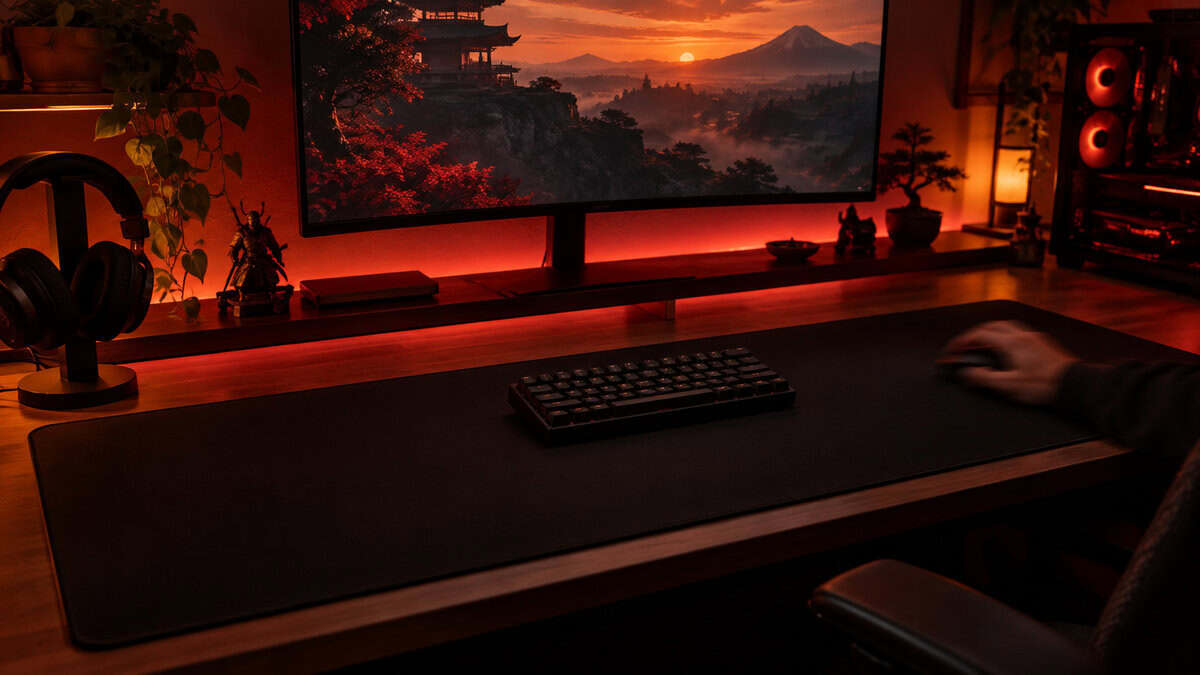
One board deliberately missing from the picks is the low-profile mecha-membrane type, like the Razer Ornata V3 TKL. It is a comfortable typing board at a fair price, but a membrane dome under the key has the slowest reset of any switch type here, which is the opposite of what the movement cluster wants.
Three Boards on One Table
The whole decision in one place, sorted by the two things that matter in this game.
| Pick | Layout | Switch | Rapid trigger | Polling | Best for |
|---|---|---|---|---|---|
| Redragon K552 | Compact, keeps F-row and arrows | Linear mechanical | No | Standard | Builders and drivers who want every bind on a real key |
| Redragon K617 HE | 60% | Hall-effect magnetic | Yes | 8,000Hz | Pure gunfighters on a budget or a small desk |
| Razer Huntsman V3 HE TKL | Tenkeyless | Hall-effect magnetic | Yes | 8,000Hz | Anyone who peeks and builds in the same match |
If the table leaves you between the two magnetic boards, the layout row is the tiebreaker, not the price. Buy the number of keys your bind list needs and the switch takes care of itself.
Actuation Points Worth Setting on Day One
A magnetic keyboard out of the box is set up for nobody in particular. Ten minutes in the software before your first match turns it into a Wardogs board, and the settings below apply to both magnetic picks.
Start with the movement cluster shallow. Somewhere around a third of the way into the travel is a sensible first setting for W, A, S, and D, with rapid trigger on and its sensitivity at the default. Go shallower only if you never get false inputs while resting. Then set the utility keys deep: weapon slots, grenades, the build key, and anything that costs you a fight if it fires by accident. Leave everything else at the default until a match tells you otherwise.
Shallow where you move, deep where you commit.
Then find the input-priority setting and turn it off. Razer calls it Snap Tap and other brands have their own names, but they all do the same thing: when you press an opposite movement key, the board resolves the conflict for you instead of the game. Several competitive shooters restrict that behavior, and Bulkhead has not said where Wardogs stands. A launch-week ban with your keyboard set to auto-resolve is not worth the risk, and a well-tuned rapid trigger gets you most of the same feel honestly. Save a second profile without it so you can flip in one click if a policy arrives.
Last, the boring one. Plug the board into a USB port on the motherboard rather than a hub, especially at 8,000Hz polling, and confirm the polling rate in the software actually reads 8,000 instead of the 1,000 it may default to. A high-polling board on a low-polling setting is a spec you paid for and never used.
Building out the rest of your WARDOGS setup? Our gaming setup builder fills every slot from monitor to mousepad, and if you play more than one game, it finds the gear our guides recommend across all of them.
Frequently Asked Questions
The questions that come up most when picking a keyboard for a 100-player shooter with building and vehicles.
Do I need rapid trigger for Wardogs?
No, but it helps in one specific moment: the counter-strafe before a shot. Magnetic switches with rapid trigger reset the instant you lift a movement key, so you stop and fire sooner. If your Wardogs play is mostly building, driving, and supporting, a good mechanical board that keeps the F-row and arrows, like the Redragon K552, serves you just as well.
Is a 60% keyboard good for Wardogs?
Only for a pure gunfighter. Wardogs adds build, material, vehicle, shop, and ping binds on top of the usual shooter set, and a 60% board pushes the F-row and arrows onto a function layer. The Redragon K617 HE is a great budget magnetic board, but count your binds before choosing it over a tenkeyless.
Should I turn on Snap Tap for Wardogs?
Not yet. Snap Tap and similar input-priority features resolve opposite movement keys on the keyboard instead of in the game, and several competitive shooters restrict them. Bulkhead has not published a policy for Wardogs. Leave it off, tune rapid trigger instead, and keep a second profile ready in case the developer clears it.
Does 8K polling matter for Wardogs?
It is a small, real improvement in how quickly a keypress reaches the game, and both magnetic picks here support it. It matters far less than rapid trigger or layout. Make sure the software is actually set to 8,000Hz and the board is plugged into a motherboard USB port, or you will not get it.
What actuation point should I use for Wardogs?
Shallow on the movement keys, roughly a third of the travel, with rapid trigger on. Deep on anything that costs you a fight if it fires by accident, such as grenades, weapon slots, and the build key. Per-key tuning is the reason to buy a magnetic board, so avoid a global hair-trigger preset.
Looking for more budget gaming gear? Check out Budget Loadout for the latest reviews and recommendations.
Related Articles