Most advice about the best 40% keyboard is too simple. It usually goes one of two ways: either 40% boards get dismissed as unusable toys, or they get praised like everyone should switch immediately. Both takes miss the point.
A 40% keyboard can work well. It can also be a frustrating money sink if you buy one for the wrong reasons. The main question isn’t whether the layout is cool or compact. It’s whether you’re willing to relearn how you type, game, and manage shortcuts.
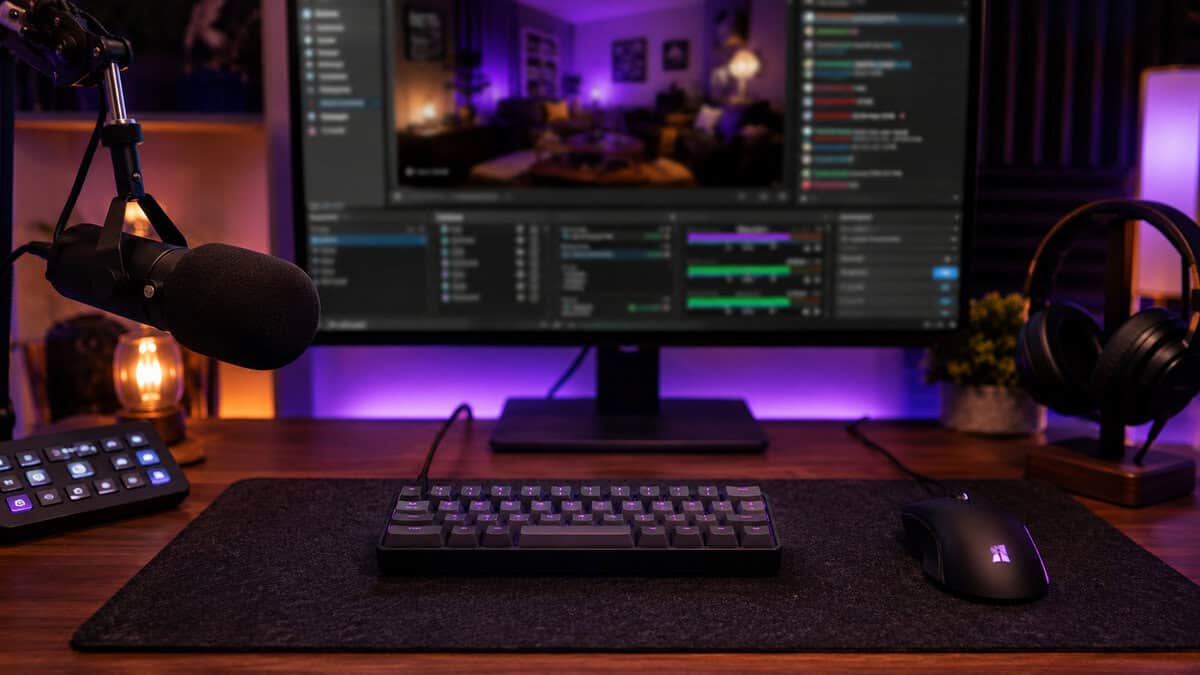
For budget-conscious gamers and streamers, that matters more than aesthetics. Saving desk space is nice. Better mouse room for low-sensitivity FPS play is nice. But if your keyboard slows down weapon swaps, makes MMO keybinds awkward, or turns stream controls into a memory test, it stops being a smart buy fast.
The value-focused way to approach this category is simple: understand the layout philosophy, be honest about your tolerance for the learning curve, and buy a board that offers durability and programmability instead of chasing niche hype. If a 40% fits you, it can be a serious tool. If it doesn’t, a compact alternative like a 60% keyboard is often the better call.
- A 40% keyboard drops the number row, function row, and dedicated arrows, so everything above the letters lives on layers you reach with a Fn key.
- The learning curve is real; give it one to two weeks of daily use before deciding whether the compactness is worth the muscle-memory reset.
- Firmware matters more than switches at this size, because remapping and layers are what make a 40% usable day to day.
- For gaming, a 40% works fine for FPS and general play but slows you down for MMOs, macros, and anything with lots of binds.
- If you want one you can just buy and use, the low-profile EPOMAKER Luma40 is the most sensible ready-made 40% on Amazon.
Table of Contents
Are 40% Keyboards Worth the Trouble?
The common assumption is that 40% keyboards are impractical. That’s only half true. They aren’t impractical by default. They’re impractical for people who want plug-and-play convenience.
A good 40% board rewards commitment. A bad match punishes impatience.
The appeal is obvious. You get a tiny footprint, a clean setup, and more room for mouse movement. For gamers who play low-sensitivity FPS titles or stream from smaller desks, that extra space has real value. The problem is that none of those benefits erase the fact that a 40% layout asks you to rebuild habits that have been automatic for years.
What makes the switch hard
You’re not just losing keys. You’re losing direct access to controls usually engaged without conscious thought. Numbers, arrows, and punctuation often move behind layers. That changes how you type, how you move through menus, and how you trigger in-game commands.
Practical rule: If you already get annoyed by function layers on a laptop, a 40% board probably isn’t your best keyboard format.
That doesn’t mean 40% boards are only for hobbyists. It means they suit a narrower group than most roundup articles admit. If you enjoy tuning layouts, remapping keys, and refining muscle memory, the format starts to make sense. If you want immediate comfort, it usually doesn’t.
When the trouble is worth it
A 40% board is worth considering if these points sound right:
- You care about desk space: Especially for FPS gaming where mouse freedom matters more than having every key exposed.
- You don’t rely on constant number row access: MMO players and strategy players often run into friction here.
- You want long-term customization: Hot-swap support and firmware matter more here than on larger mainstream boards.
- You value durability over novelty: A compact board has to survive daily use, not just look interesting in photos.
The best 40% keyboard isn’t the one with the most unusual layout. It’s the one that gives you enough build quality, reliable firmware, and sensible key placement to make the learning curve worth enduring.
Understanding the 40% Keyboard Philosophy
The philosophy is simple. Remove every key that is not used often enough to deserve permanent space, then rebuild access through layers, combos, and firmware.
That sounds elegant on paper. In practice, it asks you to trade direct access for efficiency. You give up the number row, dedicated arrows, and several easy-reach symbols. In return, your hands stay closer together, your mouse gets more room, and the board becomes far more dependent on how well you set it up.
That last part matters more than many reviews admit. A bad full-size keyboard is still usable. A bad 40% layout can feel miserable every day.
Layers decide whether a 40% feels smart or annoying
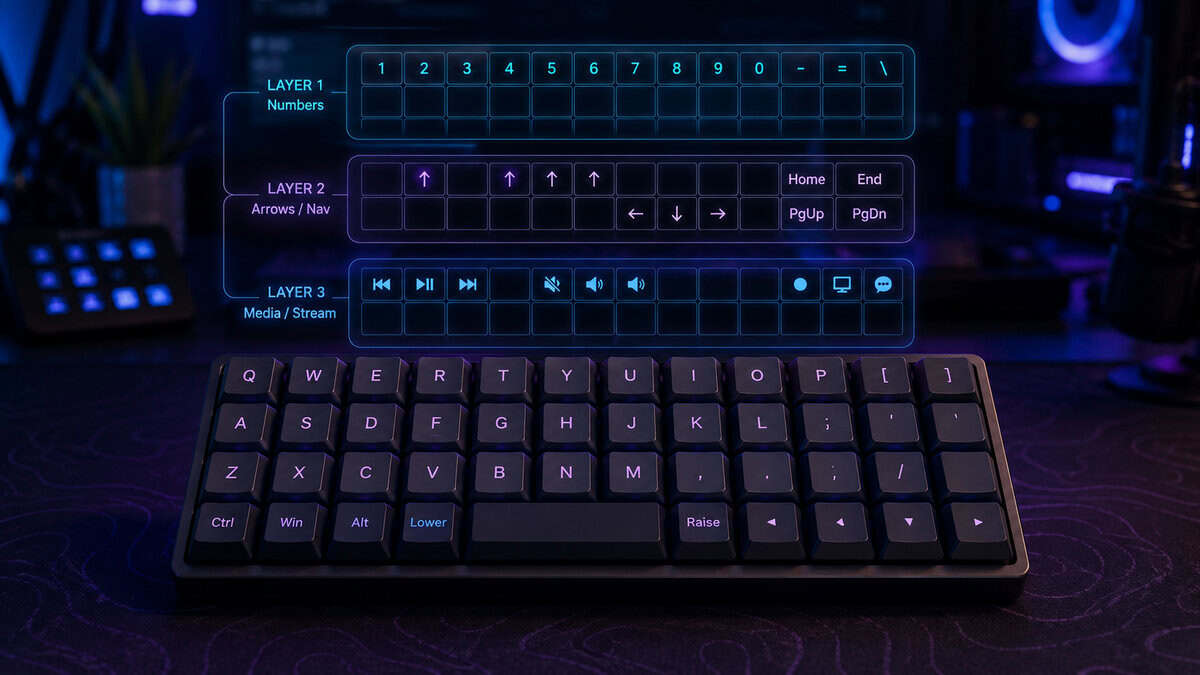
On a 40% board, layers are not a bonus feature. They are the board. One key might type a letter on the base layer, become a number while held with a thumb key, and turn into navigation on another layer.
Good layer design reduces finger travel and keeps common actions close. Poor layer design slows down basic tasks such as entering passwords, editing text, using Discord push-to-talk, or adjusting stream scenes. That is why experienced users spend more time tuning layers than swapping keycaps.
A practical setup usually shares a few traits:
- Thumb keys handle the main layer shifts: This keeps your stronger fingers free for numbers, arrows, and symbols.
- Navigation sits on easy home-row positions: Arrow keys hidden in awkward corners get old fast.
- Symbols follow some logic: If brackets, slash, and quote are scattered randomly, typing becomes slower than it should be.
- Layer access stays consistent: Changing the mental map too often is how people give up on 40% boards.
Ortholinear and staggered feel different in real use
This choice shapes the learning curve more than many buyers expect.
Ortholinear boards put keys in straight columns. They reward deliberate typing and consistent finger placement, but they can feel strange for weeks if your muscle memory is built around standard keyboards.
Staggered boards keep the familiar offset rows. They usually feel easier on day one, especially for gaming, because movement keys and surrounding binds sit closer to what your hands already know.
Neither format is superior by default. Ortholinear often appeals to people who enjoy remapping and refining. Staggered usually makes more sense for anyone who wants a smaller board without relearning every finger path from scratch.
Firmware matters more than switches at this size
Switch feel still matters, and a short guide to mechanical keyboard switch types and feel differences can help if you are sorting out linears, tactiles, and clickies. But on a 40% board, firmware support has a bigger effect on daily usability.
You need straightforward remapping, stable layer behavior, and enough flexibility to fix a layout that does not suit your hands. Without that, even a well-built board with hot-swap sockets can turn into an expensive experiment.
The best 40% boards are not built around novelty. They are built around a layout you can live with, firmware you can trust, and a case that will hold up after months of heavy use.
Should You Actually Buy a 40% Keyboard?
You might want to slow down here. An interest in a 40% board doesn’t guarantee it’s the right choice.
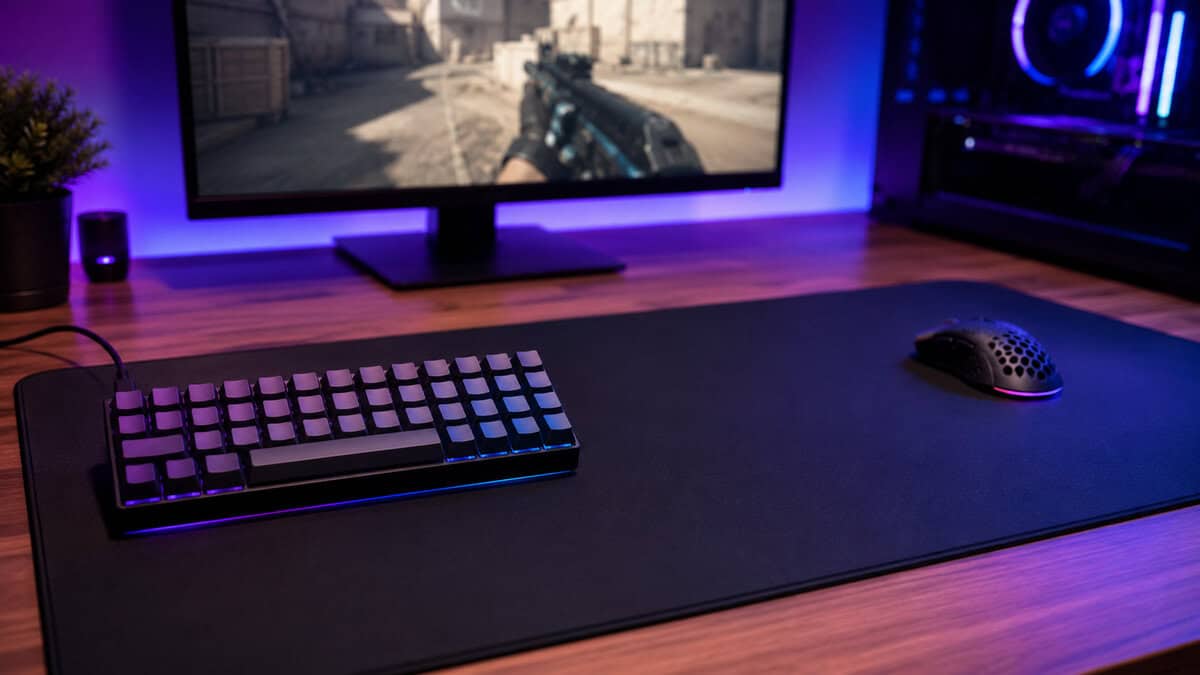
The honest answer depends less on features and more on tolerance. Can you handle a slower, awkward adjustment period without regretting the purchase? If not, the format will probably annoy you before it starts paying off.
A useful clue comes from beginner-friendliness. The Planck is widely regarded as one of the most beginner-friendly 40% layouts, thanks to its simple ortholinear grid and easy default layers. That matters because new buyers need to know which boards are easier to learn, not just which ones have the nicest cases or most niche appeal.
Buy one if these trade-offs sound acceptable
A 40% keyboard makes sense when your priorities line up with the compromises.
- You mainly play FPS games: Fewer keys can be fine if your core inputs stay consistent and you want more mouse space.
- You enjoy tinkering: If remapping sounds fun instead of exhausting, you’ll get more value from the format.
- You want a portable board: Small layouts are easy to move, store, and fit into tighter setups.
- You accept short-term inefficiency: Your first days or weeks may feel worse than your old keyboard. That’s normal.
Skip it if these problems already sound annoying
For a lot of players, the smarter decision is to stop here.
If you play MMOs, strategy games, or heavily modded games with lots of bindings, a 40% can become a constant layer-management exercise. If you stream and trigger scene changes, mute controls, clips, and macros from the keyboard, a tiny board can force too much memorization.
For people in that camp, a 60% board like the Royal Kludge RK61 offers a popular middle ground, retaining the number row while still providing significant desk space. That’s a safer path if you want compact size without fully committing to layer-heavy use. It also helps to think through wired vs wireless keyboard trade-offs before buying, because connection preference affects both gaming consistency and setup flexibility.
A simple self-check
Ask yourself these three questions before spending money:
| Question | If you answer yes | If you answer no |
|---|---|---|
| Do you enjoy remapping keys? | A 40% may fit | A 40% may frustrate |
| Do you mostly need a clean, compact setup for FPS or general typing? | A 40% may be practical | A larger compact layout may fit better |
| Do you rely on fast access to many binds for MMOs, macros, or streaming? | A 40% may slow you down | A 40% is easier to justify |
If your answers are mixed, the safest conclusion is usually not to force it. The best 40% keyboard still isn’t a universal recommendation.
The 40% Keyboard Landscape in 2026
Value matters more in 40% boards than it does in larger layouts. If the board is flimsy, poorly tuned, or locked behind weak firmware, you end up blaming the layout for problems caused by bad hardware. That is an expensive way to learn.
A good value 40% does three things well. It gives you dependable build quality, flexible remapping, and enough long-term durability to survive the trial-and-error phase. Those points matter more than flashy case colors or novelty keycaps, because a 40% only becomes useful after serious layout work.
2026 40% Keyboard Value Comparison
| Type of 40% board | Layout Style | Build Material | Hot-Swap Support | Firmware | Price Estimate |
|---|---|---|---|---|---|
| Premium 40% custom-style board | 40% | Metal case | Yes, 4-pin and 5-pin | Programmable | Premium |
| Ortholinear 40% board | Ortholinear 40% | Varies by configuration | Varies by configuration | Programmable | Mid-range to premium |
| Generic budget 40% kit | Varies | Usually lighter case materials | Sometimes | Varies widely | Lower upfront cost |
If you want a 40% you can actually buy and use out of the box rather than build from a kit, the EPOMAKER Luma40 is the most sensible option on Amazon right now. It is a low-profile, QMK/VIA-programmable 40% board that ships ready to type on, which is rare in a category dominated by group buys and DIY kits.
Premium 40% customs for buyers who want fewer regrets
If you already know you enjoy remapping and you care about build quality, a premium custom-style 40% is usually the safest buy. Better cases sound better, flex less, and hold up better after repeated switch swaps. Better firmware also makes a huge difference, because you will be editing layers, tap-holds, and function placements far more than you would on a 65% or TKL.
I usually tell people to spend more on the board only if they are confident they will stick with the format. Premium hardware does not make a 40% easier to learn. It just removes extra friction.
What makes this type of board good value:
- Sturdier construction: Metal cases and better mounting usually feel more stable and less toy-like.
- Hot-swap flexibility: You can test different switches without soldering, which helps when you are still figuring out what makes long sessions tolerable.
- Better firmware support: Easy remapping is not a bonus on a 40%. It is the whole point.
The drawback is obvious. Paying premium money for a layout you might abandon after two weeks is hard to justify.
Ortholinear 40% boards for structured learning
Ortholinear 40% boards appeal to a specific type of user. If you want to build fresh muscle memory from scratch and you like the idea of a neat, grid-based layout, they can be a cleaner starting point than a more chaotic staggered 40%.
They are still divisive. Some people adapt fast and end up preferring the consistency. Others never stop missing the feel of a standard staggered board. For gaming, that split gets even sharper. If your movement and ability keys already live deep in muscle memory, changing both the size and the key geometry at the same time can slow you down more than expected.
My practical advice is simple. If you are already unsure about 40%, do not add ortholinear to the experiment unless that layout is the main reason you are buying.
Why cheap 40% boards often waste money
Cheap 40% kits look harmless because the entry price is low. In practice, they can be the worst place to save money.
Bad stabilizers, weak firmware, and light cases create confusion. You cannot tell whether the layout is the problem or the keyboard is the problem. That makes the adjustment period harder, and many buyers quit before they ever reach a usable setup. If you want a better price-to-quality baseline before going this small, start with these budget mechanical keyboards that make more sense for most buyers.
A sensible buying order looks like this:
- Choose dependable firmware first.
- Pick solid build quality second.
- Treat hot-swap as a strong bonus or a requirement if you plan to experiment.
- Leave cosmetic extras for last.
That order saves money. More important, it helps you avoid blaming a niche layout for a cheap board’s problems.
Gaming and Streaming Performance Trade-Offs
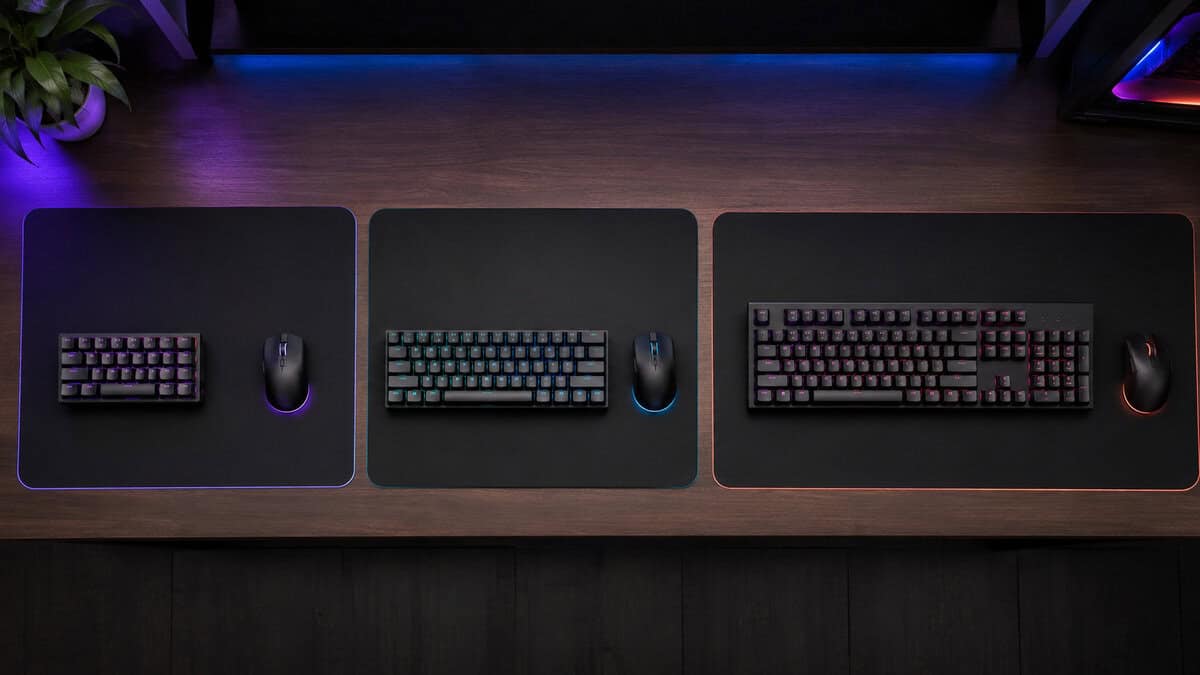
The best 40% keyboard can either make sense or fall apart. The layout’s strengths show up in some games. Its weaknesses show up in others, and streamers feel those weaknesses fast.
FPS feels more natural than MMO
For FPS gaming, a 40% board can be workable once your layout is settled. Your left hand stays in a tighter area, your desk has more mouse room, and the reduced footprint can make a setup feel cleaner and less cramped. If your most-used actions fit comfortably on the base layer, the board can stay out of your way.
The trouble starts when important actions move behind awkward layer holds. Weapon swaps, scoreboard checks, utility binds, or push-to-talk can all become clumsy if the board wasn’t mapped carefully.
For MMOs, strategy games, and keybind-heavy genres, the trade-off gets harsher. These games often expect many direct inputs. A 40% board can still work, but it asks you to manage more memory and more hand choreography. Some players enjoy that challenge. Many don’t.
Streaming adds another layer problem
Streaming creates a second workload on top of gaming. Even if your in-game controls are fine, you still need reliable access to scene changes, mute toggles, clip commands, overlays, or chat shortcuts.
That’s where a 40% keyboard can feel overloaded. Layer-based controls are possible, but they aren’t always forgiving under pressure. Missing a stream hotkey because you forgot a layer is more annoying than missing one while typing.
A compact board can still be useful in streaming setups if you keep keyboard-based controls minimal and shift repeated stream actions elsewhere. If you expect the keyboard alone to handle everything, a 40% layout usually becomes more work than value.
A 40% board rewards repeatable habits. It punishes panic inputs.
Comfort is a long-term issue, not just a first-week issue
There’s also an ergonomic trade-off people skip. Some users report finger and hand strain when switching back to standard layouts after long stretches on an ortholinear 40% board, which shows how significant the muscle-memory adjustment can be. That matters if you bounce between devices, use a laptop for school or work, or share setups.
So the gaming verdict is mixed, and that’s the honest one:
- Best fit: FPS players with stable keybind needs and a strong preference for compact setups.
- Questionable fit: Streamers who rely on many keyboard shortcuts during live sessions.
- Weak fit: MMO and strategy players who need lots of direct access without extra mental overhead.
The performance upside is real when the layout matches the task. The performance penalty is real when it doesn’t.
Smart Buying and Modding Recommendations
Buy a 40% board with the assumption that you will need to change it. That is normal. The mistake is treating every possible mod like a good investment.
A small layout puts more pressure on the basics than a larger board does. Key feel, firmware, and build quality affect daily use far more than cosmetic extras, because this format already asks you to adapt. If the board ships with weak remapping support or a flimsy case, no desk mat or artisan cap is going to make it feel like money well spent.
Where your money helps
Spend first on the parts that reduce friction during the learning curve.
- Switches: Pick a switch that matches how you press keys under stress, not just what sounds nice in a typing test. If you want a starting point, this guide to tactile switches for gaming and typing is useful because switch weight and bump shape change how confident the board feels on layers.
- Firmware and remapping: Good remapping support matters more on a 40% than on almost any other layout. You need fast access to layers, tap-hold behavior, and the ability to move keys around until the board fits your habits.
- Case, plate, and keycaps: Durable parts matter because a 40% tends to be a long adaptation project. Cheap caps with muddy legends and a hollow case get old fast when you are relying on memory and repeated practice.
Hot-swap support is also a smart value feature. It lets you correct a bad switch choice without replacing the whole board.
Where to stop
Set a limit before you start buying parts.
Custom keyboard spending climbs fast, and 40% boards make it easy to justify one more tweak because the layout never feels perfect on day one. That can be fun if the hobby side is the point. It is poor value if your real goal is a reliable gaming or streaming board that does not fight you every week.
Cosmetic upgrades are usually the first place to waste money. Fancy cables, novelty caps, and themed accents do nothing for a confusing layer map or a case that flexes. Put your budget into a board with solid remapping, decent construction, and switches you can live with for long sessions.
The practical approach is simple. Buy the strongest stock platform you can afford, make one or two changes that improve comfort or control, then stop. If you still feel the urge to keep modding, treat that as a separate hobby expense, not part of the keyboard’s value.
Frequently Asked Questions About 40% Keyboards
Common questions about living with a 40% keyboard.
Can I use normal keycap sets on a 40% keyboard?
Sometimes, but not always. Many 40% boards use non-standard key sizes or unusual bottom-row layouts. Check the layout before buying caps. This matters more here than on common full-size or tenkeyless boards.
Is ortholinear easier to learn than staggered?
Not automatically. Some people like the straight columns because finger paths feel more deliberate. Others adapt faster to staggered because it matches what they’ve used for years. If you’re unsure, lean toward familiarity over novelty.
Are 40% keyboards good for gaming?
They can be, but only for certain styles. FPS players usually have the clearest path because their most-used inputs can stay compact. MMO and macro-heavy players face more friction.
How long does it take to get used to one?
It varies too much to promise a clean timeline. What matters is consistency. If you switch back and forth between layouts constantly, adaptation usually gets harder.
What’s the safest way to try this format?
Buy for durability, hot-swap support, and remapping flexibility. If you’re still unsure, a compact board with more dedicated keys is usually the safer experiment.
If you’re building a setup that needs to perform without wasting money, Budget Loadout is worth bookmarking. It focuses on gaming and streaming gear that delivers solid value, explains trade-offs, and helps you avoid the kind of purchases that look good on a spec sheet but get annoying in daily use.
Related Articles