You’re probably in the same spot a lot of builders hit with AM5. You’ve picked a Ryzen CPU, opened a few motherboard tabs, and now every board looks “premium” until you notice the feature list is packed with things you may never use.
That’s where overspending frequently occurs.
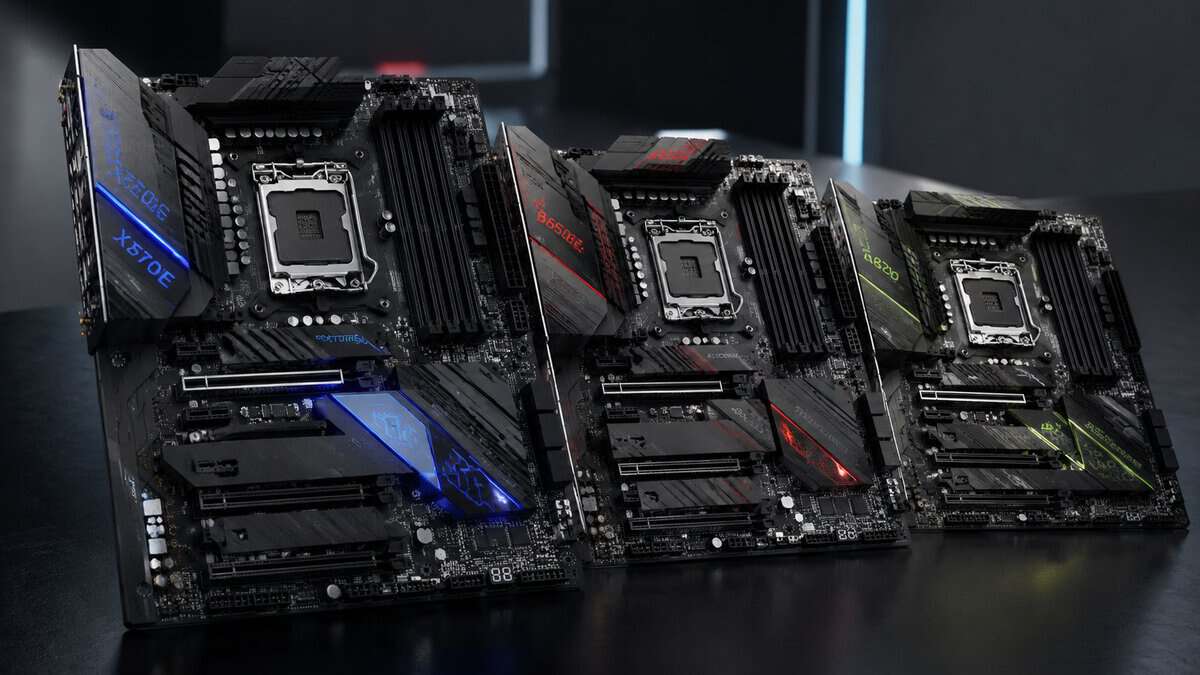
The best AM5 motherboard usually isn’t the board with the longest spec sheet. It’s the one that gives you stable power delivery, solid BIOS support, the right storage layout, and enough upgrade headroom that you won’t regret it when you swap CPUs later. For a budget-conscious gamer, that matters more than paying extra for chipset branding or extra PCIe bandwidth that won’t change your frame rates.
Long-term value is the primary filter. If you mostly play competitive FPS games, MMOs, or stream on the side, some AM5 boards are worth the premium. Others are just expensive ways to buy features you won’t notice. The smart buy is the board that stays reliable for years, handles a future CPU upgrade, and leaves room in the budget for parts that genuinely move performance.
- Strong VRM and cooling for the price
- Wi-Fi 6E, 2.5GbE, and a clean rear-IO layout
- Roomy upgrade path for future Ryzen CPUs
- B650 caps you at one PCIe 5.0 M.2 slot
- No PCIe 5.0 graphics slot
- Pricier than bare-bones B650 boards
- Excellent price for a capable B650 board
- Q-Flash Plus for easy CPU compatibility
- Solid power delivery for mid-range Ryzen
- Basic VRM, not built for heavy overclocking
- Fewer rear USB ports than pricier boards
- Basic heatsink aesthetics
- X870E gives the most lanes and USB4 for expansion
- PCIe 5.0 GPU and Gen5 M.2 future-proofing
- Wi-Fi 7 and 5GbE for heavy networking
- Overkill for a basic single-GPU build
- Newer release with a short review history
- Costs more than a value B650 board
- Full feature set in a micro-ATX footprint
- Wi-Fi 6E and 2.5GbE at a low price
- BIOS Flashback and a strong M.2 slot
- VRM is good, not enthusiast-grade
- Fewer fan headers than full ATX
- Tight layout in very small cases
- The best AM5 motherboard is not the most expensive one, it is the board whose chipset and features match your actual build.
- B650 and B650M boards are the value sweet spot for most single-GPU gaming PCs; you rarely need an X-series board.
- MSI MAG B650 Tomahawk WiFi is the best all-round value: strong VRM, Wi-Fi 6E, and a clean upgrade path.
- GIGABYTE B650M D3HP AX (budget) and MSI PRO B650M-A WiFi (compact) cover tight budgets and small-form-factor builds.
- Step up to the MSI PRO X870E-S EVO WiFi only if you want PCIe 5.0, USB4, and maximum future expansion.
Table of Contents
Choosing Your AM5 Motherboard The Smart Way
AM5 can look messy at first. X670E, X670, B650E, B650, B850, X870E. The names make it sound like every step up provides a huge jump in gaming performance. In practice, that’s not how this platform works.
What matters first is this. AM5 has matured fast. The platform, introduced in late 2022, grew from around 12 to 15% of new motherboard sales in early 2023 to an estimated 35 to 40% by late 2024, driven largely by wider B650 availability that made PCIe 5.0 and DDR5 easier to access for value-focused builds, according to AMD’s AM5 chipset platform overview.
That growth tells you something useful as a buyer. The market didn’t move because everyone suddenly needed flagship boards. It moved because mainstream boards got good enough.
Choosing the best AM5 motherboard starts with your use case
A smart AM5 choice usually comes down to four questions:
- What CPU are you pairing with it. A mid-range gaming chip doesn’t need an oversized board just to feel “balanced.”
- How many drives and add-in cards will you use. One GPU and one or two NVMe drives fits comfortably on a lot of boards.
- Will you upgrade CPUs later. If yes, build quality and VRM cooling matter more than flashy extras.
- Do you need convenience features like Wi-Fi, BIOS Flashback, or better rear USB for streaming gear.
Practical rule: Buy for the system you’ll use over the next few years, not for a fantasy build that adds every feature box.
If you’re still sorting out the whole parts list, a solid gaming PC build guide for first-time and value-focused builders helps put the motherboard choice in context. It’s easier to judge a board when you know the rest of the build.
Understanding AM5 Chipsets Without The Hype
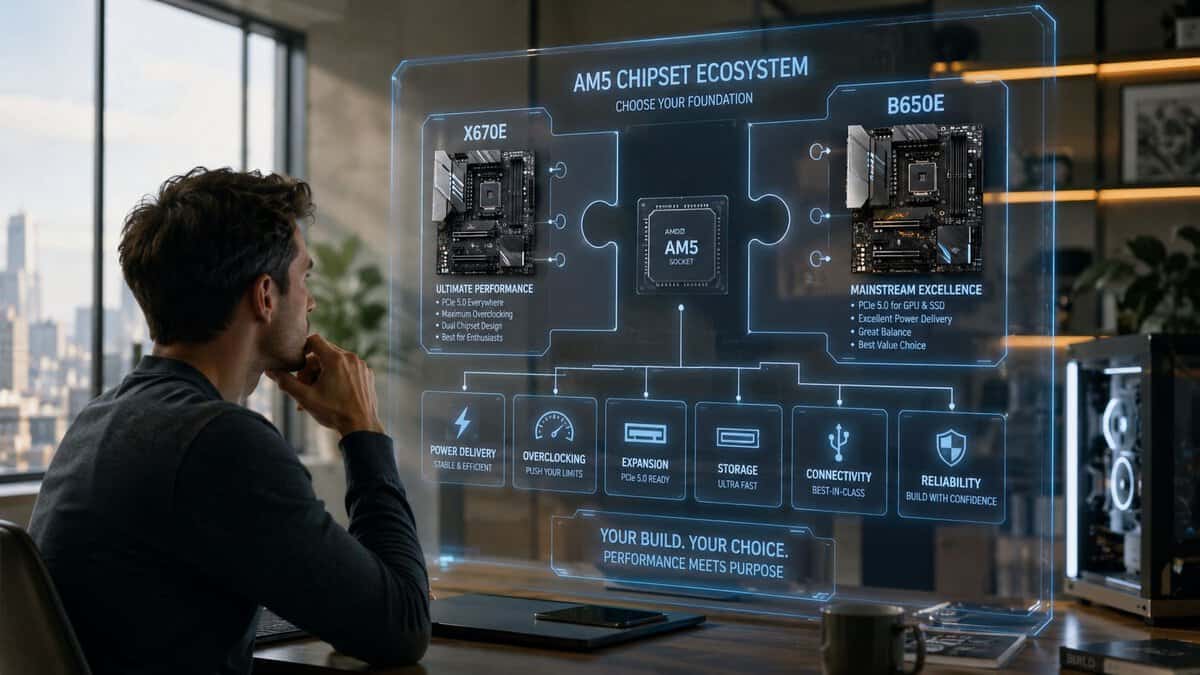
Most gamers don’t need to think about AM5 chipsets as a ladder where every higher model means more speed. Think of them as connectivity tiers. The higher-end options mostly buy you more lanes, more ports, and more expansion flexibility.
Here’s the quick view.
| Chipset | PCIe 5.0 for GPU | PCIe 5.0 for NVMe | Typical Price Tier | Best Use Case |
|---|---|---|---|---|
| B650 | Usually no practical need to prioritize it for most gamers | Often one slot, depending on board design | Lower mid-range | Best value for single-GPU gaming builds |
| B650E | Yes | Yes | Mid-range | Gamers who want stronger next-gen slot support without moving to X-series |
| X670 | Varies by board | Yes on many boards | Upper mid-range | Builders who want more connectivity and storage flexibility |
| X670E | Yes | Yes | High-end | Heavy expansion, multiple devices, creator or workstation-leaning builds |
What the lane difference really means
The cleanest practical split is between B-series and X-series. X670E boards can offer up to 44 usable PCIe lanes, while B650 boards offer around 36 usable lanes, but that gap rarely matters for a gaming system with one GPU and one fast NVMe drive. In that kind of build, performance is nearly identical, and a B650 can cut motherboard cost by 30 to 50% compared with an X670E equivalent, based on this AM5 chipset comparison focused on lane and connectivity differences.
That’s the point most spec sheets hide. More bandwidth isn’t the same as more frame rate.
Where X-series actually makes sense
X-series boards earn their place when you know you need the extras:
- More expansion devices like capture cards, extra storage cards, or multiple high-bandwidth add-ins
- Heavier rear I/O needs for lots of USB devices
- More storage flexibility if you plan to load up several NVMe drives
- Higher-end board layouts and cooling that often come with premium designs
For a normal gaming rig, though, those benefits are often theoretical.
If your build is one graphics card, one fast SSD, and standard USB gear, B650 usually gives you the better deal.
Don’t confuse chipset tier with gaming speed
A lot of buyers assume they need the most advanced chipset because they’re already paying for DDR5. That’s where it helps to understand DDR4 vs. DDR5 for gaming and where the real gains show up. Memory platform matters. Chipset branding often matters less than board execution.
That last part is why two B650 boards can feel very different in long-term use. One may have weak cooling, awkward M.2 placement, or a stripped rear I/O panel. Another may be the best AM5 motherboard for a value gamer because it gets the fundamentals right and skips the fluff.
Key Features That Impact Performance And Durability
The chipset only tells you part of the story. Two boards with the same chipset can behave very differently once you start gaming for hours, enabling EXPO memory, or dropping in a stronger CPU later.
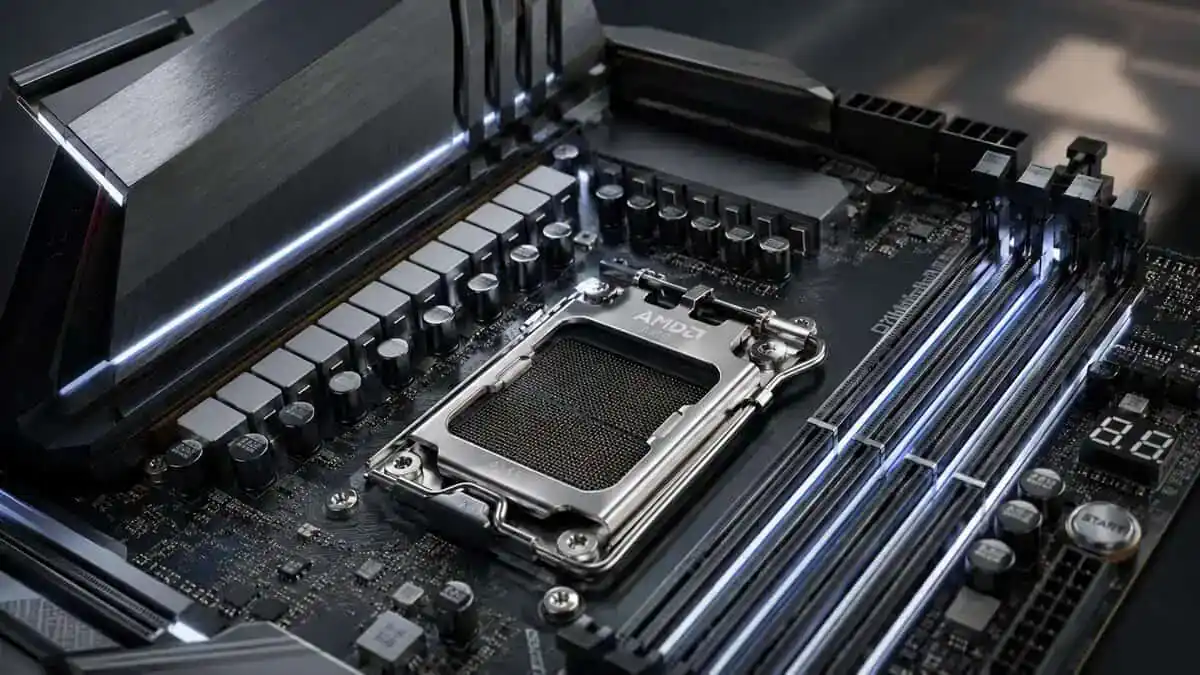
The biggest difference comes from build quality. Not just the PCB or heatsink size, but the parts that keep the CPU fed with stable power and the firmware that keeps the whole system predictable.
VRM quality matters more than the badge
The VRM is the motherboard’s power delivery system. A simple way to think about it is this. Your power supply sends electricity to the board, and the VRM cleans and manages that power before the CPU uses it. If the VRM is weak or runs too hot, the CPU can’t behave at its best under sustained load.
For gaming, expert analysis points to VRM quality and BIOS maturity as the primary practical differentiators. A well-designed B650 board with good power delivery can deliver better stability and boost behavior than a premium-chipset board with weaker execution, according to this AM5 motherboard analysis focused on platform behavior and value.
That’s why I’d rather buy a better-built B650 than a flashy X-series board with mediocre thermals.
What to check before you buy
Look for these features before you get distracted by branding:
- Strong VRM heatsinks that cover the power stages well
- BIOS Flashback so you can recover or update firmware without drama
- Good memory support for stable DDR5 EXPO operation
- M.2 heatsinks in sensible positions so your primary drive doesn’t bake under the GPU
- Rear I/O that matches your setup instead of forcing hubs and adapters
Buy the board that stays stable after three hours of gaming and streaming, not the one that looks best in a product photo.
Memory support and cooling still matter
AM5 means DDR5, so memory compatibility and BIOS tuning matter more than they used to on older platforms. Boards with mature BIOS support tend to be easier to live with. You set EXPO, test stability, and move on.
Cooling ties into this too. If you’re running a stronger CPU, your motherboard and cooler work together. A board with solid VRM cooling makes it easier for the CPU to hold steady clocks under long sessions, especially if you’re comparing AIO vs. air cooler options for a gaming build. Better motherboard thermals won’t replace CPU cooling, but they absolutely help with durability and long-session consistency.
Matching Your Motherboard To Your Gaming Needs
The right board depends on what you do at your desk. A competitive shooter player, an MMO grinder, and a new streamer can all end up with different priorities even if they’re using the same CPU family.
The competitive FPS gamer
This is the builder chasing stable clocks, low fuss, and clean responsiveness. They don’t need motherboard excess. They need a reliable board with good VRM cooling, solid BIOS support, and dependable networking.
For this profile, a quality B650 or B850 board usually makes the most sense. One fast primary SSD, one GPU, and a clean rear I/O layout is enough. The money saved is often better spent on the CPU or GPU, especially if you’re still deciding on the best CPU for gaming based on your target frame rates and game types.
The MMO and strategy player
This buyer often plays long sessions, uses more peripherals, and values stability over benchmark bragging rights. Keyboard, mouse, headset, DAC, webcam, controller, maybe a charging cable or two. Rear USB matters more here than another marketing-heavy storage slot.
Board design’s practicality manifests through its features. You want sturdy construction, sensible spacing, reliable firmware, and enough I/O that the system feels easy to live with over time.
The aspiring streamer
Streaming adds sustained CPU load, more USB devices, and sometimes expansion needs. The board doesn’t need to be expensive, but it should be well-built. Good VRMs, decent heatsinks, and a layout that doesn’t create thermal hotspots matter more here.
One good Gen 5 M.2 slot is enough for most gaming rigs. Benchmarks show fast Gen 4 NVMe drives already deliver most of the gaming load-time benefit, so many gamers can skip boards built around extra Gen 5 storage bandwidth and put the money somewhere more useful, as covered in this analysis of PCIe Gen 5 storage trade-offs for gamers.
For streamers, that “somewhere more useful” is often better cooling, more memory, or better audio gear.
Our Top AM5 Motherboard Recommendations
These picks focus on long-term value, not feature inflation. They’re the kinds of boards I’d point a friend toward if the goal is a stable gaming build now with room for a better CPU later.
Best Value B650 Motherboard
This is the kind of board that usually lands in the sweet spot for gamers who care about value without buying the bare minimum. It tends to offer the right mix of build quality, cooling, BIOS features, and connectivity without forcing you into a premium chipset.
Why it stands out:
- Balanced feature set for single-GPU gaming and streaming
- Strong reputation for practical layout and everyday usability
- Good fit for future CPU upgrades if you don’t want to replace the board too soon
Best budget AM5 board
If “budget” means smart spending rather than rock-bottom shopping, this is the kind of board worth watching. It cuts some luxury features, but it stays focused on the fundamentals that affect stability and long-term usefulness.
The board runs a 5+2+2 phase digital VRM that suits mid-range Ryzen chips rather than heavy overclocking, and Q-Flash Plus lets you update the BIOS from a USB drive without a CPU installed, which matters if you drop in a newer Ryzen 9000 chip later. Add two PCIe 4.0 M.2 slots, Wi-Fi 6E and 2.5GbE, and the essentials are covered.
For a value builder, that’s the right kind of compromise. Less fluff, useful headroom.
Best for streaming and future upgrades
If you know you want more expansion, stronger overall platform flexibility, and the option to grow into a more demanding setup, this is the class of board that starts to make sense. It’s not the default pick for everyone, but it’s easier to justify when the system will handle gaming, streaming, more storage, and possibly extra add-in hardware later.
It’s the board type for buyers who value:
- Heavier-duty expansion support
- More room for storage and USB growth
- A stronger long-term platform ceiling
Best compact value pick
Not everyone needs full ATX. A solid micro-ATX AM5 board can be the best AM5 motherboard for a tighter, cleaner build if it still gives you the right power delivery, at least one strong M.2 slot, and enough rear USB.
If you plan to tune your system later, it helps to understand how CPU overclocking works and what motherboard quality changes in practice. Even if you never manually overclock, a better board often handles automatic boost behavior more gracefully.
If you are staying on AM4 instead, see our best AM4 motherboard picks.
Common AM5 Motherboard Questions Answered
Is BIOS Flashback worth caring about?
Yes. It’s one of the most practical features on any modern board. If a BIOS update is needed for CPU compatibility or recovery, Flashback can save a lot of stress.
Do I need onboard Wi-Fi?
Only if you’ll use it. Wired Ethernet is still the cleaner choice for gaming when you have the option. Built-in Wi-Fi is mainly about convenience, flexible room placement, and avoiding an extra adapter.
Can I reuse an AM4 cooler on AM5?
Sometimes, yes, but it depends on the mounting hardware. Check the cooler manufacturer’s support details before buying the board. This is one of those small compatibility checks that prevents build-day frustration.
How long should a good B650 board last?
A good one should last through multiple CPU and storage upgrades if you buy carefully. AM5 is expected to remain relevant through at least 2028, which makes motherboard durability, VRM headroom, and practical feature selection far more important than buying the most expensive chipset badge, based on Tom’s Hardware’s AM5 motherboard outlook and lifecycle discussion.
That’s the main takeaway. Buy the board that will still make sense after your next upgrade, not just the one that looks best today.
If you’re building a gaming or streaming setup and want value-first advice without the usual hype, Budget Loadout is built for exactly that. It’s a practical resource for choosing the parts and gear that improve your experience, while helping you skip the overpriced extras that don’t.
Related Articles