Most advice on the best budget mouse for Marvel Rivals gets one thing wrong. It treats this like a generic gaming-mouse shopping problem.
It isn’t.
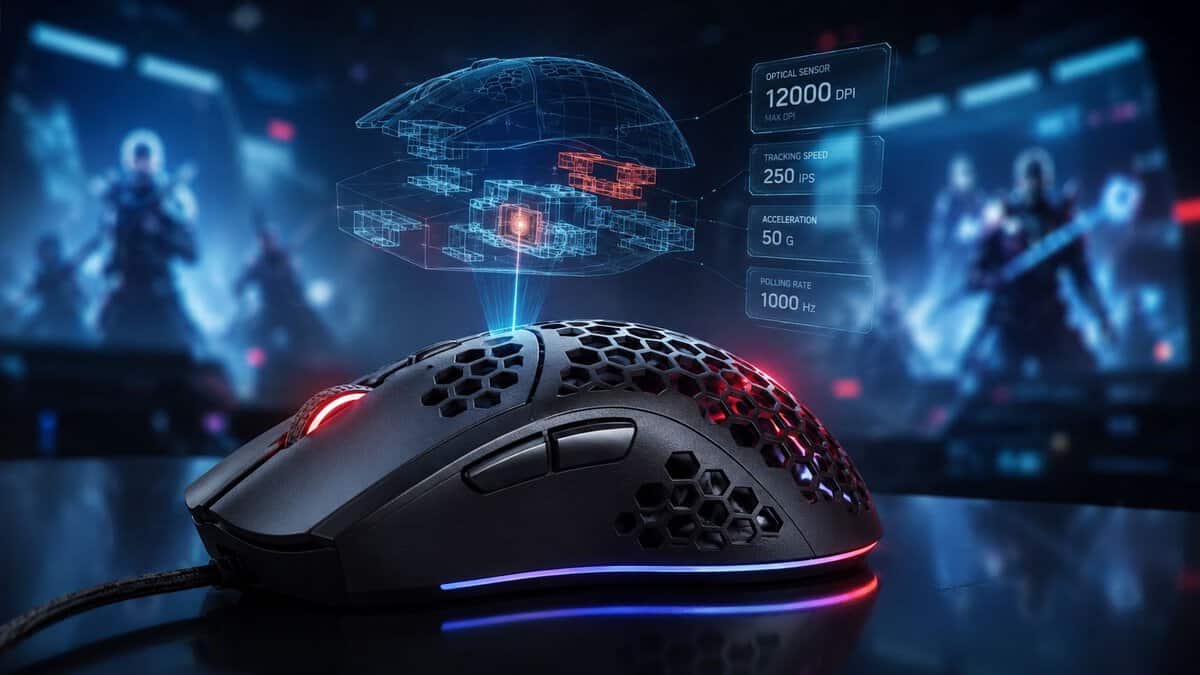
Marvel Rivals is a fast hero shooter with constant target swaps, vertical tracking, panic flicks, and ability timing that punishes sloppy input. That changes what matters. You don’t need a premium shell, a spec sheet stuffed with extras, or a mouse covered in side buttons. You need a shape you can control, a sensor that behaves, solid build quality, and settings that don’t introduce problems the game doesn’t need.
Cheap also isn’t the same as good value. Some low-cost mice feel fine for desktop use but fall apart under repeated swipes, mushy clicks, and long sessions. A good budget pick for Marvel Rivals should hold up for FPS play, still be usable for general PC work, and not feel like a compromise every time you have to snap from one target to another.
- Comfortable ergonomic shape for long sessions
- Crisp, consistent mechanical clicks
- Cheap and available almost everywhere
- Heavier than featherweight rivals
- Right-handed shape only
- Rubber cable instead of paracord
- No cord drag during fast flicks
- Excellent, proven HERO sensor
- Months of battery on one AA
- Heavier than newer lightweight mice
- Uses a AA battery, not rechargeable
- No onboard RGB
- Very light for fast tracking
- Dual wireless: 2.4 GHz and Bluetooth
- Comfortable, no-frills shape
- Core sensor is simpler than flagships
- Fewer programmable buttons
- Compact shape suits claw or fingertip grips
- A cheap mouse handles Marvel Rivals fine. Shape, click feel, and stable polling matter far more than DPI numbers or RGB.
- The Razer DeathAdder Essential is the safest value pick: a comfortable wired shape with crisp, reliable clicks.
- The Logitech G305 LIGHTSPEED brings clean wireless tracking and months of battery without the cord drag.
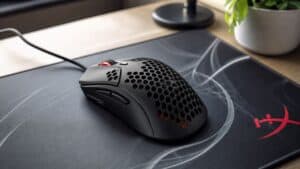
- The HyperX Pulsefire Haste 2 Core is the lightest option, ideal if you want the mouse to vanish in hand during fast fights.
- Match the mouse to your grip and hand size first. A controllable shape beats a spec sheet every time.
Table of Contents
You Do Not Need a Pro-Grade Mouse for Marvel Rivals
A lot of players overspend here because they assume competitive games demand flagship gear. For Marvel Rivals, that’s backward. The smart buy is the mouse that gets the basics right and skips fluff.
Budget mice have improved enough that the old “cheap means bad sensor, bad weight, bad latency” rule doesn’t hold up the way it used to. You can get responsive tracking and a shape that works for fast aim without paying for premium branding or features you’ll never touch in a match. If you’re weighing wireless value options, this roundup of the best wireless mouse under $50 is a useful starting point.
What matters most in actual matches is simple:
- Reliable movement: no weird tracking behavior when you make fast corrections.
- Manageable weight: lighter mice are easier to stop, start, and reposition in a hero shooter.
- Click consistency: left and right clicks need to stay sharp during repeated ability use and duels.
- Build quality: no creaking shell, no rattly buttons, no cable that fights your hand if you buy wired.
Practical rule: Buy for control, not for features.
For Marvel Rivals, the most expensive mouse often gives you things that barely matter. Extra RGB doesn’t help tracking. A pile of side buttons usually hurts grip more than it helps. Exotic materials don’t fix a bad shape. The right budget mouse can absolutely be enough for ranked play if it feels stable in hand and responds the same way every time you swipe.
That’s the ultimate target. Not the cheapest mouse on the shelf. The one that gives you the best performance per dollar and doesn’t introduce avoidable problems.
Mouse Specs That Actually Matter for Marvel Rivals
Marvel Rivals does not reward shopping by spec sheet. It rewards a mouse that stays predictable when you flick from a flying target to a close-range duel, then correct again half a second later.
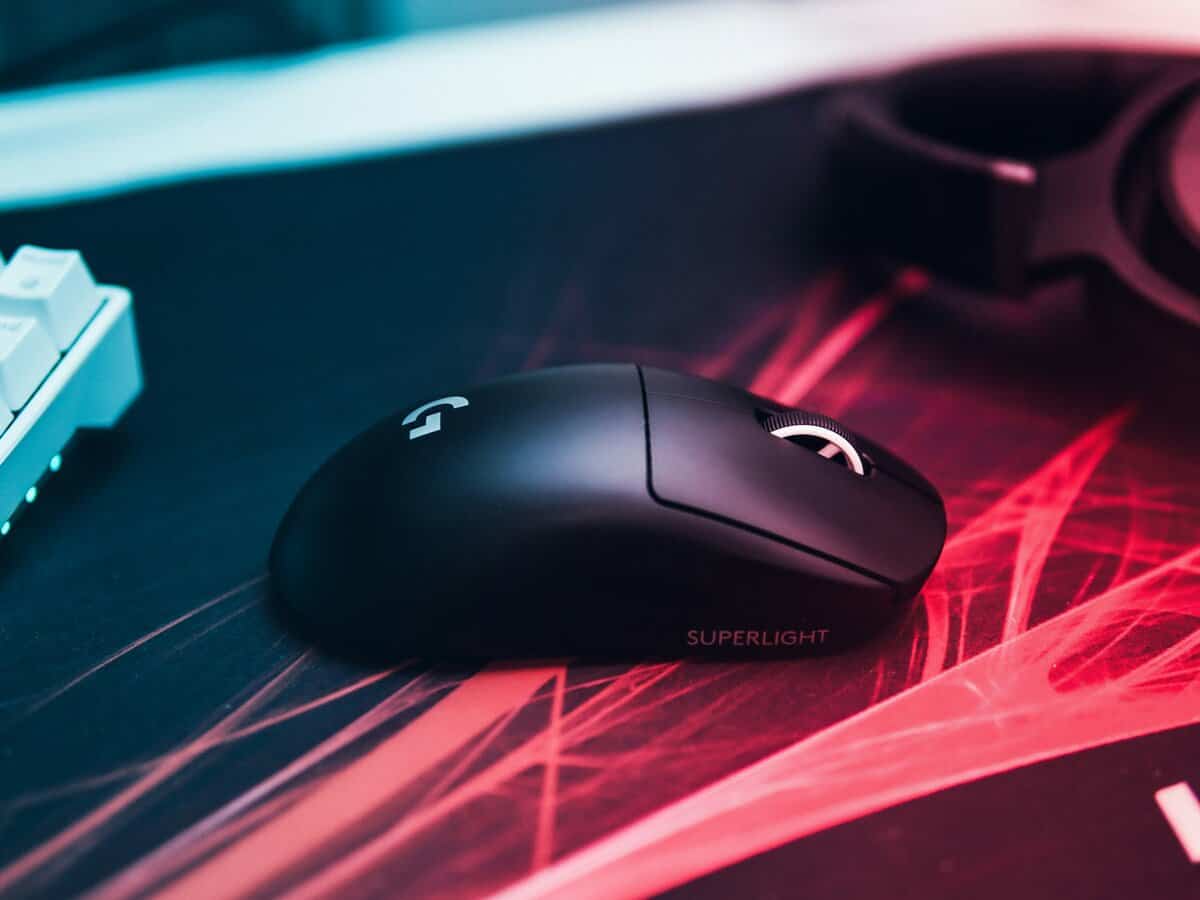
Sensor behavior matters more than headline DPI
Start with sensor consistency. For Marvel Rivals, that means clean tracking during short flicks, fast horizontal swipes, and tiny corrections while a target changes height or movement pattern. A modern optical sensor is still the safe pick for this kind of aim. If you’re comparing sensor types, Budget Loadout’s breakdown of optical vs laser mouse differences explains why optical remains the better fit for competitive shooters.
High DPI ceilings look good on the box and barely matter in play. What matters is whether the mouse feels the same on every swipe at the sensitivity you use. Cheap mice usually fail here before they fail anywhere else. You feel it as jitter on micro-adjustments, spin-out on fast turns, or small tracking weirdness that makes you second-guess your hand.
That is a bigger problem in Marvel Rivals than in slower shooters. The game asks for constant aim correction, not just one clean flick.
Weight affects both speed and recovery
Weight changes how quickly you can start, stop, and reset your mouse after each engagement. In Marvel Rivals, recovery matters almost as much as raw speed because fights rarely end after one target. You often finish a duel, snap to a support, then drag back to a diver pushing your backline.
Lighter mice usually make that sequence easier. They also reduce fatigue during longer sessions, especially for claw and fingertip players who make frequent lift-offs and sharp direction changes. But lower weight is only useful if the shape still gives you control. A mouse that is very light but awkward in the hand will feel worse than a slightly heavier one with better support.
A few rules I use when testing budget mice:
- Fast claw or fingertip grip: lower weight usually helps with quick corrections and repeat flicks.
- Palm grip: shape and rear support matter more than chasing the lowest number.
- Mixed gaming and work use: moderate weight can feel steadier, but overly heavy mice slow repositioning and make repeated resets more tiring.
Polling rate matters only if it stays stable
This is the spec generic guides get wrong. Polling rate is not just a bigger-is-better number. In Marvel Rivals, stability matters more than chasing the highest setting your mouse software offers.
If a mouse can hold a clean, consistent 1000 Hz connection, that is enough for most players. That gives you low input delay without adding another variable to troubleshoot. Higher polling options can help on the right hardware, but only if your system stays smooth and the game behaves properly with it. If performance gets inconsistent, the upgrade stops being an upgrade.
For this game, that trade-off is worth paying attention to. Marvel Rivals is already visually busy, ability-heavy, and sensitive to small frame-time problems. A budget mouse with stable polling and reliable firmware is more useful than one built around an extreme headline feature.
Click feel and button layout affect real fights
Main clicks need to reset cleanly and feel consistent under repeated use. In a hero shooter, that matters for more than firing. You are weaving primary fire, movement, cooldowns, and target switches together. Mushy clicks or uneven tension can throw off timing, especially on characters that reward quick burst damage or rapid follow-up shots.
Side buttons matter too, but only if they do not interfere with grip. One or two well-placed side buttons are enough for push-to-talk, melee, or a utility bind. More buttons often create a wider shell or force your thumb into a worse position. That trade is rarely worth it for Marvel Rivals.
Build quality decides whether a budget pick stays good
A budget mouse is only a value pick if it still feels solid after months of use. The weak points are usually easy to spot early. Shell flex, rattling buttons, bad skates, and a stiff cable on wired models all show up in aim before they show up in a product description.
Check these before you buy, or at least during the return window:
- Shell rigidity: the body should not flex under normal grip pressure.
- Click consistency: both main buttons should feel even, not hollow or mushy.
- Side-button placement: easy to reach without shifting your thumb too far.
- Cable behavior on wired mice: it should move freely and not tug against your hand.
- Mouse feet: smooth glide helps more than flashy extras ever will.
For Marvel Rivals, the best budget spec set is simple. You want stable tracking, sensible weight, reliable polling, crisp clicks, and a shape you can control for hours. Everything else is secondary.
Top Budget Mice for Marvel Rivals in 2026
A cheap mouse can absolutely hold up in Marvel Rivals. The key is buying for how the game feels, not for feature lists that matter more on a store page than in a fight.
Marvel Rivals forces constant small corrections. You track a flying target, snap to a flank, then settle back onto a low-health enemy before they escape. Budget mice can handle that just fine if the shape is controllable, the clicks stay consistent, and the polling rate holds steady instead of getting erratic under fast movement.
Marvel Rivals Budget Mouse Comparison
| Model | Weight | Sensor | Connectivity | Best For |
|---|---|---|---|---|
| Razer DeathAdder Essential | ~96 g | 6,400 DPI optical | Wired | Best overall value and comfort |
| Logitech G305 LIGHTSPEED | ~99 g | HERO 12K | Wireless | Best budget wireless |
| HyperX Pulsefire Haste 2 Core | ~61 g | HyperX optical | Wireless | Lightest for fast tracking |
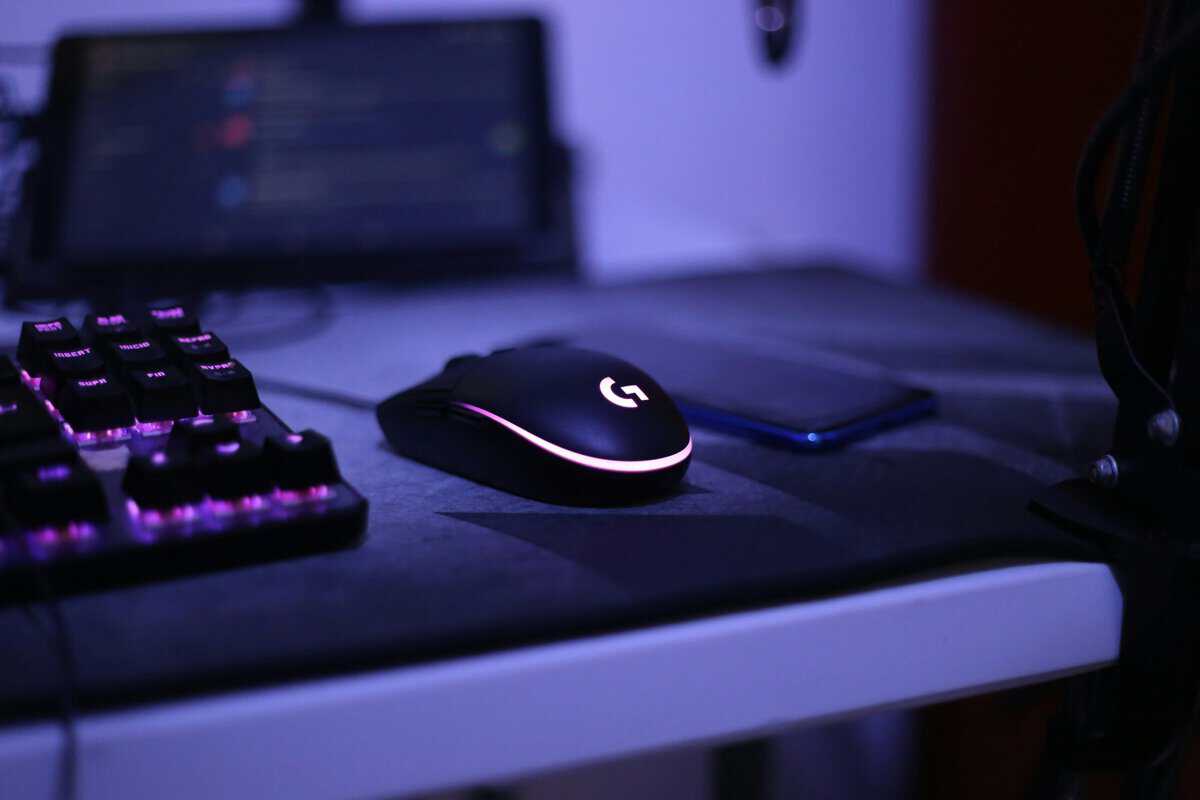
If you want more options in this price range, Budget Loadout keeps a practical roundup of the best gaming mouse under 50.
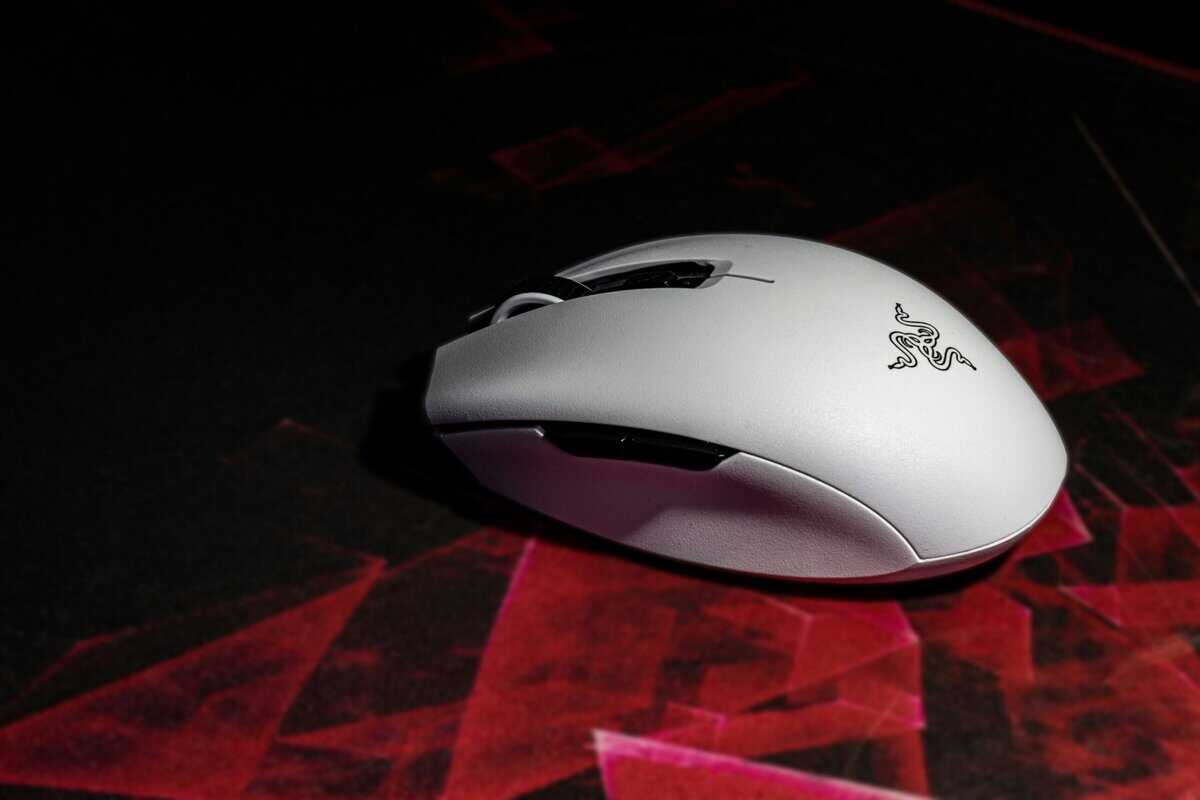
Razer DeathAdder Essential for straightforward FPS value
The DeathAdder Essential is the easy recommendation for players who want a low-risk budget pick. It has the kind of simple shape and direct click feel that works well in hero shooters, especially if you value control over novelty.
For Marvel Rivals, that matters more than RGB zones or extra side buttons. The DeathAdder Essential is good at the boring stuff that wins fights. Fast left-click timing, predictable movement, and a shell that does not get in your way.
It fits best if you:
- Want a low-cost wired mouse that just works
- Use claw or fingertip grip
- Play a mix of shooters and everyday PC use
- Prefer a smaller mouse that feels quick in hand
The trade-off is shape. If you have larger hands or like full palm support, it can feel a little short and narrow over long sessions. Wired also means cable management matters more. If your cable drags across the desk, the mouse feels worse than its price suggests.
HyperX Pulsefire Haste 2 Core for low-weight control
The Pulsefire Haste 2 Core is the stronger pick for players who notice mouse weight immediately. It feels lighter in fast horizontal swipes, easier to recenter after a missed burst, and less tiring across long sessions.
That shows up in Marvel Rivals more than many players expect. Heroes with frequent target swaps punish a mouse that feels sluggish on the pad. A lighter shell helps when you need to snap from one angle to another, then stop cleanly enough to stay on target instead of overflicking.
I usually point budget FPS players toward this type of mouse if they already know they like quick hand movement.
Choose it if you:
- Play mostly shooters
- Use claw or fingertip grip
- Want low resistance on flicks and tracking
- Care more about movement feel than extra features
The downside is simple. Some players aim better with a little more substance in the hand. If your grip is relaxed and full-handed, ultralight mice can feel less planted, especially in tense fights where steadiness matters as much as raw speed.
Logitech G305 for affordable wireless play
The G305 makes sense for one specific kind of player. You hate cable drag enough that it changes how you aim.
That is a real advantage in Marvel Rivals, not a luxury. If a wired cable catches during a fast turn or adds tension during small tracking corrections, your aim gets less consistent. Wireless removes that variable. For some setups, especially smaller desks or shared spaces, that matters more than shaving a few grams.
The G305 is a smart fit if you:
- Want wireless without spending much
- Move your setup often
- Use one mouse for gaming and general PC work
- Care more about desk freedom than lowest possible weight
The trade-off is that budget wireless usually does not feel as light or as maintenance-free as a simple wired mouse. Battery weight changes the balance, and batteries are one more thing to manage. If you want the least mass possible for repeated flicks, a wired lightweight model still has the edge.
If cable friction keeps showing up in your aim, wireless is not a luxury upgrade. It is a practical fix.
Which one should most players buy
For most players, the safest choice is the DeathAdder Essential. It covers the basics well and usually asks for the fewest compromises.
Pick the Pulsefire Haste 2 Core if lower weight is the main goal and you want the mouse to disappear in hand during fast fights. Pick the G305 if your setup benefits more from wireless freedom than from the lightest possible shell.
If you are stuck between two good budget options, use Marvel Rivals as the tiebreaker. Ask which mouse will stay stable during rapid target swaps, repeated click bursts, and long sessions without making your grip worse. That is a better buying filter than any marketing spec sheet.
How Your Grip Style Affects Your Mouse Choice
A mouse can have solid specs and still feel wrong the moment a match gets hectic. Grip style is why.
If you’re coming from a larger office mouse or you know hand comfort is your main issue, this guide to the best ergonomic gaming mouse is worth a look.
Palm grip
Palm grip means most of your hand rests on the shell. This style usually favors a fuller mouse with enough rear support to keep the hand relaxed.
For Marvel Rivals, palm grip can feel steady in tracking-heavy fights, but a mouse that’s too bulky can slow rapid corrections. If you use palm grip, prioritize shape and support before chasing the absolute lowest weight.
Claw grip
Claw grip keeps the back of the palm closer to the mouse while the fingers arch. This is one of the most versatile grips for hero shooters because it balances stability with quick click and flick control.
Players with claw grip often do well with medium-size shapes that don’t feel too long. If the mouse is too flat, your hand can tense up. If it’s too wide, your micro-adjustments get sloppier.
Fingertip grip
Fingertip grip means your fingers control most of the movement and the palm barely touches the mouse. This usually pairs best with a smaller, lighter body that feels easy to reposition.
That can work very well in Marvel Rivals, especially when you need fast vertical corrections or frequent target switching. The downside is comfort over long sessions. A shape that’s too narrow or too low-quality in the shell can feel fatiguing faster.
A good grip match improves aim more than a few extra features ever will.
How to identify your natural grip
Don’t overthink it. Queue into a match, play normally, then pause and look at your hand.
- If your palm lies flat on the shell, you’re probably palm gripping.
- If your fingers are arched and your palm touches lightly, you’re likely claw gripping.
- If your palm barely contacts the mouse, you’re using fingertip grip.
The best budget mouse for Marvel Rivals is usually the one that lets your natural grip happen without forcing your hand into a weird position. If you have to “adapt” to a mouse every session, it probably isn’t the right one.
Essential Mouse Setup Tips for Marvel Rivals
Good hardware does not save a messy setup. In Marvel Rivals, bad mouse settings show up fast because the game constantly asks for two different things at once. You need clean tracking during sustained fights and sharp corrections when a target dashes, flies, or cuts across your screen.
Build one repeatable sensitivity
Start with one DPI setting and leave it alone. Swapping DPI profiles sounds useful, but for most players it just adds another variable and makes muscle memory worse.
A simple process works best:
- Choose one DPI setting and keep it fixed.
- Lower your in-game sensitivity until tracking feels controlled instead of twitchy.
- Test both long turns and small corrections in the same match or training session.
- Adjust in small steps, not huge jumps.
If your crosshair keeps skipping past targets, lower sensitivity before you blame the mouse.
Set polling rate for stability, not bragging rights
This matters more in Marvel Rivals than a lot of generic mouse guides admit. Very high polling options can look better on a spec sheet, but this game plays better with stable input than with extreme numbers that may add stutter or uneven frame pacing on some systems.
For that reason, 1000 Hz is the safe default. If your mouse offers higher polling rates, test them carefully before committing. If aim feels less consistent, menus feel odd, or performance gets rough during fights, go back to 1000 Hz and keep it there. In a hero shooter, stable input beats headline specs every time.
Keep your software profile simple
Use your mouse software for the basics, then stop tinkering.
- Save one main DPI setting
- Set polling rate once
- Bind one or two side buttons you use
- Store settings onboard if your mouse supports it
- Turn off extras you do not need, like aggressive lighting effects
That is enough for most players. Marvel Rivals is not a game where stuffing every ability or ping onto the mouse suddenly improves your mechanics. Too many side binds often make the shape feel worse in hand, especially during quick lifts and resets.
Your pad matters too. A worn or muddy surface can make a decent budget mouse feel inconsistent, especially if you play at lower sensitivity. If you need to fix that part of the setup, this guide to choosing a gaming mouse pad for stable tracking and flicks is a useful place to start.
Remove variables before you buy new gear
A lot of players chase upgrades when the real problem is inconsistent settings. Keep one sensitivity, one polling rate, one set of key binds, and a surface that does not fight your mouse.
That gives you a clean baseline. Once your setup stops changing every few matches, it gets much easier to tell whether your aim issue is your settings, your mouse shape, or just a bad session.
Building out the rest of the setup? See our guides to budget keyboards for Marvel Rivals, budget monitors for Marvel Rivals and budget headsets for Marvel Rivals.
Frequently Asked Questions About Your Mouse Setup
Is a budget wireless mouse fast enough for Marvel Rivals?
Yes, if it is an actual gaming mouse with stable wireless performance.
For Marvel Rivals, the key question is not whether the box promises a high polling rate. It is whether the mouse holds that rate consistently during real matches, with ability spam, fast camera swings, and quick lift-offs. A decent budget wireless model can handle that. A cheap office mouse usually cannot, even if it feels fine for browsing or slower games.
Do I need an expensive mouse pad?
No.
You need a pad with a surface that stays consistent from one swipe to the next and enough space for your sensitivity. In practice, a bad pad creates more tracking friction than a decent budget mouse. If your aim feels different between the center and edges of the pad, fix that before blaming the mouse.
How many extra buttons are useful in Marvel Rivals?
One or two side buttons is enough for most players.
That gives you room for melee, push-to-talk, or a utility bind without turning the mouse into a bulky brick. In a fast hero shooter, shape and control matter more than loading every command onto your thumb. More buttons help in MMOs or productivity use. They rarely help your raw aim or movement here.
Should I buy the lightest mouse possible?
Lower weight helps, but only if the shape still fits your hand and the shell stays solid.
I have used lightweight budget mice that felt quick for flicks but got annoying during longer sessions because the sides flexed or the clicks felt loose. For Marvel Rivals, that trade-off matters. You want a mouse that starts and stops cleanly, tracks without hiccups, and still feels planted when fights get messy. Chasing the lowest possible weight on the spec sheet is usually a mistake.
If you’re upgrading your setup piece by piece, Budget Loadout publishes practical guides on budget mice, pads, keyboards, and streaming gear with a focus on value, durability, and real-world use instead of spec-sheet hype.
Related Articles