The usual advice around Marvel Rivals keyboards is upside down. A lot of it starts with premium magnetic-switch boards and works backward, as if you need top-shelf hardware before you can even think about improving your movement.
You don’t.
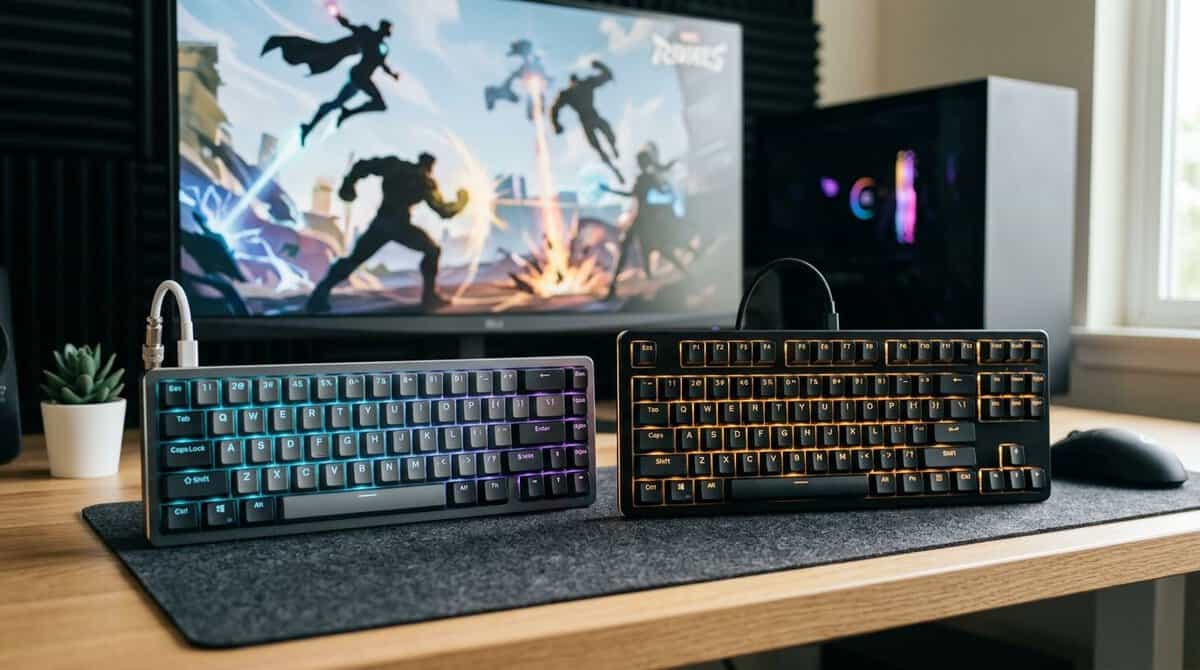
For most players, the best budget keyboard for Marvel Rivals is a solid mechanical board with clean input, dependable build quality, and the right layout for your desk. Hall effect is useful. It is not mandatory. If your current keyboard misses diagonal movement, feels mushy on quick strafes, or turns multi-key inputs into a mess, that matters far more than whether the box says “esports.”
- Pre-lubed linear switches, smooth out of the box
- Sound-dampened case without mods
- SOCD support for cleaner counter-strafing
- Rigid frame that stays planted mid-fight
- ABS keycaps rather than PBT
- Wired only
- iCUE software takes some setup
- Most affordable dependable entry point
- Whisper-quiet for shared spaces
- IP32 water and dust resistance
- Compact TKL footprint
- Quiet switches aren’t true mechanicals
- ABS keycaps
- Less crisp feedback for rapid double-taps
- True tactile mechanical switches
- Aluminum-alloy top case
- PBT keycaps resist shine
- Major-brand reliability and warranty
- White-only backlighting, no RGB
- No dedicated media keys
- Tactile feel isn’t for everyone in fast strafing
- Optical switches with fast actuation
- Snap Tap helps counter-strafing
- Maximum mouse room for low sensitivity
- PBT doubleshot keycaps on aluminum frame
- No arrow keys or F-row
- 60% layout has a learning curve
- Costs more than typical budget 60% boards
- Per-key adjustable actuation
- Rapid trigger for movement keys
- Rapid Tap and SOCD modes built in
- OLED display for on-board tuning
- Premium price within a budget guide
- More tuning depth than casual players need
- Gains are subtle until you adapt
- A reliable wired mechanical beats exotic features — stable input and a layout you trust win more fights in Marvel Rivals than spec-sheet extras.
- Best overall: the Corsair K70 CORE TKL pairs pre-lubed linears with a dampened, rigid build at a sane price.
- On a tight budget, the SteelSeries Apex 3 TKL is the cheapest dependable entry, and the Logitech G413 TKL SE adds true tactile switches one step up.
- Low-sensitivity players should try a 60% board — the Razer Huntsman Mini frees real mouse room, and Snap Tap sharpens counter-strafing.
- Hall effect is a luxury, not a requirement — the Apex Pro TKL Gen 3’s adjustable actuation and rapid trigger reward players who actually tune them.
Table of Contents
Finding the Right Keyboard for Marvel Rivals
Marvel Rivals puts more pressure on a keyboard than a slower tactical shooter. You’re constantly chaining movement, abilities, and quick directional corrections. That’s why cheap office boards fall apart here. They often feel fine for typing, but they don’t hold up when you’re pressing movement keys with modifiers and abilities at the same time.
A lot of current coverage leans hard into flagship magnetic-switch boards, but it rarely answers the core buyer question: do you need Hall effect, or will a well-chosen mechanical keyboard do the job? That gap matters because most budget players aren’t shopping for a lab experiment. They want reliable inputs, durable construction, and clear value per dollar. If you want broader buying criteria beyond this game, Budget Loadout’s guide to the best budget keyboard for gaming covers the basics well.
Here’s the short version. A good budget mechanical keyboard is enough for most Marvel Rivals players. A budget Hall effect board becomes worth it when you already know you care about ultra-fine movement tuning.
Top Budget Keyboards for Marvel Rivals 2026
| Model | Type | Best For | Key Feature |
|---|---|---|---|
| Corsair K70 CORE TKL | TKL mechanical | Best overall value if you want stronger speed-focused specs | High update rate focus |
| SteelSeries Apex 3 TKL | TKL budget gaming keyboard | Players who want a lower-cost entry point with a simpler layout | TKL form factor |
| Razer Huntsman Mini | 60% compact mechanical | Small desks, low-sensitivity aimers, cleaner mouse space | Optical switches with Snap Tap |
| Logitech G413 TKL SE | TKL budget mechanical | The most affordable dependable mechanical from a major brand | Tactile switches with aluminum top case |
| SteelSeries Apex Pro TKL Gen 3 | Magnetic Hall effect | Players chasing actuation tuning and rapid reset behavior | OmniPoint 3.0 adjustable actuation |
What separates a smart buy from a cheap buy
Some features matter every match. Others mostly look good in listings.
Input reliability: You need clean registration during movement-plus-ability presses.
Build quality: A rigid case or plate matters if you play hard and don’t want flex or rattly stabilizers getting worse over time.
Useful layout: TKL and compact boards leave more room for mouse movement, which helps in a hero shooter.
Switch behavior: Smooth, consistent switches beat flashy features you won’t tune.
Practical rule: Buy for movement consistency first, then for extras.
That’s the frame for the rest of this guide. Not cheapest. Not flashiest. Just the boards and features that make sense if you want competitive performance without wasting money.
Keyboard Specs That Actually Matter for Marvel Rivals
NetEase’s own settings guidance tells you more than most keyboard ads do. In Marvel Rivals, the developer recommends setting WASD to a 1.0 mm actuation point, Rapid Trigger sensitivity to 0.2 mm, and Space, Left Ctrl, and Left Shift to 2.0 mm in its Marvel Rivals keyboard settings guidance. That tells you two important things right away. First, movement keys benefit from short travel and fast reset. Second, not every key should be equally sensitive.
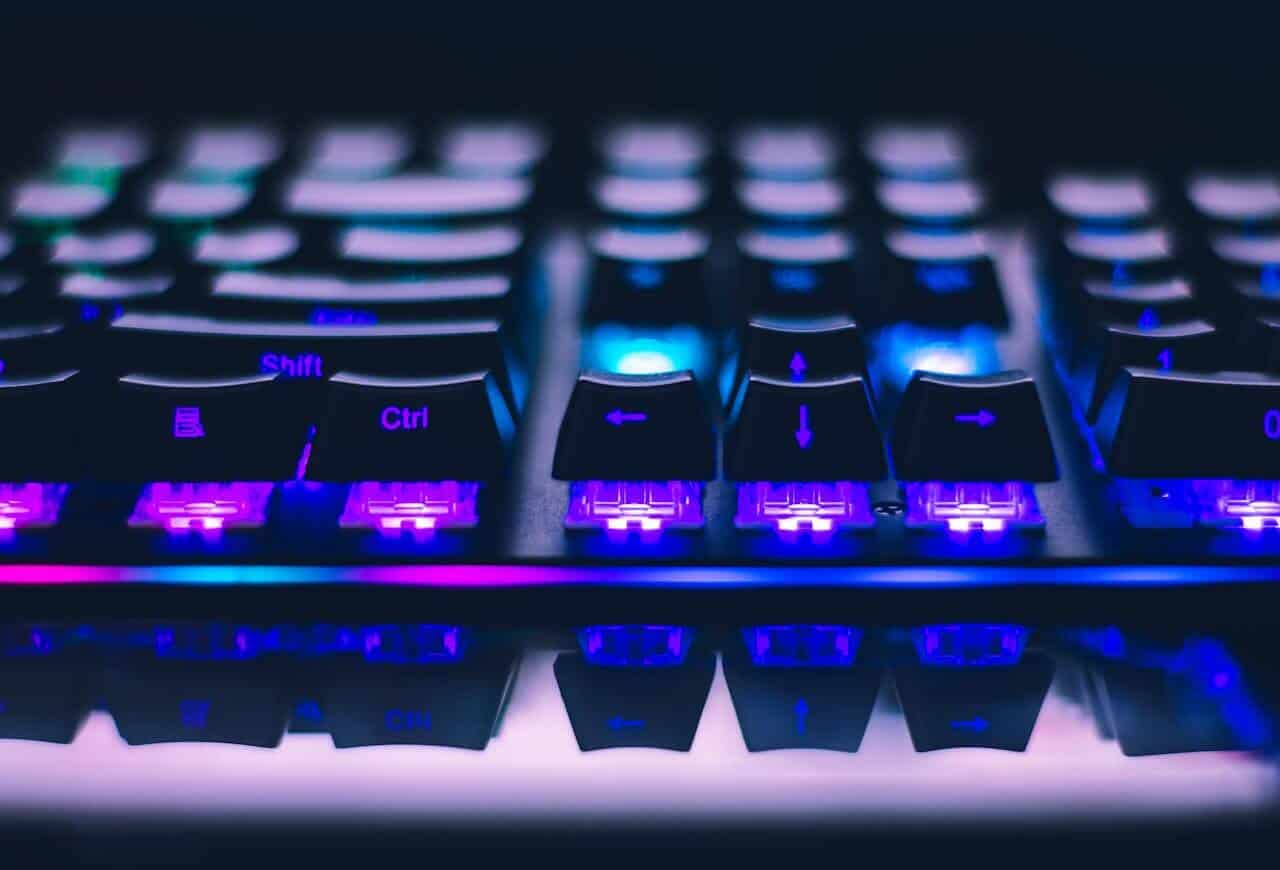
If you’re still choosing between basic switch types, this breakdown of mechanical vs membrane keyboard trade-offs is useful. For this game, membrane usually loses because the key feel and reset behavior are less consistent under fast movement.
Actuation matters more than branding
You don’t need a premium board to benefit from faster key response. You do need a keyboard that doesn’t feel sluggish when you feather A and D or stack movement with abilities.
That’s why these specs matter most:
Adjustable actuation or fast switches: Best if you want to fine-tune movement keys.
Stable wired performance: Better choice for players who care about consistency over convenience.
N-key rollover: Important when movement, crouch, jump, and abilities overlap.
No ghosting: Essential. If the keyboard drops inputs during chaotic fights, nothing else saves it.
Office keyboards usually fail here. They can type emails all day, but they’re a bad fit for fast peeking, strafing, and ability cancels.
Layout affects aim more than people admit
A compact board can improve comfort even before it improves speed. Less keyboard width means more mouse room, which matters if you play at lower sensitivity and use larger arm movements.
TKL is the safe middle ground. You keep a familiar layout, but you free up desk space. A 65% or 60% board pushes that further, which is great for pure FPS use, but there’s a trade-off. You lose dedicated keys, and function layers get more annoying if you also use the same setup for MMO keybinds, work, or streaming controls.
Compact layouts help most when your mouse hand feels cramped, not when you just want your setup to look cleaner.
Polling rate and latency are real, but context matters
The budget market has improved. Boards under $100 now commonly include 1,000 Hz polling, NKRO, and sometimes wireless features, while some budget-focused gaming models push well beyond that baseline. That doesn’t mean every player needs the highest number available. It means budget buyers can now care about latency and actuation instead of settling for whatever was cheapest.
For Marvel Rivals, the practical order is simple:
Get a keyboard that registers every intended input
Choose a layout that supports your aiming space
Prioritize switch feel and reset behavior
Treat extra speed features as upgrades, not requirements
That approach gets most of the competitive benefit without paying for marketing language you’ll never use.
Best Overall Budget Keyboard: A Mechanical Workhorse
The safest pick for most players is still a straightforward mechanical workhorse like the Corsair K70 CORE TKL — pre-lubed linear switches, sound dampening, and a rigid frame at a price that leaves room for a better mouse. Not the most feature-packed board. Not the one with the loudest spec sheet. Just a durable keyboard with stable input, solid construction, and a layout that makes sense for long sessions.
That’s why I favor a TKL or compact mechanical board with a rigid top plate, dependable stabilizers, and wired-first performance as the best overall value category for Marvel Rivals. It fits the widest range of players. Competitive enough for FPS use, practical enough for MMOs, and still manageable if you also stream or use your setup for school or work.
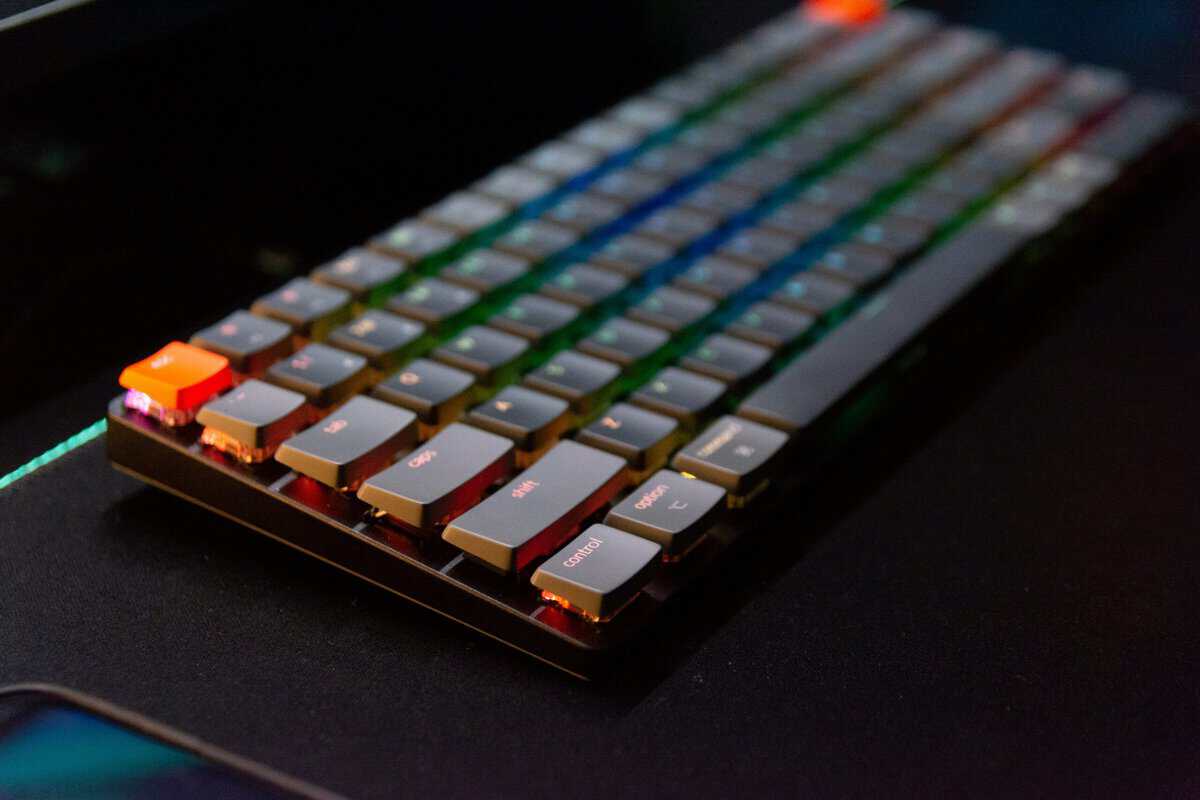
If you’re comparing models in that category, Budget Loadout’s roundup of best budget mechanical keyboards is a practical place to narrow down options by form factor and everyday usability.
Why this style of board works
Marvel Rivals rewards quick directional changes, but it doesn’t require exotic hardware to feel responsive. A conventional mechanical board with good linear switches or light tactiles handles the core job well if the implementation is clean.
The big strengths are simple:
Durability: Mechanical budget boards with metal plates or sturdy shells usually last longer than flimsy entry-level alternatives.
Consistency: Key feel stays more predictable across repeated gaming sessions.
Dual-purpose use: A normal mechanical layout works better for chat, productivity, MMOs, and streaming hotkeys than an ultra-minimal board for many people.
The trade-offs you should be honest about
This category isn’t perfect.
Clicky switches are a bad fit for most streamers and shared rooms. They’re louder, often fatiguing, and the sound gets picked up easily. Cheap ABS keycaps can also shine over time, and lower-cost stabilizers may rattle more than you’d like on larger keys.
There’s also a ceiling. A standard mechanical board usually won’t offer the same fine actuation control as a Hall effect model. If you’re the kind of player who tweaks movement settings obsessively and notices tiny differences in key travel, that limitation is real.
A good mechanical keyboard gets you most of the way there. The last bit of tuning is what costs extra.
For the average Marvel Rivals player, that’s a good trade. You get better build quality, reliable gaming performance, and fewer annoying compromises than a bargain-bin keyboard, without paying for features you may never use.
Best Compact and Wireless Budget Keyboards
Compact keyboards make more sense in Marvel Rivals than they do in a lot of other games. Mouse space matters. If you play low sensitivity, a smaller board can immediately make your setup feel less cramped.
That’s where compact options like the Razer Huntsman Mini earn their place. For Marvel Rivals specifically, actuation latency control matters, and compact budget boards in this class can still offer low-latency wired mode and N-key rollover, which matter more than decorative extras according to this compact keyboard buying guide for gaming.
If you’re considering cable-free setups in this price range, Budget Loadout’s guide to the best wireless gaming keyboard is worth reading because wireless quality varies a lot more than marketing suggests.
Compact wired boards for pure gameplay value
A compact wired keyboard is usually the sharper buy for Marvel Rivals. It gives you the space-saving benefit without introducing battery concerns or wireless interference variables. If you want to keep the budget tight, the SteelSeries Apex 3 TKL is the cheapest dependable entry point, and the Logitech G413 TKL SE steps you up to real tactile mechanical switches without leaving major-brand build quality.
Here’s where it fits best:
FPS-focused players: More room for wide mouse sweeps and aggressive desk angles.
Small desk setups: Easier to position alongside a large mouse pad.
Players who travel or move setups often: Less bulk, easier cable management.
The downside is usability outside the match. A 60% board can feel cramped if you rely on function keys, arrows, or dedicated navigation keys. A 65% layout is often the better compromise because it keeps the footprint small without becoming annoying for everyday use.
Wireless is fine, but not for everyone
Wireless keyboards aren’t automatically bad for competitive play now. The better ones feel sufficiently stable. But I still don’t think budget wireless is the default recommendation if Marvel Rivals is your main game.
Why? Because wireless adds extra management.
Battery habits: You need to remember to charge it before long sessions.
Connection variables: Some rooms are noisy with other wireless devices.
Mode confusion: A board that performs well wirelessly may still feel best in wired mode for competitive use.
For mixed-use players, wireless can be worth it. If you use the same desk for gaming, work, and streaming, a cleaner setup has value. If you’re trying to squeeze every bit of consistency out of your inputs, wired still keeps things simpler.
Wireless convenience matters most when your keyboard leaves the desk often or your setup doubles as a workspace.
Which one should you choose
The choice usually comes down to how you use your setup the other half of the day.
| Use case | Better fit | Why |
|---|---|---|
| Competitive Marvel Rivals and other shooters | Compact wired | Fewer variables, more mouse room |
| Gaming plus work-from-home setup | Wireless compact or TKL | Cleaner desk and easier switching |
| MMO keybind-heavy gaming | TKL | More accessible keys without layers |
| Streaming in a tight space | 65% or TKL | Good balance of room and usability |
If your goal is pure performance per dollar, compact wired wins. If your goal is one keyboard that cleans up your desk and still handles games well, wireless becomes easier to justify.
Premium Features on a Budget: The Hall Effect Option
Hall effect keyboards deserve the attention they get. The problem is that a lot of players hear that and jump straight to “required upgrade.” It isn’t.
What Hall effect gives you is more control over how a key behaves. You can tune actuation, shorten the point where movement begins, and use rapid reset behavior that feels especially good when you’re strafing, counter-strafing, or feathering movement keys repeatedly. In Marvel Rivals, that can feel sharper and easier to control once you’ve adapted to it. The board to get if that sounds like you is the SteelSeries Apex Pro TKL Gen 3 — OmniPoint 3.0 magnetic switches with per-key adjustable actuation, rapid trigger, and SOCD handling.
The reason this conversation matters now is that high-performance keyboard features are moving down in price. RTINGS notes that the Corsair K70 CORE is a top budget gaming keyboard under $100 and reports an effective update rate of 8,000 Hz, far above the 1,000 Hz still common in many budget boards, in its gaming keyboards under $100 roundup. That doesn’t make every stretch purchase worth it, but it does mean “budget” no longer has to mean slow or basic.
If you want a related explanation of fast switch behavior, Budget Loadout also has a guide on the optical switch keyboard category and how it compares with more traditional designs.
When Hall effect is worth paying extra for
A budget Hall effect board makes sense for a narrower group of players:
You already know you care about movement tuning
You play Marvel Rivals as your main competitive game
You’re sensitive to key feel, reset behavior, and strafe timing
You’re upgrading from a decent mechanical board, not from junk
If that’s you, the upgrade can feel meaningful. Not because it transforms your aim overnight, but because it gives you a more adjustable input tool.
When it isn’t worth it
If your current keyboard’s biggest problems are poor build quality, bad stabilizers, ghosting, or a layout that cramps your mouse hand, Hall effect isn’t the first fix. A better standard mechanical board usually gives more value.
That’s the answer to the “do I need Hall effect?” question. No, not to play well. Yes, maybe, if you’ve already handled the basics and want a more tunable keyboard as a stretch goal.
Tuning and Maintaining Your Keyboard for Peak Performance
A keyboard upgrade only helps if you set it up well. Marvel Rivals lets players tune keyboard input behavior in-game, and that matters more than many people realize. Guidance around the game also emphasizes that for a budget keyboard, reliable debounce behavior and no ghosting under simultaneous movement-plus-ability presses matter more in practice than having a full-size layout, as noted in this Marvel Rivals settings guide.
That’s good news for budget buyers. You can get strong results without buying the largest board or the most marketed one.
Tuning for actual play
Most players should start by matching keyboard behavior to what they struggle with in matches.
Missing quick strafes: Lower the sensitivity of movement keys if your board supports it, or switch to a lighter-feeling profile.
Accidental jumps or crouches: Keep those keys less sensitive than movement keys if your software allows.
Messy overlapping inputs: Test diagonal movement, crouch-strafe, jump, and ability combinations in practice mode until every press feels repeatable.
Raw consistency matters more than novelty. If a fancy setting causes accidental inputs, it isn’t helping.
The best keyboard setting is the one you stop noticing during a fight.
Maintenance keeps budget boards usable longer
Budget keyboards age well when you do basic upkeep. They age badly when dust, skin oils, and loose debris start affecting key feel.
A few habits go a long way:
Pull keycaps and clean the deck regularly. Dust around switches changes feel over time.
Wipe down keycaps. Oils make cheaper caps get slick faster.
Check larger keys for wobble. Space, shift, and enter usually show wear first.
Use wired mode for serious sessions. If your board supports both, keep the competitive setup simple.
If you need a step-by-step process, Budget Loadout has a straightforward guide on how to clean a mechanical keyboard.
The practical bottom line
For Marvel Rivals, you don’t need to chase every premium feature. You need a keyboard that stays consistent under pressure, fits your desk, and holds up physically after months of regular use.
Build quality matters. Durability matters. Clean inputs matter most.
A solid budget mechanical board is enough for most players. A budget Hall effect board is the upgrade path for players who already know exactly why they want one.
Marvel Rivals Keyboard FAQs
Do you need a Hall effect keyboard for Marvel Rivals?
No. A standard mechanical board covers everything the game asks of you. Hall effect adds per-key actuation tuning and rapid trigger, which mostly rewards movement-heavy, higher-rank play — and only after an adjustment period.
Is a 60% keyboard good for Marvel Rivals?
Yes, especially for low-sensitivity players. A 60% board frees real mouse room for wide swipes. The tradeoff is losing the F-row and arrows, which takes a week or two of muscle-memory adjustment outside of matches.
Does polling rate actually matter for Marvel Rivals?
1000Hz is plenty. Higher rates are measurable but rarely felt, and Marvel Rivals is not so latency-sensitive that polling decides fights. Switch feel, stability, and layout comfort matter more for actual play.
Are wireless keyboards OK for competitive play?
Modern 2.4GHz wireless is fast enough, but wired removes battery and interference variables entirely — and at budget prices, a wired board usually buys you better internals for the same money.
What switch type is best for Marvel Rivals?
Linear switches are the common pick for smooth, rapid direction changes, but tactile works fine if you prefer feedback. Comfort and consistency beat theory — the switch you play well on is the right one.
If you’re building a setup around value instead of hype, Budget Loadout publishes practical gear guides for keyboards, mice, streaming accessories, and other upgrades that make sense when performance per dollar matters.
Related Articles