Seventeen-inch gaming laptops have quietly become a premium category. Most makers moved their mainstream models to 16-inch screens, so the cheapest real 17.3-inch gaming laptop now costs more than many 16-inch models with a faster GPU. That changes the math for the best 17-inch gaming laptop: it has to earn its size, not just come with it.

In practice, a 17-inch model only makes sense for a specific kind of buyer. If you mostly play at a desk, want a larger panel without adding an external monitor, and care about long-session comfort more than easy travel, a 17-inch machine can still be the right move. If you commute daily, game in different rooms, or need something that fits into normal backpacks without thought, the larger chassis can become a tax you keep paying.
That’s the angle that matters most. Not raw peak specs on a store page, but total cost of ownership. The best value choice isn’t always the cheapest model or the most powerful one. It’s the laptop you’ll still be happy carrying, plugging in, cleaning, and using a year from now.
- RTX 5060 with DLSS 4 Multi Frame Generation
- 5.3 pounds, light for a 17.3-inch laptop
- 1TB SSD and Wi-Fi 6E
- 1080p panel on a big screen
- 144Hz, slower than the other picks
- 16GB of memory
- RTX 4080 with 12GB of video memory
- 2560×1440 240Hz 17.3-inch screen
- 24-core Core i9-13980HX
- Older 2023 model
- Very few owner reviews
- Only 16GB of memory at this level
- RTX 5070 Ti with DLSS 4
- 32GB DDR5 and 2TB out of the box
- 18-inch 2560×1600 240Hz G-SYNC screen
- 18 inches, not 17
- The priciest pick here
- A desk-first machine to carry
- The MSI Cyborg 17 is the best 17-inch gaming laptop for value: an RTX 5060 in a 17.3-inch body that weighs just 5.3 pounds.
- The GIGABYTE AORUS 17X is the performance pick, with an RTX 4080 and a 240Hz QHD screen.
- True 17-inch gaming laptops are getting rare, because most makers moved to 16 and 18 inches.
- If the laptop will live on a desk, a 16-inch model plus an external monitor often beats a bigger laptop for the money.
- Treat 16GB as the floor and check for a free M.2 slot before you buy.
Table of Contents
Is a 17-Inch Gaming Laptop Still the Right Choice in 2026?

A 17-inch gaming laptop is no longer the automatic “better” choice. In 2026, it is a specific choice with clear benefits, clear drawbacks, and a higher chance of buyer’s remorse if you pick one for the wrong reason.
The main question is simple. Will the larger chassis improve how you use the machine, or will it just cost more to carry, store, cool, and live with? That total cost matters more than a bigger number on the product page.
When a 17-inch model makes sense
A 17-inch gaming laptop still fits a buyer who treats it like a portable desktop. It spends most of its life on a desk, then moves occasionally between home, school, work, or a weekend trip. In that role, the extra screen space is useful. You get a larger view in shooters and RPGs, more breathing room for strategy games, and an easier time keeping chat, music, or a browser window open without feeling cramped.
It also makes sense for buyers who do not want to add an external monitor right away. A larger built-in display can save money and desk clutter if one machine needs to handle gaming, streaming, and general use.
A 17-inch laptop earns its keep when it replaces other gear. It loses value fast when it adds friction every time you pack it up.
When it doesn’t
Daily commuters should be careful here.
A bigger chassis usually means more weight, a wider footprint, and a larger power brick. Those costs do not show up in benchmark charts, but you feel them every day. They take up bag space, crowd smaller desks, and make casual use on a couch, in class, or on a flight less appealing than many buyers expect.
That is why anyone who cares about mobility should compare against a lighter system before buying. If you want something easier to carry without giving up gaming capability, look at these best lightweight gaming laptop options before committing to a 17-inch frame.
Bigger is only better if the chassis uses the space well
I would rather recommend a well-built 16-inch laptop than a mediocre 17-inch one every time. Size alone does not guarantee lower temperatures, less fan noise, a better keyboard, or a stronger screen. Some large models still cut corners on panel quality, battery life, and build strength, which means you pay more for dimensions instead of a better experience.
A smart 17-inch buy usually gives you at least one practical advantage you will notice often. Better cooling under long gaming sessions. A display that feels large enough to skip an external monitor for a while. More room for ports and upgrades. This is usually where the best value is found.
Use these questions before you shortlist anything:
- Desk-first use: Will it stay parked at a desk most of the time?
- Screen payoff: Will the bigger panel improve the way you game or multitask?
- Carry tolerance: Are you comfortable paying the portability penalty every week?
- Replacement value: Could this save you from buying a monitor or other accessories soon?
If the answers line up, a 17-inch gaming laptop still makes sense in 2026. If they do not, the larger chassis can become an expensive inconvenience disguised as an upgrade.
Specs That Matter for a 17-Inch Laptop
A 17-inch gaming laptop makes sense only when the extra size improves the parts that affect ownership over the next few years. The screen should be easier to live with, the cooling should hold up under long sessions, and the chassis should give you room for useful ports or upgrades. If none of that is true, you are paying more to carry more.
Start with the display and GPU as a pair. On a large panel, weak screen quality is harder to ignore, and an underpowered GPU gets exposed faster. A good 17-inch value baseline is still simple: a fast 1080p or sensible 1440p panel matched with graphics hardware that can feed it in the games you play. A 240Hz screen sounds great on a spec sheet, but if the GPU lives closer to entry-level performance, that money would have been better spent on a stronger graphics tier, better cooling, or more memory.
Resolution needs some discipline here. For many buyers, 1080p on a 17-inch panel is still the smarter long-term purchase because it keeps frame rates healthier and reduces the urge to replace the machine early. 1440p can be worth it if the GPU is strong enough and you care about single-player visuals or mixed gaming and productivity use. The mistake is paying for pixels your laptop cannot use well.
RAM is the next place bad value hides. Sellers love to advertise screen size and RGB, then slip in a low-memory configuration that feels fine for a week and cramped after a few game installs, a browser full of tabs, Discord, and a launcher or two. For a 17-inch gaming system in 2026, 16GB is the practical floor. Buyers who keep laptops for several years, stream casually, or multitask heavily should give real weight to 32GB or at least to models with easy RAM access.
CPU choice matters, but only up to the point where it supports the GPU well and avoids throttling. A balanced mid-to-upper gaming CPU usually beats overspending on a high-end processor paired with a mediocre graphics chip. In this size class, the better question is not “what is the fastest CPU on paper?” It is “can this laptop sustain performance without cooking itself or sounding like a leaf blower?”
That leads to cooling. A bigger chassis should buy you lower noise, steadier clocks, or both. If a 17-inch model still runs hot, loud, and inconsistent under load, it is wasting one of its main advantages. Look for signs of practical thermal design in reviews: fan behavior during long sessions, surface temperatures around the keyboard, and whether performance drops after the first few minutes.
Build quality deserves more attention on a large laptop because the size puts more stress on the frame. Hinge strength, deck rigidity, lid stiffness, and sensible port placement all matter more here than on a smaller system that is subjected to less strain. A flimsy 17-inch chassis ages badly, especially if it travels between rooms, dorms, or offices.
Check these details before buying:
- Panel quality: brightness, color consistency, and refresh rate that matches the GPU
- Memory setup: 16GB minimum, with upgrade access if possible
- Cooling behavior: stable gaming performance over time, not just short benchmark bursts
- Build strength: firm hinges, low keyboard flex, and a lid that resists twisting
- Serviceability: accessible RAM, storage, and a charger that is not absurdly bulky
- Port layout: enough spacing for mouse, headset, external display, and Ethernet without cable clutter
Ignore gimmicks. Light bars, aggressive styling, and ultra-thin 17-inch shells often raise the price without improving the parts that keep the laptop enjoyable after the honeymoon period.
If you are considering the top end of the market, this breakdown of what an RTX 5090 laptop is really buying you helps separate premium performance from expensive excess.
The best 17-inch gaming laptop is not the one with the wildest spec sheet. It is the one that still feels like a smart buy after the charger, the desk space, the heat, and the next few years of use are all part of the bill.
The Best 17-Inch Gaming Laptops of 2026 by Value Tier
Buying a 17-inch gaming laptop by value tier makes more sense than buying by badge, aesthetics, or whatever marketing term is printed on the box. A big chassis can be a smart buy, but only if the extra size gives you something useful for the money you spend. Better cooling, a more comfortable keyboard, and a screen you can enjoy for years matter. Paying extra for bulk alone does not.
I sort this category into three practical lanes: a value 17-inch, a performance 17-inch, and the step up to 18 inches for buyers who want the biggest screen with current hardware. That approach keeps the focus on total ownership cost. The sticker price matters, but so do the chances that you will want a monitor later, the size of the charger, how annoying the fan noise gets, and whether the machine still feels good after the first month.
2026 17-Inch Gaming Laptop Recommendations
| Model | Value Tier | CPU/GPU | Key Feature |
|---|---|---|---|
| MSI Cyborg 17 | Best Value 17-Inch | Core 7 240H / RTX 5060 | 17.3″ 144Hz and a current-gen GPU in a 5.3-pound chassis |
| GIGABYTE AORUS 17X | Best Performance 17-Inch | Core i9-13980HX / RTX 4080 | 17.3″ QHD 240Hz panel and 12GB of video memory |
| Acer Predator Helios Neo 18 AI | Step Up to 18 Inches | Core Ultra 9 275HX / RTX 5070 Ti | 18″ 2560×1600 240Hz screen, 32GB and 2TB |
The model names matter less than the role each machine fills. A good 17-inch laptop should save you from compromising somewhere else. It should reduce the need for an external display, give the cooling system enough room to do its job, or offer enough upgrade life that you are not shopping again too soon.
The Value Workhorse
The MSI Cyborg 17 fits buyers who want the main benefits of a 17-inch system without paying for premium trim. It pairs an Intel Core 7 240H with an RTX 5060, 16GB of DDR5 and a 1TB SSD, behind a 17.3-inch 1920×1080 144Hz screen. At 5.3 pounds it is light for a 17-inch laptop, and Wi-Fi 6E keeps online play quick. This tier works best for people who care more about playable frame rates, a usable panel and a chassis that can survive daily life than about thinness or fancy materials.
That is the appeal. A value-focused 17-inch machine can replace both an aging budget desktop and a cramped smaller laptop if your setup is mostly stationary.
Who should look here?
- Players who stay plugged in most of the time: You want a larger screen and decent gaming performance, but you are not carrying the laptop across campus all day.
- Students with one main desk setup: The laptop moves when needed, yet it spends most of its life on a table.
- Buyers trying to avoid a two-device setup: One machine for games, schoolwork, and media is cheaper than a laptop plus monitor plus dock.
The catch is the screen. A 1080p 144Hz panel stretched to 17.3 inches is fine for games but softer for text than the QHD screens on the other picks, and 16GB of memory is the floor rather than generous. Check the configuration before you hit checkout, since other versions of the same laptop can come with different screens and memory.
The Performance Pick
This is the tier for buyers who want a true 17-inch screen without giving up high-end graphics. It is also where the category shows its age, because the strongest 17.3-inch models still on sale are older designs.
The GIGABYTE AORUS 17X is the fastest true 17-inch laptop you can still buy. It pairs a 24-core Intel Core i9-13980HX with an RTX 4080 and 12GB of video memory, 16GB of DDR5 and a 1TB SSD, behind a 17.3-inch 2560×1440 240Hz screen. That matters. A laptop that is merely fast can still become annoying if the screen quality makes the larger size feel wasted, and this panel is sharp enough to use the extra space well.
A good all-rounder handles gaming, everyday work, and general multitasking without making one of those jobs miserable. That includes long MMO sessions, shooters in the evening, browser tabs open in the background, and some light streaming or recording. For a lot of people, this is the sweet spot where a 17-inch panel feels useful rather than excessive.
The trade-offs are plain. It is a 2023 design with very few owner reviews so far, 16GB of memory is light for this tier, and at 6.2 pounds it is a desk machine. If those do not bother you, nothing else at 17 inches comes close on raw power.
If you are still comparing 17-inch systems against more portable options, this guide to the best gaming laptop under 1500 is a helpful reality check. In many budgets, a better 16-inch model can beat a mediocre 17-inch one.
Stepping Up to 18 Inches
The big-screen flagships have moved to 18 inches, so that is where current hardware lives if you want the largest laptop display. The Acer Predator Helios Neo 18 AI pairs an RTX 5070 Ti with an Intel Core Ultra 9 275HX, 32GB of DDR5 and a 2TB SSD, behind an 18-inch 2560×1600 240Hz G-SYNC screen.
It is the most complete machine on this page, with nothing to upgrade on day one, but it is also the priciest and the hardest to carry. Buy it if the laptop will replace a desktop and stay on a desk, not if you need to move it every day.
What separates a smart buy from a bad one
A good 17-inch pick earns its size and price in a few concrete ways:
- Stable gaming performance over long sessions: Short benchmark bursts do not matter much if clocks drop hard after the system heats up.
- A screen worth sitting in front of: A larger panel exaggerates weak brightness, bad color, and poor motion handling.
- A chassis that suits real use: Bigger systems put more stress on hinges, corners, and the keyboard deck.
- A role that fits your setup: Some 17-inch laptops are occasional travel machines. Others are compact desktop replacements. Mixing those roles leads to disappointment.
The best 17-inch gaming laptop for value is the one that reduces future compromises. If a larger chassis helps you skip an external monitor, gives you better cooling, and stays comfortable for years, it earns the extra money and desk space. If it only makes the bag heavier, a smaller machine is the better buy.
Who Benefits Most from a 17-Inch Screen
A larger screen is only valuable if it changes what you can comfortably do. For the right player, it does.
Competitive FPS players who don’t want an external monitor
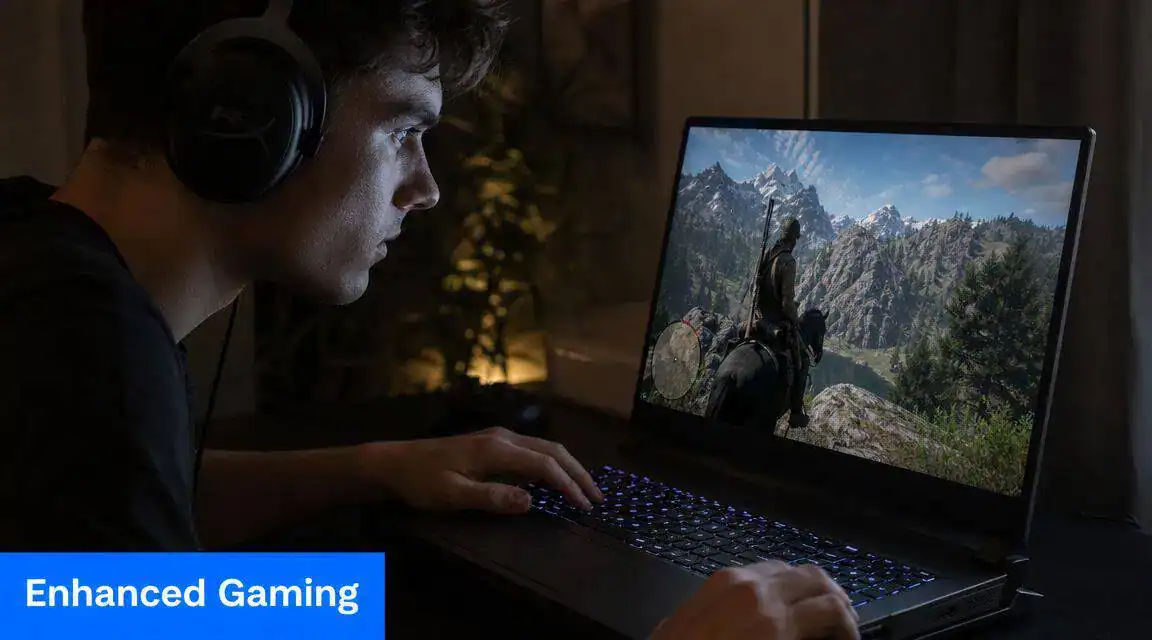
If you mostly play shooters at a desk but don’t want a separate display, a 17-inch laptop can be a good compromise. The larger panel makes targets, UI elements, and map details easier to read than on smaller laptops. That doesn’t replace skill, but it does reduce the cramped feeling some players get on compact displays.
This matters most for players who use the laptop screen as their only screen.
MMO and strategy players managing busy interfaces
MMOs, RTS games, and management-heavy titles benefit from screen space in a different way. The advantage isn’t reflex speed. It’s readability.
Hotbars, party frames, minimaps, inventories, build menus, and chat windows all compete for space. A 17-inch display gives those interfaces more breathing room, which can make longer sessions less tiring. If you spend hours raiding, grinding, or managing large battlefields, the bigger screen is easier to justify.
A 17-inch panel earns its keep fastest in games with crowded interfaces, not just fast ones.
Casual streamers and multitaskers
For someone trying to game, monitor chat, and keep a few background windows open, a 17-inch laptop can act like a more comfortable single-screen setup. You still won’t match a dual-monitor desk, but you’ll get more flexibility than you would on a smaller panel.
That’s useful for people who want one machine for gaming and light creation without building a full streaming station right away.
Players who should probably skip it
Not everyone gets a real benefit from the size.
If you mostly play with a controller from the couch, use an external monitor at home, or carry your laptop around campus all day, the larger screen may not improve your actual experience enough to justify the extra bulk. In those cases, a smaller gaming laptop often gives better overall value.
Your Final Pre-Purchase Checklist
A bad 17-inch laptop purchase usually does not fail on day one. It starts costing you money and patience a few months later, when the machine is too awkward to carry, too loud under load, or too limited to upgrade.

Run through these checks before you hit buy. They catch the mistakes spec sheets hide.
Ask these questions before checkout
- Does it fit your actual routine? Measure your desk, bag, and the space where the charger brick will live. A laptop that only works well in one spot stops feeling practical fast.
- Is the CPU and GPU pairing sensible for the screen? A big display can tempt buyers into overspending on parts they will never fully use, or underspending and ending up with a system that cannot drive its own panel well. Match the graphics power to the resolution and refresh rate you are paying for.
- Have you checked the build, not just the shell? Look for hinge stability, keyboard deck firmness, and whether the bottom panel gives reasonable access for cleaning or upgrades. Fancy lighting does not help if the chassis ages poorly.
- What happens after the first 1TB fills up? Modern game installs get large in a hurry. If you plan to keep a healthy library installed, check for a spare M.2 slot or a straightforward upgrade path, then compare your options with this guide to the best SSD for gaming.
- Can you tolerate the acoustics and power limits? Read owner reviews that describe fan noise, surface temps, and sustained gaming behavior. A machine that benchmarks well for a short run can feel very different in a three-hour session.
- What are you really paying for? If the price jump mostly buys RGB trim, a slightly thinner lid, or a badge, skip it. Spend that money on storage, warranty coverage, or a better-configured model.
Don’t ignore the desk setup
Seventeen-inch systems spend a lot of time replacing a desktop. That means the comfort side matters more than buyers expect.
Check screen height, keyboard position, and mouse room before you commit. If your setup already pushes your shoulders forward or leaves your wrists bent upward, a larger laptop can make that worse. If you game for long stretches at a desk, sort out your seat first with our best ergonomic chair for gaming guide, so the machine fits your body instead of forcing bad habits.
Buy the model that still makes sense on a tired Tuesday night, not the one that only looks good in a spec comparison.
Final gut check
Ask one plain question. Will this 17-inch laptop save you from buying extra gear, or will it push you toward more add-ons just to make it comfortable and usable?
That answer gets to total cost of ownership fast. If the bigger screen lets you skip an external monitor and use one machine for years, the premium can make sense. If it creates a chain of extra purchases and compromises, a smaller laptop is often the smarter buy.
Why a 17-Inch Chassis Is More Than Just a Big Screen
A 17-inch gaming laptop earns its keep through the chassis, not just the panel size.
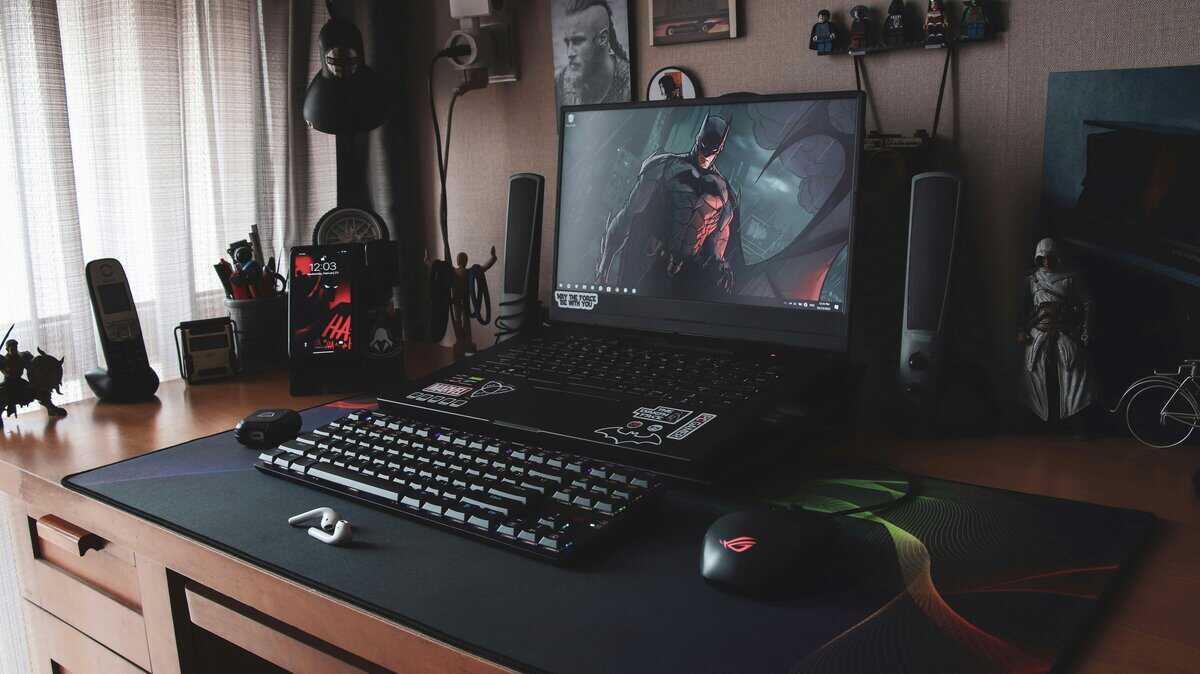
The extra space gives laptop makers more room to solve practical problems. Some use it well. Some waste it on thin bezels, flashy lighting, and a bigger shell with the same compromises as a smaller model. The good ones feel better to live with after six months, not just better to look at on day one.
Cooling is the first real advantage. A larger body can fit bigger fans, wider vents, and a layout that moves heat away from the keyboard deck more effectively. That does not guarantee low temperatures, because tuning and internal design still matter, but a well-built 17-inch model has a better shot at holding its clocks during long sessions instead of getting hot, loud, and inconsistent.
The second advantage is comfort.
A bigger chassis usually gives you a less cramped keyboard, more palm rest area, and ports that are placed where cables make sense. That matters more than buyers expect. If you plug in Ethernet, external storage, a headset, and a mouse every day, good port spacing saves annoyance for years. A numpad can also be useful if you work on the same machine, though some players would still trade it for centered typing.
There is also a durability angle that spec sheets rarely show. More internal room can reduce how tightly components are packed, which helps with service access, fan cleaning, and sometimes memory or storage upgrades. That will not turn every 17-inch laptop into a repair-friendly machine, but the format gives manufacturers more room to build one that ages well.
This is why the category still makes sense for a specific buyer. A 17-inch system often works best as a desktop replacement you can still move when needed. If that is your role, the larger chassis can justify its higher price because you may avoid buying an external monitor, separate speakers, or a docking setup right away. If you are deciding between a big portable system and a fixed setup, this guide on gaming laptop vs desktop trade-offs is a useful reality check.
The catch is simple. A 17-inch chassis only pays off when the manufacturer uses that space to improve cooling, comfort, acoustics, and upgrade access. If all you get is more plastic around the screen, buy the smaller machine and keep the money.
Shopping by budget rather than screen size? See what our best gaming laptop under 2000 guide recommends.
Frequently Asked Questions About 17-Inch Gaming Laptops
Is a 17-inch laptop too big for college?
Usually, yes.
A 17-inch gaming laptop fits college life best for the student who mostly works and plays in one place, such as a dorm, apartment, or campus desk setup. It gets annoying fast if you walk across campus every day, squeeze onto tiny lecture hall desks, or already carry textbooks, chargers, and a water bottle. The screen is nice. The weight, power brick, and bag size are not.
Should I just buy a 16-inch laptop and an external monitor?
For a lot of buyers, that is the smarter use of money. You get a laptop that is easier to carry, and at home you can use a larger monitor that usually beats a built-in 17-inch panel for ergonomics and color quality. The 17-inch path makes more sense when you do not want a second device on your desk, when you mostly play in one room, or when an external monitor will not fit your space.
Does battery life matter on a 17-inch gaming laptop?
Yes, but mostly in the way it affects daily inconvenience. Expect enough battery for classes, web use, video playback, and light work if you tune the power settings. Expect poor unplugged gaming. Treat it as a portable workstation that also games when plugged in. If you want unplugged gaming, a smaller, more efficient laptop is usually the better fit.
Is 16GB RAM enough for a 17-inch gaming laptop?
For most current AAA gaming, yes. 16GB still handles modern titles, browser tabs, and Discord without major issues. Buyers who record gameplay, keep dozens of browser tabs open, run mods, edit video, or want a longer upgrade runway should look harder at 32GB, or at least a model with accessible memory slots. RAM capacity matters less than whether you can upgrade it later without replacing the whole machine.
Are 17-inch laptops better built than smaller ones?
Some are. Some absolutely are not.
A larger chassis gives manufacturers more room to build a stiffer body, better cooling, and better port layout, but extra size does not guarantee quality. Check for hinge stability, keyboard deck flex, bottom panel access, fan noise under load, and whether the cooling system can hold performance after 20 to 30 minutes of gaming. A big laptop that throttles or feels flimsy is still a bad buy.
Why Are 17-Inch Gaming Laptops Harder to Find Now?
Most makers moved their mainstream models to 16-inch screens with a taller 16:10 shape, which fits nearly as much picture into a smaller chassis. The 17.3-inch models still on sale are mostly older designs or premium machines, and the big-screen flagships moved up to 18 inches.
If you want more practical gear advice without the usual hype, Budget Loadout is built for exactly that. It focuses on value-first gaming and streaming recommendations, honest trade-offs, and the parts of a setup that improve how you play.
Related Articles