You’re probably looking at a wall of 240Hz monitors that all claim low response times, fast panels, and “esports” performance, and most of them sound similar on paper. That’s where people overspend. They buy the spec sheet, not the monitor that fits their PC, their games, and how long they plan to keep it.
The best 240hz gaming monitor usually isn’t the flashiest model. It’s the one that gives you the most competitive benefit for the money, with solid build quality, the right resolution for your GPU, and a stand and port selection that won’t annoy you every day. If you’re still comparing refresh tiers, this broader guide to the best budget gaming monitor is a useful starting point.
- IPS color and viewing angles at the lowest 240Hz tier
- Three-side frameless design for dual-monitor setups
- Adaptive Sync for tear-free play across GPU brands
- 1080p limits desktop real estate compared to 1440p picks
- Plastic stand on the basic side
- No USB hub for cleaner cable management
- Dell warranty and panel quality at a budget price
- Two HDMI ports plus DisplayPort for multi-source setups
- Reliable build that will outlast budget no-name brands
- No height adjustment — tilt only on basic stand
- Limited HDR brightness at this tier
- Smaller 23.8-inch screen feels tight for some
- 1440p resolution adds real detail without crushing GPU frame rates
- 0.3ms response and overclock to 260Hz for serious players
- G-Sync compatibility plays nicely with NVIDIA cards
- Demands a stronger GPU than the 1080p picks to actually feed 240Hz
- No miniLED or OLED, so HDR is decent rather than impressive
- Stand quality is functional but not premium
- Dual-mode panel covers cinematic 4K and competitive FHD without compromise
- HDR1400 with MiniLED zoning for genuine HDR impact
- 90W USB-C makes laptop docking and KVM switching painless
- Pricier tier — pair with a strong GPU to justify the panel
- KTC brand recognition is lower than mainstream names
- Dual-mode takes setup time to dial in correctly
- OLED contrast and motion clarity that no IPS can match
- 0.03ms response time eliminates panel-side input lag
- DisplayHDR True Black 400 makes HDR gaming actually look HDR
- Highest tier price — only worth it if visuals are the priority
- OLED burn-in protection means anti-static screensaver kicks in
- Glossy coating shows reflections in bright rooms
- 240Hz is most worth it on 1080p IPS panels — high frame rates are easier to maintain and the visible smoothness gain is biggest from 144Hz upward.
- Pair 1440p 240Hz with a strong GPU (RTX 4070-class or better) — anything weaker bottlenecks before you see the benefit.
- Response time numbers in marketing rarely match real-world performance; look for IPS panels with verified 1ms GtG over fast TN claims.
- Console gamers can skip 240Hz — current consoles cap at 120Hz on most titles. A 144Hz monitor with HDMI 2.1 is the smarter buy.
- OLED at 240Hz is the visual upgrade for image quality, but factor burn-in protection and a higher price into the value math.
Table of Contents
Finding the Right 240Hz Monitor Without Overspending
A lot of buyers make the same mistake. They decide they want 240Hz first, then try to justify every extra feature after that. That approach usually ends with paying for resolution, HDR branding, or premium panel tech that doesn’t help in the games you play most.
A better way is to work backward from use case. If you mainly grind competitive shooters, your value target is simple: stable high frame rates, clean motion, low delay, and a monitor that doesn’t feel flimsy after a few months. If you also stream, edit clips, or play MMOs and story games, then color performance, viewing angles, and a better-looking panel start to matter more.
Practical rule: Buy for the games you play most often, not the games you might play twice a month.
That changes the buying decision fast. A performance-first player often gets better value from a good 1080p or 1440p IPS panel than from chasing premium OLED pricing. A mixed-use gamer may prefer slightly better image quality and stronger ergonomics even if pure motion performance is a bit less aggressive.
The sweet spot isn’t “cheapest.” It’s the point where your money still goes toward winning games instead of paying for features you’ll rarely notice.
Is a 240Hz Monitor Worth It For You
For some players, yes. For others, it’s easy to overbuy.
A 240Hz monitor refreshes the screen 240 times per second, which makes it 70% faster than 144Hz and four times faster than 60Hz, according to BenQ’s explanation of 240Hz gaming monitor benefits. That same source notes the practical gain is lower input lag and several-millisecond response advantages in fast games, which is why 240Hz gives competitive players a serious edge in reflex-heavy titles.
If you play shooters, fighters, or racing games, that matters. Crosshair tracking feels tighter. Fast pans look cleaner. Small aiming corrections feel more connected to your hand. That’s the audience that should seriously consider 240Hz. If you’re weighing the jump directly, this comparison of 144Hz vs 240Hz for gaming helps frame it in practical terms.
If your library leans toward MMOs, strategy games, single-player RPGs, or slower co-op titles, 240Hz is more of a luxury than a priority. You’ll still notice smoother desktop movement and cleaner camera motion, but you probably won’t get the same competitive return from the upgrade.
When it makes sense
Competitive FPS players want every bit of motion clarity and responsiveness they can get.
Racing and fighting game players benefit from fast visual updates and lower perceived delay.
High-rank players who already optimize settings for frame rate are the most likely to feel the gain.
When it probably doesn’t
MMO and RPG players usually benefit more from better contrast, color, or resolution.
Casual mixed-use gamers may be better served by a strong 1440p monitor with balanced image quality.
Anyone with a weaker GPU won’t get full value if the system can’t push high frame rates consistently.
A 240Hz panel can’t create performance your PC doesn’t have. If your system can’t stay near that refresh target in the games you actually play, put the money into the PC first.
That’s the part marketing skips. Refresh rate only pays off when the rest of the setup can keep up.
Key Specs to Prioritize for Maximum Value
The fastest way to waste money on a monitor is to treat every premium spec like a must-have. In practice, a few specs matter a lot, and the rest depend on how you play.
The current market gives you options across budget and performance tiers. RTINGS’ overview of 2026 240Hz monitors notes that the category spans budget 1080p IPS models, value-focused 1440p QHD options, and premium 4K and OLED displays. That same roundup highlights IPS for color accuracy, VA for contrast ratios up to 3000:1, and OLED as the high-end option.
Resolution decides your real cost
This is the first trade-off to settle.
1080p at 240Hz is still the smartest buy for many competitive players. It’s easier for your GPU to drive at very high frame rates, which means you’re more likely to use the refresh rate you paid for. It also keeps system upgrade pressure lower.
1440p at 240Hz is the value sweet spot for a lot of people who want both competitive performance and a sharper image. Text looks cleaner. Games look more detailed. Streaming and everyday desktop use feel better. But the GPU demand is higher, and that matters.
If your priority is ranked performance in shooters, 1080p often wins the value argument. If you split time between esports, MMOs, content consumption, and streaming, 1440p becomes easier to justify.
Panel type changes the experience
Panel tech isn’t just about image quality. It affects cost, durability expectations, and what kind of compromises you’re making.
Here’s the short version:
IPS panels are usually the safest value pick. They offer good color, solid motion performance, and broad usefulness for gaming plus everyday use.
VA panels can look better in dark scenes because of stronger contrast, but motion handling can be the deciding factor. Some people love the deeper blacks. Others notice smear and move on.
OLED panels look excellent and respond extremely fast, but they sit in a different budget class.
If you want a fuller breakdown of the day-to-day trade-offs, this guide on IPS vs VA for gaming is worth reading before you buy.
Buy the panel that fits your habits. Don’t pay OLED money if most of your time goes into low-settings competitive shooters.
Response time matters, but context matters more
Response time specs are useful, but they’re also one of the easiest ways brands make products look more different than they really feel in use. At 240Hz, what you care about is clear motion without distracting blur or overshoot. A well-tuned IPS panel can still be the right choice even if a premium panel posts a cleaner lab number.
Features that are worth paying for
Some extras improve ownership:
Adaptive sync support helps keep gameplay smoother when frame rates move around.
A usable stand matters more than people think. Height and tilt adjustment are part of comfort and consistency.
Good color performance matters if you stream, edit clips, or use the monitor for work too.
A sensible screen size helps preserve clarity at the resolution you choose.
Features you can downplay
A few things often get too much attention:
Marketing-heavy HDR labels on lower-tier monitors usually matter less than panel quality.
Cosmetic RGB and aggressive shell design don’t improve gameplay.
Chasing the highest possible peak spec often leads to bad value if the rest of the monitor is average.
The best value purchase usually looks boring on paper. That’s often a good sign.
What to Look For Beyond the Spec Sheet
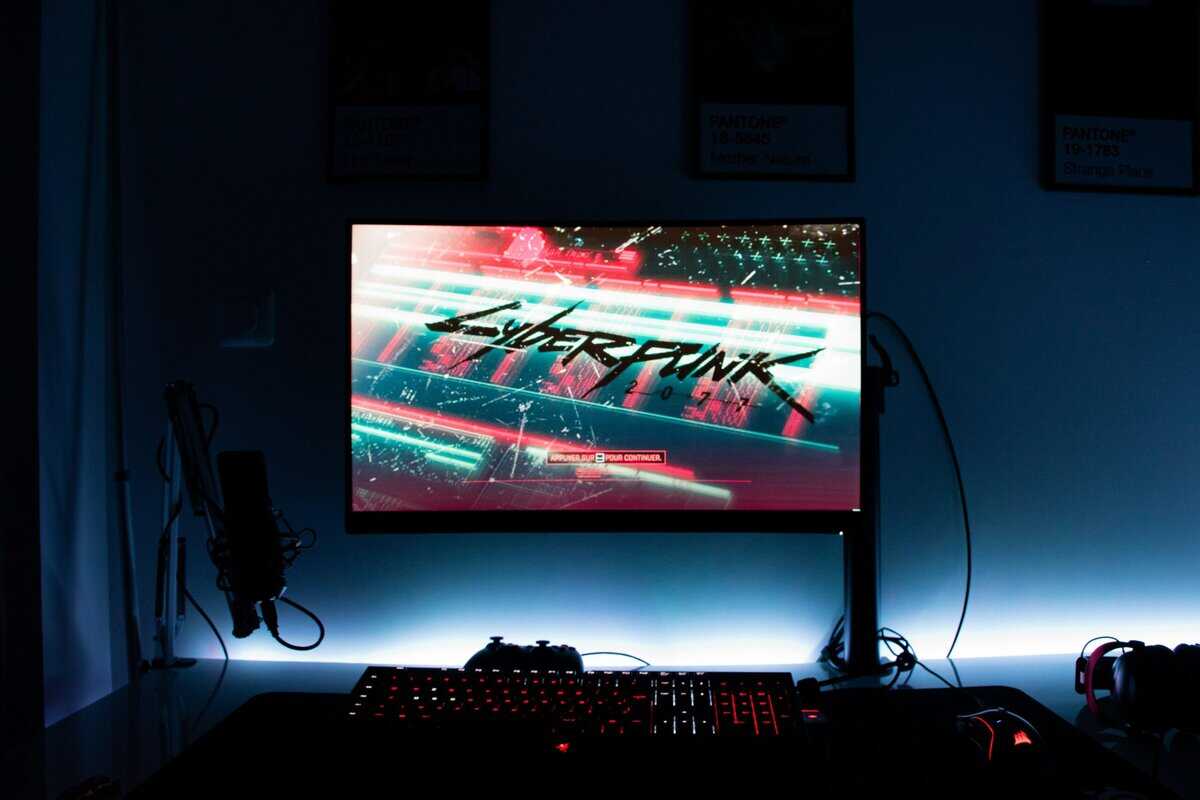
A monitor can have the right panel and refresh rate and still be irritating to live with. That usually shows up in three places: stand quality, port selection, and day-to-day usability.
Build quality is part of value
Budget-conscious buyers should care a lot about durability. A sturdy chassis, a stand that doesn’t wobble when you move the desk, and controls that don’t feel cheap all matter more over time than flashy styling.
Look closely at:
Stand stability if you play with a low-sensitivity mouse and move your desk a lot.
Adjustment range for height, tilt, and swivel so you can line the screen up properly.
Plastic quality and assembly because creaks, flex, and weak joints usually show up long before panel failure.
Ports and controls affect daily use
The difference between “fine” and “annoying” often comes down to ports and the monitor menu.
For performance-focused setups, choose the connection standard that gives you the least hassle with your hardware. This breakdown of DisplayPort vs HDMI for gaming is useful if you’re trying to match a monitor to a PC, console, or mixed-device desk.
A good on-screen display also matters. You don’t want to fight a bad joystick or buried settings every time you change picture mode, input, or overdrive.
Premium specs aren’t always the smart buy
Toms Hardware’s comparison of high-end OLED and budget IPS gaming monitors shows the trade-off clearly. A premium OLED model can deliver 0.03ms response times at 2560 x 1440 with a 480Hz ceiling, while a cheaper IPS alternative can push 500Hz at 1920 x 1080 with a 0.5ms response time. The same source argues budget gamers can get 95% of the competitive advantage at 30-40% of the cost by choosing a high-refresh IPS display.
That doesn’t mean premium displays are pointless. It means you should be honest about what you’re paying for. If your main goal is winning fights in competitive games, build quality and reliable execution often beat prestige specs.
Best Value 240Hz Gaming Monitors in 2026
Below is a practical shortlist built around use case, not hype. These are the kinds of monitors that make sense when you want strong performance per dollar and you’re willing to accept the right compromises.
2026 Value 240Hz Monitor Comparison
| Model | Resolution | Panel Type | Best For | Key Trade-Off |
|---|---|---|---|---|
| AOC 25G51Z | 1080p | IPS | Pure competitive FPS value | Lower resolution for desktop work and story games |
| Dell SE2426HG | 1080p | IPS | Fast gameplay with a budget focus | Less visual sharpness than 1440p options |
| AOC Q27G3 (27″ QHD 240Hz) | 1440p | IPS | Balanced gaming, streaming, and daily use | Harder to fully drive at high frame rates |
| KTC 27″ 4K MiniLED Dual Mode | 4K (Dual Mode) | Mini LED IPS | 4K cinematic + FHD 320Hz competitive in one panel | Hits 240Hz+ only via FHD dual-mode, not at native 4K |
| LG UltraGear 27GS95QE | 1440p | OLED | Premium visuals with high refresh | Premium-tier cost for a smaller competitive gain |
AOC 25G51Z
This is the type of monitor that makes sense for players who care more about landing shots than admiring scenery. A 1080p IPS 240Hz display keeps the focus where it should be: high frame rates, straightforward performance, and a lower total system burden.
The trade-off is obvious. It won’t look as sharp as a 1440p screen in MMOs, productivity work, or open-world games. But if your main rotation is competitive shooters, that compromise is often worth making.
Build quality matters here. For a value monitor to be worth buying, it needs to feel planted on the desk and hold adjustment without feeling disposable. That’s what separates value from cheap.
Dell SE2426HG
This is the same broad budget tier as the AOC, but it appeals to the buyer who wants a recognizable name like Dell backing the build without drifting into premium pricing. It’s a good match for players who want motion performance to take priority over extra visual polish.
Who should buy it:
Shooter players who keep settings tuned for frame rate
Students or younger buyers building around a mid-range gaming PC
Parents shopping for a serious gaming upgrade that won’t be wasted on unused features
Who should skip it:
Anyone doing a lot of creative work who wants more desktop space
Players who split time heavily into MMOs or cinematic games
AOC Q27G3 (27″ QHD 240Hz)
Focusing on overall value, a 1440p IPS 240Hz monitor often serves as the smartest middle ground for people who game competitively but also stream, multitask, browse, and use the display for more than one purpose.
The extra sharpness helps all the time, not just in games. Menus look cleaner. Text looks better. Single-player games benefit immediately. It still stays close enough to the competitive side of the market that you’re not giving up the reason you wanted 240Hz in the first place.
If you only want one monitor for gaming, streaming, work, and everything else, a good 1440p 240Hz IPS panel is usually the safest recommendation.
The downside is GPU pressure. To get full value from a monitor like this, your system has to be ready for it.
KTC 27″ 4K MiniLED Dual Mode
This is not the value-default pick. It’s the option for someone who already knows they want premium resolution with a high refresh ceiling and understands the hardware demand that comes with it.
For a budget-conscious reader, this belongs on the list mainly as a boundary marker. It shows where the category goes when image fidelity starts taking priority over price efficiency. If your goal is strict competitive value, this is usually more monitor than you need.
LG UltraGear 27GS95QE
This is for the buyer tempted by OLED. And to be fair, there are real reasons to want it. OLED looks better. Motion handling is excellent. If you care about both fast games and image quality, it’s an appealing direction.
But from a value-first perspective, you should only stretch for this kind of monitor if you’ll appreciate the panel quality outside competitive play. If most of your gaming happens in performance mode with visual settings reduced, an IPS alternative usually makes more financial sense.
Setup and Calibration Tips for Peak Performance
Getting the monitor is only half the job. A lot of people buy a high-refresh display and then leave it running at a lower refresh rate by accident.
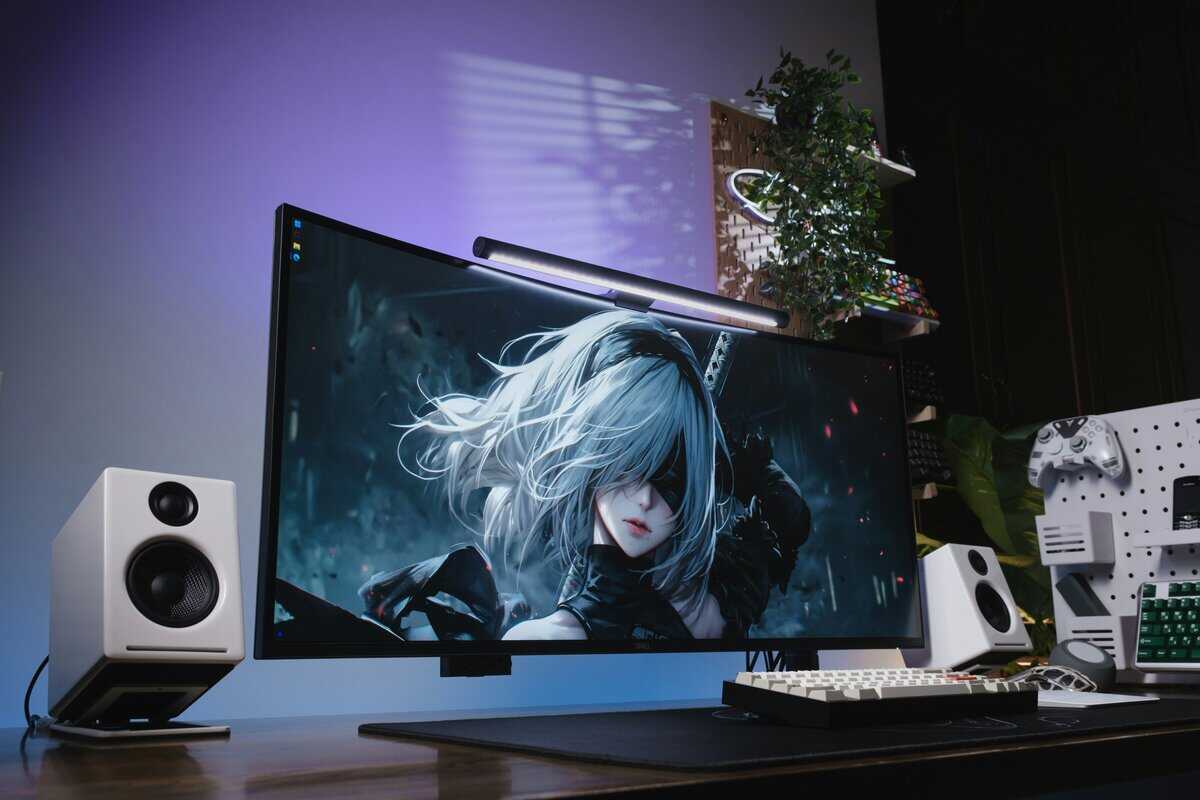
Make sure it’s actually running at 240Hz
On PC, check your display settings first, then confirm the refresh rate in your graphics control panel. Don’t assume the monitor switched automatically just because the box says 240Hz.
Take a few minutes to do this right:
Set the monitor to its highest refresh mode in the operating system display menu.
Open your GPU control panel and verify the selected refresh rate there too.
Use the right cable for the resolution and refresh target you’re trying to run.
Enable adaptive sync if you want smoother frame pacing during variable performance.
If you’re building out a full desk at the same time, this guide on how to set up dual monitors helps avoid common placement and configuration mistakes.
Tidy up the picture without overthinking it
You don’t need expensive calibration hardware to improve the image. Start with the built-in picture presets and avoid the ones that crush shadows or oversaturate colors. For competitive play, many people prefer a brighter image with clean motion and minimal processing. For MMOs, streaming, or general use, a more balanced preset is usually better.
A quick walkthrough helps if you’ve never done this before:
Console players should set expectations correctly
If you’re using a console, check what refresh rate your system and games support. A 240Hz monitor can still be a good buy for build quality, panel quality, and future flexibility, but you may not use its full refresh ceiling on console hardware.
That’s not a reason to avoid one. It’s a reason to buy with clear expectations.
Frequently Asked Questions About 240Hz Monitors
Is 240Hz better than 144Hz for all gamers?
No. It’s best for players who spend a lot of time in fast competitive games. If you mostly play MMOs, RPGs, or slower titles, the improvement is real but less important than resolution, panel quality, or overall value.
Is 1080p or 1440p better for a 240Hz monitor?
For pure esports value, 1080p usually makes more sense because it’s easier to drive at very high frame rates. For mixed use, 1440p is often the better long-term buy because it looks sharper in games, streams, and everyday desktop use.
Should I choose IPS, VA, or OLED?
IPS is the safest value choice for most buyers. VA can be attractive if you care about contrast. OLED is the premium option when you want stronger image quality and faster panel performance and you’re willing to pay for it.
Do consoles use 240Hz?
In many cases, no. A 240Hz monitor can still work well with a console, but you should buy it for the panel, build, and flexibility, not on the assumption that the console will fully use the refresh rate.
Does build quality really matter that much?
Yes. A shaky stand, weak plastic, poor controls, or awkward ports can make a good panel frustrating to use every day. A durable monitor with solid ergonomics usually ends up being the better value purchase.
Related Articles