A headset can sound great on a Switch 2 and still leave your friends in GameChat hearing nothing from you. The best headset for Switch 2 connects through a USB-C dongle or the 3.5 mm audio jack because Nintendo doesn’t support microphone input over Bluetooth.
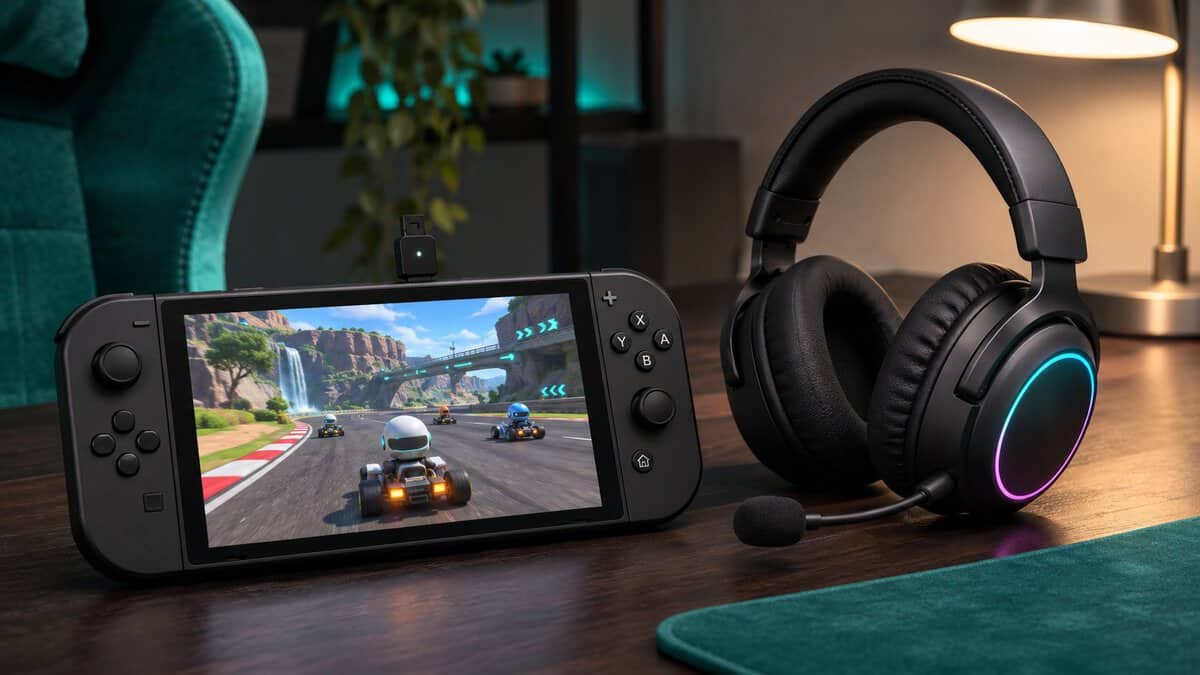
We picked four headsets that carry your voice in GameChat, two wireless and two wired. We compare each one on its connection, mic, battery life and fit for younger players.
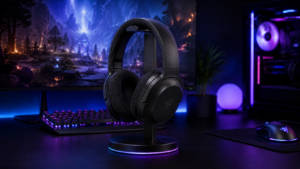
A wireless headset whose USB-C dongle carries game sound and your voice on a Switch 2, handheld or docked. It stays connected to your phone over Bluetooth at the same time.
- Dongle mic works in GameChat handheld or docked
- Up to 70 hours per charge with the lighting off
- Keeps a Bluetooth phone link alongside the dongle
- Sits at the top of our price range
- No 3.5 mm jack for a wired backup
- RGB lighting cuts battery life to up to 30 hours
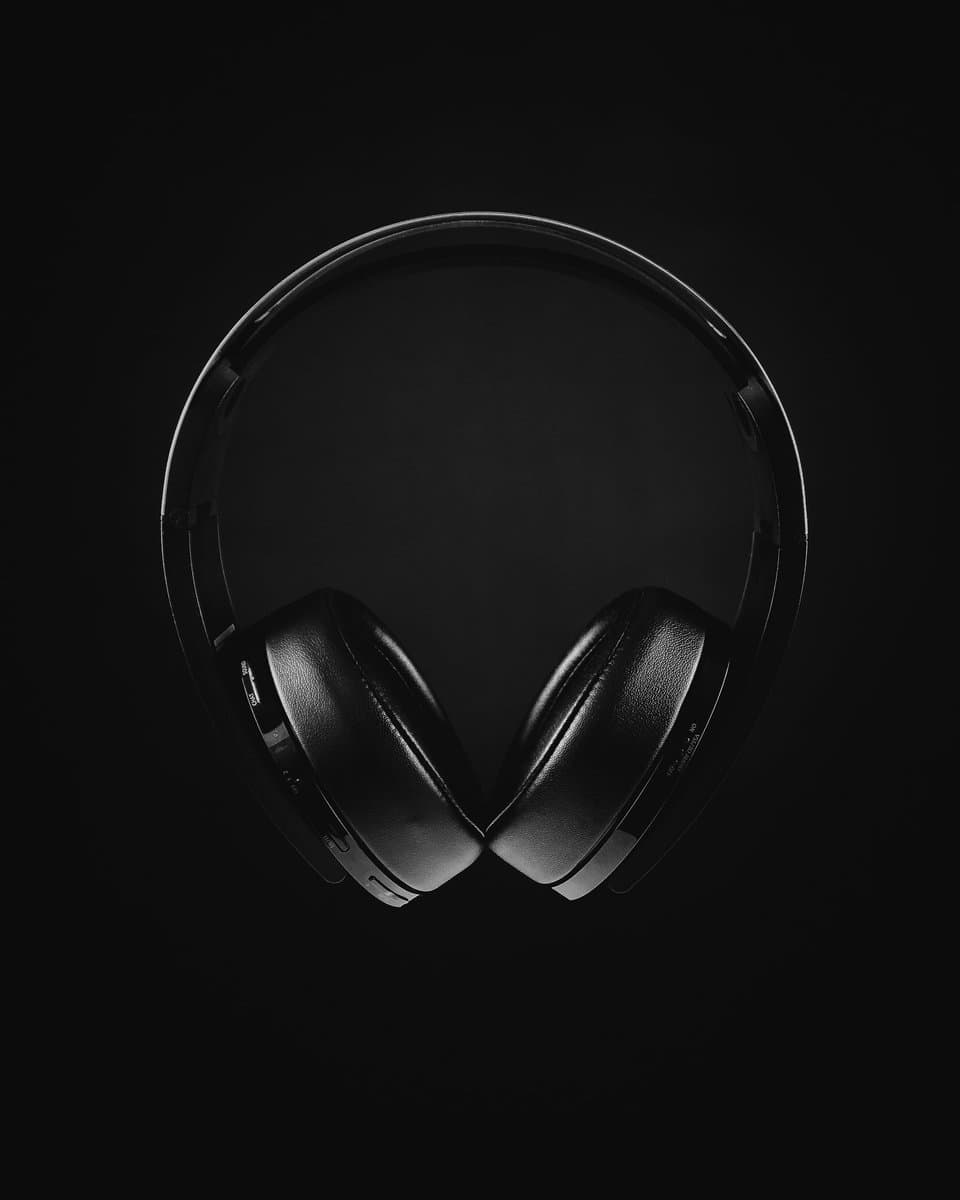
Turtle Beach’s officially licensed wireless headset for Switch 2, with a USB-C transmitter for the console and Bluetooth for a phone. Its mic flips up to mute.
- Officially licensed for Nintendo Switch 2
- Up to 40 hours per charge
- Swarm II app adds audio presets and mic settings
- Lists support for Switch 2 and mobile only
- Omni-directional mic hears more room noise than a cardioid mic
- Shorter battery life than the Razer
A licensed wired headset for the 3.5 mm jack on the console or the Switch 2 Pro Controller. It has the biggest drivers of our four picks and a removable boom mic.
- 50 mm drivers, the largest of our four picks
- On-ear volume slider and mic mute button
- Nothing to charge or pair
- Cable runs from the controller or console to your head
- No editorial reviews found yet
- No wireless option for moving around the room
Our lowest-cost pick, a passive wired headset with a flip-to-mute mic and nothing to charge. It also works on the original Switch, Switch Lite and Switch OLED.
- Costs the least of our four picks by a wide margin
- Works on older Switch models in the same house
- Flip-up mute needs no button
- Mic is fixed and can’t be removed
- Volume wheel but no mute button
- 3.8 ft cable needs the Pro Controller jack in TV mode
Picks and availability last verified: November 23, 2026
- Switch 2 doesn’t support Bluetooth microphones. A headset for GameChat needs a USB-C connection or the 3.5 mm jack.
- A USB-C dongle works in handheld and TV mode when it sits in the console’s top USB-C port.
- Wired headsets plug into the audio jack on the console or the Switch 2 Pro Controller and never need charging.
- Keep Lower Max Headphone Volume turned on in System Settings for a younger player’s headset.
- Only one Bluetooth audio device pairs with a Switch 2 at a time.
Table of Contents
How a Headset Connects to the Switch 2
A headset connects to the Switch 2 over Bluetooth, through a USB-C wireless dongle or with a 3.5 mm plug. Only the USB and 3.5 mm routes carry your voice into GameChat.
Bluetooth Sound Without the Headset Mic
Bluetooth gives a Switch 2 headset game sound but no working microphone. Nintendo says on its support page on GameChat microphone problems that microphone input via Bluetooth is not supported on Nintendo Switch 2. You can hear your friends, but they can’t hear you through a Bluetooth headset’s mic.
Nintendo says on its Bluetooth audio page that only one Bluetooth audio device pairs at a time and the console allows only two wireless controllers while it’s connected. Nintendo also warns of audio lag on some Bluetooth devices.
Bluetooth is still handy alongside a dongle. The Razer Barracuda X Chroma keeps your phone connected over Bluetooth while its dongle handles the Switch 2.
A USB-C Dongle in Handheld and TV Mode
A USB-C dongle gives a wireless headset a working mic on Switch 2 in handheld and TV mode. Nintendo lists two USB-C ports on the console. In TV mode the bottom port connects to the dock, which leaves the top USB-C port free for the dongle.
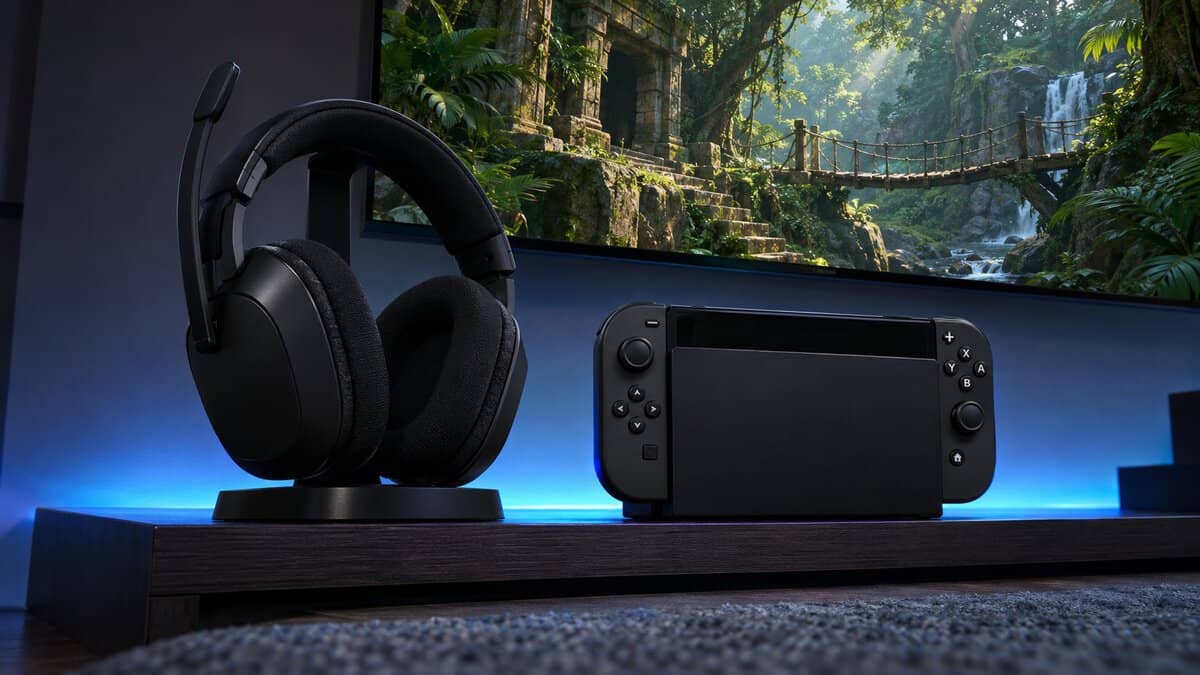
Razer says the Barracuda X Chroma’s dongle stays stable docked or handheld in either USB-C port. The Turtle Beach Stealth 500 for Switch 2 ships with its own USB-C transmitter for 2.4GHz audio. Nintendo also lists a USB port on the dock as a headset path.
The 3.5 mm Jack on the Console and Pro Controller
The 3.5 mm audio jack carries both game sound and your voice on a Switch 2. Nintendo lists the jack on the console and the one on the Switch 2 Pro Controller for GameChat headsets.
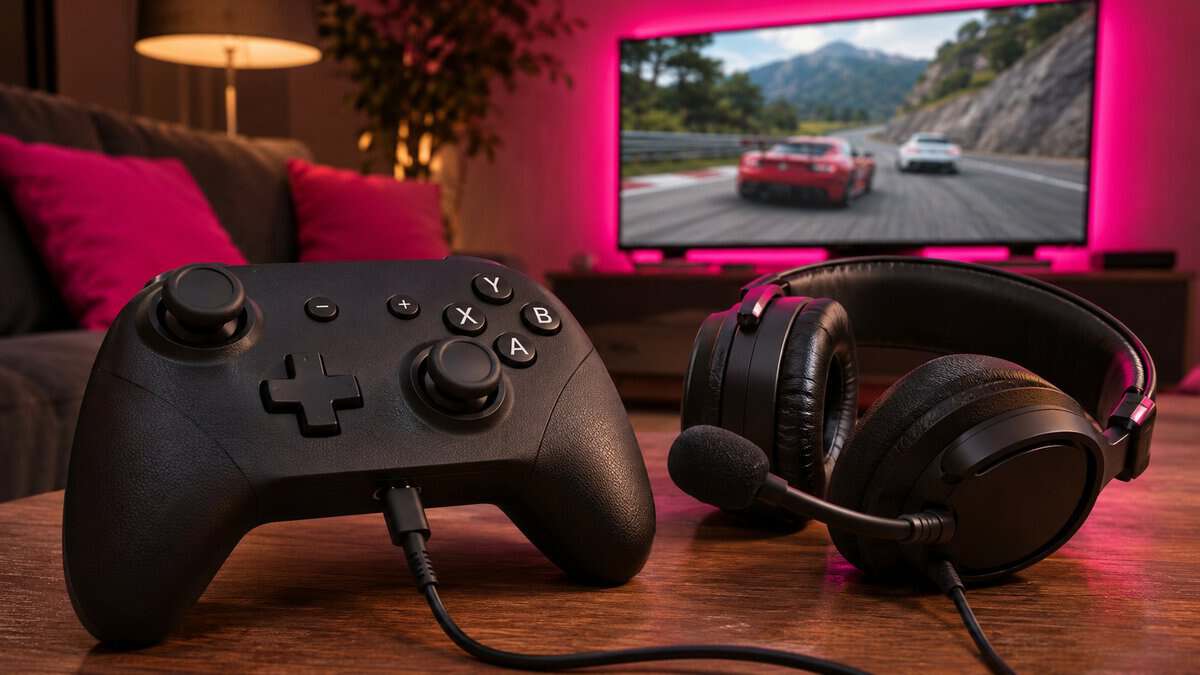
Nintendo specs the console jack for a 4-contact CTIA plug, the type headsets use to carry stereo sound and a mic through one connector. The PowerA Wired Stereo Headset and the Turtle Beach Airlite Fit both plug into it.
Plugging into the Pro Controller keeps the cable short when you sit back from the TV. We compare controllers in our best Switch 2 controller guide if you need one.
GameChat and the Headset Microphone
GameChat uses a headset mic only when the headset connects through USB-C, a dock USB port or a 3.5 mm jack. The Razer Barracuda X Chroma is our pick for chat because its detachable mic uses a cardioid pattern.
Mic Types on the Best Headset for Switch 2
The best headset for Switch 2 can use a detachable mic, a boom mic or a fixed mic that flips up to mute. Razer fits the Barracuda X Chroma with a detachable HyperClear cardioid mic. A cardioid mic picks up mostly from the front where your mouth is and less from the sides and back.
The Turtle Beach Stealth 500 uses an omni-directional mic that hears from every direction, which suits a quiet bedroom more than a busy living room. The PowerA Wired Stereo Headset has a flexible boom mic that comes off for travel. The Turtle Beach Airlite Fit has a fixed bi-directional mic.
Muting the Mic on Each Headset
Three of our four Switch 2 headsets list a mic mute on the headset itself. The Stealth 500 and the Airlite Fit go silent when you flip the mic up. The PowerA has a mic mute button and a volume slider on the ear.
Razer doesn’t list a mute control for the Barracuda X Chroma on its product page. Unclipping its detachable mic is one way to go silent.
Battery Life on a Console You Carry Around
Only the two wireless Switch 2 headsets here run on batteries. The Razer Barracuda X Chroma lasts longest at up to 70 hours with its lighting off.
Wireless Battery Between Charges
Razer rates the Barracuda X Chroma at up to 70 hours with the lighting off and up to 30 hours with its RGB lighting on. A full charge takes around 4 hours and a 15-minute quick charge adds about 6 hours of play.
Turtle Beach rates the Stealth 500 for Switch 2 at up to 40 hours per charge but doesn’t list a charge time.
Why Wired Still Makes Sense on a Switch 2
A wired headset makes sense on a Switch 2 because it has nothing to charge or pair. The PowerA Wired Stereo Headset and the Turtle Beach Airlite Fit have no batteries and work the moment you plug them in.
A wired headset also suits a kid who forgets to charge things. The cable ties you to the console in handheld mode or to the Pro Controller in TV mode. We cover that choice in more depth in our wired vs wireless gaming headset guide.
Get our free Budget Gaming Setup Checklist
Plus one email every Thursday on what changed for budget gaming gear.
No spam. Unsubscribe any time. Privacy
Comfort and Fit for Long Sessions and Younger Players
A comfortable Switch 2 headset is light and well padded with a headband that adjusts to the player. All four picks have cushioned earcups and a padded or adjustable headband.
Weight and Headband Fit
The Airlite Fit is the lightest pick at 228 g. The PowerA weighs 230 g and the Stealth 500 for Switch 2 weighs 233 g, which makes all three lighter than the 285 g Razer Barracuda X Chroma.
Razer and the Stealth 500 use memory foam cushions, the Airlite Fit uses jersey knit cushions and the PowerA has breathable earpads on an expandable headband.
If an over-ear headset feels like too much for long handheld sessions, we cover lighter options in our best gaming earbuds guide. Bluetooth earbuds still can’t send their mic to GameChat on a Switch 2.
Safe Volume for Kids
For a kid’s Switch 2 headset, turn on Lower Max Headphone Volume in System Settings > Audio. Nintendo says the setting caps the loudest output through the audio jack, USB ports and Bluetooth.
The National Institute on Deafness and Other Communication Disorders says long or repeated exposure to sounds at or above 85 dBA can cause hearing loss. It says children can develop noise-induced hearing loss too and advises protecting the ears of kids too young to protect their own.
On the Razer Barracuda X Chroma, set the headset’s own volume too. Razer says its volume in dongle mode is separate from the Switch 2 system volume.
The Four Switch 2 Headsets in Detail
Our four Switch 2 headsets split into two wireless picks with USB-C dongles and two wired picks with 3.5 mm plugs.
Razer Barracuda X Chroma
The Razer Barracuda X Chroma is our best wireless headset for Switch 2 because it runs a 2.4GHz USB-C dongle and Bluetooth 5.3 at the same time. Razer calls this SmartSwitch Dual Wireless. The dongle carries game sound and your mic to the console while your phone stays connected.
The Razer Barracuda X Chroma has the longest battery life of our four picks at up to 70 hours with its lighting off.
Razer builds it around 40 mm TriForce drivers and lists Switch 2 support on the product page. It weighs 285 g and adds six-zone RGB lighting on the earcups.
The Barracuda X Chroma sits at the top of our price range with the Stealth 500 close behind. It also has no 3.5 mm jack for a wired backup when the battery runs low.
Turtle Beach Stealth 500 for Switch 2
The Turtle Beach Stealth 500 for Switch 2 is our pick for a licensed wireless headset. Turtle Beach says it carries Nintendo’s official license and lists it for Switch 2 and mobile only. A QuickSwitch button flips between its USB-C transmitter and Bluetooth for a phone.
The Turtle Beach Stealth 500 is the only officially licensed wireless headset among our four picks.
Turtle Beach fits 40 mm drivers and rates it at up to 40 hours per charge. The Swarm II app adds audio presets, mic settings and firmware updates. If the headset travels with the console, we compare cases for carrying the system in our Nintendo Switch 2 case guide.
PowerA Wired Stereo Headset
The PowerA Wired Stereo Headset has the largest drivers of our four picks at 50 mm.
The PowerA Wired Stereo Headset for Switch 2 is our wired pick with a boom mic. It plugs into the 3.5 mm jack on the console or the Switch 2 Pro Controller and needs no charging.
PowerA fits it with 50 mm drivers, a detachable boom mic and an on-ear volume slider with a mic mute button. The headset carries Nintendo’s official license and a 2-year limited warranty from PowerA.
A cable runs from the controller or console to your head, which can get in the way if you move around the couch. We couldn’t find an editorial review of this model yet.
Turtle Beach Airlite Fit
The Turtle Beach Airlite Fit for Switch 2 is our pick for kids and tight budgets because it costs the least of the four by a wide margin. It’s a passive wired headset with a 3.5 mm plug, 40 mm speakers, a volume wheel and a 3.8 ft cable.
Turtle Beach lists it as officially licensed for Switch 2 and compatible with the original Switch, Switch Lite and Switch OLED, which helps in a house with more than one console.
The Turtle Beach Airlite Fit works on the original Switch, Switch Lite and Switch OLED as well as the Switch 2.
The Airlite Fit’s mic is fixed in place and can’t come off for travel like the PowerA’s boom mic. Volume sits on a wheel and the mic mutes when you flip it up.
Here are the key specs for all four Switch 2 headsets.
| Product | Connection on Switch 2 | GameChat Mic Path | Drivers | Battery | Mic | Original Switch | Nintendo License | Best For |
|---|---|---|---|---|---|---|---|---|
| Razer Barracuda X Chroma | USB-C dongle + Bluetooth 5.3 | USB-C dongle | 40 mm | Up to 70 h (lighting off) | Detachable cardioid | Listed by Razer | Not listed | Handheld and docked |
| Turtle Beach Stealth 500 for Switch 2 | USB-C transmitter + Bluetooth | USB-C transmitter | 40 mm | Up to 40 h | Omni-directional flip-to-mute | Not listed | Yes | Simple wireless |
| PowerA Wired Stereo Headset for Switch 2 | 3.5 mm | Console or Pro Controller jack | 50 mm | None (wired) | Detachable boom | Yes | Yes | TV with the Pro Controller |
| Turtle Beach Airlite Fit for Switch 2 | 3.5 mm | Console or Pro Controller jack | 40 mm | None (wired) | Fixed flip-to-mute | Yes | Yes | Kids and spares |
Headset Picks by How You Play Switch 2
Pick the Razer for handheld and docked play, the Stealth 500 for simple wireless, the PowerA for a Pro Controller TV setup and the Airlite Fit for a kid’s Switch 2.
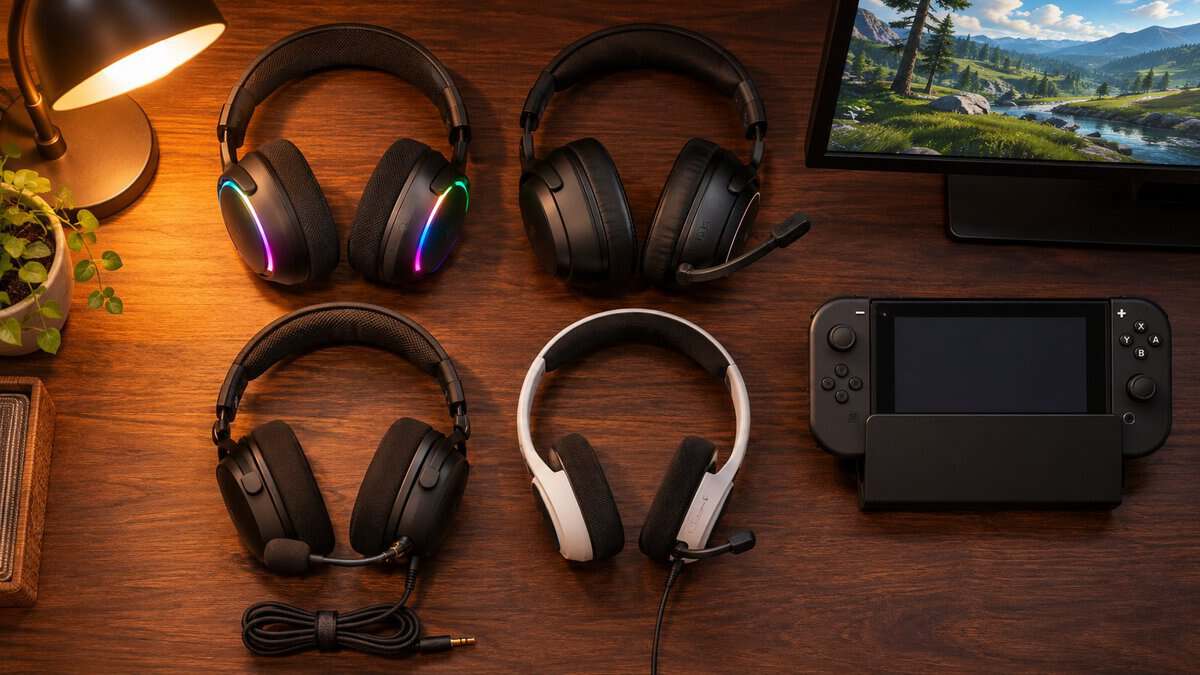
If your Switch 2 stays docked by the TV, plug a wired headset into the Pro Controller or put a USB-C dongle in the console’s top port. We compare docks in our Switch 2 dock guide if you want a second TV setup.
| How You Play Switch 2 | The Headset | Why It Fits | What You Give Up |
|---|---|---|---|
| Handheld on the go and docked at night | Razer Barracuda X Chroma | One USB-C dongle for both modes plus Bluetooth to your phone | Top of our price range |
| One wireless headset that’s simple to set up | Turtle Beach Stealth 500 for Switch 2 | Licensed for Switch 2 with its own USB-C transmitter | Omni mic and support for Switch 2 and mobile only |
| A TV setup with the Pro Controller | PowerA Wired Stereo Headset for Switch 2 | Plugs into the controller jack with no batteries | A cable from the controller to your head |
| A kid’s Switch 2 or a spare for a sibling | Turtle Beach Airlite Fit for Switch 2 | Lowest cost, nothing to charge and works on older Switch models | Fixed mic and only a volume wheel |
Switch 2 Audio Settings to Check First
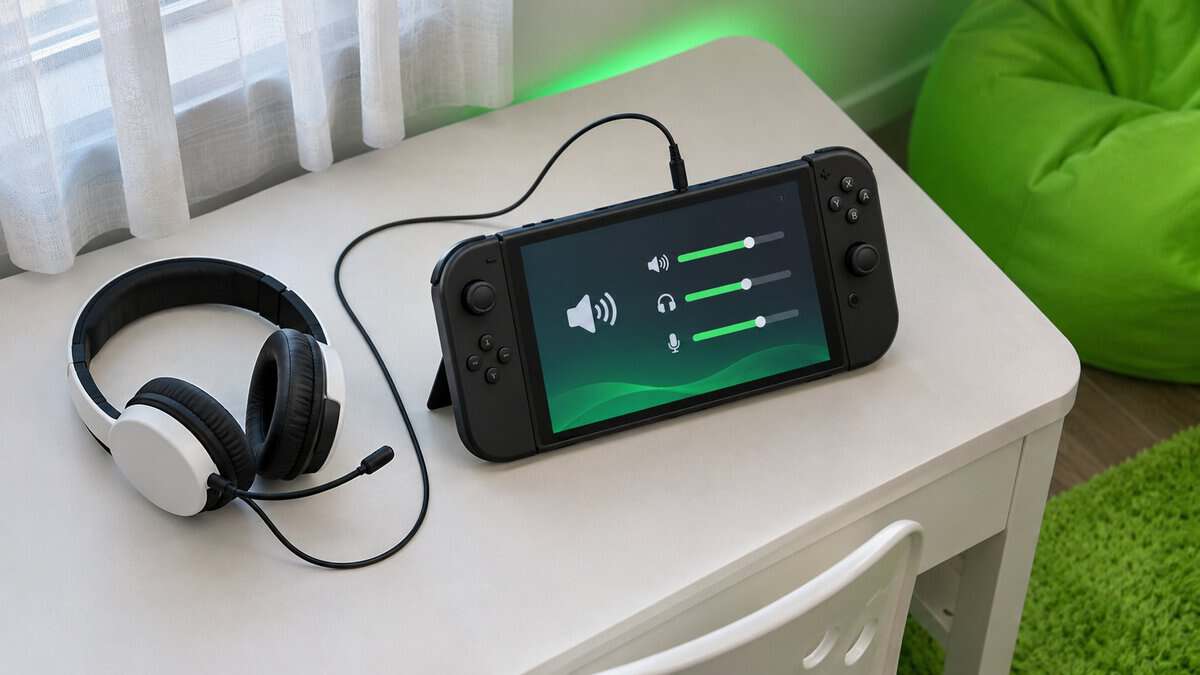
The Switch 2 audio settings to check first sit under System Settings > Audio > Audio Input, where you choose the headset as your Input Microphone. Nintendo lists these checks in order on its GameChat microphone troubleshooting page.
- Watch your user icon at the bottom of the GameChat screen while you talk. A green border means the mic hears you.
- Make sure nothing is blocking the microphone.
- Move a USB-C headset or dongle to a different port on the console or the dock.
- Unplug a 3.5 mm headset from the console or Pro Controller jack and plug it back in.
- In TV mode, sit closer to the console.
- In System Settings > Audio > Audio Input, confirm the headset is the Input Microphone.
- Turn off Microphone Noise Suppression while you troubleshoot, then turn it back on. Raise the mic input volume if you sound quiet.
- Select Test Microphone. If the mic still fails, hold the POWER button for at least three seconds and choose Restart from Power Options.
If a headset sounds too quiet or too loud, check Lower Max Headphone Volume on the main Audio page in System Settings. Turning it off raises the volume cap.
Frequently Asked Questions
Here are quick answers on GameChat, two headsets, AirPods, docked play and older Switch models.
Can you talk through a headset on Switch 2?
Yes, you can talk through a headset on Switch 2 when it connects through the console’s USB-C port, a USB port on the dock or the 3.5 mm jack on the console or the Switch 2 Pro Controller. A Bluetooth headset plays game audio, but Nintendo doesn’t support microphone input over Bluetooth on Switch 2.
Can you use two headsets on a Switch 2?
You can’t use two Bluetooth headsets on a Switch 2 at once because Nintendo pairs only one Bluetooth audio device at a time. The console can save up to 10 Bluetooth audio devices for quick swaps. Nintendo doesn’t say whether a wired headset and a USB-C dongle headset can run together. We couldn’t confirm that setup works.
Do AirPods work with Switch 2 GameChat?
AirPods can play Switch 2 game audio as a Bluetooth audio device, but their microphones don’t work in GameChat. Nintendo says Bluetooth microphones can’t be used on Switch 2. For voice chat, use a headset that plugs into USB-C or the 3.5 mm jack.
Does a USB-C dongle headset work when the Switch 2 is docked?
Yes, a USB-C dongle headset works with a docked Switch 2 when the dongle goes in the console’s top USB-C port. The bottom port connects to the dock while Nintendo lists the top port for accessories. Razer says the Barracuda X Chroma’s dongle stays stable docked or handheld. Nintendo also lists a USB port on the dock for headsets.
Can a kid use these on the original Switch?
Yes, a kid can use three of our four picks on the original Switch. PowerA and Turtle Beach list their wired headsets for Switch, Switch Lite and Switch OLED. Razer lists Nintendo Switch for the Barracuda X Chroma. The Turtle Beach Stealth 500 for Switch 2 lists only Switch 2 and mobile devices.
Looking for more budget gaming gear? Check out Budget Loadout for the latest reviews and recommendations.
Related Articles