One question picks a mouse for Roblox better than any spec sheet does, and it is about the hand that will hold it. The best mouse for Roblox for a young kid on a laptop is not the best one for a teenager deep in sword-fighting experiences, and neither of them needs a pro esports mouse.
Roblox also asks something specific of a mouse. In the default Classic camera, the right button turns the view, so it gets held down and dragged a lot. The four mice below cover small hands, mid-size hands and full-grown ones, and one section further down covers the rapid-fire button that some budget mice carry.
Wireless play with no charging cable, a mid-size shell that suits a wide range of hands, and four colors. The safest all-round pick for a Roblox desk.
- Up to 250 hours on one AA battery
- Receiver stores inside the mouse
- Comes in lilac, mint, blue and black
- Six buttons limit ability binds
- May feel large in very small hands
- Stores just one onboard profile
The lightest mouse here by listed weight, with Bluetooth for a laptop that has no spare USB port. A symmetrical shell suits small and still-growing hands.
- Under 60 g before the battery
- Bluetooth or 2.4 GHz receiver
- Takes one AA or one AAA battery
- No RGB lighting at all
- Flat shape gives no thumb rest
- Too small for some adult hands
The cheapest mouse here, with a deep review base and eleven buttons for combat experiences. Remap its rapid-fire button unless an experience allows it.
- Lowest price of the four picks
- Eleven buttons for ability binds
- Rubber grip on the thumb side
- Rapid-fire key needs care in games
- Cable can drag on a small desk
- Weight is not listed by Redragon
A full-size, right-handed shell with a thumb rest and a trigger-style side button. Built for teen and adult hands in shooter and sword-fight experiences.
- Multi-function trigger for quick actions
- Free-spin or tactile scroll wheel
- Five onboard memory profiles
- Right-handed shape only
- Large for younger kids’ hands
- Wired only, no battery option
Picks and availability last verified: November 2, 2026
- Size the mouse to the hand using it today, not the hand it will grow into.
- Roblox’s Classic camera turns with the right mouse button, so that button and a light shell matter in long sessions.
- Combat experiences reward side buttons, but simple experiences run fine on a basic mouse.
- Remap a rapid-fire button unless the experience’s own rules allow it.
- A mouse that runs on one AA battery spares a parent from charging cables.
Table of Contents
Roblox Mice From Small Hands to Big Ones
The four Roblox mice below run from the smallest shell to the largest, so the right one depends on who sits at the desk. Two are wireless and run on a single battery, and two are wired with extra side buttons for combat experiences.
| Mouse | Connection | Power | Weight | Programmable Buttons | Main Switches | Max DPI | Report Rate | Best For |
|---|---|---|---|---|---|---|---|---|
| Logitech G305 LIGHTSPEED | LIGHTSPEED 2.4 GHz wireless | 1 AA, up to 250 hours | 99 g | 6 | Mechanical, with button tensioning | 12,000 | 1,000 Hz (1 ms) | A wide range of players |
| Razer Orochi V2 | Bluetooth and HyperSpeed 2.4 GHz | 1 AA or AAA, up to 445 hours (2.4 GHz) or 1,100 hours (Bluetooth) | Under 60 g without battery | 6 | Razer Mechanical Gen-2, 60 million clicks | 18,000 | Not listed | Small hands and laptops |
| Redragon M612 Predator | Wired USB | USB cable | Not listed | 11 | Not listed | 8,000 | Not listed | Tight budgets |
| Razer Basilisk V3 | Wired USB | USB cable | 101 g | 11 (10+1) | Razer Optical Gen-2, 70 million clicks | 26,000 | Not listed | Combat experiences and bigger hands |
Logitech G305 LIGHTSPEED
The Logitech G305 LIGHTSPEED is the best all-round mouse for a Roblox desk because it takes the hassle out of wireless. It runs on one AA battery for up to 250 hours, so there is no charging cable to lose, and its LIGHTSPEED receiver tucks inside the mouse when you pack a laptop.
Logitech lists the shell at 116.6 mm long and 62.1 mm wide, with a weight of 99 g, and Amazon lists its shape as ambidextrous. That mid-size body fits a wide range of hands, from older kids to adults. The HERO sensor reaches 12,000 DPI, more than a typical Roblox player uses, and the wireless report rate is 1,000 Hz.
No cable to trip over and no battery to charge every night.
The Logitech G305 LIGHTSPEED also comes in lilac, mint, blue and black, which helps when the mouse is a gift and the color matters as much as the sensor. If you are shopping across price tiers, our roundup of gaming mice on a tight budget covers other mice in the same bracket.
The tradeoff is buttons. Six programmable buttons cover jump, sprint and a couple of abilities, but combat experiences with many binds fit better on an eleven-button mouse. Very small hands may also find the shell a little long.
Razer Orochi V2
The Razer Orochi V2 is the pick for small hands and laptops. Razer lists it at under 60 g without the battery, with a compact, symmetrical shape that sits easily under a younger player’s palm or fingertips.
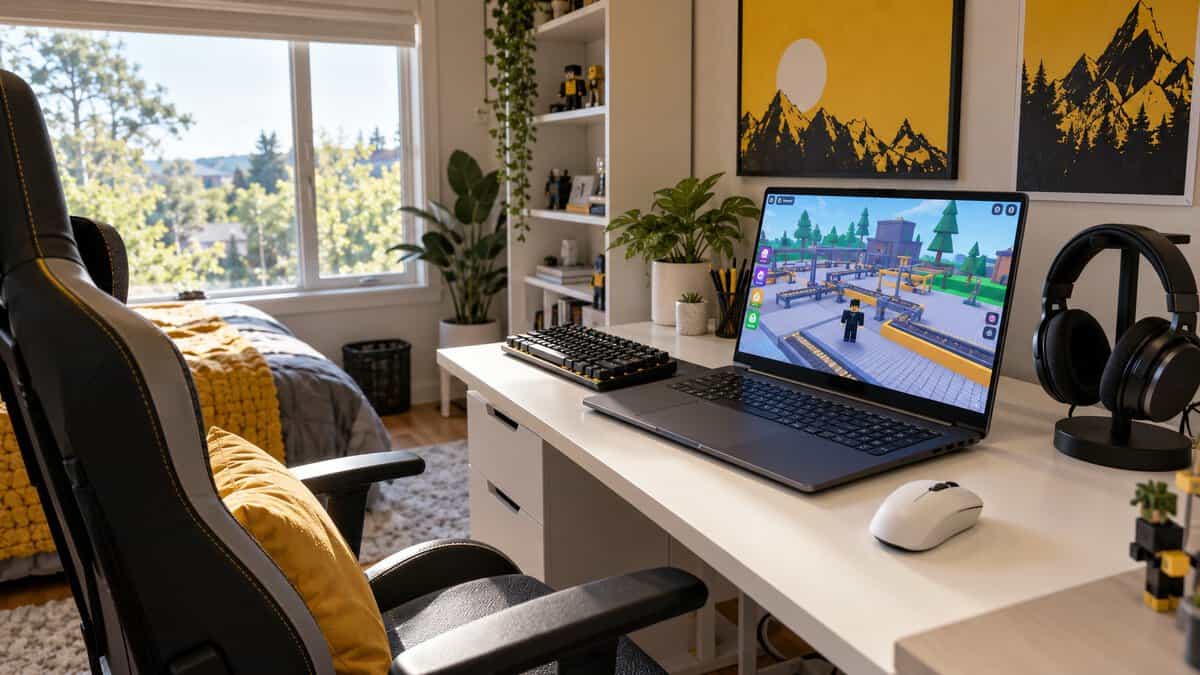
The Razer Orochi V2 connects two ways. Its HyperSpeed 2.4 GHz receiver handles gaming, and Bluetooth means it still works on a laptop with no free USB port. Razer rates battery life at up to 445 hours on HyperSpeed and up to 1,100 hours on Bluetooth with an AA lithium cell, and it takes one AA or one AAA battery, so you can choose a lighter AAA to cut weight further.
Small enough for a young hand, light enough for a long obby.
Razer builds the main buttons with Mechanical Mouse Switches Gen-2 rated for 60 million clicks, and the receiver stores under the top cover. It comes in black, white or Quartz Pink, and it saves settings to an onboard memory profile, so it works the same on a shared family PC and a school laptop.
The Razer Orochi V2 skips RGB lighting entirely, which Razer says is to maximize battery life. Its flat, low shape has no thumb rest, and a large adult hand may find it cramped.
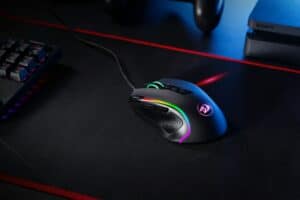
Redragon M612 Predator
The Redragon M612 Predator is the budget pick and the cheapest mouse of the four. It still brings 11 programmable buttons, five DPI presets up to 8,000 DPI and RGB lighting, plus a large review base for a budget mouse.
Redragon gives the Redragon M612 Predator a frosted top coating and a rubber-textured left side for the thumb, and describes the shape as built for a claw grip. The two side macro buttons are handy for abilities or an emote in a Roblox combat experience.
Eleven buttons at a budget price.
The honest catch on the Redragon M612 Predator is its dedicated rapid-fire button, covered in the rapid-fire section below. The Redragon M612 Predator is also wired, so the cable can drag on a small desk, and Redragon does not list its weight on its own product page.
Razer Basilisk V3
The Razer Basilisk V3 is the pick for teen and adult hands in combat experiences. Razer builds it around a right-handed ergonomic shape with a thumb rest and 10+1 programmable buttons, including a multi-function trigger that Razer pitches for actions like push-to-talk and ping.
The HyperScroll tilt wheel switches between a free-spin mode and a tactile mode, which suits flicking through a hotbar of tools and weapons. Razer rates its Optical Mouse Switches Gen-2 for 70 million clicks and stores up to five onboard profiles, so each player at a shared PC can keep their own binds.
A thumb rest and eleven buttons give a sword fight room to breathe.
The Razer Basilisk V3 is wired and listed at about 101 g, heavier than the G305 and the Orochi V2. It is right-handed only and large for a younger kid. A small hand fits the Orochi V2 or the G305 better, and a left-handed player can hold either of those symmetrical shells, though their side buttons sit on the left, under a lefty’s little finger.
Whose Hand Is the Mouse For
A Roblox mouse should fit the hand that holds it on the day it arrives. A mouse that is too big forces the fingers to stretch for the buttons, and the player grips harder to steer it.
Small Hands Still Growing
Small, still-growing hands do best on a light, symmetrical mouse. The Razer Orochi V2 is the smallest pick here, and its flat shape lets a young player rest the palm or just the fingertips on it.
Buying a bigger mouse for a kid to grow into can backfire, because a hand that cannot reach the side buttons stops using them.
Teen Hands Between Sizes
Teen hands sit between sizes, so a mid-size shell like the Logitech G305 LIGHTSPEED is the safe middle. It fits a relaxed palm grip on a smaller hand and a claw grip on a bigger one.
If your teen arches the fingers over the mouse instead of laying the palm flat, the shape of the hump matters more than the length. Our best mouse for claw grip guide explains how claw grippers size a mouse.
Adult Hands at a Shared Family PC
Adult hands and a family PC that several people use point toward a full-size mouse with onboard profiles. The Razer Basilisk V3 stores five profiles and switches between them with a button underneath, so each player keeps their own sensitivity and binds.
Roblox Puts the Camera on the Right Mouse Button
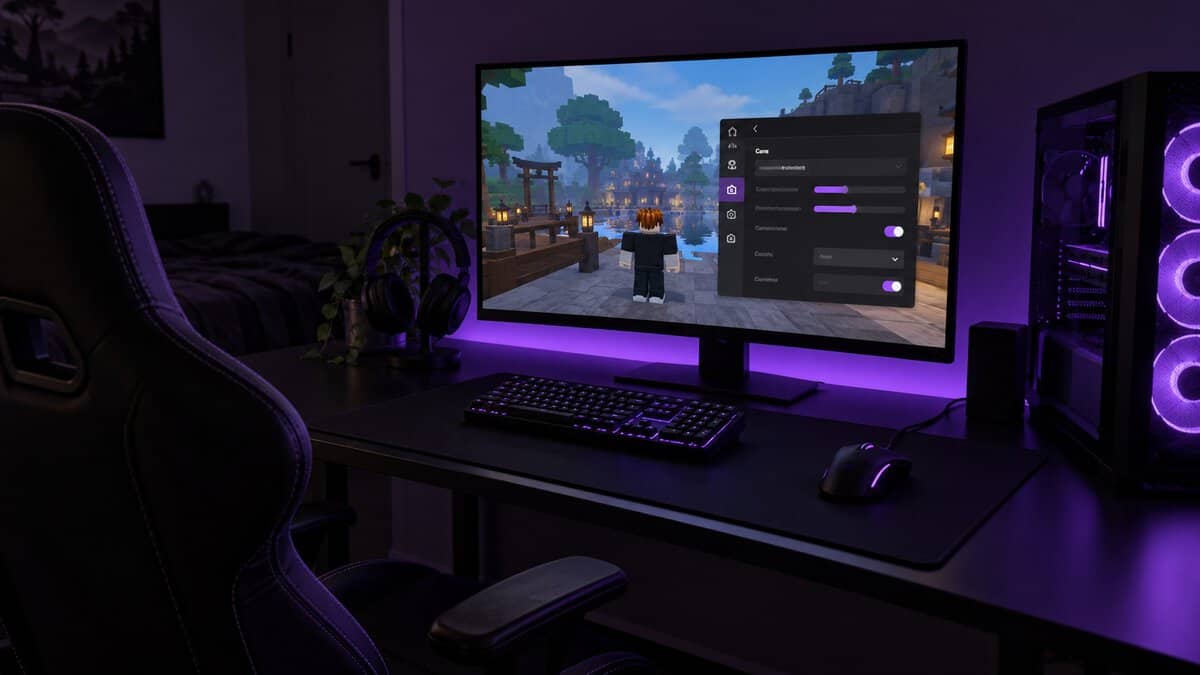
Roblox’s Classic camera turns with the right mouse button, so that button does a lot of work in a Roblox session. According to Roblox’s In-experience Settings and Help page, in Classic camera mode you hold down the right button and drag the mouse to change your avatar’s view.
Classic and Follow Camera Modes
Roblox offers two camera modes in its settings, as long as the experience’s developer has not locked the camera to one mode. Classic keeps the camera fixed until you hold the right button and drag, while Follow rotates the camera as your avatar turns left or right.
Classic gives the most control, but it means the right button stays pressed for long stretches. A mouse with a light shell and a comfortable right button, like the Logitech G305 LIGHTSPEED, makes those stretches easier.
Shift Lock and a Right Button That Never Rests
Shift Lock gives Roblox players a second way to steer the camera. Roblox’s Shift Lock Switch setting lets you toggle it with the Shift key. With Shift Lock on, the camera moves with the mouse without holding a button, which is handy in obbies and shooters.
Whichever mode you use, a light mouse helps in long sessions. The Razer Orochi V2 weighs under 60 g before its battery, so a camera drag costs a small hand less effort.
The Best Mouse for Roblox Combat Experiences
The best mouse for Roblox combat experiences puts extra actions under the thumb. Sword-fighting and shooter experiences often ask for keys like Q, E and R, and a side button can take over one of them so your left hand stays on movement.
The Razer Basilisk V3 has the most programmable buttons here, with eleven including its multi-function trigger. For aiming, a lower sensitivity on a bigger mouse pad usually beats a high DPI number, since Roblox does not need anything close to the maximum on any of these mice.
Rapid-Fire Keys and Clicker Simulators
Rapid-fire buttons and clicker simulators are where a budget gaming mouse needs the most care. Some cheap mice ship with a button that repeats a click automatically, and the Redragon M612 Predator is one of them.
Leave the Rapid-Fire Button Unbound
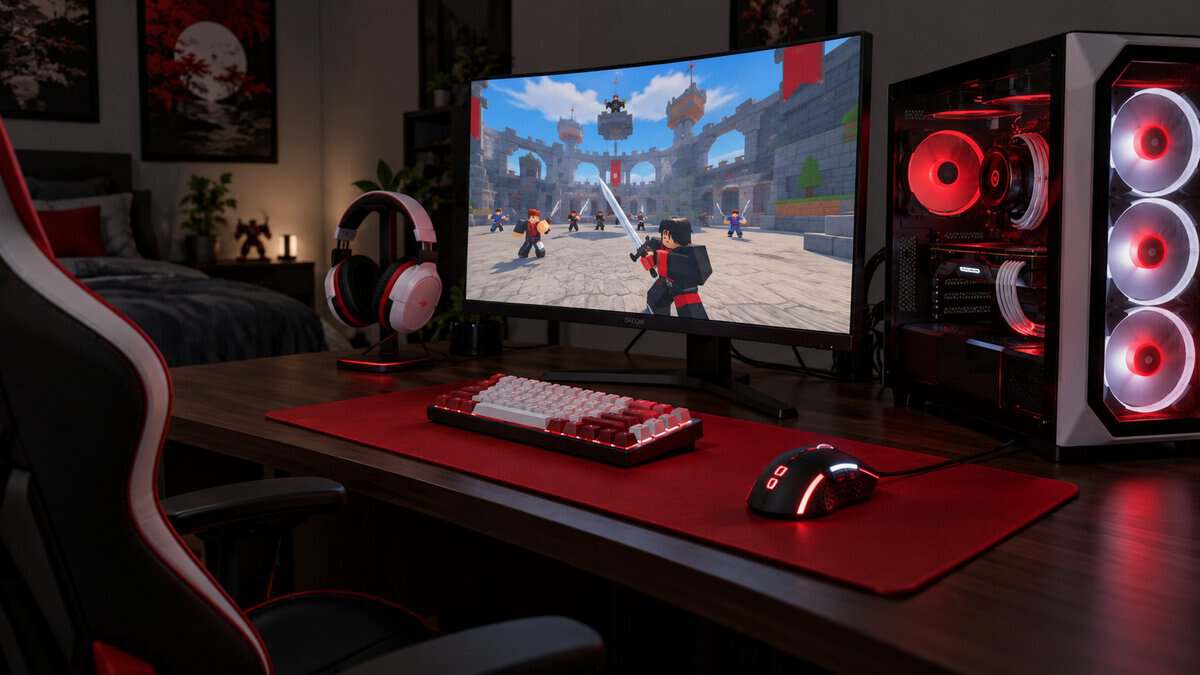
The Redragon M612 Predator has a dedicated rapid-fire button set up out of the box. Each Roblox experience can set its own rules on top of Roblox’s platform rules, and some treat automated clicking as unfair play, so check before using it.
Redragon says all 11 buttons are reassignable, so the simplest approach for a parent is to remap that button in Redragon’s software to something harmless, like a single click. Minecraft servers raise the same question about burst buttons, which our best mouse for Minecraft guide covers.
A button that clicks for you is a feature until an experience calls it cheating.
Click-Heavy Simulators and Switch Wear
Clicker simulators ask for a lot of clicking, which puts real wear on the left button. Razer rates the Razer Orochi V2 switches for 60 million clicks and the Razer Basilisk V3 optical switches for 70 million.
A worn mouse switch can start to double-click, registering one press as two. If a mouse begins doing that, it is usually time for a replacement rather than a software fix.
Laptops and the Shared Family PC
A Roblox mouse for a laptop or a family PC comes down to how it connects. A cable never needs a battery, a 2.4 GHz receiver usually gives a steadier wireless link than Bluetooth, and Bluetooth frees up a USB port. Our wired vs wireless gaming mouse comparison goes deeper on that tradeoff.
When Bluetooth Beats a Dongle
Bluetooth beats a receiver when a laptop has only one or two USB ports, or when a small dongle is likely to get lost in a school bag. The Razer Orochi V2 is the only pick here with Bluetooth.
For gaming at a desk, the Razer Orochi V2’s HyperSpeed receiver is the better link, and Razer stores that receiver under the top cover so it travels with the mouse.
Batteries a Parent Never Has to Charge
A mouse that runs on one AA battery is easy for a family. The Logitech G305 LIGHTSPEED lasts up to 250 hours on one AA, and Logitech’s G HUB software adds an Endurance mode that stretches it further.
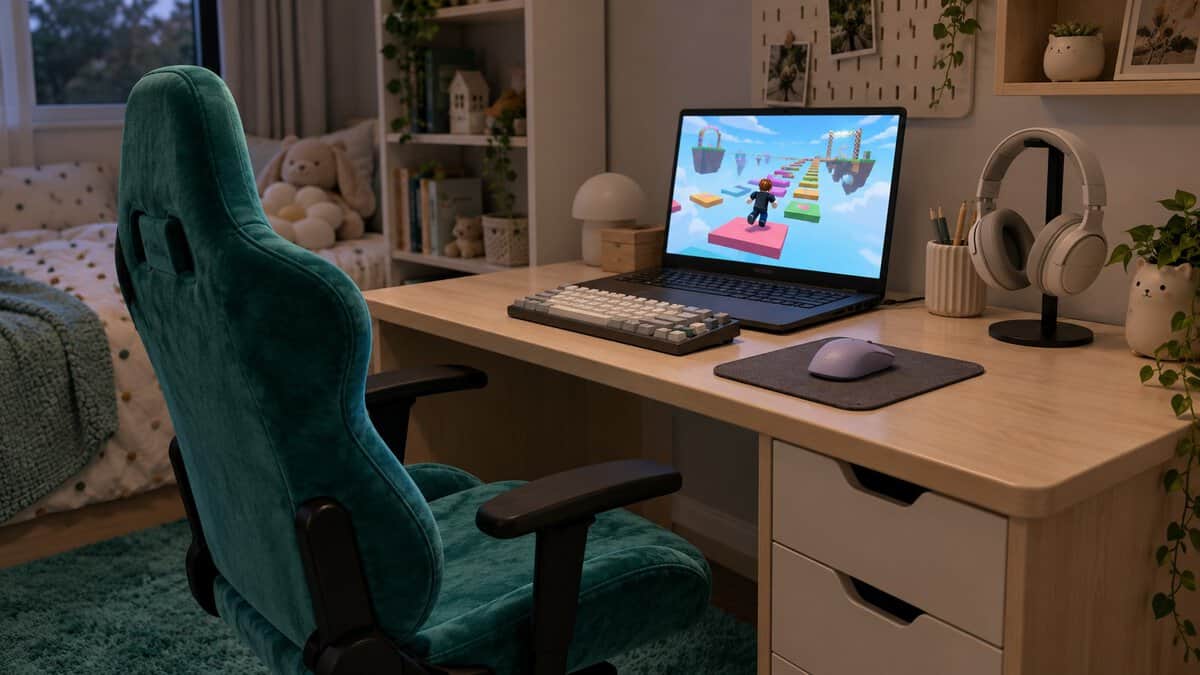
A Desk Setup That Fits a Younger Player
A desk setup for a younger Roblox player matters as much as the mouse on it. Cornell University’s ergonomics guidance on children and computing notes that young children often sit too low, with their feet dangling, and end up using the keyboard and mouse in an awkward posture.
Cornell recommends a chair that raises the child to the right height with a stable platform for the feet. Beyond that, keep the mouse close to the body so the arm is not reaching forward, and use a mouse pad sized to the desk. Our budget gaming mouse pad guide covers small and large pads.
A Quick Fit Guide for Every Roblox Player at Home
Each Roblox player at home needs something a little different from a mouse. Find the player in the table, then follow the row to the mouse that fits.
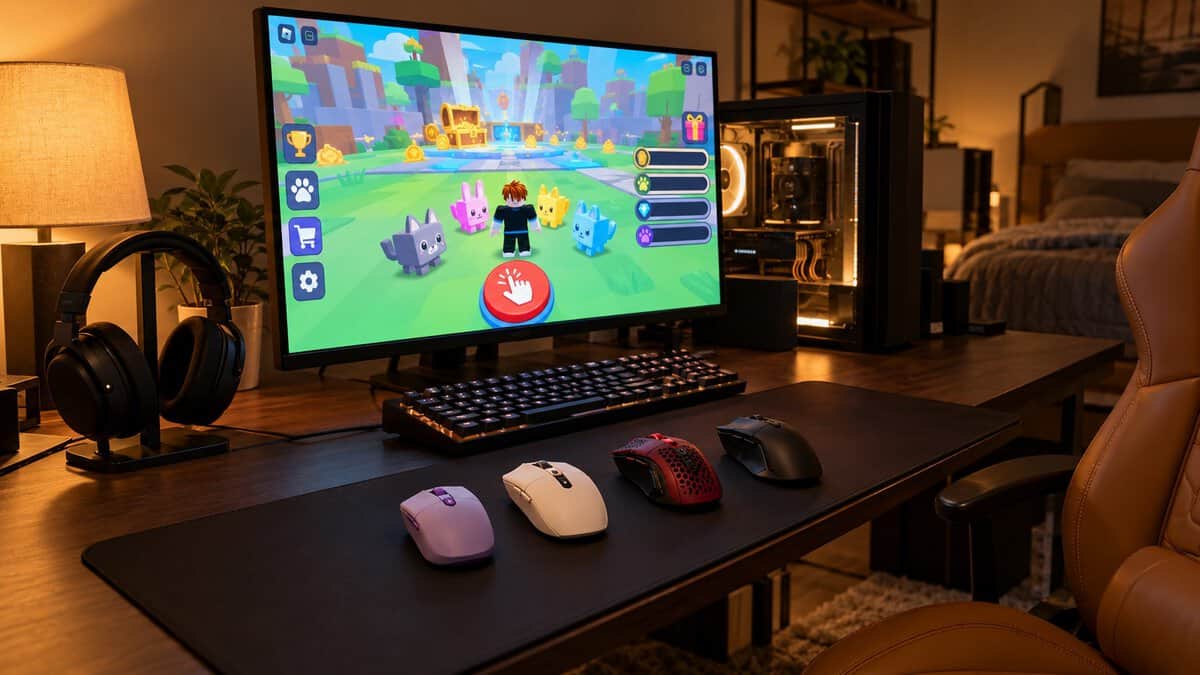
| The Player | Mouse | Why It Fits | What You Give Up |
|---|---|---|---|
| A younger kid on a laptop or small desk | Razer Orochi V2 | Small, light and works over Bluetooth | RGB lighting and a thumb rest |
| A kid or teen who wants wireless and a favorite color | Logitech G305 LIGHTSPEED | Four colors, one AA battery and a mid-size shell | Extra side buttons |
| Any right-handed player on the tightest budget | Redragon M612 Predator | Eleven buttons for the lowest price | Wireless play, and the rapid-fire key needs remapping |
| A teen or adult in combat experiences | Razer Basilisk V3 | Thumb rest, trigger button and a full-size shell | A fit for small or left hands |
If two players of different ages share one PC, pairing the Orochi V2 with the Basilisk V3 covers both hands.
Frequently Asked Questions
Quick answers on choosing a mouse for Roblox.
What mouse is best for playing Roblox?
The best mouse for playing Roblox is one that fits the player’s hand. The Logitech G305 LIGHTSPEED suits a wide range of players with its mid-size wireless shell, the Razer Orochi V2 suits small hands and laptops, and the Razer Basilisk V3 suits bigger hands in combat experiences.
What is the best small gaming mouse for a kid?
A small, light, symmetrical mouse works well for a kid. The Razer Orochi V2 is under 60 g before its battery, runs on one AA or AAA battery, and connects over Bluetooth or a 2.4 GHz receiver, so it also suits a laptop. Its side buttons sit on the left, so a left-handed kid can hold it but will reach those buttons with the little finger.
Why is my mouse so laggy on Roblox?
A laggy-feeling mouse in Roblox often comes from the setup rather than the mouse. A weak wireless battery, a receiver placed far behind the PC, a shiny or uneven desk surface, or a low frame rate can all make the camera feel slow. Try a fresh battery, move the receiver closer, and use a mouse pad.
How do you turn the camera in Roblox with a mouse?
Unless the experience’s developer has locked the camera mode, you can pick Classic or Follow in Roblox’s settings. In Classic, hold down the right mouse button and drag the mouse to turn the view, and Follow turns the camera with your avatar instead. The Shift Lock Switch setting also lets you toggle Shift Lock with the Shift key.
Is a rapid-fire button allowed in Roblox?
It depends on the experience, since each Roblox experience can set its own rules on top of Roblox’s platform rules, and some treat automated clicking as unfair play. The safest choice is to remap a rapid-fire button, like the one on the Redragon M612 Predator, to a single click unless the experience’s rules say it is allowed.
Looking for more budget gaming gear? Check out Budget Loadout for the latest reviews and recommendations.
Related Articles