Your fingertips ache after a long session, your flicks overshoot, and the back of the mouse keeps sliding out from under your palm. That usually means the shape is wrong for the way you hold it, not that your aim is off. The best mouse for claw grip gives the base of your palm something solid to anchor on while your fingers stay arched over the buttons.
Claw grip is not one grip, though. A relaxed claw, a tight aggressive claw and a claw that drifts toward fingertip each want a different body, so the four picks below are sorted by claw style rather than by price. After the cards, the guide covers hump position, hand sizing, the fatigue cost of a tight claw, and how a battery or a cable changes the feel.
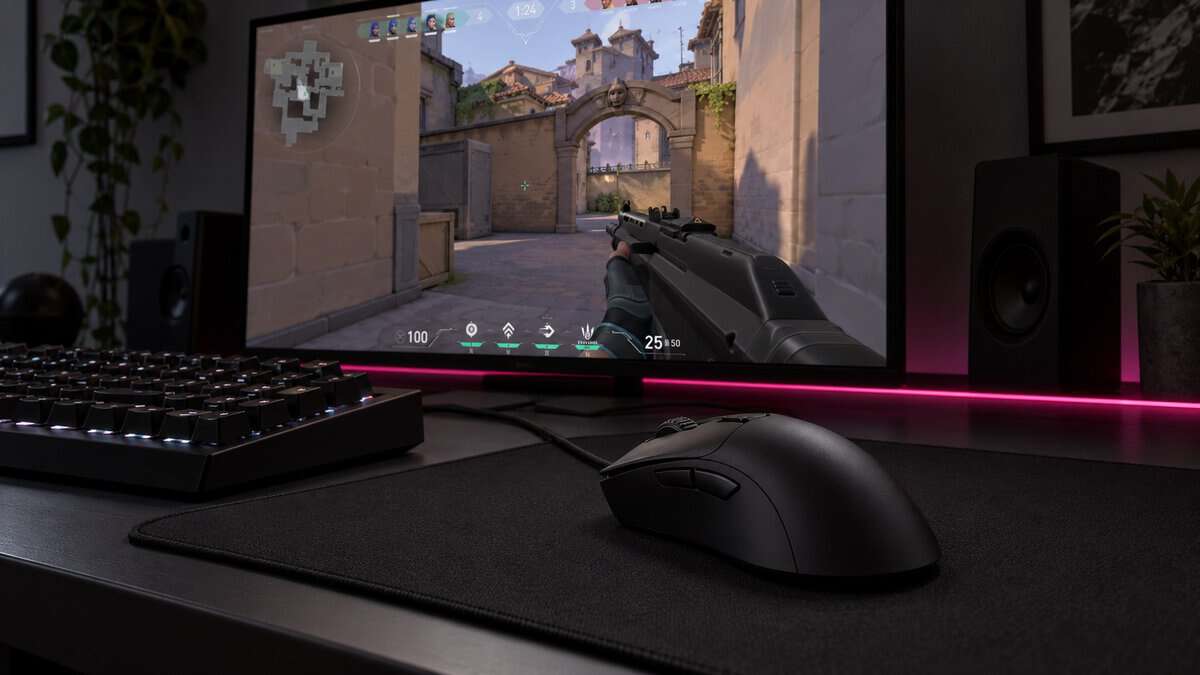
A long, sloped right-handed shape that gives a relaxed claw a big back end to rest the palm on. At 59 g, it is very light for an ergonomic mouse.
- Long back gives the palm an anchor
- Light for a full ergonomic shape
- Optical switches rated for 90M clicks
- Wired only, so the cable needs room
- Right-handed shape only
- Large body for small hands
A compact wireless mouse that small and medium hands can claw without stretching. It is the budget wireless pick and runs a long time on one AA battery.
- Short body suits smaller hands
- Up to 250 hours on one AA
- Receiver stores inside the mouse
- Heaviest of the four with the AA
- AA battery adds weight
- Narrow for large hands
A low, light symmetrical mouse for players who slide between claw and fingertip mid-fight. At 61 g it stays light, and grip tape comes in the box.
- Low shell lets the palm lift freely
- Grip tape included for the sides
- Three ways to connect
- Low back gives a tight claw less anchor
- Rechargeable, so it needs regular charging
- Wider than the X3
The lightest pick here, with a short symmetrical body for a tight claw that flicks from the fingertips. Its rechargeable battery is rated for up to 200 hours.
- 49 g is the lightest of the four
- Short body for a tight claw
- Up to 200 hours per charge
- Smaller brand with fewer owner reviews
- Five programmable buttons, one fewer
- Little to grab for large hands
Picks and availability last verified: October 19, 2026
- Work out how hard you claw first: relaxed, aggressive or a claw that drifts to fingertip each suit a different shape.
- A claw grip mouse needs a back end the base of your palm can anchor on, so check where the hump sits before weight.
- Size the mouse to your hand: a tight claw wants a shorter body than a relaxed one.
- A tight claw holds tension in the fingers and wrist, so loosen it on long sessions.
- An AA battery adds weight to a wireless mouse; a rechargeable or wired mouse usually weighs less.
Table of Contents
How Hard Do You Claw?
Claw grip covers a range of hand positions, and where you sit in that range decides the shape. Zowie’s guide describes the common thread: the hand arches, the fingertips press the buttons, and the lower part of the palm anchors on the back edge of the mouse. How much of the palm touches, and how far the fingers curl, is what changes from one player to the next.
The Relaxed Claw
A relaxed claw keeps the base of the palm planted on the back of the mouse and bends the fingers only partway. The hand stays fairly low, so it rests on more of the shell than a tighter claw does.
This style suits a longer mouse with a sloped back. The extra length fills the palm, and a broad back end gives the palm heel a firm place to push from. Right-handed ergonomic shapes often fit here.
The Aggressive Claw
An aggressive claw raises the knuckles high and curls the fingers steeply, so only the fingertips touch the buttons and the palm barely meets the back edge. Most of the aiming comes from the fingers and wrist, with quick, small corrections.
This style wants a short body with a hump toward the rear. A long mouse pushes the back end into the middle of the palm, where a tight claw has no room for it. Low weight helps too, because the fingertips do more of the stopping.
The Claw-Fingertip Hybrid
A claw-fingertip hybrid holds a claw while tracking, then lifts the palm off the mouse for fast flicks in a fight.
This style wants a flatter, light symmetrical shell. A tall back end gets in the way when the palm lifts, while a lower shape lets the hand change position without fighting the mouse.
Claw Grip Mice Worth Your Desk Space
The four claw grip mice here match the relaxed, aggressive and claw-fingertip styles, plus a budget wireless option for smaller hands. The spec table puts the numbers that matter for fit side by side.
| Mouse | Shape | Weight | Size (L x W x H) | Sensor / Max DPI | Polling | Connection | Battery | Buttons |
|---|---|---|---|---|---|---|---|---|
| Razer DeathAdder V3 | Right-handed ergonomic | 59 g | 128 x 68 x 44 mm | Focus Pro 30K / 30,000 | Up to 8,000 Hz | Wired | None | 6 programmable |
| Logitech G305 Lightspeed | Compact | 3.4 oz (about 96 g) with AA | 4.59 x 2.45 in (no height listed) | HERO / 12,000 | 1,000 Hz (1 ms) | LIGHTSPEED wireless | 1 AA, up to 250 h | 6 |
| HyperX Pulsefire Haste 2 Wireless | Symmetrical | 61 g | 124.3 x 66.8 x 38.2 mm | HyperX 26K / 26,000 | Up to 1,000 Hz | 2.4 GHz, Bluetooth, wired | Rechargeable, up to 100 h | 6 programmable |
| ATTACK SHARK X3 | Symmetrical | 49 g | 118.5 x 61 x 39.7 mm | PAW3395 / 26,000 | Up to 1,000 Hz | 2.4 GHz, Bluetooth 5.2, wired | Rechargeable, up to 200 h | 5 programmable |
Razer DeathAdder V3
The Razer DeathAdder V3 is the relaxed claw’s mouse. Its right-handed ergonomic shape measures 128 x 68 x 44 mm, the longest body and tallest published height of the four, so the base of the palm meets a broad back end while the fingers curl over the buttons. That is the anchor a relaxed claw is looking for.
The DeathAdder V3 gives a relaxed claw the biggest back end to plant the palm on.
It is also light for its size. Razer lists it at 59 g, with a Focus Pro 30K sensor, optical switches rated for 90 million clicks and polling up to 8,000 Hz (1,000 Hz by default). The Speedflex cable is woven for flexibility and low drag.
The tradeoffs are plain. The DeathAdder V3 is wired only and right-handed only, and the long body can feel oversized under a small hand or a tight claw, where the back end ends up in the middle of the palm.
Logitech G305 Lightspeed
The Logitech G305 Lightspeed is the budget way into a wireless claw grip mouse. Its compact body, 4.59 x 2.45 inches on the listing, is the shortest of the four, and its compact shape lets small and medium hands claw without stretching.
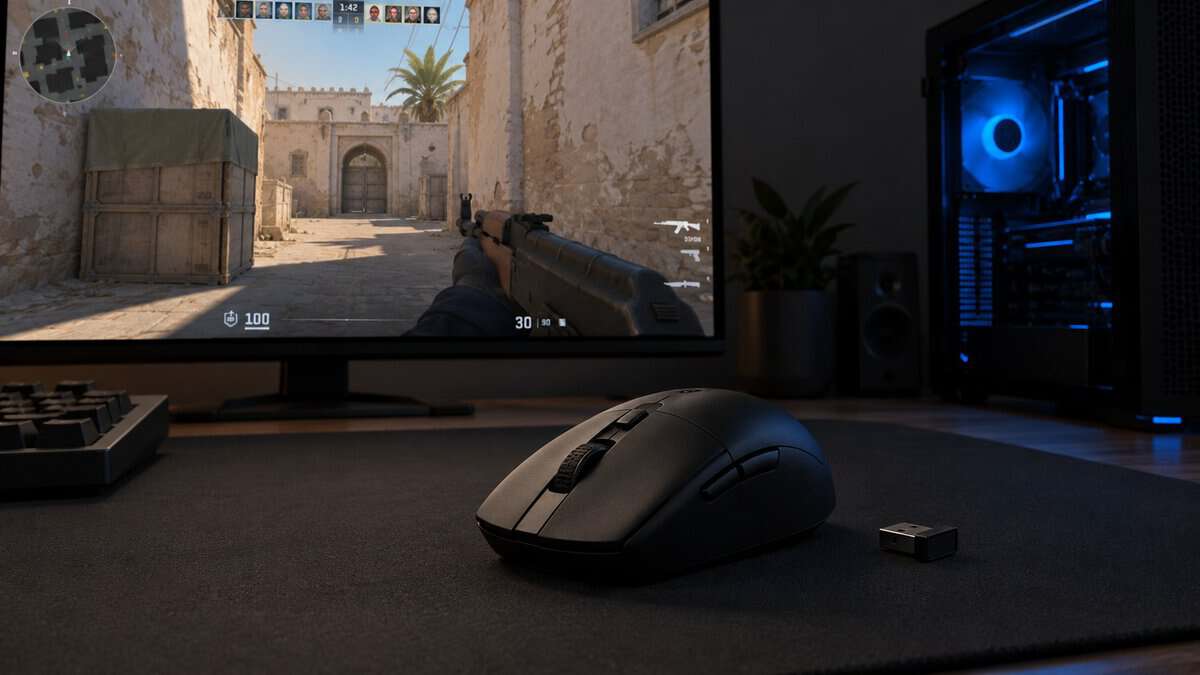
The G305 is short enough for a small hand to claw without reaching.
Logitech’s HERO sensor runs up to 12,000 DPI with 400 IPS tracking, and LIGHTSPEED wireless reports at 1 ms. One AA battery lasts up to 250 hours of gameplay, and the nano receiver stores inside the mouse for travel.
The AA is also the G305’s main tradeoff. The listing puts the mouse at 3.4 oz with the battery, the heaviest of the four. If you want a lighter mouse, the rechargeable Haste 2 Wireless and X3 weigh less.
HyperX Pulsefire Haste 2 Wireless
The HyperX Pulsefire Haste 2 Wireless suits the claw-fingertip hybrid. Its symmetrical solid shell is 38.2 mm tall, the lowest published height here, so the palm can lift off for a flick and settle back without a tall back end in the way.
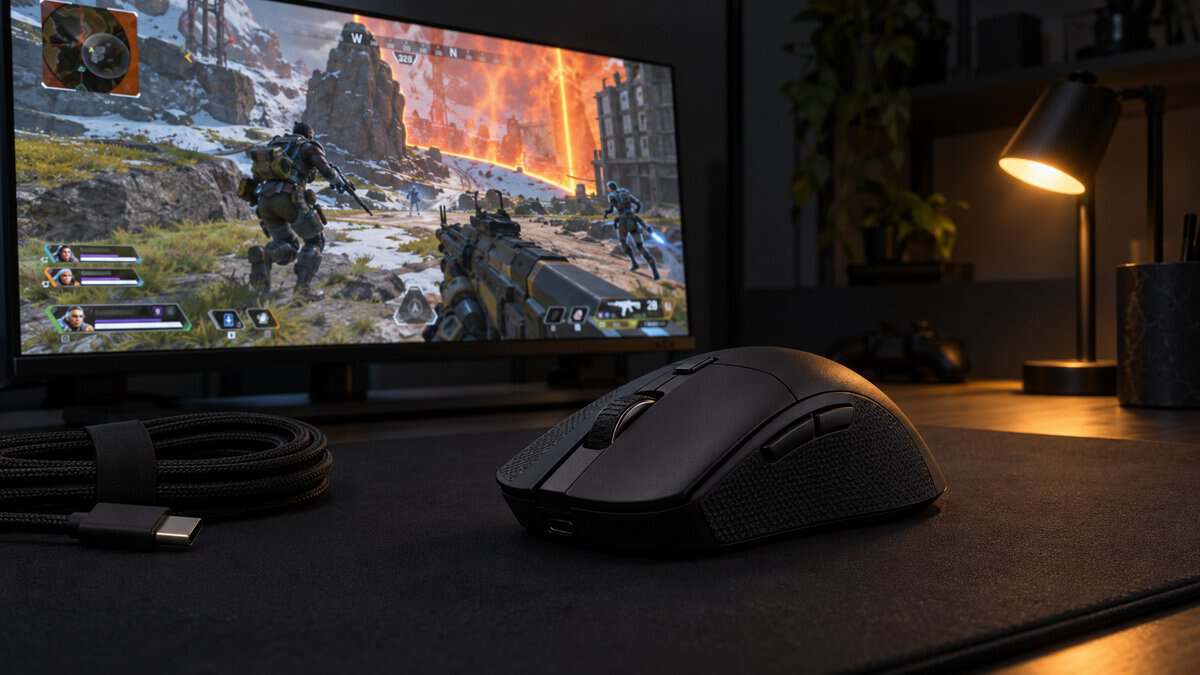
The Haste 2 Wireless stays out of the way when your palm lifts for a fast flick.
HyperX lists it at 61 g and 124.3 x 66.8 mm long and wide, with the HyperX 26K sensor, switches rated for 100 million clicks and PTFE skates. It connects by 2.4 GHz, Bluetooth or the included USB-C cable, and the rechargeable battery is rated for up to 100 hours. Four pieces of HyperX grip tape come in the box.
The low back is the cost for a tight claw. If you keep your palm anchored hard, the Haste 2 gives it less to push against than the DeathAdder V3.
ATTACK SHARK X3
The ATTACK SHARK X3 is built for an aggressive claw. ATTACK SHARK lists it at 49 g, the lightest mouse here, in a short symmetrical body of 118.5 x 61 x 39.7 mm. The brand says its symmetrical shape is tuned for claw, fingertip and palm grips.
The X3 leaves room for knuckles raised high in a tight claw.
Inside is a PixArt PAW3395 sensor up to 26,000 DPI, polling at up to 1,000 Hz, with Kailh GM 8.0 switches rated for 80 million clicks. It connects by 2.4 GHz, Bluetooth 5.2 or USB-C cable, and ATTACK SHARK rates the battery at up to 200 hours per charge.
The X3 comes from a smaller brand with a thinner owner-review base than the other three, and it has five programmable buttons rather than six. Shooter players weighing other light mice can compare it with our best budget mouse for CS2 picks.
Hump Position Matters More Than Weight
Hump position decides whether a claw grip mouse feels locked in or loose, and it matters more than raw weight. The hump is the highest point of the back. In a claw, the base of the palm presses against the back slope, so the height and position of that slope set how firmly the hand holds the mouse.
Weight still counts, but a very light mouse with the wrong back end feels vague under a claw, because the palm has nothing to brace against. Pick the shape first, then the lightest mouse in that shape.
Rear Hump vs Center Hump
A rear hump puts the highest point toward the back of the mouse, close to where a claw’s palm sits. That gives a tight claw a firm stop and keeps the front of the mouse low under arched fingers, so it is the shape to look for on a short mouse like the X3.
A center hump sits further forward, under the middle of the hand. That suits a palm grip and a relaxed claw on a long mouse, where the palm covers more of the shell. On a short mouse, a center hump can push into the curl of a tight claw. The low height of the Haste 2 Wireless suits a hybrid grip, where the palm lifts away from the back anyway.
Sizing the Best Mouse for Claw Grip to Your Hand
Sizing the best mouse for claw grip starts with your own hand. Measure from the crease of your wrist to the tip of your middle finger, then compare that with each mouse’s length. A relaxed claw can take a mouse that reaches well into the palm, while a tight claw wants a mouse noticeably shorter than a relaxed one, so the back edge lands at the base of the palm instead of the middle.
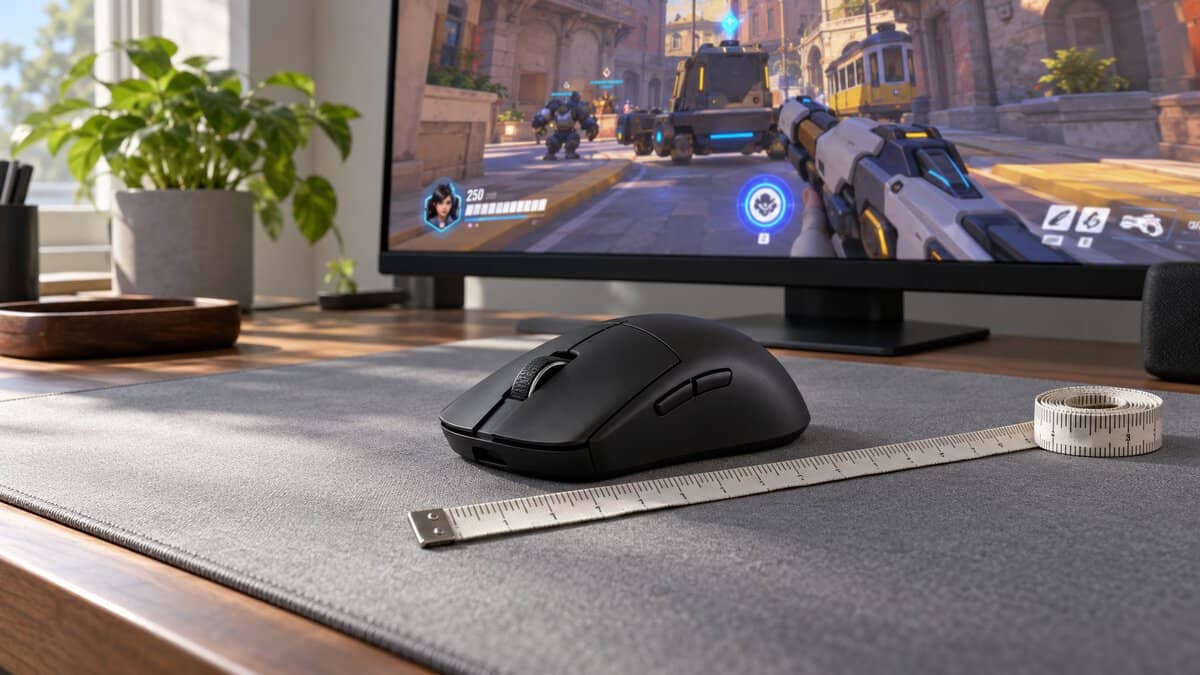
Width matters as well. Your thumb and ring finger pinch the sides in a claw, so a wide mouse forces the hand open. Large hands do well with the DeathAdder V3 or the Haste 2 Wireless, and small to medium hands with the G305 or the X3.
Surface plays a part in how a claw stops, too. A control-leaning cloth pad helps short claw corrections settle, and our budget gaming mouse pad guide covers pads by glide and stopping power.
The Fatigue Cost of a Tight Claw
A tight claw grip carries a fatigue cost that is easy to overlook. Zowie’s claw grip guide lists claw as less suited to long tracking, noting that higher sustained tension keeps the finger flexors and wrist extensors in a bent posture. The same guide credits the claw with speed in flicking tasks, so the trade is speed now against strain later.
Slow tracking games make the cost show up sooner, because a tight claw on a moving target keeps the fingers under tension the whole fight.
Loosening the Claw on Long Sessions
Loosening a claw grip on long sessions starts with the mouse, then the hold. The OSHA pointer and mouse guidance says to “Select a pointing device designed to fit the hand that will normally operate it” and to “Avoid tightly gripping the mouse or pointing device to maintain control.” A mouse that is too small forces a tighter curl, and one that is too long pushes the palm forward.
Between matches, open the hand and let the fingers rest flat for a moment. If your claw tightens as a session goes on, a relaxed claw on a longer mouse may suit those sessions better.
Sensitivity That Lets the Fingers Do Less
Sensitivity changes how hard a claw works. A very low setting makes the wrist and arm cover more ground, while a very high one asks the fingertips to make tiny, tense corrections. A middle setting lets a claw use the wrist for the big moves and the fingers for fine aim.
Comparing settings across games is easier as one number. Our eDPI calculator multiplies DPI by in-game sensitivity so you can line up what feels right in one game with another.
Wired vs Wireless vs AA Under a Claw Grip
Connection type changes how a claw grip mouse feels, mostly through weight and drag. A claw often lifts and resets the mouse, so anything that adds weight or pulls at the back end shows up quickly.
AA Weight vs Rechargeable Weight
AA weight versus rechargeable weight is the main split among wireless claw grip mice. The G305 lists at 3.4 oz with its AA, against 61 g and 49 g for the rechargeable Haste 2 Wireless and X3. A heavier mouse feels steadier to some players and slower to others.
Rechargeable mice trade that weight for charging. The Haste 2 Wireless is rated for up to 100 hours and the X3 for up to 200, and both also work wired over USB-C.
Cable Drag on a Light Wired Mouse
Cable drag matters most on a light wired mouse, because the cable is a bigger share of what the hand feels. The DeathAdder V3 uses Razer’s flexible Speedflex cable to keep drag down, and a mouse bungee lifts it off the desk if it still catches.
Going wireless removes the cable completely. If you want a wireless mouse with more shapes to choose from, our best wireless gaming mouse guide sorts picks by grip style.
Signs You Are Not Really a Claw Gripper
Some players who shop for a claw grip mouse actually rest the whole palm, and the shape should match the hold you use, not the one you think you use. Check the base of your palm after a long session: if it presses flat across the back of the mouse, you are closer to a palm grip.
Slow tracking and long sessions can push a hand toward a palm grip. MMOs, strategy games and single-player games rarely reward a tight claw, and a full ergonomic shape supports the whole hand instead. If wrist comfort is the main goal, our ergonomic gaming mouse guide covers fuller shapes, including vertical designs.
Your Claw Style and Hand Size Decide the Mouse
Your claw style and hand size together point to one of the four mice. Find how you claw in the left column.
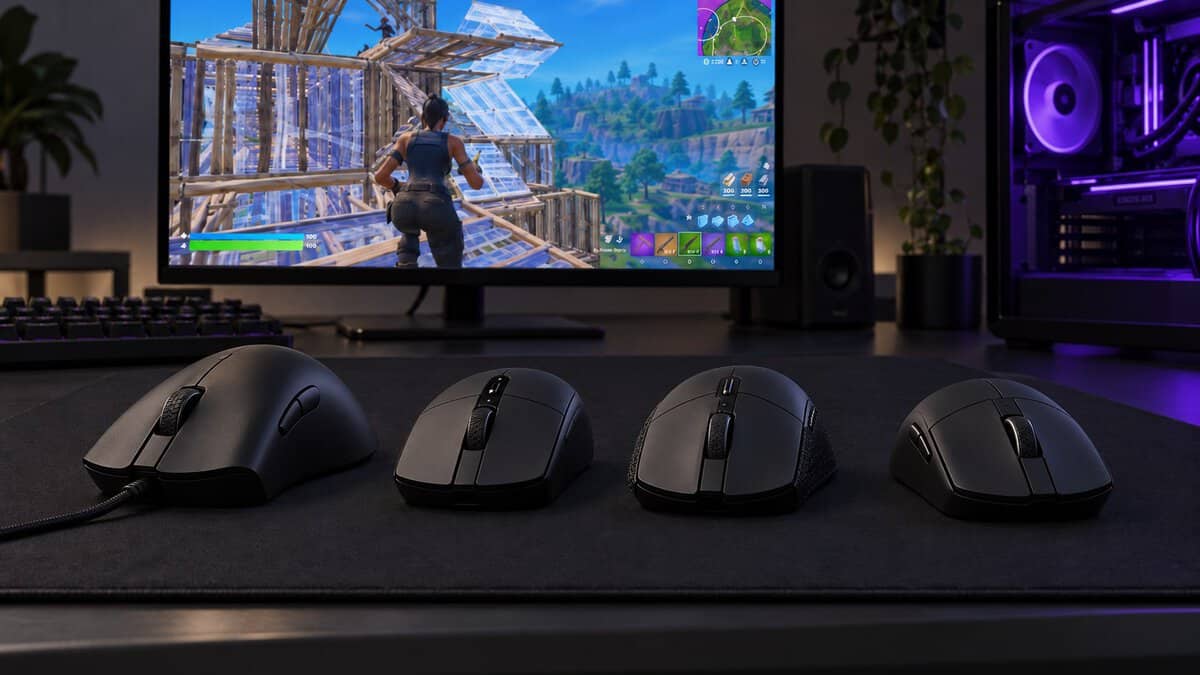
| How You Claw | Hand Size | The Pick | Why It Fits |
|---|---|---|---|
| Relaxed claw, palm heel planted | Medium to large | Razer DeathAdder V3 | Long, sloped back for the palm to anchor on |
| Relaxed claw on a budget | Small to medium | Logitech G305 Lightspeed | Short, rounded body and long AA battery life |
| Claw that drifts to fingertip | Medium to large | HyperX Pulsefire Haste 2 Wireless | Low symmetrical shell at 61 g |
| Tight, aggressive claw | Small to medium | ATTACK SHARK X3 | 49 g and a short body |
Frequently Asked Questions
Quick answers about choosing a claw grip mouse.
Is claw grip bad for your hand?
Claw grip is not harmful by itself, but it can hold tension in the fingers and wrist, and Zowie’s guide lists sustained tension and fatigue on long tracking as a drawback. Pick a mouse sized for your hand, avoid gripping tightly, and loosen your hand between matches.
What size mouse is best for claw grip?
A claw grip mouse should be shorter than your palm-grip size, so the back edge meets the base of your palm. A relaxed claw can use a longer mouse, while a tight claw suits a short body like the ATTACK SHARK X3. Small hands with a relaxed claw fit the compact Logitech G305.
Is a symmetrical or ergonomic mouse better for claw grip?
Both work. A right-handed ergonomic mouse like the Razer DeathAdder V3 suits a relaxed claw with the palm planted, while a symmetrical mouse suits a tighter claw or a grip that drifts toward fingertip.
Does weight matter more than shape for a claw grip mouse?
Shape comes first. The back end has to meet your palm where it anchors, and a light mouse with the wrong hump still feels loose. Once the shape fits, a lighter mouse makes quick stops and resets easier.
What is the best claw grip mouse for small hands?
Small hands do best with a short, narrow mouse. The Logitech G305 is the budget choice and the ATTACK SHARK X3 is the lightest; both are compact enough for a small hand to claw without stretching.
Looking for more budget gaming gear? Check out Budget Loadout for the latest reviews and recommendations.
Related Articles