The expensive mistake with a quiet keyboard is paying extra for silent switches and keeping the rattling spacebar and hollow case that make much of the noise. The best quiet gaming keyboard treats every source of clatter, from the switch to the plate to the desk underneath, and still feels quick when a match starts.
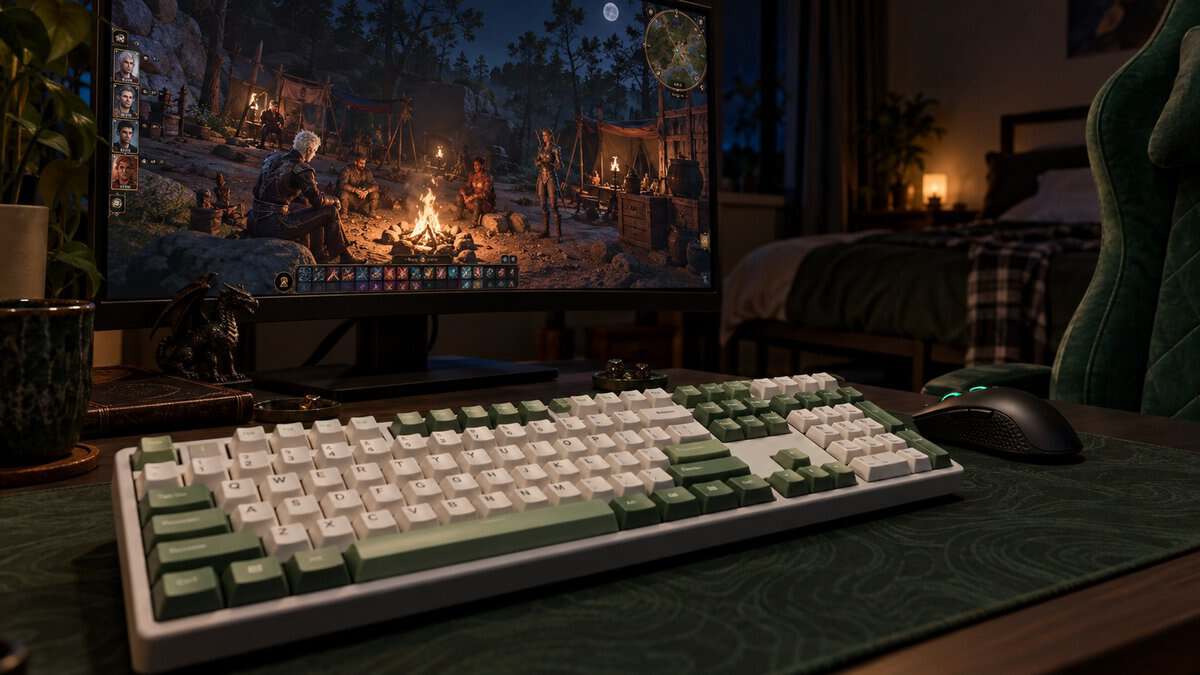
A quiet board also has to suit the room you play in. A partner asleep a few feet away, roommates through a thin wall and a squad listening on voice chat each hear a different part of the sound. The four keyboards below run from a whisper-quiet membrane board to a gasket-mounted mechanical one, and the right pick depends on who shares your space.
Treats every noise source at once, from the switch to the plate cavity to the case, and still connects three ways. Silent switches in a filled case, with a number pad kept.
- Silent switches plus a damped gasket case
- Three connection modes, up to five devices
- Hot-swappable sockets for future switches
- Software is simpler than big-brand suites
- Lesser-known brand than Razer or SteelSeries
- Wireless pairing takes a few setup steps
The quiet pick that gives up nothing in a shooter. A short, smooth Yellow switch, sound-dampening foam and Snap Tap on a full-size board from a gaming brand.
- 1.2 mm actuation with matching reset
- Snap Tap for strafing in shooters
- Six macro keys and a media roller
- Dampened, not truly silent
- Wired only
- Macro column adds width
The cheapest board here and quiet by design, since a membrane has no hard bottom-out. A huge review base, spill resistance and a magnetic wrist rest round it out.
- Membrane switches with no hard bottom-out
- IP32 water resistance
- Magnetic wrist rest in the box
- Softer, mushier feel than mechanical
- Full size takes desk space
- No wireless option
Frees mouse room on a small shared desk and stays quiet with silent red switches. Pairs with three devices over Bluetooth and plugs in at 1000 Hz for games.
- Tenkeyless size frees mouse room
- Silent red switches come pre-lubed
- Switches between three paired devices
- Thinner review base than the others
- White backlight only
- No 2.4 GHz receiver
- Keyboard noise comes from the switch, the plate, the spacebar and the desk, so treat more than the switch.
- A membrane board is usually the quietest type, and silent mechanical switches trade a little feel for less noise.
- Your squad hears your keyboard through the mic, which placement and noise suppression often fix more than a switch swap.
- Quiet switches can still be fast, since actuation point and Snap Tap have nothing to do with volume.
- Play games on a wired or 2.4 GHz connection and keep Bluetooth for typing on other devices.
Table of Contents
The Quiet Keyboards and the Noise Each One Muffles
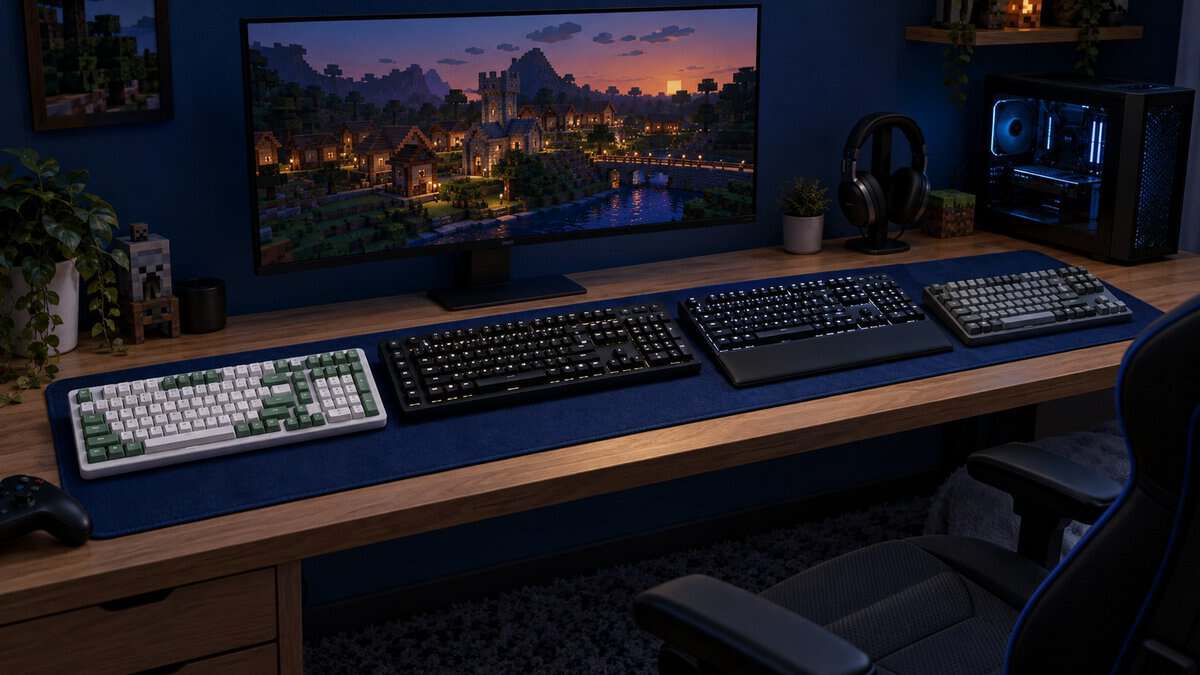
The four quiet gaming keyboards below each attack noise in a different way. One uses a membrane with no hard bottom-out, two use silent mechanical switches, and one uses a fast linear switch with sound-dampening foam.
| Keyboard | Type | Switch | Noise Damping | Layout | Connection | Spill Resistance | Standout Feature |
|---|---|---|---|---|---|---|---|
| AULA F99 Pro Silent | Mechanical, gasket-mounted | Silent pre-lubed linear | Gasket, silicone pad and five fill layers | Compact with a number pad | 2.4 GHz, Bluetooth 5.0, USB-C | Not listed | Hot-swappable 3- and 5-pin sockets |
| Razer BlackWidow V4 X Yellow | Mechanical | Razer Yellow linear, 1.2 mm, 45 g | Foam under the PCB, lubricated stabilizers | Full size plus six macro keys | Wired | Not water resistant | Snap Tap |
| SteelSeries Apex 3 | Membrane | Whisper-quiet gaming switches | No mechanical bottom-out | Full size, 445 x 151 x 40 mm | Wired | IP32 | Magnetic wrist rest |
| Keychron K8 Silent | Mechanical | Keychron Silent K Pro Red, pre-lubed | Dampened silent switches | 87-key tenkeyless | Bluetooth 5.1, USB-C at 1000 Hz | Not listed | Pairs with three devices |
AULA F99 Pro Silent Version
The AULA F99 Pro Silent is the best quiet gaming keyboard for most people because it treats every noise source instead of just the switch. AULA builds the Silent Version with pre-lubed silent linear switches, a gasket structure, a silicone pad and five layers of silencing fill inside the case.
The fill matters because a hollow case acts like a drum. Each keystroke sends a little sound into the empty space under the plate, and the AULA F99 Pro Silent packs that space so the press lands as a soft thud rather than a clack.
Silent switches quiet the key, and a filled case quiets the board.
The AULA F99 Pro Silent connects over a 2.4 GHz receiver, Bluetooth 5.0 or a USB-C cable, and it can pair with up to five devices. The compact layout keeps a number pad in a smaller frame, and hot-swappable 3- and 5-pin sockets let you try other switches later without soldering.
The tradeoffs are small but real. AULA’s software is simpler than the suites from the big gaming brands, and AULA has a smaller following than the big names, so there are fewer guides and profiles to borrow.
Razer BlackWidow V4 X With Yellow Switches
The Razer BlackWidow V4 X Yellow is the pick for players who refuse to give up speed. Razer’s Yellow switch is a linear switch with 1.2 mm actuation and a matching 1.2 mm reset, and the board adds sound-dampening foam under the PCB and lubricated stabilizers.
The BlackWidow V4 X is a dampened board rather than a silent one. A linear switch has no click bar, and the foam and lubed stabilizers soften the hollow ring and the spacebar rattle, but bottoming out still makes a firm sound.
Quiet enough for a shared room, fast enough for ranked.
The Razer BlackWidow V4 X Yellow also supports Snap Tap in Razer Synapse, which gives priority to the most recent of two opposing movement keys, plus six dedicated macro keys and a multi-function roller. Razer rates the switches for 100 million keystrokes. If you plan to put MMO abilities on those macro keys, our keyboard picks for WoW raiders compare it with two boards built around G-keys.
The Razer BlackWidow V4 X Yellow is wired only, the full-size frame with a macro column takes extra desk space, and the listing says it is not water resistant.
SteelSeries Apex 3
The SteelSeries Apex 3 is the budget pick and the quietest keyboard type on this list. It uses whisper-quiet membrane gaming switches, which press a soft rubber dome instead of driving a plastic stem into a hard housing, so there is far less bottom-out sound.
SteelSeries adds IP32 water resistance, a magnetic wrist rest, 10-zone RGB and a metal roller with media keys. The cable can route three ways, and the board works with PC, Mac, Xbox Series X|S, PS4 and PS5.
No hard stop under the key means no clack to hear.
The SteelSeries Apex 3 also has by far the deepest review base of the four, which matters on a budget board. The catch is feel, since a membrane press is softer and less defined than any mechanical switch. It is a full-size wired board, so it needs desk space and stays put.
Keychron K8 Silent Red
The Keychron K8 Silent suits a small shared desk. It is an 87-key tenkeyless board, which drops the number pad and leaves more room for your mouse, and our guide to TKL keyboards covers what else that size changes.

Keychron fits it with pre-lubed Keychron Silent K Pro Red switches, a silent linear switch built to soften each press. It pairs with up to three devices over Bluetooth 5.1 and runs at 1000 Hz wired over USB-C, and it ships with both Mac and Windows keycaps.
A smaller board on a shared desk means fewer elbows bumped.
The Keychron K8 Silent has the thinnest review base of the four, and the backlight is white only. It also has no 2.4 GHz receiver, so plug it in for games and save Bluetooth for typing on a laptop or tablet.
Where Keyboard Noise Actually Comes From
Keyboard noise is not one sound. It is several separate sounds stacked together, and a quiet gaming keyboard has to deal with each of them. Our guide to the quietest mechanical keyboard switches covers switch choice on its own.
The Switch Itself
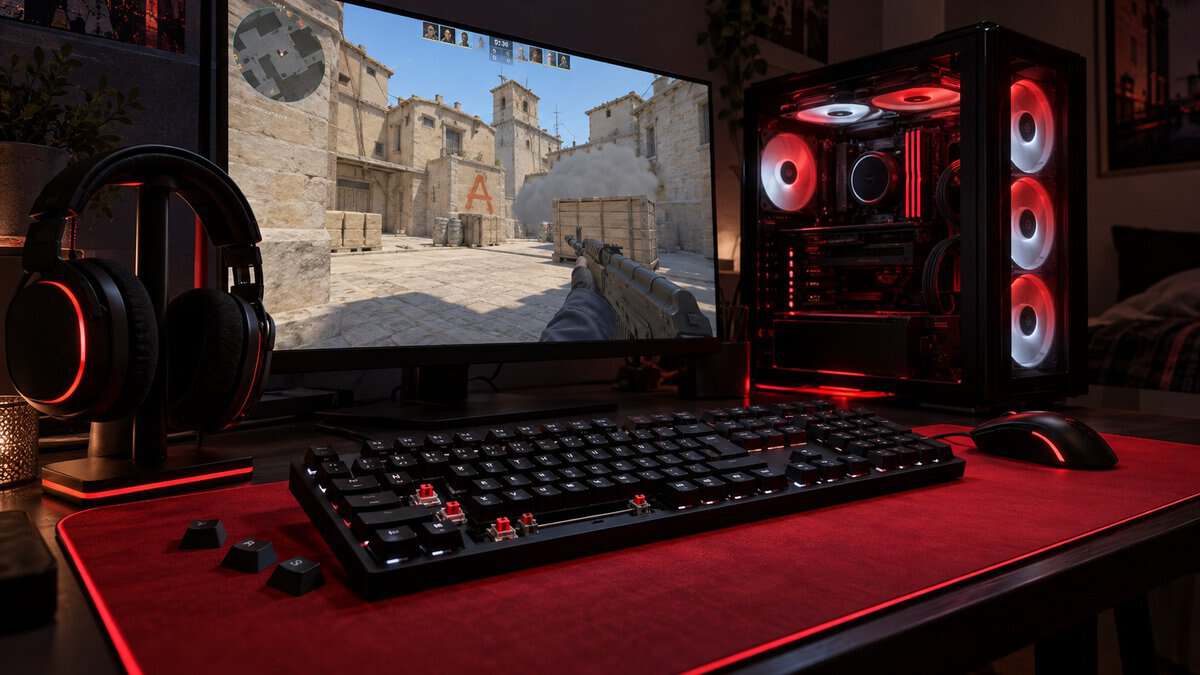
Clicky switches make noise on purpose, with a click bar that snaps as the key passes its actuation point. Linear switches drop that click, and silent switches go further with small dampers that soften the impact at the top and bottom of each press.
A switch swap only fixes this first layer, which is why a silent switch in a hollow case can still sound loud.
Bottoming Out on the Plate
Much of the sound in a fast keystroke comes from the key hitting the bottom of its travel. A gasket mount suspends the plate on soft pads, and foam or fill under the plate absorbs the impact before it reaches the case.
The AULA F99 Pro Silent uses both, and the Razer BlackWidow V4 X Yellow uses foam under the PCB.
The Spacebar Rattle
Long keys like the spacebar, Shift and Enter sit on metal stabilizers, and dry stabilizers rattle with every press. Lubricated stabilizers, which Razer lists on the BlackWidow V4 X, cut that rattle down to a dull tap.
The spacebar matters more in games than in typing, since it is the jump key in most shooters and gets hammered hard. A rattle you never notice in an email becomes the loudest sound on the desk during a firefight.
Keycaps and the Pitch of Each Press
Keycaps change the tone of a keystroke more than its volume. Thin keycaps tend to sound higher and sharper, while thicker keycaps give a deeper, duller press.
Keycap thickness is one reason two boards with the same switch can sound different. If a board still sounds harsh after the other fixes, thicker aftermarket keycaps are an easy next step.
The Thump Through the Desk
A desk acts like a speaker cabinet. Every keystroke sends a little vibration into the desktop, which carries into the floor and the next room.
A thick desk mat under the keyboard and mouse absorbs much of that thump, and rubber feet that sit flat keep the board from tapping against the surface. Your mouse makes the other half of that noise, and our silent gaming mouse picks quiet it down to match.
Membrane or Silent Mechanical in a Shared Room
The biggest choice is the switch type, and it trades sound against feel. Our mechanical vs membrane keyboard comparison covers the general differences, but in a shared room the question is simpler.
When a Membrane Is the Best Quiet Gaming Keyboard
A membrane board is the best quiet gaming keyboard when someone is asleep within a few feet of you. The SteelSeries Apex 3 presses a soft dome with no hard bottom-out, so the loudest part of a mechanical keystroke never happens.
Membrane boards also cost less, and the SteelSeries Apex 3 adds spill resistance for late-night drinks at the desk. If you game in the same room as a sleeping partner most nights, the best quiet gaming keyboard for you is probably a membrane, not a premium mechanical board.
What Silent Switches Cost You in Feel
Silent mechanical switches keep the consistent travel and crisp actuation that make mechanical boards popular, but the dampers make each press feel a touch softer.
The AULA F99 Pro Silent and the Keychron K8 Silent both use silent linear switches, so the press is smooth from top to bottom with no bump.
What Your Squad Hears Through the Mic
A quiet gaming keyboard helps the room, but your squad hears whatever your microphone picks up. A mic placed near the keyboard will catch even a silent switch, while a well-placed mic with noise suppression can hide a loud one.
Mic Placement Matters as Much as the Switch
Keep the microphone close to your mouth and away from the keyboard. A desk mic on a boom arm, angled down at your mouth and pointed away from the keys, picks up far less typing than a mic sitting on the desk beside the keyboard.
A directional mic helps too, since it favors sound from the front. Our budget USB microphone guide covers mics with directional pickup patterns.
Noise Suppression in Discord and OBS
Software can remove much of what reaches the mic. Discord’s noise suppression is powered by Krisp, and Discord’s Krisp FAQ explains how it filters background noise from your voice in calls.
For streaming and recording, OBS Studio offers two filters for a mic source. Its filters guide describes Noise Suppression as removing background or white noise, and Noise Gate as cutting off background noise when you are not speaking. Push to talk in Discord does the same job by hand.
If you prefer voice activity over push to talk, Discord lets you adjust input sensitivity, so quiet sounds below your speaking level never open the mic. Set it while typing, and raise it until the keyboard stops lighting up your voice indicator.
Quiet Without Slow Inputs
A quiet switch does not have to be a slow one. Volume comes from impact and click bars, while speed comes from actuation point, reset and connection, so a quiet board can still keep up.
Actuation and Snap Tap on a Quiet Board
Actuation point decides how far a key travels before it registers. The Razer BlackWidow V4 X Yellow registers at 1.2 mm and resets at the same point, which suits fast strafing and quick re-presses.
Snap Tap adds another edge in shooters. When you press two opposing movement keys, such as A and D, it gives priority to the newer press, so counter-strafes feel cleaner. Check a game’s rules before using it in competitive play.
Wireless Modes and Game Latency
Wireless boards can use two kinds of connection, and they are not equal for games. A 2.4 GHz receiver is built for low-latency play, while Bluetooth is built for convenience across devices.
The AULA F99 Pro Silent has a 2.4 GHz receiver for games, and the Keychron K8 Silent runs at 1000 Hz on a cable. Our wired vs wireless keyboard guide covers the tradeoffs in more depth.
Pick by Who Shares Your Room
Who else is in the room decides which kind of quiet you need. Find your situation in the first column, then follow the row to the keyboard that fits.
| Who Shares Your Room | Keyboard | Why It Fits | What You Give Up |
|---|---|---|---|
| A partner asleep a few feet away | SteelSeries Apex 3 | Membrane switches with no hard bottom-out | Mechanical feel |
| Roommates and a voice-chat squad | AULA F99 Pro Silent | Silent switches, a damped case and wireless | The software depth of a big gaming brand |
| Just you, but late and competitive | Razer BlackWidow V4 X Yellow | Fast linear switches and Snap Tap with dampening | Full silence and wireless |
| A small shared desk | Keychron K8 Silent | Tenkeyless size, Bluetooth and silent red switches | RGB and a deeper review base |
If your situation changes, the AULA F99 Pro Silent covers the most ground, since it combines silent switches, a filled case and three ways to connect.
Frequently Asked Questions
Quick answers on choosing a quiet gaming keyboard.
Are silent keyboards good for gaming?
Yes. Noise and speed come from different parts of a keyboard, so a silent board can still be fast. The Razer BlackWidow V4 X Yellow pairs a 1.2 mm actuation point with sound-dampening foam, and silent linear switches like those on the AULA F99 Pro Silent stay smooth with no bump, at the cost of a slightly softer press.
How do I make my gaming keyboard quieter?
Start with the cheapest fixes. Put a thick desk mat under the keyboard to absorb the thump, keep its rubber feet flat on the desk, and lubricate rattling stabilizers if the board allows it. On a hot-swappable board, silent switches handle the rest, and foam inside the case softens what is left.
What is the quietest type of gaming keyboard?
A membrane keyboard is usually the quietest type, because each press lands on a soft dome instead of a hard plastic stop. The SteelSeries Apex 3 uses this design. Silent mechanical switches come next, followed by linear switches, with clicky switches the loudest.
Can a microphone pick up a silent-switch keyboard?
Yes, if the mic sits close to the keyboard. Silent switches lower the volume but do not remove it. Placing the mic near your mouth and away from the keys, then turning on noise suppression in Discord or OBS, does more for your squad than the switch alone.
Do O-rings make a gaming keyboard quieter?
O-rings soften the sound of a key bottoming out, because the rubber ring cushions the keycap before it hits the switch. They also shorten key travel slightly. They do nothing for clicky switches or rattling stabilizers, so they help most on a linear board that sounds harsh at the bottom of each press.
Looking for more budget gaming gear? Check out Budget Loadout for the latest reviews and recommendations.
Related Articles