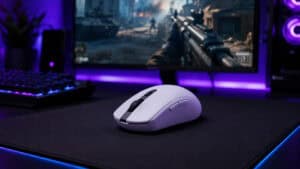
Your mouse is the loudest thing in the room at 2 AM. Every click carries when the house goes quiet. The best silent gaming mouse fixes that without turning your aim to mush.
Quiet clicks and good tracking come from different parts of a mouse, so you do not have to pick one. The three picks below cover a mix of games and work, a tight budget and fast shooters.
A quiet click with programmable buttons and three ways to connect. It moves between a gaming PC and a work laptop with no fuss.
- Sold as a silent click mouse
- Three ways to connect
- Six programmable buttons with onboard memory
- Sensor is not named
- Smaller review base than the budget pick
- Button software is Windows only
The cheapest way to quiet your clicks and the pick with the most buyer reviews. It suits slower games better than ranked shooters.
- Lowest cost of the three
- Deepest review base here
- Rechargeable with three connection modes
- Sensor is not named
- No USB-C cable is listed in the box
- Quiet claim covers left and right only
Very light at 55 g and aimed most clearly at competitive play. Its clicks are muted rather than silent and it is the priciest pick.
- Very light at 55 g
- Fast sensor and polling
- Optical switches with no contact chatter
- Muted clicks and not truly silent
- The priciest pick of the three
- Thin review base so far
- Click noise and tracking come from different parts of a mouse, so a quiet mouse can still aim well.
- No mouse is truly silent. Quieter is the honest word.
- Side buttons and scroll wheels can stay loud even when the main clicks are quiet.
- The INPHIC IN9 Silent is our overall pick and the INPHIC Silent Rechargeable is the budget pick.
- The be quiet! Dark Perk Ergo suits shooters, but its clicks are muted and not silent.
Table of Contents
Quiet Clicks That Still Aim Straight
A silent mouse earns its place only if you can still play on it. Each pick here sells quieter clicks alongside gaming specs. They differ in weight, price and how far the quiet claim goes.
| Product | Switch | Sensor | Max DPI | Polling | Weight | Connection | Battery | Best For |
|---|---|---|---|---|---|---|---|---|
| INPHIC IN9 Silent | Silent click | Not named | 10,000 | Up to 1000Hz | Not listed | 2.4G, Bluetooth 5.0, USB-C | Not listed | Mixed gaming and work |
| INPHIC Silent Rechargeable | Silent left and right | Not named | 12,800 | Up to 1000Hz | 106 g | 2.4G, Bluetooth 5.0, USB-C | 500 mAh | Tight budgets |
| be quiet! Dark Perk Ergo | Omron D2FP-FN2 optical | PixArt PAW3950 | 32,000 | Up to 8,000Hz | 55 g | 2.4G, USB-C | Up to 110 hours at 1000Hz | Competitive shooters |
INPHIC IN9 Silent
The INPHIC IN9 Silent is the mouse we would buy for most people. Its listing calls it a silent click mouse, and it holds a solid buyer rating across hundreds of reviews. It offers six DPI steps up to 10,000 DPI and report rates from 125Hz to 1000Hz, which is plenty for most games.
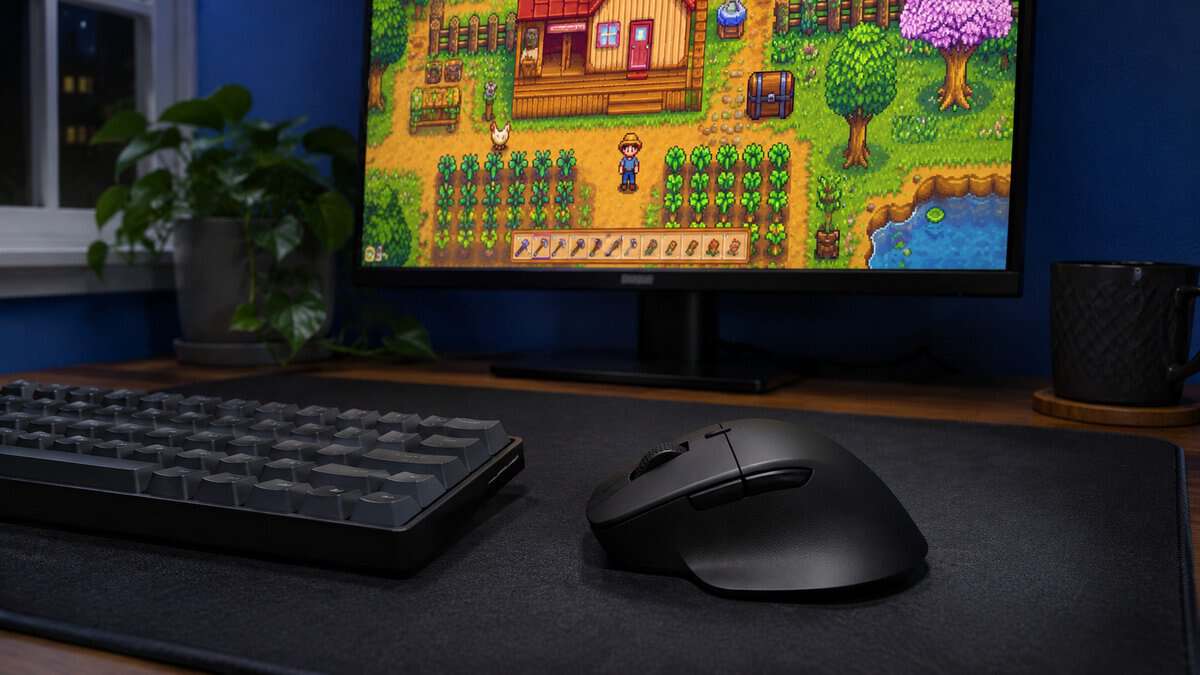
Three connection modes make it easy to live with. Use the 2.4G dongle for games and Bluetooth 5.0 for a work laptop, or plug it in over USB-C. The small receiver stores inside the mouse. Its six programmable buttons save to onboard memory, so your settings follow it between machines.
The catch is what INPHIC leaves out. It does not name the sensor or list a weight, and its button software only runs on Windows. A battery indicator on top of the mouse tells you when to recharge, but the listing gives no battery life figure. If your hand needs more support, our best ergonomic gaming mouse guide covers bigger shapes.
One buying note matters here. INPHIC sells several similar mice. Check that the listing you open says IN9 before you buy, since our specs are for that model.
INPHIC Silent Rechargeable
The INPHIC Silent Rechargeable is the budget pick and the one with the most buyer reviews by far. It offers six DPI presets up to 12,800 DPI and connects by 2.4G, Bluetooth 5.0 or USB-C. A built-in 500 mAh battery means no more swapping AAs.
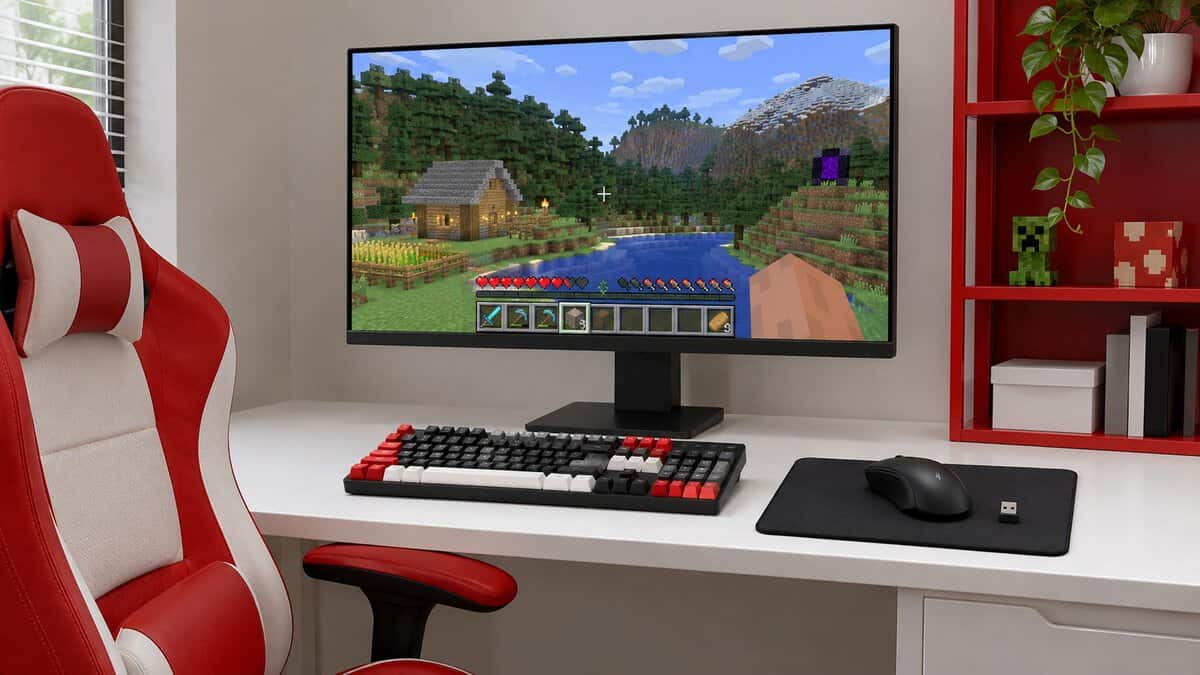
INPHIC does not name this sensor either. Polling reaches 1000Hz through a Windows driver setting. It suits slower games and everyday desktop work, but we would not choose it for ranked shooters.
The listing promises quiet left and right clicks and stops there. The rest of the buttons get no such claim. It also has a right-handed shape and no USB-C cable listed in the box. If you want a cheap mouse where clicks matter less, our budget gaming mouse guide has options with named sensors that are not sold as silent.
Quiet left and right clicks are not the same as a quiet mouse.
be quiet! Dark Perk Ergo
The be quiet! Dark Perk Ergo is the pick for shooters who still want less noise. It weighs just 55 g and uses a PixArt PAW3950 sensor with up to 32,000 DPI. Polling goes up to 8,000Hz and the battery lasts up to 110 hours at 1000Hz.
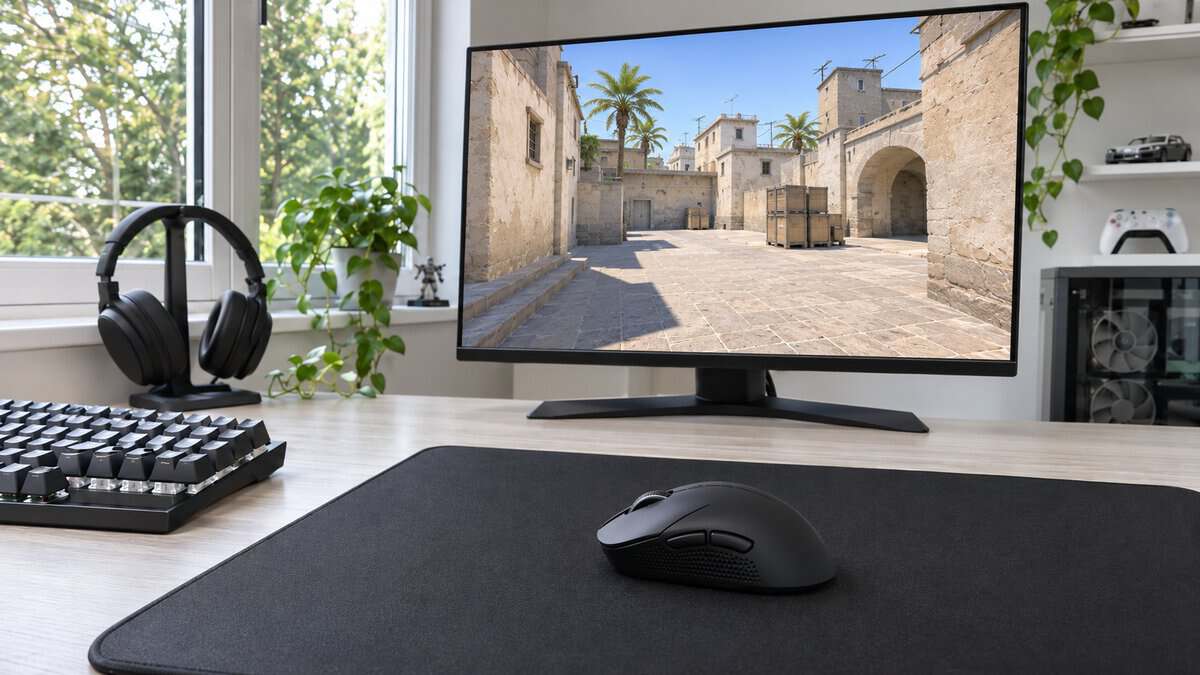
It is also the priciest pick here and has the thinnest review base. Be honest about what you are buying. be quiet! describes soft clicks and a silent sound profile on the left and right buttons. The switch maker describes a clear click feeling. We call it muted because no one publishes a noise figure to settle it.
Two thumb buttons sit on the side of an ergonomic shape. If you only play slower games, you would be paying for speed you never use.
Silent Mouse Myths Gamers Still Repeat
A few old ideas keep people away from quiet mice or send them to the wrong one. Most of them mix up the parts that make noise with the parts that track your hand.
Silent Means Slow
Click noise comes from the switch under each button. Tracking comes from the sensor underneath. They are separate parts, so a quiet switch does not make the sensor any worse.
Where people do notice a difference is feel. A dampened switch can have a softer press, and that takes a little getting used to. That is a change in feedback and not in how fast the mouse reports your movement.
Silent Means No Sound
No mouse with moving buttons makes no sound at all. Quieter is the honest word. A silent switch cuts the sharp click that carries across a room, but a soft tap remains.
Marketing words do not help much here. Listings say silent, whisper-quiet and ninja quiet with no shared standard behind them. None of these makers publish a lab noise figure we could compare, so we do not rank these mice by a number.
Every Button Is Equally Quiet
A silent mouse may only be silent on two buttons. The INPHIC listing names left and right clicks and nothing else. be quiet! ties its silent sound profile to the left and right buttons too.
The IN9 listing calls it a silent click mouse without saying which buttons that covers. Check the wording if side buttons matter to you. A loud thumb button can undo the point of the whole mouse.
Optical Always Means Quiet
Optical switches sound like they should be quiet because the press makes no electrical contact. They use light to register it, which the maker says gives a rapid response with no chatter. The moving parts still click.
The ARATAS D2FP switch page (ARATAS was formerly Omron Components) describes contactless operation using photosensors and also a clear click feeling. That is the switch family used in the Dark Perk Ergo. A clear click feeling is not a promise of silence, so we do not treat optical as another word for silent.
Where a Quiet Mouse Gives Something Up
Quiet mice cost you a little in other places. None of it is a dealbreaker, but it helps to know before the box arrives.
The Best Silent Gaming Mouse Still Makes Noise
Even the best silent gaming mouse moves on a desk. Skates slide, the shell can creak a little under pressure and the mouse lifts and lands when you reposition it. A hard desk can make those sounds louder than a cloth pad does.
That is why swapping the mouse fixes only part of the problem. A thick pad softens the landing and the slide. If the room still seems noisy after the upgrade, look at the surface next.
Technique plays a part as well. Players who slam the mouse down after a big flick make a thud that no switch can hide. Setting the mouse down gently after a lift can quiet that sound for free.
A Softer Click in Fast Games
A crisp click gives your finger a clear signal that the shot registered. A dampened switch gives you less of that signal.
Clicking speed is the other worry. We found no maker figures comparing click speed on silent and standard switches, so we cannot promise there is no difference. The feel is the change you are most likely to notice.
If you play mostly ranked shooters, this is the tradeoff that matters most. The be quiet! Dark Perk Ergo is our pick for that case, and its maker describes soft clicks on a fast optical switch.
Scroll Wheels and Side Buttons
Scroll wheels have their own noise. A notched wheel ticks with every step, and that sound has nothing to do with the switches under your fingers.
Side buttons are the other weak spot. Thumb buttons can use a different switch than the main clicks. The INPHIC and be quiet! listings make no quiet claim for them. Try yours as soon as it arrives, while you can still return it.
A quick check tells you most of what you need. Sit at your desk in a quiet room and press every button on the mouse a few times. Then roll the wheel in both directions and lift the mouse and set it down. Whatever stands out is the part your household will notice.
Who Should Skip a Silent Mouse
Not every gamer needs a silent mouse. If you game alone in a closed room, a quiet mouse solves a problem you do not have. You would give up click feel and some choice of models for nothing in return.
Competitive players with a mouse they already love should also think twice. Muscle memory is worth more than a quieter click. Try a thick pad and push-to-talk first and see whether anyone still complains.
Who Actually Hears Your Clicks
A quiet mouse helps some people more than others. It depends on who is near you and what your microphone picks up. Work out who you are trying to spare before you spend money.
The Person in the Room
A partner trying to sleep hears the sharp, repeated clicks the most. This is where a silent switch does its best work, because the sound stops carrying as far. A room with a door shut between you may not need much help at all.
Distance and surfaces matter too. A desk pushed against a shared wall can pass more sound. A closed door and a soft pad help too.
Time of night changes things as well. Clicks that nobody notices over a TV in the evening become obvious once the house goes still. If your late sessions are the problem, judge any mouse at that hour and not in the middle of the day.
Voice Chat and Noise Suppression
Your squad hears clicks only if your microphone picks them up. A close mic and a sensible input level can help before you change any hardware.
Software can help as well. Tom’s Hardware’s write-up on Nvidia Broadcast found the app removed the sound of a very clicky keyboard from a recording. That piece is from 2020, the app needs an RTX graphics card and the check covered keyboard clicks. It did not look at mouse clicks, so treat it as a promising thing to try and not a sure fix.
Most voice apps also offer a push-to-talk key. Your mic stays closed until you press it, so your squad hears no clicks while you are not talking. Clicks made while you hold the key can still get through. It costs nothing and it works with any mouse you already own.
The Keyboard Next to It
Your keyboard is often the louder half of the desk. A silent mouse beside a clicky board will not change much for anyone listening. Our best quiet gaming keyboard guide covers the other half of the job, and the two upgrades work best together.
The Wired Option If You Hate Charging
The two INPHIC picks and the be quiet! pick can all run wireless. If you would rather never think about a battery, a wired quiet mouse is worth a look. The choice comes down to convenience more than noise.
MOJO Pro Performance Silent
The MOJO Pro Performance Silent is the wired option we would look at. It uses a PMW3336 sensor at up to 12,000 DPI and 1000Hz, with nine programmable buttons including a sniper key. MOJO sells all of its buttons as silent, which addresses the side-button problem directly.
We kept it out of the top three for two reasons. It weighs 127 g, which is heavy for anything fast. Its buyer rating is also the lowest of the group. It suits MMO and strategy players who want plenty of buttons and no charging.
MOJO’s listing describes the sniper key as a rapid fire key. You can remap the buttons and set macros in MOJO’s software, which requires Windows.
What the Cable Costs You
A cable can drag on the desk and it limits where the mouse sits. A 1.8 m cord reaches most setups, but it adds another thing to manage. On the plus side, a wired mouse needs no dongle and no charging. Our wired vs wireless gaming mouse comparison walks through that choice.
Your Game Decides How Much Quiet You Can Use
What you play matters more here than any spec line. Fast games reward a light mouse and a crisp click. Slower games leave more room to put quiet first. Find your kind of game in the first column.
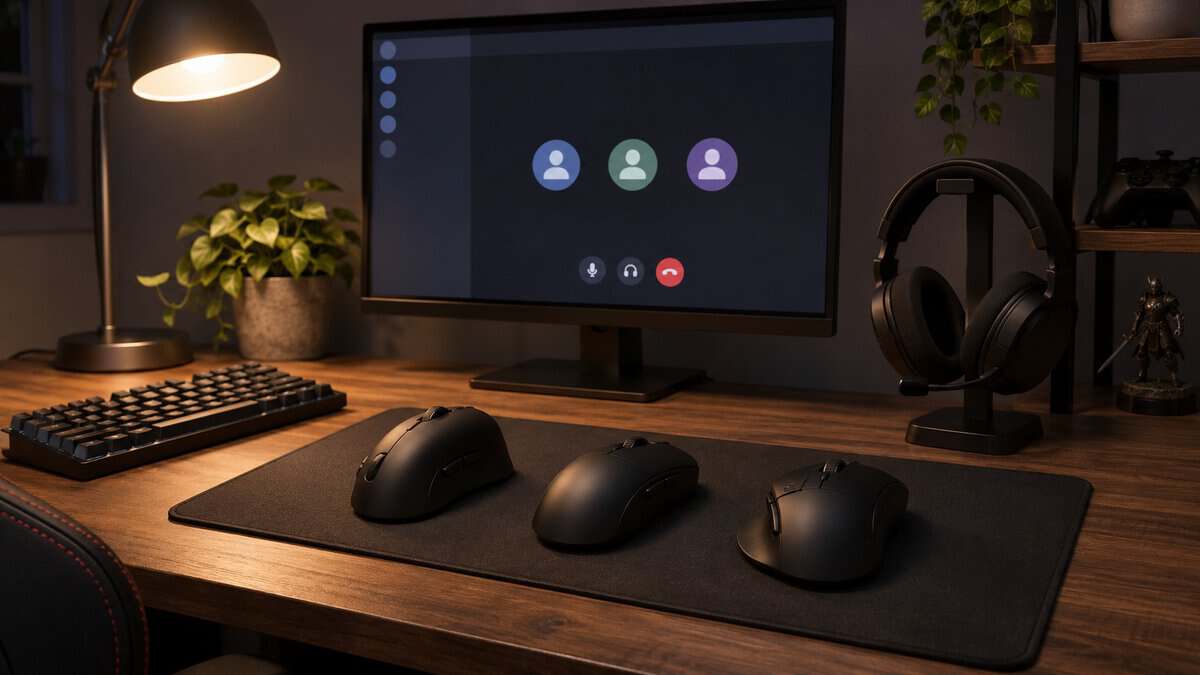
| What You Play | Mouse | Why It Fits | What You Give Up |
|---|---|---|---|
| Shooters with a partner asleep nearby | be quiet! Dark Perk Ergo | Light body and a fast sensor | Muted clicks and not silent ones |
| A mix of games and work | INPHIC IN9 Silent | Quiet click and three connections | No named sensor or listed weight |
| Slower games on a tight budget | INPHIC Silent Rechargeable | Lowest cost with quiet left and right clicks | Unnamed sensor and no USB-C cable listed in the box |
A quiet mouse pays off fastest in a shared room, and it pairs well with a good mic if you talk while you play. Our budget USB microphones guide is a good next stop.
Frequently Asked Questions
Quick answers on silent mice and how quiet they really get.
Is there such a thing as a silent mouse?
Not a fully silent one. A silent mouse usually uses dampened switches to cut the sharp click, but a soft tap remains. Treat silent as a marketing word for quieter.
Is there a wireless gaming mouse with silent clicks?
Yes. The INPHIC IN9 Silent runs over 2.4G or Bluetooth and is sold as a silent click mouse. The INPHIC Silent Rechargeable is a cheaper wireless option with quiet left and right clicks.
What is the quietest mouse on this list?
We cannot name one by a measured number because these makers publish no noise figures. The two INPHIC picks are sold on their quiet clicks. The MOJO is sold with all of its buttons silent. The Dark Perk Ergo is muted and not silent.
Is a silent mouse good for FPS games?
It can be. Tracking comes from the sensor, so a quiet switch does not slow your aim. The softer click may take some adjusting. If shooters are your main game, the 55 g Dark Perk Ergo is the pick here.
Will a silent mouse stop my mic from picking up clicks?
It should help because the sound is softer at the source. Your mic position and input level matter too. Noise suppression software may also help, but we found no solid report on mouse clicks specifically.
Looking for more budget gaming gear? Check out Budget Loadout for the latest reviews and recommendations.
Related Articles