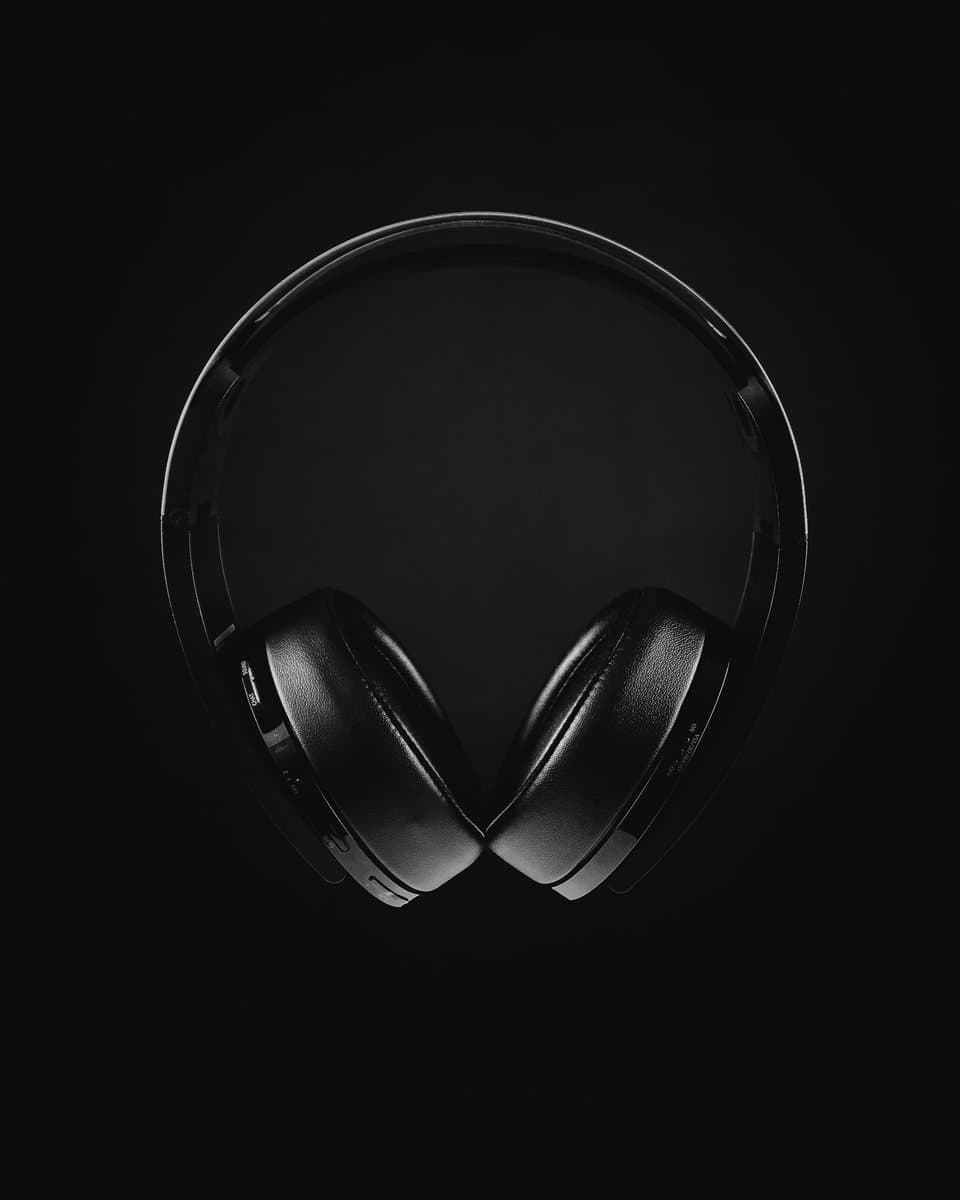
When searching for the top gaming headsets, value is found in the balance of audio performance, microphone clarity, and build quality for a given price. Models like the HyperX Cloud III and Razer BlackShark V3 X HyperSpeed built their reputations by delivering on these core functions without costly gimmicks. This guide focuses on performance-per-dollar, helping you find a headset that provides a competitive advantage and is built to last. We will cover specific recommendations for different use cases and budgets.
- HyperX Cloud II and Razer BlackShark V2 consistently rank as top value picks under $100 for competitive gaming
- Comfort and mic quality should be prioritized over flashy features like RGB lighting or 7.1 virtual surround
- Wired headsets still deliver lower latency and better audio quality per dollar compared to wireless at the same price
- Different games benefit from different audio profiles — FPS games need wide soundstage while story games benefit from bass-heavy drivers
- A detachable microphone is worth the upgrade — it gives clearer voice chat than built-in boom mics and can be removed when you’re just listening
Table of Contents
- Clear and detailed audio from 53mm drivers
- Comfortable memory foam earcups for long sessions
- Solid noise-isolating detachable microphone
- Wired-only; no wireless option
- Earcups can run warm over time
- No software EQ or presets
- Low-latency 2.4GHz wireless connection
- Punchy bass response from TriForce drivers
- Lightweight build reduces fatigue over long sessions
- Mic is serviceable, not exceptional
- ~20hr battery needs regular charging
- Plastic build feels less premium
- Surprisingly clear audio for a budget headset
- Lightweight adjustable headband for comfort
- Wide multi-platform compatibility out of the box
- Microphone is basic
- No wireless option
- Bass feels lighter than mid-range
How To Choose Your Next Gaming Headset Without Overspending
Finding the right gaming headset involves navigating a market filled with marketing hype. Brands often promote features like RGB lighting and complex software, but these rarely improve gameplay. A value-focused approach means cutting through that noise and concentrating on what actually contributes to performance.
This guide provides a clear framework for making a smart purchase. It’s about understanding the critical trade-offs so you can select features that are useful for your specific needs, whether you’re playing competitive FPS titles or immersive RPGs.
What Actually Matters for Performance
When evaluating a headset, performance and longevity depend on three pillars. Anything else is secondary.
Audio Performance: Clear, accurate sound is non-negotiable. You must be able to hear subtle cues like enemy footsteps and reloads with precision.
Microphone Clarity: Your teammates need to understand your callouts instantly, especially during intense moments. A muffled or distorted mic is a liability.
Build Quality & Comfort: A headset must withstand daily use and remain comfortable through long gaming sessions. Poor construction leads to premature failure, while poor comfort causes fatigue.
Core Headset Trade-Offs
Every headset, particularly in the budget and mid-range tiers, represents a series of compromises. Understanding these trade-offs is key to choosing the right one for your setup.
| Feature | The Trade-Off | Who It’s For |
|---|---|---|
| Wired vs. Wireless | Wired offers superior audio quality for the money and zero latency. Wireless provides freedom but costs more and introduces potential connection issues and battery management. | Wired: Competitive gamers who require flawless performance. Wireless: Casual players or those who prioritize convenience. |
| Open-Back vs. Closed-Back | Open-back designs offer a wider, more natural soundstage but leak audio and let in ambient noise. Closed-back designs isolate you from noise but can sound less spacious. | Open-Back: Gamers in quiet environments. Closed-Back: Anyone needing to block out background noise to focus. |
By focusing on these fundamentals, you can confidently pick one of the top gaming headsets that fits your playstyle and budget. If you’re working with a strict budget, our guide on the best gaming headsets under $50 offers some functional entry-level options.
Core Features That Define a High-Value Headset
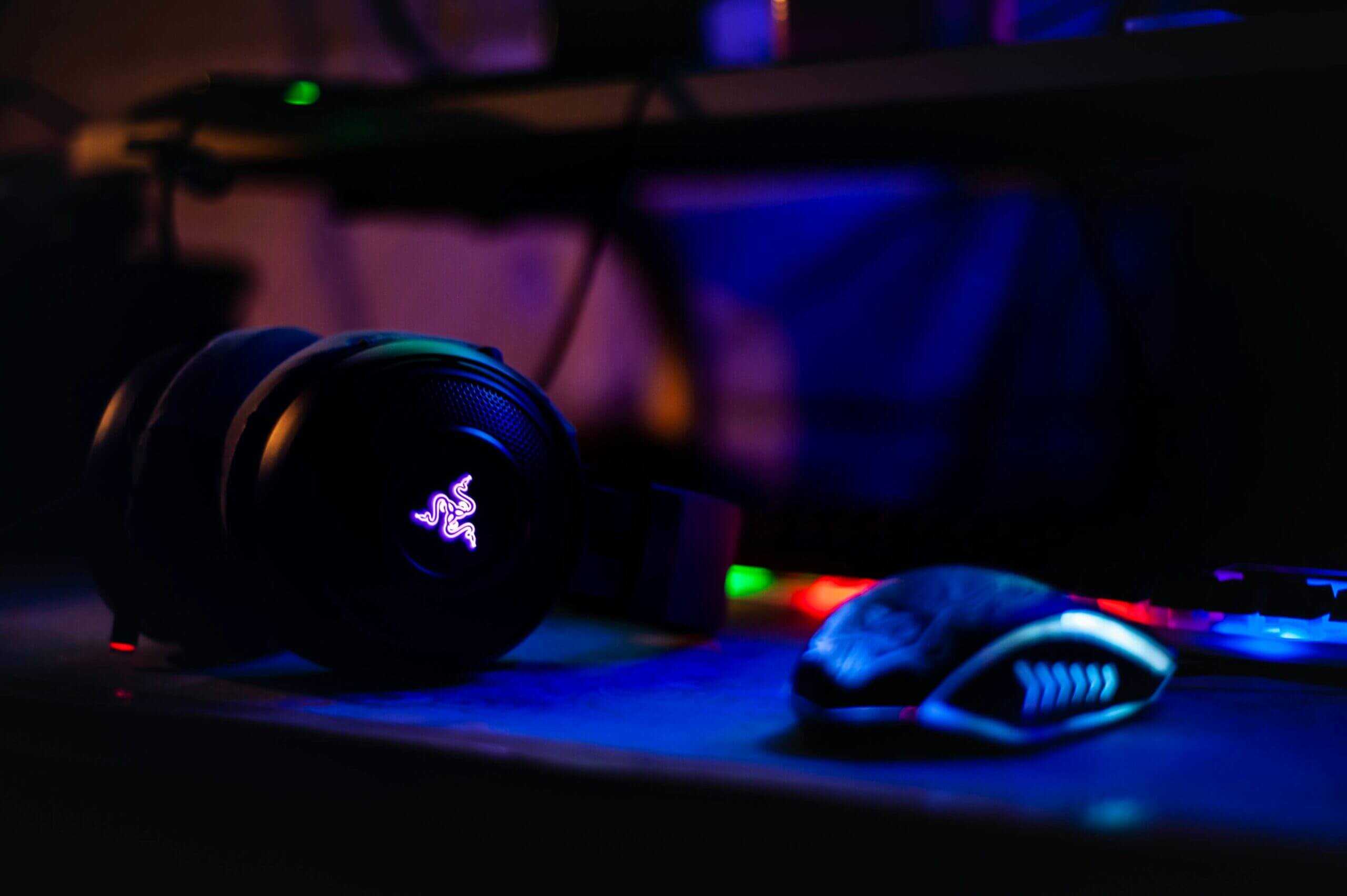
To find a functional gaming headset, you must look past marketing and focus on what matters: audio performance, microphone clarity, and build quality. A headset that executes these three elements well will be a reliable piece of gear.
A headset’s primary job is to deliver clean, accurate audio, but this is about more than just bass-heavy explosions. It’s about spatial awareness. Most brands promote virtual surround sound, but it is often a software effect that can muddy the audio cues you rely on.
For competitive FPS gaming, clean stereo imaging is almost always superior. It provides precise, unprocessed directional audio, allowing you to pinpoint enemy footsteps and reloads with greater accuracy than most virtual 7.1 setups.
Audio and Microphone Performance
The audio drivers—the small speakers inside the earcups—are the heart of any headset. Brands often advertise driver size (40mm, 50mm, etc.), but the quality of the tuning matters far more. A well-tuned 40mm driver will outperform a poorly tuned 50mm driver.
Your microphone is your connection to your team. A clear mic ensures your callouts are heard, not lost in static. A cardioid pickup pattern is a key feature; it focuses on your voice and rejects noise from the sides and back. A detachable mic is a useful feature for versatility, allowing you to use the headset as a standard pair of headphones. Getting this right means you can effectively remove background noise for clear audio.
Stereo Imaging: The ability to accurately place sounds in a left-right space. It’s critical for competitive games like Valorant or Apex Legends.
Sound Signature: Describes a headset’s audio balance. Some are bass-heavy for cinematic immersion, while others are neutral or treble-focused for competitive clarity.
Microphone Clarity: A good mic makes your voice sound natural, not tinny or compressed. Noise cancellation helps isolate your voice from keyboard clicks and room echo.
Build Quality and Long-Term Comfort
A headset with perfect audio is useless if it causes discomfort after an hour or breaks after a few months. Build quality is a direct indicator of a headset’s lifespan and one of the biggest areas where budget models make compromises.
Look for a headset with a metal-reinforced headband, typically aluminum or steel. Cheaper, all-plastic builds are known for cracking at stress points over time. The headband’s clamping force is also crucial—too tight causes headaches, but too loose prevents a proper seal for noise isolation.
Earcup materials play a huge role in comfort. Breathable fabric or velour pads are better for long sessions because they don’t trap as much heat, though they offer less noise isolation. Leatherette pads provide better passive noise cancellation but can get warm over time. If you want to dive deeper into audio quality, our guide on the best budget audiophile headphones breaks down many of these concepts further.
Comparing Top Value Gaming Headsets
Now for direct comparisons. Choosing between the best value headsets requires looking past the spec sheet to understand the real-world trade-offs. We will compare three respected models to identify where they excel and where they compromise.
Our focus is on three popular contenders: the HyperX Cloud III, the Razer BlackShark V3 X HyperSpeed, and the SteelSeries Arctis Nova 1. Each offers a different value proposition, and your choice will depend on whether you prioritize durability, microphone quality, or lightweight comfort.
HyperX Cloud III: The Durability Benchmark, Evolved
The HyperX Cloud III carries forward everything that made the Cloud II a legend and fixes its weak points. The aluminum frame is just as tank-like, built to survive years of daily use, drops, and being shoved into a backpack. That durability remains uncommon at this price and makes the Cloud III a sensible long-term investment.
Where it improves is audio and connectivity. The angled 53mm drivers deliver noticeably better sound separation than the Cloud II’s flat drivers, and the upgraded 10mm microphone is a significant step up from the Cloud II’s adequate but aging mic. You also get USB-C, USB-A, and 3.5mm connectivity out of the box, so compatibility is never an issue.
The trade-off is the same as before: this is a no-frills headset. There is no companion software for EQ tuning on the wired version. The audio signature is well-balanced and clean, but what you hear out of the box is what you get. Choose the Cloud III if your top priorities are a headset that will last for years and sounds great without needing to tinker with settings.
Razer BlackShark V3 X HyperSpeed: The Communications Specialist Goes Wireless
The BlackShark V3 X HyperSpeed takes what made the V2 a favorite for team communication and cuts the cord. Its detachable HyperClear cardioid microphone remains one of the clearest in its price class, delivering crisp voice chat that teammates hear without strain. For streamers on a budget who are not ready to invest in a dedicated USB mic, this is still one of the best built-in options available.
The biggest upgrade is the 2.4GHz wireless connection via a USB-C dongle. At $100, you are getting low-latency wireless that was a premium-only feature two years ago. The Gen-2 TriForce 50mm drivers also deliver improved clarity and a wider soundstage compared to the V2. It is lightweight, comfortable for long sessions, and supports 7.1 surround sound.
The compromise? The build is still mostly plastic, so it will not match the Cloud III for ruggedness. The V3 X also lacks the Bluetooth connectivity and ANC found on the more expensive V3 Pro. And unlike the wired V2, you now have a battery to manage, though its battery life is solid enough for multi-session use before needing a charge. At $100, the trade-off between wireless freedom and plastic construction is a fair deal.
The core trade-off between the HyperX Cloud III and the Razer BlackShark V3 X HyperSpeed is straightforward. The Cloud III is wired, tougher, and delivers excellent audio with zero setup. The V3 X HyperSpeed is wireless, lighter, and offers a better microphone with software customization through Razer’s audio app. If reliability and simplicity matter most, choose the Cloud III. If wireless freedom and mic quality are your priorities, the V3 X is the better fit.
SteelSeries Arctis Nova 1: The Versatile Lightweight
The SteelSeries Arctis Nova 1 is a versatile, multi-platform option. Its greatest strengths are its extremely lightweight design and universal compatibility via a standard 3.5mm jack, allowing it to work with any console or PC without issue.
The fully retractable microphone is a convenient feature for solo play, and its audio profile is tuned for competitive gaming, emphasizing high-mid frequencies where crucial audio cues like footsteps are found. SteelSeries also provides its Sonar software suite, offering audio customization tools comparable to Razer’s.
The compromise lies in the materials. The all-plastic construction keeps it light but feels less premium than the HyperX and Razer headsets. It is durable enough with proper care but will not withstand the same level of abuse as the Cloud III.
Headset Value Comparison
This table provides a side-by-side comparison of our top recommended headsets, focusing on practical performance metrics for budget-conscious gamers.
| Model | Best Use Case | Audio Signature | Microphone Quality | Build & Comfort Trade-off |
|---|---|---|---|---|
| HyperX Cloud III | All-around gaming, MMOs, durability focus | Balanced and clear, angled drivers improve separation | Very good, significant upgrade over Cloud II | Build: Excellent (aluminum frame). Comfort: Very good, but heavier. |
| Razer BlackShark V3 X HyperSpeed | Competitive FPS, budget streaming, wireless freedom | Tuned for positional audio with Gen-2 drivers | Excellent, one of the best at this price | Build: Good (mostly plastic). Comfort: Excellent, very lightweight. |
| SteelSeries Arctis Nova 1 | Multi-platform gamers valuing comfort & simplicity | Bright and clear, focused on competitive cues | Very good, retractable design is a plus | Build: Fair (all-plastic). Comfort: Excellent, lightest of the three. |
Ultimately, choosing between these top gaming headsets requires being honest about your priorities. If you need a headset that can survive daily transport, the Cloud III is a strong contender. If you need the clearest possible communication for your competitive team or stream, the BlackShark V3 is a better fit.
Matching Your Headset To Your Favorite Games
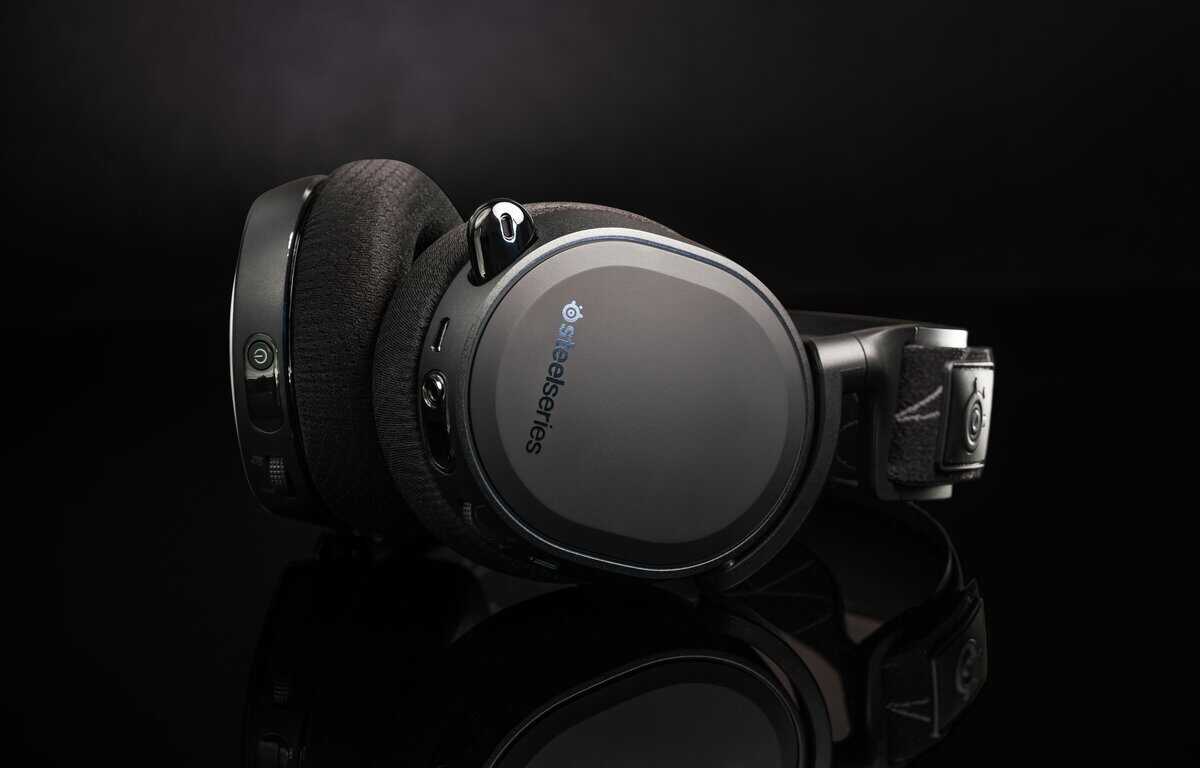
The best headset for one person may be a poor choice for another. Your preferred game genre dictates which features provide a genuine advantage and which are just costly additions. A headset tuned for cinematic explosions in an RPG can obscure the subtle audio cues needed in a competitive shooter.
Aligning your purchase with how you play is the most important step. It ensures you are paying for performance that translates to a better in-game experience, not for features you will not use.
For Competitive FPS Players (Valorant, Apex Legends)
In games like Valorant, Apex Legends, or Call of Duty, audio is a critical tool for gathering intel. Positional audio is a core mechanic that determines the outcome of engagements.
You need a headset with a sharp, accurate stereo soundstage. This lets you pinpoint the exact location of footsteps, reloads, and other minor sound cues that reveal an enemy’s position before you see them.
Many top gaming headsets marketed for FPS play feature a “bright” or treble-focused sound signature. This tuning intentionally de-emphasizes low-end bass from explosions to make higher-frequency sounds like enemy movement stand out more clearly in the mix.
A headset like the Razer BlackShark V3 X HyperSpeed is built for this purpose. Its audio is tuned for competitive clarity, and its microphone ensures your team hears every callout. Its lightweight plastic build is a deliberate trade-off for comfort during long, intense ranked sessions.
For MMO and RPG Gamers (World of Warcraft, Final Fantasy XIV)
If you spend your time raiding in World of Warcraft or exploring in Final Fantasy XIV, your priorities change. Pinpoint accuracy is less important than long-term comfort and an immersive soundscape.
You will be wearing this headset for hours, so a high clamping force or a heavy build is not ideal.
Look for headsets known for comfort and a more balanced or warm audio profile. This makes expansive worlds and soundtracks feel more engaging. The HyperX Cloud III has long been a top choice in this category due to its plush memory foam earcups and durable aluminum frame, which deliver comfort and reliability for extended gameplay.
For Streamers and Content Creators
When your gameplay is also content, your microphone quality becomes a primary consideration. Your audience must hear your voice clearly over in-game audio.
Many built-in headset mics are only sufficient for team chat. A value-focused streamer needs better quality without immediately investing in a separate USB mic.
Here again, the Razer BlackShark V3 X HyperSpeed stands out. It offers one of the clearest microphones in its price class, making it a go-to for creators on a budget. The detachable mic provides a crisp vocal signal that requires minimal post-processing. While its plastic construction is a durability concern, the vocal clarity it provides for viewers is a trade-off many new creators are willing to make.
Wired Versus Wireless: What You Sacrifice For Freedom
Deciding between a wired and wireless headset is a major choice, and for budget-conscious users, it’s defined by trade-offs. The convenience of wireless is appealing, but it comes at a cost in both price and performance.
To be direct: at the same price point, a wired headset will almost always have better sound and a clearer microphone. The money manufacturers spend on batteries, wireless transmitters, and licensing for a wireless model is invested directly into better drivers and mics on its wired counterpart.
Understanding Latency and Connection Types
The primary concern with wireless audio has historically been latency—the delay between an in-game event and when you hear it. For modern gaming headsets, this issue is largely solved. 2.4GHz wireless technology, which uses a dedicated USB dongle, has made this delay practically imperceptible, even for competitive players.
However, not all wireless connections are the same. Bluetooth is suitable for music on a phone but introduces significant audio delay, making it inappropriate for serious gaming. A “gaming” headset that primarily uses Bluetooth is not a high-performance option for reaction-based games.
When choosing a wireless headset, a dedicated 2.4GHz USB dongle is non-negotiable. This is the only type of connection that delivers the low-latency, high-quality audio needed for gaming. Bluetooth simply can’t keep up.
The Value Proposition: Wireless vs. Wired
Beyond performance, the core trade-off is value versus convenience. A wireless headset introduces the need to manage battery life. While many headsets now offer long battery life, having your audio die mid-match because you forgot to charge it is frustrating.
A wired headset user will never have this problem. The simple, reliable cable is its greatest strength. It works every time.
The choice comes down to your priorities and budget. If you want the best possible audio and mic quality for your money and value reliability, a wired headset is the clear winner.
If you dislike cable drag and are willing to pay a premium for freedom of movement, a modern 2.4GHz wireless headset is a good option. For those leaning towards convenience, a model like the Razer BlackShark V3 X HyperSpeed offers a solid connection and one of the best microphones on a wireless headset in its class, making it a functional entry point into the wireless world without a major performance compromise. With that, the V3 X HyperSpeed at $100 is now a compelling wireless option that blurs the line between budget wired and affordable wireless.
Got Questions About Gaming Headsets?
When researching options, a few common questions arise. Here are direct answers to help you make a confident decision.
Is Virtual 7.1 Surround Sound a Gimmick?
For competitive gaming, mostly yes. Virtual 7.1 surround sound is often more marketing than a tactical advantage, especially in FPS titles where pinpointing enemy locations is critical.
A good stereo headset with a wide soundstage almost always provides cleaner, more precise positional audio. The software that creates virtual surround can muddy the sound, blending distinct audio cues like footsteps into a confusing mix. While it can enhance immersion in single-player, cinematic games, it should not be the primary reason you buy a headset for competitive play.
Do I Really Need a DAC or an Amp?
Almost certainly not. The vast majority of top gaming headsets, especially in the budget and mid-range tiers, are designed to work well right out of the box. They have low impedance and high sensitivity, meaning they get sufficiently loud and clear when plugged directly into a PC, console, or laptop.
An external DAC/amp can improve audio quality, but your money is better spent on a higher-quality headset first. Consider it a potential future upgrade. Only add one after you already have a premium headset and want to extract maximum performance from it. If you’re looking at improving your whole audio chain, our guide on the best budget USB microphones is a good place to start, as a good mic and headphones go hand-in-hand.
Leatherette vs. Fabric Earcups: Which One Is Better?
This depends on personal comfort and your gaming environment. Each material has a clear trade-off.
Leatherette (or Protein Leather): This material excels at passive noise isolation. It creates a better seal around your ears, blocking out more background noise. The downside is that it traps heat, which can lead to discomfort during long gaming sessions.
Fabric (or Velour): This is the more breathable option. It feels softer and stays cooler, making it more comfortable for marathon gaming. The trade-off is that it allows more ambient sound in from your room.
If you game in a quiet environment and prioritize long-term comfort, choose fabric. If you need to block out distractions to focus, leatherette is the better option.
At Budget Loadout, our mission is to cut through the hype and provide honest, practical advice to help you build the best gaming setup for your money. Discover more value-focused recommendations and in-depth guides at https://budgetloadout.com.
Related Articles