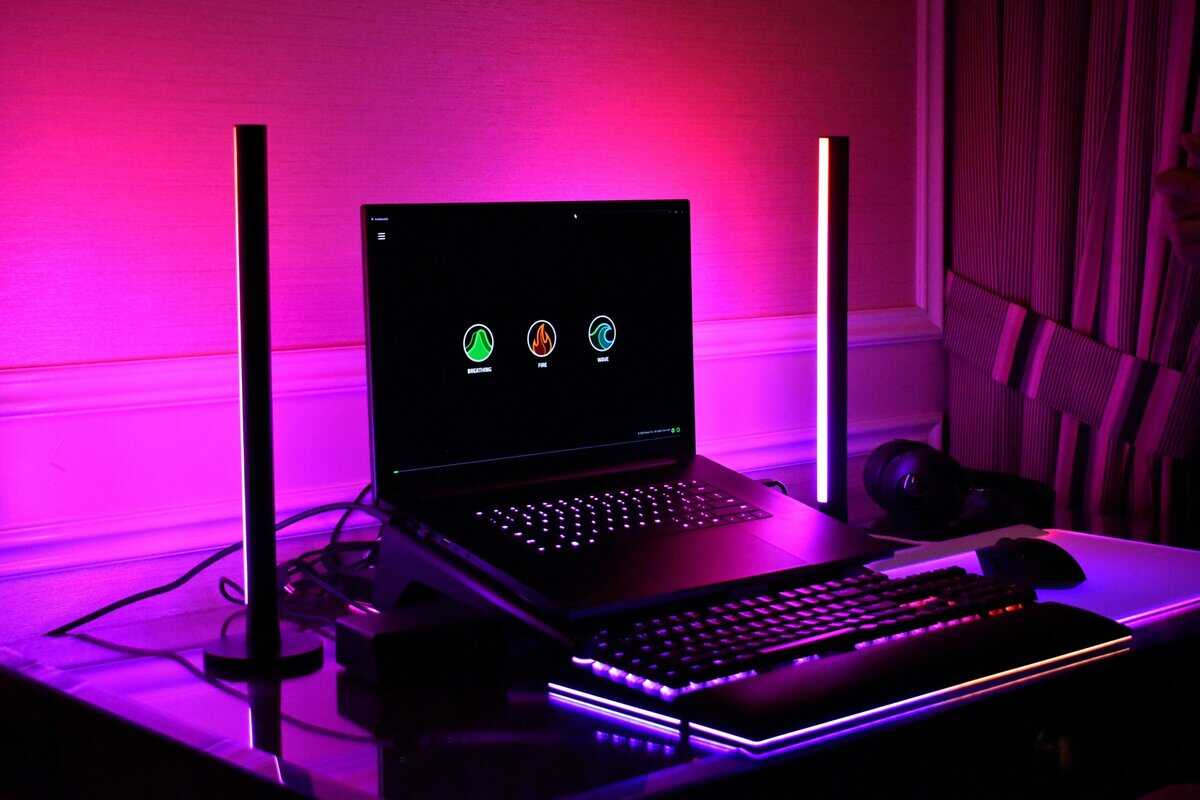
$2,000 is a strange budget for a gaming laptop in 2026. It is enough money for genuinely fast hardware, yet several laptops that used to sit under the line now cost more. The best gaming laptop under 2000 right now is an RTX 5070 or RTX 4070 machine with a sharp, fast screen, and this guide picks two that fit under the line plus one RTX 5070 Ti model that sits just over it.

- RTX 5070 with DLSS 4 Multi Frame Generation
- 32GB and 1TB out of the box
- 4.2-pound metal chassis with liquid-metal cooling
- 14.5-inch screen is small for the money
- Very few owner reviews so far
- Costs far more than the Katana 15
- RTX 4070 for far less than the others
- 1TB SSD and Thunderbolt 4
- Proven model with a large review base
- Heavy at 7.6 pounds
- 1080p 144Hz, the plainest screen here
- Older 13th Gen Intel platform
- RTX 5070 Ti with 12GB of video memory
- 2560×1600 240Hz G-SYNC screen at 500 nits
- 24-core Core Ultra 9 275HX for streaming while you play
- Slightly over the $2,000 line
- 16GB of memory at this price
- 6 pounds, so it is a desk-first machine
Picks and availability last verified: October 19, 2026
- The Acer Predator Helios Neo 14 AI is the best gaming laptop under 2000 right now: an RTX 5070, 32GB and a 2560×1600 165Hz screen in a 4.2-pound body.
- The MSI Katana 15 shows you can spend far less: an RTX 4070 and a 1TB drive with hundreds left over.
- Several laptops that used to fit this budget now sell above it, including the RTX 5070 Ti tier.
- Buy on GPU power, cooling and screen quality, not the badge on the lid.
- Treat 16GB as the floor and 32GB as the comfortable target if you stream or multitask.
Table of Contents
What $2000 Actually Gets You in 2026
The buying decision usually starts here. You can save a little longer and chase a pricier machine, or you can buy now and make sure every dollar goes into hardware you’ll notice in games. At this budget, you should stop thinking in terms of “entry-level gaming laptop” and start thinking in terms of smart compromise with real headroom.
The market has moved. The usual sweet spot at this price is now RTX 4070 and RTX 5070-class GPUs, 16GB to 32GB of memory and 144Hz to 240Hz screens, with sharp 2560×1600 panels common instead of plain 1080p. That shift matters because the GPU is still the main event, but the display is finally good enough to show what the GPU can do.
What that means in practice
You’re no longer shopping for “good enough” 1080p performance unless you want to. A solid machine in this tier can handle FPS gaming, MMO raids, and modern AAA titles without feeling dated on arrival. The catch is that cooling, wattage, and display quality decide whether the laptop feels fast or merely looks fast on paper.
Practical rule: if a laptop spends the money on a strong GPU but cuts corners on thermals or the panel, you’ll feel the compromise every time the fans ramp up or the frame rate drops under load.
Budget here doesn’t mean cheap plastic and bottom-of-the-barrel parts. It means choosing between a better screen, stronger sustained performance, more RAM, or more portability. That’s why the next section matters so much, because the spec sheet can lie by omission. If you want a quick reality check before chasing a theoretical upgrade path, the RTX 5090 laptop guide is useful for understanding where the ceiling sits, even though it’s far above this budget.
The Specs That Actually Matter
This price tier punishes shallow shopping. A laptop can have a good GPU name and still underperform if the chassis can’t feed it, the screen can’t keep up, or the memory runs tight under modern game loads. You want to read the spec sheet in the same order the machine will behave on your desk, not the order marketing wants you to notice.
Start With GPU Wattage Not Just the GPU Model
A lot of buyers fixate on the label and stop there. That’s a mistake. Laptop makers set their own power limits for the same GPU, so one RTX 5070 laptop can run its graphics chip much harder than another. A thicker, better-cooled machine that holds full power can be the smarter purchase than a thinner one with a shinier badge, so check the GPU wattage on the listing or the maker’s spec sheet before you compare models.
Then Check Everything Else on the Spec Sheet
CPU matters most if you stream, multitask, or keep a lot of apps open while gaming. For pure FPS chasing, the GPU still wins the budget battle, but don’t settle for a weak CPU if you plan to run Discord, capture software, and a browser at the same time. RAM should land at 16GB minimum, and 32GB is the nicer ceiling if you want more breathing room. Storage should be an SSD, not a slow leftover compromise, and a bigger drive helps because modern games eat space fast.
For display, 240Hz only matters if the rest of the laptop can push frames to match it. 3ms response times and high refresh rates are premium differentiators in this class, but they only pay off when the GPU and cooling can keep pace. If you want a quick refresher on memory choices, the RAM guide is a sensible place to sanity-check your needs.
If you’re comparing listings and one has a flashy GPU but a vague display spec, skip it. If you would rather keep more of the budget, our best gaming laptop under $1500 guide covers the next tier down.
The Best Gaming Laptop Under 2000 at a Glance
The Acer Predator Helios Neo 14 AI is the best buy that stays under the line. It pairs an RTX 5070 with an Intel Core Ultra 9 285H, 32GB of memory and a 1TB SSD, behind a 14.5-inch 2560×1600 165Hz matte screen, in a metal chassis that weighs just 4.2 pounds. It sold for about $1,900 at the time of this update.
If you would rather not spend the full budget, the MSI Katana 15 pairs an RTX 4070 with a 13th Gen Core i7, 16GB of DDR5 and a 1TB SSD for about $1,500, at the cost of a 1080p 144Hz screen and a 7.6-pound chassis. And if you can stretch just past the line, the Acer Predator Helios Neo 16 AI steps up to an RTX 5070 Ti with 12GB of video memory and a 240Hz 2560×1600 screen for about $2,060.
For buyers trying to stay under the ceiling without wasting money, the lesson is simple. Pick the machine that matches your playstyle and workload, not the one with the loudest spec sheet.
Best for Competitive Esports and High-FPS Play
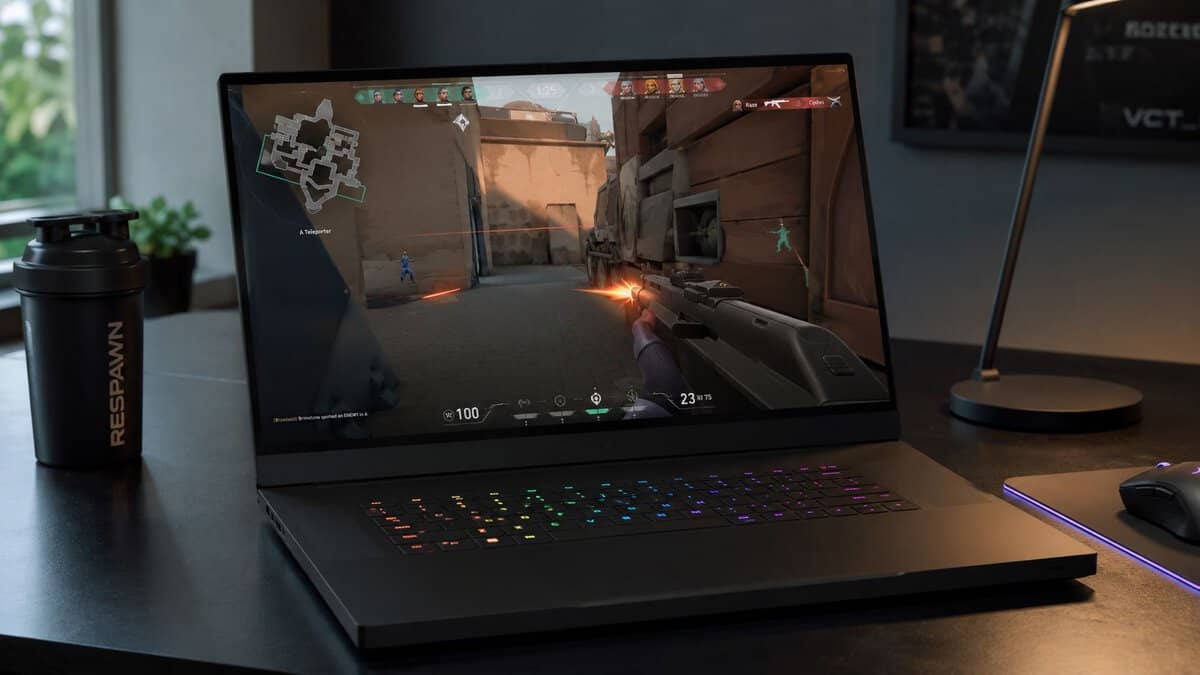
Competitive gaming is where people waste the most money. They buy a heavier GPU than they need, then run the game at settings where the screen, not the graphics chip, becomes the limit. For FPS games, MOBAs, and fast MMO combat, the goal is simple, smooth frame delivery and low delay, not cinematic eye candy.
Pick the Screen First and the Chip Second
A 240Hz panel is the right target if you play ranked shooters or fast-response competitive titles. Pair it with 16GB DDR5 or more and a chassis that doesn’t throttle after a few matches, because frame consistency matters more than a peak benchmark screenshot. The Helios Neo 16 AI’s 240Hz screen is the one to stretch for; under the line, the Helios Neo 14 AI’s 165Hz panel is still quick enough for most competitive players.
The build quality and durability conversation matters too. A laptop that’s meant to be moved around, opened and closed daily, and shoved into a bag for LAN nights needs a chassis that feels sturdy enough to survive that routine. Cheap-feeling plastics and flexy decks are annoying on day one, then they become a problem after a few months.
Practical rule: if you mainly play esports titles, don’t overpay for resolution you won’t use. Spend on refresh rate, cooling, and a keyboard that feels stable under fast input.
For readers shopping this lane, the budget monitor guide for Valorant is a helpful complement if you’re pairing the laptop with an external display at your desk. If you want a single portable machine, a high-refresh configuration like the Helios Neo 16 AI makes the most sense: fast, controlled, and not paying for power it can’t sustain.
Best for AAA Gaming and Visual Showcase Titles
If you care about ray tracing, big open worlds, and pushing modern releases harder, spending closer to the ceiling starts to make sense. AAA gaming is less forgiving than esports. It punishes weak cooling, light VRAM, and laptops that look good in a short benchmark but fall apart once the session runs long.
Why wattage and thermals beat brand names
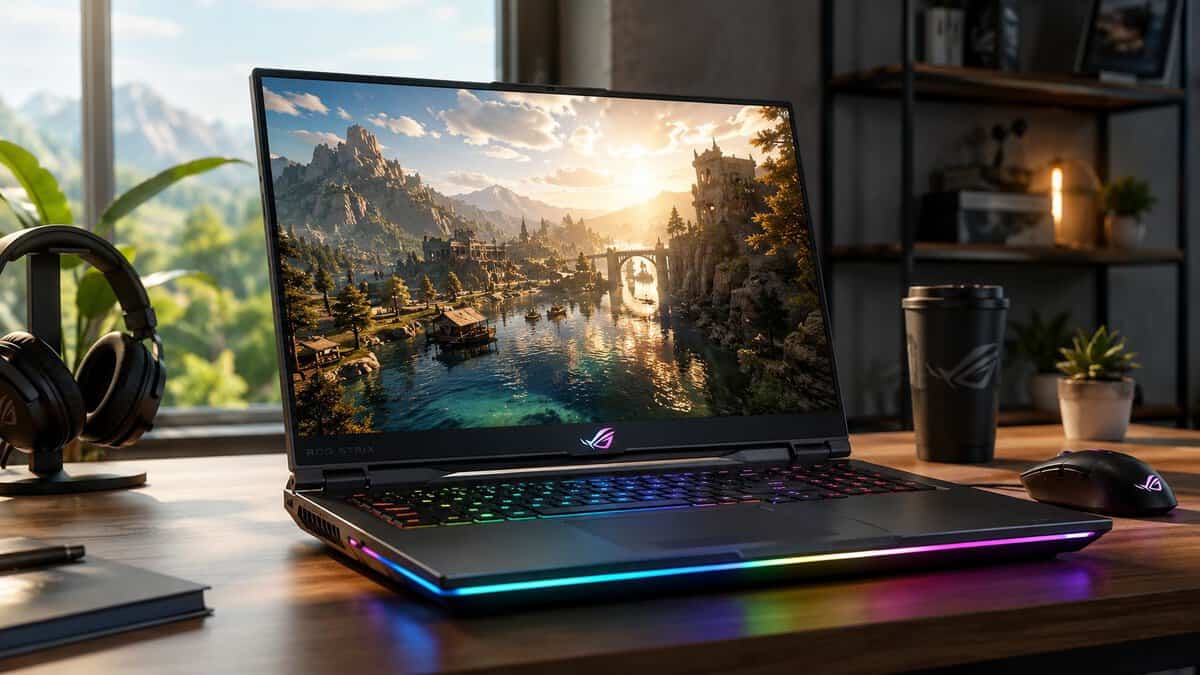
For this kind of gaming, GPU wattage and cooling are the primary filters. A laptop that can hold its power draw will keep frame rates steadier in dense, hot games, and that matters more than a flashy badge on the lid. The Helios Neo 14 AI is built with that in mind, with Acer’s AeroBlade 3D fans, vector heat pipes and liquid-metal thermal grease around its RTX 5070.
Build quality matters too. A heavier chassis is not a dealbreaker if it keeps the GPU fed and the screen stable under load. The trade-off is straightforward, though. You give up some portability, and the fans can get loud when the machine is doing the work you bought it for.
The reason I recommend this class for AAA players is simple, it is the first budget-adjacent tier where 1440p/QHD play starts to feel sensible on the laptop’s own screen. You are not pretending the machine is a desktop replacement, but you are also not stuck in the old “1080p and hope” mindset. That is a better use of two grand than buying a thinner shell with a weaker power ceiling.
For a broader look at how a high-end gaming build fits into a mixed setup, the best streaming PC guide is a useful companion if you are also planning a desk rig around the same budget.
Best for Streaming and Multitasking
The biggest mistake streamers make is shopping by GPU alone. Gaming while recording, chatting, switching scenes, or editing clips in the background leans harder on the CPU, memory headroom, and storage than pure game FPS does. If you split your time between gaming and work, the “fastest” laptop on paper is often the wrong buy.
The Acer Predator Helios Neo 16 AI shows where the top of this budget now sits. At about $2,060 it carries an RTX 5070 Ti with 12GB of video memory, a 24-core Core Ultra 9 275HX, a 1TB Gen 4 SSD and a 16-inch 2560×1600 240Hz G-SYNC panel, just over the $2,000 line. If you want a second opinion on how the sub-$2K field shakes out, Laptop Mag’s sub-$2,000 gaming laptop breakdown lands on a similar read of where the value sits.
The catch you shouldn’t ignore
The 8GB of video memory on the RTX 5070 and RTX 4070 is the weak point. It’s fine for plenty of current games, but it can become a practical limit in some newer AAA titles when you push higher texture settings. That is the real case for stretching to the Helios Neo 16 AI and its 12GB RTX 5070 Ti if you stream or create while you play.
If you’re building a small creator-and-gaming setup, the streaming PC guide is a sensible companion piece. For laptop buyers, the rule is simple: choose the machine that keeps multitasking stable, which usually means more memory and better cooling over the highest GPU tier.
The Portability Trade-Off Nobody Talks About
This is the part most roundups skip because it’s inconvenient. A laptop under $2,000 can be fast, but that doesn’t mean it’s pleasant to carry, use on battery, or live with in a dorm, classroom, or hybrid office. Buyers who travel a lot need to care about weight, charger size, and unplugged usability as much as they care about the GPU badge.
Performance machines usually pay the mobility tax
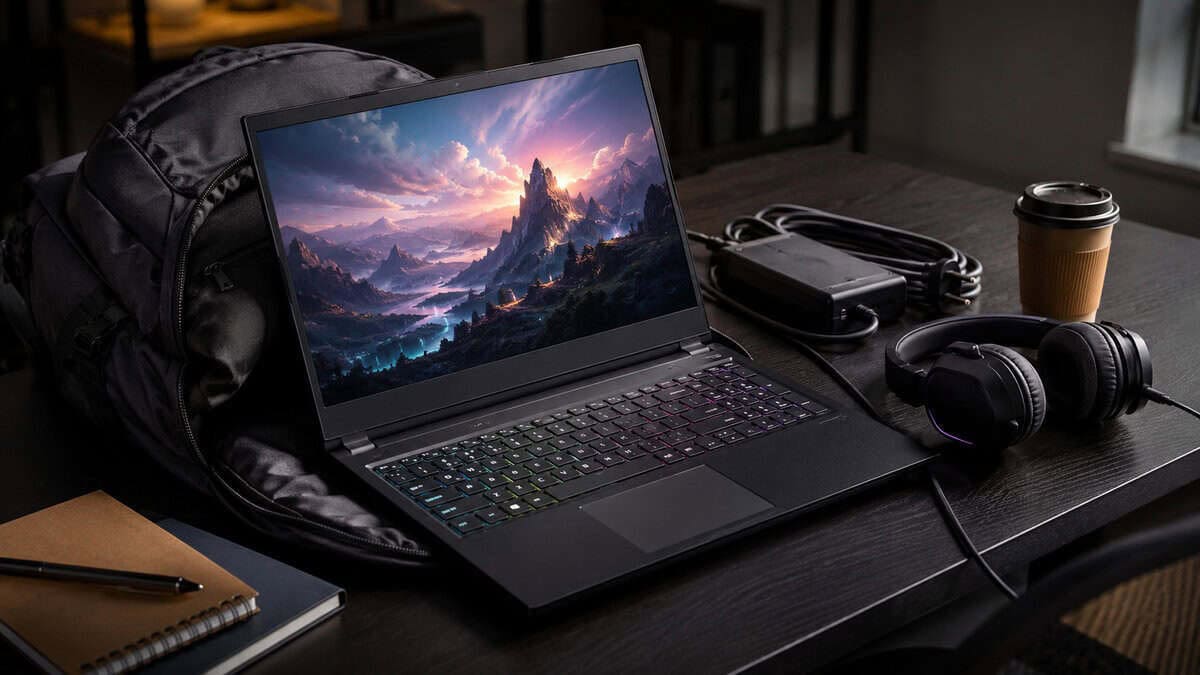
A thicker laptop with a stronger cooling system can be the better gaming buy, but it’s usually less fun to carry every day. The Helios Neo 14 AI is the exception in this guide, fitting an RTX 5070 into 4.2 pounds, while the Katana 15 at 7.6 pounds is firmly a desk machine. The trade-off is obvious once you start carrying the charger, opening the lid in cramped spaces and moving between locations all week.
For a student or commuter, I’d rather see a slightly slower GPU in a chassis that’s easier to live with than a brute-force machine that stays plugged in most of the time. That doesn’t mean sacrificing durability. It means being honest about what you’ll do with the laptop away from your desk. If you need a lighter option, the lightweight gaming laptop guide is the right place to compare that trade-off before you buy.
Shopping Tips and Common Traps
Buy the spec, not the marketing. The easiest way to get burned under $2,000 is to trust a big GPU name and ignore wattage, cooling, or display details. A good listing tells you the GPU class, power behavior, refresh rate, response time, RAM amount, and storage size clearly. A weak listing hides those parts and hopes the badge does the selling.
What to avoid
- Thin chassis with vague cooling details: These often look premium, then choke under long gaming sessions.
- 8GB VRAM when you want maxed textures in newer AAA games: It’s a workable ceiling for many buyers, but it’s not the safest long-term bet.
- Fast refresh without enough GPU: A 240Hz screen is wasted if the laptop can’t drive enough frames consistently.
- Tiny SSDs on a gaming laptop: Modern game installs fill them fast, and you’ll start managing storage instead of playing.
A few buying rules that actually hold up
- Pick the strongest sustained GPU you can afford. A better-cooled RTX 4070 or 5070-class machine can beat a flashier but throttled rival.
- Treat 16GB RAM as the floor. More headroom helps if you stream or keep multiple apps open.
- Care more about build quality and durability than notebook hype. Hinges, keyboard stability, and chassis rigidity matter when you use the machine every day.
- Buy for your main game type. Esports wants refresh. AAA wants sustained power. Streaming wants CPU and memory balance.
Prefer a larger display? Our best 17-inch gaming laptop guide covers the big-screen options.
Gaming Laptop Under 2000 FAQ
Should I wait for the next refresh?
Only if your current laptop still works and you’re not in a rush. This market already gives you strong options now, and the bigger mistake is waiting forever for a cleaner spec sheet.
Is refurbished worth considering?
Yes, if the seller is reputable and the unit clearly states its exact configuration. Refurbished makes more sense when you want a better chassis at a lower price, not when you’re gambling on missing details.
Is 8GB VRAM still acceptable?
It’s acceptable for some buyers, especially if you stream less and keep settings sensible. It’s not the safe choice if you want to push newer AAA games hard at high texture settings.
What Is the Smartest Target Under $2000?
An RTX 5070 with strong cooling and a sharp 165Hz or faster screen. RTX 5070 Ti laptops now start just over $2,000, so they are the stretch option rather than the target.
For budget-conscious gamers, that’s the whole point of this category. $2,000 should buy balance, not empty bragging rights, and the right laptop is the one that still feels worth using after the novelty wears off. If you want more no-nonsense buying help and tighter value picks, keep following Budget Loadout.
Related Articles