When hunting for the best cheap over ear headphones, top contenders like the Audio-Technica ATH-M20x prove you don’t have to spend a fortune for solid audio. For under $100, you can find headphones that deliver real value for gaming and streaming. This requires knowing which corners to cut and which are non-negotiable.
- The Audio-Technica ATH-M20x delivers studio-quality flat sound for ~$59, making it the best pure audio pick among budget over-ear headphones
- The Razer BlackShark V2 X offers excellent noise isolation and a cardioid mic at ~$38, ideal for competitive FPS players who need clear comms
- The Corsair HS35 v2 is a lightweight, comfortable all-rounder at ~$40 with multi-platform 3.5mm compatibility for console and PC gamers
- Wired headphones consistently outperform wireless at the budget tier — you get better sound quality and zero latency for less money
- You don’t need to spend over $60 to get headphones that sound great for gaming — all three picks punch well above their price point
Table of Contents
- Flat, accurate sound signature reveals audio details other headsets miss
- Lightweight at 113g for extended comfort during long sessions
- Durable build quality backed by Audio-Technica's pro audio reputation
- No built-in microphone — requires a separate mod mic or desk mic
- Closed-back design can feel warm during intense gaming sessions
- 3m coiled cable is bulky and not ideal for desktop gaming setups
- 50mm TriForce drivers deliver clear highs and mids for footstep audio
- Noise-isolating earcups block out ambient sound for focused gameplay
- Detachable cardioid mic with good voice clarity for team comms
- Bass response is intentionally restrained — not ideal for music or cinematic games
- Lightweight plastic build may feel less premium than metal alternatives
- Ear cushions can compress over time with heavy daily use
- Universal 3.5mm works on every platform without adapters or software
- Memory foam ear cushions stay comfortable for extended gaming sessions
- Balanced sound profile works well for both gaming and casual music listening
- No surround sound support — stereo only at this price tier
- Omni-directional mic picks up more background noise than cardioid alternatives
- Plastic build is functional but won't win any premium feel awards
Finding Value Without Sacrificing Performance
Let’s be direct: the budget headphone market is a minefield of poorly made products and clever marketing. The challenge for a budget-conscious gamer isn’t finding the lowest price—it’s making smart trade-offs that don’t torpedo your experience.
You’ll see many low-cost models with features like wireless connectivity, but that money often comes from sacrificing microphone quality or build durability. A wired connection, for instance, almost always delivers a clearer, more stable mic signal, which is critical for team communication in FPS games or if you’re starting to stream.
While wireless offers freedom, the cost of that technology means something else had to give. It’s usually the plastic used for the headband or the padding in the earcups.
Core Features That Define Value
When looking at a budget headset, focus on three areas: audio drivers, build quality, and comfort. The driver size, measured in millimeters, impacts the soundstage. Larger drivers can push more air, creating a wider, more immersive sound suitable for open-world titles and MMOs.
Build quality is the number one killer of budget headsets. Look for models with a reinforced headband and sturdy adjustment points. A headset that cracks in six months is not a good deal, regardless of the price.
Here’s a look at the trade-offs you’ll be making in this price range:
| Feature | Cheaper Models Often Have | Better Value Models Prioritize |
|---|---|---|
| Microphone | Muffled, non-detachable mics | Clearer audio, often via a wired connection |
| Build | All-plastic, flimsy construction | Metal-reinforced headbands, durable plastic |
| Sound | Overly bass-heavy, poor clarity | Balanced audio with decent positional cues |
| Comfort | Thin padding, high clamp force | Thicker memory foam, breathable materials |
If you’re interested in pure audio fidelity beyond just gaming, check out our guide on the best budget audiophile headphones.
Top Budget Headphone Picks at a Glance
If you don’t want to read the full breakdown, this section is for you. We’ve lined up our top picks to show where each one excels, focusing on what matters for gaming and streaming on a budget.
Each model here was chosen because it excels at a specific job. This lets you match your biggest priority—whether it’s mic quality, audio precision, or all-day comfort—to the right headset.
2026’s Top Value Over-Ear Headphones
A direct comparison of our recommended budget headphones, focused on critical performance areas for gamers.
| Model | Best For | Sound Profile | Mic Performance | Build & Comfort |
|---|---|---|---|---|
| Audio-Technica ATH-M20x | FPS Gaming & Mixing | Flat, neutral signature excels at positional audio cues | N/A (No Mic) | All-plastic but sturdy; can feel tight during long sessions |
| Razer BlackShark V2 X | MMO & Immersive RPGs | V-shaped with strong bass for impactful soundscapes | Good clarity for voice comms; non-detachable | Lightweight design with excellent comfort for its price |
| Corsair HS35 v2 | Aspiring Streamers & Team Comms | Balanced audio with clear mids for voice chat | Excellent microphone clarity for an entry-level price | Durable plastic with a plush headband and memory foam earcups |
Key Takeaway: The biggest trade-off you’ll find in this price range is often the microphone. Headsets like the ATH-M20x pour their budget into audio fidelity by ditching the mic entirely. This makes them a perfect match for gamers who already have a separate USB mic.
This table cuts right to the chase. It helps you connect your primary need—like pinpointing footsteps in Valorant or having clear callouts for your stream—with a specific headset. It also highlights build quality; a headset like the HS35 v2 prioritizes comfort because if you can’t wear it through a long raid, it’s useless.
Detailed Reviews of the Top Contenders
Let’s get into the head-to-head matchups. Forget a simple feature list—we’re breaking down how these budget models perform under pressure. This is about real-world gaming, from audio and mic performance to durability.
Each review is built around a specific type of gamer. It’s one thing to have decent audio, but another for that audio to give you an edge in an FPS match or pull you deeper into a story-driven RPG. This is about matching the right gear to your habits without overspending.
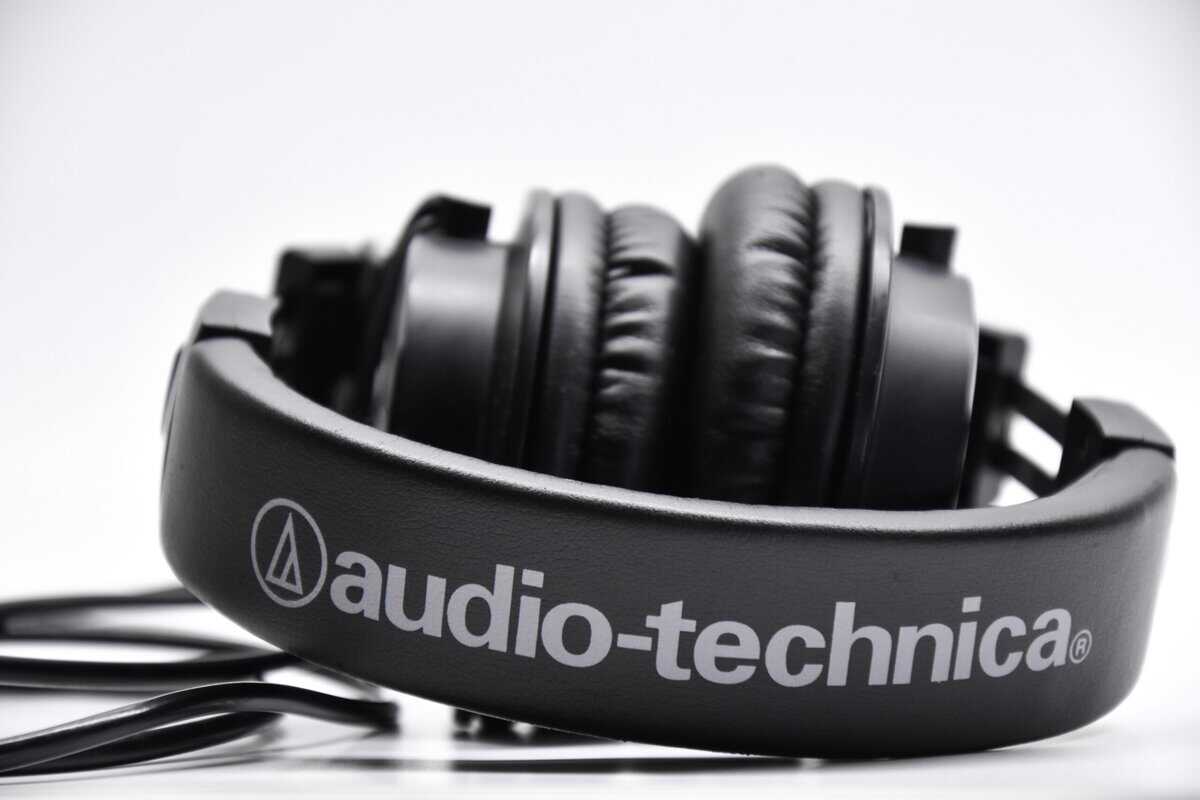
Audio-Technica ATH-M20x
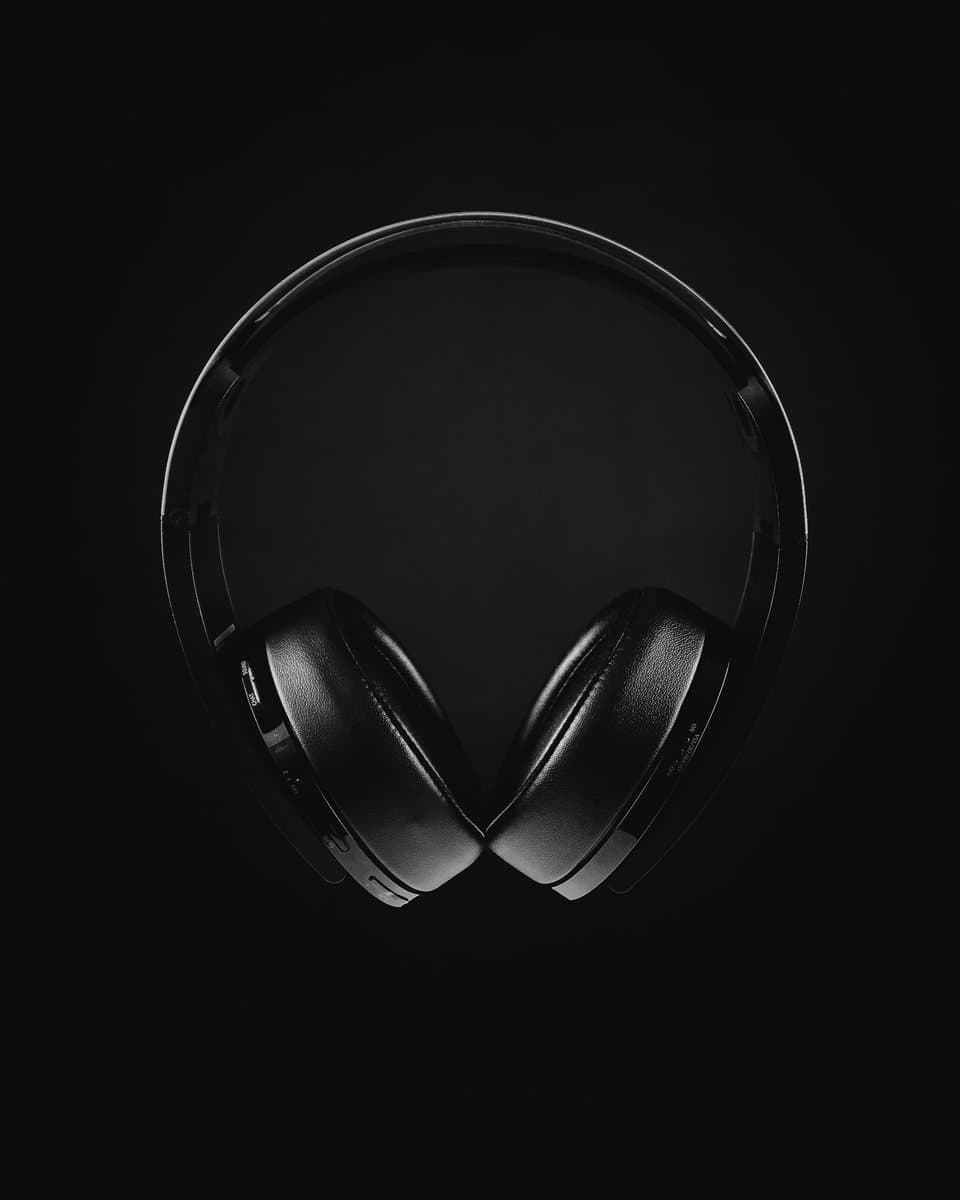
The Audio-Technica ATH-M20x is a studio staple for a reason: its flat, neutral sound signature. For competitive FPS gaming, this is a massive advantage. There’s no bloated, artificial bass to cover up high-frequency sounds like enemy footsteps or reloads. Positional audio is clean for the price.
This is a pure audio tool. There is no microphone, which makes it a suitable choice only if you already have a solid USB mic or plan on getting one. It’s built for function, not features.
The key trade-off is clear: You get exceptional audio clarity for the money, but the non-detachable 3-meter cable is a durability risk and can be cumbersome for certain desk setups.
As for build quality, it’s all plastic. While it feels solid enough for daily use, the headband adjustment points and the spot where the cable enters the earcup are potential weak spots. Comfort is fine for a couple of hours, but the clamping force can become noticeable during long sessions.
Razer BlackShark V2 X
The Razer BlackShark V2 X is engineered for immersive gaming. It uses a classic V-shaped sound profile with boosted bass and treble. This makes explosions in MMO raids and the sweeping scores of open-world games feel impactful. It sacrifices the sterile accuracy of the M20x for a more engaging, cinematic feel.
Its microphone is competent for a budget headset. It delivers clear voice comms for team chat in games like Final Fantasy XIV, making it a solid all-in-one package for casual and cooperative players.
Durability is a step up from many competitors in this range. The lightweight design uses wire-frame sliders for adjustment, which tend to hold up better than all-plastic alternatives. The main durability question is the non-detachable boom mic.
Corsair HS35 v2
The Corsair HS35 v2 hits a sweet spot between audio quality, comfort, and microphone performance, making it a strong contender for any aspiring streamer. Its sound is balanced with a slight push in the mids, which makes voices in team chat and Discord calls come through with good clarity.
The microphone is the standout feature. It provides a clean, natural vocal tone that’s more than good enough for entry-level streaming or ensuring your callouts are never misunderstood.
The trade-off is in the soundstage. While the mic is great for communication, the audio lacks the wide, open feel of more specialized headphones, making it less ideal for highly competitive FPS titles.
The build quality is robust. It uses a durable plastic frame paired with plush memory foam earcups that deliver good long-term comfort.
Budget over-ear headphones are improving, with brands pushing features once reserved for premium models into the sub-$100 category. You can discover more insights about these 2026 wireless headphone trends.
How to Choose the Right Headset for Your Playstyle
The “best” cheap over-ear headphones don’t exist. The right one for you does. A headset that’s a perfect fit for a competitive FPS player can be a liability for a streamer, so matching the gear to your specific needs is the only way to avoid wasting money.
For marathon sessions, the padded cups and superior noise isolation of over-ear headphones are key, whether you’re listening for footsteps in Call of Duty or trying to hear your stream mix clearly.
For the Competitive FPS Player
When you’re playing Valorant or Apex Legends, hearing an enemy reload or a footstep around the corner is critical. For that, you need positional audio, meaning a headset with a flat, neutral sound signature is king.
Avoid headsets that artificially crank up the bass. That thumping explosion might sound powerful, but it will drown out the subtle high-frequency sounds that give you a tactical edge. You want a wide soundstage and clean stereo imaging.
The Audio-Technica ATH-M20x is a good example of this. It’s built on a studio monitor foundation, meaning it’s designed to reproduce sound accurately, not color it with extra bass. That precision helps you pinpoint enemy locations.
For the MMO and RPG Enthusiast
If you spend nights raiding in Final Fantasy XIV or exploring the world of The Elder Scrolls Online, your priorities shift to comfort and immersion. You’ll be wearing this headset for hours, so thick, breathable earcups and a low clamping force are essential to prevent fatigue.
For sound, a V-shaped profile with more punch in the bass can make epic boss fights and cinematic cutscenes feel massive. The Razer BlackShark V2 X is a prime example of this philosophy. It’s built for comfort and a more cinematic audio experience, making it a good companion for getting lost in a deep narrative. You might also want to check out our guide on the best noise-cancelling headsets for total immersion.
For the Aspiring Streamer
When you start broadcasting, your microphone quality becomes just as important as the sound in your ears. A muffled, staticky mic can make viewers click away.
You need a headset that strikes a balance. The Corsair HS35 v2 is a workhorse that gets this right. For its price, the microphone is clear and natural, ensuring your voice and callouts come through without sounding distant or distorted.
Of course, once you have the right gear, getting people to listen is the next step. Learning how to effectively share your Twitch link is key to building a community.
A Practical Pre-Purchase and Post-Purchase Checklist
A good deal is only a good deal if the headset actually works for you. It’s easy to get sidetracked by features, but running through a quick checklist before you buy—and right after it arrives—is the best way to avoid ending up with a paperweight.
This isn’t about being overly critical; it’s about making sure the fundamentals are covered. Get these right, and you’ll have a headset that performs above its price tag.
Pre-Purchase Checklist
Before adding a headset to your cart, run through these questions. Answering them now will save you headaches later.
Platform Compatibility: Does this headset use a 3.5mm jack, USB-A, or USB-C? Triple-check that it will plug into your PC, PS5, or Xbox Series X/S without needing an adapter you don’t have.
Microphone Flexibility: Is the microphone detachable or retractable? If you already have a dedicated mic or plan to use these headphones for music, a non-removable mic arm can be a hassle.
Warranty and Return Policy: What does the manufacturer’s warranty cover, and for how long? More importantly, what’s the retailer’s return policy? You need a risk-free window to test it yourself.
A solid return policy is your best insurance. It gives you a risk-free window to test the comfort, audio, and microphone in your actual gaming environment.
Post-Purchase Tests
Once your new headset arrives, don’t just plug it in and assume it’s perfect. Put it through its paces immediately while you can still return it.
The Comfort Test: Wear the headphones for at least one full hour of continuous gaming. Don’t take them off. Pay attention to the clamping force on your head, how hot your ears get, and any pressure points from the headband.
The Positional Audio Test: Fire up a competitive FPS game and only listen. Can you pinpoint exactly where footsteps are coming from? Can you tell if gunfire is in front of you, behind you, or to the side?
The Mic Clarity Test: Open a simple app like Windows Voice Recorder and record yourself speaking a few sentences. Play it back. Is your voice clear and easy to understand, or does it sound muffled, distant, and full of static?
Frequently Asked Questions About Budget Gaming Headsets
Stepping into budget audio can be confusing. Let’s tackle some of the most common questions that pop up when you’re hunting for cheap over-ear headphones.
Is Wired or Wireless Better for a Budget Gaming Headset
For competitive gaming on a tight budget, wired is almost always the better choice. A physical cable guarantees zero audio lag and usually gets you a much better microphone for your money. You’re paying for audio and build quality, not the convenience of wireless tech.
However, if you just want something for casual single-player games or watching movies, modern low-latency wireless is a decent option. The main trade-offs are a higher price for similar sound quality and having to charge a battery.
Do I Really Need 7.1 Surround Sound
Most virtual 7.1 surround sound on cheap headsets is a software gimmick. Its effectiveness varies, and it can often muddy the audio, making it harder to pinpoint where enemy footsteps are coming from in FPS games.
A high-quality pair of stereo headphones with a well-designed soundstage will provide more accurate positional audio than a cheap headset with poorly implemented virtual surround. Focus on models known for excellent stereo imaging first.
How Important Is Build Quality in a Cheap Headphone
Build quality is critical. This is the first place manufacturers cut costs, and a headset that breaks in six months is a terrible value, no matter how good it sounds. For more portable options, you can also check out our guide on the best cheap gaming earbuds.
Look for a few key signs of durability:
A metal-reinforced headband to prevent cracking.
Strong, well-designed adjustment points that don’t feel flimsy.
A high-quality, stress-tested cable on wired models.
A sturdier build ensures your investment lasts, making it a smarter purchase in the long run.
For more budget gaming gear guides, tips, and recommendations, check out BudgetLoadout.com — your go-to resource for gaming on a budget.
Related Articles