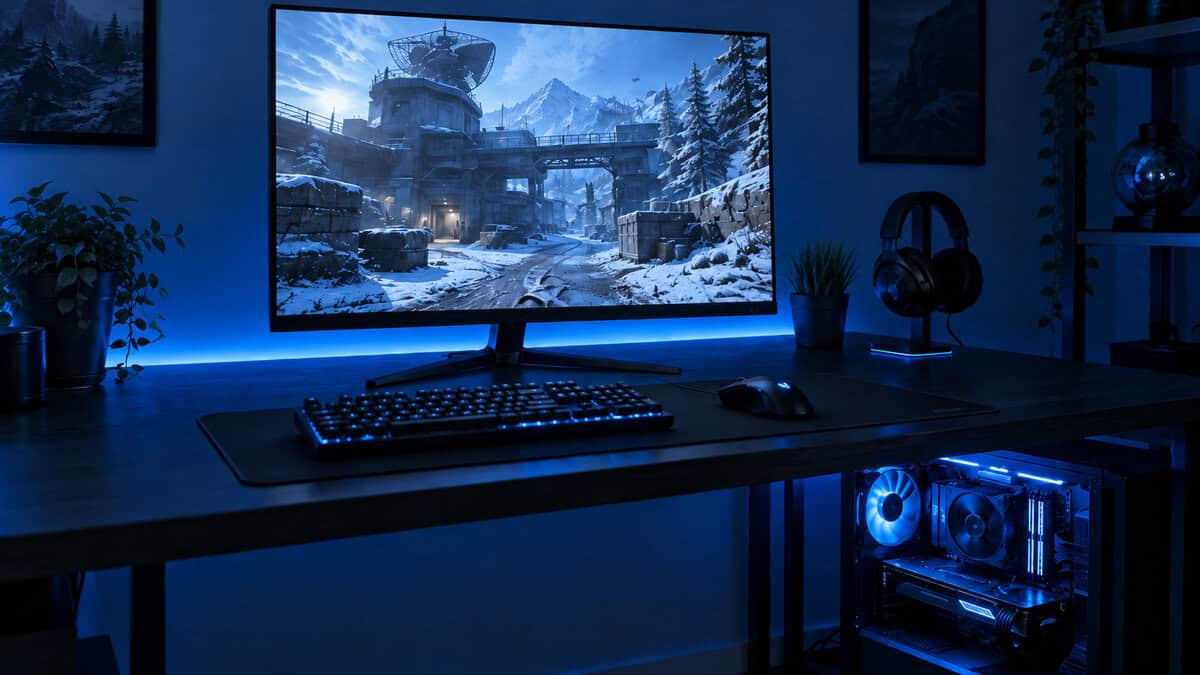
Most monitor advice in 2026 pushes you straight to 27-inch 1440p, and for plenty of builds that is the wrong call. The best 24 inch gaming monitor keeps every pixel inside your field of view, hits higher frame rates on a mid-range GPU, and leaves money for the parts that actually win fights.
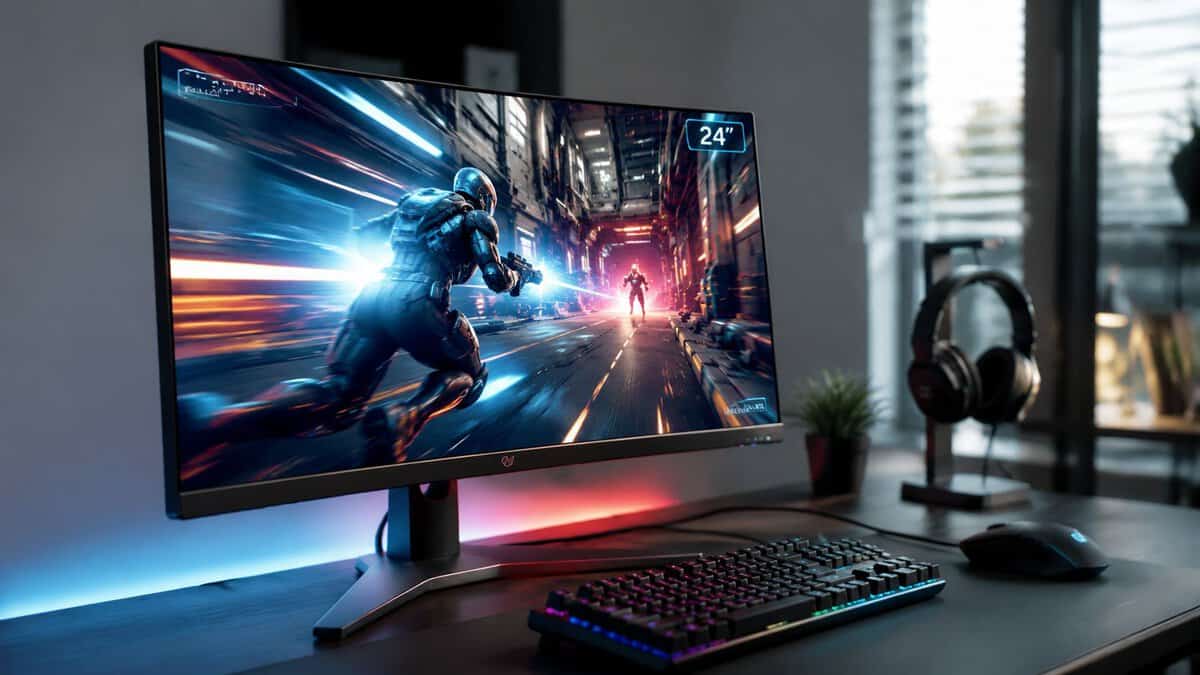
If you want a quick way to compare screen choices before you buy, a spec database like compare gaming monitor specs can help you sort refresh rate, panel type, and inputs without getting trapped in marketing language. For a broader budget build context, the best budget gaming monitor guide is useful because it frames the monitor as part of the whole setup, not a standalone trophy piece.
The value baseline for 2026: a first-party 200Hz IPS panel that outruns leftover 144Hz stock without costing more. It covers casual and ranked play on any mid-range GPU.
- Genuine 200Hz IPS motion at an entry price
- Adaptive sync works with both GPU camps
- Slim-bezel design suits dual-monitor setups
- Tilt-only stand with no height adjustment
- Newer listing with a young review history
- HDR support is nominal, like most entry panels
The ranked-FPS sweet spot: 240Hz Fast IPS with a genuinely adjustable stand and ASUS motion tuning, at a price that stays honest for the tier.
- Fast IPS panel keeps 240Hz motion clean
- Proper ergonomic stand with height adjustment
- ASUS motion-clarity tuning helps fast camera turns
- A real price step up from entry panels
- Speed-first rather than sharpness-first at 24.5 inches
- Fresh Series 5 refresh means a small review base
The esports specialist: the Zowie tournament pedigree in a 280Hz package, with the S-Switch preset puck and shielding hood that competitive players actually use.
- The XL line is the de facto pro CS2 and Valorant standard
- 280Hz Fast TN with tournament-grade motion handling
- S-Switch and shielding hood ship in the box
- TN viewing angles and color trail IPS rivals
- Specialist pricing for a 1080p panel
- Function-first design with zero RGB flair
Picks and availability last verified: October 26, 2026
- A 24-inch panel keeps every pixel in your field of view and hits higher frame rates on a mid-range GPU than bigger screens.
- The AOC 24G42HE is the entry pick: 200Hz IPS at a price that embarrasses leftover 144Hz stock.
- The ASUS TUF VG259QM5A is the mid-tier call, pairing 240Hz Fast IPS with a properly adjustable stand.
- The BenQ Zowie XL2540X+ is the esports pick, built on the XL line pros already use on CS2 and Valorant stages.
- Match the tier to how you play: refresh rate you can actually drive beats specs you will never feel.
Table of Contents
Finding the Best 24 Inch Gaming Monitor for You
A lot of buyers land in the same spot. They sit down at a cramped desk, see a 27-inch display in a friend’s setup, then start wondering if their own 24-inch monitor is “too small” before they’ve even checked how they actually play. The confusion gets worse because some guides chase pure spec sheets, while others lean toward all-around value and call it a day.
The better question is simpler. Do you want the monitor that makes FPS play feel immediate, or the one that stays comfortable for MMO, streaming, and general use too? A 24-inch gaming monitor is still the cleaner fit when the desk is tight, the GPU is mid-range, and the main goal is keeping motion easy to follow without asking the graphics card to do extra work.
Practical rule: if your desk is small and your games are mostly shooters, 24 inches keeps the whole image in view with less eye travel.
That’s why this topic deserves a value-first approach instead of a hype-first one. Some buyers need the fastest panel they can justify. Others just need a dependable screen that won’t waste performance on resolution they don’t benefit from every night.
For a helpful setup mindset, it also makes sense to think in terms of the rest of the build, not just the panel. A monitor that fits the desk, the GPU, and the games you play matters more than chasing a “more premium” number on the box. The 27-inch versus 32-inch monitor guide is useful precisely because it shows how screen size changes the whole feel of a setup, not just the image.
Why Choose a 24 Inch Gaming Monitor in 2026
A 24-inch 1080p monitor still makes sense because the image stays sharp enough at desk distance, while the GPU load remains manageable. That balance matters more than chasing a larger panel with the same resolution. On a 24-inch screen, 1080p lands at a pixel density that looks clean in normal use, while a 27-inch 1080p display spreads those same pixels over a bigger area and starts to look softer (TechPickStream). In practice, that shows up in HUD text, small UI elements, and fine detail that can get muddy on bigger low-resolution panels.
Size and resolution still have to match
A lot of weak monitor advice misses the basic fit between panel size and resolution. A 24-inch screen gives 1080p a sensible canvas, and reviewer guidance has consistently treated 1080p for 24-inch monitors as the practical gaming standard (TechPickStream). SiegeGG puts the point plainly, saying “1080p (Full HD) is arguably the best resolution for a 24″ gaming monitor” and noting that 24-inch screens suit competitive play and smaller desks (SiegeGG).
That match matters for performance too. Higher resolution increases the number of pixels the system has to render, so 1080p is easier to push at high frame rates than 1440p or 4K (TechPickStream). For a budget-conscious gamer, that usually means a better trade, either a faster panel that fits the budget or more room to spend on the GPU instead of paying for pixels the card does not need to drive every night.
Refresh rate is part of the 24-inch identity
The 24-inch class also fits naturally with 144Hz to 180Hz panels, and some esports-focused models go to 240Hz or higher (TechPickStream). That is a big reason the size keeps showing up in FPS setups. Smaller screens reduce eye movement, and higher refresh rates make motion easier to track, especially during fast strafes, flicks, and quick target swaps. For the deep mechanics of refresh rate and motion blur, Blur Busters remains the reference.
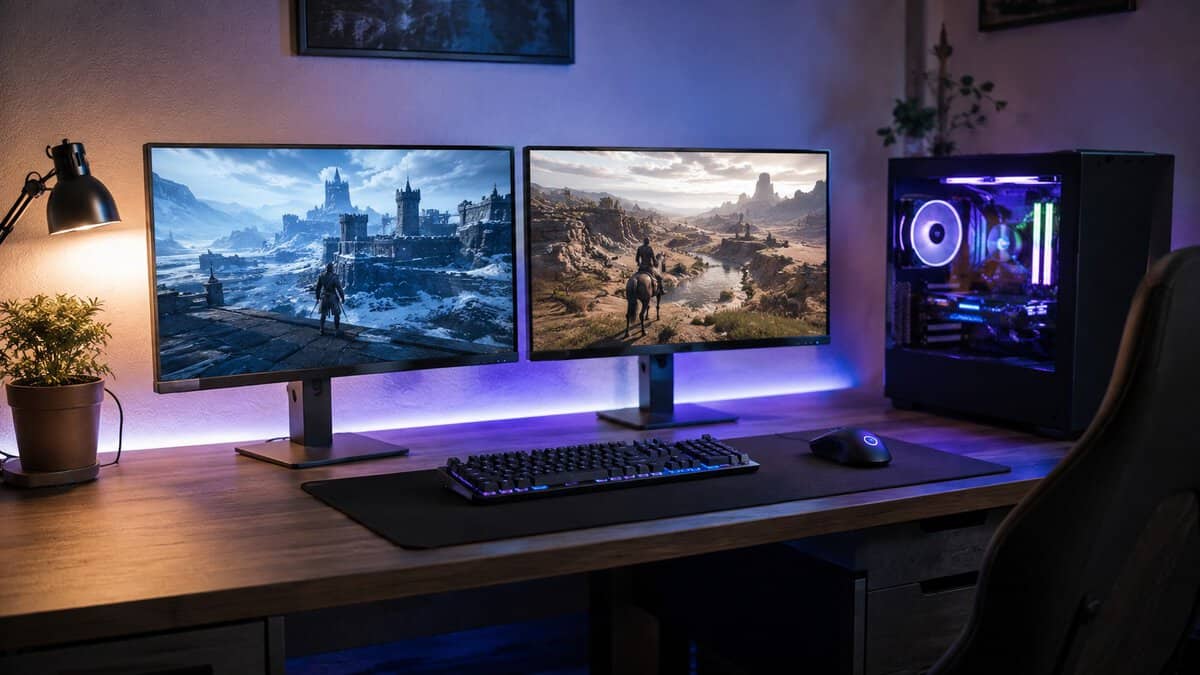
The 24-inch format has stayed relevant because it solves a real setup problem. It gives FPS players sharp enough 1080p, high frame-rate targets, and lower GPU demand in one size that still works well on a smaller desk. For buyers comparing size options, the 27-inch versus 32-inch monitor guide helps show how screen size changes the feel of a setup, not just the look of the panel.
Key Specs That Define Monitor Performance
A budget gaming monitor should be judged by the specs that change how it feels in motion, not by shiny extras that rarely affect actual play. Buying guides for this size class consistently prioritize refresh rate, response time, panel type, and connectivity because those are the traits that directly shape motion clarity and input feel. That’s the right filter for a 24-inch gaming monitor, especially if the buyer wants value rather than the cheapest possible panel.
Spec Priority for 24 Inch Gaming Monitors
| Spec | Why It Matters | Budget Note |
|---|---|---|
| Refresh rate | Controls motion smoothness and how responsive the screen feels | Prefer a native 144Hz baseline, faster if the budget allows |
| Response time | Helps reduce blur and smearing in quick camera turns | Pay attention to real behavior, not just a glossy label |
| Panel type | Shapes color, viewing angles, and motion trade-offs | IPS often balances image quality and speed well for value buyers |
| Resolution | Affects sharpness and GPU load | 1080p is the sensible match for 24 inches |
| Connectivity | Determines how easily the monitor fits your PC or console setup | Check the ports you actually need before buying |
| Ergonomics | Changes comfort, desk fit, and long-session usability | A sturdy stand and adjustable tilt matter more than styling |
| Build quality and durability | Affects how long the monitor stays usable and stable | Look for solid plastics, stable feet, and vents that suggest decent thermal design |
The panel choice deserves special care. A 24-inch IPS screen usually makes the most sense for mixed use because it handles color and viewing angles well without turning into a fragile halo product. The IPS versus VA for gaming guide is useful here because it frames the trade-off, not a fake win for one panel type across every game.
Good buying rule: if the spec sheet looks loaded with extras but the stand feels flimsy, the monitor probably isn’t built for long-term use.
Connectivity and ergonomics also affect durability in a practical sense. A monitor with a solid base and enough adjustability stays stable when you lean into mouse movements, and that matters if you use the desk for long sessions. For budget buyers, that kind of build quality often matters more than thin bezels or decorative lighting.
Competitive vs Casual Gaming Needs
The biggest mistake in monitor advice is pretending every gamer wants the same thing. A player grinding Valorant or similar shooters cares most about motion clarity and low distraction. Someone who splits time between MMO play, streaming, and desktop work usually cares more about balance, image quality, and comfort over long sessions.
That split shows up in how independent roundups handle recommendations. Instead of forcing one “best” pick, they separate a 240Hz IPS option for general use, a 1440p model for sharper mixed work and play, and a 400Hz esports display for pure competitive focus. This reflects the fact that buyers aren’t choosing between good and bad, they’re choosing between different priorities.
What each play style really needs
A fast FPS player on a small desk benefits from a 24-inch 1080p monitor because the full image stays easier to track, especially during fast flicks and target transitions. The smaller size also makes the monitor feel less intrusive when you’re trying to keep everything centered and visible.
An MMO or streaming setup is different. Chat windows, browser tabs, game UIs, and recording tools all eat space, so a sharper or larger screen can be more comfortable even if it isn’t as easy to drive at extreme refresh rates. That’s why a single winner doesn’t help much. The right answer depends on whether the monitor has to support ranked play, content creation, or just after-work gaming without fuss.
For a focused FPS buyer, the best budget monitor for Valorant search angle makes sense because it forces the motion question first. That’s the right order of operations. Decide whether you care more about competitive motion clarity or all-around value, then buy the panel that matches the answer.
A monitor that is “good for everything” often ends up being merely okay at the one thing you care about most.
That’s why tiered advice matters more than a single label. The best choice for a small-desk shooter player is not always the best choice for someone who streams, browses, and plays story games on the same screen.
Best Value Picks Across Budget Tiers
A 24-inch gaming monitor only feels like the right buy if the tier matches how you play. A budget-focused 24-inch 1080p 144Hz IPS panel is still the clean starting point for many buyers, and it stays the most affordable way into genuinely smooth motion. That tier usually covers the basics well enough for casual play, while leaving money in the budget for a better mouse, keyboard, or graphics card.
| Model | Panel | Refresh | Best For |
|---|---|---|---|
| AOC 24G42HE | 24″ IPS 1080p | 200Hz | Entry value, all-round play |
| ASUS TUF VG259QM5A | 24.5″ Fast IPS 1080p | 240Hz | Ranked FPS, mixed gaming |
| BenQ Zowie XL2540X+ | 24.1″ Fast TN 1080p | 280Hz | Pure esports focus |
Entry value tier
The pick here is the AOC 24G42HE: a 24-inch 1080p IPS panel running at 200Hz with a 0.3ms response, sold first-party at a price that undercuts most leftover 144Hz stock. This tier fits buyers who want a dependable all-round screen without chasing specialist features. You get the familiar 24-inch footprint, 1080p sharpness that still looks good at desk distance, and a high refresh rate that makes motion feel far smoother than older 60Hz panels.
The trade-off is simple. You are paying for usable gaming performance, not premium contrast, perfect stand adjustment, or top-end HDR. A basic chassis can still do the job, but flimsy stands and weak plastics are where low-cost monitors show their limits fastest. If your screen feels sluggish even after setup changes, a quick read on how to fix input lag helps separate a monitor issue from a settings issue.
Mid competitive tier
The ASUS TUF Gaming VG259QM5A owns this tier: a 24.5-inch Fast IPS panel at 240Hz with a 0.3ms response and a properly adjustable stand. A 240Hz IPS panel starts to make real sense once fast shooters matter more than desk clarity or general media use. The move from 144Hz to 240Hz is not dramatic in every game, but it can make target tracking feel tighter when the system is already pushing high frame rates.
This tier suits players who spend a lot of time in ranked FPS matches and want the smoother response without paying for the extreme end of esports hardware. The compromise is that you are spending more for motion improvement than for better image sharpness, so it only pays off if you notice the difference during play.
High esports tier
The BenQ Zowie XL2540X+ is the tier pick: a 24.1-inch 280Hz Fast TN panel from the brand that dominates professional CS2 and Valorant stages, with an S-Switch preset puck and a shielding hood in the box. Displays at 400Hz and beyond exist, but they push deep into specialist pricing for gains most players never feel. It is a specialist purchase, not a broad recommendation, because the value only shows up when your priority is sustained high-frame-rate play and every bit of response speed matters. Casual players usually will not get enough back from the extra cost. If you split time between shooters, single-player games, and desktop use, the mid-tier usually gives a better balance.
If you want a simple rule for 2026, keep 24-inch as the safer pick for a shooter-first desk setup. It stays easier to scan, it fits compact workspaces better, and it lets your GPU focus on frame rate instead of higher resolution. A larger 27-inch 1440p screen makes more sense when the same monitor has to handle streaming tools, browser windows, and mixed-use gaming. That is the trade-off. Motion focus and workspace comfort rarely peak on the same panel.
HDR deserves the same caution. Without enough brightness and the right hardware behind it, “HDR” often reads like a box feature rather than a visible upgrade. Budget shoppers should treat it as a bonus only after the panel already handles color, motion, and stand quality well.
Budget Loadout’s monitor coverage can still help if you want a wider view of how cost and ways of playing line up in practice. The useful way to read it is not as a hype list, but as a check on whether you are paying for motion performance, image quality, or features you will barely use.
The clean takeaway is straightforward. Entry value is for reliable 1080p gaming, mid-tier is where motion gains become noticeable for serious FPS play, and high-tier is for buyers who already know they want esports speed above everything else.
Setup and Calibration Tips for Lasting Use
A good monitor can still feel disappointing if it’s set up badly. Start by checking that the panel runs at a 144Hz native refresh rate, not an overclock-only mode. One budget 24-inch monitor guide specifically warns buyers to look for “144Hz native refresh rate” instead of “overclocked” or “OC mode only”, which is a smart rule because native specs are easier to trust for sustained play (TechPickStream).
What to verify on day one
Set the refresh rate in the system menu, then confirm it in-game or through the monitor’s own display options. If the screen looks smoother but the spec sheet is vague, don’t assume the advertised number is the actual operating mode. Switch adaptive sync on in the OSD and confirm it in your GPU driver; AMD’s FreeSync page explains what each tier guarantees.
After that, handle the basics. Brightness should be comfortable for your room, not just high because the box suggested it. Color temperature and sharpness settings should be used carefully, because aggressive tuning can make text look harsher without adding detail.
Practical rule: if you have to crank the sharpness setting to make a panel look acceptable, the panel probably isn’t giving you clean native image quality.
Build quality matters here in a very practical way. A stable stand keeps the monitor from creeping during mouse movement, and good venting helps the panel stay consistent over long sessions. If you’re using a compact desk, make sure the base doesn’t steal more space than it should.
If input lag ever feels off, a simple troubleshooting pass can help separate display settings from system issues. The input lag fix guide is worth keeping nearby because it focuses on the settings side before you blame the hardware.
The long-term goal is boring but valuable. Keep the monitor stable, readable, and correctly set up, and it’ll stay useful much longer than one bought for flashy spec-sheet bragging rights.
Frequently Asked Questions on 24 Inch Monitors
Is a 24-inch 1080p monitor still good enough for gaming in 2026?
Yes, if your priority is fast play and practical value. A 24-inch 1080p screen stays sharp enough at a normal desk distance for everyday gaming, while keeping the GPU load lower than sharper resolutions. That matters most for FPS players, where smooth motion and frame rate usually matter more than extra desktop detail.
Should I choose 24-inch 1080p or 27-inch 1440p?
Choose 24-inch 1080p if you mainly play competitive games, sit at a normal desk distance, and want a monitor that is easier to drive at high refresh rates. Choose 27-inch 1440p if you want a better all-around desktop screen for mixed gaming, browsing, and work. A 27-inch 1080p panel is the one that often looks soft, because the pixel density drops enough to make fine detail less clean.
Does a 24-inch monitor make sense for streaming or shared living spaces?
It can. A 24-inch screen is easier to place on a small desk, and it keeps the full image in view without much head movement. That helps in shared spaces where the monitor has to sit close to a wall, a mic arm, or another display. If you multitask heavily with chat, recording tools, and browser windows, a wider screen may still feel easier to manage.
How should I interpret brightness or HDR claims?
Carefully. Brightness matters if you play in a bright room, but HDR branding can mean very little if the panel lacks the hardware to handle it properly. On a value-focused 24-inch monitor, treat HDR as a bonus after you have confirmed the basics, native refresh rate, response behavior, and solid build quality.
What kind of GPU pairing makes sense for a 24-inch 1080p monitor?
A 24-inch 1080p panel fits best with a system that benefits from lower rendering load and high frame rates. That is the main advantage of staying at this resolution, it keeps the monitor from asking more of the PC than the build can comfortably deliver. If your setup is tuned for speed rather than maximum visual detail, this size and resolution remain a practical match.
Budget Loadout is a good place to keep monitor choices grounded in real use, not spec-sheet noise. If you are comparing a 24-inch gaming monitor against bigger or sharper alternatives, visit Budget Loadout for straight answers on value, durability, and what helps in play.
Related Articles