Whether a graphics card on a cable makes sense comes down to one port on the side of your machine. An external GPU can turn a thin laptop, a mini PC or a handheld into a real 1440p gaming rig, but only if that port can carry enough of the card’s traffic to keep it busy.
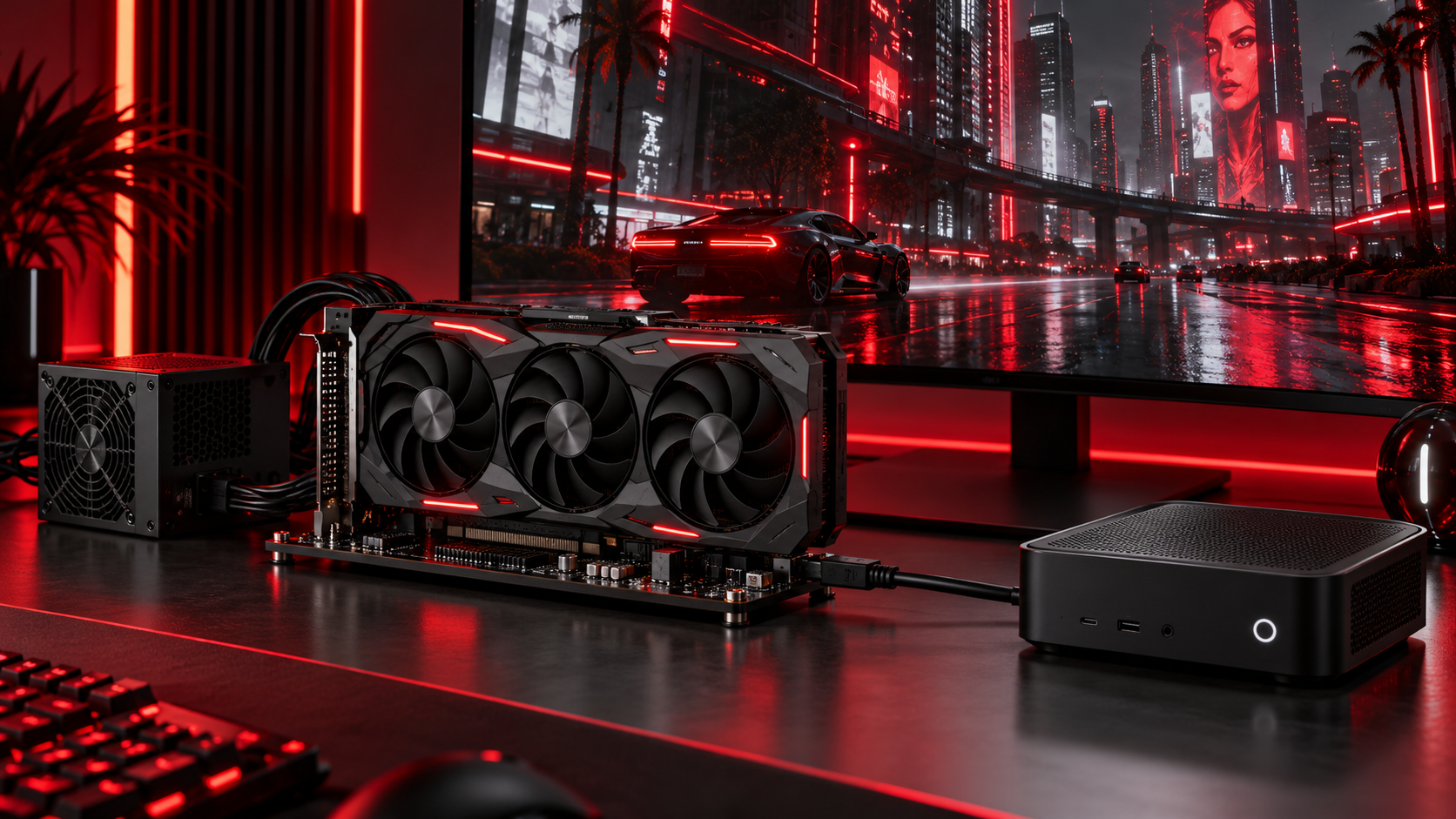
So this guide starts with the port, not the dock. OCuLink, Thunderbolt 5 and plain Thunderbolt 4 each point to a different box, and the three docks below cover all three, from a bare adapter board to a unit with the graphics chip already inside.
The cheapest way to hang a desktop card off an OCuLink port. It is an open board, so you bring the power supply and the graphics card.
- Direct PCIe link through OCuLink
- Takes any card length
- Pocket-sized open board
- Power supply bought separately
- OCuLink hosts only
- Cable cannot be hot-plugged
A dock and eGPU in one for laptops with Thunderbolt 5 or USB4 v2. One cable carries the card, the network and up to 140W of charging.
- Thunderbolt 5 and OCuLink in one
- Charges the laptop at up to 140W
- Built-in M.2 slot for games
- Power supply bought separately
- Pricier than a bare OCuLink board
- Larger footprint on the desk
The graphics chip, cooling and power already inside one small box. It connects over USB4 or Thunderbolt 4, which covers most laptops and handhelds.
- No card or PSU to buy
- Works over USB4 and Thunderbolt 4
- Four 8K-capable display outputs
- Graphics chip cannot be upgraded
- Costs more than the bare docks
- Must lie flat to breathe
- Check your port before you shop. OCuLink, Thunderbolt 5 and Thunderbolt 4 each point to a different kind of dock.
- OCuLink gives the card the most direct link, but it only works on machines that have the port and it cannot be unplugged while running.
- A bare dock is the cheap part. Budget for a desktop graphics card and a power supply on top of it.
- An all-in-one eGPU with the chip built in is the simplest route for Thunderbolt 4 laptops and handhelds.
- If you would buy the dock, card and power supply all at once, price a budget tower before you commit.
Table of Contents
Three eGPU Docks at a Glance
The three docks split cleanly by what they plug into and what they include. Two are empty frames for a desktop card and power supply, and one ships with the graphics chip already inside, so read the Host Links and GPU Included columns first.
| Dock | Host Links | Top Bandwidth | GPU Included | Power | Card Fit | Display Outputs | Extras | Size | Best For |
|---|---|---|---|---|---|---|---|---|---|
| Minisforum DEG1 | OCuLink 4i | 64Gbps (PCIe 4.0 x4) | No | Your ATX or SFX PSU | Any length | From your card | ForcePowerOn switch | 5.51 x 2.56 x 0.79 in | Mini PCs with OCuLink |
| Minisforum DEG2 | Thunderbolt 5 and OCuLink | 80Gbps (Thunderbolt 5) | No | Your ATX or SFX PSU | Full length | From your card | M.2 2280 slot, 2.5G LAN, 140W charging | 10.2 x 6.9 x 1.7 in | Thunderbolt 5 laptops |
| GMKtec AD-GP1 | OCuLink and USB4 | 40Gbps (USB4) | Radeon RX 7600M XT 8GB | 240W adapter included | Built in | 2x HDMI 2.1, 2x DP 2.0 | Works with Thunderbolt 3 and 4 | 6.45 x 4.35 x 1.57 in | Thunderbolt 4 laptops and handhelds |
The bandwidth column is the ceiling of the link, not a promise of frame rates. How much of it a game actually uses depends on the card, the resolution and the port, which the next section walks through one connection at a time.
Find Your Port First
Most eGPU regret starts with buying the dock before checking the machine. The port decides how fast the card can talk to your processor, whether you can charge a laptop through the same cable, and which of the three docks will even connect.
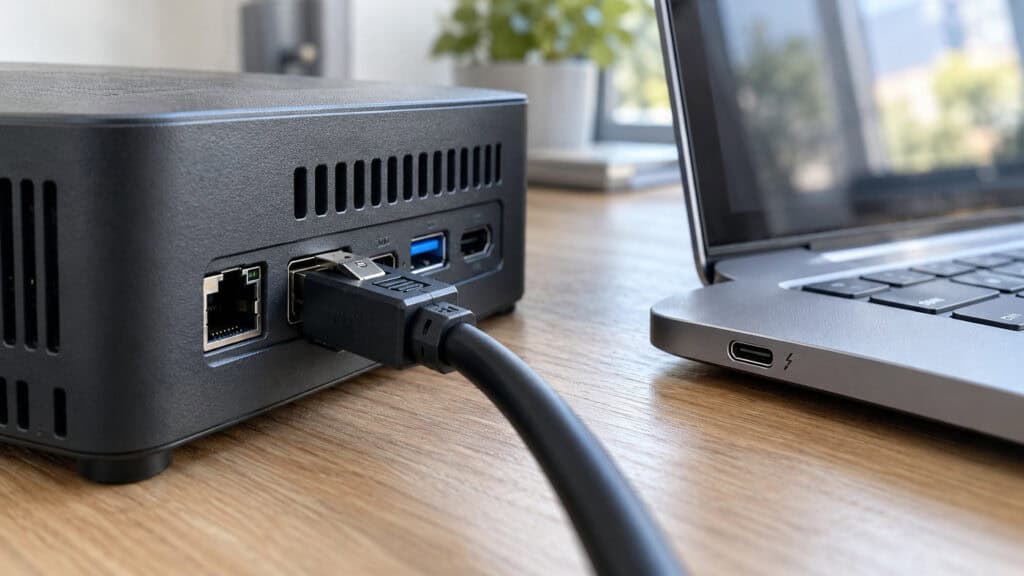
OCuLink
OCuLink is a straight PCI Express link on a cable. The external card gets four lanes of PCIe 4.0 with very little in between, which is why it keeps more of the card’s performance than any other external connection at this budget.
You will mostly find it on mini PCs and a handful of laptops and handhelds. The catch is practical: the cable locks in place and cannot be hot-plugged, so you shut the machine down before connecting or disconnecting it. If your device has OCuLink, the DEG1 is the cheapest way in.
Thunderbolt 5 and USB4 v2
Thunderbolt 5 doubles the headline bandwidth of Thunderbolt 4. Intel’s Thunderbolt technology overview lists up to 80Gbps both ways and twice the PCIe data rate of the previous generation, which narrows the gap to OCuLink.
The bigger win is convenience. One cable can carry the graphics traffic, a network connection and charging for the laptop, so the dock doubles as your desk hub. That is the job the DEG2 is built for.
Thunderbolt 3 and 4
Most laptops and handhelds with a fast USB-C port land here. Thunderbolt 3, Thunderbolt 4 and 40Gbps USB4 all work for an eGPU, but the link carries less graphics data than OCuLink or Thunderbolt 5, so a very fast card spends more time waiting.
That makes a mid-range graphics chip the sensible match, which is exactly what the AD-GP1 packs. Its USB4 port works with Thunderbolt 3 and 4 at 40Gbps, and the USB4 specification from the USB-IF is what keeps those connections interchangeable.
No Fast Port at All
If your machine only has standard USB-C or USB-A ports, an external GPU is not a real option. Those ports were not designed to carry PCI Express, and adapter tricks that open up an internal slot are fiddly projects rather than products.
In that case the money is better spent elsewhere. Our gaming laptop vs desktop comparison is the better next read.
Telling Your Ports Apart
The fastest check is the spec sheet for your exact model, since two ports can look identical. Thunderbolt ports usually carry a small lightning-bolt icon, and USB4 ports often show a 40 or 80 next to the USB logo.
OCuLink looks different from everything else: a small, flat rectangular port, often behind a cover, with a latch on the cable that clicks in. If you see none of these, assume the machine has no fast port and plan around that.
The Three Docks
Each dock matches one of the ports above. The first two are frames for parts you supply; the third arrives ready to plug in.
Minisforum DEG1
The Minisforum DEG1 is barely more than a circuit board with a graphics slot, and that is the point. It takes a desktop card in a full-size x16 slot, links it to your machine over OCuLink 4i at PCIe 4.0 x4, and draws power from a standard ATX or SFX supply you plug into it.
Because the board is open, there is no enclosure to limit card length, so a long triple-fan card fits as easily as a compact one. The whole board is about the size of a phone and slips into a backpack between desk setups.
It is an adapter board with a job to do, and it does nothing else.
A ForcePowerOn switch lets you choose between powering the card on at once or following the host. The follow mode works with Minisforum’s own mini PCs using the original cable; everything else uses the forced mode.
A compact SFX supply keeps the whole setup small enough to sit beside a mini PC, while a standard ATX unit is cheaper if the dock hides under the desk. Either way, the card’s own display outputs become your monitor connections.
The limits are simple. It needs an OCuLink port on your machine, you buy the power supply separately, and the connection cannot be unplugged while the system is on. If you own a mini PC with OCuLink and a spare card, few upgrades do more for the money.
Minisforum DEG2
The Minisforum DEG2 adds Thunderbolt 5 to the OCuLink link, with a hardware switch to choose between them. That makes it the dock for laptops with Thunderbolt 5 or USB4 v2, which get most of OCuLink’s speed without being chained to one machine.
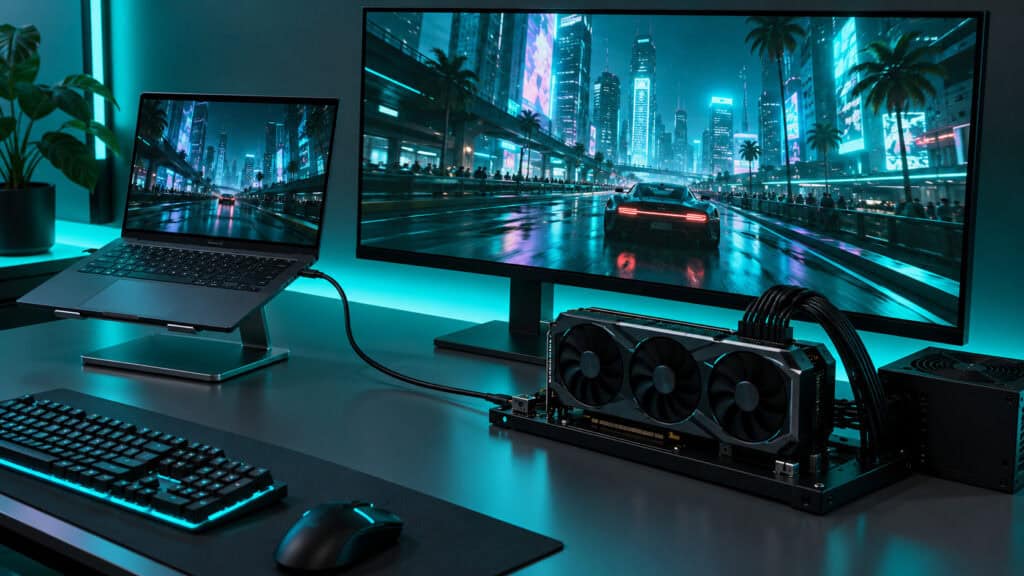
It is also a real desk hub. The Thunderbolt 5 cable can charge a laptop at up to 140W, and the dock adds 2.5G LAN, USB ports and an M.2 2280 slot for a drive full of games that follows the dock from one machine to another.
One cable in, and the laptop becomes a desktop.
Like the DEG1, it needs an ATX or SFX power supply that you provide, and it supports full-length cards in its x16 slot. It costs noticeably more than the bare board, so it only pays off if you will use the Thunderbolt 5 side.
The OCuLink side is still there for a mini PC, so one dock can serve a laptop during the week and a small desktop on weekends. Flip the hardware switch and move the cable, and the same card and drive follow you.
If your laptop only has Thunderbolt 4, the AD-GP1 below is our pick for that port instead.
GMKtec AD-GP1
The GMKtec AD-GP1 skips the parts list. Inside the small box sits an AMD Radeon RX 7600M XT with 8GB of GDDR6, its own cooling and a 240W power adapter in the package, so there is no card or power supply to shop for.

It is the only pick here you can plug in the day it arrives.
It connects over OCuLink or USB4, and the USB4 port works with Thunderbolt 3 and 4 at 40Gbps. That covers most recent laptops, plus handhelds with USB4 such as the ROG Ally X and Legion Go that GMKtec names as compatible. Four display outputs, two HDMI 2.1 and two DisplayPort 2.0, let it drive a multi-monitor desk on its own.
The RX 7600M XT is a laptop-class chip with 8GB of memory, which suits 1080p at high settings and lighter games at 1440p. It is a big step up from integrated graphics, not a replacement for a high-end desktop card.
The tradeoffs come from building it all in. You cannot swap the graphics chip later, it costs more than either bare dock, and GMKtec says to keep it lying flat because standing it upright blocks the vents. If you want the simplest eGPU for a Thunderbolt 4 machine, those are easy compromises.
What an External GPU Setup Really Costs
The dock price on the listing is the smallest number in the project. Before you pick one, add up the parts that come after it.
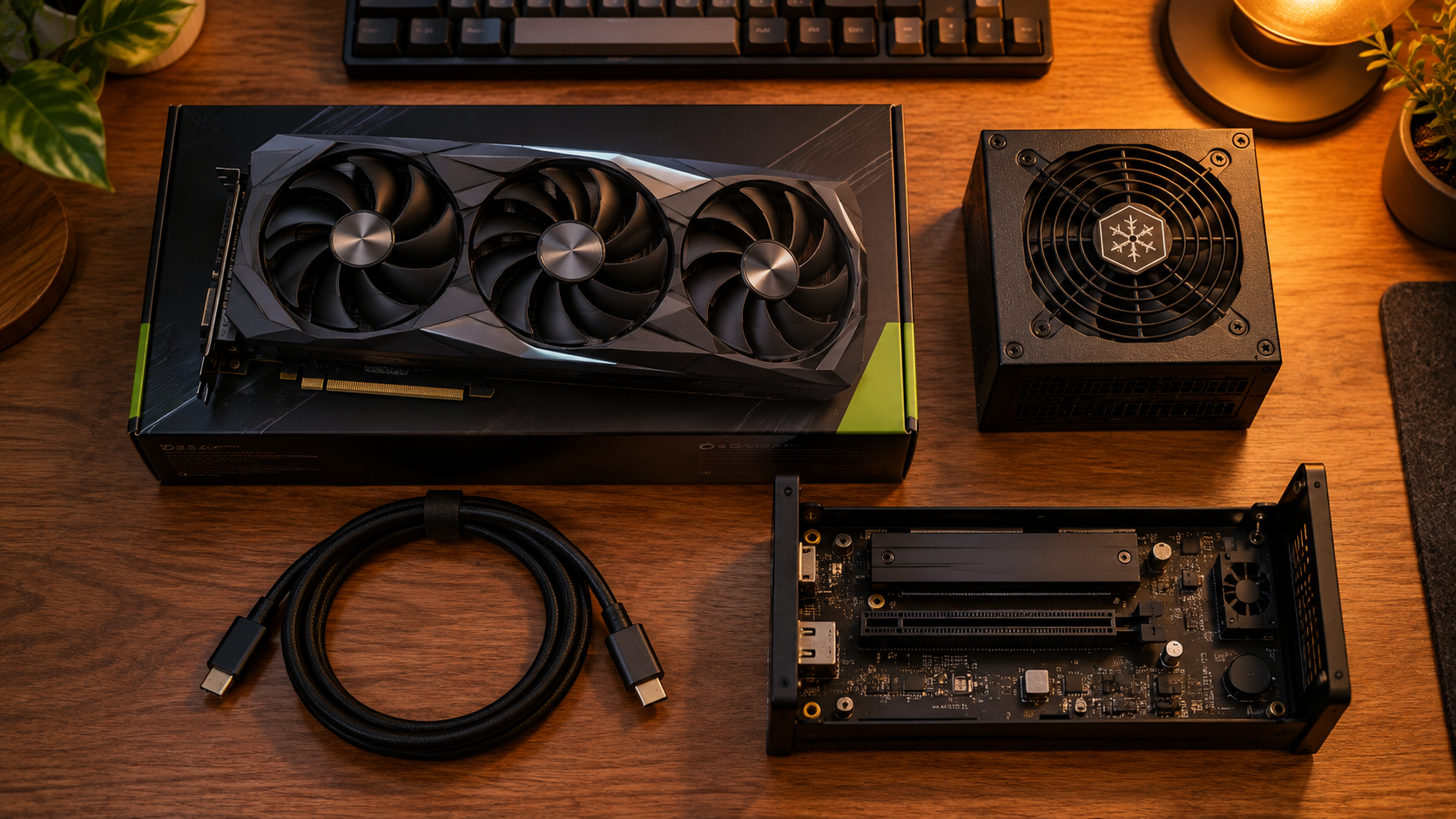
The Dock Is the Cheap Part
The DEG1 and DEG2 need a desktop graphics card and a power supply before they do anything. The card is the big spend, and our best budget graphics card and best mid-range GPU guides cover the options at each level.
For power, size the supply to the wattage your card’s box recommends. A compact SFX unit keeps the setup small, and our SFX PSU guide covers the best small options, while a standard ATX supply is cheaper if the dock lives under a desk.
Bandwidth Takes a Cut
An external card runs slower than the same card inside a desktop, because every frame’s data travels over a narrower link. OCuLink loses the least, Thunderbolt 5 sits close behind, and Thunderbolt 4 loses the most.
The gap is smallest at higher resolutions, where the card does more work per frame and waits on the link less. That is why pairing an eGPU with a 1440p monitor makes more sense than chasing very high frame rates at 1080p.
When a Tower Wins
If you already own the machine and a spare card, an eGPU is a cheap upgrade. If you would be buying the dock, card and power supply all at once, a budget tower often costs about the same and runs the card at full speed.
If the math lands on a tower, our best budget prebuilt gaming PC picks are the fastest way to price one against the eGPU route. A prebuilt also comes with a warranty covering every part, where an eGPU splits support across the dock, the card and the power supply.
The eGPU earns its place when portability matters: a laptop you carry to class or work, a mini PC in a small room, or a handheld you want to plug into a TV at home.
Plan the Desk Space
An open dock with a desktop card and a power supply takes more room than the listing photos suggest. Leave space behind it for the power cable, keep the card’s fans clear of walls, and expect some fan noise under load, since nothing encloses the card.
Open boards also collect dust faster than a closed case. A quick blast of air every few months keeps the card’s fans and heatsink doing their job.
Which Devices Make Sense
An external GPU helps most when the machine has a strong processor and a weak graphics chip. Here is how that plays out across the three device types people usually ask about.
Mini PCs
Mini PCs are the natural fit. Many recent models have OCuLink, and two of the three picks in our mini PC gaming guide carry the port. Pair one with the DEG1 and a mid-range card, and a small box handles games its integrated graphics cannot.
The mini PC also keeps doing its day job. Unplug the dock after powering down and it goes back to being a quiet office machine; connect it again and the same box runs games on the external card.
Gaming Laptops
A thin laptop with integrated graphics or an entry-level GPU gains the most. Check the port first: Thunderbolt 5 points to the DEG2, while Thunderbolt 4 or USB4 points to the AD-GP1.
The best case is a work laptop you carry all day and dock at night. The laptop stays light and cool on the move, and the heavy graphics work happens on the desk where the eGPU and a proper monitor live.
A laptop that already has a strong discrete GPU gains little, since the external card has to beat what is inside by enough to cover the link’s losses.
Handhelds
Handhelds with USB4, such as the ROG Ally X, can use the AD-GP1 as a docked mode for the TV. Our Steam Deck vs ROG Ally comparison covers which handheld suits you before you plan a dock around it.
Getting the Most From an eGPU
A few setup choices decide whether an external card feels like a desktop or like a compromise. None of them cost anything.
Plug the Monitor Into the Card
Connect your monitor to the display outputs on the graphics card or the AD-GP1, not to the laptop or mini PC. When the game runs on the external card and shows on the laptop’s own screen, every finished frame has to travel back over the link, which eats into the bandwidth the card needs.
The monitor belongs on the card, not on the laptop.
If you do play on the built-in screen, expect lower frame rates than on an external monitor with the same card. It still works; it simply leaves performance on the table.
Match the Card to the Link
A mid-range card is the sweet spot for most external setups. The link caps how much a very fast card can deliver, so a flagship spends more of its time waiting, especially over Thunderbolt 4. Over OCuLink or Thunderbolt 5 you can step up further, and our best graphics card for 1440p guide covers cards that pair well with a 1440p monitor.
Tell Windows Which GPU to Use
With a monitor plugged into the card, games usually pick the external GPU on their own. If you play on a laptop screen, Windows graphics settings let you mark each game to use the high-performance GPU, which stops it from quietly running on the integrated chip.
Which External GPU Setup Fits Which Player
Pick the row that matches your port and what you already own.
| Dock | Your Port | What You Already Own | Extra Parts Needed | Pick It If |
|---|---|---|---|---|
| Minisforum DEG1 | OCuLink | A mini PC and a spare graphics card | Power supply | You want the cheapest fast link |
| Minisforum DEG2 | Thunderbolt 5 or USB4 v2 | A newer laptop | Graphics card and power supply | You want one cable for card, charging and network |
| GMKtec AD-GP1 | Thunderbolt 3 or 4 or USB4 | A laptop or handheld | None | You want to plug in and play today |
Frequently Asked Questions
Quick answers to the questions that come up most when choosing an external GPU.
Is an external GPU worth it?
It is worth it when you already own a machine with a fast port and want desktop-class graphics without replacing it, especially a mini PC or a thin laptop. If you would be buying the dock, card and power supply all at once, a budget tower often costs about the same and runs the card at full speed.
Does an external GPU lose performance?
Yes, some. The card talks to the processor over a narrower link than a desktop slot, so it runs a little slower than the same card inside a tower. OCuLink loses the least, Thunderbolt 5 is close behind, and Thunderbolt 4 loses the most. The gap shrinks at higher resolutions.
Do I need a separate power supply for an eGPU dock?
For open docks like the Minisforum DEG1 and DEG2, yes. They take a standard ATX or SFX power supply that you buy separately, sized to the wattage your graphics card recommends. All-in-one units like the GMKtec AD-GP1 include their own power adapter.
Can I unplug an OCuLink eGPU while the computer is on?
No. OCuLink does not support hot-plugging, so shut the computer down before you connect or disconnect the cable. The connector also locks in place and needs its release pressed before it comes out.
Can a gaming handheld use an external GPU?
Handhelds with USB4 or OCuLink can. The GMKtec AD-GP1 lists the ROG Ally X and Legion Go as compatible over USB4, which turns the handheld into a docked TV setup. Handhelds without USB4 or OCuLink cannot use an eGPU.
Looking for more budget gaming gear? Check out Budget Loadout for the latest reviews and recommendations.
Related Articles