You want a computer that hides behind the monitor, makes almost no noise, and still runs the games you play after work. The tower under the desk feels like overkill, and a laptop feels like paying for a screen you will never open. That is the pull of mini PC gaming, and it works better than most people expect, as long as you know exactly what kind of machine you are buying: a small computer with integrated graphics, not a shrunken gaming rig.
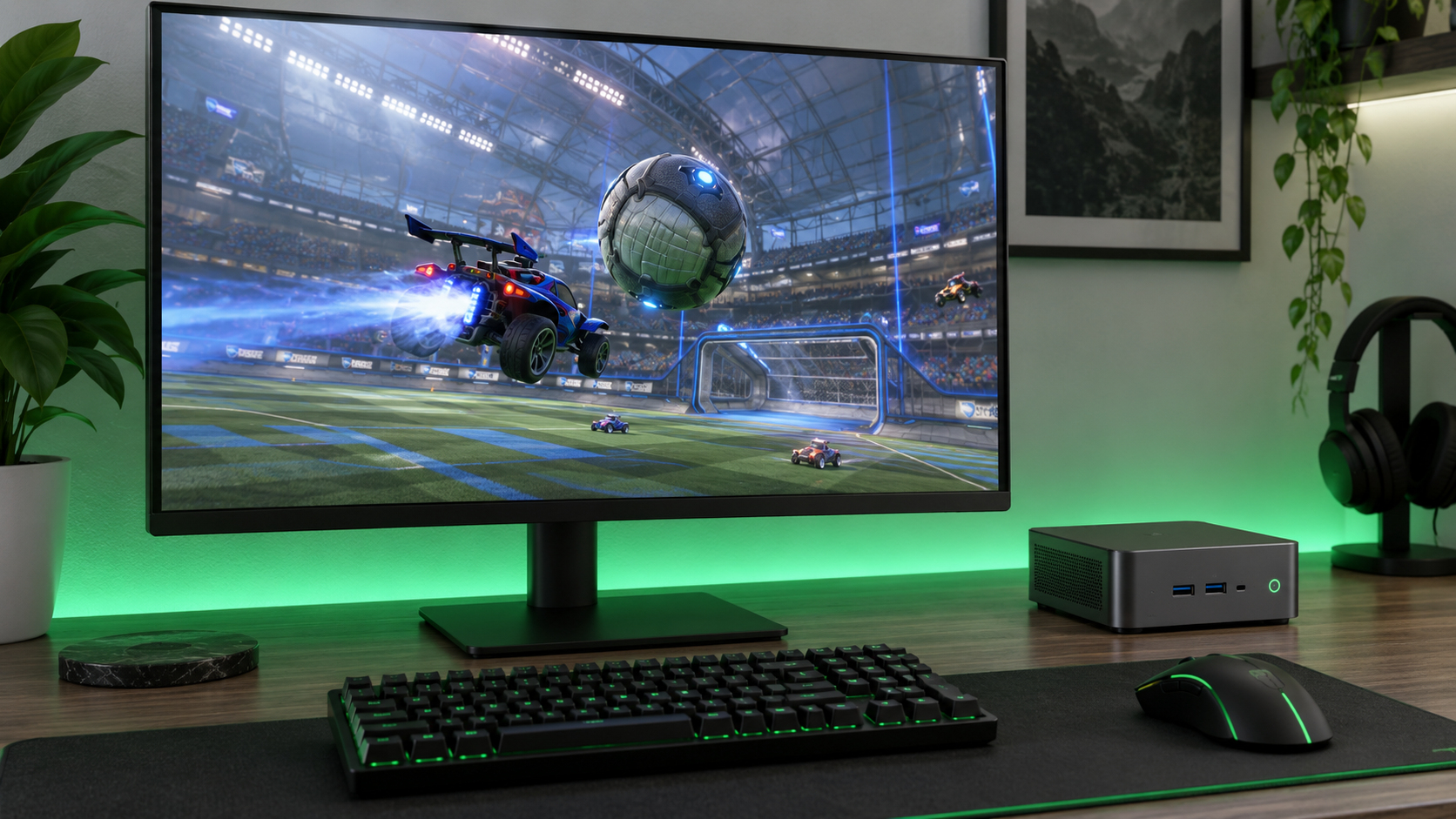
Three budget mini PCs are worth the money. One is the balanced pick with a real upgrade path, one is the cheapest way to get the right graphics chip, and one is built to grow. The sections below sort games into what runs well, what runs with compromises, and what does not run, so you can check your own library before you spend anything.
The balanced buy. It pairs the right graphics chip with upgradeable memory and an OCuLink port, so a desktop graphics card can be added later.
- OCuLink port for an external graphics card
- Two memory slots and two M.2 slots
- USB4 and 2.5GbE at a mid price
- 16GB is tight once graphics take a share
- 512GB fills fast with modern games
- OCuLink cannot be plugged in while running
The lowest price for the Radeon 780M. Same graphics as the pricier picks, fewer extras, and a smaller brand behind it.
- Cheapest route to Radeon 780M graphics
- Two memory slots for a later upgrade
- Palm-sized case mounts behind a monitor
- No OCuLink port for an external card
- Lesser-known brand with lower owner ratings
- No USB4 port
The one to buy if an external graphics card is already the plan. It ships with 32GB in two sticks and has three drive slots.
- 32GB dual-channel memory out of the box
- OCuLink plus three M.2 drive slots
- Best owner ratings of the three
- Most expensive pick here
- Same graphics chip as the cheaper picks
- Extra slots go unused without upgrades
- A budget gaming mini PC runs on integrated graphics. The Radeon 780M is the chip to look for, and it is built for 1080p at low to medium settings.
- Memory is the graphics card. Two sticks instead of one is the biggest performance difference between otherwise identical machines.
- Esports and older games run well. Big new releases need lowered resolution and upscaling, and the heaviest ones are not realistic.
- An OCuLink port is the upgrade path. It lets a desktop graphics card connect later, which no USB port matches for speed.
- If games are the only goal, a console or a budget tower gives more performance for the money. A mini PC wins on size, noise, and doing double duty as a work machine.
Table of Contents
What You Are Really Buying
A mini PC on a budget has no graphics card. The graphics live inside the processor and borrow the system’s memory, the same arrangement found in a handheld gaming PC. That single fact explains everything about how these machines behave in games, from which titles run to why two units with the same chip can perform very differently.
The Chip That Makes Mini PC Gaming Work
The graphics to look for are the AMD Radeon 780M. It sits inside several processors that are close relatives: the Ryzen 7 8745HS, the Ryzen 7 8845HS, the Ryzen 7 255, and the Ryzen 7 H 255. For gaming purposes these are the same chip with different labels, and all three picks in this guide use one of them. Older budget units use the Radeon 680M, which is a clear step down, and Intel-based units at this price trail both.
Processor power is not the limit on any of these machines. Eight cores is more than any game at these settings will use. The graphics and the memory feeding them are the whole story, which is why the rest of this guide spends its time there.
Shop for the graphics chip and the memory. The processor name on the box matters less than either.
Three Mini PCs Worth Buying
All three picks share the same Radeon 780M graphics, so the choice comes down to memory, upgrade ports, and how much you want to spend. The spec sheet comes first, then each pick explains who it suits.
| Pick | Processor | Graphics | Memory included | Memory slots | Storage | OCuLink | USB4 | Wired network | Best for |
|---|---|---|---|---|---|---|---|---|---|
| Minisforum X1 Lite-255 | Ryzen 7 255, 8 cores | Radeon 780M | 16GB DDR5-5600 | 2 SO-DIMM, upgradeable | 512GB, 2x M.2 2280 | Yes | Yes, 40 Gbps | 2.5GbE | Most buyers who want an upgrade path |
| Bmax Ryzen 7 8745HS Mini PC | Ryzen 7 8745HS, 8 cores | Radeon 780M | 16GB DDR5 | 2 SO-DIMM, upgradeable | 512GB NVMe, extra drive bay | No | No, USB-C with video | 2.5GbE | The lowest cost that still games |
| GMKtec K12 | Ryzen 7 H 255, 8 cores | Radeon 780M | 32GB DDR5-5600, two sticks | 2 SO-DIMM, upgradeable | 512GB, 3x M.2 2280 | Yes | Yes | Dual 2.5GbE | Adding an external graphics card later |
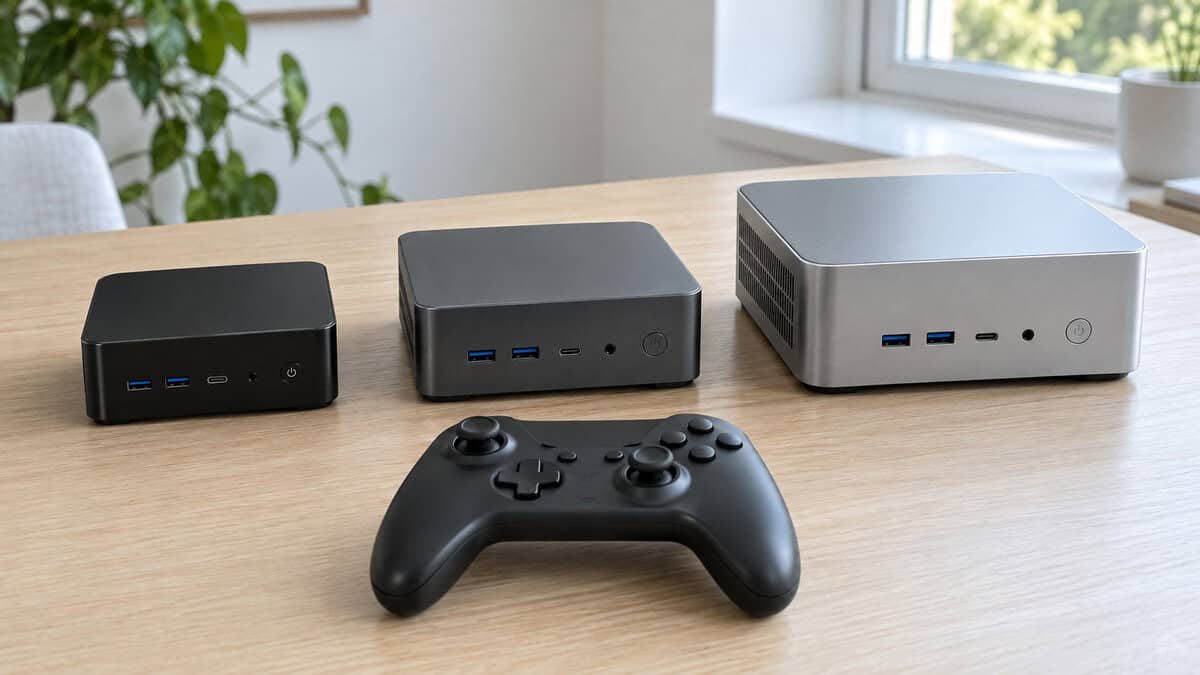
Minisforum X1 Lite-255: The Balanced Buy
The Minisforum X1 Lite-255 is the pick for most people because it leaves every door open at a mid-range price. It has the Radeon 780M, two memory slots and two M.2 drive slots you can reach with a screwdriver, a USB4 port, 2.5GbE, and Wi-Fi 6E. Most importantly it has an OCuLink port, which is the connection that lets a desktop graphics card plug in later. None of that matters on day one, and all of it matters in year two.
The tradeoffs come from the starting configuration. It ships with 16GB of memory and a 512GB drive, and integrated graphics take a slice of that memory for themselves. Plan on a memory upgrade to 32GB and a second drive as your game library grows. Both are simple jobs on this machine, and the memory section below explains why the first one is worth doing early.
The best budget mini PC is the one you can still improve in two years without replacing it.
If you want the same graphics with memory that is faster out of the box, the Beelink SER9 Pro uses soldered LPDDR5X, which integrated graphics love. The catch is that soldered memory can never be upgraded, and it has far fewer owner reviews so far.
Bmax Ryzen 7 8745HS: The Cheapest 780M
The Bmax Ryzen 7 8745HS Mini PC exists for one reason: it is the least you can pay for Radeon 780M graphics. In games it performs like the other two picks, because the chip doing the work is the same. It also keeps the two features that matter most for the future, which are two memory slots and room for a second drive, and it has 2.5GbE plus dual HDMI 2.1 and DisplayPort for a multi-monitor desk.
What you give up is the safety margin. There is no OCuLink port, so an external graphics card is off the table. There is no USB4 port either, only a standard USB-C port with video output. Bmax is a smaller name than Minisforum or GMKtec, and its owner ratings are the lowest of the three.
If you would rather pay a little more for a better-known name at the low end, the Beelink SER5 MAX is the alternative, but it uses the older Radeon 680M, so you trade graphics speed for the badge. The KAMRUI AM21 is another 780M option with a large pool of owner reviews and a 1TB drive, at a price closer to the Minisforum.
GMKtec K12: Built to Grow
The GMKtec K12 costs the most and ships the most complete. It comes with 32GB of DDR5-5600 in two sticks, which is the memory setup integrated graphics want, so there is nothing to fix on day one. It adds OCuLink, USB4, dual 2.5GbE ports, and three M.2 slots, which is one more than most full-size motherboards offer. It also has the strongest owner ratings of the three.
Buy the K12 for where the machine is going, not for where it starts. On day one it plays the same as the cheaper picks.
That last point is the tradeoff to be honest about. The graphics chip is identical to the one in the Bmax, so the extra money buys memory, storage slots, and ports, not frame rate. If you never add an external card or extra drives, you paid for headroom you did not use. If you do, this is the mini PC that will not need replacing.
What Runs Well
The first group is large, and for many players it is the whole library. Competitive and esports games are built to run on modest hardware, and the Radeon 780M handles them at 1080p with smooth frame rates. That covers Valorant, CS2, League of Legends, Rocket League, Overwatch 2, and Fortnite in its performance mode.
The same goes for indie games, strategy games, older hits from the last console generation, and emulation of classic systems. If your Steam library is mostly this kind of game, a mini PC does the job without apology, and a 1080p screen is its natural partner. Our budget gaming monitor guide covers the 24-inch 1080p panels that match this level of hardware.
What Runs With Compromises
The second group is big-budget games from the last several years: open-world titles, racing games, and story-driven action games. These run, but you make the trades a handheld gaming PC makes. Settings go to low or medium, and resolution drops below 1080p with an upscaler filling the gap.
Upscaling Does the Heavy Lifting
Upscaling renders the game at a lower resolution and rebuilds the image to fit your screen. AMD’s version is called FSR, and its FSR technology overview explains the quality modes. On integrated graphics this is not an optional extra. It is the setting that turns a stuttering game into a playable one, and most modern games include it in their graphics menu.
Expect these games to feel like they do on a handheld: playable and enjoyable, clearly softer than on a console, and sensitive to settings. If that is an acceptable way to play your single-player backlog, a mini PC covers it.
What Does Not Run
The third group is the newest and heaviest releases, especially games built on the latest engines with ray tracing at their core. Integrated graphics cannot run these at a quality worth playing, whatever the settings. The same goes for high-refresh competitive play at high settings, 1440p or 4K gaming, and VR.
If those are the games you bought the machine for, a mini PC with integrated graphics is the wrong purchase, and no amount of tuning changes that. The honest options are a console, a tower with a real graphics card, or a mini PC with an external card attached, which the eGPU section below covers.
Check your library against these three lists before you check any spec sheet.
Memory Is the Graphics Card
A graphics card carries its own fast memory. Integrated graphics have none, so they use the system’s memory for everything. That makes the memory configuration the single largest performance difference between two mini PCs with the same chip.
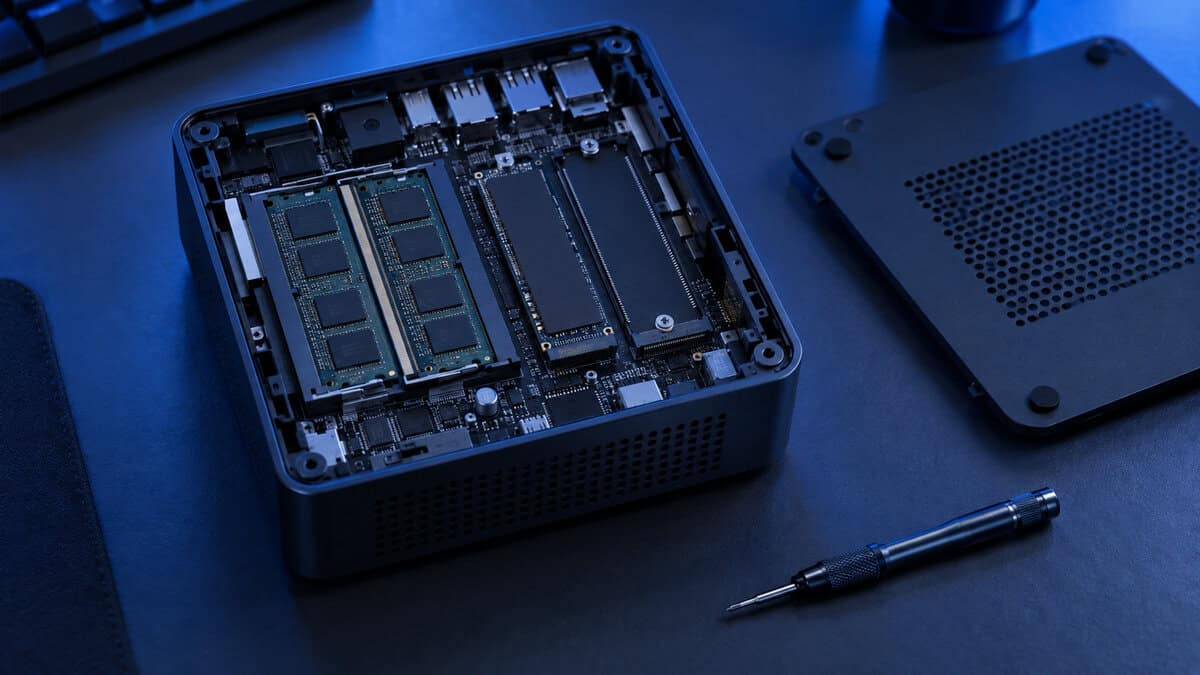
Two Sticks Beat One
Memory installed as two matching sticks runs in dual-channel mode, which doubles the bandwidth between the chip and its memory. For normal desktop work the difference is hard to notice. For integrated graphics it is dramatic, because the graphics are starved for bandwidth all the time. A machine with one 16GB stick plays noticeably worse than the same machine with two 8GB sticks.
The GMKtec K12 states plainly that it ships with two sticks. The 16GB configurations of the other two picks do not say how their memory is installed. When yours arrives, open Task Manager, click Performance, then Memory, and read the “Slots used” line. If it says 1 of 2, adding a second matching stick is the cheapest large upgrade you will ever make to a computer.
Give the Graphics More Memory
The second setting lives in the BIOS. Integrated graphics reserve a fixed slice of system memory, and the default is often small. Some games check that number and refuse to load high-quality textures, or refuse to launch at all. Raising the reserved amount in the BIOS, usually under a setting named UMA frame buffer size, fixes that.
This is also why 32GB is the comfortable amount for mini PC gaming. With 16GB, a generous slice for graphics leaves Windows and the game itself short. With 32GB, you can hand the graphics a large share and never think about it again.
The eGPU Path
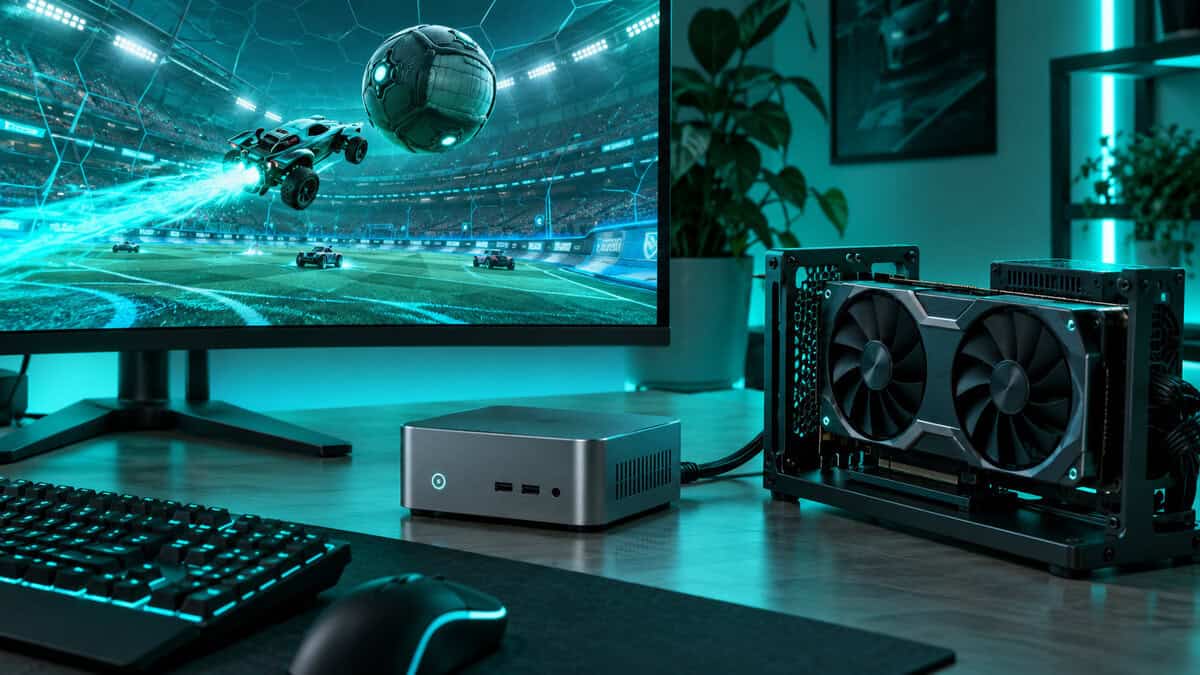
An external GPU, or eGPU, is a desktop graphics card sitting in a small dock next to the mini PC with its own power supply. It turns an integrated-graphics machine into a proper gaming PC, and it is the reason two of the three picks carry an OCuLink port. Our external GPU dock guide matches three docks to the port your machine has.
OCuLink vs USB4
OCuLink is a direct PCI Express connection carried over a cable. It gives the external card four lanes straight to the processor with almost no overhead, which keeps most of the card’s performance intact. USB4, described in the USB-IF’s USB4 overview, can also drive an eGPU, and it is more convenient because it can be plugged in while the machine is running. It carries less graphics bandwidth, so the same card runs slower over USB4 than over OCuLink.
OCuLink has two quirks worth knowing. It cannot be connected or removed while the PC is on, and the cable is short, so the dock has to sit right beside the machine. For a desk setup that never moves, neither matters.
What the Upgrade Really Costs
An eGPU setup needs three purchases: the dock, a power supply for it, and the graphics card. Added together, that often costs more than the mini PC did. It makes sense as a later upgrade spread over time, or when you already own a spare card. It does not make sense as the plan on day one, because a tower built around the same card costs less than a mini PC plus a dock plus the card. Our guide to budget gaming PC towers shows what that money buys in tower form.
Mini PC vs Console vs Budget Tower
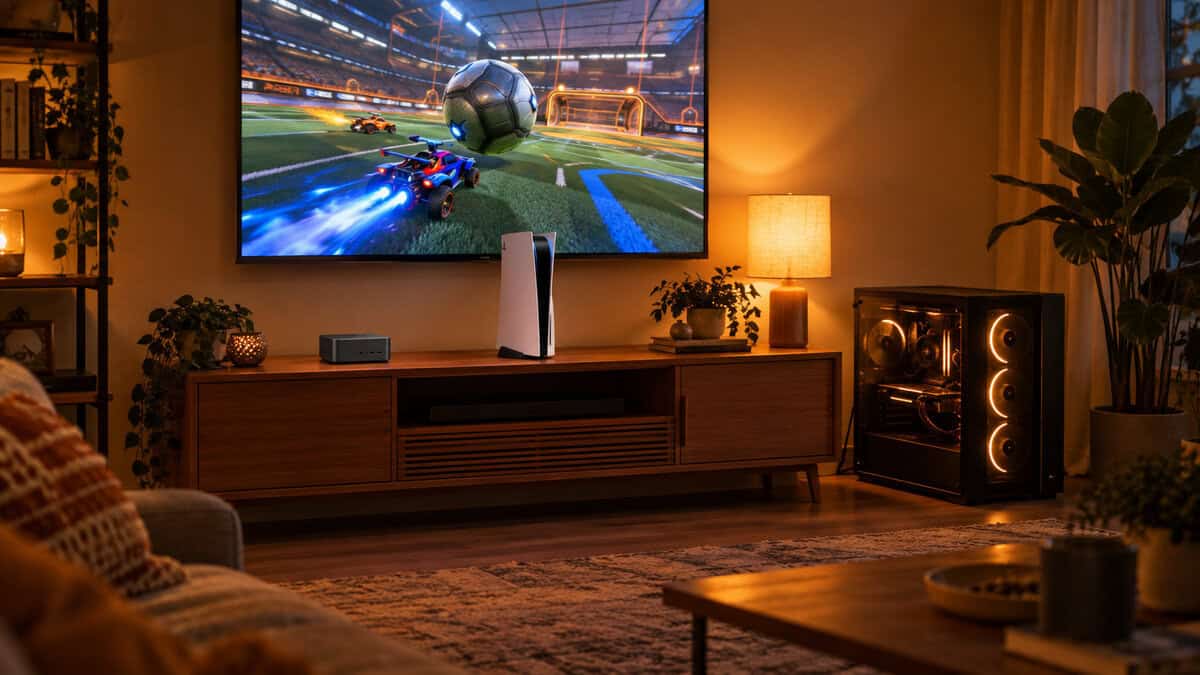
Prices across the mini PC category have climbed along with memory costs, and that changes the math. At the money these machines cost today, a PS5 or an Xbox Series X is far more powerful in games, and a budget tower with a real graphics card is too. If games are the only thing you want the machine for, either one is the better buy, and our console vs PC comparison walks through that choice.
When the Mini PC Is the Right Call
A mini PC wins when the machine has to do two jobs. It is a full Windows computer for work, school, and everything else, and it also plays your esports games and older library in the evening. It draws very little power, makes little noise, fits behind a monitor or in a bag, and runs the entire PC game catalog that a console cannot, including mods and emulation.
If space and quiet are not concerns, look at a tower first. Our roundups of the best prebuilt gaming PCs and entry-level gaming PCs cover machines with dedicated graphics cards, which is where raw game performance per dollar lives. If you would rather build a small PC than buy one, our SFX PSU guide covers the power supply a mini-ITX case needs.
A mini PC is a great computer that also games. A console is a great game machine that does nothing else. Decide which sentence describes what you need.
The Right Mini PC for How You Play
If the spec sheet left you between two machines, this table settles it by what you play and what you plan to add. One row per pick, read across.
| Pick | Best for this player | Day-one memory | External graphics card later | Room for more drives | Skip it if |
|---|---|---|---|---|---|
| Minisforum X1 Lite-255 | Esports and older games now, bigger plans later | 16GB, upgrade recommended | Yes, over OCuLink | One spare M.2 slot | You will never open the case |
| Bmax Ryzen 7 8745HS Mini PC | Esports and indie games on the tightest budget | 16GB, upgrade recommended | No | One extra drive bay | You want an upgrade path or a big brand |
| GMKtec K12 | Players who already plan an eGPU or a large library | 32GB in two sticks, ready to go | Yes, over OCuLink | Two spare M.2 slots | You only play esports titles |
If portable matters more than small, our Steam Deck vs ROG Ally comparison covers the handheld route.
Frequently Asked Questions
The questions that come up most before buying a small PC for games.
Is a mini PC good for gaming?
For esports, indie games, older releases, and emulation, yes. A budget mini PC with Radeon 780M graphics runs those at 1080p on low to medium settings. Big new releases need lowered resolution and upscaling, and the heaviest ones are not realistic without adding an external graphics card.
How much RAM does a gaming mini PC need?
16GB works, and 32GB is the comfortable amount. Integrated graphics borrow system memory, so part of your RAM is reserved for the graphics. What matters even more than the amount is that the memory is installed as two matching sticks, because dual-channel mode gives the graphics far more bandwidth.
Can you add a graphics card to a mini PC?
Yes, if it has an OCuLink or USB4 port. The card sits in an external dock with its own power supply. OCuLink is faster because it is a direct PCI Express link, while USB4 is more convenient. The dock, power supply, and card together often cost more than the mini PC itself.
Is a mini PC better than a console for gaming?
Not for pure game performance. At similar money a current console is much more powerful. A mini PC is better if you also need a full Windows computer, want the PC game library with mods and emulation, or need something small, quiet, and low on power use.
What is the difference between the Ryzen 7 8745HS and the Ryzen 7 255?
Very little that matters for games. Both are eight-core chips from the same family with Radeon 780M integrated graphics, and the H 255 is the same design again. Frame rates between them depend far more on the memory setup and cooling of the mini PC than on which of these names is on the box.
Looking for more budget gaming gear? Check out Budget Loadout for the latest reviews and recommendations.
Related Articles