Your thumbsticks drift a little more every month, your palms cramp in long sessions, and the pad that came in the box is starting to feel like the weak link in the setup. Finding the best PS5 controller is mostly about admitting what kind of player you are. The pad that suits a Fortnite grinder is the wrong buy for someone who mains 2D fighters, and the wrong buy costs more on PS5 than it does anywhere else.
This guide keeps the list honest: three picks, each verified in stock, each earning its slot for a different kind of player. One of them is probably already in your living room. The other two exist for the moment it stops being enough.
- Haptics and adaptive triggers work in every supported PS5 game
- Comfortable symmetrical shape with a dense solid feel
- Pairs instantly for couch co-op and doubles as a PC pad
- Battery life is modest with haptics turned up
- Conventional sticks can develop drift with heavy use
- No back buttons for competitive play
- Fully licensed for native PS5 games at a lower price than the DualSense
- Micro-switch face buttons and adjustable d-pad sensitivity
- Wired connection means zero charging and zero wireless lag
- No haptics, adaptive triggers, or motion aiming
- Shape favors fighting grips over relaxed play
- Six-button layout takes adjustment outside its genres
- Back buttons and trigger stops with per-game profiles
- Replaceable stick modules change the long-term drift math
- Keeps every DualSense feature including haptics
- Costs several times the standard pad
- Battery life trails the regular DualSense
- Overkill for story-driven and casual play
Picks and availability last verified: October 12, 2026
- Sony licensing means most cheap third-party pads cannot play native PS5 games, so the real field is three controllers deep
- The DualSense in the box is the honest best overall, with haptics and adaptive triggers nothing unlicensed can match
- The wired HORI OCTA is the only licensed pad that undercuts the DualSense, and it earns that by specializing in fighting and 2D games
- The DualSense Edge pays off for ranked players through back buttons and replaceable stick modules, and for almost nobody else
- Whatever you buy, charging habits and drift awareness decide how long it lasts
Table of Contents
Why PS5 Controllers Are a Different Market
On PC, forty dollars of controller buys you a lot. On PS5 it mostly buys you disappointment, and the reason is licensing. Native PS5 games only talk to controllers Sony has certified, so the sea of cheap “PS5 compatible” pads on Amazon usually means compatible with remote play, media apps, or PS4 titles rather than the games you actually bought the console for. The same wall shapes our leverless controller guide, where the PS5 pick has to be a licensed board.
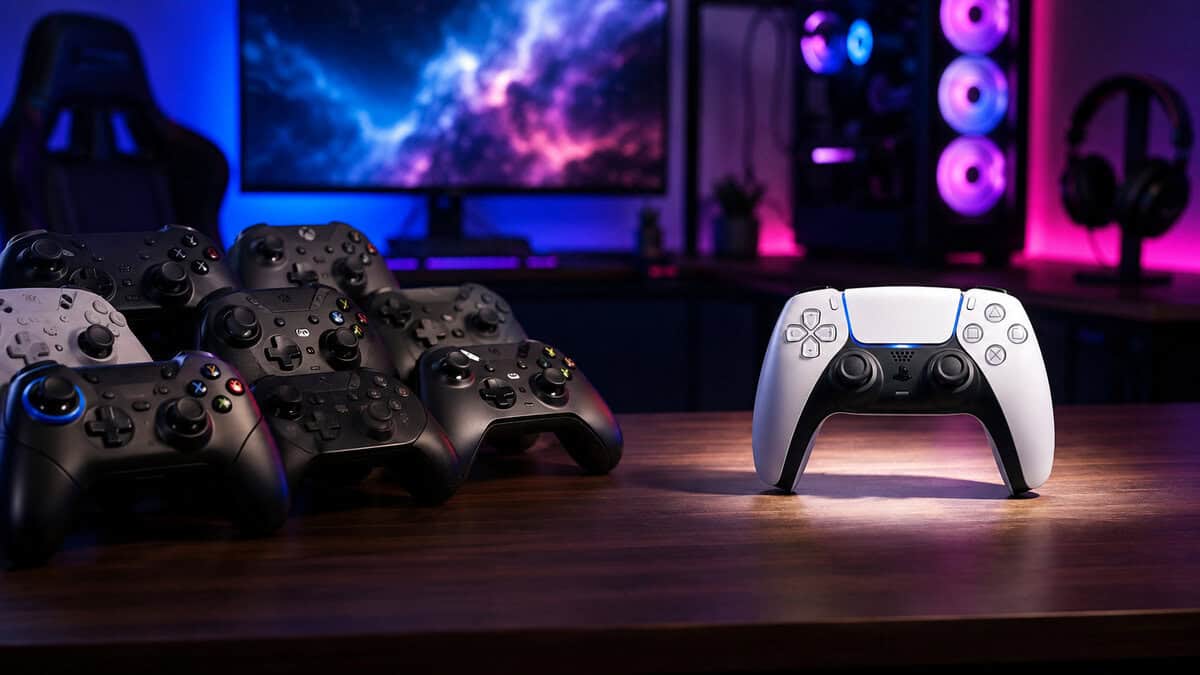
That one fact reshapes the whole buying decision. The thriving budget third-party lane we cover in our budget PC controller guide simply does not exist here, and any list pretending otherwise is recommending pads that will not work the way you expect.
On PS5 the question is not which of fifty pads to buy. It is which of three.
The upside is that the short list is genuinely good. Sony’s own pad is the strongest pack-in controller in years, the licensed exceptions are real specialists, and the pro tier now covers features that used to require boutique custom builds. If you came here hoping for a hidden gem at pocket-change money, the honest advice is to skip the fake pads and spend once.
This is also a change from the last generation, where the DualShock 4 aftermarket ran deep and cheap. The PS5’s security handshake closed that door on purpose. It protects the feature set, and it concentrates your options into the short list below.
One more expectation to set: every pick below is officially licensed. That is not brand snobbery. It is the difference between a controller that works in every menu of every game and one that dies the moment a title checks its certification.
What Licensed Actually Buys You
Certification sounds like paperwork until you feel the difference. A licensed pad negotiates directly with the console: firmware updates arrive through the PS5 itself, every system menu responds, and features like the mute button and headset jack behave the way the platform expects.
Uncertified pads live on borrowed time even when they work. They typically ride on emulation tricks or dongles, they break when system software updates, and their sticks and buttons never see a firmware fix. The used market tells the story: licensed controllers hold value, and the knockoffs are landfill within a year.
There is also an input-integrity angle that competitive players care about. Licensed pads register inputs through the path developers actually target, so timing-sensitive genres behave predictably. If a rhythm game or a fighting combo feels inconsistent on a bargain pad, the pad usually is the inconsistency.
None of this means licensed pads are perfect. It means their flaws are known, documented, and fixable, while the bargain bin fails in ways nobody can predict. On a closed platform, predictability is most of what you are paying for.
The Three Questions That Pick Your Pad
Skip the spec sheets for a second. Three questions decide this purchase faster than any comparison chart, and your answers point at exactly one of the picks below.
What do you actually play most
If your library leans shooters, action, and big single-player worlds, the DualSense’s haptics and adaptive triggers are not gimmicks. They are the version of those games the developers built for. Rain patters through your palms, a jammed trigger fights back, and none of it works on an uncertified pad.
If you live in fighting games, retro collections, or 2D platformers, none of that matters. What matters is a d-pad that never eats a diagonal and buttons that actuate the instant you touch them, which is a different pick entirely.
Genre honesty saves the most money here. Plenty of players buy for the games they aspire to play rather than the ones on their actual recently-played list. Buy for the list.
Do back buttons matter to you
Back buttons let you jump, reload, and steer the camera without lifting your thumbs from the sticks. Competitive players stop noticing them within a week and then refuse to play without them.
If you queue ranked in anything, they are the single feature most worth paying for. If your evenings are story games and co-op, they are money spent on a habit you will never form.
The middle case is the player drifting toward ranked without committing. For them the order of operations matters: master the standard pad first, then let the Edge be the reward for actually caring, not the shortcut to it.
Wired or wireless
Wireless is the PS5 default, but wired still carries two honest advantages: nothing to charge and nothing to die mid-match. A cable is also the cheapest way into the licensed tier, which is exactly the niche our second pick fills.
There is no wrong answer here, only a maintenance question. If you know you will never remember to dock a controller, buy the one that never needs it.
The Default That Earned It: Sony DualSense
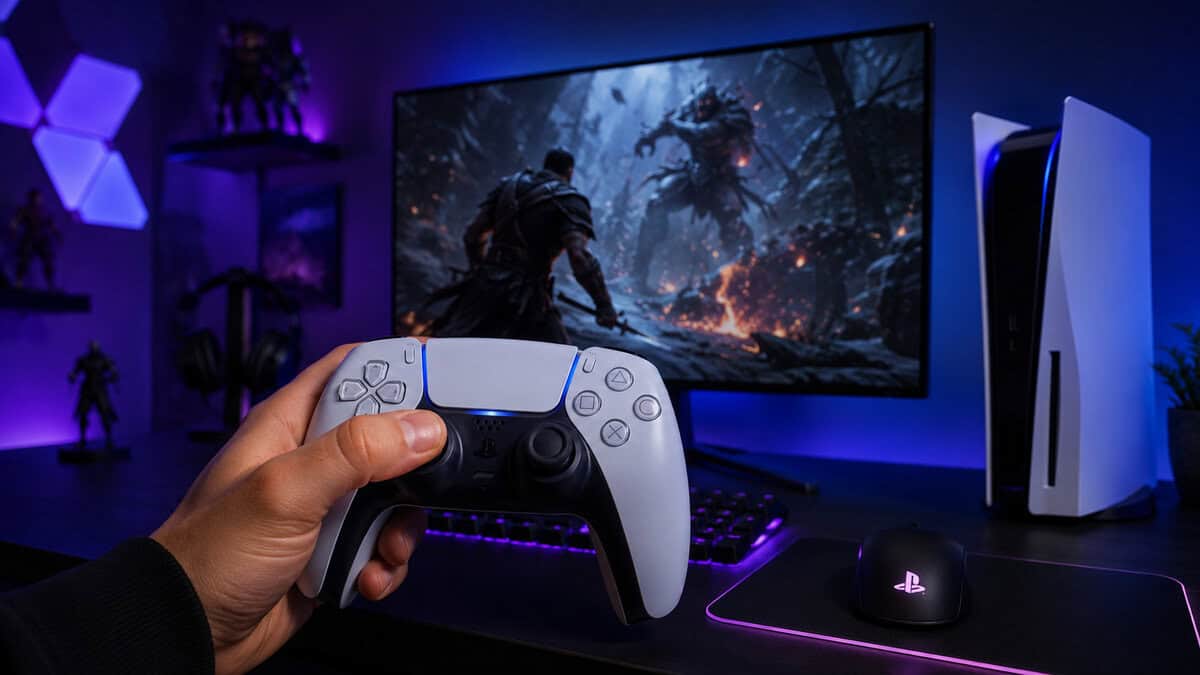
The Sony DualSense is the rare pack-in controller that outclasses most of its aftermarket. The haptic feedback and adaptive trigger system is a genuine generational jump: raindrops patter across your palms, gears grind through the triggers, and a drawn bowstring becomes something you feel resist.
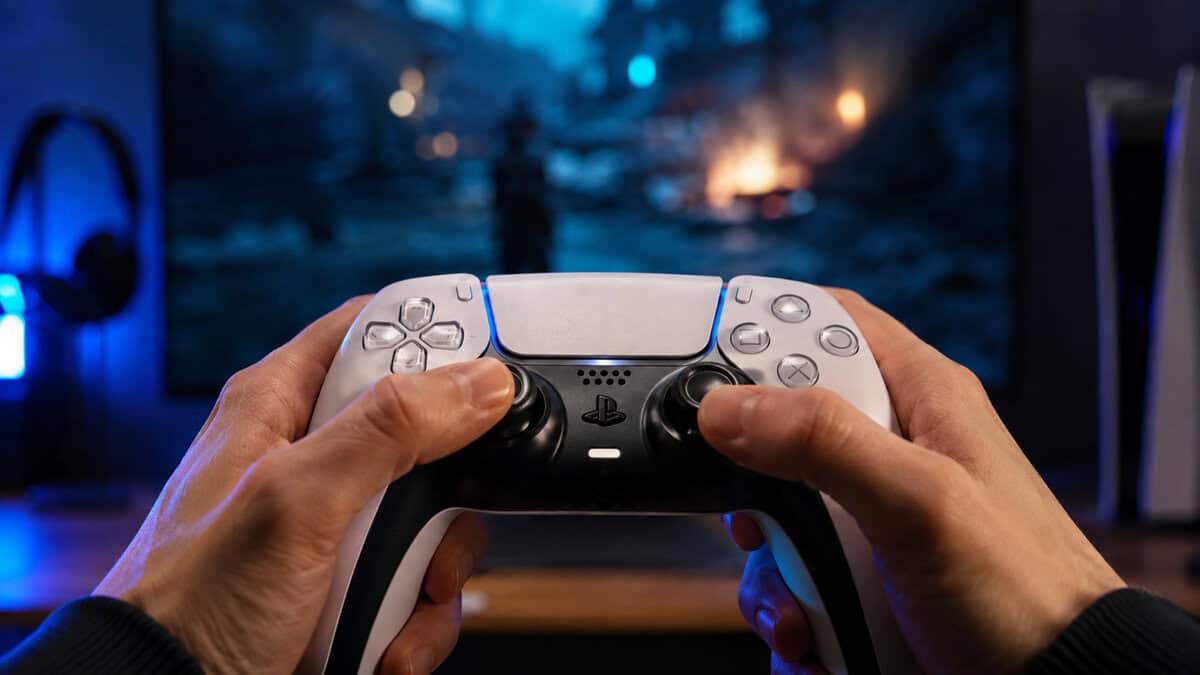
The controller in the box is the pick. That almost never happens.
Why the best PS5 controller for most people is still the DualSense
Nothing else combines native support for every PS5 feature with a shape most hands tolerate for hours. The symmetrical stick layout suits both thumb styles, the build feels denser than its weight suggests, and a second unit pairs instantly for couch co-op. It also moonlights well on PC, where Steam supports it natively.
If you own a PS5 and one controller, the strongest budget move is often a second DualSense before anything exotic. Split-screen nights and a charged spare cover more real problems than any premium feature does.
The spare also quietly extends the life of both pads. Alternating controllers halves the play hours each one accumulates, which pushes the drift clock back further than any cleaning routine will.
The two honest weaknesses
Battery life is modest, especially with haptics at full strength, so wireless comfort depends on charging habits. A dedicated dock like the ones in our PS5 controller charging station guide removes that friction entirely.
The second weakness is the sticks. They use conventional potentiometers, which means drift with heavy use is a question of when rather than whether. Careful storage delays it and warranty covers the early failures, but heavy players should read the Edge section before deciding.
Setup tweaks worth doing
Ten minutes in the settings menu stretches both battery and comfort. Dropping haptic intensity one notch preserves most of the effect at a meaningful battery saving, trigger strength is adjustable per profile, and shortening controller auto-off from never to ten minutes quietly saves hours of charge a week.
In shooters that support it, give gyro aiming an honest evening before dismissing it. Fine-tuning aim with wrist motion while the sticks handle the big turns is the closest a pad gets to mouse precision, and the DualSense’s motion sensing is accurate enough to make it stick.
Colorways are the one place to spend nothing extra. Every variant is the same controller inside, so the standard white is usually the cheapest path to the identical hardware.
The Licensed Exception: HORI Fighting Commander OCTA
The HORI Fighting Commander OCTA is what a licensed specialist looks like. It is a wired pad built around the inputs fighting games actually use: a six-face-button layout with adjustable d-pad sensitivity and a short-throw analog stick that snaps through an 8-way gate, so quarter-circles feel mechanical instead of mushy.
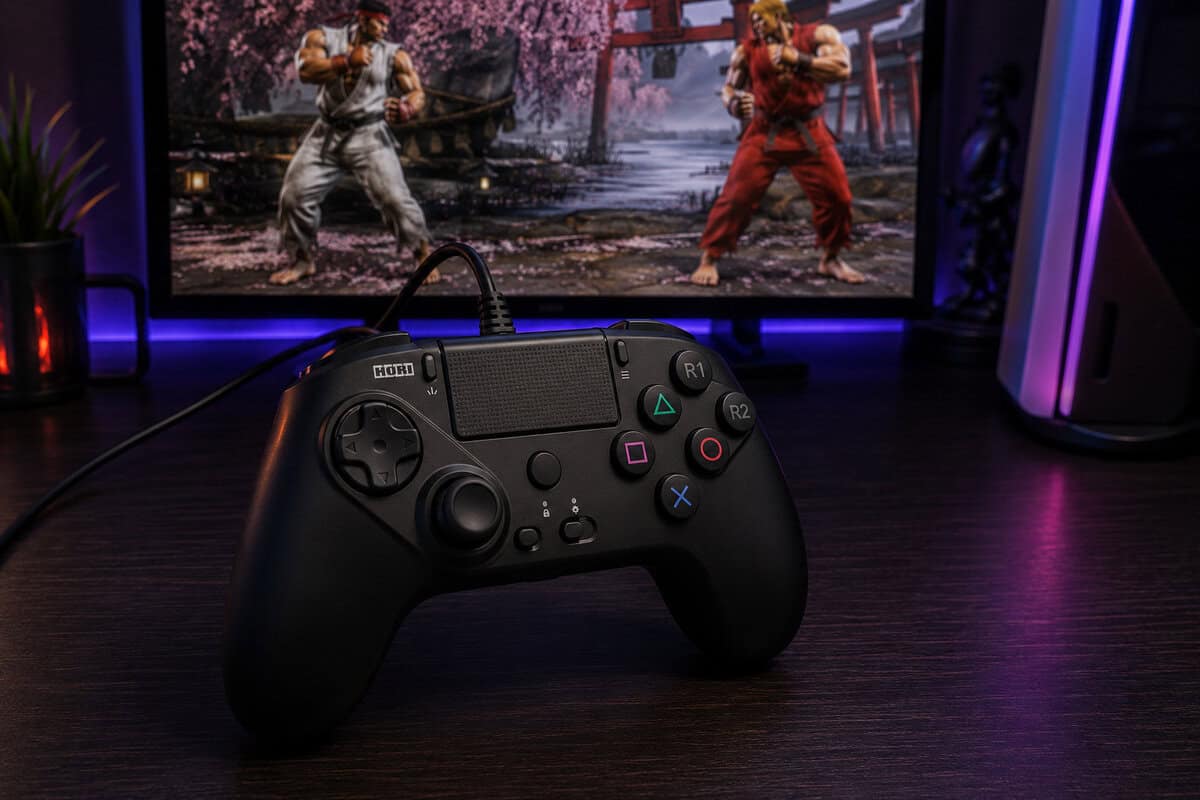
It gives up everything casual and doubles down on everything precise.
It undercuts the DualSense on price while staying fully certified for PS5, PS4, and PC, which makes it the closest thing this platform has to a true budget pick. Micro-switch face buttons click like a good mouse rather than squishing like a membrane, and there is no battery to manage because there is no battery at all.
The same wired simplicity makes it a strong second controller even for DualSense owners: it is always ready, it never drifts out of a lobby on low charge, and it doubles as a PC fight pad. Our fighting games controller guide ranks it against arcade sticks and leverless boards if that is your main genre.
Know what you are giving up. There are no haptics, no adaptive triggers, and no motion aiming, and the shape favors precise claw-adjacent grips over relaxed open-world lounging. As a daily driver for Fortnite or God of War it is the wrong tool. For the genres it serves, nothing licensed comes close at the money.
The genre list is wider than it first sounds. Beyond fighters, the OCTA shines in retro collections, shmups, precision platformers, and anything where a d-pad beats a stick. If your PS5 exists partly to replay the classics, this is the pad the classics were designed around.
When the Edge Makes Sense
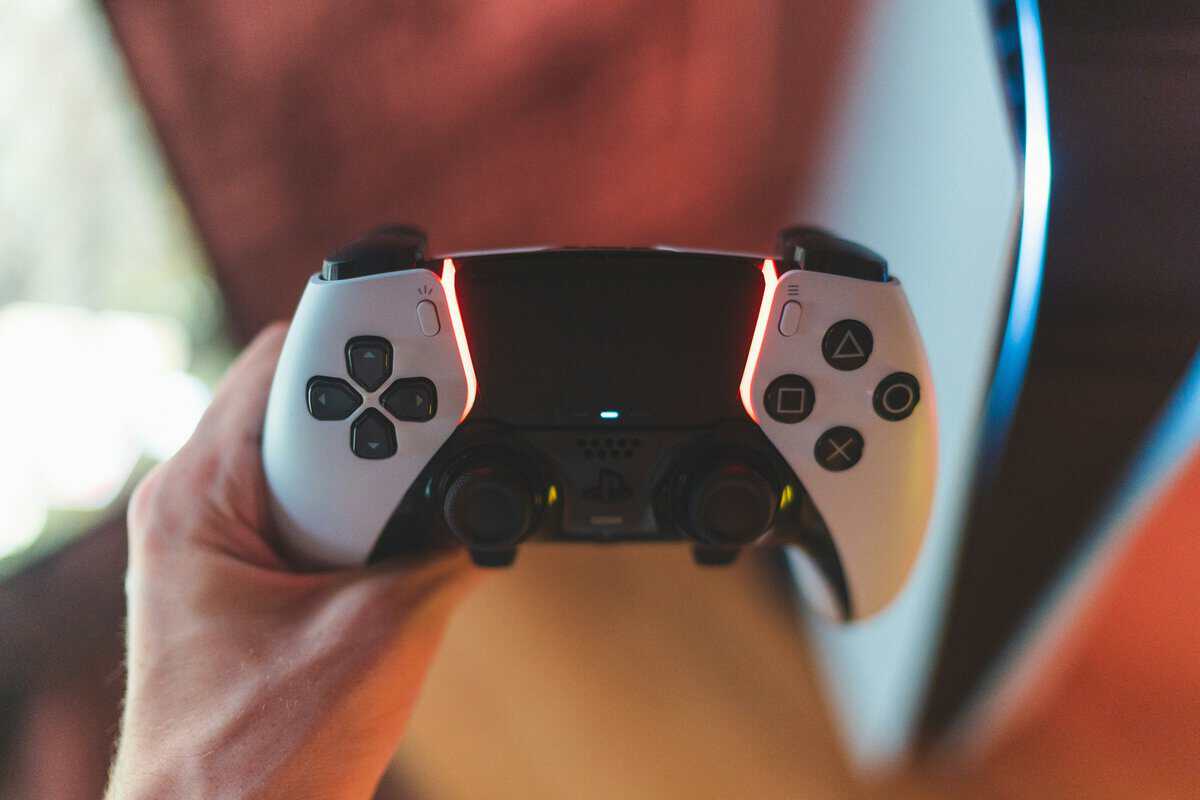
The DualSense Edge is Sony’s answer to the pro-pad market: back buttons, trigger stops, onboard profiles, and swappable stick modules in a body that feels like a DualSense that went to finishing school. Everything the standard pad does, it still does, haptics included.
The module math
The stick modules are the quiet headline. When drift eventually arrives you replace a small module instead of the whole controller, which flips the long-term cost story for heavy players. A standard pad that drifts is a replacement purchase. An Edge that drifts is a minor part.
Trigger stops earn their keep in shooters, cutting travel to a mouse-click flick. Combined with back buttons and per-game profiles, the Edge is less a luxury DualSense and more a different tool that happens to share a shape.
The profile system deserves a concrete example. A shooter profile with short trigger stops and jump on a back button, a racing profile with full trigger travel restored, and a swap between them that takes one button hold. That is the daily experience the Edge sells, and once it clicks you stop thinking about it entirely.
It still costs pro-pad money, and whether that is justified depends entirely on how you play. We took the Edge apart against the whole pro field in our PS5 Pro controller guide. The short version: ranked grinders get their money’s worth, and everyone else is buying comfort they will not use.
What the Edge does not fix
The Edge inherits the standard pad’s modest battery and actually runs shorter, so the charging-habit conversation applies double. It is also slightly heavier, and the stock stick modules drift on the same schedule as the regular DualSense. The fix it sells is cheap replacement, not immunity.
None of that undercuts the pitch for its real audience. It just means the Edge is a toolkit for players with a problem to solve, not a general upgrade that makes every evening better.
Which Pick for Which Player
Three picks, three player types, no overlap. Find your row and you are done.
If you can only buy one and you genuinely play everything, buy the DualSense and revisit this page when a specific itch develops. Specialists are upgrades for known problems, and the standard pad is how you discover which problem you actually have.
| You mostly play | Your pick | Why it wins for you |
|---|---|---|
| Shooters and big single-player worlds | Sony DualSense | Haptics and adaptive triggers as the developers intended, in every certified game |
| Fighting games and 2D precision | HORI Fighting Commander OCTA | Micro-switch buttons and an 8-way gated stick built for exact inputs |
| Ranked queues in anything | DualSense Edge | Back buttons, trigger stops, and modules that outlast drift |
The Pads We Left Out and Why
A short list invites the question of what almost made it, so here is the honest cut list. The Nacon Revolution 5 Pro is licensed and ambitious, with hall effect sticks the Sony pads lack, but its ratings run noticeably behind the picks here and its price sits in Edge territory without the Edge’s polish.
The Victrix Pro BFG Reloaded is a genuinely impressive modular pro pad, and it costs more than two standard DualSense controllers. On a budget site that is a disqualifier, not a criticism.
The DualShock 4 keeps coming up because so many households already own one. It works for PS4 titles only, which makes it a nice bonus controller and a poor answer to this article’s question.
And the parade of unlicensed wireless pads with impressive spec sheets? They fail the only test that matters here: launching a PS5 game. Whatever they cost, a controller that cannot play your library is expensive.
Making Any Controller Last
Controller lifespan is mostly habits. Keep pads off the floor and out of direct sun, stop grinding the sticks against their gates during loading screens, and give the shell an occasional wipe before grime works into the seams.
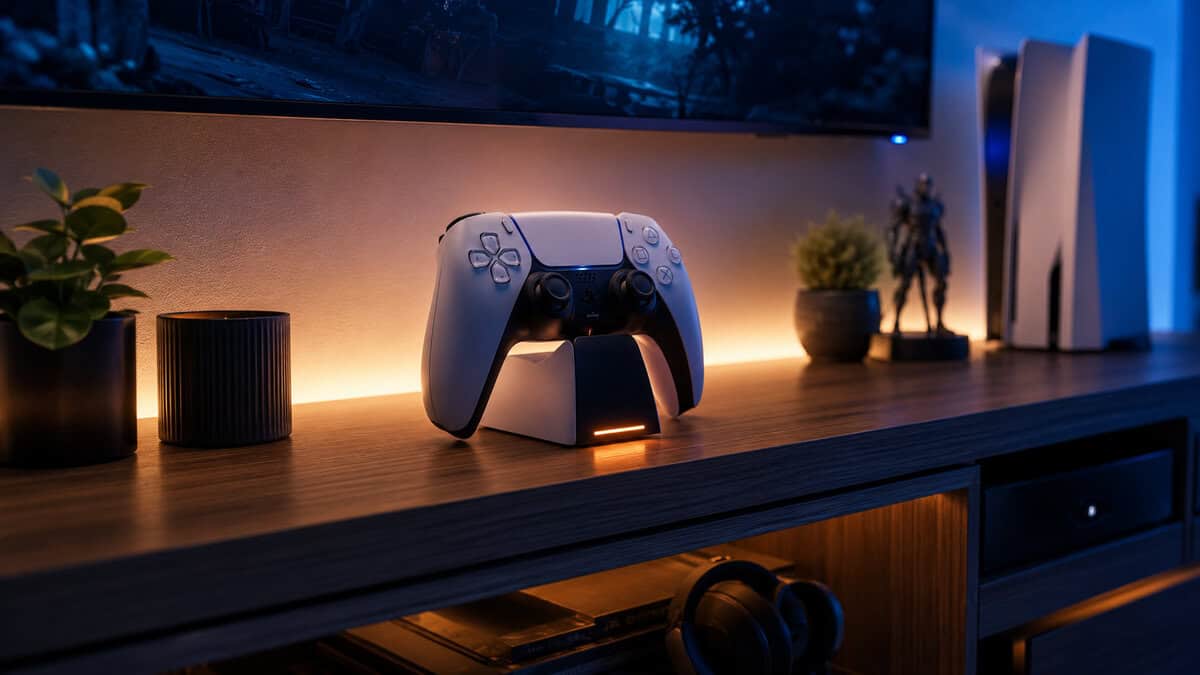
For cleaning, isopropyl alcohol on a cotton swab handles the stick bases and seams, and compressed air clears the crumbs from around the triggers. Skip anything that drips. Liquid finding a potentiometer is how a sticky button becomes a dead controller.
The drift reality on PS5
Stick drift is a component problem more than a care problem. Every pick here except the Edge’s replaceable modules rides on conventional potentiometer sticks, and the drift-proof revolution is happening on other platforms first. Our hall effect controller guide explains why PS5 players are still mostly locked out of that fix, and what to do about it.
Until that changes, treat drift as a lifecycle cost rather than a defect lottery. Budget players plan for a standard pad lasting a few hard-played years, Edge owners plan for a module swap instead, and everyone charges less anxiously knowing the clock runs on play hours rather than calendar time. If you want to see where stick sensors go from here, our TMR vs hall effect comparison maps the road.
The cheapest controller is the one you never have to replace.
Charging without thinking about it
Battery habits decide whether wireless feels effortless or annoying. Topping up regularly beats running flat, rest-mode USB charging works but ties up a port, and a dedicated dock turns the whole chore into muscle memory. If you are building out the rest of the setup, our PS5 accessories guide covers the supporting cast around the controller.
One last budget habit: register the purchase and keep the receipt. Early stick failures are warranty cases far more often than people bother to claim, and a free replacement beats every repair trick on the internet.
Fighting game players may prefer a lever and buttons, covered in our best fight stick guide.
Frequently Asked Questions
The questions PS5 owners actually ask before buying a controller, answered without the marketing gloss.
Do Cheap Third-Party Controllers Work on PS5?
Mostly no, and the listing fine print is where it hides. Native PS5 games require controllers certified through Sony’s licensing program, so most budget “PS5 compatible” pads only work for PS4 titles, media apps, or remote play.
If a pad is not explicitly officially licensed for PS5, assume the games you bought the console for will refuse it.
Is the DualSense Edge Worth It Over the DualSense?
Only if you will actually use the toolkit. Back buttons, trigger stops, and profiles are transformative in ranked play and invisible in story games.
The replaceable stick modules also matter for heavy players, since drift becomes a small part swap instead of a new controller. Our PS5 Pro controller guide covers the decision in full depth.
Does the DualSense Work on PC?
Yes. Steam supports it natively over USB-C or Bluetooth, including the touchpad and gyro. Haptics and adaptive triggers only work in the smaller set of PC games that specifically support them, usually over a wired connection.
As a dual-duty console and PC pad, it is one of the better values in the lineup.
How Do I Stop PS5 Controller Drift?
You can delay it but not truly prevent it on standard sticks. Keep the controller clean, store it out of dust and sunlight, and avoid grinding the sticks at full tilt while you wait in menus.
Once drift arrives, warranty covers early failures, the Edge fixes it with a module swap, and everything else is living with it or replacing the pad.
Can I Use a PS4 Controller on My PS5?
Only for PS4 games. Native PS5 titles refuse the DualShock 4, so a stack of old controllers covers backward-compatible play but does not replace a DualSense.
If your household needs extra pads for PS5 games, they have to come from the licensed list.
At Budget Loadout, we believe in building a high-performance setup without overspending. To find more gear that hits the perfect balance of quality and price, visit our homepage at Budget Loadout.
Related Articles