Every product page in this category promises the stick you will grow into, and most of them are selling a coin flip. The best fight stick is the one that matches your platform, your budget tier, and how seriously you take ranked play, so this guide names three verified picks instead of hedging.
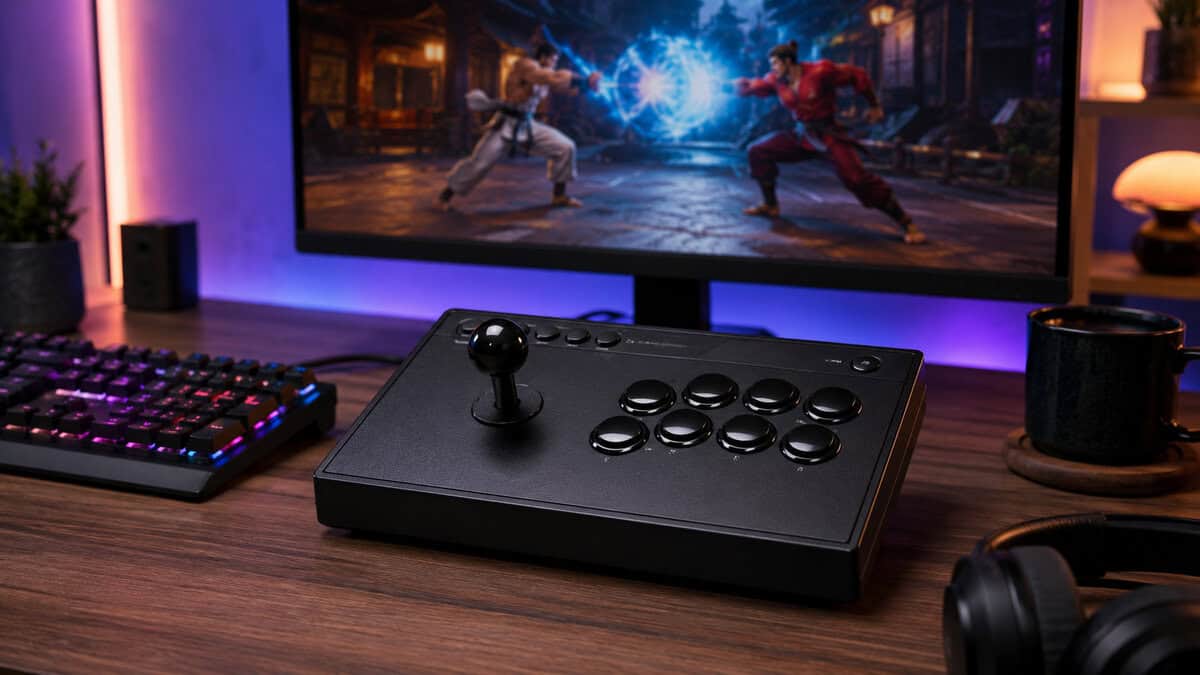
The budget door into real arcade play. Three connection modes cover the couch and the desk, and the standard-size parts mean a lever or button swap takes minutes, not a soldering iron.
- Three connection modes, with wired for serious matches
- Standard-size parts make lever and button swaps easy
- Huge review base for a budget stick
- No PlayStation or Xbox support
- Stock buttons are serviceable rather than premium
- Wireless mode suits casual play more than ranked
The tournament-grade sweet spot. Officially licensed for PS5 with HORI HAYABUSA parts and a case that opens without tools, it is the stick most committed players should actually buy.
- Official Sony license with full PS5 support
- HAYABUSA parts play close to premium Japanese standards
- Top panel opens without tools for cleaning and swaps
- Wired only, which favors match play over couch use
- Large footprint on a small desk
- Stock art panel is plain until customized
The endgame stick. An aircraft-grade aluminum body, genuine Sanwa Denshi parts, and a detachable shaft make it the premium benchmark the rest of the market gets measured against.
- Aluminum body built for years of tournament abuse
- Genuine Sanwa Denshi lever and buttons out of the box
- Detachable shaft and ergonomic tilt for travel and play
- Premium price only committed players should pay
- No native Xbox support in this version
- Heavy enough that it lives on a desk, not a backpack
- A fight stick is about arcade feel and repairability; pads and leverless boards are just as tournament-viable.
- The 8BitDo Arcade Stick is the budget pick for Switch and PC, with easy modding and three connection modes.
- The HORI Fighting Stick Alpha is the tournament-grade mid-tier stick for PS5, PS4, and PC.
- The Victrix Pro FS is the aluminum flagship with genuine Sanwa parts for players buying endgame hardware.
- Match the stick to your platform first; replaceable parts matter more than any single spec.
Table of Contents
Why the Right Fight Stick Matters More Than You Think
The usual mistake is buying with your eyes instead of your hands. You see a clean shell, a light-up panel, maybe a brand name that sounds serious, then you find out the stick slides during combos, the buttons feel mushy, or the thing doesn’t even fit the platform you play on. That’s not just annoying, it changes what you can practice, how fast your inputs settle into muscle memory, and whether the controller survives real use.
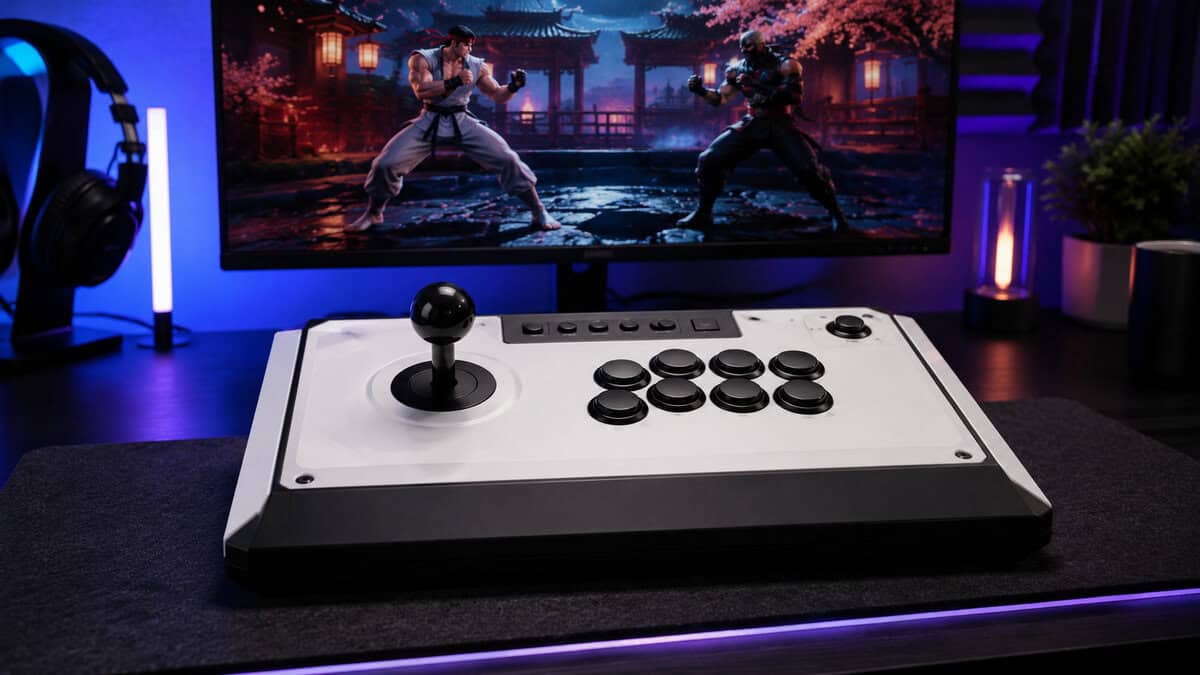
A fight stick still follows the same core arcade-era idea, an 8-direction lever and six to eight action buttons laid out for rapid, repeatable inputs, and that architecture is why the category still makes sense for tournament play today. Modern guides still treat premium Japanese parts like the Sanwa JLF lever as the performance benchmark, and the same design philosophy now stretches across PS5, Xbox, Switch, and PC support. That history matters because you’re not buying a novelty, you’re buying a tool that shapes every motion you repeat.
Practical rule: spend for the parts and platform support you’ll actually use, not for decorative extras you’ll ignore after week one.
If you mostly play fighters, the stick choice affects execution, comfort, and how long you stick with practice. If you split time between fighters and other genres, the decision gets sharper, because the best stick for a morning training session is not always the best pick for a night of streaming, an MMO grind, or the occasional FPS round where a controller or mouse still makes more sense. For a broad controller comparison, the closest useful companion read is this breakdown of the best controller for fighting games.
The rest of this guide gives you the tradeoff ladder straight. You’ll get the budget tiers that make sense, the platform questions that matter before checkout, and the leverless versus traditional call that decides whether you should buy for muscle memory or for cleaner inputs. No fluff, no “future-proof” fairy dust, just the stuff that changes how the stick feels in your lap.
What a Fight Stick Does in 2026
A fight stick is still a straightforward machine. You have an enclosure, a lever or directional buttons, a row of action buttons, a PCB inside that turns input into signals, and a USB connection that sends those signals to the console or PC. The shell can be wood, plastic, or metal, but the core question is whether the parts inside are stable, easy to service, and compatible with the system you play on.
Traditional lever sticks and leverless controllers
Traditional sticks use a joystick for movement and a button cluster for attacks. That layout feels natural if you grew up on arcade cabinets, or if you want the separation between movement and action to stay physical. It also fits players who like the familiar ball-top lever feel in games like Street Fighter, Guilty Gear, and Melty Blood, where arcade timing still carries weight.
Leverless controllers take a different route. They remove the joystick and use four directional buttons for up, down, left, and right, usually bringing the total to 12 to 16 buttons once extra functions are included. That layout is legal at major events like Evo and the Capcom Pro Tour as long as it uses proper SOCD cleaning, which resolves opposing directions to neutral Turtle Beach’s leverless versus traditional guide.
SOCD matters. If a controller does not clean opposite directions correctly, it can get you disqualified at locals or waste your tournament practice.
The part that keeps the category honest
The part that keeps the category honest is the one buyers ignore first, the quality of the internals. A good board should behave like a solid input device, not a cheap keyboard in a themed shell. If you want a technical look at how input devices are identified and processed, the I2C HID device protocol guide is a useful starting point.
For console and PC buyers, the platform question is not a footnote. It changes whether you plug in and play, or end up dealing with adapters and firmware workarounds, which is why this console versus PC gaming comparison is worth a look if your setup is split across both. Buy for the platform you will use most, then make sure the controller does not fight your other gear.
Parts and Specs That Change How a Stick Feels
A spec sheet gets noisy fast, so strip it down to the parts your hands notice first. If a seller leads with RGB before lever feel, button quality, PCB behavior, base weight, or repairability, treat that as a warning sign. Those details decide whether a stick feels tight in week one and still feels tight a year later.
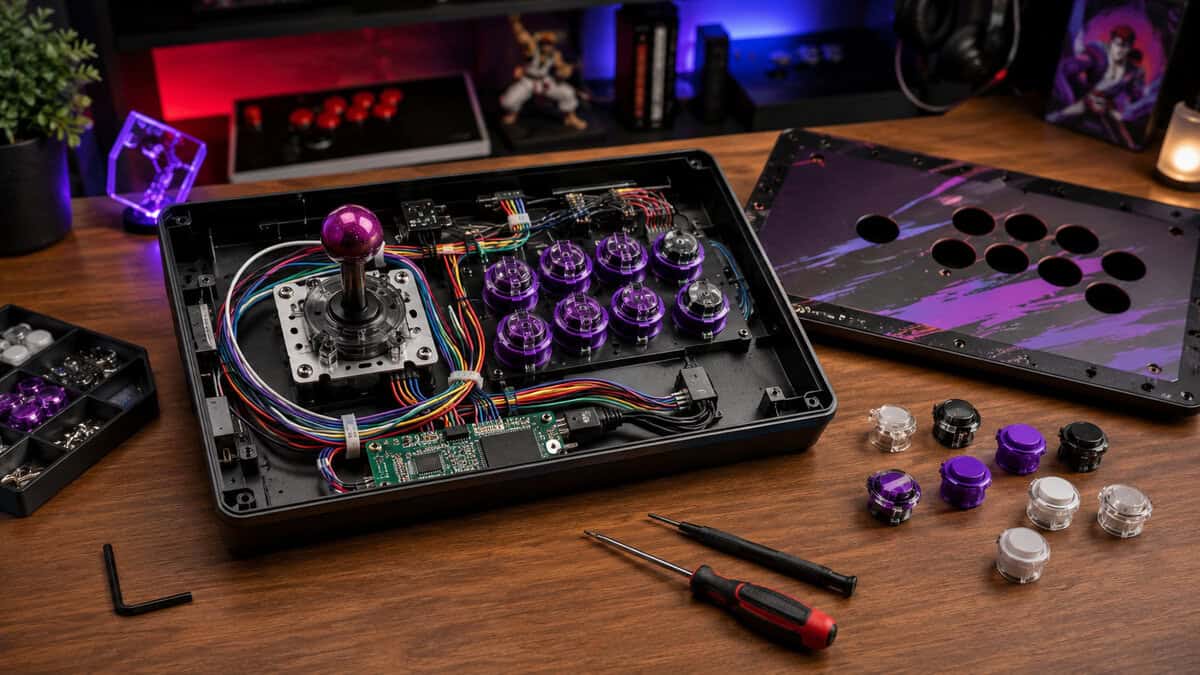
Lever, buttons, and the PCB
A decent lever should hit the gate cleanly, not feel vague or scratchy, and the buttons should snap back without sticking. If you’ve swapped switches in a keyboard, the same logic applies here, the feel comes from the parts under your fingers, not the marketing on the box. For a refresher on why switch feel matters, the mechanical keyboard switches explained guide maps that same idea onto keys instead of arcade inputs.
The board inside matters more than most buyers realize. A solid buying guide says quality boards should aim for 1000 Hz polling and sub-4 ms end-to-end latency, from lever press to in-game response, while warning that cheap PCBs can cause inconsistent polling and USB handshake instability independent hardware guides. Take that seriously, because bad input handling shows up during a close round, not on a product page.
Base weight, materials, and repairability
Build quality shows up when the stick stops moving. A 4 to 5 lb base helps reduce sliding during combos, which is the sort of boring detail that saves you from chasing your controller across a desk mid-match. If the shell flexes or the feet are too light, the whole experience feels cheap no matter how nice the lever is.
Modularity is the other spec that matters. A stick that lets you replace the lever, the buttons, or even the USB port without soldering keeps more value and lasts longer, which is exactly what budget-conscious buyers should care about. A controller with a replaceable top panel and common part sizes can survive years of use, while a sealed design can become landfill the moment one component dies.
Size and portability
Bigger is steadier, smaller is easier to carry. If you travel to locals or bounce between couch setups, portability matters, but most players should still choose stability first unless you’re hauling the stick constantly. A cramped layout can also make a shared desk messy when a keyboard, mouse, and capture gear are already taking up space.
If a fight stick feels good only when it’s new, skip it. You want one that still feels right after the first set of scrambles, dropped inputs, and desk bumps.
Price Tiers and the Sticks Worth Buying in Each
The price ladder in this category is wider than it should be, which is exactly why people overbuy. The market splits cleanly into a budget tier, a mid tier where most committed players should shop, and a high-end tier of true tournament hardware. That spread is real, but the value story is simple, you get better parts, better support, and more repair room as you climb.
| Model | Type | Platforms | Best For |
|---|---|---|---|
| 8BitDo Arcade Stick | Lever, wireless or wired | Switch, PC | Budget entry with modding headroom |
| HORI Fighting Stick Alpha | Lever, wired | PS5, PS4, PC | Tournament-grade mid tier |
| Victrix Pro FS | Lever, wired | PS5, PS4, PC | Premium aluminum flagship |
Budget tier
The pick here is the 8BitDo Arcade Stick: a Switch and PC stick with 2.4G, Bluetooth, and wired modes, a huge review base, and a shell built for easy modding. Budget sticks make sense when you want a real arcade layout without gambling a huge amount of money. The good ones give you the core experience, a usable lever, a proper button row, and a shell that doesn’t feel like it will crack if you carry it to a local. What you give up is refinement, stronger modularity, and often the confidence that the internal board will age gracefully.
Mid-tier
The HORI Fighting Stick Alpha owns this tier for PS5, PS4, and PC, with a tournament-grade layout, HORI’s Hayabusa parts, and a case that opens for service. This is the sweet spot for most budget-conscious players who plan to keep the stick. You usually get better build quality, more stable internals, and enough serviceability that a worn lever or dead button doesn’t ruin the whole purchase. If you play regularly, stream sometimes, or want a controller that can handle practice, locals, and casual use, the value starts to make sense.
High-end
The Victrix Pro FS is the benchmark here: an aluminum body, Sanwa Denshi parts, a detachable stick for travel, and a slow-tilt design tuned for tournament tables. High-end sticks are for players who want premium parts, stronger platform coverage, and a case that feels like equipment rather than a toy. The upside is obvious, better durability, better customization, and less reason to replace the stick later. The downside is also obvious, the jump in price is steep, and if you don’t care about top-shelf components, you’re paying for polish you may never notice.
Head-to-Head on Feel, Build, and Platform Support
The honest comparison comes down to how each stick behaves in your hands, not how it photographs on a table. A Sanwa-style ball-top lever still makes the most sense for players who want the classic feel in Street Fighter, Guilty Gear, and Melty Blood, while heavier shells and better mounting keep the unit planted when you’re mashing out movement and confirms. The same broad design language works across PS5, Xbox, Switch, and PC, but only if the controller ships with the support you need.
Feel first, then everything else
If you care most about crisp arcade movement, the traditional lever stick comes first. It’s the closest match to old cabinets, and that matters for players who already built their muscle memory around a lever. If you want the cleanest directional input path and you’re willing to relearn movement, leverless is the sharper tool, but it’s a different skill curve.
Build and platform support
Build quality is where the gap gets expensive. Better shells stay planted, better button assemblies last longer, and better boards behave more consistently during long sessions. If you’re splitting time between a console and PC setup, check support before you admire the finish, because a pretty stick with awkward compatibility is just shelf decoration.
Who should stop chasing “one size fits all”
A lot of buyers want one controller that handles fighting games, a few streaming sessions, and maybe some casual menu navigation without complaint. That’s fine, but the best choice still depends on whether you value arcade feel, portability, or input precision more. One stick will usually win on comfort, another on competitive clarity, and the wrong one for your hands becomes expensive very quickly.
The biggest difference between the top two contenders is usually not the shell, it’s whether you want classic lever feel or the cleaner input logic of leverless play.
Leverless or Traditional and How to Choose
A buyer at a local scene meet-up would judge this choice fast, by the parts inside the case, the platform support on the box, and whether the stick can still make sense after a few months of real play. Pick the form factor based on what you already know and what you want to keep using. If you grew up on arcade cabinets, play a lot of 3D fighters, or want one hand on movement and one on buttons, a traditional lever stick still makes the most sense. It feels familiar, it reads clearly under pressure, and it matches the arcade grammar a lot of players already have in their hands.
When leverless makes more sense
Leverless is the better call if you are newer to fighting games and want to build clean inputs from the start. It also fits some players with smaller hands better, since the movement buttons sit in a flatter, more keyboard-like layout. If you like extra function buttons and want SOCD-aware hardware out of the box, leverless is the cleaner competitive choice.
Tournament legality is the part you cannot gloss over. Major events allow leverless controllers only when they handle opposing directions correctly, so SOCD cleaning has to be on your checklist before you buy, as noted in Turtle Beach’s competitive play guide. If that sounds annoying, it is. It is still easier than finding out your controller has a rules problem after you have already built your muscle memory around it.
The decision is simpler than people make it. Traditional wins if you want arcade feel, broad comfort, and a smoother transition from cabinet-era play. Leverless wins if you care more about clean inputs, tournament rules, and a layout that rewards precise movement over nostalgia.
If the controller still feels off after setup, start with a quick input-lag check before you blame the stick itself. Bad settings can make a good controller feel worse than it is.
Buying and Setup Tips Before Your First Match
Confirm native platform support before you click buy. If the stick needs an adapter or some odd firmware workaround just to work on your main system, the value drops fast. Wired is still the safer call for tournament play, while wireless only makes sense if the model is built for it and you’ve accepted the tradeoffs.
Desk footprint matters too. A fight stick has to share space with your keyboard and mouse if you stream, browse, or play other genres on the same desk, so measure once instead of guessing. The first plug-in should also mean firmware updates, button mapping checks, and a quick test that your chosen inputs line up with your muscle memory.
Before your first session, do three things, test neutral guard, verify SOCD behavior, and confirm the button remap before you queue ranked.
If you want a practical way to think about input problems after setup, the guide to fixing input lag is a useful companion read. It won’t make a bad controller good, but it will keep you from blaming the wrong part of your setup when something feels off.
Modding, Repair, and Getting More Years Out of Any Stick
The best budget stick is the one you can keep alive. Solder-free parts, snap-in buttons, and swappable levers let you turn a decent budget purchase into something that punches above its weight with a few replacements instead of a full replacement. That’s the value play, spend once, then upgrade the weak spots as your skill and preferences change.
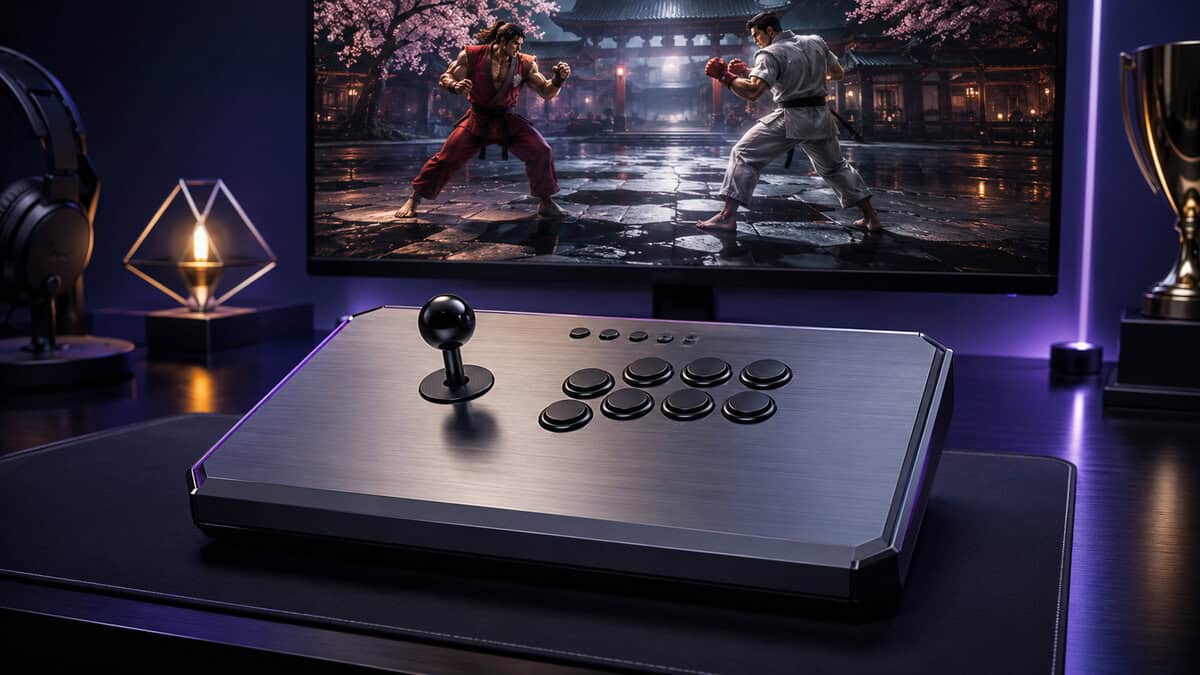
Sticky buttons, a loose USB port, or worn micro-switches don’t automatically kill a controller. They usually mean the stick needs one part changed, not a full retirement, and that’s where modular hardware earns its keep. If you want repair help for a broader console setup, the a local console repair shop page is a relevant place to look when you’re sorting out hardware that’s no longer behaving.
For cleaning and basic upkeep, keep it simple and regular, the same approach you’d use with a board, case, or controller shell. The how to clean a mechanical keyboard guide is a good reference for the kind of dust and grime control that keeps buttons from feeling gummy.
If a stick has sealed internals, a brittle shell, and no realistic part replacement path, that’s the warning sign. At that point, you’re not preserving value anymore, you’re paying to delay the inevitable. It is smarter to buy a controller with a clear upgrade path and stretch it over three to five years than to chase a new shell every time one part gets tired.
Frequently Asked Questions
Quick answers to the questions that decide most first fight stick purchases.
Do I need a fight stick to be competitive in fighting games?
No. Pads and leverless controllers win tournaments too, and plenty of top players never touch a lever. A stick is the right buy when you want the arcade layout, the larger buttons, and hardware you can repair and tune for years. Our guide to the best controller for fighting games covers the pad side of that decision.
What is the difference between a fight stick and a leverless controller?
A fight stick uses a traditional lever for movement, while a leverless controller replaces the lever with buttons, one per direction. Leverless designs can make charge moves and clean directional inputs easier, but the lever remains the classic arcade feel most players picture. Both are legal in most major tournament rulesets.
Will one fight stick work on both PC and consoles?
Only if the maker licensed it that way, so check the platform list before anything else. PlayStation-licensed sticks like the HORI Fighting Stick Alpha and Victrix Pro FS also work on PC, while the 8BitDo Arcade Stick covers Switch and PC. True every-platform sticks are rare at sane prices.
Are fight stick parts really replaceable?
Yes, and that is most of the value story. Levers and buttons from Sanwa, HORI, and similar makers follow standard sizes, so a worn part is a five-minute snap-in swap rather than a new purchase. This is why a well-built stick can outlast several controllers.
Is a fight stick good for beginners?
It can be, with honest expectations. Switching from a pad costs most players a few weeks of relearning before execution comes back. Start in the budget tier, learn on it, and let your hands tell you whether the arcade layout is your long-term home before spending tournament money.
Budget Loadout keeps the advice grounded in value, durability, and actual use, which is exactly how a first fight stick purchase should work. If you want more clear-cut picks and fewer useless upgrades, visit Budget Loadout and use it to choose a stick that fits your platform, your hands, and the games you really play.
Related Articles