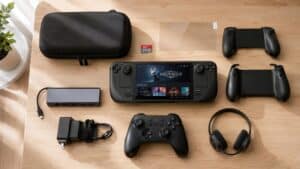
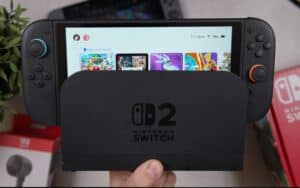
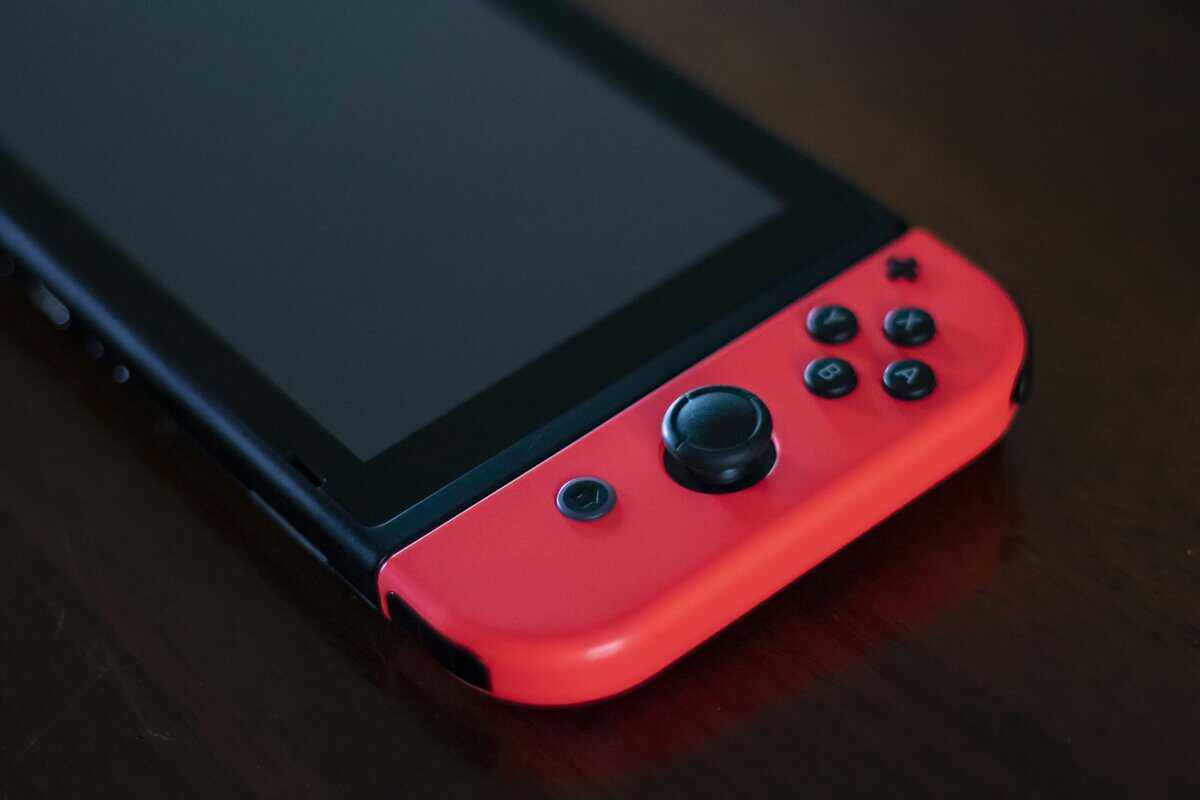
You’re probably deciding between two very different kinds of handhelds and trying not to waste money on the wrong one. One looks like the obvious mainstream pick. The other looks like the smarter enthusiast pick. The problem is that most Nintendo Switch vs Steam Deck comparisons turn into a spec fight, and that doesn’t help much when you’re thinking about school commutes, couch co-op, long flights, game prices, or whether you want to troubleshoot anything at all.
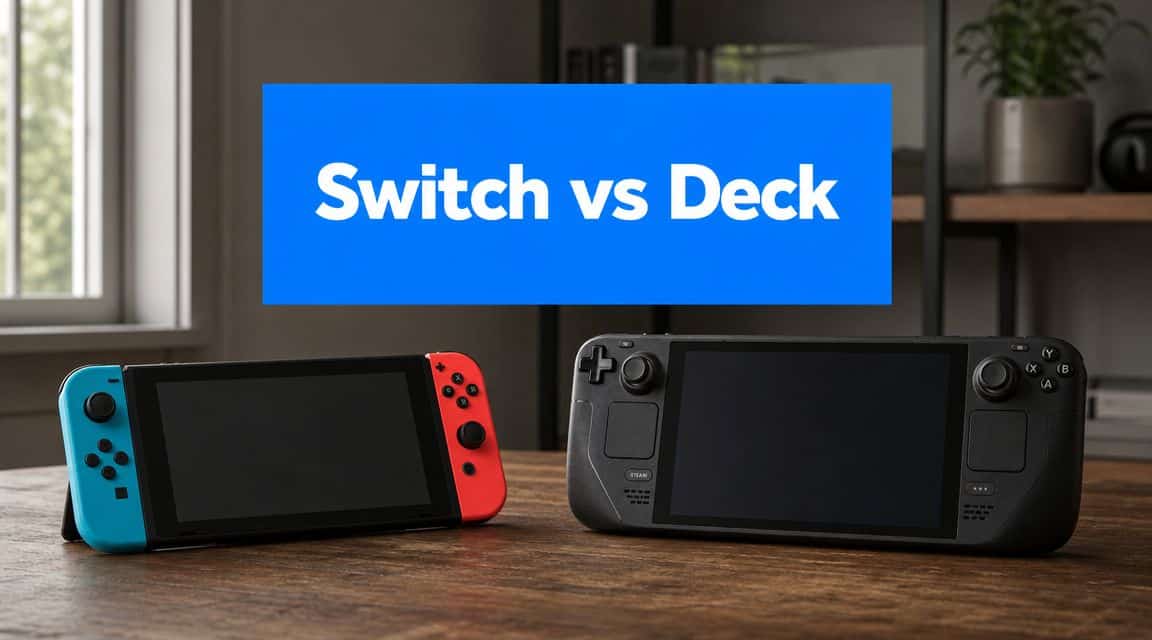
That’s the core divide. One device is built to get you playing fast, shareable games with minimal setup. The other is built to give you a more open, PC-like library and more control, but it asks more from you in return. If you care about value, that trade matters more than arguing over raw power in a vacuum.
- Most Nintendo Switch vs Steam Deck comparisons turn into a spec fight: the real choice is between a closed appliance and an open PC handheld.
- Switch wins for couch co-op families, kids, and anyone who wants to power on and play with zero setup or tinkering.
- Steam Deck wins for PC gamers with existing Steam libraries who don’t mind some friction in exchange for openness and flexibility.
- The Switch’s ownership cost is lower upfront but its first-party Nintendo games rarely drop in price: Steam Deck leans on Steam’s frequent sales.
- Buy a Switch through normal retail; buy a Steam Deck direct from Valve, not from Amazon’s inflated 3rd-party listings.
Table of Contents
Choosing Your Handheld Beyond the Hype
The wrong first question is, “Which one is stronger?” The better question is, “Which one wastes less of my time and money after I buy it?”
That sounds less exciting, but it’s how people avoid buyer’s remorse. A handheld lives or dies on friction. Friction is the stuff that starts bothering you after the honeymoon period: store pricing, setup hassle, suspend-and-resume reliability, online fees, whether your family can use it without asking for help, and whether the games you want feel good on that device.
There’s also a market reality here. Nintendo and Valve aren’t operating on equal scales. By 2025, Nintendo had sold roughly 150 million Switch systems, while Steam Deck was estimated at about 4 million lifetime units, based on reported handheld sales comparisons. That doesn’t mean one is automatically better. It means they serve different audiences and different expectations.
Why ownership friction matters more than paper specs
If you buy a handheld for family use, local multiplayer, and low-maintenance gaming, the Switch usually makes more sense even before you get to performance. If you buy one to play a large existing PC library, tweak settings, stream games, or carry your save files between desktop and handheld, the Steam Deck starts looking more valuable.
That’s why “value” here isn’t just about launch price.
- For households: ease of use matters more than flexibility.
- For PC players: library access can matter more than exclusives.
- For travelers: battery behavior in real games matters more than marketing ranges.
- For docked play: your external setup can matter more than the handheld screen itself. If you use a desk or hotel-room setup often, a portable monitor for gaming can matter more than chasing small display differences.
Buy the device that matches how you already play, not the one that asks you to become a different kind of gamer.
The cleanest way to frame Nintendo Switch vs Steam Deck is this: the Switch sells convenience, exclusives, and social usability. The Steam Deck sells flexibility, broader software access, and better value for players who already live in PC gaming. Both can be the smarter buy. It depends on what kind of compromise annoys you less.
Hardware and Performance Deep Dive
The Steam Deck has the stronger hardware baseline. That part isn’t really controversial. What matters is how much that extra headroom improves your actual experience, and where the Switch still feels better despite being less capable on paper.
| Specification | Nintendo Switch 2 (OLED Model) | Steam Deck (OLED Model) |
|---|---|---|
| Platform focus | Console-style handheld | PC-style handheld |
| CPU and GPU class | Lower performance ceiling than Steam Deck | Higher performance ceiling than Switch |
| Memory | Lower memory ceiling than Steam Deck | Higher memory ceiling than Switch |
| Display feel | OLED panel with strong contrast | OLED panel with PC-style flexibility |
| Controls | Detachable controller design | Integrated grips and controls |
| Portability | Lighter, easier to toss in a bag | Larger, heavier, more substantial in hand |
| Ease of use | Faster plug-and-play experience | More setup options, more tweaking |
| Best fit | Exclusives, family use, easy docking | Large PC library, settings control, broader game types |
What the raw specs actually tell you
The original Steam Deck holds a clear hardware lead over the original Switch. It uses an AMD Zen 2 APU with a 512-core RDNA 2 GPU and 16 GB LPDDR5 RAM, while the original Switch uses an ARM Cortex-A57 chip with a 256-core GPU and 4 GB LPDDR4 memory, according to PC Gamer’s hardware comparison. That gap sets the performance ceiling for both machines.
In practice, that means the Deck is the safer pick for games that need more CPU headroom, more memory, or more graphics options. That matters for shooters, MMOs with busy hubs, and games where you want to lower settings manually to target a steadier experience. It also matters if you stream from your main PC and want the handheld to double as a more flexible client device.
Performance is only half the story
The Steam Deck’s extra power doesn’t guarantee less frustration. Sometimes it creates more decision-making.
You’ll spend more time in graphics menus on Deck. You’ll think about frame caps, scaling choices, text size, compatibility, controller profiles, and whether a game is better installed locally or streamed. For some people, that’s part of the fun. For others, it turns quick gaming into maintenance.
The Switch avoids most of that. You lose flexibility, but you gain consistency.
Practical rule: If you enjoy adjusting settings on a desktop PC, you’ll probably tolerate the Steam Deck’s extra effort. If you hate menus and troubleshooting, the Switch is easier to live with.
Screen feel, build quality, and durability
Build quality matters because handhelds get tossed into bags, used on couches, and handed to kids or friends. The Switch feels lighter and easier to carry. Its detachable controller design is useful, but it also introduces more moving parts and more wear points over time. The Steam Deck feels chunkier, denser, and more like a single solid unit. It takes up more space, but it also feels more planted in the hands during longer sessions.
For ergonomics, the Deck usually wins for adults playing longer stretches, especially in genres like FPS games where stick placement and grip shape matter. For quick sessions, travel, and family pass-around use, the Switch’s lighter frame is easier to manage.
If you dock your handheld often, don’t overread handheld thermals or fan noise. Those matter less in short sessions than people think. The same logic applies when people obsess over normal CPU temperature while gaming. The better question is whether the device feels stable, comfortable, and predictable during the games you play.
The Game Library and Software Experience
The library question decides this matchup faster than any benchmark chart. Hardware only matters if it lets you play the games you want, in a way you’ll still tolerate after the novelty wears off.
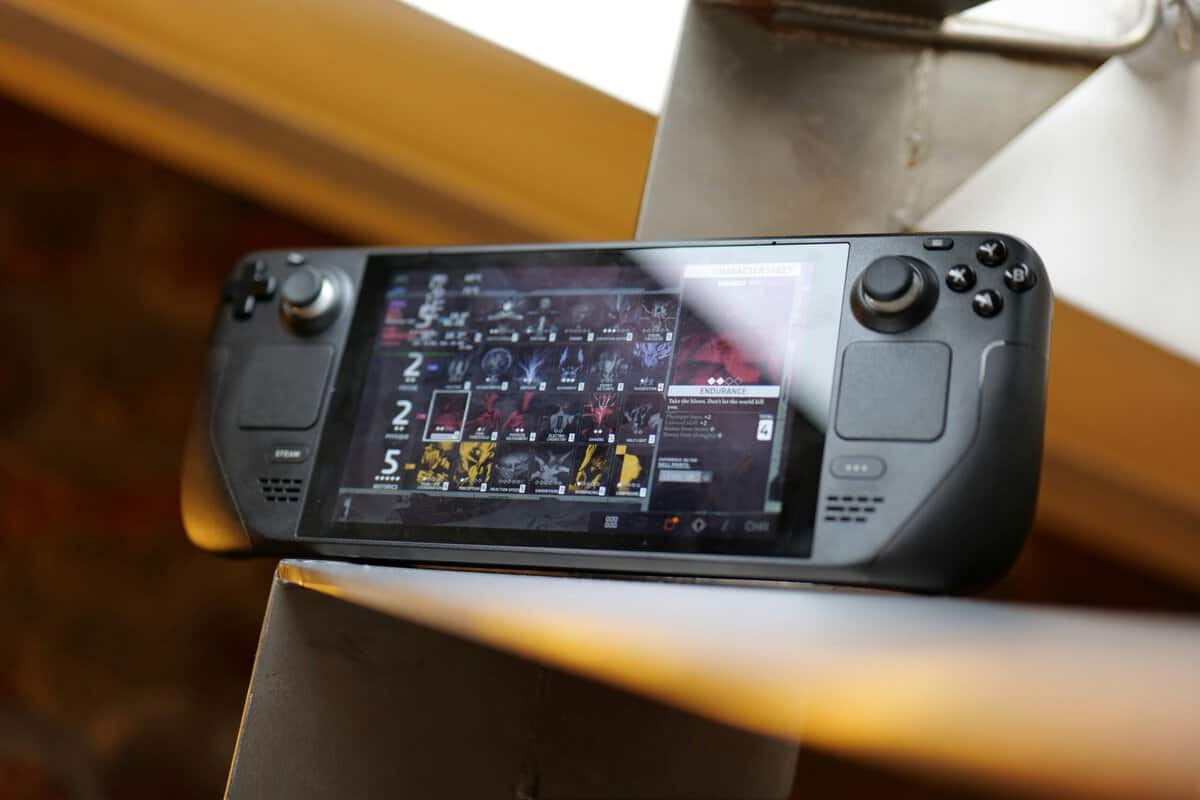
Nintendo’s advantage is clarity. You know what you’re buying into. You get the company’s exclusive series, straightforward local multiplayer, and a system that’s easy to hand to a child, partner, or visiting friend without a tutorial. The interface is simple. The expectations are simple. That simplicity is part of the value.
Steam Deck is the opposite kind of value. It gives you access to a much larger PC-style library and more flexibility, but the cost is complexity. That can be worth it if you already own a lot of PC games, play genres that barely exist on consoles, or care about things like custom control layouts and desktop mode.
A more useful buyer question is what you give up: Nintendo’s exclusive library, local multiplayer simplicity, and household-friendly onboarding versus Steam’s much larger library and PC-like flexibility. That’s the key trade, and even enthusiasts discussing the choice tend to frame it around ownership friction rather than a clean capability gap in community discussions about Switch 2 and Steam Deck.
What works well on each platform
For family games, party games, and quick couch sessions, the Switch is still the easier recommendation. Detach the controllers, hand one to someone else, and you’re already playing. That matters more in real homes than benchmark wins.
For genres like MMO grinding, strategy-heavy games, or shooters where community control profiles help, Steam Deck has the better ceiling. It can also make more sense for streaming and remote-play style use because it behaves more like a small PC than a closed console.
The hidden cost of openness
Openness sounds great until you’re the one fixing it. On Steam Deck, some games need more checking before you buy. Some launchers are clumsy. Some text is too small. Some games run well only after settings tweaks. None of that makes the Deck bad. It just means the device rewards patience and punishes people who want a pure appliance.
A closed ecosystem limits you upfront. An open ecosystem charges you in time.
The Switch also has a cleaner controller story for shared play. That’s one reason a dedicated Nintendo Switch controller guide matters so much for buyers who expect local multiplayer to be a regular part of ownership. On Steam Deck, multiplayer usually feels more personal. On Switch, it feels more social.
Real-World Portability and Ergonomics
You feel the difference between these handhelds before you even launch a game. One fits into more bags without much planning. The other often needs its own case and asks for more room on your lap, tray table, or backpack.
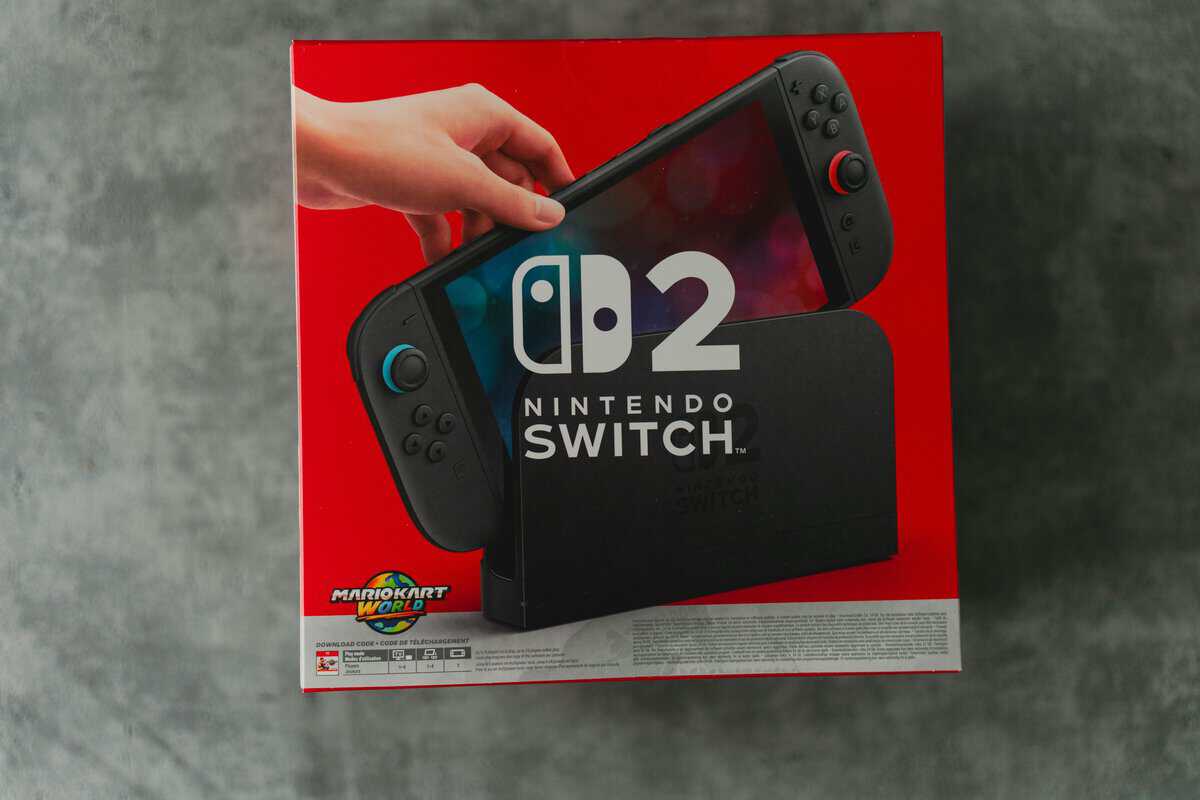
The raw battery numbers do not tell the full story, and neither does a spec sheet. In day-to-day use, the Switch is easier to bring along because it is lighter, easier to hold one-handed for a moment, and less awkward to stash between stops. The Steam Deck asks for more commitment. It is closer to carrying a small gaming PC than a casual grab-and-go handheld.
That trade-off cuts both ways. The Deck usually feels better during longer sessions because the grips are fuller and the controls sit where adult hands want them. I can play an RPG or shooter longer on the Deck without my hands cramping. The Switch is easier to pack, but its slimmer shape can feel less supportive after an hour or two unless you add a grip.
Battery life matters most away from a wall outlet, an environment where ownership friction shows up fast. A demanding game can drain either system much faster than marketing ranges suggest. On a flight, train ride, or long day out, the practical question is not which one has the bigger battery on paper. The practical question is whether you trust it to finish the session you started.
A third-party battery test video comparing real gameplay loads showed the Steam Deck lasting about 2 hours 10 minutes in a demanding game test, while a comparable Switch setup ran for about 2.5 hours, based on this battery comparison video covering Switch and Steam Deck workloads. That gap is not huge, but it matters if you travel often and do not want to carry a power bank everywhere.
Comfort also depends on where you play.
- For commuting and travel: Switch is easier to carry, easier to pull out quickly, and easier to share.
- For long solo sessions: Steam Deck usually gives better hand support and a less cramped control layout.
- For tight spaces: Switch is less awkward on planes, buses, and crowded couches.
- For durability over time: Steam Deck feels more solid as one unit. Switch gains flexibility from detachable controllers, but that also means more parts, more wear points, and more chances to deal with rail wobble or accessory clutter.
The extra clutter is real. A Switch owner who plays outside the house regularly often ends up buying a better case, a charger that travels well, and sometimes a grip. A Steam Deck owner usually starts with a bulkier carry setup from day one and may still add a power bank because heavy games can empty the battery quickly. If you want to pack smarter, this guide to the best Nintendo Switch accessories for travel and daily use covers the add-ons that solve problems instead of just dressing up the console.
For pure portability, Switch wins. For hand feel during long sessions, Steam Deck often wins. The better pick depends on which annoyance you would rather live with: carrying more device, or feeling less support in your hands.
Price and Long-Term Value Analysis
Buy either one on sale, add a case, grab a couple of games, and the sticker price stops being the actual price very quickly.
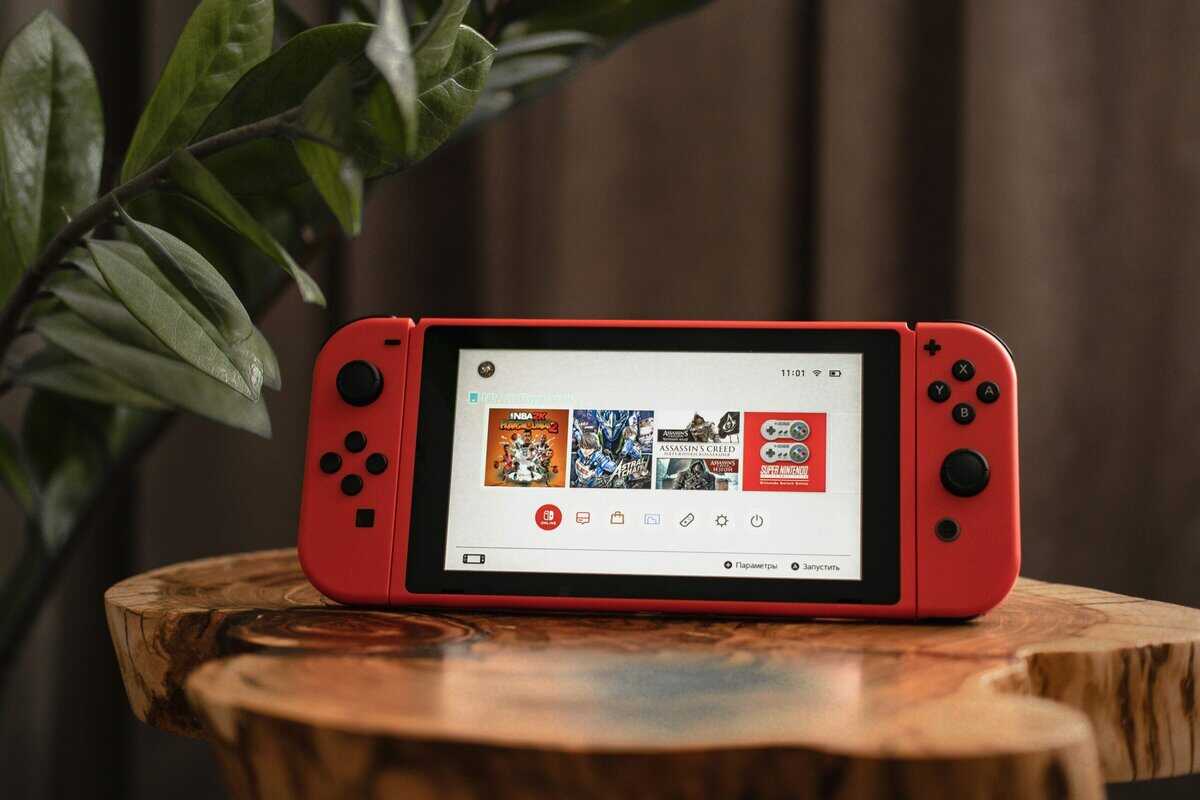
The upfront cost only tells part of the story. Long-term value comes from three things: whether you already own games for that ecosystem, how much extra gear you end up buying, and how often the device makes you spend money just to solve an annoyance.
Steam Deck usually has the stronger value case for PC players. If your Steam library is already full of games you still want to play, the Deck can save a lot of money because it turns old purchases into portable ones. You are extending a library you already paid for instead of starting over on a new storefront.
That advantage gets bigger over time. PC game discounts are common, older titles often stay cheap, and cloud saves across your desktop and handheld remove some of the friction of splitting your playtime between devices. For anyone who buys a lot of games during sales, that part of the value proposition is very real.
Switch wins in a different way. It wastes less of your time.
That matters more than spec-focused buyers like to admit. A Switch owner is less likely to spend a Saturday night troubleshooting a launcher issue, checking compatibility reports, or tweaking settings just to make a game feel acceptable on battery. If a handheld gets used more often because it asks less from you, that is part of its value too.
There is also the family-budget angle. A Switch can pull double duty as a personal handheld and a shared living-room console with less explanation and less maintenance. If one device serves a kid, a parent, and occasional couch multiplayer without extra setup friction, the cost spreads out well even if Nintendo software rarely feels cheap.
Storage changes the math too. Steam Deck owners are more likely to feel pressure to expand storage because modern PC games can get large fast, and big installs make library management more annoying on a handheld. If you expect to keep several larger games installed at once, this guide to the best SSDs for gaming and storage upgrades gives useful context for what matters before you spend more.
The hidden cost on Switch usually comes from software pricing and ecosystem lock-in. First-party games tend to hold their price longer, and if your library lives there, moving away from the platform later hurts more. The hidden cost on Steam Deck is different. It comes from setup time, accessory temptation, and the occasional purchase made to smooth out rough edges, like a dock, microSD card, charger, or better storage. If storage is the first gap you hit, our SD card for Steam Deck guide covers which cards are worth it.
After years of using both, the pattern is pretty clear. Steam Deck often delivers better dollar value for solo players who already buy games on PC and do not mind occasional maintenance. Switch often delivers better household value for players who want predictable costs, cleaner day-to-day use, and fewer small frustrations attached to every session.
Which Handheld Should You Buy in 2026
There isn’t one winner. There are clearer fits.
The couch co-op family
Buy the Nintendo Switch 2 if the handheld is going to live in a shared space and get used by more than one kind of player. It’s easier for kids to understand, easier for guests to join, and better suited to family game nights. The detachable controller approach still matters. So does the cleaner plug-and-play feel.
This is also the better choice if durability in practice means “survives being used by multiple people” rather than “has the sturdier shell.” The Switch’s ecosystem is more controlled, but for families that control is usually helpful.
The PC gamer on the go
Buy the Steam Deck if your game library already lives on PC and you want handheld access without rebuilding your collection. It’s also the better fit if you play genres that benefit from custom controls, community layouts, or deeper settings control.
For FPS gaming, MMOs, and streaming use, the Deck gives you more room to shape the experience. Just be honest with yourself about whether you’ll tolerate setup friction. If the answer is yes, the Deck offers stronger value-per-dollar for this profile.
The daily commuter
Buy the Switch if your sessions are short, your bag is already full, and you want fewer decisions between pressing power and starting a game. It’s easier to carry, easier to suspend and resume around daily life, and less mentally demanding.
If your commute gaming is mostly indies, platformers, or lighter pick-up-and-play sessions, the Switch’s convenience advantage is hard to overstate.
The player who wants one device to do more
Buy the Steam Deck if you want your handheld to behave like a small gaming PC. That includes streaming from your main setup, playing a broader software mix, and using the device beyond a locked-down console experience. It won’t feel as frictionless, but it can replace more roles.
The practical verdict for Nintendo Switch vs Steam Deck is this:
- Choose Switch for exclusives, family use, lighter travel, and low-maintenance ownership.
- Choose Steam Deck for broader library value, better performance headroom, FPS and MMO flexibility, and players who already think like PC gamers.
If you lean toward a handheld PC, our Steam Deck vs ROG Ally comparison covers the next decision.
Frequently Asked Questions
Can Steam Deck replace a gaming laptop?
Not entirely. It can cover portable gaming well, especially if you already live in a PC ecosystem, but it isn’t the same as having a full laptop for broader work and play. It works best as a handheld gaming PC, not a universal laptop replacement.
Is the Nintendo Switch powerful enough for upcoming games?
That depends on the kind of games you care about. If your priority is Nintendo’s own ecosystem and straightforward console-style experiences, power matters less than platform support. If you mainly want newer demanding multiplatform games, hardware headroom becomes a bigger issue.
Which is better for younger kids?
The Switch is usually better. The interface is simpler, shared play is easier, and the whole ownership experience is more household-friendly. Kids can get into it faster with less adult setup.
Can Steam Deck play games outside its main storefront?
Yes, with caveats. The Steam Deck is built around Steam, but its open SteamOS lets you install other launchers, emulators, and even desktop apps. The trade-off is more setup and the occasional compatibility quirk, it rewards tinkerers, not appliance buyers.
Which one feels more durable?
Both feel solid, but they’re built for different uses. The Switch’s smaller, lighter chassis travels well and survives a backpack life better. The Steam Deck is heavier and more substantial in hand, which feels rugged at a desk but adds fatigue on long sessions.
If you want practical gaming buying advice without the usual hype, Budget Loadout is worth bookmarking. It focuses on value, durability, and the small gear choices that improve how you play.
Related Articles