If you built your PC on a tight budget, there’s a good chance you’re still using the stock cooler, and finding the best budget CPU cooler is the smartest upgrade you can make. That usually works, but “works” is not the same as quiet, stable, or comfortable to live with.
You hear it first. The fan ramps up the moment a match starts, an MMO raid gets busy, or you fire up a stream. Then the heat follows. Your CPU starts running hotter than it should, and once that happens, clock speeds can dip to protect the chip. You paid for that processor. You might as well let it run properly.
The good news is that the best budget cpu cooler is not some exotic part. In most cases, a basic aftermarket air cooler fixes the biggest problems fast. You get lower noise, better sustained performance, and less stress on the system without blowing the budget. The trick is buying the right tier. Going too cheap can be a dead end. Overspending can be just as dumb.
- Dramatically quieter than any stock cooler at idle and load
- Fits most mid-tower cases with standard 155mm clearance
- Compatible with all current AMD and Intel sockets out of the box
- Not designed for sustained overclocking on power-hungry CPUs
- Single-tower design has less thermal headroom than dual-tower options
- Basic appearance with no RGB or aesthetic touches
- Dual-tower with six heat pipes rivals premium cooler thermal performance
- Dual 120mm fans balance airflow and noise exceptionally well
- Handles moderate overclocking on Ryzen 5 and Core i5 class CPUs
- Larger footprint may conflict with tall RAM modules
- Heavier than single-tower options, check motherboard mounting support
- No RGB lighting for builders who want visual flair
- Push-pull fan configuration maximizes airflow through the heatsink
- Includes high-quality MX-6 thermal compound, no separate purchase needed
- Arctic brand warranty and long-term reliability track record
- Slightly more expensive than the Thermalright alternatives for similar performance
- Single-tower design has less thermal headroom than the Peerless Assassin
- Fan clips can be fiddly during installation compared to screw-mount designs
Picks and availability last verified: October 12, 2026
- Your stock cooler is the biggest silent bottleneck in a budget gaming build, replacing it is the highest-impact upgrade per dollar
- The Thermalright Peerless Assassin 120 SE is the best value CPU cooler for gaming, rivaling premium options at a fraction of the cost
- Air cooling beats entry-level AIOs on a budget, lower price, no pump failure risk, and comparable thermal performance
- Always check case clearance before buying, a dual-tower cooler that does not fit is worse than the stock cooler it was meant to replace
- A quieter cooler is not a luxury, lower fan noise improves your gaming experience and stream audio quality simultaneously
Table of Contents
Your Stock Cooler Is Holding You Back
You notice it during the first long gaming session. The fan starts whining, CPU temps climb, and the system feels more strained than it should for a chip that is supposed to be midrange and easy to cool.
That is a primary problem with most stock coolers. They are built to meet the minimum requirement at the lowest cost. They usually work on paper, but they do not leave much room for sustained boost clocks, lower noise, or the kind of daily use that includes a game, voice chat, a browser, and a few background apps all running at once.
If your PC gets loud enough that you start checking normal CPU temp ranges, the cooler is often the first part I would question. The CPU itself is rarely the issue. The bundled cooler is.
A better budget cooler does more than shave a few degrees off a benchmark run. It keeps fan speed under control, helps the CPU hold performance longer under load, and makes the whole system easier to live with. That matters even more in compact cases, where weak airflow and a small stock heatsink can turn a decent build into a hot, noisy box.
The value sweet spot is not the absolute cheapest cooler on the shelf. It is the tier just above that, offering larger heatsinks, better fans, and mounting hardware that does not feel disposable. For most builders, that small extra spend buys a much bigger improvement in noise and long-term reliability than chasing the lowest possible price.
What changes with a better cooler
A decent budget tower cooler usually fixes the three complaints people have with stock cooling:
- Less noise: A larger fan and heatsink can move the same heat with less effort.
- More stable performance: Lower temperatures give the CPU a better chance to maintain boost behavior during longer sessions.
- Better daily usability: A quieter system feels faster, even when the frame rate stays the same.
That last point gets ignored too often. If the cooler stops the constant fan ramping and keeps temperatures in a comfortable range, the upgrade already paid off in day-to-day use.
Key takeaway: The best budget CPU cooler is rarely the cheapest model. The smart buy is the one that gets close to premium day-to-day results, especially for noise and reliability, without wasting money on cooling headroom you will never use.
How to Choose the Right CPU Cooler
Choosing a cooler gets easier once you ignore the marketing and focus on four things: type, heat handling, fit, and noise. Those are the specs that decide whether a cooler is a smart buy or an annoying mistake.
Air or AIO
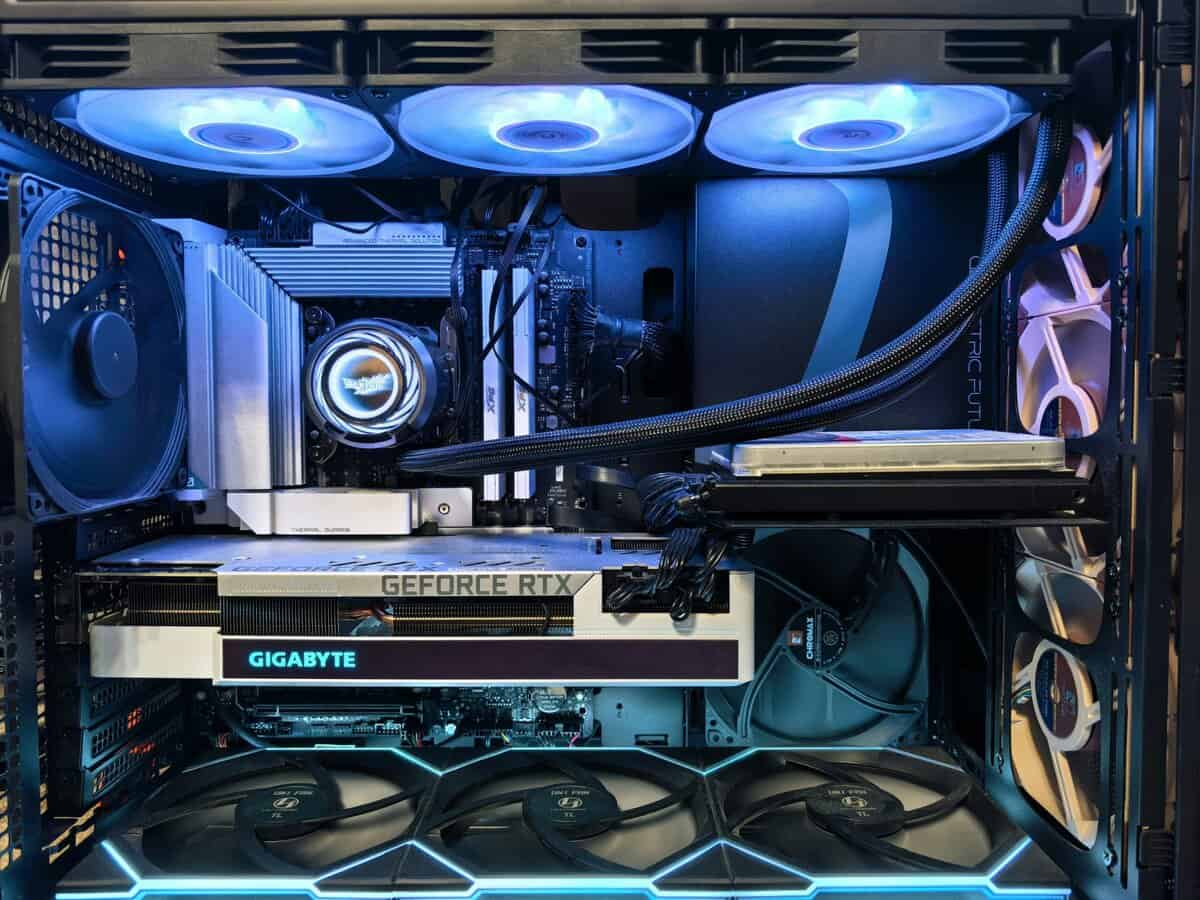
For a value-focused build, I usually point people toward air cooling first.
Air coolers are simpler. A metal heatsink and fan have fewer failure points than a liquid setup with a pump, tubes, and radiator. They’re also easier to install for first-time builders. If you are pairing your cooler with one of the chips from this best CPU for gaming guide, a good air cooler is enough for most mainstream gaming systems.
That does not mean AIOs are pointless. They can look cleaner in some builds and make sense when you want that style. But on a strict budget, air usually wins on reliability and value.
TDP and heat load
Think of TDP as the amount of heat your cooler needs to keep under control. It is not the whole story, but it gives you a practical baseline.
If your CPU is a mainstream Ryzen 5, Ryzen 7, Core i5, or Core i7, you do not need to chase a giant cooler just because it exists. What you need is enough cooling to handle sustained gaming and occasional heavier workloads without turning your PC into a hair dryer.
A mismatch goes both ways:
- Too little cooler: More noise, higher temps, less sustained performance
- Too much cooler: More money, more bulk, and sometimes more fitment hassle than the build needs
Clearance matters more than people expect
Many budget builds falter here.
You need to check:
- Case cooler height support: Tower coolers can be too tall for narrow cases
- RAM clearance: Big front fans can hang over tall memory modules
- Socket support: Make sure the mounting kit supports your board, especially AM5 and LGA1700
A cooler can be a great buy on paper and still be the wrong buy if it collides with your side panel or RAM.
Noise is not a luxury spec
If you play competitive shooters, a loud cooler is distracting. If you stream, it can be worse. Even if your mic does a decent job with background rejection, fan noise changes how the whole setup feels.
At quiet operational levels, a cooler starts to feel easy to live with in a quiet room. Above that, the sound profile matters a lot. A smooth whoosh is easier to tolerate than a sharp whine.
Practical rule: Buy the smallest cooler that comfortably handles your CPU and fits your case. That is usually the sweet spot for value.
The Best Budget CPU Coolers Compared
Many users shopping for the best budget CPU cooler fall into one of three categories. They either want the cheapest real upgrade over stock, the best performance per dollar, or a slightly nicer cooler that still respects the budget.
The picks below cover those lanes without wasting money on parts your CPU will never need.
| Cooler | Price tier | Type | Best for | Main trade-off |
|---|---|---|---|---|
| Thermalright Assassin X 120 R SE | Entry-level | Single-tower air | Stock-clocked Ryzen 5 and Core i5 builds, 1080p gaming, first-time builders | Not the right choice for heavy overclocking or hotter high-end CPUs |
| Thermalright Peerless Assassin 120 SE | Mid-range value | Dual-tower air | The value sweet spot for gaming and streaming with mid-range CPUs | Larger size means you need to check RAM and case clearance |
| Arctic Freezer 36 | Premium budget | Tower air | Buyers who want a modern, sensible air cooler with strong overall value | Not built for the most extreme high-power CPUs |
| ID-Cooling FX 360 Pro | Entry-level AIO tier | 360mm AIO liquid | Builders who want liquid-cooling looks and more thermal headroom | More complex install and more long-term risk than air |
The simple read
If your budget is tight, start with the Assassin X.
If you can stretch a little, the Peerless Assassin 120 SE is where the market gets interesting. That is the point where budget cooling stops feeling like a compromise and starts overlapping with much pricier gear.
If you want a cleaner liquid-cooled look, the ID-Cooling AIO enters the conversation. Just go in with realistic expectations about cost and complexity.
Best Cheap CPU Cooler for a Tight Budget
At the low end, I do not care about flashy design or benchmark bragging rights. I care about whether a cooler fixes the underlying problem. Loud stock cooling, shaky thermals, and a PC that feels rougher than it should.
That is why the Thermalright Assassin X 120 R SE is the easy recommendation in this tier.
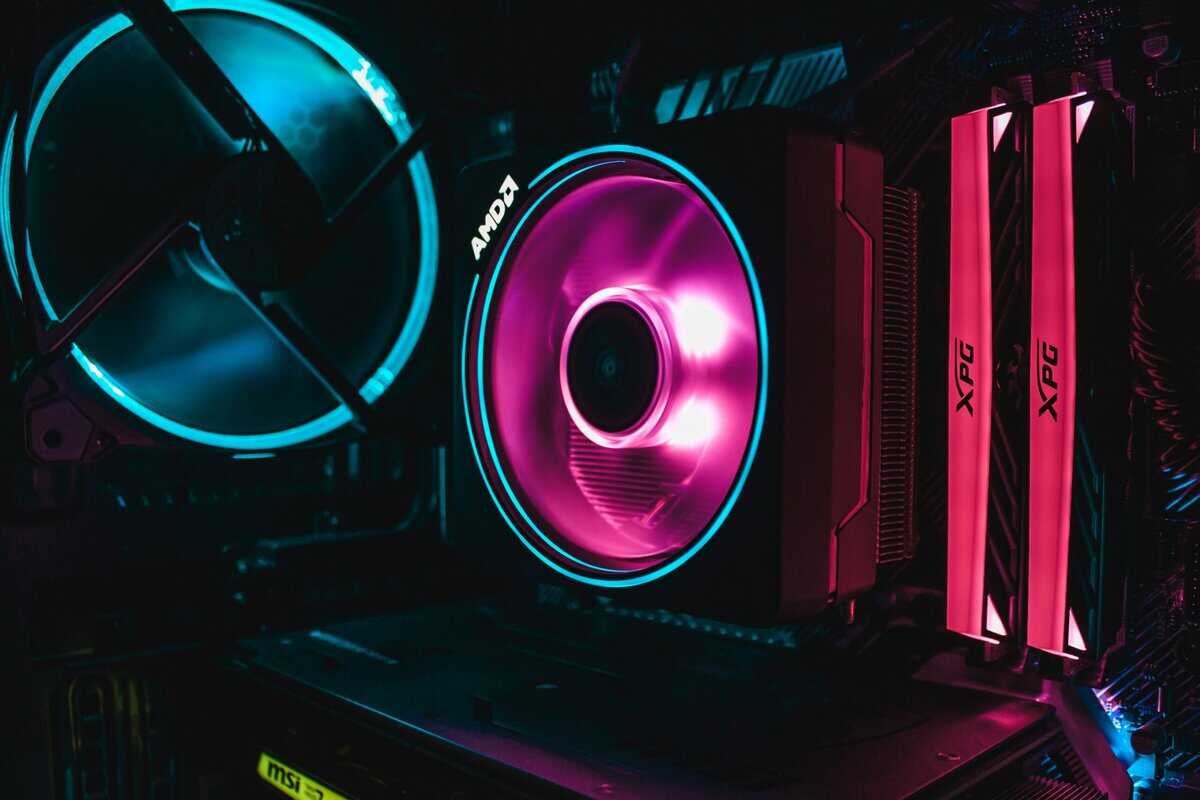
Tom’s Hardware named it the “Best Entry-Level Air Cooler” in 2026 coverage, and the verified data tied to that coverage says it stays at an entry-level price point, manages stock speeds on mainstream Intel and AMD CPUs, and keeps noise below 25 dBA, making it a strong fit for builders who are not overclocking (Gamers Nexus cooler roundup reference).
Why this one works
The formula is simple. Single tower. Single fan. No unnecessary bulk.
That matters for first-time builders because it usually means fewer headaches during installation and fewer clearance surprises. It is also the kind of cooler that makes sense in a basic gaming PC for:
- FPS games at 1080p: where the CPU sees sharp load swings and stock fans tend to ramp hard
- MMOs: where long sessions expose weak cooling quickly
- Casual streaming: where you want the CPU to stay calmer without paying for a much larger cooler
Where it stops making sense
This cooler is not magic.
Do not buy it for a hot, high-end CPU and expect silence under all-core heavy loads. Do not buy it for serious overclocking. This tier is about getting a real aftermarket upgrade at the lowest sensible spend, not pretending a budget single tower can replace a large dual-tower cooler. If you do plan to push clocks, our CPU overclocking guide covers how much cooler a modest overclock actually needs.
Build quality and long-term value
The biggest thing I like in this bracket is that simple coolers tend to age well. A straightforward air cooler is easy to clean, easy to remount, and easy to keep running. That matters more than RGB or styling once the PC is a year or two old.
Buy this if: you want the cheapest cooler that still feels like a proper upgrade, not just a sideways move from stock.
The Value King Best Overall Performance Per Dollar
This is the part of the market where spending a little more pays off hard. Not because the cooler looks premium, but because the performance jump is big enough to matter in real use.
The Thermalright Peerless Assassin 120 SE is the best example of that value sweet spot.
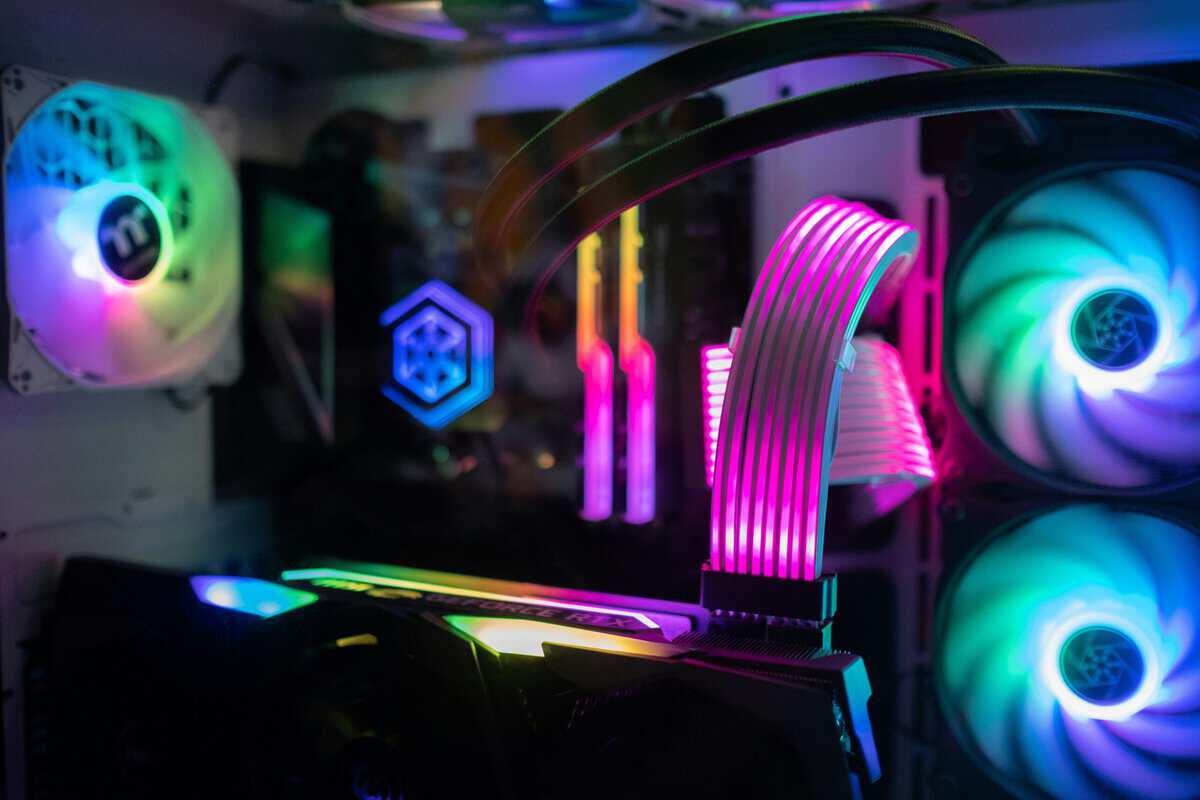
At its current price, it hits approximately 81°C on heavy loads and runs only 3-4°C behind premium coolers costing several times more, based on independent thermal testing data. That is the kind of gap I can live with all day when the price difference is that wide.
Why the Peerless Assassin 120 SE punches above its price
This cooler makes sense because the design is serious without becoming absurd.
You get a dual-tower layout, six anti-gravity heat pipes, and 1550 RPM fans in a package meant to cool CPUs up to 125W TDP. The same verified data says it beats single-tower competitors by 5-7°C. That is not a paper win. That is the difference between “fine” and “comfortable” during long sessions.
For practical use, that means better headroom for:
- High refresh FPS gaming on a Ryzen 7 or Core i5 build
- MMO raids or strategy games that keep the CPU loaded for long stretches
- Gaming plus streaming where sustained boost behavior matters more than short spikes
The trade-off is size
Builders need to slow down and check fitment in this area.
A dual-tower cooler gives you more thermal capacity, but it takes up more room around the socket. The verified data lists 42mm max RAM clearance, so tall memory can be an issue. You also need to make sure your case supports its height and that your motherboard area is not cramped.
That does not make it a bad buy. It just means this is a smarter purchase for a normal mid-tower than for a compact build.
Here’s a closer look at the cooler in action and why so many builders land on it.
Build quality and durability
Cheap coolers often lose me on mounting hardware. If the brackets feel flimsy or the install feels vague, that matters.
The Peerless Assassin 120 SE stands out because it is built like a cooler that expects to stay in your system for a while. The dual-tower body, heat pipe layout, and fan setup are aimed at stable long-session use, not just winning a price filter. It is the kind of part I’d trust in a budget-conscious build that still sees serious weekly use.
Best fit: the builder who wants one cooler purchase to carry a mainstream gaming system for years without feeling the urge to replace it right away.
Premium Budget Coolers and Entry-Level AIOs
A lot of builders hit this point after ruling out the cheap stuff. The CPU is decent, the stock fan is gone, and now the choice is between a better air cooler and a first AIO that looks more serious on paper.
This is the part of the budget market where bad spending happens.
Spending a little more can get you very close to premium cooling. It can also buy extra bulk, more install hassle, or noise you will notice every day. For a value-focused build, I would still start with air unless the case layout clearly favors a radiator. If you are still deciding on chassis airflow and radiator support, it helps to compare options in a gaming PC case guide with practical fitment considerations.
The smarter premium budget air pick
The Arctic Freezer 36 makes sense because it pushes past entry-level cooling without drifting into overpriced showpiece territory.
It is usually priced low enough to stay in budget-build territory, but it performs like a cooler from the next tier up. That matters more than shaving off a few dollars at checkout. A cooler in this class can keep a mid-range gaming CPU boosting properly under sustained load, stay quieter than the bargain-bin options, and avoid the size problems that come with giant dual-tower designs.
That balance is a key selling point.
For a mainstream gaming build, especially one that sees long sessions instead of short benchmark bursts, this is the kind of upgrade that feels worth the money after the system is on your desk for six months. Lower noise matters. Reliable mounting matters. A fan setup that does not sound strained every time the CPU gets busy matters.
Where an entry-level AIO fits
The ID-Cooling FX 360 Pro is one of the few budget AIOs worth mentioning without a warning label attached.
A 360mm AIO can make sense if you are cooling a hotter chip, want to move heat toward the case edge, or care a lot about the cleaner look around the socket. In the right case, it can also help with RAM and motherboard clearance because the bulk shifts from the CPU area to the radiator mount.
The trade-off is ownership, not just price. You are adding a pump, more cabling, and more points of failure over the long haul. Installation is slower. Case compatibility matters more. In a weak airflow case, a big radiator does not automatically fix anything.
My practical cutoff
If the build uses a mainstream CPU and the goal is strong performance per dollar, I would buy the Arctic Freezer 36 first.
If the build is more style-conscious, uses a case built around radiator support, or needs more cooling headroom without a huge tower hanging over the motherboard, the ID-Cooling FX 360 Pro earns its place.
That is the value sweet spot in this tier. Buy better, not just bigger.
Finding a Cooler for a Small Form Factor Build
Small form factor builds punish lazy buying. A cooler can be excellent in a mid-tower and completely useless in mini-ITX if it does not fit.
That is why SFF cooling deserves its own advice. Most cooler guides still focus on standard tower cases, while compact builders spend half their time fighting height limits, side panel clearance, and restricted airflow. The verified data highlights that gap directly and notes that 2025-2026 tests show modern low-profile air coolers with anti-gravity heatpipes can achieve 5-10°C better temperatures than stock coolers in tight spaces (Tom’s Hardware CPU cooler guide).
What matters in a compact case
In an SFF system, the first question is not performance. It is physical fit.
Check these before you buy anything:
- Case CPU cooler height limit: This is the hard stop
- Motherboard layout: ITX boards can crowd the socket area
- RAM height and side panel shape: Both can affect low-profile cooler fit
- Airflow path: Compact cases live or die by how air moves through them
If you are shopping by case first, it helps to compare layouts and clearances in a guide focused on compact PC builds, because cooler choice in SFF is tied directly to the chassis.
The cooler types that make sense
For compact builds, I would look at low-profile air coolers first. Models like the Thermalright AXP90 series or Noctua NH-L9 series are common starting points because they are designed around clearance, not brute-force size.
These are not the coolers I’d choose for maxed-out tower airflow and heavy overclocking. That is not their job. Their job is to fit cleanly, avoid RAM interference, and beat the stock cooler without creating a build nightmare.
What does not work well
A common mistake is trying to force a normal tower cooler into a case that barely supports it. Another is buying a compact AIO without thinking through radiator mounting, tubing path, and GPU space.
SFF rewards restraint. Buy the cooler that fits properly and matches the CPU, not the one that looks strongest in a standard benchmark chart.
Best SFF advice: Start with your case clearance limits, then choose the strongest low-profile cooler that fits. In compact builds, fit is performance.
Installation Tips and Final Buying Checklist
A good cooler can still disappoint if you rush the install. Most problems come from simple mistakes, not defective hardware.
Quick installation tips
- Clean the CPU surface: Remove old paste fully before mounting a new cooler.
- Use a sensible amount of thermal paste: Too much creates mess. Too little can leave poor coverage.
- Tighten evenly: Alternate screws in a cross pattern so pressure stays balanced.
- Check fan direction: Make sure the fan pushes air the right way through the case.
- Set a reasonable fan curve: A small tweak in BIOS can cut pointless ramping and noise.
Final buying checklist
Before you hit buy, make sure all five of these are true:
- Your cooler matches your CPU class. A stock-clocked gaming chip does not need an oversized monster.
- Your case supports the cooler height. This matters most with dual towers.
- Your RAM will clear the fan. Especially important with larger air coolers.
- You like the noise profile you are buying into. Quiet matters during gaming and streaming.
- You are paying for value, not just the lowest number on the page. The best budget cpu cooler is usually not the absolute cheapest one.
If you want the short version, the picks are simple. The Thermalright Assassin X 120 R SE is the budget entry point. The Thermalright Peerless Assassin 120 SE is the best performance-per-dollar buy for many users. The Arctic Freezer 36 is the easy premium-budget air pick if you want a bit more refinement.
Frequently Asked Questions
Is the stock cooler good enough for gaming?
It depends on the CPU and how hard you push it. Stock coolers handle light gaming at stock speeds, but they run louder and hotter under sustained loads. If your CPU regularly hits its thermal limit during gaming sessions, the stock cooler is the bottleneck. Upgrading to even an entry-level aftermarket cooler drops temperatures noticeably and lets the CPU maintain its boost clocks consistently.
Do budget CPU coolers work with overclocking?
Entry-level single-tower coolers are not designed for serious overclocking. They handle stock speeds and mild boosts well, but pushing an overclock generates more heat than their small heatsinks can dissipate efficiently. If you plan to overclock, a dual-tower cooler like the Thermalright Peerless Assassin 120 SE is the minimum you should consider in the budget space. It provides enough thermal headroom for moderate overclocks on mid-range CPUs.
How much does a CPU cooler actually improve performance?
A better cooler does not increase raw clock speed, but it lets your CPU sustain its maximum boost clocks for longer. When a stock cooler hits its thermal limit, the CPU throttles down to protect itself, which directly reduces frame rates and increases frame time spikes. An aftermarket cooler eliminates that throttling, giving you more consistent performance during extended gaming sessions.
Is air cooling or AIO better on a budget?
For most budget builds, air cooling wins. A quality air cooler delivers comparable thermal performance to entry-level AIOs at a lower price, with no pump to fail and no risk of leaks. AIOs only make sense on a budget if you have a case with limited tower cooler clearance or if you need the space above the CPU socket for tall RAM or other components. At the budget level, an air cooler is almost always the smarter buy.
If you’re building a gaming or streaming setup and want more upgrades that improve the experience without wasting money, check out Budget Loadout. It’s built for people who want practical recommendations, honest trade-offs, and gear that earns its place in the setup.
Related Articles