The curved vs flat monitor for gaming debate isn’t simple. It’s a decision that depends entirely on the games you play, how you use your PC, and the practicality of your setup. For immersive single-player adventures and racing sims, a curved monitor can enhance the experience. But for competitive FPS players, streamers juggling multiple screens, or anyone on a tight budget, a flat monitor often provides better overall value.
- 144Hz IPS panel with 1ms response for smooth competitive play
- 24-inch size fits entirely in central vision for faster reactions
- Adaptive-Sync eliminates tearing without input lag
- 1080p resolution looks less sharp on larger desk setups
- Stand offers tilt only: no height or pivot adjustment
- Single HDMI port limits multi-console connectivity
- 1500R curve on a 32-inch panel creates genuine immersion
- VA panel delivers deeper blacks and higher contrast than IPS
- 180Hz refresh rate handles fast-paced action smoothly
- VA panel has slightly slower pixel response than IPS alternatives
- 32-inch 1440p is less pixel-dense than 27-inch at the same resolution
- Curved design makes multi-monitor setups more difficult to align
- Flat IPS panel suits editing and streaming work
- Flat panel sits flush for seamless multi-monitor streaming setups
- 240Hz at 1440p over DisplayPort 1.4 or HDMI 2.1
- DisplayHDR 400 is entry-level HDR
- IPS glow can be noticeable in very dark scenes
- Less immersive than a larger curved display
Picks and availability last verified: October 12, 2026
- Flat monitors are the go-to for competitive FPS gaming where geometric accuracy and fast target acquisition matter most
- Curved monitors shine in immersive genres like RPGs, MMOs, and racing sims by wrapping the image around your peripheral vision
- A 24-inch flat 1080p panel is the best value pick for competitive players, while a 32-inch curved 1440p VA hits the sweet spot for immersion seekers
- Multi-monitor setups are significantly easier with flat panels since curved edges create visible gaps between screens
- For streamers and content creators, a 27-inch flat IPS monitor offers the best balance of color accuracy, speed, and workspace flexibility
Table of Contents
Key Differences Between Curved and Flat Gaming Monitors
When you’re a budget-conscious gamer, every component choice is a trade-off. Choosing between a curved and a flat display is one of the most visible decisions you’ll make, and it’s about more than just aesthetics. The shape of your screen directly impacts gameplay, competitive accuracy, desk space, and long-term durability.
This guide will break down the real-world differences to help you invest wisely. We’ll move beyond marketing hype to focus on what actually matters:
- Immersion vs. Accuracy: How a curve can pull you into an open world versus a flat panel’s predictable, distortion-free view.
- Performance for Specific Games: Why competitive gamers in titles like Valorant or CS2 almost always stick with flat screens, while MMO and RPG players might benefit from a curve.
- Practicality and Build Quality: How each type fits into a real desk setup, the importance of stand durability, and which is better for multi-monitor use.
Key Takeaway: Your primary gaming genre should be the main factor. A curved monitor enhances immersion for RPG and sim titles. A flat monitor provides the distortion-free consistency needed for competitive play and offers better versatility for the price.
Here’s a quick breakdown of which monitor type usually works best for different gaming scenarios.
Quick Comparison: Flat vs. Curved for Gamers
This table cuts straight to the point, showing which monitor type is generally recommended for common gaming setups and genres to help you determine where your money is best spent.
| Gaming Scenario | Curved Monitor Recommendation | Flat Monitor Recommendation |
|---|---|---|
| Competitive FPS/Esports | Not ideal; can introduce subtle visual distortion that affects precision aiming. | Highly Recommended. Provides a distortion-free, geometrically consistent image critical for accuracy. |
| Immersive RPG/MMO/Sim Racing | Highly Recommended. The wrap-around effect enhances immersion and peripheral awareness, especially on screens 27″ and larger. | Serviceable, but lacks the immersive quality of a curved display, making expansive worlds feel less grand. |
| Streaming & Multi-tasking | Not recommended; aligning multiple curved monitors creates awkward gaps and viewing angles. | Highly Recommended. Panels align seamlessly for a cohesive multi-monitor workspace for game, chat, and OBS. |
| General Console Gaming | Less impactful; the benefits of a curve diminish at typical couch-to-TV viewing distances. | A solid, cost-effective choice. Focus on size, resolution, and HDR performance over panel shape. |
Ultimately, a flat monitor is the safer, more versatile choice for most budget-conscious gamers. It’s the jack-of-all-trades that handles all tasks well. A curved monitor is a specialist. It offers a superior experience for specific game genres but comes with practical compromises for other uses.
Immersion vs. Accuracy: What It Actually Feels Like In-Game
The entire curved vs. flat debate boils down to a single question: do you want to feel like you’re in the game, or do you need to see the game world with perfect geometric precision?
There’s no right answer. It comes down to what you play and what you value in a gaming experience.
How Curved Monitors Create Immersion
The main argument for a curved monitor is the feeling of being pulled into the game. By wrapping the screen around your field of view, it engages your peripheral vision, making the experience feel more natural. This effect is most pronounced on larger screens, especially ultrawide models 27 inches and above.
Think about exploring the world of Elden Ring or the driver’s seat of a car in Cyberpunk 2077. A curved monitor pulls the edges of that world into your sightlines, mimicking how we see in real life and enhancing the sense of scale and presence.
This immersive feel shines in specific genres:
- Racing and Flight Simulators: The wrap-around view is a significant upgrade, enhancing your sense of speed and spatial awareness.
- Open-World RPGs & MMOs: Expansive landscapes in games like World of Warcraft or Final Fantasy XIV feel genuinely epic when they fill your entire field of view.
- Single-Player, Story-Driven Games: The cinematic quality of these games is amplified, making them more compelling.
A Quick Word on Curvature (The “R” Rating): You’ll see monitors advertised with ratings like 1800R or 1500R. A lower number means a more aggressive curve. For most people, a subtle curve like 1800R provides the immersive effect without being overly distracting.
The Case for Flat-Screen Accuracy
For all the immersion a curve offers, there’s a practical trade-off: minor geometric distortion. Straight lines, especially near the edges of the screen, can appear to bend inward slightly. While many gamers won’t notice it during gameplay, for others, it’s a deal-breaker.
This is why competitive players in tactical shooters like Valorant and CS2 overwhelmingly use flat monitors. In these games, pixel-perfect aim and predictable visuals are non-negotiable. You need an enemy peeking a corner to be a perfectly straight vertical line, not one that seems to subtly bow.
A flat monitor guarantees one thing: what you see is what you get.
This makes flat screens the clear winner for:
- Competitive FPS & Esports: Ensures distortion-free sightlines for the most precise aiming and target tracking.
- Content Creation: If you do any graphic design, video editing, or digital art, you need straight lines to look straight. A flat monitor is essential for this type of work.
- All-Around Use: If your gaming PC is also your rig for work and browsing, a flat panel is the most reliable and versatile choice.
Many of the best-value monitors with high-quality IPS panels, known for their superior color and viewing angles, are flat. You can learn more about how panel tech affects gaming in our full IPS vs VA for gaming guide.
Evaluating Performance for Competitive Gaming
Let’s be clear: the shape of your screen has zero impact on its core performance specs. A monitor’s refresh rate (Hz), response time (ms), and input lag are determined by its internal panel technology and electronics, not whether the glass is bent. A 144Hz curved monitor and a 144Hz flat one are, on paper, equally fast.
The critical difference is in the application of that performance, especially for competitive games like Valorant, CS2, or Apex Legends. For these players, performance isn’t just about raw speed:it’s about consistency.
Why Pro Gamers Prefer Flat Monitors
There’s an overwhelming preference for flat monitors in professional esports, and the reason is simple: geometric consistency. A flat screen presents a perfectly uniform, distortion-free grid. Every line is straight, and every pixel is exactly where you expect it to be.
This predictability is non-negotiable when success depends on pixel-perfect aim honed over thousands of hours. When an enemy peeks a corner, that visual data must be as clean as possible. A curve can create a slight “warping” effect on horizontal lines, which can be enough to disrupt muscle memory.
For a competitive FPS player, the monitor is a precision tool. A flat display offers an uncompromised, 1:1 representation of the game world, which is the foundation for consistent aim.
Additionally, most competitive players use smaller 24 to 25-inch screens to keep the entire game within their central field of vision, eliminating the need for excessive eye movement. At this size, the immersive effect of a curve is negligible, making a flat panel the logical and more cost-effective choice.
Panel Technology and Its Role in Performance
While shape doesn’t dictate speed, the panel inside the monitor absolutely does. The three main panel types:IPS, VA, and TN:each strike a different balance between speed, color, and cost.
- TN (Twisted Nematic): Historically the fastest panels, but with poor colors and viewing angles. Modern IPS panels have largely caught up in speed, making TN a tough sell unless you’re on an extreme budget and only play esports titles.
- VA (Vertical Alignment): These panels offer the best contrast, producing deep blacks that make cinematic games look great. The trade-off is typically slower response times, which can cause noticeable “black smearing” or ghosting in fast-moving scenes. Many budget curved monitors use VA panels, making them a poor choice for competitive play.
- IPS (In-Plane Switching): This is the best all-around choice for most gamers in 2026. Modern IPS panels deliver excellent color accuracy and viewing angles while being fast enough for high-level competitive gaming, with response times that rival older TN panels.
For a gamer wanting both competitive performance and good visual quality, a flat IPS monitor with a high refresh rate is the smartest investment. If you’re weighing your options, our guide comparing 144Hz vs 240Hz monitors breaks down when it makes sense to upgrade.
Desk Space, Ergonomics, and Multi-Monitor Realities
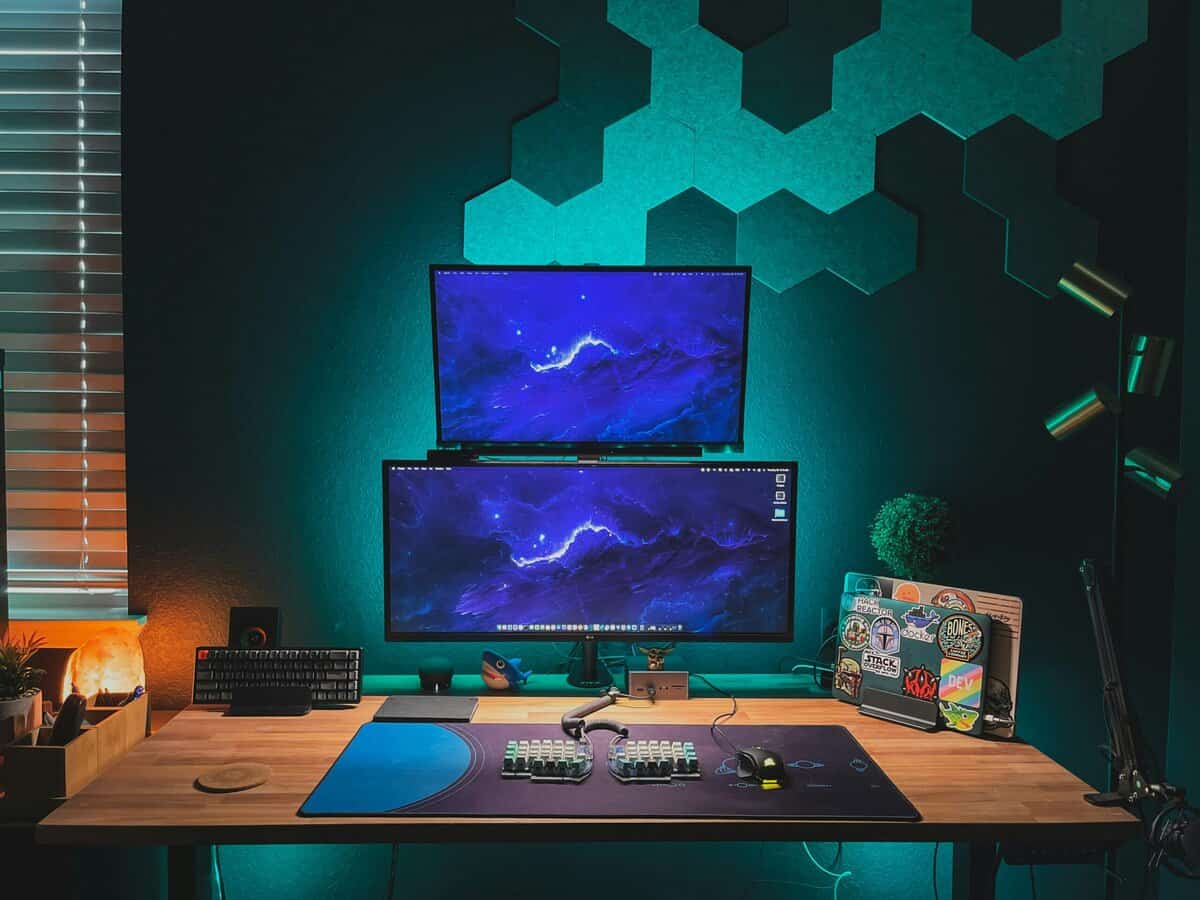
A monitor is a physical object that has to live on your desk. Its footprint, build quality, and stand can make or break your entire setup.
Curved monitors require more desk depth than a flat panel. Their stands are also often larger and more sprawling to support the screen’s shape. This can be a serious issue on smaller desks, pushing your keyboard and mouse uncomfortably close to the edge. A VESA mount can solve this, but that’s an additional cost.
Build Quality and Stand Adjustability
This is an area where compromises are common, especially in the budget sector. A wobbly stand will ruin the experience of an otherwise good monitor.
Pay close attention to stand adjustability and materials. Tilt is the bare minimum. Height adjustment is a crucial ergonomic feature that prevents neck strain. A sturdy stand, often with metal components, indicates better durability and is less likely to shake with every desk bump.
Buyer’s Tip: When comparing two monitors at a similar price, a flat model with a solid, fully adjustable stand is often a better long-term investment than a curved one on a flimsy, fixed stand. A stable, ergonomic setup is critical for comfort.
The Multi-Monitor Dilemma
For streamers, content creators, or anyone who multitasks while gaming, flat monitors have an undeniable advantage.
Placing two or more flat monitors side-by-side is simple. Their straight edges meet to create a nearly seamless display area. You can have your game on one screen and Discord, OBS, or a browser open on the other without awkward gaps.
Trying to do the same with curved monitors is a problem. The outer edges curve away from each other, creating a large gap and disjointed viewing angles. It’s impossible to get them to align cleanly. This is why streamers and multi-taskers overwhelmingly prefer flat panels for their secondary and tertiary monitors. Their seamless alignment is essential for a productive workflow.
For more inspiration on building out your station, check out our guide to gaming desk setup ideas or these Pro Gaming Desk Setup Ideas.
Where Your Money Actually Goes: Curved vs. Flat on a Budget
The price gap between curved and flat monitors has narrowed, but understanding the trade-offs at each price point is key to getting good value. The decision isn’t just about sticker price; it’s about the performance you get for every dollar spent.
Often, choosing a curved monitor in the budget-to-mid range means sacrificing panel quality (e.g., a slower VA instead of a faster IPS) or build quality to accommodate the cost of shaping the screen.
Cost Breakdown: The Key Price Tiers
Let’s break down how this plays out across the price brackets where most value-conscious gamers are shopping.
- The Sub-$250 Tier: In this range, flat monitors are the clear winner. You can find a solid 24-inch, 1080p, high-refresh-rate IPS panel that’s perfect for competitive gaming. Any curved monitor at this price will likely use a slower VA panel and have questionable build quality and a non-adjustable stand. The curve is a feature that comes at the cost of core performance.
- The $250-$400 Sweet Spot: This is where the choice becomes more meaningful. In this range, you’ll find the best value in PC gaming: the 27-inch 1440p flat IPS monitor. It’s the ideal blend of resolution, size, and speed. For the same price, you can also find a 27-inch or 32-inch 1440p curved VA monitor.
The trade-off is direct: for around $300, you’re choosing between a flat IPS panel with better colors and faster response times (better for competitive games and all-around use) or a curved VA panel with deeper blacks and a more immersive feel (better for single-player games in dark environments). For most users, the flat IPS is the more versatile investment.
Pinpointing the “Value Sweet Spot”
The best value is found where you get maximum performance for your specific games without paying for features you don’t need.
- For a Flat Monitor, the value sweet spot is: A 27-inch 1440p 144-180Hz IPS monitor. This is the do-it-all workhorse. It offers a significant clarity boost over 1080p, smooth performance for all game types, and great colors, making it a reliable choice for gaming and productivity.
- For a Curved Monitor, the value sweet spot is: A 32-inch 1440p 144-165Hz VA monitor. At this size, a 1500R or 1800R curve makes a noticeable difference. The high contrast of the VA panel makes dark, atmospheric RPGs and story-driven adventures more impactful.
Don’t Overlook Build Quality and Warranty
Build quality is the primary area where budget monitors, both curved and flat, make sacrifices. A monitor with great specs is a poor investment if it’s attached to a wobbly, non-adjustable stand.
When comparing models, look for these indicators of a product built to last:
- A Solid, Adjustable Stand: Look for metal components in the base and height adjustment capability. A flimsy stand will shake every time you bump your desk.
- Sturdy Housing: The monitor’s frame shouldn’t feel like thin, creaky plastic.
- Warranty and Dead Pixel Policy: A 3-year warranty is a sign that the manufacturer stands behind their product. Check the dead pixel policy, as some brands are more lenient with replacements.
Spending a little more on a monitor from a reputable brand often nets you far better build quality, a better stand, and more reliable support. This is the key to long-term value.
Our Monitor Recommendations for Your Specific Rig
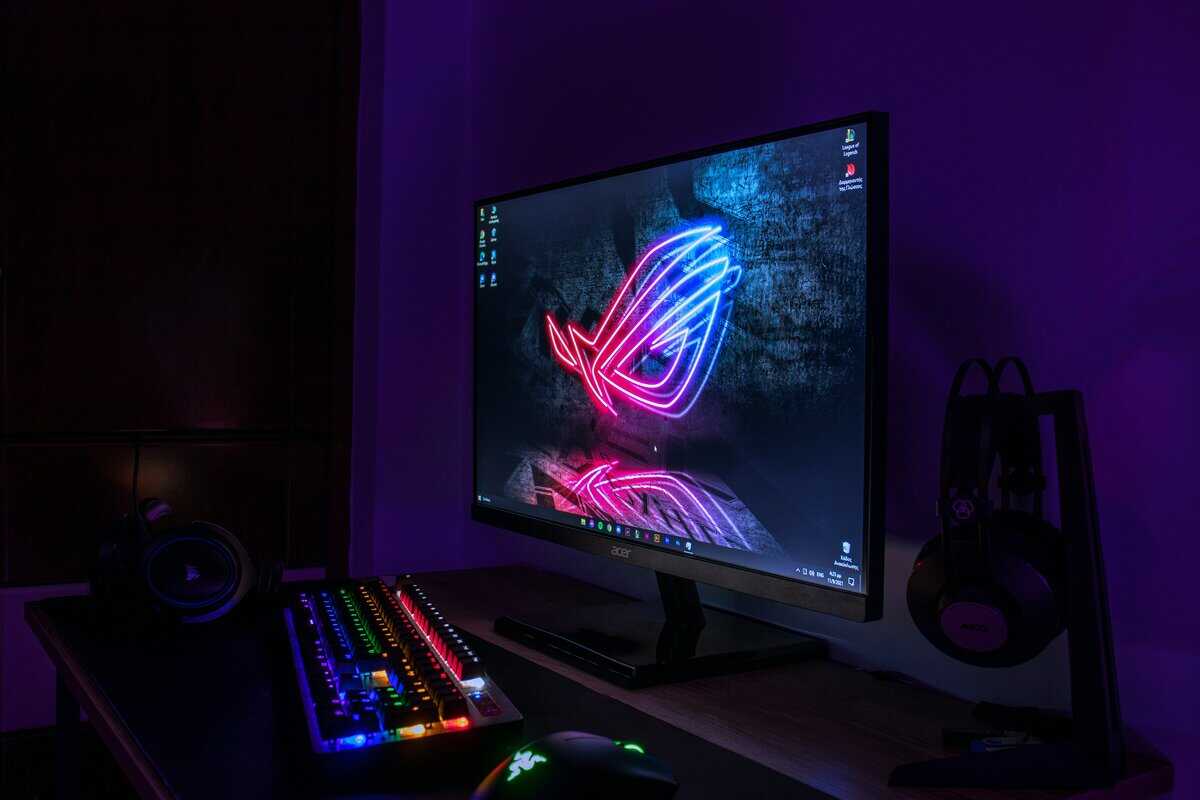
Let’s translate this into direct recommendations. “Budget” means getting the most performance for your dollar, not just buying the cheapest option.
If the curve side of this comparison wins you over, our curved gaming monitor roundup covers three verified picks from a 24-inch starter to a 32-inch 1000R wrap.
For The Competitive FPS Player (Valorant, CS2, Apex Legends)
Your priorities are speed, clarity, and zero distortion. A 24-inch, 1080p, high-refresh-rate flat monitor is the correct tool for the job. At 24 inches, the entire screen fits in your central vision for faster target acquisition. A flat panel is non-negotiable for geometric accuracy.
Recommendation: The ASUS TUF Gaming VG249QE5A. It offers a fast IPS panel, a 144Hz refresh rate, and solid build quality. The stand is basic, but the panel’s performance is where your money is going, and that’s the right priority for this use case.
For The RPG, MMO, and Simulation Enthusiast (Elden Ring, WoW, Assetto Corsa)
You want immersion to feel like you’re in the world. This is where a 27 to 34-inch, 1440p curved monitor is the right choice. A 1500R or 1800R curve on a larger screen wraps the image around your peripheral vision, enhancing the sense of depth.
Recommendation: The Gigabyte GS32QCA. This is a great entry into curved gaming. Its 32-inch VA panel delivers the deep contrast that makes cinematic games pop, and the 180Hz refresh rate keeps gameplay smooth. For its price, the build quality and stand are robust.
For The Streamer and Content Creator
Your monitor is a workstation. Versatility, color accuracy, and multi-monitor friendliness are as important as gaming specs. The clear winner is a 27-inch, 1440p flat IPS monitor. The flat panel provides superior color accuracy for editing and sits flush against a secondary monitor.
Recommendation: The LG 27GR83Q-B. It pairs a fast flat IPS panel with a 240Hz refresh rate at 1440p over DisplayPort 1.4 or HDMI 2.1, and its validated G-SYNC Compatible and AMD FreeSync Premium support keep gameplay tear-free. The flat 27-inch screen sits cleanly beside a second monitor for chat, OBS, or an editing timeline.
A Final Word on Console Gaming: If you’re playing a PS5 or Xbox Series X from a couch, the benefits of a curved monitor are lost at that distance. You are better off putting your money toward a larger 4K flat-screen TV or monitor that prioritizes image quality and HDR performance over panel shape.
Shape is one choice and width is the other, covered in our 21:9 vs 16:9 comparison.
Got Questions? We’ve Got Answers
Let’s address the most common questions gamers ask when choosing between curved and flat monitors.
Are Curved Monitors Really Better for Eye Strain?
For many people, yes, especially on larger screens (27 inches and up). The curve is designed to match the natural curvature of your eye, keeping the entire screen at a more uniform distance from your eyes. This can reduce the need for your eyes to constantly refocus between the center and edges, which may lessen strain during long sessions.
Is a Curved Monitor Worth It for a 24-Inch Screen?
No. The immersive benefit of a curve is not noticeable on a smaller 24-inch display, as it doesn’t fill enough of your peripheral vision. Your money is better spent on a flat panel with a higher refresh rate, a better panel type (IPS), or better build quality.
Can I Use a Curved Gaming Monitor for Work?
You can, but there are trade-offs. For general office tasks like email and web browsing, a curved monitor is fine. However, if your work requires geometric precision (graphic design, CAD, spreadsheets), the slight distortion can be a problem, making straight lines appear bent. Professionals in these fields almost always use flat monitors.
Do Ultrawide Monitors Have to Be Curved?
While flat ultrawides exist, they are not recommended. On a flat ultrawide, the far left and right edges are so far from your line of sight that you can experience significant color and brightness shifts. The curve is what makes the ultrawide format functional by pulling those distant edges in, creating a more uniform and immersive picture.
At Budget Loadout, we help you find the best gaming gear that delivers real value. Explore our guides at Budget Loadout to build a high-performance setup without breaking the bank.
Related Articles