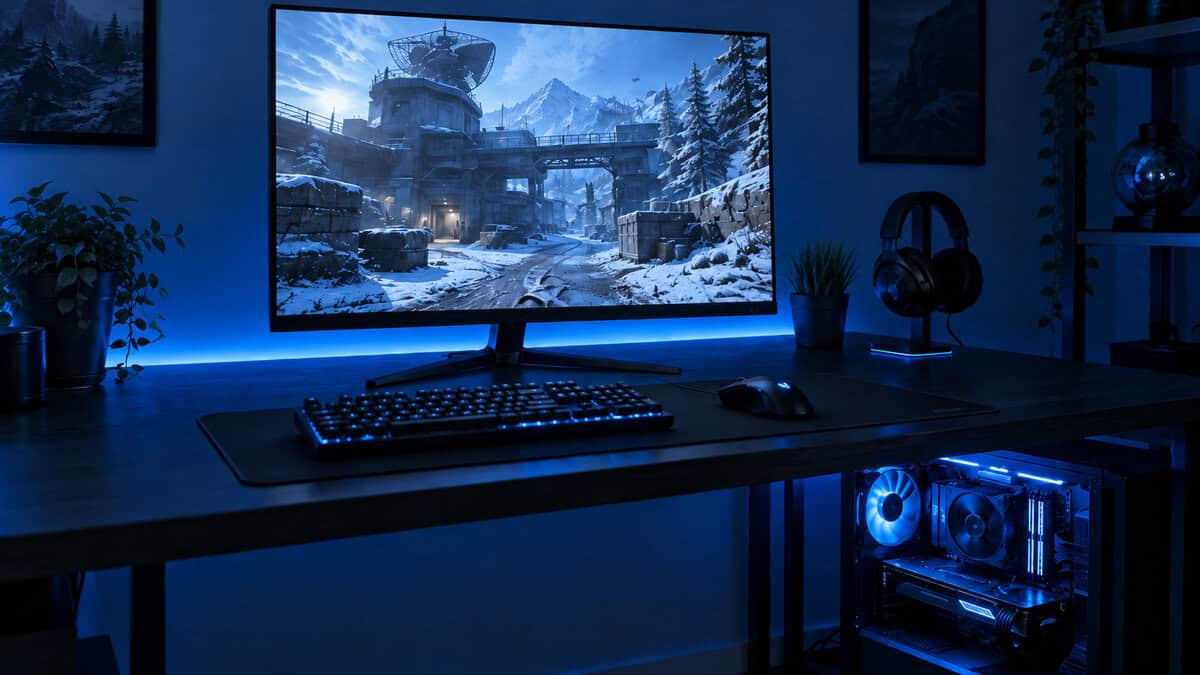
Choosing the best Acer monitor depends entirely on the games you play and your budget. For competitive FPS players, the high refresh rate of the Acer Nitro KG241Y is a strong value proposition. For those exploring vast RPG worlds or streaming, the balanced performance of the Acer Nitro KG271U hits a sweet spot at ~$160, and the superior colors and resolution of the Acer Nitro XV272U W2 justify the cost increase. Acer’s strategy is to pack high-performance features into monitors that don’t carry a premium price tag.
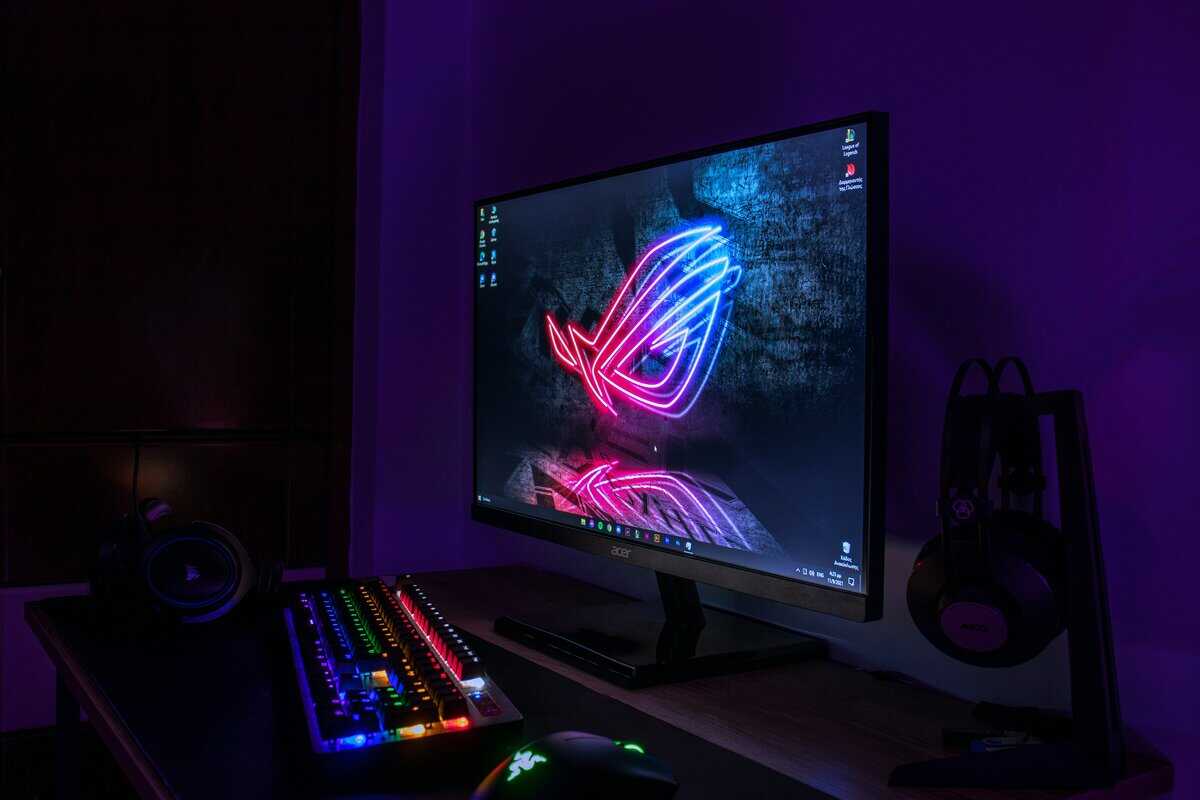
- 200Hz refresh rate is exceptional at this price point
- IPS panel delivers accurate colors and wide viewing angles
- AMD FreeSync Premium eliminates screen tearing
- 23.8-inch screen may feel compact for some users
- 1080p resolution limits multitasking workspace
- Stand offers tilt adjustment only — no height or swivel
- 1440p resolution is noticeably sharper than 1080p at 27 inches
- 180Hz refresh rate handles competitive and casual gaming well
- Stand is basic with tilt-only adjustment
- 180Hz may feel slightly behind 200Hz+ competitors in the same range
- HDR support is limited compared to pricier models
- 240Hz refresh rate with 0.5ms response time for ultra-smooth gameplay
- HDMI 2.1 supports PS5 and Xbox Series X at full 1440p/120Hz
- HDR 400 certification adds depth to compatible games
- HDR 400 is entry-level and may not dramatically transform visuals
- Fully-adjustable stand adds bulk compared to simpler designs
- All three monitors use IPS panels with excellent color accuracy out of the box — minimal calibration needed for most gamers
- Acer’s Nitro line consistently undercuts competitors on price while matching or exceeding refresh rates and response times in each tier
- The Nitro KG241Y X1biip is the budget 1080p entry for high-refresh FPS play
- The Nitro KG271U N3bmiipx moves you to 1440p without leaving the budget lane
- The Nitro XV272U W2bmiiprx is the step-up for sharper 1440p and better ergonomics
Table of Contents
Why Acer Monitors Offer Strong Value for Gamers
Finding a gaming monitor that balances performance, features, and price is a significant challenge. This is the gap Acer fills. They prioritize essential gaming technologies like high refresh rates and adaptive sync in monitors that are financially accessible. While other brands often reserve their best specifications for premium models, Acer integrates them into their mainstream Nitro series.
This approach has secured them a solid market position, capturing a 7% global share and making them a common choice for budget-conscious gamers. It is not unusual to find an Acer model with a 240Hz refresh rate and a vibrant IPS panel for under ~$250. That combination provides a real competitive advantage in fast-paced games without requiring a major financial outlay.
Key Reasons to Consider an Acer Gaming Monitor
Before we compare specific models, here’s why an Acer monitor is a practical choice for a gaming setup.
Performance Where It Matters: Acer allocates budget toward specifications that directly improve gameplay. This means you get higher refresh rates and faster response times at price points where other brands often force a compromise.
Quality Panels Without the Premium: Many of Acer’s budget and mid-range monitors use IPS panels, which provide better color reproduction and viewing angles than the VA or TN panels often found in competing budget displays. This is beneficial for both immersive single-player games and content creation.
Sufficient Build Quality: Acer monitors are not constructed from premium metals. However, they are made from durable plastics with sturdy stands that can handle daily use without feeling flimsy or unstable.
The core trade-off with Acer is straightforward: you forego aesthetic features like RGB lighting or premium cable management systems. In exchange, your investment goes directly toward the panel performance that impacts gameplay.
Top Acer Gaming Monitors at a Glance
This table summarizes our top recommendations. Use it to identify the best fit for your requirements before we analyze the details of each monitor.
| Model Recommendation | Primary Use Case | Key Specs | Price Category |
|---|---|---|---|
| Acer Nitro KG241Y | Competitive FPS Gaming (Valorant, CS2) | 23.8″ 1080p, 200Hz, IPS | Budget |
| Acer Nitro XV272U W2 | All-Around Gaming & Streaming | 27″ 1440p, 240Hz, IPS | Mid-Range |
| Acer Nitro KG271U N3 | Budget 1440p Gaming & Streaming | 27″ 1440p, 180Hz, IPS | Mid-Range |
Each of these monitors represents a different balance of value, performance, and features. Let’s examine what defines each one.
Understanding Monitor Specs That Affect Gaming
It is easy to get lost in technical jargon when shopping for a new Acer monitor. Before we review specific models, let’s focus on the specifications that genuinely impact your gaming experience. This will help you select a monitor based on actual needs, not just marketing terms.
The Core Trade-Off: Resolution vs. Refresh Rate
The two most prominent specifications are resolution and refresh rate. For any gamer working within a budget, they represent a fundamental choice.
Resolution (1080p vs. 1440p): This determines image sharpness. 1080p (1920×1080) is the long-standing standard, offering solid clarity that allows mid-range graphics cards to achieve high frame rates. 1440p (2560×1440), or QHD, is a noticeable upgrade, making games look crisper and text sharper. The trade-off is direct: rendering the additional pixels at 1440p requires a more powerful GPU to maintain smooth gameplay.
Refresh Rate (Hz): Measured in Hertz (Hz), this is the number of times your monitor updates the image per second. A standard office monitor is 60Hz. For gaming, 144Hz is the effective starting point. A higher rate results in a smoother, more responsive feel, which is critical in fast-paced games like Valorant or Apex Legends where split-second reactions matter.
For most gamers seeking the best value, a 1080p monitor running at 144Hz or higher is the optimal balance. However, if you have a GPU capable of driving it and you play visually rich, single-player games, the upgrade to 1440p is worthwhile. To get the most out of a high-resolution display with older content, you can use video upscaling software to improve image quality.
Panel Type and Sync Technology
Beyond resolution and refresh rate, the panel technology and synchronization features significantly affect how a game looks and feels.
IPS vs. VA Panels
Acer’s gaming lineup primarily utilizes two panel types: In-Plane Switching (IPS) and Vertical Alignment (VA).
IPS Panels: These are known for color accuracy. With strong color reproduction and wide viewing angles, they are ideal for streamers who need their game to look correct for their audience. Historically, they had slower response times, but modern gaming IPS panels have largely resolved this issue.
VA Panels: The primary advantage here is contrast. VA panels produce deeper blacks, which adds depth and immersion, particularly in horror games or titles with dark environments. Their main drawback can be slower pixel response times, which can sometimes result in motion blur or “ghosting” in very fast-paced scenes.
For a direct comparison of how these panels perform in different gaming contexts, see our guide on IPS vs. VA for gaming. Most users will find that a quality IPS panel provides the best all-around performance for a mix of gaming, content creation, and general use.
Adaptive Sync (FreeSync & G-Sync)
This is a mandatory feature for any gaming monitor. It synchronizes your monitor’s refresh rate with your graphics card’s frame rate, which eliminates screen tearing and stutter.
AMD FreeSync: An open standard that works with AMD GPUs and most modern NVIDIA cards (marketed as “G-Sync Compatible”). It is present on nearly all of Acer’s budget-friendly monitors.
NVIDIA G-Sync: NVIDIA’s proprietary technology, which often requires dedicated hardware inside the monitor. It performs well, but this hardware typically increases the monitor’s price.
The “G-Sync Compatible” program has made this distinction less critical. Most current FreeSync monitors work well with NVIDIA cards, providing smooth, tear-free gameplay without a price premium. This feature ensures your game remains fluid even when frame rates fluctuate.
A Head-to-Head Comparison of Leading Acer Gaming Monitors
Let’s proceed to a direct comparison. Selecting the right Acer monitor requires evaluating the top options side-by-side. A spec sheet provides only part of the information. We will analyze how these displays perform in actual gameplay, focusing on the subtle differences that distinguish a good value from a cheap product.
We’ll assess build quality, panel performance, and the practical features that are important for daily use. This breakdown will help you weigh the trade-offs between Acer’s most popular models and determine where your money is best allocated, whether you play competitive FPS titles, immersive RPGs, or stream for an audience.
Evaluating the Contenders
Acer established its brand by providing gamers with high-performance features without the premium cost. In a global monitor market projected to reach ~$75 billion by 2026, they compete with specialty brands by maintaining prices 25-40% lower than major competitors. For consumers, this translates to tangible value—such as a 24-inch, 200Hz monitor with 99% sRGB coverage for under ~$200.
Let’s analyze three of Acer’s most compelling options. Each one is aimed at a specific type of gamer who values getting the most performance for their money.
Acer Nitro KG241Y: The 1080p esports model.
Acer Nitro KG271U N3: The budget 1440p sweet spot for gamers who want sharper visuals without overspending.
Acer Nitro XV272U W2: The 1440p all-around option.
We will compare them based on their intended use case, panel quality, and overall durability to determine which one offers the best value.
The 1080p Esports Pick: Acer Nitro KG241Y
The Acer Nitro KG241Y is engineered for speed. At 24 inches and 1080p resolution, its design prioritizes refresh rate and response time above all else. This monitor is for dedicated FPS players active in Valorant, CS2, or Apex Legends, where fluid motion and low input lag provide a clear competitive advantage.
Its IPS panel operates at a 200Hz refresh rate with a very low response time, which virtually eliminates motion blur during fast aiming movements. While its color accuracy is sufficient for gaming, it is not intended for professional creative work. The focus is entirely on performance.
The KG241Y presents a classic trade-off: you sacrifice the visual detail of a 1440p display for a highly fluid gaming experience. For competitive players, that speed enables faster reactions, a trade-off that is often worthwhile.
Build Quality and Ergonomics
The build is utilitarian but solid. It features an all-plastic construction that feels durable enough for daily use. The standout feature at this price point is the stand, which offers full ergonomic adjustments—height, tilt, swivel, and pivot. This feature is often omitted on budget models and is crucial for maintaining comfortable posture during long gaming sessions. For connectivity, it provides two HDMI 2.0 ports and one DisplayPort 1.2 port.
The 1440p All-Rounder: Acer Nitro XV272U W2
For a single monitor that performs well in all areas, the Acer Nitro XV272U W2 is arguably the best value in Acer’s entire lineup. This 27-inch 1440p monitor represents the ideal balance for modern gaming. It offers a significant increase in clarity over 1080p without requiring a top-tier GPU.
With a 240Hz refresh rate, it is fast enough for most gamers, including those who play competitive shooters but also enjoy immersive RPGs like Elden Ring or Baldur’s Gate 3. Its “Agile-Splendor” IPS panel delivers vibrant colors with 95% DCI-P3 coverage, making games look rich and cinematic. This color performance also makes it a good choice for streamers who need their game capture to look accurate for their audience.
Build Quality and Ergonomics
The XV272U W2 shares a similar functional design philosophy with the other Nitro monitors in this guide. The build is sturdy, and the stand is excellent, providing the same full range of ergonomic adjustments (height, tilt, swivel, and pivot). This is a major advantage in its price bracket. The construction feels reliable, with no noticeable flex. The thin bezels also make it a strong candidate for a dual-monitor setup. However, those seeking a premium feel with metal and glass should look at higher-end models. To see how it compares to competitors, check out our guide on the best Asus monitor.
The Budget 1440p Pick: Acer Nitro KG271U
The Acer Nitro KG271U N3 sits between the budget 1080p and premium 1440p tiers, offering a compelling balance of resolution and price. At ~$160, it delivers a 27-inch 1440p IPS panel with a 180Hz refresh rate and 0.5ms response time. It also covers 95% of the DCI-P3 color gamut and supports HDR 10, providing vibrant colors that make games look rich without paying for the premium XV272U W2.
This monitor is ideal for gamers who want the sharpness of 1440p but don’t need the 240Hz ceiling of the XV272U W2. For RPGs, MMOs, and casual competitive play, 180Hz is more than enough, and the savings of ~$40 compared to the W2 can go toward other upgrades. The IPS panel ensures wide viewing angles and accurate colors, making it a solid option for streamers on a tighter budget.
Detailed Spec Breakdown of Leading Acer Monitors
This table offers a direct, at-a-glance comparison of the key specifications for our recommended models. Use it to quickly see the on-paper differences before the final analysis.
| Model | Resolution & Size | Max Refresh Rate | Panel Type | Response Time | Sync Technology | Key Ports | Build & Ergonomics Notes |
|---|---|---|---|---|---|---|---|
| Nitro KG241Y | 24″ 1080p | 200Hz | IPS | 0.5ms (Min) | FreeSync Premium | 2x HDMI 2.0, 1x DP 1.2 | Solid plastic build; full ergonomic stand (height, tilt, swivel, pivot). |
| Nitro XV272U W2 | 27″ 1440p | 240Hz | IPS | 0.5ms (Min) | FreeSync Premium | 2x HDMI 2.0, 1x DP 1.2 | Sturdy construction; excellent ergonomic stand; good color gamut. |
| Nitro KG271U N3 | 27″ 1440p | 180Hz | IPS | 0.5ms | FreeSync | 2x HDMI 2.0, 1x DP 1.2 | Solid build; DCI-P3 95% color gamut; HDR 10 support; tilt-adjustable stand. |
The specification sheet shows a clear progression. The KG241Y is optimized for speed, the XV272U W2 is the premium option with top-tier specs, and the KG271U N3 offers a budget-friendly 1440p entry point. Your final decision depends on what you prioritize: competitive speed, all-around visual quality, or cutting-edge performance.
Matching an Acer Monitor to Your Primary Game Genre
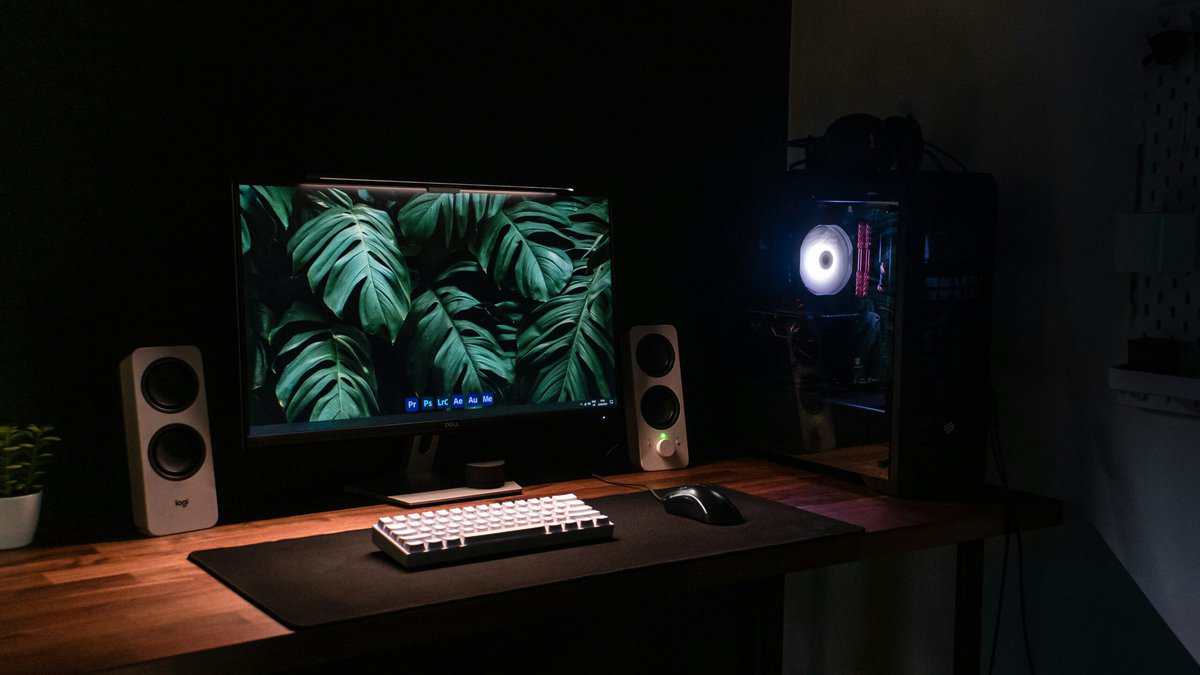
A single “best” monitor does not exist. The right monitor is one that enhances your performance in the games you play most. A screen optimized for competitive shooters is often a poor choice for immersive RPGs. Therefore, it’s more effective to match the hardware to your playstyle rather than just chasing the highest numbers on a spec sheet.
For Competitive FPS Players (CS2, Valorant)
If you play games like CS2, Valorant, or Fortnite, your priorities are speed and clarity. Refresh rate and response time are paramount. The monitor’s function is to deliver visual information as quickly as possible.
For this purpose, the Acer Nitro KG241Y is the logical choice. Its 200Hz refresh rate on a 24-inch 1080p screen is the standard formula for competitive play. The smaller screen size maintains sharp pixel density and makes it easier to track opponents across the display without significant head movement. The IPS panel’s fast response time is critical for reducing motion blur and ghosting during quick mouse movements. The trade-off is clear: you sacrifice higher resolution and color vibrancy for raw fluidity, which is more valuable for competitive performance. The build is functional and durable, with a solid plastic frame and a fully adjustable stand, a key ergonomic feature that is uncommon at this price.
For Immersive RPG and MMO Enthusiasts (Elden Ring, FFXIV)
For gamers who play in the expansive worlds of The Witcher 3, Final Fantasy XIV, or Baldur’s Gate 3, visual immersion is the priority. Here, resolution and color fidelity are more important than raw speed.
The Acer Nitro XV272U W2 is designed for this use case. Its 27-inch 1440p (QHD) resolution provides a significant increase in sharpness over 1080p, making detailed environments and character models stand out. The monitor’s “Agile-Splendor” IPS panel, with 95% DCI-P3 color gamut coverage, delivers rich, vibrant colors. While its 240Hz refresh rate is not as high as a dedicated esports display, it is more than sufficient for smooth gameplay in single-player titles. The build quality is robust, featuring a sturdy, fully ergonomic stand. If you plan to connect a console, our guide on what to look for in an HDMI 2.1 monitor is a useful resource.
For Streamers and Content Creators
Streaming introduces additional requirements. A monitor must be excellent for gaming while also ensuring the stream appears professional to the audience. Color accuracy becomes a critical factor.
For streaming, the Acer Nitro XV272U W2 99% sRGB coverage ensures your game capture looks true-to-life for your audience, a feature often missing in this price bracket.
The Acer Nitro XV272U W2 serves this dual purpose effectively. Its strong color accuracy means that what you see is what your viewers get, preventing washed-out or oversaturated stream output. The 1440p resolution provides ample screen space to manage the game, streaming software, and chat simultaneously. The 240Hz refresh rate provides fluid gameplay, while the IPS panel’s color fidelity maintains content quality. It is a workhorse monitor that balances high-end gaming features with the color-critical needs of content creation.
Calibrating Your New Acer Monitor for Optimal Performance
A good monitor is only effective if configured correctly. Unboxing your new Acer is the first step; proper setup is what unlocks its full performance. These steps will help you achieve a more accurate and vibrant picture without expensive calibration hardware.
First, address the physical setup. Ergonomics are important. While many Acer monitors include decent adjustable stands, mounting the display on a VESA arm is a significant upgrade. It provides greater flexibility, frees up desk space, and allows for precise positioning to reduce neck strain.
Once assembled, a common mistake occurs within the operating system. Your monitor will not operate at its advertised speed by default. You must enable it manually.
- For Windows 11: Right-click your desktop, go to Display settings > Advanced display, and select your Acer monitor. From the “Choose a refresh rate” dropdown menu, ensure you select the highest available value (e.g., 200Hz or 240Hz).
This is a simple but frequently overlooked step, and it is essential for achieving fluid motion.
Activating Adaptive Sync and OSD Settings
After setting the refresh rate, the next step is to eliminate screen tearing by enabling adaptive sync. The process is straightforward for both AMD and NVIDIA graphics cards.
To enable G-Sync or FreeSync:
Use the buttons or joystick on your monitor to open its on-screen display (OSD). Locate the setting for FreeSync Premium (or Adaptive-Sync) and turn it on.
Next, open your GPU’s control panel. For NVIDIA, open the NVIDIA Control Panel, navigate to “Set up G-SYNC,” check the box for “Enable G-SYNC, G-SYNC Compatible,” and apply the changes.
For AMD, open AMD Software: Adrenalin Edition, click the “Gaming” tab, then “Display,” and toggle on AMD FreeSync.
This synchronizes your monitor and GPU, which is key to a smooth, tear-free gaming experience.
Proper brightness and contrast are fundamental. A common mistake is setting the brightness too high, which washes out colors and causes eye strain. Start with your brightness around 20-30% and adjust as needed.
The final step is to adjust your color, contrast, and brightness using the monitor’s OSD. You can achieve a significantly better picture with a few adjustments. Use a free online tool like the Lagom LCD monitor test pages. These pages provide test patterns to help you correctly set black levels, white saturation, and gamma.
For gaming, many Acer displays include presets like “Action” or “Racing.” These are acceptable starting points but often oversaturate colors. For a more balanced image, use the “Standard” or “User” mode and adjust the RGB color values until whites appear neutral. This five-minute process will improve your new Acer monitor’s appearance and ensure you get the full value from your purchase.
Common Questions About Acer Gaming Monitors
Even after narrowing your choice to Acer, you may have some remaining questions. Let’s address the most common ones to help you make a confident decision.
How durable are Acer monitors?
Acer builds its monitors, particularly the Nitro line, with practicality in mind. The frames are typically made of high-quality plastic, which is sufficient for resisting desk bumps and normal use. You are not paying for a premium aluminum chassis; instead, the budget is allocated to panel performance—refresh rate and response time—which directly impacts gameplay. Their stands are generally robust, stable, and offer good ergonomic adjustments even on budget models. An Acer monitor, with proper care, should last for several years.
Does FreeSync work with NVIDIA GPUs?
Yes, in most cases. NVIDIA now supports the VESA Adaptive-Sync standard. Most of Acer’s modern FreeSync monitors are what NVIDIA certifies as “G-Sync Compatible.” This means you can connect an NVIDIA GPU (GTX 10-series or newer) to a FreeSync monitor with a DisplayPort cable, enable a setting in the NVIDIA Control Panel, and get a smooth, tear-free variable refresh rate. Even if a monitor is not officially certified, the feature often still works correctly. This makes Acer’s value-focused FreeSync models an excellent option for users with NVIDIA systems.
Is the Acer warranty competitive with other brands?
Acer’s standard monitor warranty is typically three years for parts and labor, which is comparable to other major manufacturers like Dell, ASUS, and LG. The primary difference may lie in the dead pixel policy. Acer’s policy is standard, usually requiring a specific number of bright or dark pixels to qualify for a replacement under warranty. Some premium brands may offer a “zero dead pixel” guarantee for a limited time, but this comes at a higher price. For most users, Acer’s warranty is solid and provides a reliable safety net against defects. The return process is straightforward, though it may not be as rapid as that of a business-focused brand like Dell.
Looking for more budget gaming gear? Check out Budget Loadout for the latest reviews and recommendations.
Related Articles