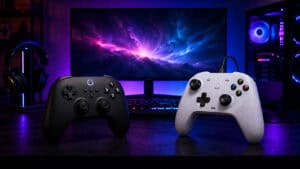
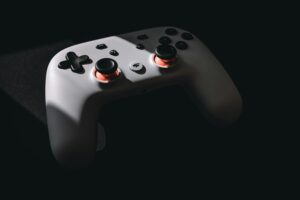
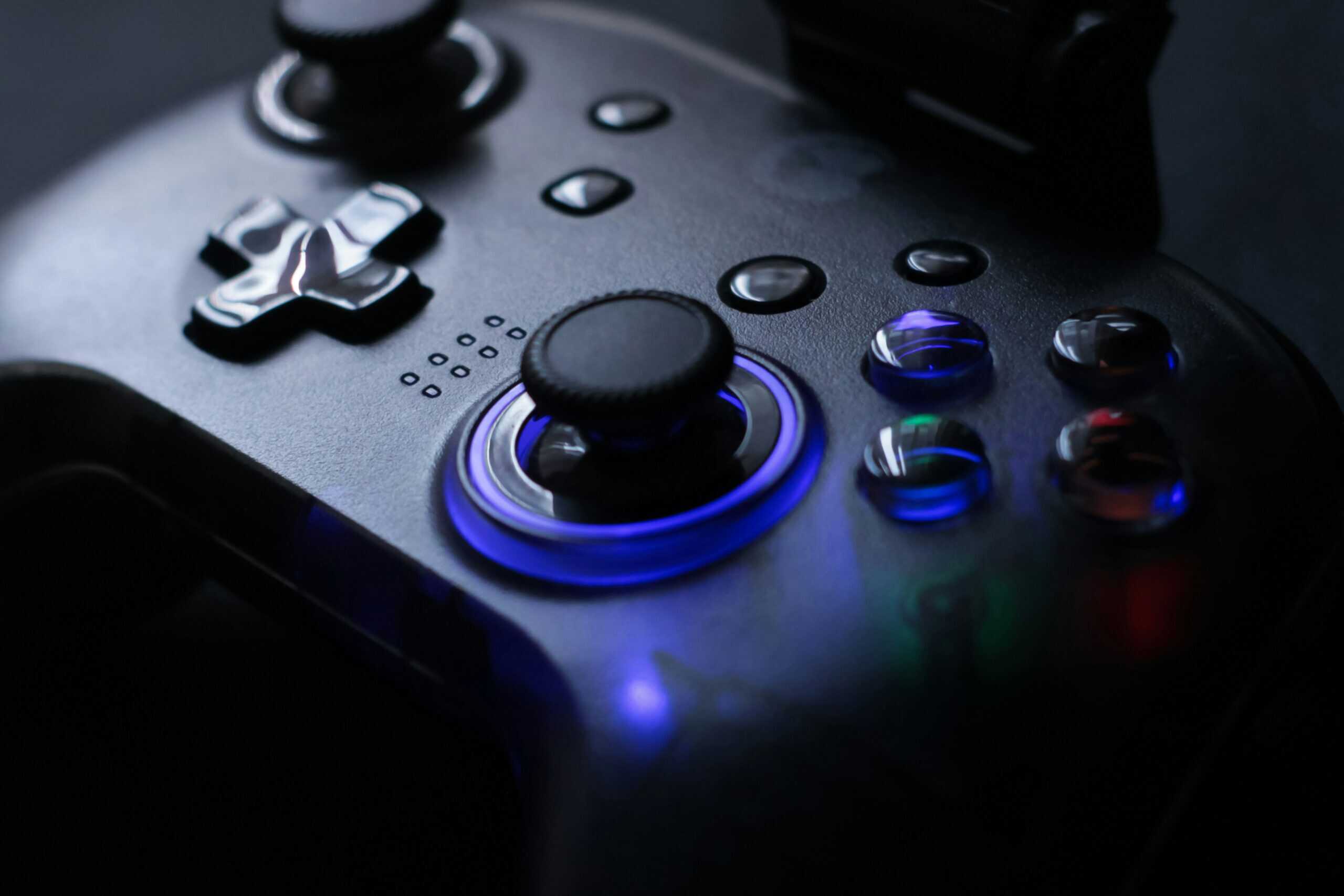
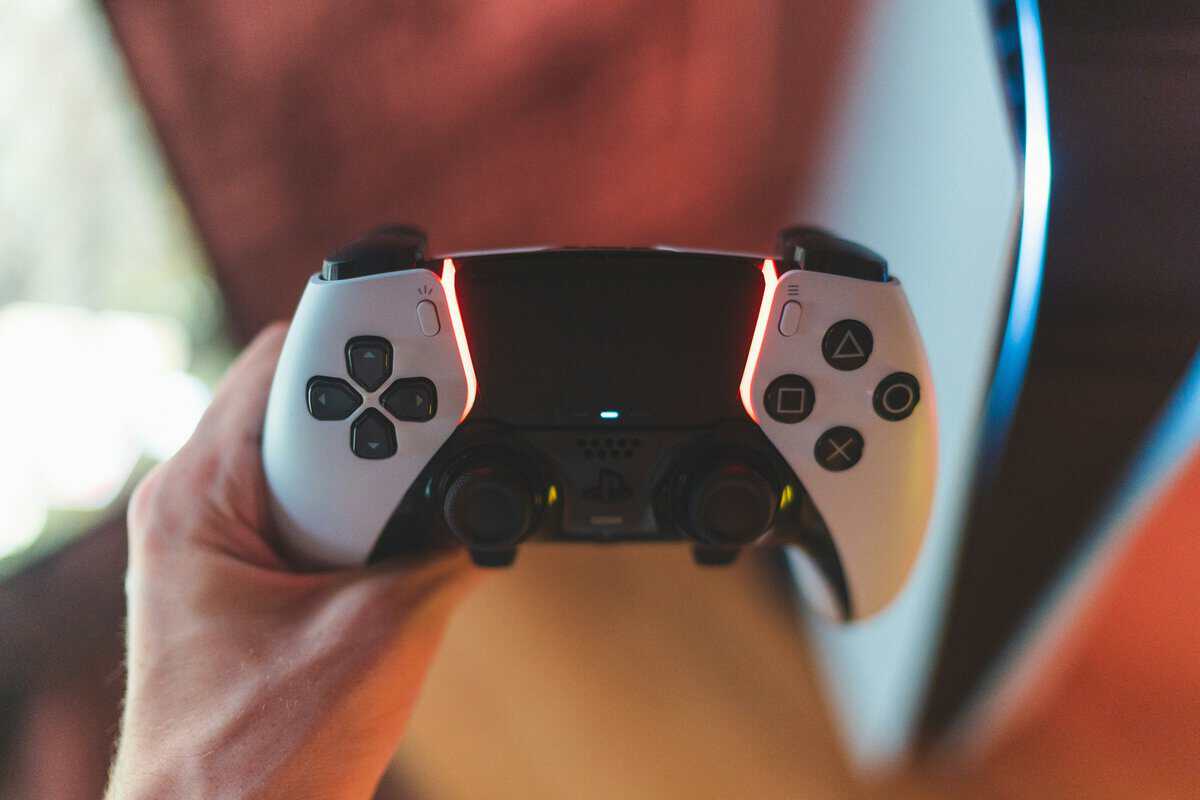
Whether a controller helps you in Fortnite comes down to one question: can you build and edit without lifting your right thumb off the stick? The best controller for Fortnite answers yes with buttons on the back of the grip, so jumping, building and editing never pull your thumb away from your aim.
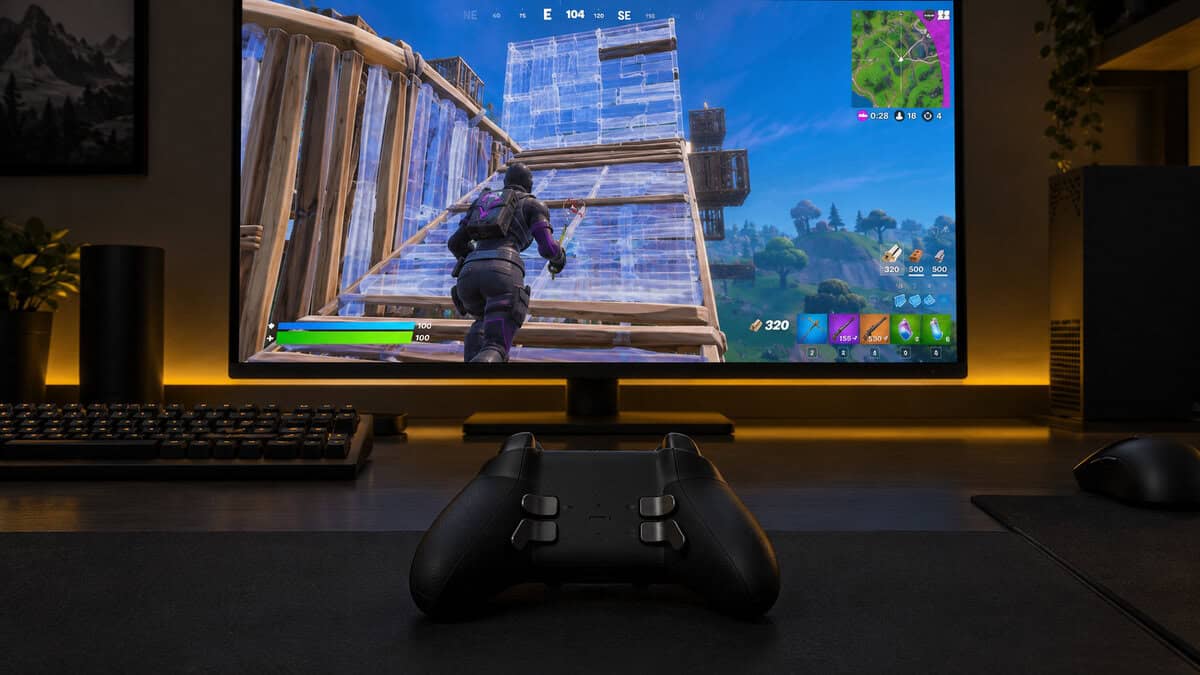
The second question is where you play. A PS5 player, an Xbox player and a PC player each start from a different short list, so the four picks below are sorted by platform, with one paddle upgrade for players who want the full layout.
Two back buttons and drift-resistant Hall effect sticks on a budget wired pad. It is a simple way for Xbox and PC players to stop building with their right thumb.
- Two back buttons for jump and build
- Hall effect sticks resist drift
- Light 221 g wired build
- Cable only, no wireless mode
- No PlayStation support
- Two back buttons, not four
The controller that comes with every PS5 and the natural start for PlayStation Fortnite players. It has no back buttons, but the PS5’s button-assignment settings can move inputs around.
- Native PS5 controller, no setup needed
- Built-in mic for quick squad chat
- Also pairs with PC and Mac
- No back buttons for building
- Battery hours not published by Sony
- USB-C cable sold separately
Four extra buttons and a 1000Hz wireless link make it the wireless pick for PC Fortnite. A charging dock in the box keeps it topped up between matches.
- Four extra buttons for build binds
- 1000Hz over 2.4G and wired
- Charging dock included
- Not made for Xbox or PS5
- Battery hours not published
- Paddles take practice to use
Four rear paddles, trigger locks and up to 40 hours per charge make it the full paddle layout for Fortnite. It is also the most expensive and heaviest Xbox pick here.
- Four paddles cover the whole build loop
- Hair trigger locks shorten the pull
- Up to 40 hours per charge
- Priciest pick by a wide margin
- Heaviest Xbox pick at 345 g
- No PlayStation support
Picks and availability last verified: October 19, 2026
- Start with your platform: Xbox and PC players can use back-button pads like the GameSir G7 SE and the Elite Series 2, while PS5 players start from the DualSense.
- Back buttons matter in Fortnite because jumping, building and editing all compete with aiming for your right thumb.
- A back button copies another button, so it works with every Fortnite controller preset, including Builder Pro.
- A Fortnite-themed controller usually changes the shell, not the sticks, triggers or buttons underneath.
- Hall effect and TMR sticks are built to resist drift, which helps a pad that gets hours of build fights every week last longer.
Table of Contents
Controller Picks for Every Fortnite Platform
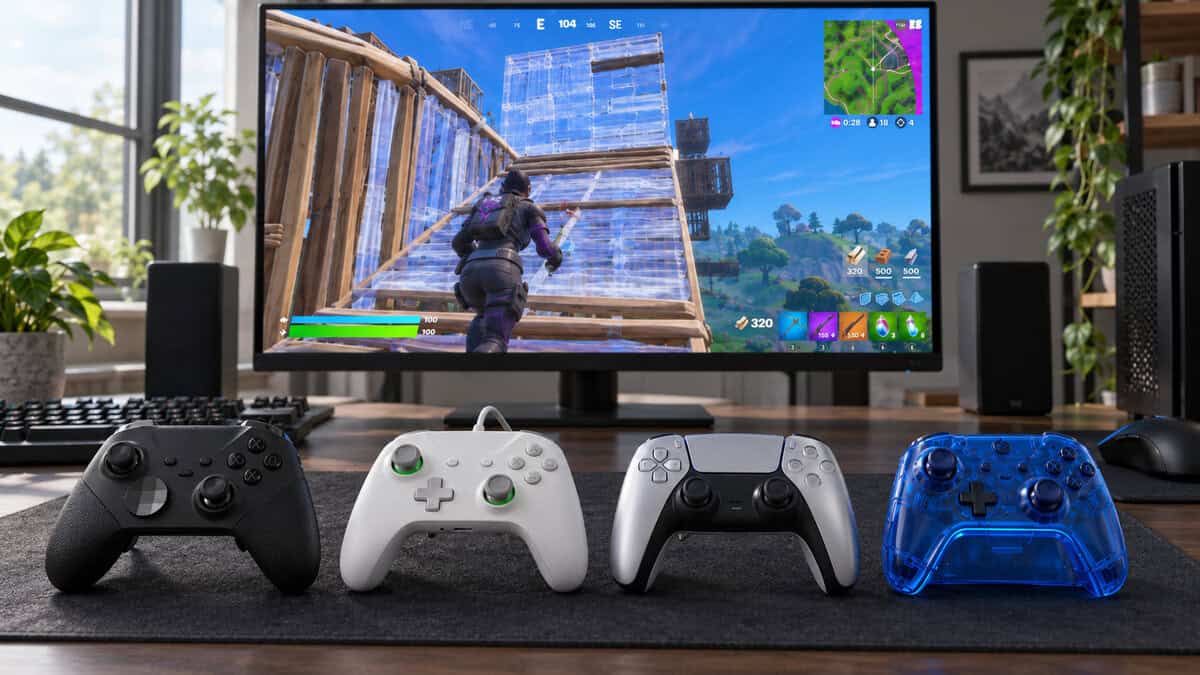
The four Fortnite controllers here split by platform first: two for Xbox and PC, one for PS5 and one wireless pad for PC. The spec table lines up the figures that change how each one plays.
| Controller | Platforms | Connection | Sticks | Triggers | Extra Buttons | Battery | Weight | Best For |
|---|---|---|---|---|---|---|---|---|
| GameSir G7 SE | Xbox Series X|S, Xbox One, Windows 10/11 | Wired, 3 m detachable USB-C | Hall effect | Hall effect | 2 back buttons | None (wired) | 221 g | Budget Xbox and PC |
| Sony DualSense | PS5, Windows, Mac | Bluetooth, USB-C | Not published | Adaptive triggers | None | Rechargeable (hours not published) | Not published | PS5 |
| 8BitDo Ultimate 2 Wireless | Windows, Android, Apple, SteamOS | 2.4G USB-C adapter, Bluetooth, wired | TMR | Hall effect or tactile mode | 2 back paddles + L4/R4 | Rechargeable, charging dock | 246 g | Wireless PC |
| Xbox Elite Series 2 | Xbox Series X|S, Xbox One, Windows | Xbox Wireless, Bluetooth, USB-C | Adjustable tension | 3-step hair trigger locks | 4 paddles | Up to 40 hours | 345 g | Paddle upgrade |
GameSir G7 SE
The GameSir G7 SE is a budget way to get back buttons on an Xbox or a PC. It is a wired pad for Xbox Series X|S, Xbox One and Windows 10/11, and it puts two back buttons under your middle fingers, two inputs worth moving there: jump and a build or edit key.
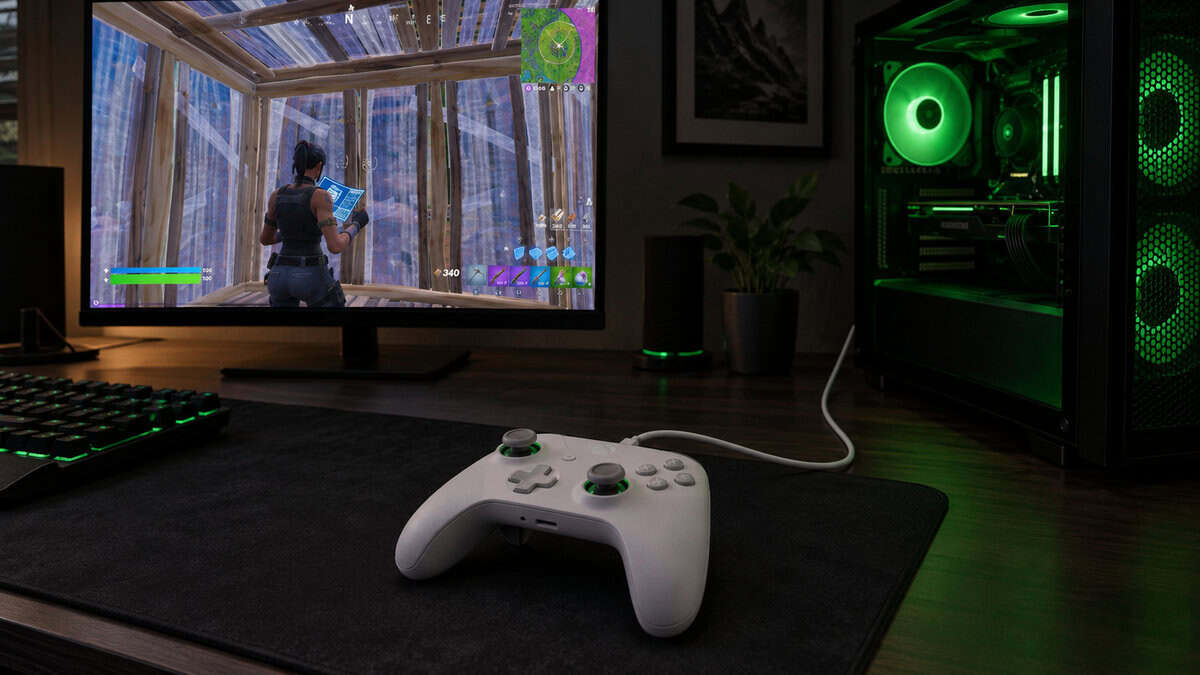
The G7 SE puts back buttons on a budget Xbox pad.
The sticks and triggers use Hall effect sensors, which read position with magnets instead of the wearing contacts in a standard stick, so they are built to resist drift. The detachable 3 m USB-C cable reaches a couch, and a 3.5 mm jack takes a headset directly. At 221 g, it is light, too.
The tradeoff is the cable. There is no battery and no wireless mode, and it has no PlayStation support at all. Two back buttons also cover fewer binds than the Elite’s four, which starts to matter once you want crouch and edit on the back too.
Sony DualSense
The Sony DualSense is where PS5 Fortnite players start. It connects over Bluetooth or USB-C, adds haptic feedback and adaptive triggers, and carries a built-in microphone plus a 3.5 mm jack for squad chat.
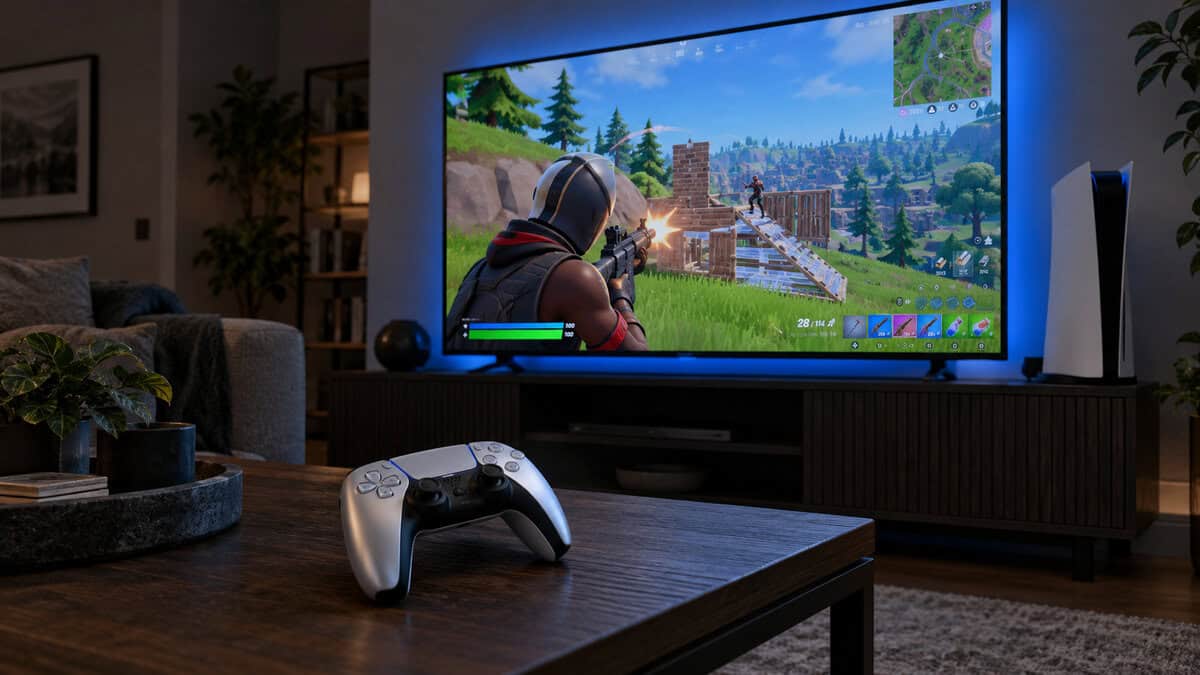
The DualSense has no back buttons, and in Fortnite that is the real limit. Jump, the build toggle and edit sit on the face buttons, so your right thumb keeps leaving the stick mid-fight. The PS5’s own button-assignment settings can move inputs around, which the PS5 section further down covers.
On PS5, the DualSense is the default, and the DualSense Edge is the paddle upgrade.
If the missing paddles bother you, the PlayStation step up is the DualSense Edge, which adds two sets of swappable back buttons and adjustable trigger travel for a step up in price. Our best PS5 controller guide compares the wider PS5 field, licensed pads included.
8BitDo Ultimate 2 Wireless
The 8BitDo Ultimate 2 Wireless is the pick for PC players who want Fortnite without a cable across the desk. Its USB-C 2.4G adapter runs at a 1000Hz polling rate, the same as its wired mode, and Bluetooth covers Apple, Android and SteamOS devices.
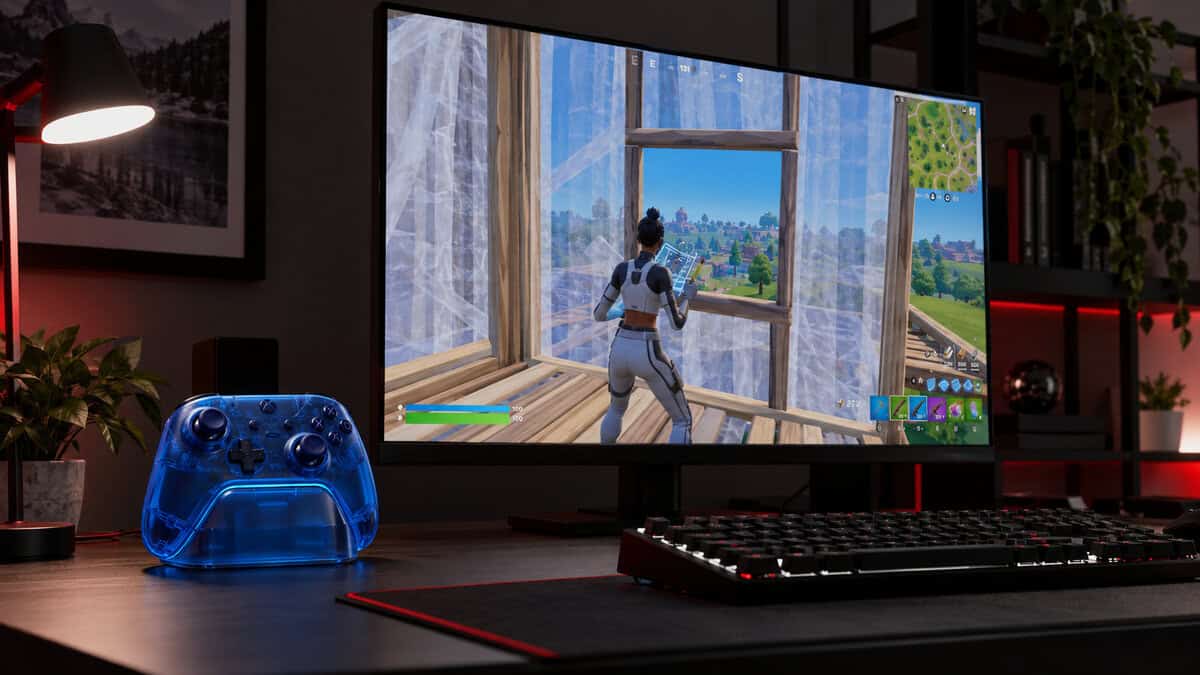
It has the most extra inputs of the budget picks: two back paddles plus L4 and R4 bumpers next to the standard shoulder buttons. That is four spare buttons for jump, crouch, a build piece and edit. The sticks use TMR sensors, a magnetic design built for drift resistance, and the triggers switch between linear Hall effect travel and a short tactile click.
The Ultimate 2 Wireless gives PC players four extra buttons and no cable.
A charging dock comes in the box and doubles as a home for the adapter, so it can charge between sessions. The limit is the platform. It is made for PC, Apple, Android and SteamOS, not for Xbox or PS5, and 8BitDo doesn’t publish a battery figure.
Xbox Elite Series 2
The Xbox Elite Series 2 is the controller to buy when you want the full paddle layout on Xbox or PC. It ships with four paddles, adjustable-tension thumbsticks, three-step hair trigger locks, and the Xbox Accessories app for mapping, with up to three profiles saved on the controller.
Four paddles cover the whole Fortnite build loop: jump, crouch, a build piece and edit can all live on the back. Battery life runs up to 40 hours, and it connects over Xbox Wireless, Bluetooth or USB-C, with a 3.5 mm jack for a headset.
The cost is real. It is the most expensive pick here and the heaviest Xbox pick at 345 g. If you are not sure you will use four paddles, start with two.
Four Moments in a Fight: Where a Controller Wins or Loses Fortnite
A Fortnite fight on a controller asks for four different things in quick order: aim on first contact, a fast box-up, an edit peek and a clean rotate out. Each moment leans on a different part of the pad.
First Contact: Stick Feel and Aim
Stick feel decides the first shot of a Fortnite fight. A controller’s right stick does the aiming, and the game’s aim assist helps it, so the stick’s job is to stay consistent: the same push should give the same turn every time. Hall effect and TMR sticks are built to keep that consistency as they wear, while an older stick that drifts makes the crosshair creep on its own.
If you play on PC and care most about long-range aim, a mouse may serve you better, and our best keyboard for Fortnite guide covers the other half of a mouse-and-keyboard setup.
The Box-Up: What the Best Controller for Fortnite Does for Building
The best controller for Fortnite earns its keep in the box-up. When you take fire, you place walls, a floor and a ramp in quick order, and on a standard pad your right thumb leaves the stick for every piece. That moment is where back buttons pay off.
Put jump on one back button and a build key on the other, and your thumb can stay on the stick while you build. Two back buttons, as on the G7 SE, cover jump and a build key. Four, as on the Elite Series 2, let you move crouch and edit there too.
The Edit Peek: Triggers and Paddles
An edit peek is a fast window cut, a shot and a reset of the wall. The edit key, the confirm and the trigger pull all need to happen fast, so shorter trigger travel and an edit bind on a paddle both help.
The Elite Series 2 has three-step hair trigger locks that shorten the pull, and the 8BitDo Ultimate 2 Wireless has a tactile trigger mode with a short click. The DualSense has no trigger stops or back buttons, so on PS5 the edit stays on a face button unless you remap it.
The Rotate: Wired vs Wireless and Battery
A rotate is the quiet part of a Fortnite match, and it is where a dead battery or a cable that snags on the couch shows up. The G7 SE never needs charging, the Elite Series 2 runs up to 40 hours per charge, and the 8BitDo lives on its dock between sessions.
Squad comms matter on the rotate too. The G7 SE, the DualSense and the Elite Series 2 each have a 3.5 mm jack for a wired headset, and the DualSense adds a built-in mic for quick callouts. Our best headset for Fortnite guide covers headsets that hear footsteps through the build noise.
Builder Pro vs Combat Pro and Where Paddles Fit
Fortnite’s own controller presets shape how much a paddle helps. Epic’s help page on how to configure a controller in Fortnite lists five layouts under Settings and Controller Mapping: Old School, Quick Builder, Combat Pro, Builder Pro and Custom.
Builder Pro is the layout built around building: it puts the build pieces on the triggers and bumpers, so in build mode each piece is one press. Jump still sits on a face button, which is where back buttons come in.
A back button doesn’t change the preset. It copies another button, so a paddle set to jump works in Builder Pro, Combat Pro or Custom alike. Pick the preset first, then decide which face buttons to move to the back.
Mapping Back Buttons on Xbox and PC
Mapping back buttons on Xbox and PC happens in each maker’s own tool, not in Fortnite. The Elite Series 2 uses the Xbox Accessories app on Xbox and Windows, the G7 SE uses GameSir’s Nexus app, and the 8BitDo Ultimate 2 Wireless uses 8BitDo Ultimate Software V2. Set the paddle to copy the face button you want, then leave Fortnite’s own mapping alone.
Remapping on PS5 Without Paddles
Remapping on PS5 without paddles is a console setting. The PS5’s accessibility menu has custom button assignments that apply system-wide, so you can swap face buttons for comfort, though the DualSense still has no extra buttons to move inputs to.
The DualSense Edge adds them. PlayStation’s support page on setting DualSense Edge profiles walks through assigning its back buttons to any other input and saving the result as a profile you can switch to mid-session.
A Fortnite Controller Skin Is Not an Upgrade
A Fortnite controller with the game’s art on it is a cosmetic edition, not a different controller. Themed and licensed editions change the shell, the colors and sometimes the box, while the sticks, triggers and button count underneath usually stay the same as the standard model they are based on.
If you are shopping for a Fortnite-themed pad, check what is under the art: does it have back buttons, what kind of sticks does it use, and is it wired or wireless? A plain pad with two back buttons will do more for your building than a themed pad with none.
The art on a controller never builds a wall for you.
Playing Fortnite on Switch 2 or Across Platforms
Fortnite runs on Switch 2 and across consoles and PCs with one account, which raises two questions this guide’s main picks don’t answer: what to use on a Nintendo console, and whether one pad can cover two systems.
A Controller for Fortnite on Switch 2
A controller for Fortnite on Switch 2 needs Nintendo support, which none of the four main picks has. The 8BitDo Ultimate 2 Bluetooth is the closest match: it works with Switch, Switch 2 and Windows, has TMR sticks and the same Hall or tactile trigger switch, and comes with a charging dock. 8BitDo notes that Switch 2 support needs the controller and adapter updated to the latest firmware.
Our best Switch 2 controller guide covers the full Switch 2 field and the pads that pair with it.
One Controller for a PC and a Console
One controller can cover a PC and a console if you pick the right pair. The G7 SE and the Elite Series 2 both work on Xbox and Windows, so they move between an Xbox and a gaming PC without a change. The DualSense covers PS5 and PC. The 8BitDo Ultimate 2 Wireless is the only pick that stays on PC and mobile devices.
When a Cheaper Controller Is Enough
A cheaper controller is often enough for Fortnite, and the Elite Series 2 is more than a casual player needs. Going from no back buttons to two changes more than going from two to four, and drift-resistant sticks now come on budget pads too. Our best Hall effect controller guide covers more drift-resistant options.
Signs You Have Outgrown a Standard Pad
A standard pad has run its course when you play Builder Pro, lose box fights because your aim drops every time you build, or keep pressing jump with your right thumb mid-fight. Any of these makes a back-button pad worth the money.
Signs a Paddle Controller Would Sit Unused
A paddle controller would sit unused if you mostly play Zero Build, play casually with friends, or share the controller with someone who keeps knocking the paddles. Paddles also take some practice before they feel natural, so if you don’t want to relearn your binds, a standard pad is fine.
Where Each Controller Fits in a Fortnite Setup
Each controller fits one kind of Fortnite setup best. Find where you play in the left column.
| Where You Play | Controller | What It Adds to a Fight | Trade-Off |
|---|---|---|---|
| Xbox or PC on a budget | GameSir G7 SE | Two back buttons for jump and build | Cable only |
| PS5 | Sony DualSense | The native pad, remappable in PS5 settings | No back buttons |
| PC without a cable | 8BitDo Ultimate 2 Wireless | Four extra buttons and a charging dock | PC and mobile only, not consoles |
| Xbox or PC, going all in | Xbox Elite Series 2 | Four paddles and trigger locks | Most expensive and heaviest at 345 g |
If you play on Xbox or PC and aren’t sure, start with the G7 SE. Move up to the Elite Series 2 once two back buttons start to feel like too few.
Frequently Asked Questions
Quick answers about picking a controller for Fortnite.
Is a controller worse than keyboard and mouse for Fortnite?
Not worse, just different. A mouse gives finer control for long-range aim and edits, while a controller gets aim assist and suits a couch. Back buttons help a controller keep up in build fights.
Can you use an Xbox controller for Fortnite on PS5?
Not natively. The PS5 works with PlayStation controllers and licensed PS5 pads, so an Xbox controller like the GameSir G7 SE or the Elite Series 2 won’t pair with it. On PS5, start with the DualSense or the DualSense Edge.
Do you need back buttons for Fortnite?
You don’t need them, but they help in Fortnite because building and editing compete with aiming for your right thumb, and back buttons let you jump, build and edit without letting go of the right stick.
What does Builder Pro change on a controller?
Builder Pro puts the build pieces on the triggers and bumpers, so in build mode a wall, floor, ramp or cone is one press. Jump stays on a face button, which is why players pair it with back buttons.
Is a wired controller better for Fortnite?
A wired controller never needs charging and has no wireless link to worry about, which is one reason the GameSir G7 SE is our top pick. A good wireless pad like the 8BitDo Ultimate 2 Wireless, at 1000Hz over its adapter, is just as playable if you charge it.
Looking for more budget gaming gear? Check out Budget Loadout for the latest reviews and recommendations.
Related Articles