Deciding between a 144Hz and 240Hz monitor comes down to a direct tradeoff between tangible value and diminishing returns. A 144Hz monitor is the modern standard for PC gaming, offering a significant and noticeable upgrade from older 60Hz displays at an accessible price point.
Upgrading to 240Hz is a much smaller, more specialized leap. It’s an investment primarily for dedicated competitive players who require every possible performance edge, but it comes at a higher cost for both the monitor and the PC hardware needed to support it.
- 144Hz is the smart choice for most gamers — it delivers a massive smoothness upgrade over 60Hz without demanding expensive hardware
- 240Hz only provides a meaningful edge in competitive shooters like Valorant and CS2, and requires a capable GPU to maintain 240+ FPS consistently
- The full cost of a 240Hz setup includes not just the monitor but also a high-end GPU and CPU to drive those frame rates
- The ViewSonic XG2431 is the best value 240Hz monitor for competitive FPS, while the AOC 24G4 is the budget king for 144Hz
- Streamers and creators benefit more from a 1440p 144Hz+ panel with good color accuracy than from raw refresh rate speed
Table of Contents
- Industry-leading motion clarity with customizable backlight strobing (PureXP+)
- True 0.5ms response time eliminates ghosting in fast-paced shooters
- Excellent ergonomic stand with height, tilt, swivel, and pivot adjustment
- 24-inch 1080p may feel compact for gamers who prefer larger screens
- HDR400 certification is entry-level and may not satisfy HDR enthusiasts
- Color accuracy is tuned for speed over precision, not ideal for content creation
- Outstanding value with 180Hz refresh and a fast IPS panel
- Height-adjustable stand is rare in this price tier
- AOC's 3-year zero-bright-dot guarantee provides peace of mind
- 1080p resolution may look less sharp compared to 1440p alternatives
- Speakers are basic and best ignored in favor of a headset
- Limited to 1x HDMI 2.0 and 1x DisplayPort for connectivity
- 98% DCI-P3 Nano IPS panel provides excellent color accuracy for content work
- 165Hz refresh rate with 1ms response time keeps gameplay smooth
- 27-inch 1440p provides ample screen real estate for multitasking while streaming
- More expensive than the 1080p options on this list
- IPS glow may be noticeable in very dark scenes during single-player games
- Requires a more powerful GPU to drive 1440p at high frame rates
What Is the Real Difference Between 144Hz and 240Hz?
When comparing 144Hz vs 240Hz, we’re discussing the monitor’s refresh rate: how many times per second the screen can draw a new image. A 144Hz monitor updates 144 times per second, while a 240Hz model updates 240 times. This speed directly impacts the clarity and responsiveness of motion in games.
Making the jump from a 60Hz display to 144Hz is a night-and-day experience. Fast camera movements become clearer, aiming feels more connected to your mouse, and the entire game feels more fluid. This is why 144Hz is the sweet spot for most gamers—it delivers a substantial performance boost without being prohibitively expensive.
The step from 144Hz to 240Hz is more subtle. While it technically provides smoother motion and reduces input lag by a few more milliseconds, the difference is much harder for the average user to perceive. It’s a measurable benefit, but one primarily sought by dedicated esports players in games like Valorant where a marginal advantage can influence the outcome of a match.
144Hz vs 240Hz Quick Comparison
This table outlines the key decision factors for choosing your next gaming monitor, focusing on practical tradeoffs for your setup and budget.
| Factor | 144Hz Monitor | 240Hz Monitor |
|---|---|---|
| Ideal Use Case | The best all-rounder for any game, from competitive FPS and MMOs to story-driven RPGs. Excellent value for most gamers. | Primarily for highly competitive esports titles (Valorant, CS2) where maximizing frame delivery and minimizing input lag is critical. |
| Required GPU Power | A mid-range GPU (e.g., RTX 4060) can reliably achieve 144+ FPS at 1080p in most popular competitive games. | A high-end GPU (e.g., RTX 4070 Ti or better) is necessary to consistently maintain 240+ FPS, even at 1080p. |
| Typical Cost & Build | More affordable, with well-built models offering solid ergonomics and durability in the budget-to-mid price range. | A significant price increase. You pay a premium for peak performance, often associated with higher-end build quality and features. |
While refresh rate is a key factor, it’s not the only one. The panel technology is crucial for color, contrast, and response time. To understand these tradeoffs, see our guide comparing IPS vs VA for gaming.
How Refresh Rate Translates to Smoother Gameplay
The upgrade from a standard 60Hz monitor to a 144Hz model is one of the most impactful changes a PC gamer can make. It’s not a minor improvement—it fundamentally alters how games look and feel, particularly during fast-paced action.
A higher refresh rate means the monitor displays a new image more frequently. At 144Hz, you receive more than double the visual information of a 60Hz panel. When you move your camera quickly in a shooter, the image remains sharp instead of becoming a blurry mess. This improved motion resolution makes tracking targets and reacting to on-screen events feel more direct and responsive.
The Law of Diminishing Returns
The move from 144Hz to 240Hz is where the law of diminishing returns becomes a major factor. While the monitor updates significantly faster—from a new frame every 6.9ms down to every 4.1ms—the perceptual difference is far less obvious to the human eye.
This doesn’t mean the benefit is nonexistent. For an aspiring pro or a highly competitive player, that slight increase in visual data can provide a real, if small, advantage. For most people, however, the improvement does not feel nearly as transformative as the initial jump from 60Hz.
The upgrade from 60Hz to 144Hz is a foundational change that every gamer will notice and appreciate. In contrast, the move to 240Hz is a fine-tuning adjustment—an incremental gain for those seeking every possible edge in high-stakes competition.
Your PC Must Keep Up
This is a critical tradeoff for any gamer, especially one conscious of value: a high-refresh-rate monitor is only as effective as the PC feeding it frames. Your monitor’s refresh rate (Hz) and your PC’s frame rate (FPS) are two sides of the same coin and must work in tandem.
To realize the benefit of a 240Hz monitor, your graphics card and CPU must be powerful enough to consistently generate 240 FPS or more in your chosen games. If your PC can only produce 160 FPS, your 240Hz monitor will only display 160 frames per second. You will have paid a premium for unused performance.
Here’s how this applies to different gaming genres:
FPS Gaming: This is the core of the 144Hz vs 240Hz debate. A solid 144Hz experience provides a major competitive advantage. 240Hz is an optimization for players with top-tier systems who want to maximize their performance potential.
MMOs and RPGs: Games like World of Warcraft or Baldur’s Gate 3 feel fluid and responsive at 144Hz. Pushing for 240Hz offers almost no practical benefit and requires a much more expensive PC, especially at high graphical settings.
Streaming: For most streamers, 144Hz is the practical choice. It provides a smooth gameplay experience for both the player and the audience without consuming system resources that are better allocated to stream encoding.
Before considering a 240Hz monitor, be realistic about your PC’s capabilities. To better understand what your hardware can do, read our guide on the average FPS for a gaming PC.
When a Higher Refresh Rate Provides a Competitive Edge
In competitive gaming, every millisecond counts. This is where the 144Hz vs 240Hz discussion is most relevant, as a higher refresh rate can offer a measurable advantage. It will not make you a professional player overnight, but for certain games, it is a valuable tool.
A 240Hz monitor provides more current visual information and can reduce your system’s overall input lag. In high-speed, reaction-based shooters like Valorant, CS2, or Apex Legends, seeing an opponent a fraction of a second earlier can determine the outcome of a gunfight. The monitor updates the on-screen image more frequently, closing the gap between what is happening in the game engine and what you see.
Where 240Hz Makes a Difference
The advantage from a 240Hz display is most apparent in moments requiring rapid target tracking and flick-shots. When an enemy peeks a corner or moves quickly across your screen, the superior motion clarity of 240Hz keeps their character model sharper and less blurry. This makes them easier to track, allowing for more precise aim adjustments under pressure.
However, it’s important to ground this in reality. Individual skill, aim training, and consistent practice are far more important for improving your rank than your monitor’s refresh rate.
“We all use 240Hz or higher monitors because at the top level, you take every advantage you can get. But no piece of gear will ever replace thousands of hours of practice. A faster monitor helps a skilled player play better; it doesn’t make an average player a pro.”
This sentiment from professional players reinforces a key point: a 240Hz monitor is a tool for optimization, not a shortcut. For most competitive players, it is one of the final upgrades to consider after mastering the fundamentals of their game.
Calculating the True Cost of a 240Hz Setup
The price of a 240Hz monitor is only one part of the total investment. In the 144Hz vs 240Hz debate, that monitor is often just the initial expense. The true cost of a 240Hz setup is a system-wide consideration that is necessary to make the purchase worthwhile.
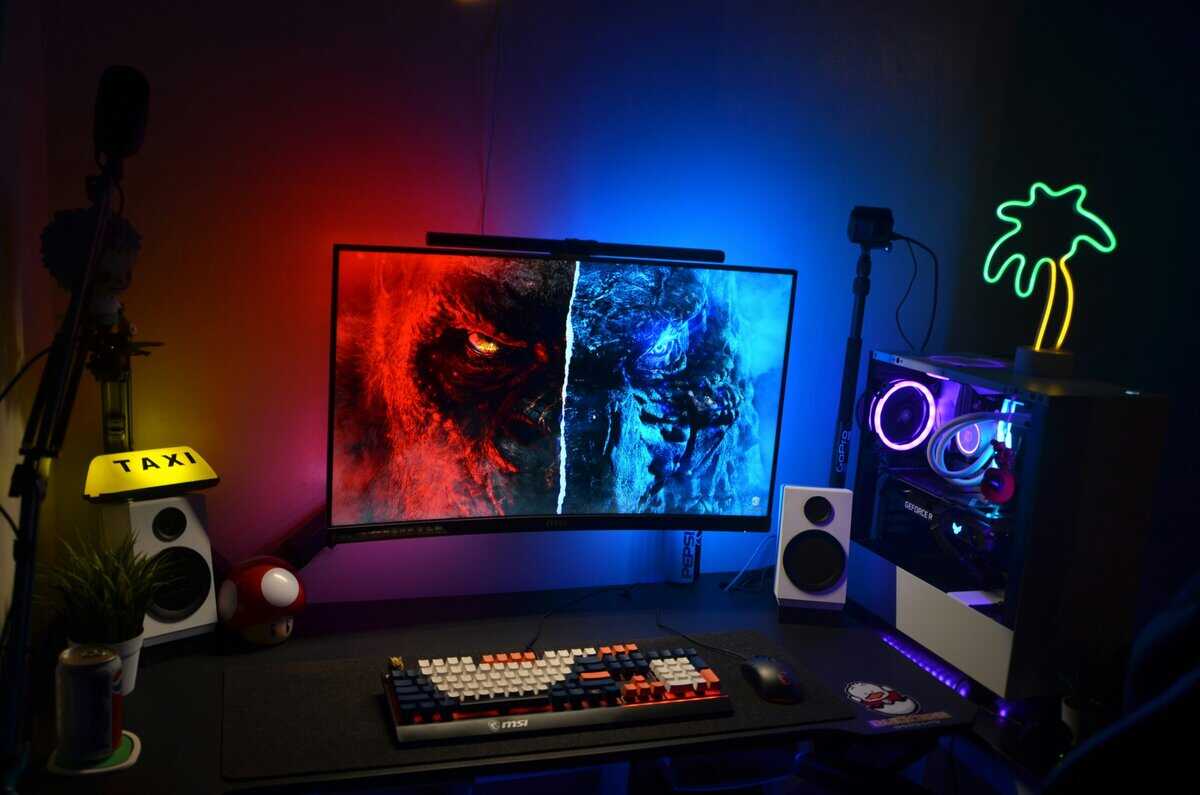
The reality is that a monitor can only display the frames your PC produces. Pairing a 240Hz monitor with a mid-range PC creates an unbalanced build. You have paid a premium for performance your system cannot deliver, and the monitor will be waiting for frames that never arrive.
The Hardware You Actually Need
Let’s break down the hardware required to power these refresh rates. A balanced 144Hz setup is achievable for most gamers, while a true 240Hz build demands high-end components, significantly increasing the budget.
A Value-Focused 144Hz Build (1080p):
Target FPS: 144+ FPS
Typical GPU: NVIDIA RTX 4060 or AMD Radeon RX 7600
Typical CPU: AMD Ryzen 5 7600 or Intel Core i5-12400F
This combination represents the current sweet spot for value. It provides enough power to consistently exceed 144 FPS in most esports titles and delivers a strong experience in AAA games without being overly expensive.
A Performance-Focused 240Hz Build (1080p):
Target FPS: 240+ FPS
Typical GPU: NVIDIA RTX 4070 Ti or higher
Typical CPU: AMD Ryzen 7 7800X3D or Intel Core i7-14700K
This is a substantial leap in cost. To consistently achieve and maintain over 240 FPS—even at 1080p—you need a top-tier GPU and a powerful CPU to avoid bottlenecks. If you’re planning a new build, our guide on how to build a gaming PC can help you map out your component choices.
The cost difference isn’t just in the monitor itself. The “true cost” of 240Hz is the total price of the high-end GPU and CPU required to make the monitor’s refresh rate meaningful.
Their market dominance is built on a blend of affordability and strong performance. You can find durable 144Hz options for under that pair well with mid-range GPUs. Ultimately, choosing 144Hz allows you to invest your budget into a more well-rounded PC—a smarter approach that ensures a smooth, high-quality gaming experience across the board.
Monitor Recommendations for Your Gaming Style
Now that we have covered the tradeoffs, here are specific product recommendations. Choosing between 144Hz and 240Hz should be based on the games you play and your performance goals. We are focusing on models known for delivering real value, solid build quality, and long-term durability.
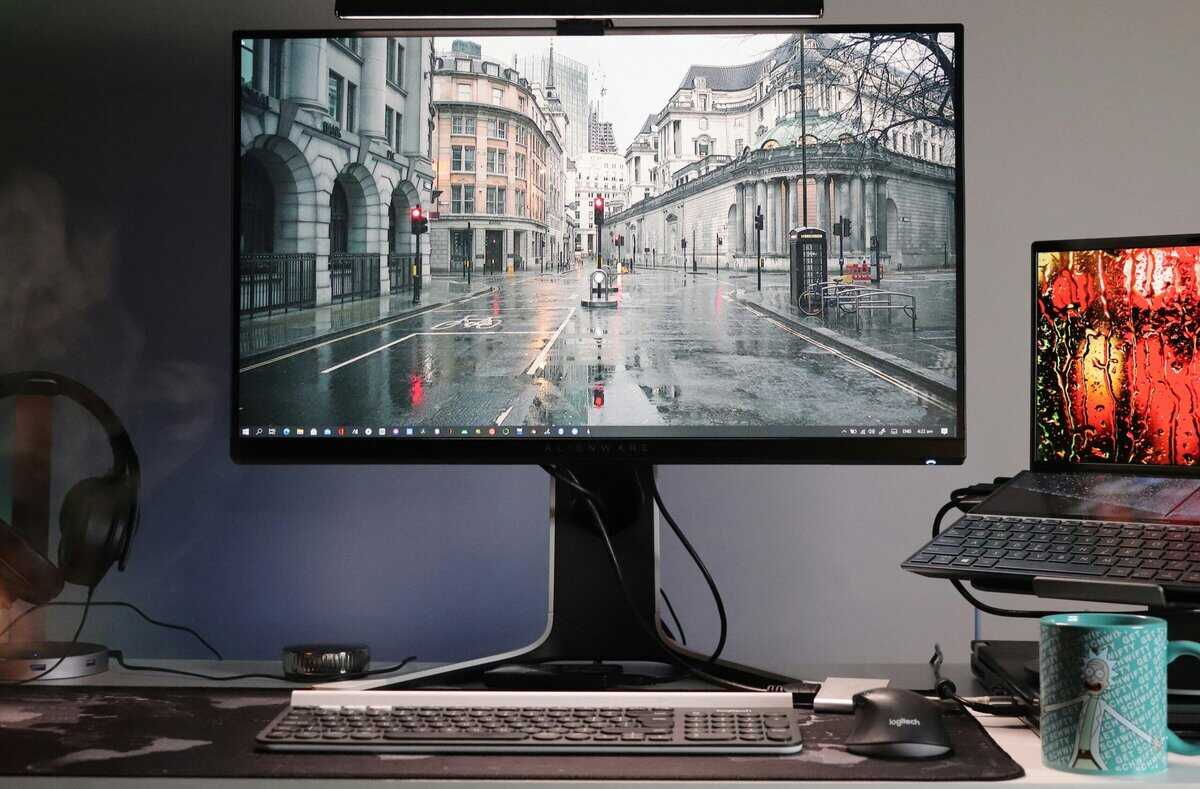
This is not about finding the cheapest monitor available. It’s about making a smart purchase that provides performance you can feel. These recommendations are broken down by gamer type.
For the Competitive FPS Player
If your library consists mainly of titles like Valorant, Apex Legends, or CS2 and you are serious about competitive play, a 240Hz monitor offers a justifiable advantage. The superior motion clarity and lower input lag can be a deciding factor in a high-stakes encounter.
Our top pick for this use case is the ViewSonic XG2431. This monitor is well-regarded for its motion clarity, largely due to its highly customizable backlight strobing feature. It allows you to fine-tune motion blur reduction to a degree that few other monitors in its price class can match.
- Why it’s a smart buy: It provides elite-tier motion performance without the elite price. The build quality is also strong, with a fully adjustable stand that offers good ergonomics for long gaming sessions.
While it is an investment over a 144Hz model, the XG2431 delivers a clear step-up in competitive performance that a dedicated FPS player will notice.
For the All-Around Gamer
If you play a variety of games—from RPGs like The Witcher 3 and MMOs like Final Fantasy XIV to occasional matches of Call of Duty—a 144Hz monitor is the most logical value proposition. You get a significant improvement in fluidity over 60Hz without overspending on performance you won’t always use.
The AOC 24G4 is our go-to recommendation. For years, it has been a benchmark for budget-conscious gamers because it delivers an excellent gaming experience for its price. The IPS panel provides good colors, making immersive single-player games look vibrant.
- Why it’s a smart buy: The AOC 24G4 balances performance, image quality, and cost. Its build is solid for the price point, and it includes a height-adjustable stand—a feature often omitted on cheaper models.
For most gamers, the money saved by choosing a high-quality 144Hz monitor like the AOC 24G4 is better invested elsewhere in their setup—such as a better GPU, a more comfortable chair, or a larger SSD.
For the Streamer and Content Creator
Streamers and content creators need to balance different priorities. A monitor must be fast enough for smooth gameplay but also offer the color accuracy needed for video editing and graphic design. Additionally, screen real estate is important for managing a stream, chat, and game simultaneously.
For this use case, a high-quality 144Hz monitor is typically the best choice, but the focus shifts to panel quality and resolution. A 27-inch 1440p 144Hz monitor is the sweet spot, providing crisp visuals and ample space for multitasking. Our recommendation here is the LG 27GP850-B. Its Nano IPS panel delivers 98% DCI-P3 color coverage with a 165Hz refresh rate—fast enough for smooth gameplay and accurate enough for video editing and thumbnail work.
A 240Hz monitor is generally overkill, as those system resources are better used to ensure a stable, high-quality stream encode for viewers. The key is to balance refresh rate with color and resolution, and a 144Hz display provides an excellent experience for both you and your audience without overtaxing your system.
Got Questions About 144Hz vs 240Hz? We’ve Got Answers
We’ve broken down the specs and hardware requirements. Still, some practical questions often arise when making a final decision. Let’s address them directly.
Is 240Hz Worth It for a PS5 or Xbox Series X?
The direct answer is no. The PlayStation 5 and Xbox Series X are limited to a maximum output of 120 frames per second via their HDMI 2.1 connection. A 240Hz monitor would be completely underutilized.
For console gaming, a quality 144Hz monitor is the ideal choice. It aligns perfectly with the 120 FPS performance modes available in games like Call of Duty or Fortnite, delivering the significant smoothness upgrade you’re seeking over a 60Hz TV. Buying a 240Hz monitor for your console means paying a premium for performance you cannot access.
Is a 240Hz Monitor Better for Work or Just Browsing?
For daily tasks like scrolling websites, typing documents, or watching videos, the difference between 144Hz and 240Hz is barely perceptible. You might notice slightly smoother scrolling on a long webpage, but it offers no practical benefit to productivity.
A 144Hz monitor already feels extremely fluid for desktop use. Spending more for 240Hz for non-gaming tasks is a clear case of overspending with no tangible return. That money is better allocated to a component that will make a difference.
If you are buying a hybrid monitor for both work and play, factors like panel type (IPS for better color accuracy and viewing angles) and overall build quality are more important than pursuing a 240Hz refresh rate.
Should I Prioritize Response Time Over Refresh Rate?
This is not an either/or decision; response time and refresh rate work together. Both must be good for a quality experience. Refresh rate (Hz) determines how many images the screen draws per second, while response time (ms) measures how quickly its pixels can change color to create those images.
A high refresh rate with slow response time results in a poor experience. The screen updates quickly, but the pixels lag, creating “ghosting” or smearing behind moving objects.
A fast response time with a low refresh rate is equally ineffective. The pixels are ready to change, but the screen isn’t refreshing fast enough to display the new frame.
Fortunately, you rarely have to choose. Nearly all modern 144Hz and 240Hz gaming monitors are designed with a low 1ms Gray-to-Gray (GTG) response time. Do not sacrifice one for the other. Ensure any monitor you consider has both a high refresh rate and a low response time. A monitor’s build quality is also a key factor—good specs are less meaningful if the stand is unstable or the panel has poor heat management.
For more budget gaming gear guides, tips, and recommendations, check out BudgetLoadout.com — your go-to resource for gaming on a budget.
Related Articles