N-key rollover is the most overhyped line on a keyboard spec sheet. So what is N key rollover actually buying you? The ability to register many keys at once, and for most gamers the honest ceiling is lower than the marketing suggests. If you mostly play FPS games, dip into an occasional MMO, or type like a human being instead of a machine, 6-key rollover is usually enough, and the money is better spent on switch quality, build quality, and layout.
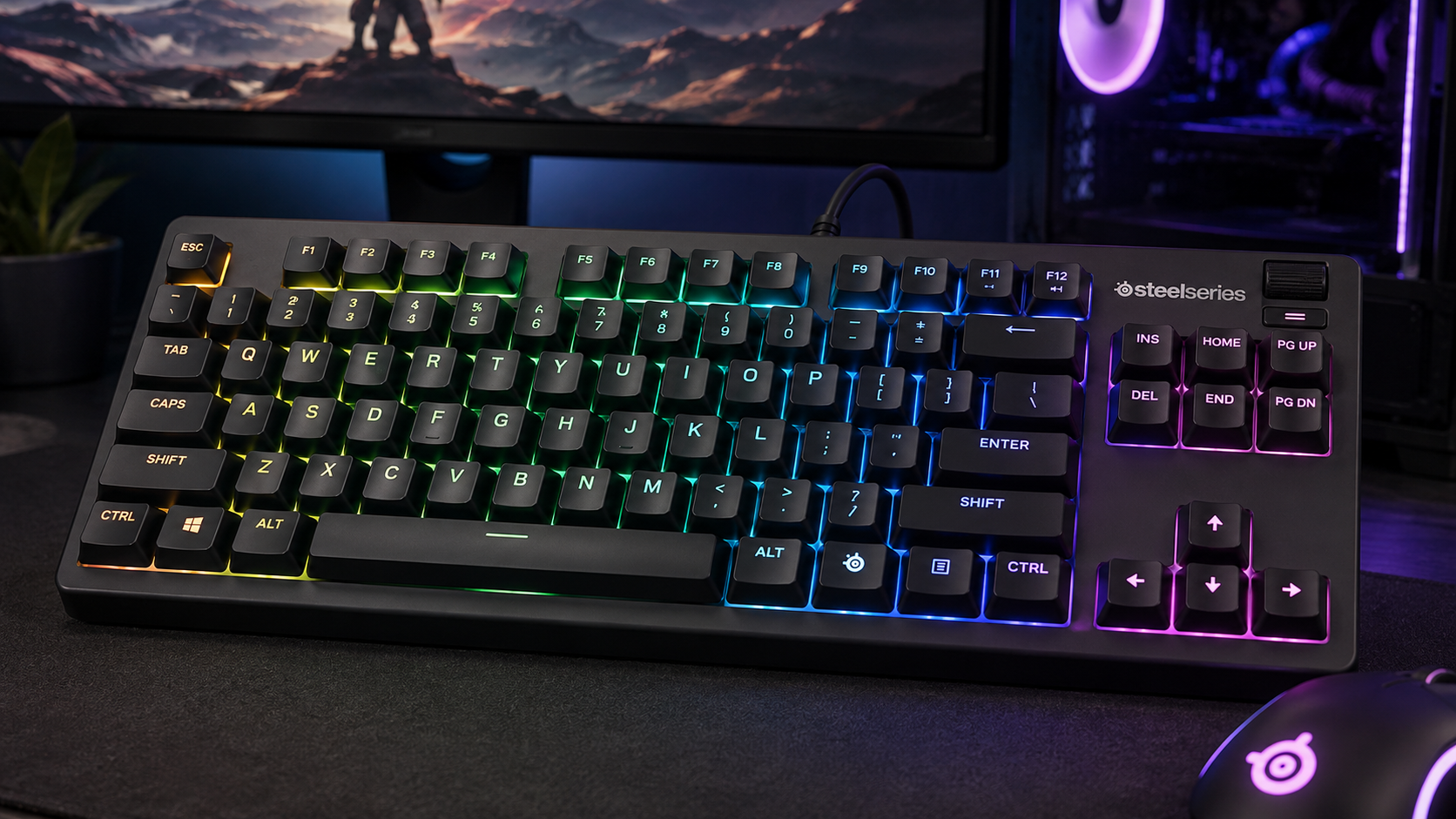
That doesn’t mean NKRO is useless. It means the spec only matters when your hands run into a rollover limit, or when your play style lives on unusual multi-key inputs. If you’ve ever mashed WASD, crouch, reload, and a modifier at the same time, you already know why people talk about it. The important question is whether your keyboard is dropping inputs in the moments you care about, not whether the box says “full NKRO.”
You’ll get a straight answer here, not spec worship. I’ll show you n key rollover means, why ghosting and blocking happen, when 6KRO is enough, when full NKRO earns its keep, and how to test your own board in under a minute. I’ll also tell you where budget-minded buyers should spend first, because a keyboard that feels solid and survives heavy use matters more than one that can register a pile of simultaneous keys you’ll never press.
- N key rollover is how many keys a keyboard can register at once; 6KRO covers nearly every gaming situation
- FPS play rarely presses more than three or four keys at the same moment; rhythm games are the real NKRO use case
- Test your current board before buying anything; a two-minute rollover check settles the question
- Ghosting and blocking come from the keyboard matrix, not your PC, drivers, or cable
- Spend budget on switches, stabilizers, and build quality before paying extra for full NKRO
Table of Contents
Why Most Gamers Overpay for N-Key Rollover
NKRO gets treated like a magic badge, but most gamers do not need it. They need a keyboard that feels consistent, does not miss ordinary inputs, and holds up after real use. If you are choosing between a flashy rollover claim and a board with better switches, sturdier construction, and better keycaps, I would take the latter almost every time.
The spec people chase versus the problem they have in practice
The useful question is not, “Does this keyboard support all keys at once?” It is, “Will this keyboard ever fail me in the way I play?” For a lot of people, the answer is no. 6-key rollover already covers many everyday gaming and typing scenarios, while NKRO matters most when you start stacking unusual input patterns, like rhythm play, stenography, or other high-chord tasks. PCMag’s breakdown of rollover use cases makes the same practical point, many users do not hit the ceiling in ordinary play, and NKRO matters most in specialized situations, not standard use (PCMag).
That is why I am not impressed when a budget board leads with NKRO and otherwise cuts corners. Cheap keycaps wear faster. Flimsy cases flex. Weak stabilizers rattle. Bad firmware can make a keyboard feel worse than its spec sheet suggests.
Practical rule: buy NKRO for a use case, not for bragging rights.
For most budget-conscious gamers, the smarter play is simple. Spend on a board that feels durable, has the layout you want, and handles your real inputs cleanly. If you want a good starting point for value-focused gaming boards, this roundup of budget gaming keyboard picks is a better place to begin than any rollover marketing copy.
What Is N Key Rollover, Exactly?
Think of a keyboard like a bouncer at a crowded door. A weak bouncer can only keep track of a few people coming in together, while a better one can recognize every person without mixing them up. N-key rollover means the keyboard can register each key independently when many keys are pressed at once, and in a full NKRO design there’s no practical ceiling on simultaneous key presses.
3KRO, 6KRO, and full NKRO in plain English
A 3-key rollover keyboard only guarantees correct input for three simultaneous keys. A 6-key rollover keyboard guarantees six. That’s the cleanest way to read the spec, because rollover is just the number of keys you can hold down while still getting the right output. In other words, NKRO is the full version, while 6KRO is a limited but often perfectly workable version.
The common failure modes are ghosting and blocking. Ghosting is when the board invents a key that you never pressed. Blocking is when it drops a real key because the combination looks ambiguous. A true NKRO design tries to avoid both by registering every key in the combination, which is why it matters most for gaming, fast typing, and other input-heavy work.
A good mental model is this, if your keyboard can’t tell the difference between your real hand position and a confusing matrix combo, it either makes up a key or ignores one.
That’s the whole spec in practice. If your hands create simple combinations, 6KRO is often fine. If your hands create messy, layered combinations, NKRO removes the ceiling.
The switch article on mechanical keyboard switches is worth a look if you care more about feel and actuation than about marketing labels. NKRO doesn’t fix a mushy board. It just fixes input recognition.
How Keyboard Matrixes and USB Limits Cause the Problem
The reason rollover exists isn’t magic, it’s wiring. Most keyboards scan keys through a matrix, a grid of rows and columns. That setup is efficient, but without extra protection it can create ambiguous signals when several keys are pressed together. That’s where diodes come in. They let current flow in one direction, which helps the controller tell key positions apart and reduces the chance of ghosting.
Why the board can get confused
A matrix by itself is trying to read a crowded street map. Press two or three keys and the path is clear. Press a cluster of keys, and the signals can overlap in ways the controller can’t safely interpret. The board then has two bad choices: show a fake key or ignore a real one. That’s the exact tradeoff behind ghosting and blocking.
Diodes solve most of that by isolating the key paths. Once a board has proper diode support, it can identify many more combinations without ambiguity, which is what makes true NKRO possible in the first place. That’s why some keyboards advertise NKRO, while others only support it in certain modes or only on certain connections.
USB, PS/2, and the old reporting limit
The other bottleneck is the interface. USB keyboard reporting historically limited boards to 6-key rollover plus modifier keys, which is why 6KRO shows up so often in specs and why many keyboards still behave that way by default. Some boards use alternate USB modes or older PS/2-style behavior to get around that reporting ceiling. The key point is simple: the hardware can be capable, but the reporting path still decides what the operating system sees.
If you want a quick visual of how interface choices affect input handling, the connection between matrix design and rollover is the core issue. There’s no mystery beyond that, just engineering tradeoffs.
The advice for buyers is boring but accurate. Don’t assume “USB keyboard” means limited, and don’t assume “NKRO” means the whole board is better. The implementation matters more than the label. If you’re buying a wired board and want to understand why latency and input handling feel different across setups, this guide on wired versus wireless keyboard tradeoffs is the more useful comparison.
FPS, MMO, Rhythm Games, and Fast Typing Compared
The answer depends on what your hands do. FPS gaming, MMOs, rhythm inputs, and fast typing stress a keyboard in very different ways. A board that feels flawless in one use case can be ordinary in another, and that’s why a one-size-fits-all NKRO obsession misses the point.
Where 6KRO is enough, and where it starts to crack
For standard FPS play, 6KRO usually covers the basics. Holding movement, jumping, crouching, sprinting, and swapping weapons is a normal pattern, not a torture test. If you’re only pressing a few keys at a time, you’re not likely to hit a rollover ceiling. That’s why a lot of players never notice any problem during regular WASD play.
MMO gameplay is different. Modifier-heavy ability chains, hotbars, and multiple hand positions make rollover more relevant, especially when you layer shift keys into the mix. Still, many players don’t need full NKRO there either, because the actual input count is often lower than it feels in the moment. The board you choose should reflect how many keys you press together, not how complicated the game looks on screen.
Rhythm games and stenography-style typing are where NKRO starts earning respect. Those tasks can demand many simultaneous taps or sustained chords, and that’s exactly where full NKRO is the safe bet. If you need every press to land cleanly, NKRO stops being a nice-to-have and becomes part of the job.
The cases where people overestimate their need
A lot of gamers assume they need NKRO because they play fast. Most don’t. Single-player story games, chat-style typing, and normal desktop use rarely push a keyboard anywhere near its limit. Even in streaming, the keyboard usually isn’t the bottleneck, because you’re more likely to care about workflow, layout, and comfort than about registering every possible finger combination.
If your hands never create a dense chord, the rollover spec is noise.
For a practical gaming example, a keyboard that handles Fortnite-style movement and ability use cleanly matters more than one that wins a spec sheet contest. If that’s your lane, this keyboard guide for Fortnite-focused players is a more useful buying filter than “full NKRO” on its own.
Two Quick Tests You Can Run on Any Keyboard
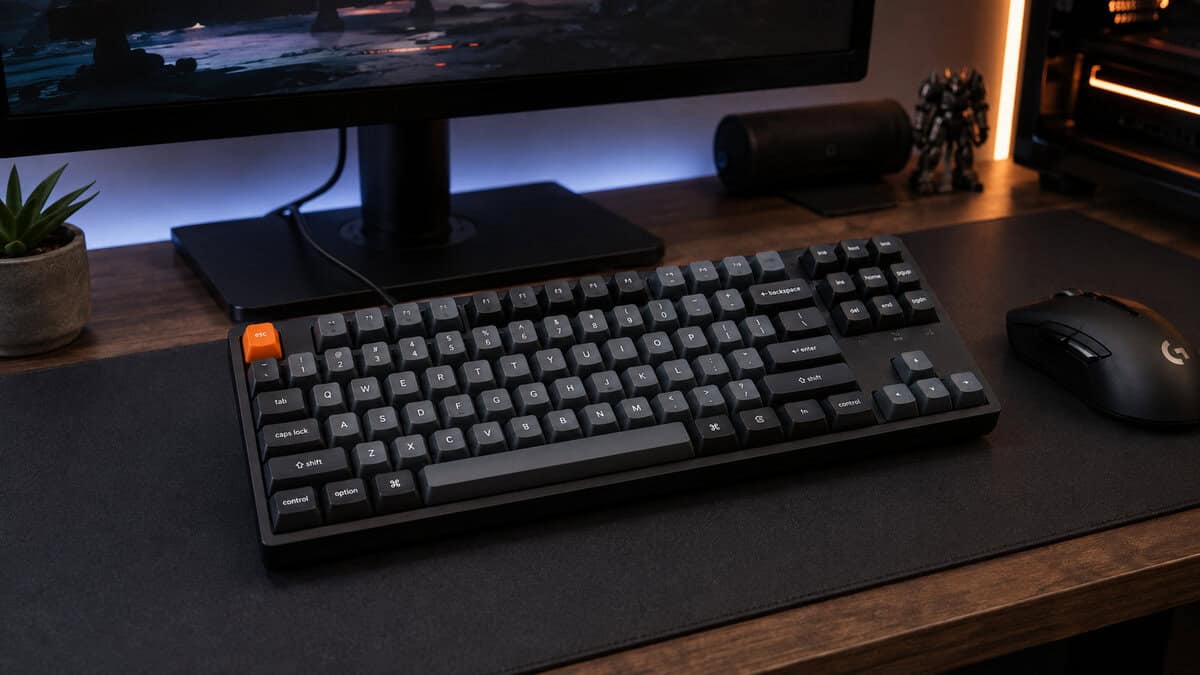
You don’t need to trust the box. You can find out how your keyboard behaves in under a minute. The point is to check what happens when your own hands create the kind of combinations you use.
A simple rollover check
Open a text field or a key-testing page and press a small cluster of keys together. Start with a baseline combination, then add one extra key while holding the first ones down. Watch for a missing character, a stuck input, or a key that appears only after you release another key. If every press shows up cleanly, your board is handling the combination well.
You can also do this in Notepad with a few familiar keys. Don’t make it weird. Use the cluster you already know from games or typing, because that’s the only test that matters. If your board drops a key in a real input pattern, no spec sheet can talk you out of that.
A real-world movement test
Load into any sandbox, then hold WASD, jump, crouch, and a mouse button while pressing a third action key. The goal isn’t to break the keyboard, it’s to see whether any input disappears when your hands are busy. If a key fails under pressure, that’s useful information, even if the keyboard looks fine in normal typing.
Real-world rule: if your game inputs stay clean, the rollover spec stops being a purchase priority.
If you want to dig deeper into input weirdness, the same kind of troubleshooting shows up when people chase lag that isn’t really lag. This guide on input lag fixes helps separate hardware problems from setup problems.
Why NKRO Is Rarely the Spec That Should Decide Your Purchase
NKRO matters, but it should rarely be the thing that decides a keyboard buy. If you are spending on a budget, the better question is whether the board feels solid, holds up under abuse, and gives you the layout you specifically want. A keyboard that gets those basics right will serve you better than a flimsy full-NKRO board with weak switches and thin plastic.
What matters more than the rollover number
Switch feel decides whether the board is pleasant to use every day. Build quality decides whether it flexes, rattles, or feels hollow. Durability decides whether it keeps working after heavy typing, long streams, and too many late-night gaming sessions. Those are the details you notice after the spec sheet is out of your head.
NKRO does not fix bad design choices. If the firmware is clumsy, the stabilizers are noisy, or the keycaps wear fast, you will feel that long before you run into a rollover limit. In practice, a lot of input complaints come from software behavior or poor construction, not from the lack of full NKRO.
For streamers, the same idea applies. The board needs to be dependable, comfortable, and easy to live with during long sessions. That makes a solid keyboard with decent software support and a sensible layout a better buy than a louder, more heavily marketed model.
A sane buying checklist
- Prioritize the feel: choose switches and stabilizers you enjoy using.
- Check the case and plate: a sturdier frame usually ages better than a flashy spec.
- Look at keycaps: cheap caps can shine and wear out fast.
- Verify software support: remapping and profiles matter more than a brag sheet.
- Treat NKRO as a bonus: useful for some players, irrelevant for plenty of others.
That is the cleaner way to shop. Buy for the way you play, then treat NKRO as one line item, not the headline.
Three Budget Keyboards Worth Considering
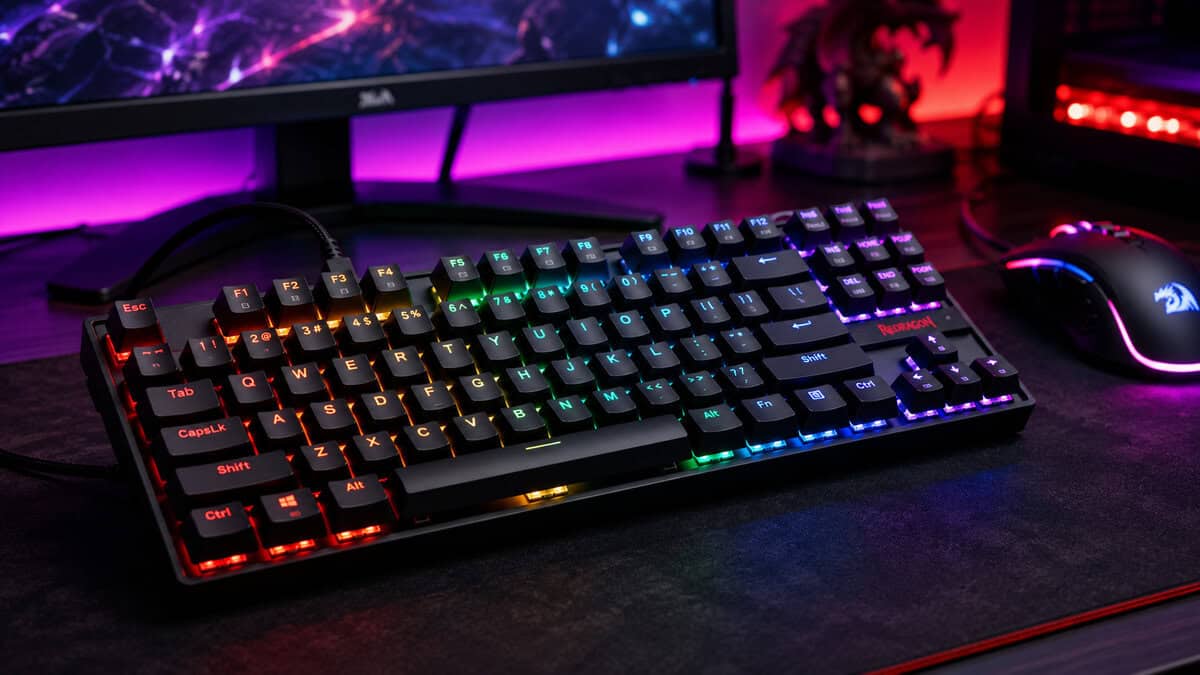
If you are shopping on a budget, stop treating NKRO like the main prize. A good cheap keyboard should feel solid, hold up under daily use, and match the way your hands move across the keys. For plenty of gamers, that means a well-built 6KRO board is the smarter buy, because the money goes into the part you touch every day, not a spec you may never notice.
Three sensible picks
- Keychron C3 Pro. A wired tenkeyless board with a gasket-style design and QMK/VIA remapping at a value price. The real appeal is not rollover bragging, it is getting a board that types better than its price suggests and can be remapped to fit how you actually play. It fits gamers who want a practical baseline and care about typing feel as much as game feel.
- Redragon K552. A compact, no-nonsense board that keeps the focus on affordability and a plain metal-frame look. It makes sense when you want something durable enough for everyday use without paying for extra flash. It suits budget buyers who want a smaller footprint and do not care about a premium finish.
- SteelSeries Apex 3 TKL. A mainstream gaming board with a more polished package, stronger software support, and a compact tenkeyless layout. It works for players who want broader gaming features and are fine with the tradeoffs that come with a membrane-style design. It is the pick for comfort and consistency over chasing a pure mechanical spec.
If your wrists get sore after long sessions, layout and ergonomics matter more than rollover. NKRO will not fix bad posture.
Frequently Asked Questions
Quick answers to the rollover questions keyboard shoppers ask most.
Is N key rollover worth paying extra for?
Usually not. Full NKRO only matters when you regularly press many keys at the exact same moment, which is rare outside rhythm games and some MMO macro setups. A well-built 6KRO board handles normal FPS and MMO play without dropping inputs, so put the extra money into switches and build quality instead.
What is the difference between 6KRO and NKRO?
A 6KRO keyboard can register six simultaneous keys plus modifiers like Shift and Ctrl. NKRO has no practical ceiling, so every key registers independently no matter how many are held. For most gamers the six-key limit is never reached in real play.
How do I test my keyboard for key rollover?
Open any text field, hold several letter keys at once, and see how many appear. For a cleaner read, browser-based rollover testers show exactly which keys register as you add fingers. Two minutes of testing tells you more than any spec sheet.
Does N key rollover matter for FPS games?
Barely. Typical FPS play holds a movement key, sprint or crouch, and an action key at the same time, which is three or four inputs at most. That sits comfortably inside 6KRO. Rhythm games and chorded macro play are the genres that genuinely stress rollover limits.
Can a budget keyboard have full NKRO?
Yes. Plenty of budget mechanical boards ship with full NKRO over a wired connection, so it is not a premium feature anymore. That is exactly why it should not decide your purchase; treat it as a bonus, not the reason to buy.
Budget Loadout is built for people who want honest gear advice without the hype, and that is exactly how I would treat NKRO too. If you are trying to separate real value from spec-sheet noise, visit Budget Loadout for more practical keyboard guides, durable picks, and no-nonsense recommendations that fit a real budget.
Related Articles