Choosing the right gaming desk isn’t just about buying furniture—it’s an investment in your comfort and performance. A good desk provides a stable foundation and a functional layout for long sessions. A bad one leads to clutter, physical strain, and frustration.
This guide cuts through the marketing to focus on what matters for budget-conscious gamers who want value, not just the cheapest option.
Table of Contents
Why Your Gaming Desk Choice Matters
Think of your gaming desk as the command center for your entire setup. It’s more than a surface; it’s the operational hub that impacts your gameplay, health, and organization. Getting this choice wrong creates real problems that get in the way of your experience.
For example, a desk that’s too shallow forces you to sit uncomfortably close to your monitor, leading to eye strain. A wobbly frame is a major distraction during an intense FPS match where precision is critical. For streamers, insufficient surface area means a constant battle for space between mics, cameras, and multiple monitors.
The Foundation of Performance and Comfort
Investing in a quality desk is about creating an environment that helps, not hinders. For an FPS gamer who needs a massive area for mouse movement, an MMO player juggling peripherals, or a streamer managing complex hardware, the desk holds it all together. It must be stable, spacious, and durable.
A common mistake is prioritizing features like RGB lighting over fundamentals like a sturdy steel frame and a thick desktop that won’t warp. A desk that wobbles under the weight of your gear is a liability, no matter how it looks.
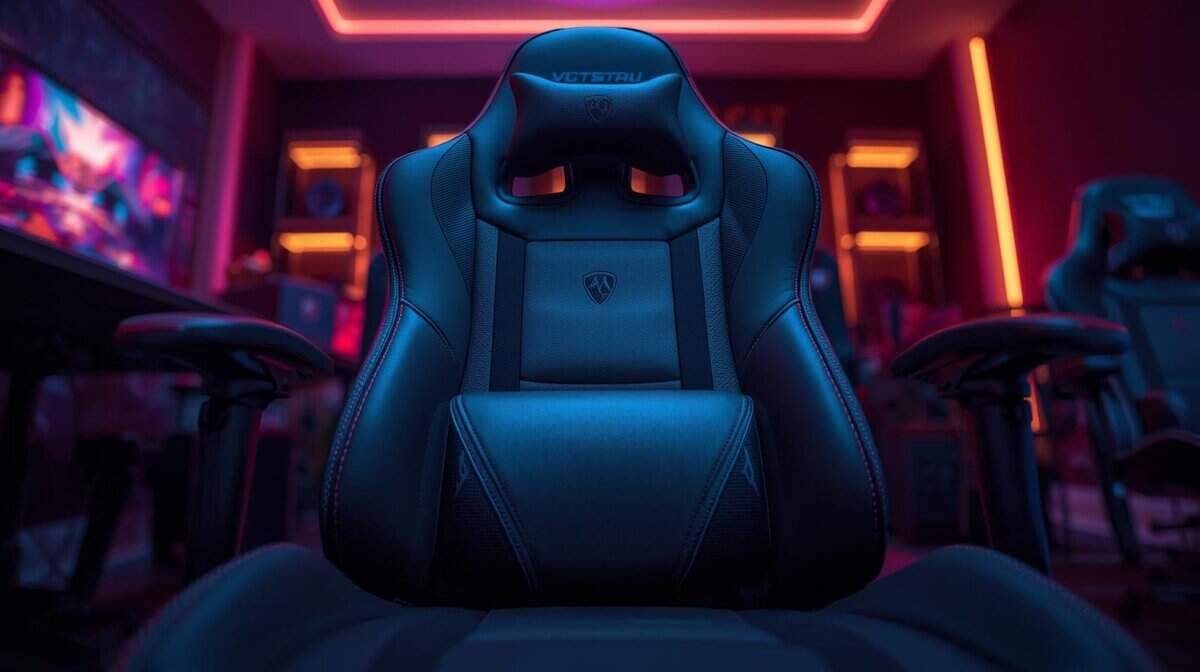
It’s crucial to think of your desk and chair as a single ergonomic system. The relationship between their heights dictates your posture and long-term comfort. For a deeper look, check out our guide comparing a gaming chair vs office chair to complete your ergonomic setup.
Ultimately, this guide provides a framework to judge materials, spot effective cable management, and understand the real-world tradeoffs at different price points. The goal is to help you find a gaming desk that delivers genuine, long-term value.
Core Features That Define a Quality Gaming Desk
When you ignore the marketing, a few practical features are what make a gaming desk functional. If you prioritize ergonomics, build quality, and cable management, you’ll end up with a desk that supports your gaming habits instead of interfering.
These core features separate a solid investment from a wobbly, frustrating piece of furniture. We’ve laid out the most critical ones in this table for a quick reference.
Key Gaming Desk Feature Priorities
| Feature | Why It Matters | What to Look For |
|---|---|---|
| Ergonomic Height & Depth | Prevents back/shoulder pain and provides room for mouse movement. | Height that lets your arms rest at a 90-degree angle. A minimum depth of 24 inches, but 30 inches is better for FPS players. |
| Stability & Build Quality | Stops monitor wobble during intense gameplay and ensures longevity. | A powder-coated steel frame. Thicker legs are better. Avoid thin, flimsy metal. |
| Cable Management | Keeps your setup clean, organized, and prevents accidental snags. | At least built-in grommets. A dedicated under-desk cable tray or net is a significant bonus. |
| Durable Surface | Resists sagging under the weight of your gear and provides a good mouse surface. | At least one-inch-thick MDF with a quality laminate finish or solid wood if budget allows. |
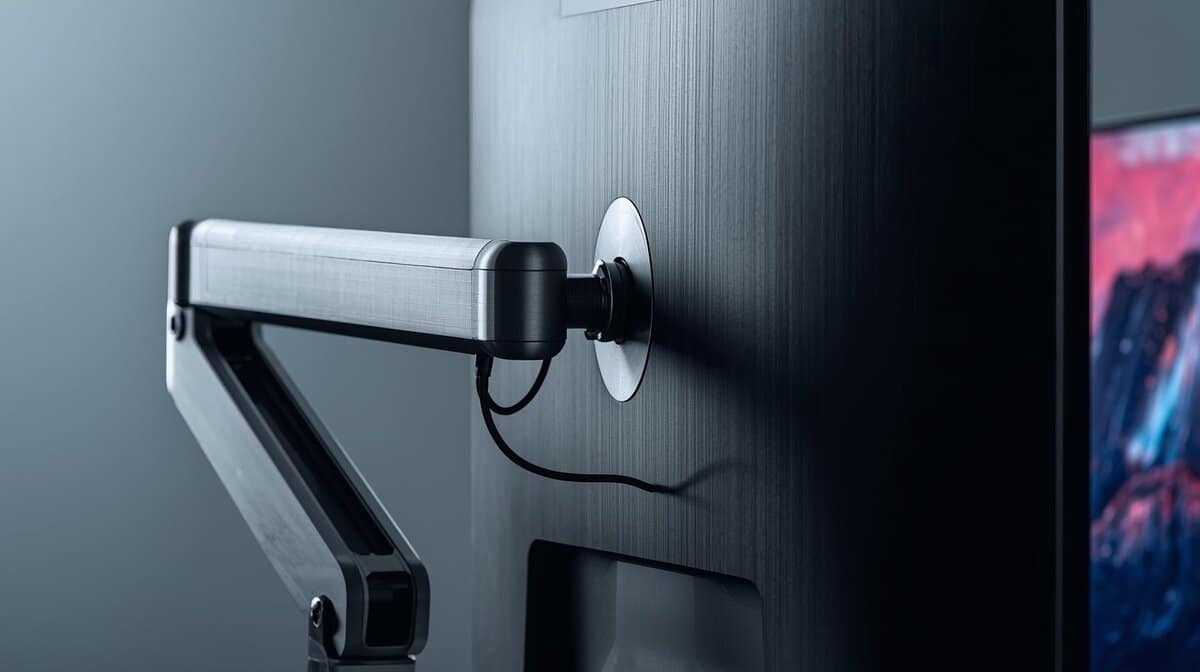
| Monitor Arm Support | Allows for flexible monitor positioning and frees up desk space. | A sturdy top that’s thick enough to handle a clamp without cracking or bowing. Check the desk’s weight capacity. |
Getting these elements right is the key to building a comfortable and functional battle station. Let’s look closer at what makes each one important.
Ergonomics Aren’t Just a Buzzword
Ergonomics is about preventing physical strain during long gaming sessions. A desk that’s too high forces you to shrug your shoulders, while one that’s too low makes you slouch. The correct desk height lets your forearms rest parallel to the floor with your elbows at a 90-degree angle.
Dimensions are critical. Desk depth is especially important for FPS gamers who need room for wide mouse movements without hitting their keyboard or monitor stand. A depth of at least 24 inches is a decent start, but 30 inches is much better for both ergonomics and mouse space.
Build Quality and Material Trade-Offs
A desk’s materials directly impact its durability and stability. For anyone on a budget, understanding the tradeoffs is key to a smart purchase. You’ll generally encounter three types:
MDF (Medium-Density Fiberboard): Most budget desks use this. It’s inexpensive but prone to sagging over time and can be damaged by spills. Look for thicker MDF (at least one inch) with a quality laminate finish for better durability.
Solid Wood: More durable and stable than MDF, but also much more expensive and heavier. It’s a premium choice not typically found in a value-focused setup.
Steel Frames: This is the foundation of a sturdy desk. A thick, powder-coated steel frame is what prevents wobble during intense gameplay. Always prioritize a solid frame over a flashy desktop material. Build quality here is paramount.
The global gaming desk market growth has been significant. This means manufacturers are competing, which is good for consumers. It’s pushing better ergonomic designs and stronger materials into more affordable price brackets.
Cable Management and Surface Quality
A good cable management system is non-negotiable. It keeps your setup looking clean and prevents you from snagging a cable in a critical moment. Even basic features make a huge difference.
Look for desks with built-in grommets (holes for routing cables) or, even better, an integrated cable tray or net underneath. For streamers juggling multiple audio and video cables, a proper system is essential. If you’re building a streaming setup, our guide on how to build a streaming setup for beginners can help.
Finally, consider the desk’s surface. A smooth, non-reflective matte finish is ideal because it won’t interfere with your mouse’s optical sensor. A desk isn’t complete without the right accessories, so consider pairing it with high-quality gaming mouse pads for the best precision. Also, ensure the surface is thick and strong enough to support a monitor arm clamp without cracking.
Standing Desks Versus Fixed Desks for Gaming
The debate between a standing desk and a traditional fixed desk is a tradeoff: ergonomic flexibility versus rock-solid stability at a lower price. Neither is automatically better. The right choice depends on your budget, priorities, and how you use your setup.
A fixed desk is simple. It’s a stable, reliable platform for your gear, and because it’s mechanically simple, you generally get better build quality and materials for your money.
A standing desk gives you the option to switch between sitting and standing. For anyone logging long hours, that movement can help fight off the back and shoulder strain from marathon gaming sessions. Changing your position improves circulation and can help you stay more alert. The tradeoff is often in build quality and stability at lower price points.
The Practical Downsides of Budget Standing Desks
The parts that make a standing desk adjustable are also its weakest links. Cheaper models tend to use single-motor systems that are slower, louder, and more likely to fail than dual-motor systems found in premium desks. You’re paying for the motor, and that cost often comes at the expense of overall build quality.
Here are the specific tradeoffs you need to watch for:
Stability Wobble: At full height, many budget standing desks have a noticeable wobble. This is a deal-breaker for competitive FPS gaming where the slightest movement can throw off your aim.
Lower Weight Capacity: The lifting mechanism has limits. Entry-level models often support less weight, a problem if you have a heavy PC tower, multiple monitors, or a clamp-on monitor arm.
Motor Reliability: The motor’s lifespan can be a genuine concern. If it fails, your adjustable desk becomes a fixed desk stuck at whatever height it died at.
When a Fixed Gaming Desk Is the Smarter Choice
For many gamers, a high-quality fixed desk is the more practical and durable investment. Because the design is straightforward, manufacturers can put more of the budget into better materials and a sturdier frame.
A well-built $300 fixed desk will almost always be more stable and durable than a $300 standing desk. With a fixed desk, your money goes toward a thicker desktop and a more robust steel frame, not a potentially unreliable motor.
Ultimately, if your top priorities are maximum stability for intense gameplay and long-term durability, a fixed gaming desk delivers more value. It removes the risk of mechanical failure and guarantees your setup stays steady. Only consider a standing desk if you’re prepared to accept the stability compromises or can stretch your budget for a higher-quality model.
What Your Money Actually Gets You: A Breakdown of Budget Tiers
Setting a realistic budget is the first step. The price of a gaming desk directly reflects its materials, build quality, and features. Knowing what to expect at each price point helps you match your spending to your actual needs.
Let’s break down what different budget levels get you.
Entry-Level Desks: Under $200
In this price range, you’re looking at the essentials. These desks almost always use a thinner medium-density fiberboard (MDF) top, often less than an inch thick, held up by a simple steel frame. The main tradeoff here is durability and build quality. They’re more likely to wobble or sag over time, especially if loaded with a heavy multi-monitor rig.
Best Use Case: A single-monitor PC or a console setup where weight isn’t a major concern.
What to Expect: Basic steel legs and a laminate-covered MDF surface. Stability can be an issue, particularly on carpeted floors.
Features: You might get a cup holder or a headphone hook, but don’t expect thoughtful cable management like built-in trays.
For gamers who want the most desk for their dollar, the Eureka Ergonomic Z60 is a standout at around $170-$200. It delivers a massive 60-inch carbon fiber-textured surface that can handle dual monitors and a tower without feeling cramped. The Z-shaped steel legs provide surprisingly solid stability for this price point, and the 500-pound weight capacity means you won’t worry about your setup.
Yes, it has RGB lighting—but unlike most budget desks that sacrifice build quality for flashy features, the Z60 gets the fundamentals right first. The included mouse pad and cable management grommets are nice touches, though the surface comes in two pieces, which some users find annoying.
Mid-Range Desks: $200-$450
This is the sweet spot for most gamers looking for value. This tier brings a significant upgrade in build quality and stability. Frames get beefier with thicker, powder-coated steel, and desktops are often an inch thick or more, providing the support needed for monitor arms and heavier gear. Durability is a key focus here.
You’ll also see features that make a practical difference. Integrated cable management—grommets paired with under-desk trays or nets—becomes common. Some desks here might be entry-level manual or single-motor standing desks, though they can still have some wobble at full height.
The IKEA UTESPELARE at $279 is the desk that humiliates options twice its price. At 63 inches wide and 31.5 inches deep, it provides the surface area that FPS players actually need. The standout feature is the metal mesh panel at the back—sturdy enough to clamp heavy monitor arms directly to it, which saves you $100+ on a separate monitor stand. The six-position manual height adjustment (27-30 inches) lets you dial in proper ergonomics without the failure points of motorized systems.
Cable management is handled through a full-length net underneath the desktop. The black version shows fingerprints, so grab a desk mat or opt for the ash gray finish. It’s not flashy, but it’s built like a tank and does everything a gaming desk should do without compromise.
Affordable Premium: Over $450
Once you cross the $450 mark, you’re getting into a higher class of materials and engineering. Desks in this tier often feature robust dual-motor standing desk mechanisms that are more stable and have higher weight capacities. You’ll also find premium surfaces like solid wood, bamboo, or high-pressure laminate that offer better durability than standard MDF.
This tier is for anyone who prioritizes long-term durability and ergonomic flexibility.
Use Case: For a streamer with a complex, heavy setup or someone who uses their desk for both work and play, the investment here pays off in reliability and comfort.
If you’re serious about a long-term investment, the Secretlab Magnus Pro ($799 for standard, $949 for XL) is the endgame. This is an all-metal sit-to-stand desk with dual motors, a 265-pound weight capacity, and cable management that borders on obsessive—including a patent-pending integrated power supply column inside the leg that routes every cable into a hidden tray. One wire exits to your wall. The entire desktop is magnetic, so accessories snap on without drilling or clamping. The standing functionality is whisper-quiet and rock-solid even at full height.
The tradeoff? It’s heavy (125+ pounds), requires two people to assemble, and the accessories (desk mat, monitor arm, PC mount) add up fast—a fully kitted setup can push past $1,200. But reviewers who’ve used it for 2+ years report zero degradation in build quality. For streamers, content creators, or anyone who spends 6+ hours daily at their desk, this is furniture that pays for itself in durability and ergonomics.
Matching Your Desk to Your Gaming Style
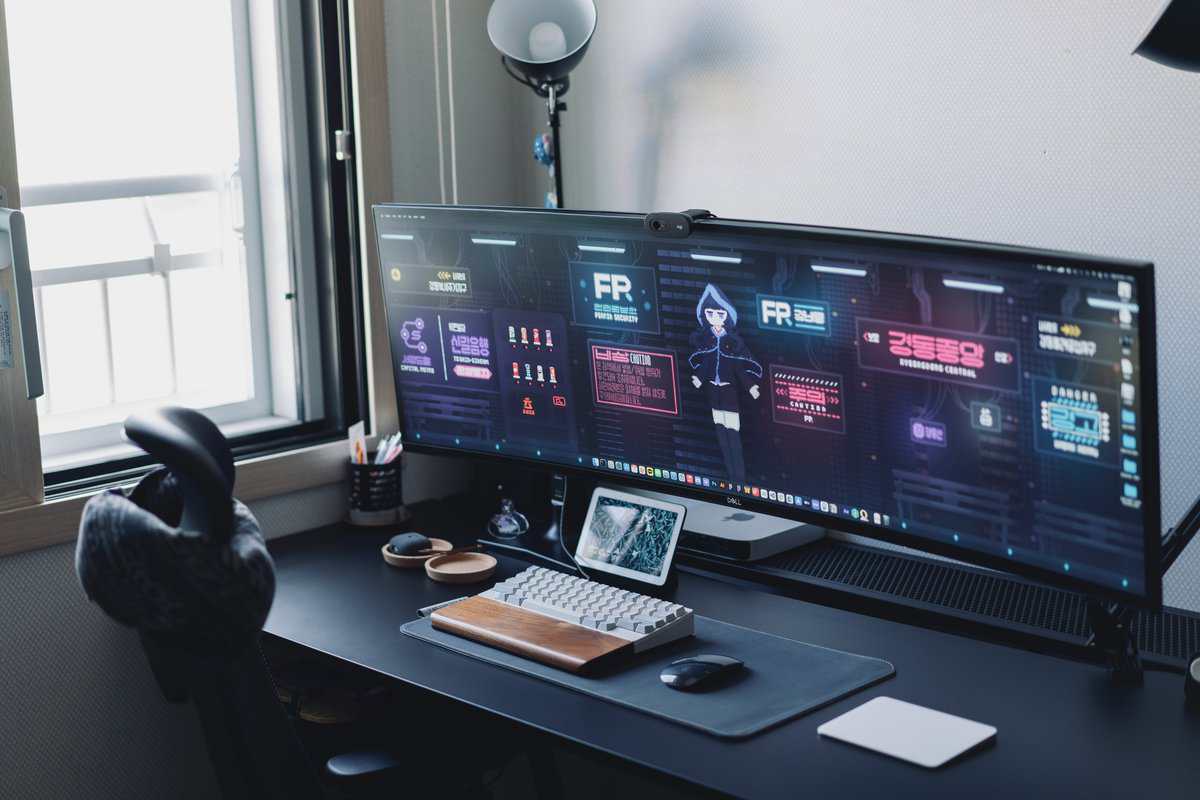
A gaming desk is not a one-size-fits-all purchase. The right desk reflects how and what you play. The needs of a competitive FPS player are different from a streamer managing a full production setup.
Focusing on your primary use case is the fastest way to invest in features that actually improve your experience. It prevents you from paying for aesthetics that do nothing. Pinpoint your needs—whether it’s massive mouse real estate, room for extra gear, or a multi-purpose surface—and you’ll land a desk that delivers long-term value.
To make this easier, we’ve broken down common gamer profiles and what they should prioritize.
| Gamer Profile | Primary Need | Recommended Desk Size | Key Feature |
|---|---|---|---|
| FPS/Competitive | Uninterrupted mouse space for low-DPI aiming. | 48″+ Wide, 25″+ Deep | Maximum surface depth and stability. |
| MMO/RPG | Room for extra peripherals (keypads, flight sticks). | 60″+ Wide or L-Shaped | Ample, organized surface area. |
| Streamer | Space for multiple monitors, mics, and lighting. | 60″+ Wide, High Weight Capacity | Extreme stability, durability, and cable management. |
| Console Gamer | A comfortable, organized space for a large screen. | 40″- 48″ Wide | Ergonomic height and clean aesthetics. |
Each profile demands a specific set of features to perform optimally.
For the FPS and Competitive Gamer
Use Case: If you play fast-paced shooters like Valorant or Apex Legends, one thing matters above all: uninterrupted mouse space. Low-DPI aiming demands large arm movements, which makes both desk depth and width critical. A shallow desk will cripple your aim.
Priority Feature: A deep and wide surface. Look for a minimum depth of 25-30 inches and a width of at least 48 inches.
Tradeoff: Performance comes at the cost of floor space. An L-shaped desk is usually unnecessary; a large, sturdy rectangular desk is more practical.
Build Quality & Durability: Stability is everything. A wobbly desk will cause your monitor to shake during flicks, throwing off your aim. A thick top and a solid steel frame are essential for durability.
For the MMO and RPG Player
Use Case: MMO and RPG players often use multiple peripherals. From extra keypads to flight sticks or racing wheels, your desk has to accommodate this hardware without feeling cluttered. You need a surface that lets you create distinct zones.
Priority Feature: Generous surface area. An L-shaped desk can be a functional choice, letting you create a primary gaming zone and a secondary area for other gear.
Tradeoff: L-shaped desks can be more expensive and harder to fit into smaller rooms. A very wide rectangular desk (60+ inches) can serve the same purpose.
Build Quality & Durability: Durability is key since the total weight of your setup will be higher. Ensure the desk has a high weight capacity and a frame that supports the entire surface evenly.
For the Streamer and Content Creator
Use Case: A streamer’s desk is a production studio. It needs to support multiple monitors, a microphone on a boom arm, key lights, a camera, and more. All that equipment demands a large, incredibly stable surface with excellent cable management.
Your setup is your workspace, so a wobbly or undersized desk directly impacts your content quality. Prioritize a heavy-duty frame and a thick, non-resonant surface that won’t transfer vibrations to your microphone. Durability is a must.
A great setup is only half the battle. If you’re streaming competitive games, a solid network is just as crucial. You can find ways to improve upload speed for gaming and streaming to keep your broadcast smooth. To complete your station, check out our guide on essential desk accessories for gaming.
Assembly Advice and Long-Term Durability Checks
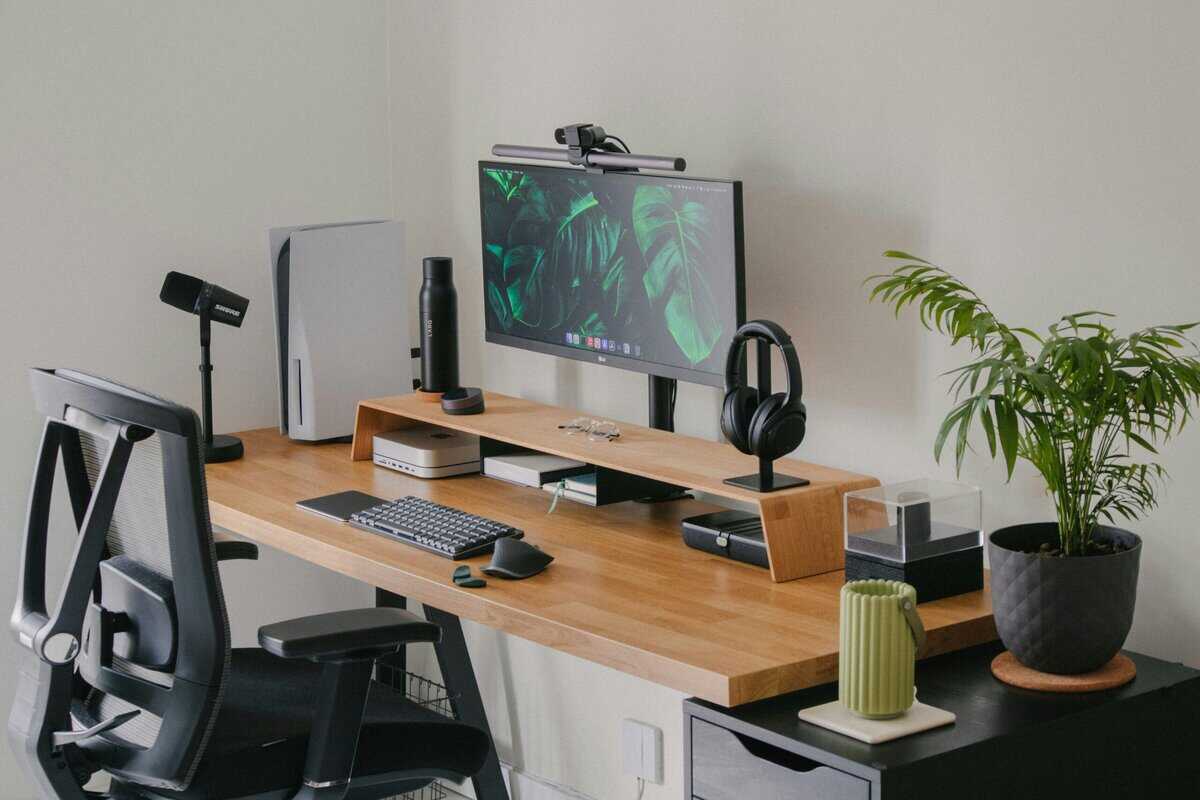
Once the box arrives, proper assembly is the first step toward a stable, long-lasting desk. A few checks now will tell you about the build quality you paid for.
Before you touch a screw, lay everything out and do an inventory. This saves the headache of discovering a missing part halfway through. A word of advice: be careful with power tools, especially on MDF. It’s easy to overtighten and strip a screw hole, which permanently weakens the connection. Hand-tighten until snug, then stop.
Performing Durability Checks
Once it’s built, it’s time for a shakedown. Don’t wait until your monitors and PC are on top to discover it’s wobbly. These tests will reveal the true build quality.
The Wobble Test: Place your hands on the desktop and give it a firm push, side-to-side and front-to-back. A tiny bit of give is normal, but if it sways significantly, you have a weak frame or loose connections. Double-check every screw.
Weld Inspection: On a steel frame, look at the joints where the legs and supports are welded. You want to see clean, consistent beads. Sloppy or uneven welds are a red flag for long-term durability.
Surface Check: Run your hand across the desktop. Feel for any bowing or uneven spots. Use a level to check for flatness. A quality top should be flat out of the box.
A few minutes of inspection after you build it can save you from a failing desk months later. If it doesn’t feel solid now, it will only get worse under the weight of your gear.
From here, simple maintenance goes a long way. Periodically check and re-tighten bolts, and always use a coaster. A well-assembled and cared-for desk should provide a stable foundation for years.
Frequently Asked Questions About Gaming Desks
Shopping for a gaming desk can be confusing. Let’s clear up common questions so you can make a final decision.
How Much Should I Spend on a Decent Gaming Desk?
For a budget-conscious gamer, the ideal range is between $150 and $350. In this range, you’ll find desks that deliver value without cutting corners on build quality.
Anything under $150 is risky. You’re often looking at thin MDF that can sag, supported by flimsy frames that wobble. Once you enter the $150-$350 tier, build quality improves dramatically. You’ll start seeing sturdy steel frames, thicker desktop surfaces (at least an inch), and essential features like basic cable management. This is where durability improves.
Pushing past $350 gets you into entry-level standing desks or premium materials, but it’s not necessary for a functional setup. For most gamers who need a stable platform, that mid-range offers the best value. Prioritize stability, size, and material over flashy extras.
Can I Use an Office Desk for Gaming?
Yes. In fact, a high-quality office desk is often a smarter buy than a cheap product with a “gaming” label. That label is usually marketing, attached to a desk with aggressive styling or RGB strips—features that don’t improve your gaming experience.
The things that matter are universal, whether for work or play:
A deep and wide surface: You need room for your mouse, keyboard, and monitor(s).
A sturdy, wobble-free frame: Your setup must be stable. Build quality is key.
Some form of cable management: A clean, organized space is important.
A well-built office desk that meets these criteria will likely offer better value and durability than a “gaming” desk at the same price. Always focus on function, not branding.
Is an L-Shaped Desk Better Than a Rectangular One?
One isn’t inherently better; they solve different problems. An L-shaped desk is excellent for corner placements and for users who need distinct zones—one for gaming and another for work or streaming gear.
The tradeoff is its large footprint. L-shaped desks demand a lot of floor space. For most gamers, a deep rectangular desk is more versatile, fits more layouts, and is usually the more practical and cost-effective choice for single or dual-monitor setups.
What Is the Ideal Depth for a Gaming Desk?
The right depth depends on how you play, but the minimum you should aim for is 24 inches. Anything less feels cramped, forcing you to sit too close to your screen.
If you’re a competitive FPS player who uses low mouse sensitivity, 30 inches of depth is a significant advantage. That extra space lets you make large arm movements without hitting your keyboard. It’s also better for your eyes, creating a healthier viewing distance from your monitor.
At Budget Loadout, we provide clear, no-hype guides to help you build a high-performance setup without overspending. For more honest reviews and value-focused recommendations, visit us at https://budgetloadout.com.