If you’re looking for the best lighting for streaming, the answer isn’t one product. It’s a principle: use a large, soft light source that flatters your face, not just blasts your room with light. For most streamers, especially those prioritizing value, this means starting with a single key light like an LED panel or a softbox.
This is the highest-return investment you can make for your stream’s video quality.
- A single well-placed key light is the biggest upgrade you can make to your stream quality — start there before adding more lights.
- The Neewer 18″ Ring Light Kit offers the best value under $75 with bi-color temperature control and a CRI of 95+.
- The Elgato Key Light Air (~$129) gives you app-controlled brightness and color temperature in a compact, desk-friendly panel.
- Softbox kits like the Neewer 2-Pack (~$120) deliver the softest, most flattering light for “Just Chatting” and facecam streams.
- Position your key light 45 degrees to the side and slightly above eye level to create natural-looking depth and eliminate flat lighting.
Table of Contents
- Large 18-inch ring produces softer light than compact ring lights
- Built-in bi-color control (3200K-5600K) without clip-on filters
- Complete kit with tripod, remote, and phone holder under $75
- Floor tripod requires dedicated space next to your desk
- Ring reflection visible in eyes and glasses at close range
- Fixed 5600K ceiling may not match all ambient lighting conditions
- App-controlled brightness and color temperature from your phone or PC
- Edge-lit LED design provides built-in diffusion for softer light
- Compact weighted base fits easily on a desk without clamping
- 1400 lumens may not be enough to fill a large room as a solo light
- Wi-Fi connection can occasionally drop requiring app reconnection
- Premium price point compared to basic LED panel alternatives
- Two large 24-inch softboxes wrap light around your face for the softest output
- Bi-color LEDs (2900K-7000K) with wireless remote for easy adjustment
- Complete two-light kit under $130 for a studio-quality look
- Stands and mounts are functional but require careful handling during setup
- Takes more time to set up and tear down than panel or ring lights
- Two floor stands need dedicated space in your streaming area
Why Better Lighting Is the Biggest Upgrade for Your Stream
Before considering a new webcam or microphone, fix your lighting. It is the single most impactful upgrade for your stream’s visual quality. Good lighting works directly with your camera’s sensor, giving it more information to process and allowing it to perform at its maximum potential.
This single change transforms grainy, noisy video into a clear, professional image. It’s the difference between appearing as a silhouette in a dark room and having a polished presence that holds a viewer’s attention. Even a budget key light, placed correctly, can make a sub-$100 webcam look far more expensive.
Investing in lighting provides more visual improvement per dollar than any other piece of streaming gear. It’s the foundation of a professional aesthetic that helps you stand out.
The impact is measurable. Professional lighting setups can lead to a 25% jump in viewer retention and up to 30% higher engagement compared to using ambient room lighting. As the streaming gear market grows, these tools become more accessible and affordable.
Getting this right is a foundational step to optimize your YouTube videos for explosive growth because it immediately boosts your visual appeal. Your goal isn’t just to be seen—it’s to look credible and professional. Lighting is the fastest way to achieve that.
Understanding Lighting Specs That Matter
Buying a streaming light can be confusing. Product pages are filled with technical specs and marketing terms, but only a few of them will actually make a difference in how you look on camera.
Focusing on the right specs means you invest in performance, not hype. To find a light that delivers, you only need to understand three core concepts: brightness, color temperature, and color accuracy.
Brightness Output
Brightness is often listed as lumens, which measures the total light a bulb emits in all directions. For a streamer, that number is mostly irrelevant. The spec that matters is lux, which measures how much of that light is hitting your face.
Think of it like a spray bottle. Lumens are the total water in the bottle. Lux is the intensity of the water hitting a target, which depends on whether you’re using a wide mist setting or a focused stream. A well-designed light can have fewer lumens but deliver more lux where you need it.
Color Temperature and Mood
Color Temperature defines the mood of your stream. It’s measured in Kelvin (K), but it has nothing to do with heat. It defines the tint of the white light itself.
Lower Kelvin values (around 3200K) create a warm, cozy, orange glow. Higher values (around 5600K) produce a cool, crisp, blue-white light that mimics midday sun.
For streaming, you need a light with an adjustable range between 3200K and 5600K. This gives you the versatility to match existing room light or to set a specific mood—whether creating a spooky atmosphere for a horror game or a bright, energetic look for a community chat.
Why a High CRI Is Non-Negotiable
The Color Rendering Index (CRI) is the most critical spec for looking good on camera. It’s a score that measures how accurately a light source reveals colors compared to natural sunlight.
A light with a low CRI will make your skin look pale, washed-out, or give it an unnatural green tint. It’s the reason people on camera sometimes look “off” even when the shot is bright.
For streaming, do not settle for a CRI below 95. This is a non-negotiable feature. A high CRI ensures your skin tones look natural and the colors in your background pop with vibrancy. It’s the clearest sign that a light was built for content creators, not just for lighting a warehouse.
Choosing Your Light Source: Key Lights vs. Ring Lights vs. Softboxes
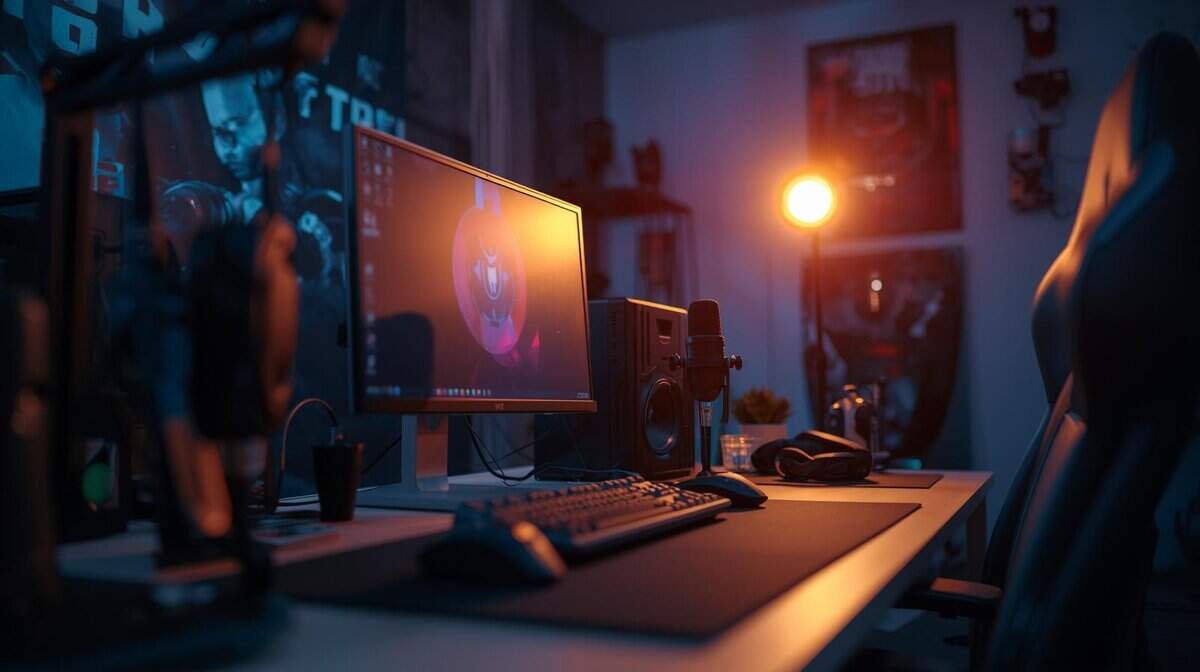
The best lighting for your stream depends on your space, budget, and content. You’ll mainly encounter three types of lights: ring lights, LED panels (often called key lights), and softboxes.
Each has its purpose, and understanding their tradeoffs is key to getting a professional look.
The Good, the Bad, and the Glare
A ring light is the simplest and often cheapest way to start. Its circular design throws direct, even light onto your face, eliminating most shadows. They’re compact and often mount behind your webcam, which saves space. The main tradeoff is the signature “ring” reflection in your eyes. If you wear glasses, it becomes a prominent glare that can be distracting.
An LED panel, or key light, is the workhorse of the streaming world. These are compact, powerful, and offer fine-tuned control over brightness and color. This makes them effective for dedicated gaming setups where you need to aim light precisely to avoid screen glare while keeping your facecam lit during a fast-paced FPS match. The downside is that raw LED light is harsh without diffusion.
A softbox is a fabric diffuser that fits over a light source. Its job is to make the light larger and softer, creating a flattering look that mimics a professional photo studio. It wraps light around you, eliminating harsh shadows. This makes it ideal for content where your appearance is front and center, like a “Just Chatting” stream.
The major trade-off with softboxes is their size. They demand significant floor space, which is a problem in a small room. However, their large surface area naturally reduces glasses glare, and the light quality is superior.
Lighting Type Comparison for Streamers
To make the choice easier, here’s a direct comparison of how the main lighting types stack up for a streamer’s needs. This table breaks down the key trade-offs between price, performance, and practicality.
| Light Type | Best For | Pros | Cons | Price Range (Budget) |
|---|---|---|---|---|
| Ring Light | Quick setups, beauty streams, tight spaces | Compact, easy to use, even lighting | Distracting eye reflection, poor for glasses | $20 – $60 |
| LED Panel (Key Light) | Gaming setups, precise control | Versatile, powerful, small footprint | Harsh light without diffusion, potential for glare | $40 – $100 |
| Softbox | “Just Chatting,” high-quality facecams | Flattering, soft light, reduces glare | Large and bulky, requires floor space | $50 – $120 (for a kit) |
Each option is a compromise. Ring lights offer simplicity but lack professional polish. LED panels give you control but require you to manage their harshness. Softboxes deliver the best light quality but demand the most space.
While dialing in your main light, consider your desk setup. To combat screen glare and reduce eye strain from a bright monitor, look at our guide on the best monitor light bars. These add downward-facing light to your desk without interfering with your camera shot.
Value-Focused Lighting Recommendations for 2026
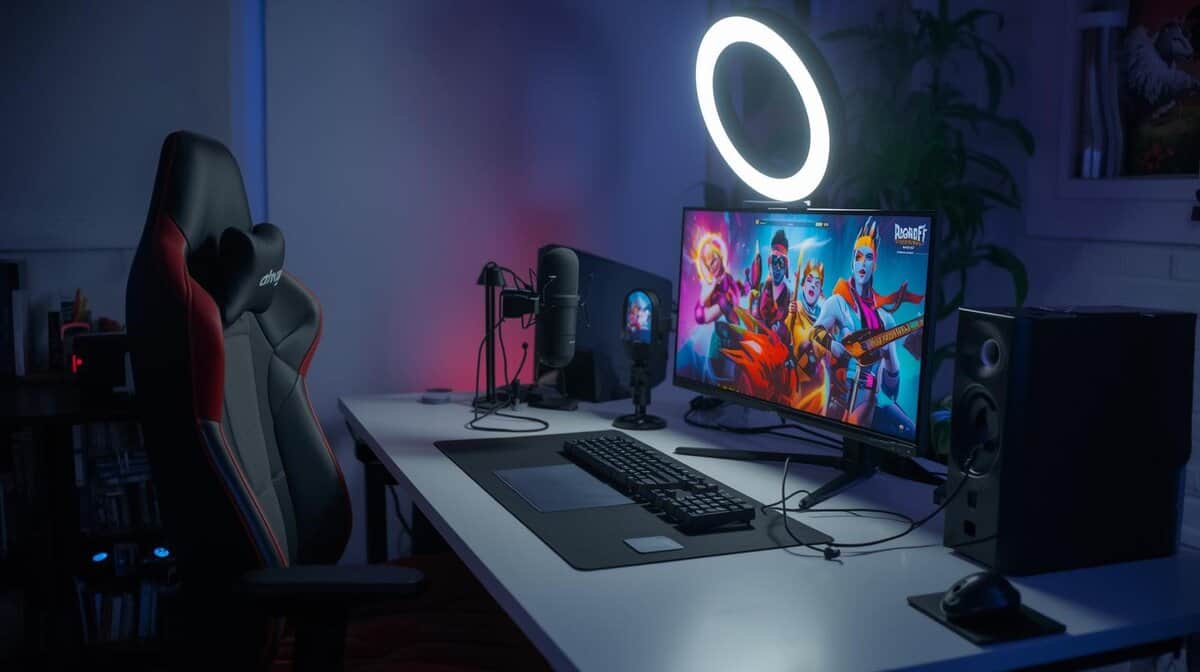
We’ve researched numerous lights to find the ones that deliver real value. Here are our top picks that provide solid performance for their price.
Under $75 Starter Pick: Neewer 18″ Ring Light Kit
For new streamers who need something simple and effective, the Neewer 18″ Ring Light Kit is a top choice under $75. Its large 18-inch diameter produces softer, more flattering light than smaller ring lights, and the included floor tripod stand adjusts up to 61 inches. Built-in bi-color temperature control (3200K–5600K) lets you match your room’s ambient lighting without clip-on filters.
The main trade-off is its size. At 18 inches, you will need floor space for the tripod — it is not a desk-mount light. You will also get the characteristic ring reflection in your eyes or glasses. However, its larger surface area wraps light more evenly around your face, which is a significant improvement over smaller ring lights and standard desk lamps alike.
The Neewer RL-18II is a reliable entry point. It’s built better than its cheapest competitors, with stable bi-color temperature control and smooth dimming that work as advertised, making it a dependable first light for new streamers.
$75-$150 Value Upgrade: Elgato Key Light Air
When you’re ready for more control and a step up in quality, the Elgato Key Light Air is a strong value proposition. This is a dedicated key light with precise, app-controlled brightness and color temperature adjustment (2900K to 7000K). Its edge-lit LED design provides built-in diffusion, creating a soft output that’s easier on your eyes than a raw LED panel.
The build quality is solid, with a weighted base that keeps it stable without taking up much desk space. The primary trade-off is its brightness—at 1400 lumens, it’s powerful enough for most single-person desk setups but may not be sufficient to light a large room on its own. It’s an ideal light for focused FPS or MMO gaming sessions where you need to eliminate screen glare.
Under $250 Pro Budget Kit: Neewer 2-Pack Softbox Kit
For streamers who want a studio-like look, the Neewer 2-Pack Softbox Kit is a high-value option. This gives you a complete two-point lighting setup (key and fill light), which wraps your face in light and eliminates most harsh shadows. The light quality from these large diffusers is exceptionally soft and flattering.
The main compromise here is build quality and convenience. The stands and mounts are functional but not heavy-duty, so they require careful handling. Setup and teardown are also more involved than with a panel light. Despite that, for “Just Chatting” or tutorial streams where your face is the main event, the visual quality for the price is unmatched.
Practical Lighting Setups for Every Streamer
Having the right light is only half the job. Knowing where to put it is what separates a flat, washed-out look from a stream that appears polished and professional. You don’t need a complex multi-light studio to see a massive difference.
You can get excellent results with just one light. This is the foundation of every great setup.
The Powerful One-Light Setup
The single fastest way to upgrade your stream’s visual quality is with a one-light setup. The goal is to create dimension and eliminate the flat, “deer-in-the-headlights” look.
Position your key light about 45 degrees to your left or right, and slightly above eye level. Angle it down toward your face. This placement creates soft, natural-looking shadows on the opposite side of your face, adding depth and making your features stand out. It’s a small change that makes any light source—from an LED panel to a softbox—instantly more effective.
The Classic Three-Point Lighting Technique
Once you’ve mastered the single light, you can graduate to the industry standard: three-point lighting. This technique uses a key light, fill light, and back light to sculpt your image and separate you from the background.
- Key Light: This is your main light, placed at a 45-degree angle as in the one-light setup. It provides the bulk of the light on your face.
- Fill Light: Placed opposite the key light, this one “fills in” the dark shadows created by the key. It should always be less intense than your key light to maintain a sense of depth.
- Back Light: Also called a hair light, this goes behind you, often above your head. It creates a subtle rim of light around your shoulders and hair, which visually separates you from your background.
For MMO or RPG streamers with dark, moody backgrounds, a back light is crucial. It keeps you from blending into the scenery and ensures you remain the clear focal point.
If you’re a fast-paced FPS player, try positioning your key and fill lights a bit higher. This helps prevent glare from your monitor reflecting into the camera during intense, lean-in moments.
Of course, even the best lighting needs a decent camera. You can check out our guide on the best budget webcams for streaming to find one that pairs well with your new lights.
Got Questions About Stream Lighting? We’ve Got Answers.
Getting started with stream lighting can be confusing. Here are answers to some of the most common questions.
Do I Really Need a Three-Point Lighting Setup to Start?
No. A single, well-placed key light is the most important upgrade you can make. It’s more than enough to dramatically improve your camera quality.
A full three-point setup adds polish and depth, but you can always add fill and back lights later as your channel grows. Focus on mastering one good, diffuse light source first. It will solve 90% of your lighting problems.
Can I Just Use a Desk Lamp I Already Own?
You can try, but it’s not a good solution. A standard desk lamp is designed to light up a book, not your face. It produces harsh, unflattering light that creates hard shadows and forces your webcam’s sensor to work harder, resulting in a grainy video feed. Dedicated streaming lights are built for soft, color-accurate output. If a lamp is your only option, try bouncing its light off a white wall to soften it, but even a budget streaming light will provide a significant improvement.
Are RGB Lights Good for My Main Light Source?
No. Using an RGB light as your main (key) light is a common mistake. They are designed for one purpose: adding colorful effects to your background, not for accurately lighting your face. Their job is to create mood with color, not to provide high-quality, color-accurate white light.
Using an RGB light as your primary source will lead to unnatural skin tones and poor color representation. Always use a dedicated white-light source for your face and reserve RGB for creative background lighting.
How Do I Avoid Glare on My Glasses?
Glare is caused by your light source reflecting directly off your lenses into the camera. The fix is to change the angles.
Raise your key light higher and angle it down towards your face. This changes the angle of reflection so it bounces away from the camera. Using a larger, more diffuse light source, like a softbox, also helps by wrapping the light around you more softly instead of acting like a spotlight.
Properly setting up your stream involves more than just lights; your software settings are just as crucial. You can learn more by checking out our guide on the best OBS settings for streaming to ensure your entire production pipeline is optimized.
At Budget Loadout, we’re dedicated to helping you build a high-quality gaming and streaming setup on a budget. For more hype-free reviews and practical guides, visit us at https://budgetloadout.com.
Related Articles