When you hear “gaming router,” it’s easy to picture aggressive designs and wild speed claims. But for a stable, low-ping online experience, the best gaming router is the one that manages traffic intelligently, not just the one with the biggest numbers on the box. The goal is to find a router that reduces ping by prioritizing game data, not one that just boasts raw speed.
This guide focuses on value-driven recommendations for budget-conscious gamers. We will cover our picks for the best overall value, a midrange performer, and a budget-friendly option, explaining the specific use cases and tradeoffs for each.

- The best gaming router prioritizes low latency and traffic management over raw speed numbers
- The TP-Link Archer GE800 is the top overall value pick with Wi-Fi 7 support, dedicated gaming ports, and strong QoS features
- A budget-friendly option like the TP-Link Archer C5400X still delivers meaningful gaming improvements over a standard ISP router
- Mesh systems like the NETGEAR Orbi solve coverage issues in large homes but are overkill for most single-room gaming setups
- Always use an Ethernet cable for competitive gaming — even the best gaming router cannot match a wired connection’s stability
Table of Contents
- Wi-Fi 7 with dedicated gaming port for lowest latency
- Dual 10G ports for future-proof wired connections
- Turbo acceleration engine with automatic game detection
- Larger footprint than traditional routers
- RGB lighting may not appeal to minimalist setups
- Full feature set requires the TP-Link app for configuration
- Triple-level game acceleration reduces ping at every stage
- AiMesh compatible for whole-home gaming coverage
- Robust security suite included without subscription fees
- Premium price point compared to the GE800
- Aggressive gamer aesthetic may not blend into all rooms
- Setup complexity is higher than plug-and-play alternatives
- Affordable entry point for a dedicated gaming router
- Quad-core CPU handles heavy network loads smoothly
- Tri-band design keeps gaming traffic on a dedicated channel
- Wi-Fi 5 standard lacks newer efficiency features
- Only available used or refurbished on most retailers
- No 2.5G or 10G Ethernet ports for high-speed wired setups
- Dedicated wireless backhaul eliminates mesh performance loss
- Covers large multi-story homes with consistent signal
- Quad-band design keeps gaming traffic separate from IoT devices
- Significantly more expensive than a standalone router
- Overkill for apartments or single-floor gaming setups
- Requires multiple nodes placed throughout the home
What Actually Makes a Router Good for Gaming
Before you get drawn in by flashy designs, you need to understand which features actually affect your game. A gaming router’s job isn’t just about fast downloads; it’s about making sure your game’s data packets are sent and received with the least possible delay, also known as latency. This is where specialized features come in. Think of them as a traffic control system for your home network, giving your game an exclusive express lane.
Core Gaming Router Technologies
The single most important feature here is Quality of Service (QoS). A good QoS engine lets you tell the router what traffic is most important. You can prioritize a specific device (like your PS5 or gaming PC) or a specific application (like Valorant or Call of Duty). When someone else in the house starts streaming a 4K movie, QoS is what stops their traffic from causing lag spikes in your match.
Key Takeaway: The best gaming router isn’t always the fastest on paper. It’s the one that intelligently manages traffic to keep your game’s connection stable and responsive, even on a busy network.
Modern routers also use technologies like OFDMA (Orthogonal Frequency-Division Multiple Access) and MU-MIMO (Multi-User, Multiple-Input, Multiple-Output) to make the network more efficient. MU-MIMO allows the router to communicate with multiple devices at once, while OFDMA lets it deliver data to several of those devices in a single transmission.
These features are especially critical for:
FPS Gaming: Where split-second reactions depend on the lowest possible latency.
MMO Raids: Ensuring your connection stays solid during intense, 40-player boss fights.
Live Streaming: Maintaining a smooth broadcast for your viewers while you game.
Wi-Fi 6 and newer standards make these technologies standard, which has helped lower latency significantly compared to older hardware.
Build Quality and Durability
Do not ignore the router’s physical build and its software. A router made with flimsy plastic and poor ventilation can overheat, causing it to throttle performance and lead to random disconnects. Reliable firmware with consistent updates is just as crucial. These updates patch security flaws and improve stability over the router’s lifespan. Beyond raw speed, a good gaming router is really about efficient network management. Grasping the basics of general computer networking services helps explain why certain router features are so vital for a smooth gaming experience.
Comparing the Best Gaming Routers of 2026
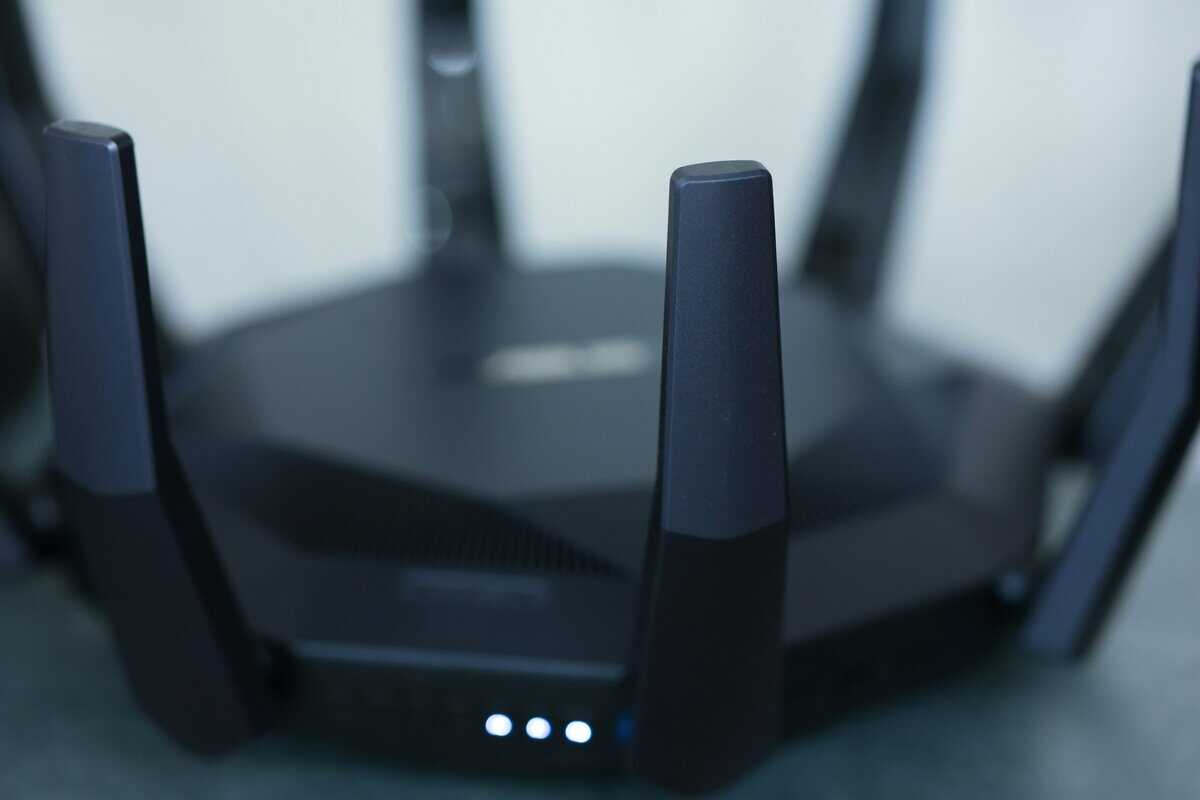
Not all “gaming” routers are created equal. Many are just standard routers with aggressive styling and a higher price tag. Our top picks for 2026 focus on what actually keeps your ping low and your connection stable.
We are breaking down our recommendations by use case. The needs of a competitive FPS player are different from a casual console gamer in a crowded apartment. This is about finding the right tool for the job.
Best Overall Value: TP-Link Archer GE800
The TP-Link Archer GE800 hits the sweet spot between current tech and a price that provides strong value, making it our go-to recommendation for most gamers. As a Wi-Fi 7 router, it provides future-proof hardware without the flagship cost. Its standout features are its dual 10GbE ports, which are uncommon at this price point.
Use Case: This router is built for the chaos of a modern, connected home. Its Wi-Fi 7 capabilities and effective QoS engine excel at prioritizing game traffic, even when others are streaming 4K video. For a wired-in PC gamer, its dedicated gaming port provides a direct line to a stable connection, making it ideal for competitive FPS and MMO players.
Build Quality & Tradeoffs: The build is solid plastic, but it’s well-ventilated and does not feel cheap. The main tradeoff is its size; this router has a large footprint, so you will need to make space for it. Its software is functional but less polished than competitors like ASUS.
Best Midrange Performer: ASUS ROG Strix GS-BE18000
The ASUS ROG Strix GS-BE18000 is for serious gamers and streamers who want deep customization. It costs more than the GE800, but that extra money buys one of the most powerful and configurable software suites available.
Use Case: This model is a strong choice for streamers. It excels in scenarios where you need to precisely manage bandwidth, like prioritizing your game, your Twitch upload, and your Discord chat all at once. For anyone with a multi-gigabit fiber plan, its high-speed ports ensure no speed goes to waste.
Build Quality & Tradeoffs: ASUS hardware is known for durability, and the GS-BE18000 is robust. Its aggressive aesthetic hides a serious cooling system designed for sustained performance. The main tradeoff here is cost—if you just want to plug in and play, its deep settings are likely overkill and not worth the price premium.
Best Budget-Friendly Workhorse: TP-Link Archer C5400X
For gamers on a tighter budget, the TP-Link Archer C5400X is a solid choice. It’s a Wi-Fi 5 router, meaning you trade next-gen features for proven, stable performance at a lower cost. It has enough power to handle lag-free gaming and 4K streaming on most internet plans.
Use Case: This is an outstanding option for a console-focused setup (PS5, Xbox Series X) or for someone just getting into PC gaming. It provides a reliable network without a huge initial investment, and its QoS is effective enough to protect a single gaming device from household network congestion.
Build Quality & Tradeoffs: This was a premium router in its day, and the build quality reflects that—it’s heavy, sturdy, and feels substantial. The main sacrifice is future-proofing; there is no Wi-Fi 6 or 7 support. However, for its current price, its powerful processor and solid QoS deliver more gaming value than the generic box from your ISP.
2026 Gaming Router Showdown
This table breaks down where each router shines and who it’s built for.
| Model | Price Tier | Key Feature | Best For | Build Quality & Tradeoffs |
|---|---|---|---|---|
| TP-Link Archer GE800 | Overall Value | Dual 10GbE Ports & Wi-Fi 7 | All-around FPS, MMO & busy homes | Solid, but large with a basic UI |
| ASUS ROG Strix GS-BE18000 | Midrange | Advanced Gaming QoS | Streamers & Competitive Players | Excellent, but expensive and complex |
| TP-Link Archer C5400X | Budget-Friendly | Strong Wi-Fi 5 Performance | Console & Casual PC Gamers | Sturdy, but dated tech (no Wi-Fi 6/7) |
The GE800 is the best choice for most people, the GS-BE18000 is for power users who need total control, and the C5400X is the smart-money pick for anyone prioritizing stability on a budget.
Deep Dive on the Best Overall Value Gaming Router
For most people, the hunt for the best gaming router is a balancing act: getting current features without an excessive price. The TP-Link Archer GE800 nails this balance, making it our top pick for overall value in 2026. It packs Wi-Fi 7 and hardware that directly addresses high latency and unstable connections.

TP-Link brought high-end hardware down to a more accessible price point with the GE800. Its performance is built on practical, gamer-first design choices.
Real-World Performance and Gaming Features
The standout features are the dual 10GbE ports and a dedicated gaming port. For a router in this value-focused category, that is a significant advantage. The gaming port is designed to automatically spot and prioritize your game traffic, keeping your connection solid even when your roommate starts streaming 4K video. It’s effective for competitive FPS players who cannot afford a single lag spike.
For wired connections—which should always be your first choice for serious gaming—these ports are invaluable. The dual 10GbE ports mean your setup is future-proofed for the multi-gigabit internet plans that are becoming more common, guaranteeing your router won’t be a bottleneck for years.
The Archer GE800’s real advantage is making elite-tier hardware accessible. It’s built for gamers who demand sub-5ms pings on Ethernet and want the raw speed of Wi-Fi 7 without paying a premium for niche features they’ll never touch.
Build Quality and Important Tradeoffs
The GE800 is built from a solid, high-quality plastic with plenty of ventilation to prevent overheating during long gaming sessions. It does not have the metal chassis you might find on an ultra-premium model, but it feels substantial and well-made.
However, there are tradeoffs to be aware of:
Physical Size: This router is large. Its design and large footprint demand a good chunk of desk or shelf space, which could be an issue in a small apartment.
User Interface: While the TP-Link software gives you control over QoS and other advanced settings, it is not as polished or intuitive as what competitors like ASUS offer. It’s functional, but beginners might find the navigation clunky.
Even with those points, the GE800 delivers where it matters most. It offers a clear upgrade path with Wi-Fi 7 and 10GbE ports, making it a smart, long-term buy for any gamer who needs network stability but must also watch their budget.
Midrange vs. High-End: A Gaming Router Showdown
Once you move past the budget tier, you face a choice. Do you get a capable midrange router or invest in a high-end model like the ASUS ROG Strix GS-BE18000? The difference isn’t just about speed—it’s about how the router behaves under extreme network pressure. A good midrange router is great at prioritizing your game over a few other devices. A high-end model is built to do that for a whole house full of them, without struggling.
Advanced Features and Real-World Use Cases
A high-end router packs a more powerful processor and extra RAM. This hardware fuels its advanced QoS engine, letting it juggle dozens of simultaneous connections while keeping jitter—the variation in your ping—to an absolute minimum.
For a streamer, this is critical. A high-end router can handle a 4K game stream, a Discord call, and intense gameplay without dropping frames or causing a latency spike. A midrange model will start to struggle under that combined load.
You can see the difference just by looking at the ports:
Midrange: You’ll typically find 2.5Gbps ports. These are sufficient for today’s high-speed internet plans.
High-End: These often come with 10Gbps ports. This provides a massive performance ceiling for anyone with multi-gigabit fiber internet or a home server.
Who Should Actually Pay for a High-End Router?
High-end routers also dominate in congested living situations thanks to their tri-band or even quad-band systems. These extra Wi-Fi bands act as exclusive highways for your devices, cutting down on interference when the network is packed with phones, tablets, and smart home gadgets. While a midrange router is fine for a typical family, a high-end one is designed for a modern smart home where dozens of devices are fighting for bandwidth.
The build quality is also a step up. Both tiers are generally well-made, but high-end routers often feature better internal cooling systems designed for sustained, peak performance.
The choice is clear. If you’re a competitive FPS player, a streamer, or someone who demands absolute network stability under heavy, constant load, the investment in a high-end router is justified. For everyone else, a modern midrange model offers more than enough power for a lag-free gaming experience.
Handling Tricky Setups With Mesh and Console-Friendly Routers
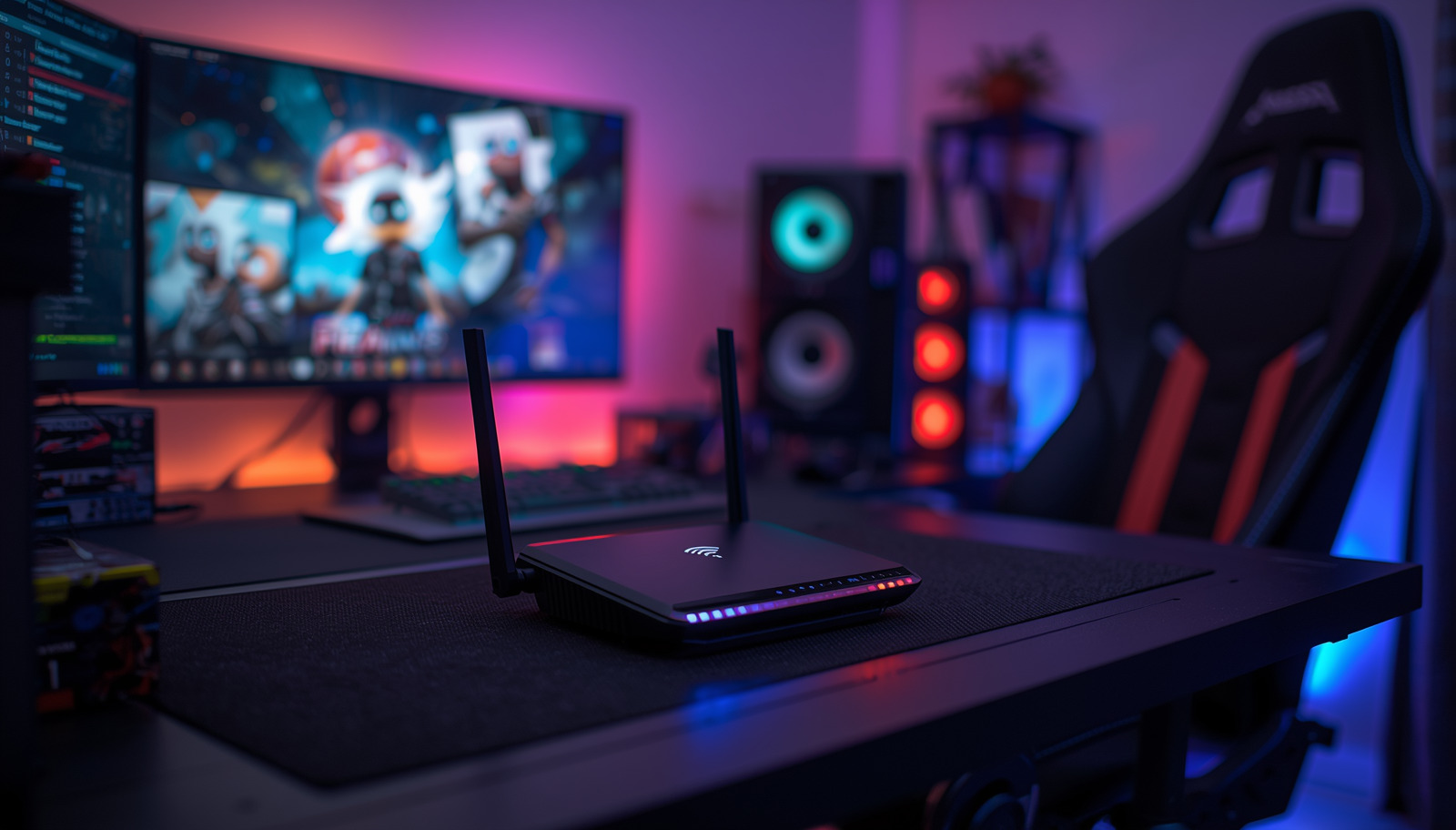
A single, powerful router is great if you can sit near it, but that’s not everyone’s reality. If your gaming rig is in the basement or on the opposite side of a large house, one router will not be enough. This is where you have to get smarter with your network, looking at solutions like mesh Wi-Fi and routers that work well with consoles.
When you’re dealing with a large or multi-story home, learning how to improve WiFi coverage is the first step. For gamers, this usually leads to mesh systems, which are designed to eliminate dead zones.
The Best Mesh System for Gaming
For gamers in large or architecturally complex homes, the NETGEAR Orbi RBKE963 is an expensive but effective solution to Wi-Fi problems. A mesh system blankets your home with a unified network using multiple nodes. The Orbi’s key feature is its dedicated wireless backhaul—a private, high-speed channel connecting the satellites back to the main router.
The dedicated backhaul is what separates a good mesh system from a mediocre one. It ensures that traffic between nodes doesn’t compete with your gaming traffic, which is critical for maintaining low ping as you move farther from the main router.
The build quality is excellent, and the clean design blends in better than the aesthetic of most gaming routers. The obvious tradeoff is the steep price, and the fact that a wired connection will always have lower latency. Still, if you need strong Wi-Fi for multiple people all over the house and cannot run Ethernet everywhere, a quality mesh system is the next best thing.
Optimizing for Console Gaming
Console gamers have a specific need: getting an Open NAT type for smooth matchmaking and party chat. While any decent router can manage this, models with a simple interface for port forwarding or pre-set “game modes” make it easier.
A stable connection is required for PlayStation 5 and Xbox Series X, especially if you’re chasing 120Hz gameplay. A wired connection is always the best-case scenario. If you must use Wi-Fi, you need a router that can deliver a rock-solid 5GHz or 6GHz signal to your console’s location. A budget-friendly router with solid QoS, like the TP-Link Archer C5400X we discussed earlier, is often a perfect fit. It gives you the stability you need without making you pay for features like 10GbE ports that a console will never use.
If you’re just trying to fix a single dead spot, a full mesh system might be overkill. Our guide on the best WiFi extender for gaming could give you a more targeted—and cheaper—solution.
How to Configure Your New Gaming Router for Peak Performance
Unboxing a new router is the easy part. Configuring it for gaming requires a few crucial tweaks. These adjustments can turn a standard home network into a low-latency machine.
First, update the router’s firmware. This is not optional. Manufacturers push out updates that fix security flaws, squash bugs, and often deliver performance and stability gains. Skipping this leaves your network vulnerable and means missing out on optimizations.
Fine-Tuning Your Connection
With the firmware updated, your next stop is Quality of Service (QoS). This is where you tell your router which devices and data packets get priority. Most gaming routers simplify this with a one-click gaming mode that automatically prioritizes your PC or console.
For anyone streaming, QoS is your lifeline. It ensures your game data and your upload stream to platforms like Twitch get the bandwidth they need, preventing your broadcast from buffering. You can find more tips in our guide on how to start streaming on Twitch.
If your router offers advanced controls, you can get granular by prioritizing specific game ports. This guarantees that traffic from Call of Duty or Apex Legends is always treated as top priority.
Next, check your NAT (Network Address Translation) Type in your console’s network settings or game launcher on PC. If it reads “Strict” or “Moderate,” you will have problems with matchmaking, joining lobbies, and voice chat. The fix is port forwarding.
Follow these general steps to open it up:
Find the specific port numbers your game needs. A quick online search like “Valorant port numbers” will provide the list.
Log into your router’s admin page and find the section labeled “Port Forwarding” or “Virtual Server.”
Create a new rule by entering the required port numbers and the local IP address of your gaming PC or console.
This tells your router to funnel all that incoming game traffic directly to your machine, helping you achieve an “Open” NAT type. Of course, a high-quality Ethernet cable is still the most foolproof way to get a stable connection.
Got Questions About Gaming Routers? We’ve Got Answers
Let’s tackle some of the most common questions about finding the right router.
Is a Gaming Router Really Better Than My ISP’s Router?
Yes. The free box your ISP gave you is built to be cheap, not to perform under pressure. It’s designed for basic web browsing, not the low-latency demands of a competitive match.
A real gaming router gives you control. Its Quality of Service (QoS) features put your game traffic at the front of the line, so a roommate starting a download won’t make your ping skyrocket. They also have better processors and more RAM, preventing the stutters and lag that happen when a basic router gets overwhelmed.
How Much Should I Spend on a Gaming Router?
You do not need to spend a fortune to see a real improvement. The sweet spot for most gamers is between $150 and $300. Routers in this price range deliver the essentials: a strong QoS engine and solid Wi-Fi 6 or even Wi-Fi 7 performance.
High-end models that cost $300+ are for specific use cases. If you’re a competitive player, a streamer managing multiple high-bitrate feeds, or live in a home with dozens of heavy users, the jump to features like 10GbE ports and advanced traffic management can be worth it.
Do I Need Wi-Fi 7 for Gaming in 2026?
You do not need it, but investing in a Wi-Fi 7 router now is a smart way to future-proof your setup. It’s not just about more speed; the real win for gaming is Multi-Link Operation (MLO). This lets your devices talk to the router over multiple bands at the same time, which dramatically reduces latency and keeps your connection stable, even in a crowded wireless environment.
If you game over Wi-Fi, especially in fast-paced FPS or MMO titles, the improvement MLO offers is noticeable. It’s the closest wireless has come to feeling like a wired connection.
At Budget Loadout, we specialize in helping you find high-value gear that delivers where it counts. Explore more of our guides and build your perfect setup without breaking the bank at https://budgetloadout.com.
Related Articles