Buy the wrong screen and you pay for it in missed saves, not dollars. The best monitor for Rocket League is built for motion first, because this is a game about reading a ball that never stops moving. A sharp panel that smears during an aerial is a worse tool than a plain one that stays clear.
This guide keeps it simple. Four verified panels, each matched to a different budget and platform, plus the context that decides which one belongs on your desk.
The cheapest route to real speed and the pick that makes 60Hz feel broken in hindsight. A 200Hz IPS panel at a price most brands charge for half the refresh, in a compact size that keeps the whole field in view.
- 200Hz refresh at a price rivals charge for far less speed
- IPS panel keeps colors steady at any viewing angle
- 24-inch size keeps ball and boost pads in peripheral view
- 1080p at this size trades away desktop sharpness
- Stand favors simplicity over deep adjustment
- Small panel can feel cramped if you sit far back
The ranked pick. A 240Hz Fast IPS panel from a tier-one brand that keeps aerials readable at the speed Champion lobbies actually play, with HDMI VRR that consoles can use too.
- 240Hz with 0.5ms response keeps fast play crisp
- FreeSync Premium plus HDMI VRR covers PC and console
- 99% sRGB coverage looks accurate without tuning
- 1080p spread across 27 inches softens fine text
- Restrained styling next to flashier gaming brands
- Locked to 1080p with no QHD option in this line
The sharpness answer at the same money as the Dell. QHD resolution cleans up long-range ball reads and doubles as a proper desktop workspace, while 180Hz stays comfortably fast for ranked play.
- QHD sharpness makes distant play easier to read
- 180Hz IPS with a deep bench of positive owner ratings
- Doubles as a sharp workspace for everything else
- Gives up the last step of motion clarity to the Dell
- QHD at high frame rates asks more of your graphics card
- Stand leans basic with tilt as the main adjustment
The ceiling pick for players who want one monitor that makes everything look spectacular. Mini-LED backlighting delivers HDR punch that edge-lit budget panels cannot approach, with 180Hz to keep pace.
- Mini-LED HDR brightness is unmatched at this tier
- QHD at 180Hz balances sharpness and speed
- Deep contrast makes night arenas genuinely pop
- VA panel trails Fast IPS slightly in dark-scene motion
- Costs the most of the four picks here
- More monitor than a pure ranked grinder needs
- Motion clarity beats resolution in Rocket League, so spend on refresh rate and response time before pixels
- 144Hz is the practical floor for ranked play and 240Hz is where returns start to level off
- Console players need a 120Hz capable panel to unlock performance mode on PS5 and Xbox Series X|S
- Choose 1080p for maximum speed per dollar and QHD when the monitor doubles as your workspace
- A refresh rate your hardware cannot feed is wasted money, so match the panel to your frame rate
Table of Contents
The Wrong Monitor Makes Every Save Late
Rocket League gives you one job: read a ball that never stops moving. Most games let your eyes rest on a fixed crosshair. This one asks you to track a fast object through three dimensions while your own car is airborne and rotating.
That difference changes what a monitor needs to be. On a slow panel, the ball smears during flicks and aerials, and your brain fills the gap with a guess. Sometimes the guess is right. At higher ranks, it usually is not.
Refresh rate decides how often the screen updates the ball. Response time decides whether each update is clean or smeared. Input lag decides how stale the picture is by the time you react to it. If you have ever felt a save go wrong that your hands did right, that chain is where it died. Our guide on how to fix input lag covers the settings half of that chain.
You are never aiming at a spot in Rocket League. You are aiming at where a moving ball is about to be.
Fix the screen first. It is the cheapest upgrade between you and the next rank, and unlike a new controller, it improves every game you own. The jump from 60Hz to 144Hz is the single biggest change a player can feel. Everything past it is refinement, and the four picks below cover every point on that curve.
Four Picks That Keep Up With the Ball
Every panel here was verified in stock this week. The short version: the Dell SE2726HG is the default for ranked PC play, the AOC 24G42HE wins when budget rules everything, the Acer Nitro KG271U N3 takes the shared-duty desk, and the AOC Q27G3XMN is the treat-yourself pick.
AOC 24G42HE
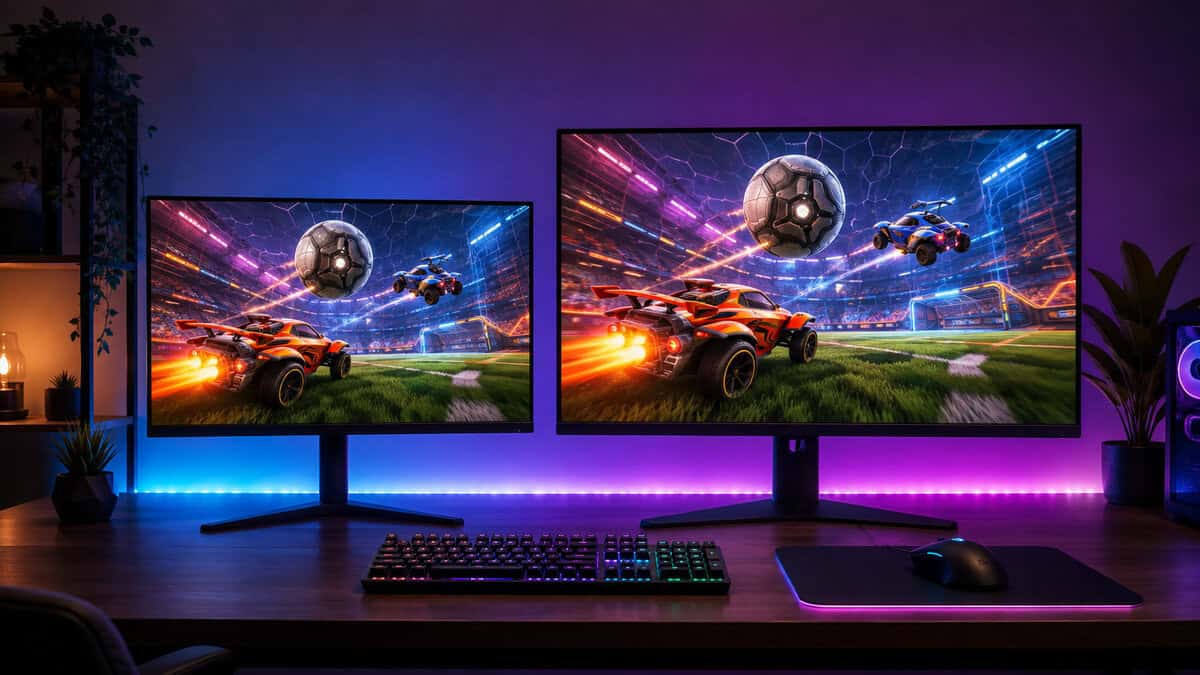
If the entire budget is one small bill, the AOC 24G42HE is where it should go. You get a genuine 200Hz IPS panel with a rated 0.3ms response, numbers that were flagship territory a few years ago, at the lowest price of any pick here.
Rocket League on this panel feels immediate. The compact 24-inch footprint means the ball never leaves your effective field of view, which is part of why small screens still dominate esports desks. Pair it with a mid-range graphics card and the game will happily run past 200 frames.
The honest tradeoff is sharpness. 1080p at 24 inches is fine in motion and merely adequate for reading documents all day. If this monitor is also your office, look at the Acer below instead.
Dell SE2726HG
The Dell SE2726HG is the pick this list is built around. It brings a 240Hz Fast IPS panel with a 0.5ms response down to a bracket that used to buy 165Hz, from a brand with an unglamorous but real reputation for panels that last.
Champion lobbies are played in the air. A 240Hz panel is how you keep the ball honest up there.
The spec that earns the console mention is HDMI VRR alongside FreeSync Premium. Frame dips stop tearing the image on PC, and a PS5 or Series X gets the same courtesy over HDMI. Color lands at 99% sRGB without touching a menu.
What you give up is pixel density. 1080p across 27 inches is the loosest pixel grid on this list, and text shows it. In game, in motion, you will not notice. On a spreadsheet you will.
Acer Nitro KG271U N3
The Acer Nitro KG271U N3 costs the same as the Dell and answers a different question. Instead of maximum speed it buys 2560×1440 sharpness at 180Hz, and it carries the deepest owner history of any pick on this list.
QHD earns its keep in Rocket League at range. Reading the ball off the far backboard, or a teammate rotating across the field, is simply cleaner when the pixel grid is this much denser. Boost pads stop being suggestions.
It is also the pick that respects the rest of your life. If one screen handles work by day and ranked by night, QHD is a difference you feel every hour, and 180Hz is still faster than most graphics cards can feed anyway. The full speed-versus-sharpness call gets its own section below.
AOC Q27G3XMN
The AOC Q27G3XMN is what happens when a budget brand builds a halo product. A Mini-LED backlight pushes HDR1000 brightness that ordinary edge-lit panels cannot imitate, with QHD resolution and 180Hz speed underneath.
Rocket League is not an HDR showcase, but everything else you play is. Night maps get real shadow depth, explosions actually glare, and single-player games look a class above what this bracket normally allows.
The tradeoffs are known quantities. The VA panel gives up a little dark-scene motion clarity to the Fast IPS Dell, and it is the most expensive monitor here. Buy it for the whole library, not just the ranked grind.
Here is how the four line up when you strip it to essentials.
| Product | Panel and speed | Best for |
|---|---|---|
| AOC 24G42HE | 24-inch 1080p IPS at 200Hz | The smallest budget |
| Dell SE2726HG | 27-inch 1080p Fast IPS at 240Hz | Ranked PC play |
| Acer Nitro KG271U N3 | 27-inch QHD IPS at 180Hz | Shared work and play desks |
| AOC Q27G3XMN | 27-inch QHD Mini-LED VA at 180Hz | Image quality everywhere |
Speed or Sharpness: How to Choose Your Lane
The Dell and the Acer cost the same, sit on the same size panel, and serve two different players. This is the real decision in this article, and it deserves a clean split.
When the Dell Wins
Take the Dell if Rocket League is the main event. Ranked play rewards motion clarity above everything, and 240Hz backed by a Fast IPS response is the better tool for reading aerial play. If your graphics card already pushes frame rates well past 180, the Dell is the only pick that lets you use them. The same logic carries to shooters, where our best 240Hz gaming monitor roundup goes deeper.
When the Acer Wins
Take the Acer if the monitor has two jobs. QHD is a permanent upgrade to every hour spent outside the game, and 180Hz keeps ranked play fast enough that few players could pick the difference blind. Console players should also lean Acer, because a PS5 or Series X caps Rocket League at 120 frames and cannot use the Dell’s extra speed at all.
There is also a hardware answer. The Dell wants a solidly mid-range graphics card from the last two generations, so its refresh ceiling means something. The Acer’s 180Hz is the safer match for older builds, gaming laptops, and anything console shaped.
Past a certain rank you stop noticing sharpness and never stop noticing blur. Below it, the reverse is true.
A last word on longevity before the spec talk. Monitors outlive graphics cards, controllers, and consoles, usually by years. Buying one step more refresh than your current hardware can feed is the rare case where overbuying pays, because the panel will still be on the desk when the next upgrade arrives to feed it.
What Makes the Best Monitor for Rocket League Different
Shopping for the best monitor for Rocket League means reordering the usual spec sheet. Color coverage and HDR certifications sell monitors, but this game only cares how honestly a panel handles motion.
Motion Clarity Is the Whole Game
Motion clarity is the combination of refresh rate and pixel response, and it decides whether a fast ball is an object or a smear. Blur Busters maintains an excellent primer on LCD motion artifacts if you want the theory. The practical version: a fast refresh rate with a slow panel behind it wastes half its promise, which is why every pick above pairs its speed with an IPS or fast VA response.
Refresh also has diminishing returns. The move from 144Hz to 240Hz is real but subtle, felt mostly in kickoffs and fast aerial exchanges. If your frame rate lives around 150, buy the 180Hz panel and spend the difference on a better seat.
One settings note: every pick ships with an overdrive or response control, and the middle setting is almost always right. Maximum overdrive trades smear for inverse ghosting, a bright halo chasing the ball that is worse than the blur it replaced.
VRR and the Tearing Question
Variable refresh rate earns its keep when your frame rate dips below the panel’s refresh, which happens more than proud spec sheets admit. FreeSync on every pick here keeps those dips from tearing the image mid-aerial. The cleanest setup on PC is still a frame cap just under your refresh ceiling, with VRR catching whatever slips through.
Do not chase the premium sync tiers for this game. Rocket League runs light enough that basic adaptive sync does the whole job, and the money a fancier certification costs is better spent moving up a panel tier.
Input Lag You Can Feel
Input lag is the delay between your input and the pixels moving, and a monitor contributes its own share on top of the controller and the game. All four picks keep processing delay low in their game modes. Turn the dedicated game or low-latency mode on either way, because shipping defaults often route the image through extra processing you do not want.
The chain matters more than any single link. A wireless controller on a congested dongle, a TV mode hiding behind a cinema preset, and a slow panel each add their own delay, and they stack. Fixing the monitor while ignoring the rest leaves rating on the table. Wired input, game mode on, and one of the panels above is the whole recipe, and none of the three steps costs skill to apply.
Console Players Get 120Hz Too
A huge share of the Rocket League player base has never touched the PC version, and consoles reward a good monitor just as well. Psyonix ships a dedicated performance mode on current consoles, and the official breakdown lives in the Rocket League next-gen announcement.
What Each Console Actually Outputs
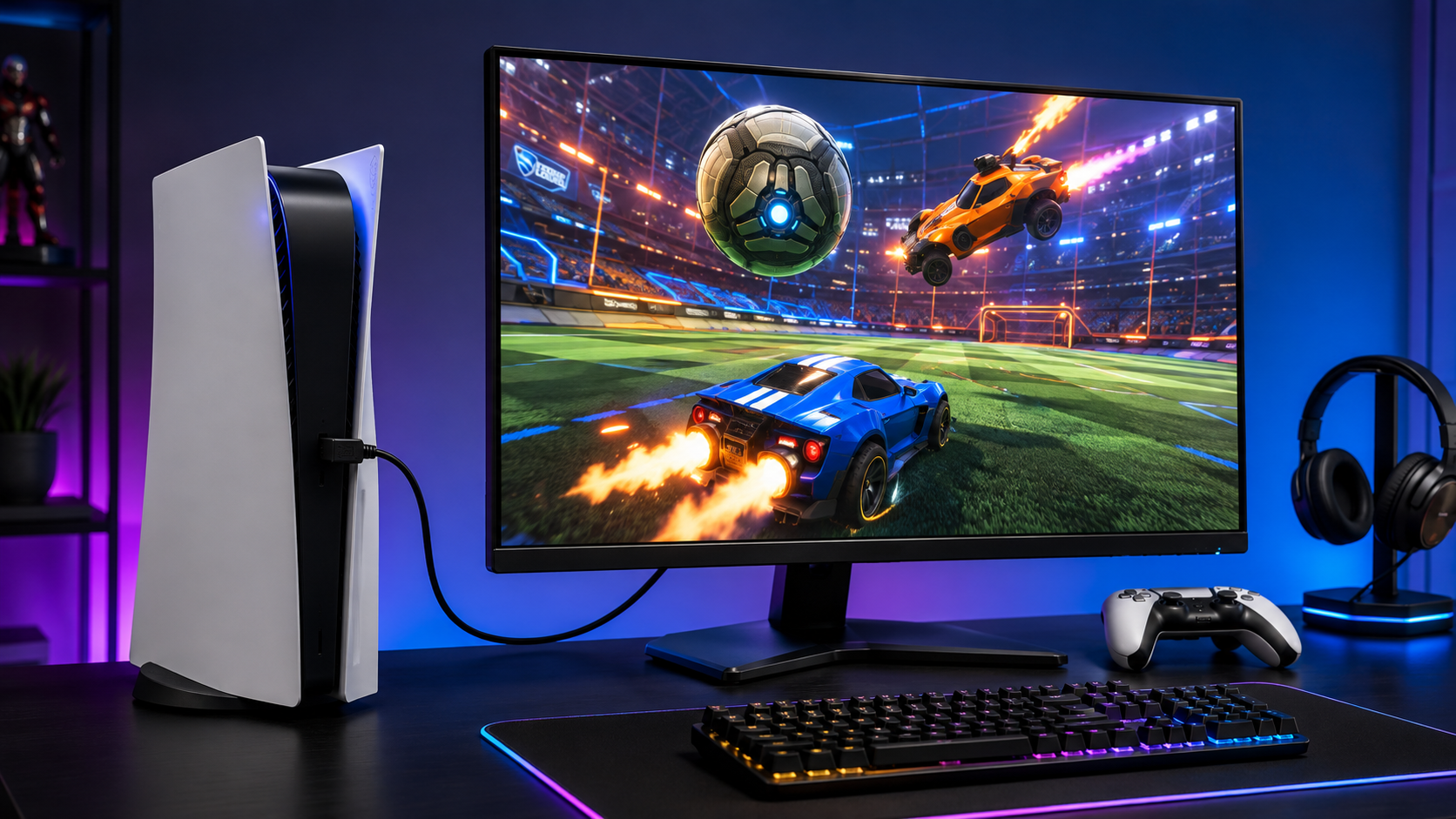
On Xbox Series X and Series S, performance mode targets 120 frames with a reduced internal resolution, while quality mode holds 60 with the sharper picture. PlayStation 5 added its own 120 frame support in a later update. In every case, the console only unlocks it when it detects a 120Hz-capable display, so check the video output menu after plugging in.
All four picks accept a 1080p 120Hz signal over HDMI. The QHD pair adds a wrinkle: current consoles can output 1440p, but variable refresh behavior differs by model, which is one more reason the Dell’s explicit HDMI VRR support matters for console-first buyers.
The Series S deserves a special mention. It renders below full HD in performance mode, which makes an expensive QHD panel largely wasted on it. A fast 1080p monitor like the 24G42HE or the Dell is the honest match, and the savings can go toward a controller that deserves them.
Monitor or TV for Console Rocket League
If the console lives in the living room, a TV can absolutely do the job, and our gaming monitor vs TV comparison walks the full tradeoff. The short version: at desk distance the monitor wins on input lag and pixel density, while the TV wins the couch. Rocket League at 120 frames on a desk monitor is the version of the game most console players never know they are missing.
One settings habit ports over from TVs: name your inputs. Consoles remember display modes per connection, and a monitor that once identified itself through an AV receiver or a switch box can silently fall back to 60Hz. If the game suddenly feels heavier after rearranging a desk, check the output menu before blaming your hands. The fix is nearly always one dropdown.
The 4K Myth and Other Resolution Traps
Monitor marketing has answers Rocket League never asked for. Three traps come up constantly.
Every myth on a spec sheet costs the same thing in this game: frames you paid for and cannot see.
The 4K Myth
4K sounds like an upgrade and plays like a tax. Driving four times the pixels of 1080p burns graphics headroom that Rocket League would rather spend on frame rate, and the consoles agree: their own performance modes lower resolution to protect 120 frames. Sharpness loses to speed in this game every time.
The Bigger Screen Trap
A 32-inch panel at desk distance forces your eyes to travel further to track the ball across the field. That is why the picks stop at 27 inches. If you want more monitor, add sharpness inside the same footprint rather than raw diagonal.
The HDR Distraction
HDR badges on budget monitors usually describe an aspiration, not an experience. Competitive players often switch HDR off in fast games anyway. The exception is a real implementation like the Q27G3XMN’s Mini-LED array, which earns its place for everything outside the ranked queue. When a cheap spec sheet leans hard on its HDR badge, read it as a warning.
The Curved Question
Curves are taste, not performance. At 27 inches, the bend is gentle enough to be invisible in play, and Rocket League neither benefits nor suffers. Our curved vs flat monitor breakdown covers the ergonomics, but the short answer is to buy the better panel and let the curve be a coin flip. Every pick in this guide is flat, which also keeps sightlines honest if the monitor doubles for shared console sessions on the couch end of a desk.
Camera Settings Change What Your Monitor Needs
Rocket League is one of the few games where nearly everyone abandons the default camera. Those settings interact with your monitor choice more than most players realize.
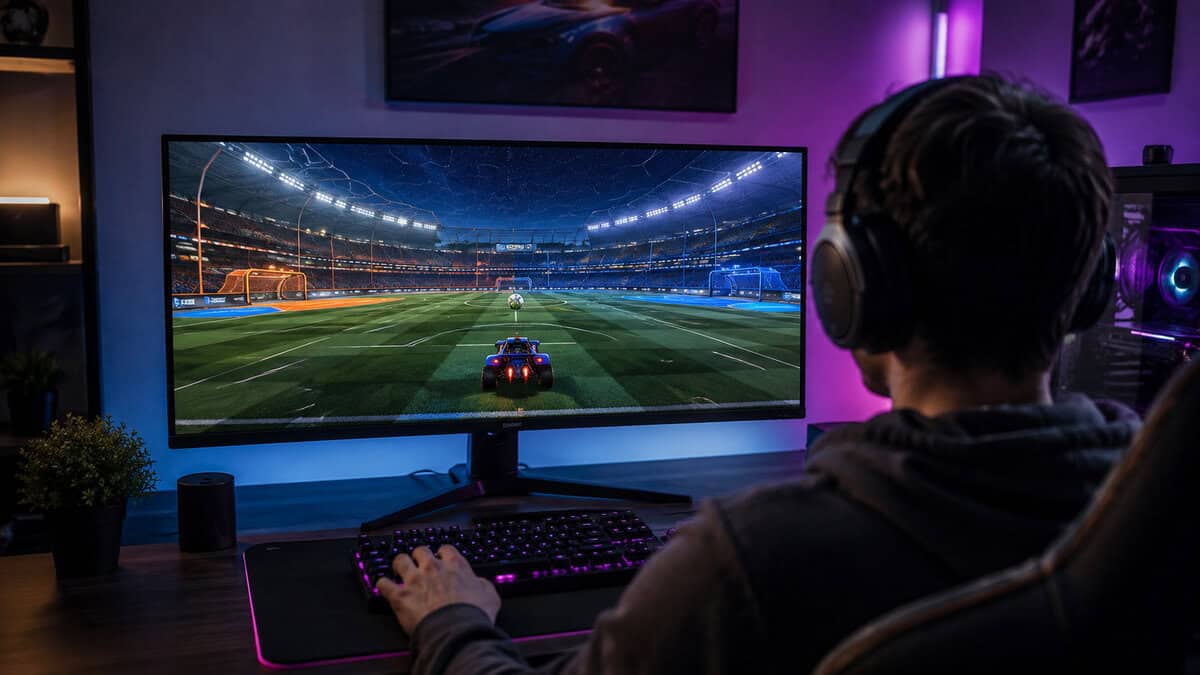
A wider field of view pushes the ball deeper into the scene and renders everything smaller. If you run FOV near maximum like most ranked players, QHD sharpness pays off directly, because the objects you read occupy fewer pixels. On a 1080p panel, a slightly tighter FOV keeps the ball legible.
Camera shake off, longer camera distance, and a taller camera height are the standard competitive baseline. None of them demand a specific panel, but all of them reward the stability of a high refresh rate during fast swivels.
The screen is half of the input chain. The other half is in your hands, and our best controller for Rocket League guide covers it, including the pads that survive years of Octane abuse.
One last interaction worth knowing: interface scale. Rocket League’s HUD scales cleanly at QHD, but some older overlay tools and stream widgets assume 1080p. If you stream your ranked sessions, test your scene layout after a resolution change so the boost meter is not hiding under a webcam frame.
Lighting deserves ten seconds of thought too. A matte panel beside a bright window still washes out, and glare costs more ball visibility than any spec deficit on this list. Angle the desk so the window sits beside the screen rather than behind you, and every pick here looks a grade better.
And once the new panel is on the desk, resist retuning everything at once. Change the monitor, keep the camera settings, and give your eyes a week before judging. Every display swap feels wrong for a few days while your tracking recalibrates, and the players who chase settings during that window usually end up further from comfortable than they started.
Frequently Asked Questions
Quick answers to the questions Rocket League players actually ask about monitors.
Is 240Hz worth it for Rocket League?
It is if your hardware can feed it. A 240Hz panel shows its value when your frame rate consistently runs well past 144 and in ranked lobbies where aerial exchanges get fast. If your graphics card tops out around 150 frames, a 165Hz or 180Hz panel spends the same money better.
What monitor size is best for Rocket League?
24 to 27 inches at desk distance. Smaller panels keep the whole field inside your effective vision, which is why esports players favor them. At 27 inches, QHD resolution keeps the ball crisp. Past 27, eye travel starts working against you.
Can consoles run Rocket League at 120 FPS?
Yes. Xbox Series X, Series S, and PlayStation 5 all offer a performance mode targeting 120 frames, but only when connected to a 120Hz capable display. Enable the mode in the video settings and confirm the console detects 120Hz output.
Does resolution matter for Rocket League?
Less than motion does. 1080p at high refresh is the value sweet spot, and QHD helps most for reading distant play or sharing the monitor with desktop work. 4K costs frame rate for a benefit the game barely uses.
Do these monitors work for other competitive games?
Yes. The specs that serve Rocket League, which are high refresh, fast response, and low input lag, are exactly what shooters and other esports titles want. Any pick here transfers cleanly to the rest of a competitive library.
Looking for more budget gaming gear? Check out Budget Loadout for the latest reviews and recommendations.
Related Articles