Most Rocket League controller advice gets the main point backward. Players keep shopping for a rank-up device when the true upgrade usually comes from repeatable inputs, sane settings, and a controller that fits your hands well enough to survive long sessions without fighting you.
That’s why a lot of “best controller for Rocket League” lists miss the mark. They rank brand names, paddles, and premium extras, but they rarely answer the practical question: which traits help with aerial control, recoveries, dribbles, and fast turns, and which ones are just expensive distractions?
A better pad can help. It just won’t fix bad deadzones, awkward binds, unstable sticks, or sloppy muscle memory. The same logic applies to the rest of your setup. If your connection is bad, the problem isn’t your controller at all, and this ping guide for smoother online play matters more than another hardware purchase.
- A better controller alone won’t raise your Rocket League rank: settings, mechanics, and consistent inputs do
- For most players, the Sony DualSense is the safest all-around buy: strong build, great stick feel, no premium markup
- 8BitDo Ultimate 2 is the PC budget pick: Hall Effect sticks kill drift, and 1000Hz polling keeps inputs sharp
- GameSir G7 Pro Wired is the modern wired choice for Xbox and PC players who want zero input latency
- Pro-tier controllers like the DualSense Edge are usually overkill for Rocket League, so save the money for practice and decent settings
Table of Contents
- Comfortable shape that survives long sessions without hand fatigue
- Precise analog sticks and solid trigger feel right out of the box
- Works seamlessly across PS5, PC via USB-C or Bluetooth, and Mac
- Adaptive triggers and haptics add nothing competitive for Rocket League
- Battery life is shorter than older PlayStation controllers
- Stick drift can develop over time, like most modern controllers
- Hall Effect sticks eliminate drift, the #1 controller failure mode
- 1000Hz polling rate keeps Rocket League inputs feeling immediate
- Software profiles let you tune dead zones for fast-paced play
- No PlayStation support, limited to PC and Switch 2
- Smaller grip than a DualSense, takes a session to adapt
- Battery life isn't class-leading; plan to dock it nightly
- Hall Effect sticks prevent drift even with heavy daily use
- Wired connection means zero input lag and no battery to manage
- Back paddles unlock air-roll binds without claw grip
- Wired-only means cable management on cluttered setups
- Officially Xbox/PC, so PlayStation players should pick DualSense
- Slightly heavier than the DualSense due to extra hardware
Why a Better Controller Might Not Make You Better
Rocket League rewards tiny, repeatable analog movements. That’s the whole argument for being picky about controllers. But “more expensive” and “better for Rocket League” aren’t the same thing.
A lot of players buy a premium controller because they assume extra features mean extra control. Usually, they end up with the same inconsistent touches, the same missed fast aerials, and the same awkward recoveries. The issue wasn’t the lack of rear buttons. It was an unstable setup, poor deadzone tuning, or a shape that never felt natural in the first place.
The bigger mistake is chasing gear before fixing basics. A stable standard controller with sensible settings often gives better results than an expensive model loaded with features you never use. In Rocket League, comfort matters, but consistency matters more.
Practical rule: Buy a controller for feel, reliability, and durability. Don’t buy one because the box says “pro.”
That’s also why brand-only recommendations are weak. Two controllers can both feel “fast,” but one may be easier to control over long sessions because the sticks return to center more predictably, the triggers feel cleaner, or the shell shape reduces hand strain. Those details show up in ranked. Marketing doesn’t.
Our Top Controller Picks for Rocket League in 2026
If you want the short version, these are the picks I’d steer most players toward. They cover the usual needs without pretending everyone needs a premium controller.
| Category | Controller | Best For | Key Feature |
|---|---|---|---|
| Best overall value | Sony DualSense | PC and PlayStation players who want a strong balance of control and build quality | Comfortable shape with precise analog feel |
| Best budget value | 8BitDo Ultimate 2 | PC players who want solid everyday performance without overspending | Good software support and practical features |
| Best wired choice | GameSir G7 Pro | Xbox and PC players who want lag-free, drift-free play | Hall Effect sticks + wired latency-zero connection |
| Best for Xbox users | Xbox Wireless Controller | Xbox-first players who want native support and familiar ergonomics | Easy platform integration and solid comfort |
| Best premium pick | DualSense Edge | Players who know they’ll use custom profiles and extra inputs | Deep customization with stronger competitive tuning |
If you also stream your matches, camera quality matters more than most new creators expect. A basic face cam upgrade can do more for your content than a luxury gamepad, and this guide to top cameras for live streams is a useful place to start. For more general pad recommendations across genres, browse Budget Loadout’s controller guides.
What Really Matters in a Rocket League Controller
Rocket League is one of the clearest examples of why controller feel matters more than spec-sheet noise. The game asks for thousands of small corrections in steering, aerial adjustment, recoveries, and dribbling. If a controller feels twitchy, sloppy, or inconsistent around center, you’ll notice it.
Stick feel beats feature count
The first thing I care about is stick behavior. Not RGB. Not paddles. Not app support. I want to know whether the analog sticks feel predictable during micro-adjustments.
That’s a big reason PlayStation-style controllers have stayed so popular for Rocket League. In a widely circulated input-lag analysis, the Xbox One wired controller was reported to be faster in some button-press measurements, but the same test also showed larger deviations in input lag. The conclusion favored the PS4 controller as the more reliable competitive option because consistency matters more than occasional best-case speed in a game built around precise analog control, as discussed in this controller input consistency analysis.
That result matches what a lot of players already feel in-game. If your controller gives you one great input followed by two slightly different ones, the “faster” result doesn’t help much.
Shape, triggers, and hand fatigue
After stick feel, I look at shell shape and trigger control. Rocket League isn’t an FPS where crisp trigger spam is the whole story. You’re feathering throttle, boost, brake, and air control constantly. A controller that feels fine for short shooters can get annoying in Rocket League after a long ranked session.
Pay attention to these trade-offs:
- Symmetrical sticks often feel more natural for players who want balanced thumb movement during air roll and steering.
- Asymmetrical sticks can feel better if you already live on an Xbox layout and don’t want to retrain muscle memory.
- Trigger resistance matters because heavy triggers can feel slow over time, while overly loose triggers can feel vague.
- Grip texture matters more than people admit. If your hands slip, your inputs get noisy.
A controller that feels neutral and boring in your hands is often the one that works best after several matches.
Build quality still matters
Durability is part of performance. A pad that develops looseness, sticky face buttons, or drift sooner than expected stops being a value pick fast.
Wired versus wireless also fits here. I usually prefer wired for simplicity when I’m playing seriously, for the same reason some players still prefer a cable for other competitive peripherals. The convenience trade-off is obvious, but the consistency and “just works” factor still matter, much like the broader argument in this look at wired versus wireless competitive peripherals.
Best All-Around Controllers for Performance and Value
If you want the best controller for Rocket League without wasting money, I’d narrow the field quickly. Most players should be choosing between a solid PlayStation-style controller, a good-value multiplatform option, or a native Xbox pad if that’s where they play most.
Sony DualSense
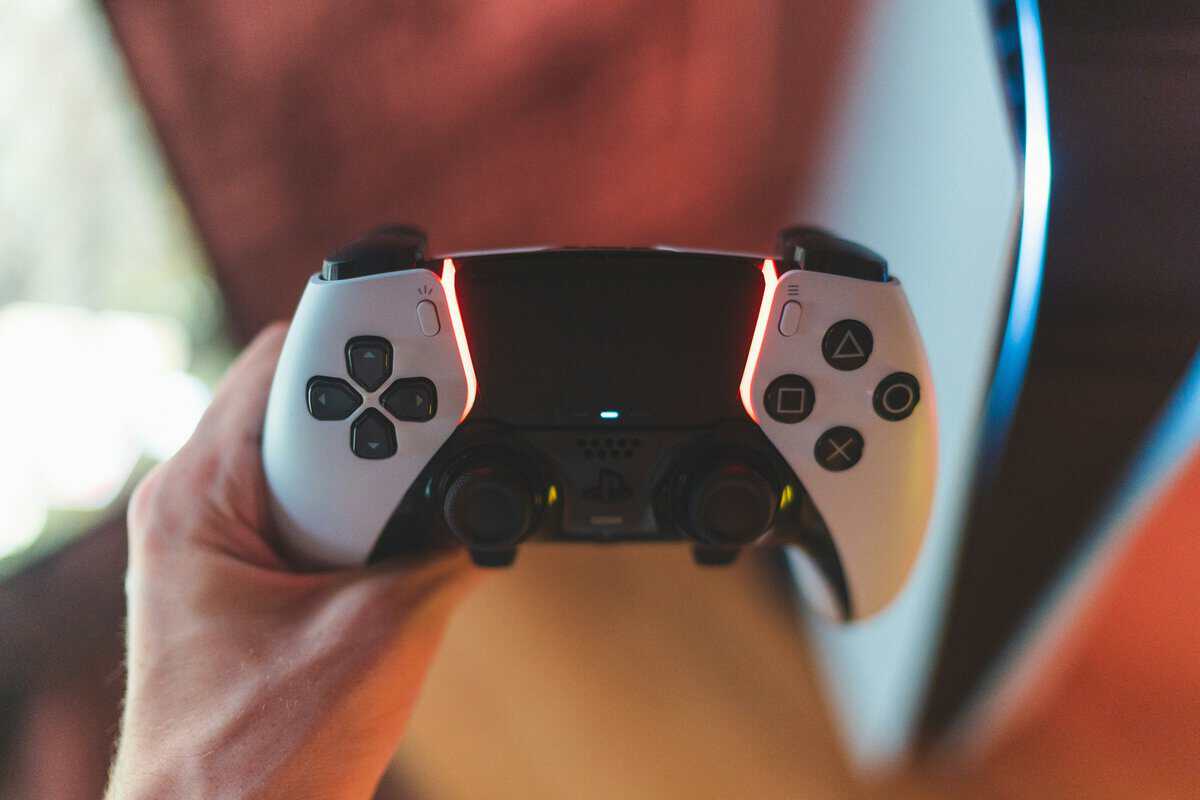
The DualSense is the safest all-around recommendation for a lot of Rocket League players. It has a shape that works well for long sessions, the sticks feel controlled, and the overall build quality is strong enough that it doesn’t feel disposable. For PC and PlayStation users, it’s a very sensible middle ground between basic and premium.
The trade-off is simple. You’re paying for a polished controller, but Rocket League doesn’t really need all of its extra flair. The value comes from the shell, stick feel, button quality, and durability, not from novelty features.
I like it most for players who want one controller for multiple use cases. It’s good for Rocket League, fine for story games, and comfortable enough for general PC gaming.
GameSir G7 Pro Wired
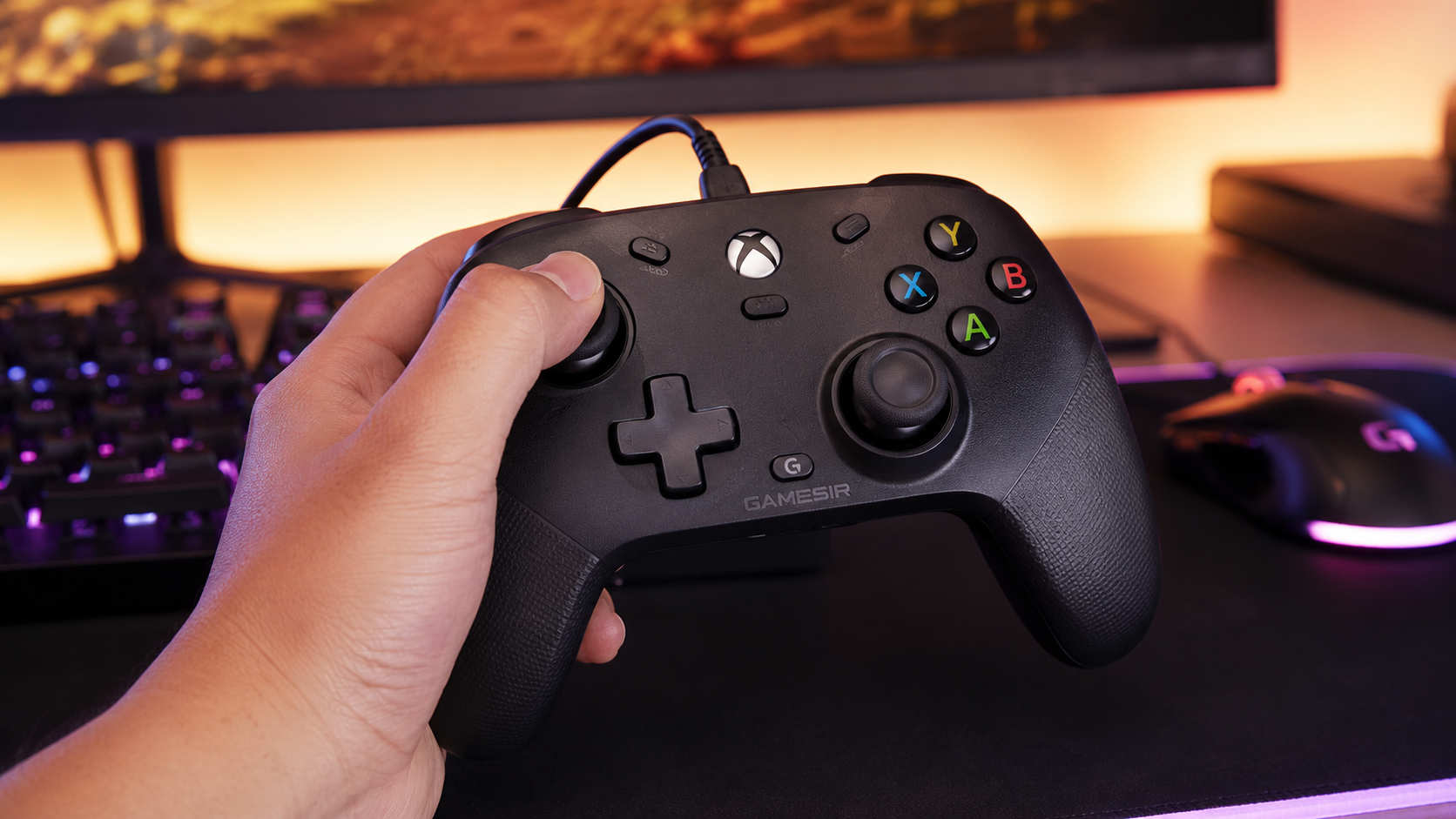
If you prefer a wired controller for Rocket League, the GameSir G7 Pro is the modern smart buy. Hall Effect thumbsticks kill stick drift before it starts, the wired connection rules out lag, and the build feels tight enough to handle long ranked sessions without flexing.
This is the controller I’d suggest to players who care about consistent stick feel and never want to think about charging. It’s straightforward, drift-free by design, and avoids the price jump of wireless flagship pads.
Its trade-offs are minor. The wired-only design means cable management matters, and it’s officially Xbox/PC focused, so PlayStation-first players should grab the DualSense instead. But for Xbox and PC Rocket League players, it’s a strong wired pick at a sensible price.
8BitDo Ultimate 2
This is the value pick for players who want flexibility without diving into premium pricing. The appeal here isn’t that it beats everything. It’s that it does a lot well enough while staying practical.
For Rocket League specifically, the main question is whether you like the shape and stick response. If you do, it can be a smart buy because it works well outside Rocket League too. That makes it easier to justify if you also play platformers, racers, or lighter PC games.
Here’s how I’d think about the three:
- DualSense for the best broad balance of comfort, feel, and quality.
- DualShock 4 for the player who wants a simple Rocket League-first option.
- 8BitDo Ultimate for the person who wants strong value across several genres.
If your library includes shooters too, the priorities shift a bit toward trigger feel and faster access to key inputs. That’s why some picks change in a guide focused on controllers that suit Warzone better. Rocket League is more demanding on analog precision than on extra trigger gimmicks.
Worth remembering: The best all-around controller is the one you stop noticing after a few matches. If you keep thinking about the hardware, something’s off.
Best Budget Rocket League Controllers for PC, PS5 and Xbox
A value guide should still give clear answers for players with limits. Some people need one controller that works everywhere. Some need the safest option for one platform. Some just need a durable pad that won’t feel cheap after a month.
If you want the best budget option
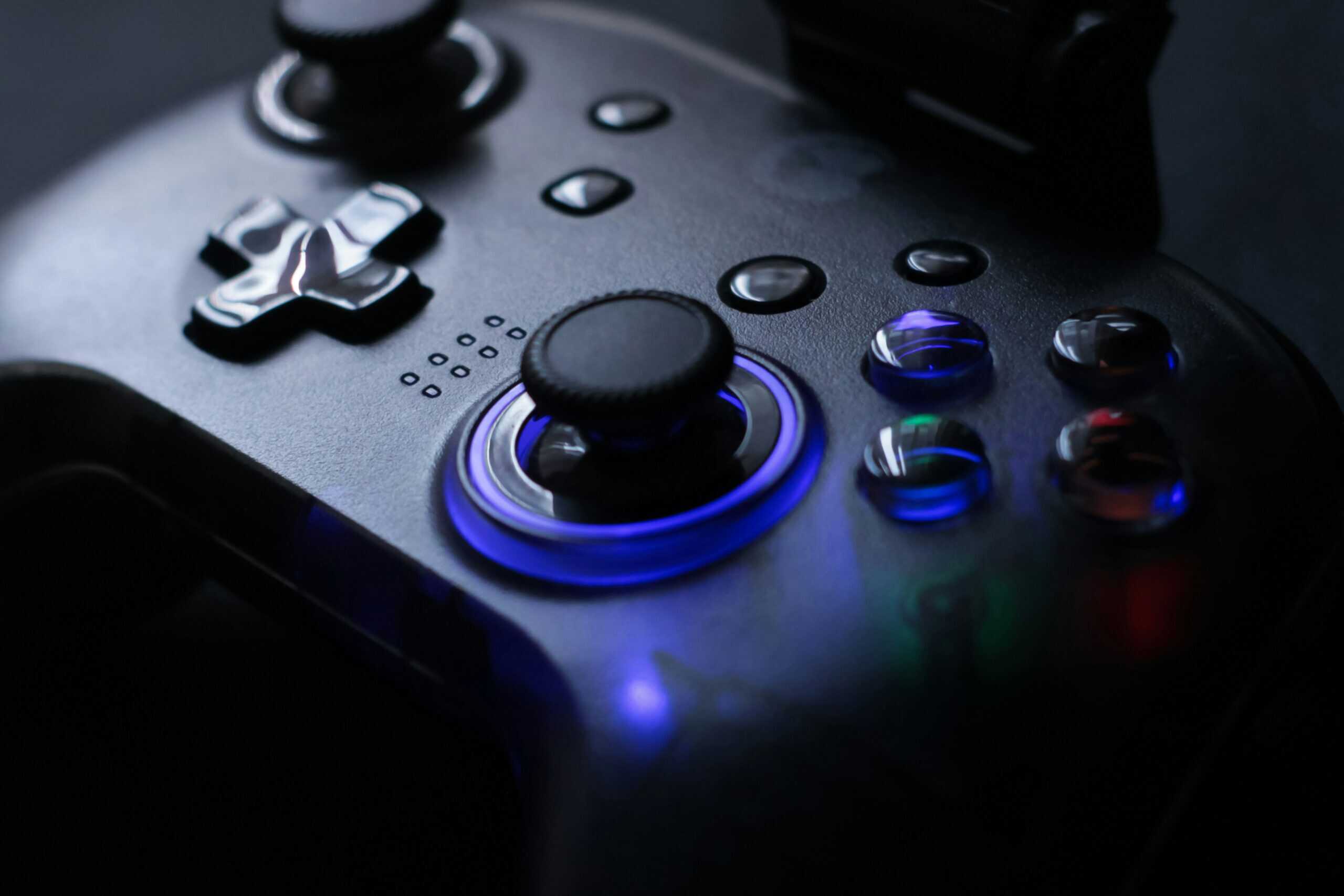
Go for a reliable standard controller before you start paying for pro features. A good budget pick should have clean stick movement, decent triggers, and enough build quality that the shell and buttons don’t feel loose early.
That’s why an older PlayStation-style controller or a well-reviewed value-oriented multiplatform pad makes more sense than a flashy “competitive” model. The budget win comes from avoiding wasted features, not from buying the absolute cheapest thing available.
If you mainly play on Xbox
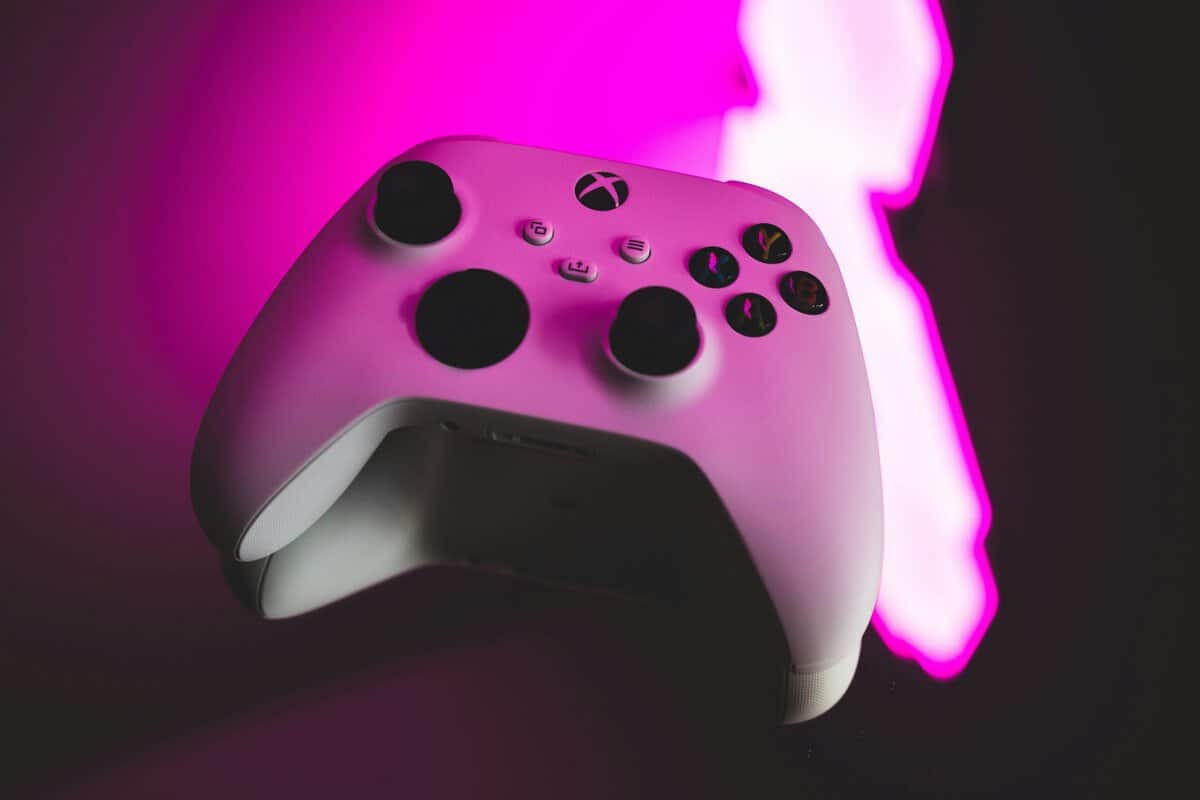
The standard Xbox Wireless Controller is still the easiest recommendation for Xbox-first players. Native support matters. Familiar ergonomics matter. So does replacing less of your muscle memory.
The downside is that if you strongly prefer symmetrical sticks or a PlayStation-style shape, the adjustment may never feel perfect for Rocket League. Still, for players who spend most of their time on Xbox, convenience and comfort often outweigh that trade-off. If that’s your lane, this roundup of Xbox controllers worth considering is a good follow-up.
If you play more than just Rocket League
Think broader than one game if your budget is tight. A controller that’s strong for Rocket League and also comfortable for RPGs, fighting games, or casual streaming sessions often gives better value than a specialized pad.
For example:
- FPS gaming: Trigger shape and quick face-button access matter more.
- MMO or menu-heavy games: Comfort and button feel matter more than stick tension.
- Streaming and variety gaming: Reliability matters because troubleshooting mid-session is a headache.
How to Configure Your Controller for Peak Performance
Settings matter more than most hardware upgrades. A lot of players would get more from ten minutes in the options menu than from spending more on a controller.
A practical Rocket League settings guide recommends steering sensitivity and aerial sensitivity in the 1.00 to 1.50 range, controller deadzone at 0.50, dodge deadzone between 0.50 and 0.70, and controller vibration disabled in this Rocket League controller settings guide. It also advises keeping steering and aerial sensitivity the same so you don’t add unnecessary confusion.
Start with a stable baseline
If your settings are all over the place, reset your thinking and start simple:
- Steering sensitivity: Keep it within the recommended range and avoid extremes.
- Aerial sensitivity: Match your steering sensitivity so your inputs feel unified.
- Controller deadzone: Use the recommended baseline first, then test feel before changing anything.
- Dodge deadzone: Keep it in the recommended range so flips don’t trigger when you don’t want them.
- Vibration: Turn it off. For most players, it adds noise, not useful feedback.
Change one thing at a time
A lot of players sabotage themselves by changing sensitivity, deadzone, binds, and camera settings all in one sitting. Then they can’t tell what actually helped.
Use a slower approach:
- Play several matches on one baseline.
- Adjust one setting.
- Stay there long enough to judge it.
- Revert fast if your recoveries and basic touches get worse.
Don’t tune your settings around your best five minutes in free play. Tune them around your average ranked session.
Binds that actually help
The right binds reduce hand movement. That’s the main goal. If moving boost or air roll lets you keep cleaner access to jump and steering, that’s useful. If a new layout feels clever but makes your inputs less natural, scrap it.
Rear buttons can help if you already use them well. They’re not mandatory. Plenty of players do better with a simpler layout they can trust every match.
Are Pro-Level Controllers Worth the Extra Cost
Usually, no. Not for most players.
The premium market sells customization hard. Back buttons, swappable sticks, trigger stops, profiles, and software tuning all sound useful. Some of them are useful. The problem is value. Most Rocket League players won’t gain enough from those extras to justify the jump.
That lines up with a broader issue in Rocket League controller coverage. A lot of it ranks products by brand or comfort without clearly showing whether the advantage comes from hardware or from setup choices. Community discussion often favors the DualShock 4 and DualSense family, but the reasons are inconsistent, and there isn’t much neutral data that cleanly connects those claims to measurable in-game performance, as noted in this discussion of Rocket League controller buying gaps.
When a premium controller does make sense
A pro-level controller is worth considering if all of these are true:
- You already know your preferred binds and will utilize rear buttons or custom profiles.
- You play enough that comfort and small ergonomic gains matter every week.
- You need one controller for multiple genres and want deeper tuning.
- You accept the trade-off that more parts and features can also mean more things to wear out.
When it’s a waste
It’s a waste if you’re still changing your settings constantly, still deciding which layout you like, or mostly buying it because it looks serious. Rocket League doesn’t care how premium your controller is. It cares whether your inputs are stable.
For most players, a standard controller with good stick feel and proper setup is the smarter buy.
Tips for Controller Durability and Maintenance
A controller isn’t a value purchase if it dies early. Rocket League puts a lot of wear on sticks, bumpers, and triggers, so basic maintenance matters.
Keep it simple:
- Wipe it down regularly so sweat and grime don’t build up around sticks and buttons.
- Store it carefully instead of tossing it into a bag or letting the cable bend sharply.
- Check for early drift signs before they become match-ruining habits.
- Use a wired connection gently and don’t yank the cable out at an angle.
- Retire failing controllers if the sticks no longer center well or inputs feel inconsistent.
Build quality helps, but habits matter too. A decent controller treated well usually lasts longer than a premium one abused every day.
Building out the rest of the setup? See our guide to monitors for Rocket League.
Frequently Asked Questions
Quick answers to the questions most Rocket League players ask before buying a new controller.
Does the controller actually affect rank in Rocket League?
Marginally, at best. Past a working, well-built controller, the next gains come from settings, mechanics, and game sense, not hardware. A premium pad won\u2019t fix inconsistent inputs that come from drift, dead zones, or rushed practice.
Is the DualSense or DualShock 4 better for Rocket League?
Both work well. The DualSense has a more modern shape, stronger build, and a slight ergonomic edge for long sessions. The DualShock 4 is harder to buy through Amazon\u2019s official channels now, so we\u2019ve swapped it out of our wired pick: the GameSir G7 Pro Wired is the modern Xbox/PC equivalent.
Are pro controllers like the DualSense Edge worth it for Rocket League?
For most players, no. Back buttons and hair triggers are mostly built for FPS gaming. Rocket League rewards repeatable inputs and consistent stick feel. A standard, well-maintained controller does that just as well at a fraction of the price.
Wired vs wireless for Rocket League: which is better?
Wired wins on zero input latency and no batteries to manage. Wireless wins on comfort and cable-free setups. For ranked Rocket League, a quality wired controller like the GameSir G7 Pro is the safest pick; for casual or couch play, the wireless DualSense is fine.
If you want more no-hype gear advice like this, Budget Loadout covers gaming and streaming hardware with a simple goal: help you spend where it matters, skip the fluff, and build a setup that performs well without draining your budget.
Related Articles