Most advice on the best keyboard for Fortnite starts in the wrong place. It starts with pro gear, premium frames, and flashy extras, then works backward. That’s fine if you’ve already decided to spend big. It’s bad advice if you care about performance per dollar.
For Fortnite, the keyboard feature that matters most isn’t luxury build materials or louder branding. It’s how quickly and consistently your keys register, especially for building, editing, and movement. That matters a lot more than RGB, a metal badge, or a bundled wrist rest.
A smart buy is the keyboard that gives you the most useful speed features for your money, while still holding up over time. That could mean a budget Hall effect board, a compact optical model, or a higher-end option if you’re playing seriously enough to benefit from the tuning. The trick is knowing which specs help in actual matches and which ones just pad the product page.
- Genuine rapid trigger at a budget price
- Compact 60% maximizes mouse space
- Adjustable actuation for edits and resets
- Function-layer learning curve
- Simpler software than the big brands
- Basic case and stabilizers
- Tri-mode wireless plus wired flexibility
- 8K polling with rapid trigger support
- 75% keeps arrows without the bulk
- Software is rougher than SteelSeries or Razer
- Wireless adds a step vs plug-and-play
- Smaller brand support network
- Deepest tuning in a 60% form factor
- Rapid tap helps builds and edits
- Premium PBT keycaps and build
- Flagship pricing
- 60% layout demands muscle memory
- Full features lean on SteelSeries GG software
- Flagship tuning with a friendlier layout
- Rapid trigger, rapid tap, protection mode
- OLED display and quality keycaps
- Premium cost
- Larger footprint than 60% boards
- More board than casual players need
- Hall effect / magnetic switches with rapid trigger are the feature that actually makes a keyboard better for Fortnite; everything else is secondary.
- The Aula Win60 HE delivers that feature set at the lowest price, and the Gamakay TK75HE V2 adds tri-mode wireless for a little more.
- The SteelSeries Apex Pro Mini Gen 3 and Apex Pro TKL Gen 3 are the flagship tier, with per-key actuation tuning and rapid tap for builds and edits.
- Compact 60% boards free up mouse space, which matters more for Fortnite aim than keyboard speed.
- Buy the cheapest Hall effect board that fits your layout first, and upgrade only when you hit a clear ceiling; pro gear is tuned for pro reflexes.
Table of Contents
You Do Not Need a Pro-Priced Keyboard
A lot of players assume the best keyboard for Fortnite has to be the same kind of board used at the top level. That’s the wrong takeaway.
Yes, pros often use expensive hardware. But the core reason isn’t the price tag by itself. It’s the switch behavior and the ability to tune actuation for different keys. That technology has spread beyond premium-only boards, which means you can buy for function instead of status. If you want a broader value-first starting point, this guide to the best budget keyboard for gaming is worth bookmarking.
What you’re actually paying for
The difference between a weak Fortnite keyboard and a useful one usually comes down to three things:
- Faster key registration: Build and edit inputs feel cleaner when the board doesn’t need much travel before it actuates.
- Consistent switch feel: Missed edits often come from uneven key feel or accidental presses, not just slow fingers.
- Useful software tuning: The ability to set keys differently matters more than cosmetic effects.
The expensive mistake is paying extra for features that don’t improve your matches.
Practical rule: Buy the cheapest keyboard that gives you the right switch behavior, layout, and decent durability. Spend more only if the upgrade clearly improves control or long-term ownership.
Where budget boards now make sense
The gap between entry-level and high-end gaming keyboards hasn’t disappeared. Build quality, software polish, and long-term reliability still matter. But affordable boards can now give you the core speed feature Fortnite players benefit from, which is adjustable actuation.
That changes the buying equation. Instead of asking, “What do pros use?” ask, “Which keyboard gives me the actuation control and form factor I need without wasting money on extras I won’t use?”
Here’s the quick view before the detailed picks.
| Keyboard | Best for | Key strength | Main trade-off |
|---|---|---|---|
| Aula Win60 HE | Tight budgets | Hall effect value | More basic build and software |
| SteelSeries Apex Pro Mini Gen 3 | Premium 60% players who want HE without Wooting | OmniPoint 3.0 HyperMagnetic with Rapid Tap | Premium pricing |
| SteelSeries Apex Pro TKL Gen 3 | TKL players chasing top-tier tuning | Broad actuation adjustment and strong esports focus | Premium cost |
| Gamakay TK75HE V2 | Value Hall-Effect performance | Rapid trigger and adjustable actuation at a mid price | Newer brand with less polished software |
Keyboard Specs That Actually Matter for Fortnite
The best keyboard for Fortnite isn’t the one with the longest feature list. It’s the one that helps you place builds quickly, edit consistently, and move without accidental inputs.
Adjustable actuation matters more than almost anything
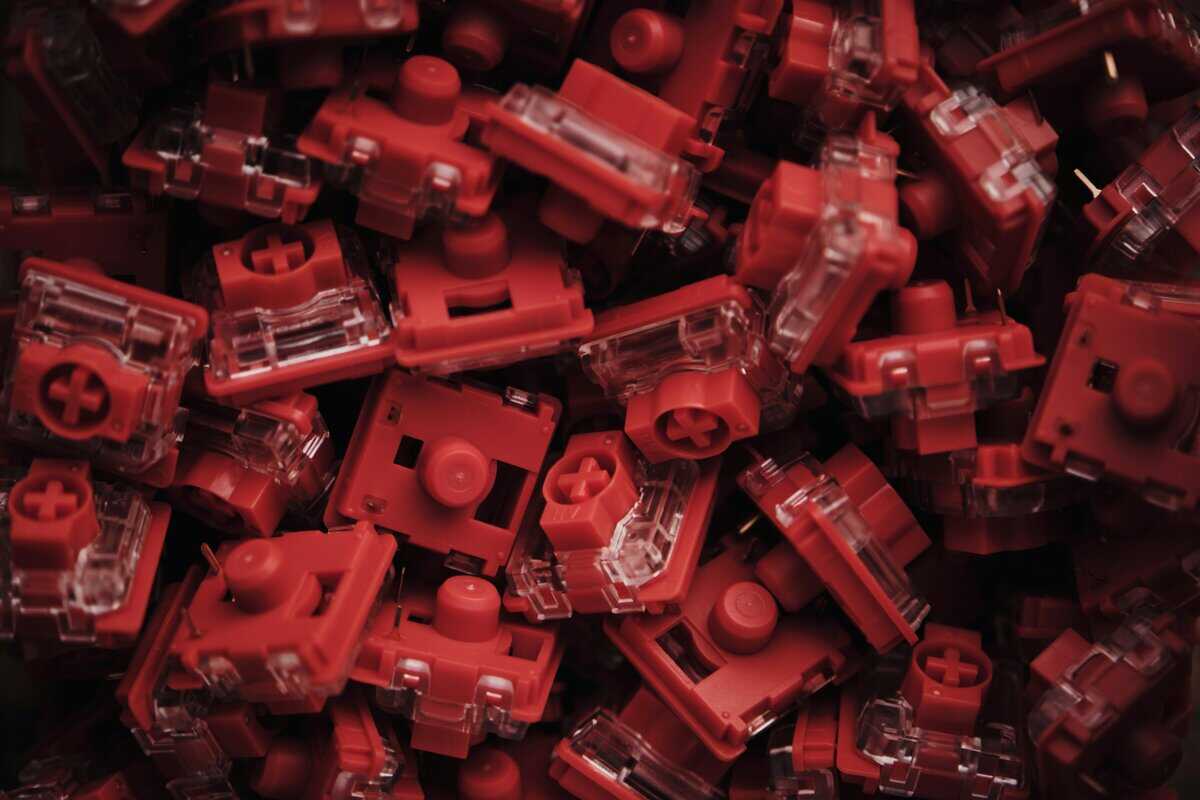
Modern competitive Fortnite keyboards increasingly use Hall effect switches because they offer a clear advantage in fast play. According to PC Gamer’s overview of gaming keyboard technology, modern competitive keyboards can offer actuation from 0.1mm to 4.0mm, and the 0.1mm to 1mm range helps reduce input lag and speed up registration for fast building.
In plain terms, a shorter actuation point means the game sees your input sooner. That helps when you’re spamming builds, confirming edits, or resetting quickly under pressure.
People waste money chasing “premium mechanical” boards that still lock them into a fixed actuation point, while a cheaper Hall effect option can give them more useful control.
Why this helps in actual matches
A Fortnite keyboard gets judged on repeated actions, not single presses. You’re constantly chaining movement, weapon, edit, and build inputs together.
That’s why adjustable actuation is valuable:
- Movement keys: A slightly deeper setting can cut accidental strafes.
- Build keys: A very light setting can make walls, ramps, and floors fire faster.
- Edit keys: Fast actuation can make repeated confirms feel more direct.
If you’re still sorting out switch behavior in general, this breakdown of mechanical keyboard switches explained helps connect the switch type to real use.
A keyboard that feels fast for typing isn’t automatically the right keyboard for Fortnite. You need speed you can control, not just sensitivity for the sake of sensitivity.
Form factor changes your mouse space
Layout matters more in Fortnite than it does in slower genres.
A compact board gives your mouse more room, which helps low-sensitivity players and anyone who makes broad arm movements. That’s especially useful in build fights where you’re flicking between angles while still managing fast key inputs.
A quick breakdown:
- 60%: Best if you want maximum mouse room and don’t mind using layers for missing keys.
- TKL: Best balance for most players. You keep the main cluster and lose the numpad.
- Full size: Usually unnecessary for a Fortnite-first setup unless you also need it for work or MMO key usage.
Build quality still matters
Speed features don’t excuse weak construction. A keyboard that develops wobble, inconsistent keys, or shiny, worn caps too quickly becomes annoying fast.
For value-focused buyers, durability means:
- Stable case construction
- Keycaps that don’t wear down quickly
- Reliable software
- A cable and port that won’t become a headache
If you also stream or use the same setup for work, build quality becomes even more important. You want something you can hammer in matches, type on for hours, and keep on your desk without feeling like it was built for a single season.
Best Budget Keyboards for Fortnite
Budget keyboards make sense when they keep the right performance features and cut the right corners. The bad ones cut switch quality, consistency, or durability. The good ones trim luxury extras and still give you meaningful speed.
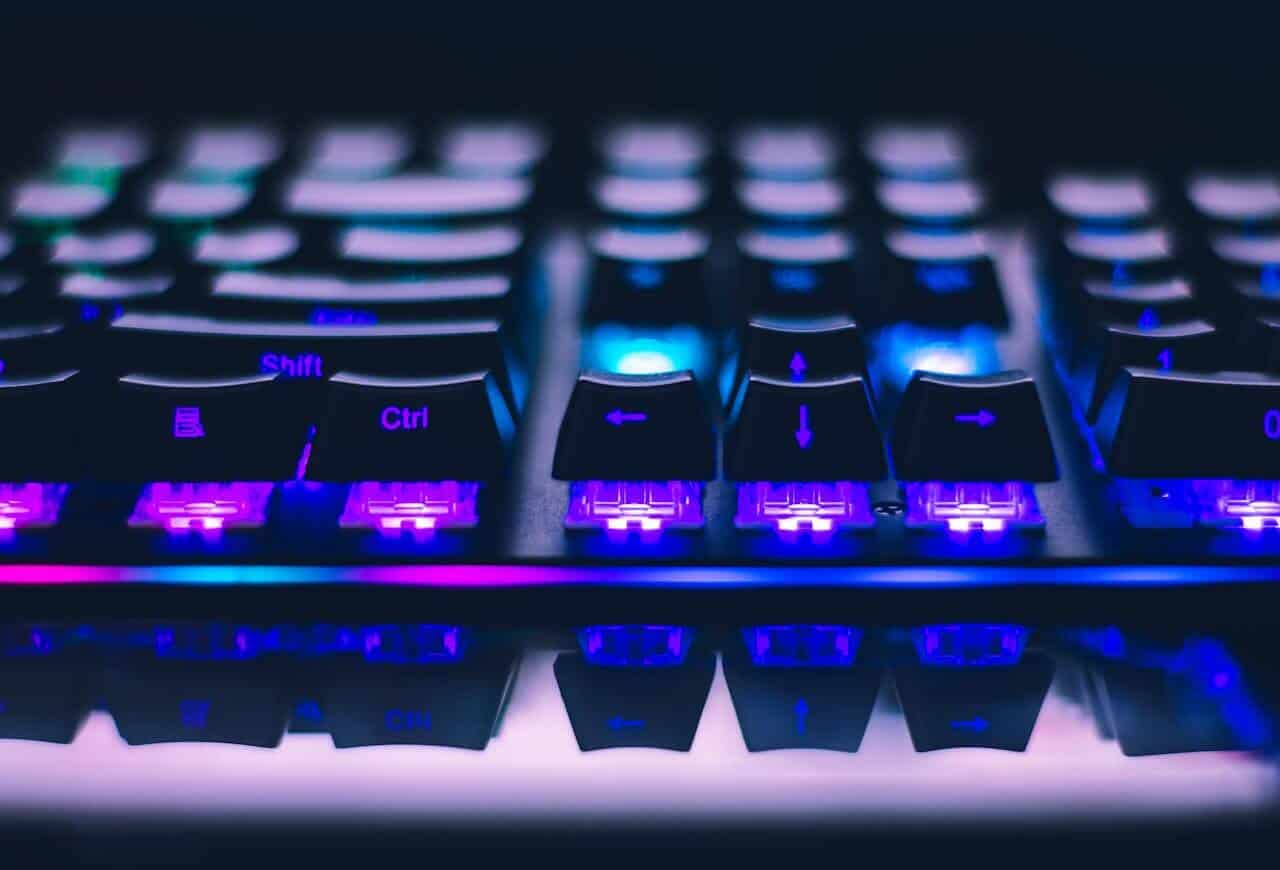
Aula Win60 HE
The Aula Win60 HE is the value pick for players who want Hall effect features without spending premium money. The important part is simple. It gets you into adjustable actuation territory at a budget-friendly price, which is one of the clearest examples of affordable competitive tech becoming accessible, as noted in this YouTube roundup covering Fortnite keyboard value picks.
What works:
- Hall effect switching at a low entry price
- Compact layout for extra mouse room
- Strong value if Fortnite is your main reason for buying
What doesn’t:
- Expect a more basic case and software experience
- Less polished feel than pricier boards
- Not the keyboard you buy for luxury or office-friendly refinement
Top Keyboards for Competitive Fortnite Players
Once you move past value-first shopping, the question changes. You’re no longer asking what’s good enough. You’re asking what gives you the most control when your timing gets cleaner and your mistakes get smaller.
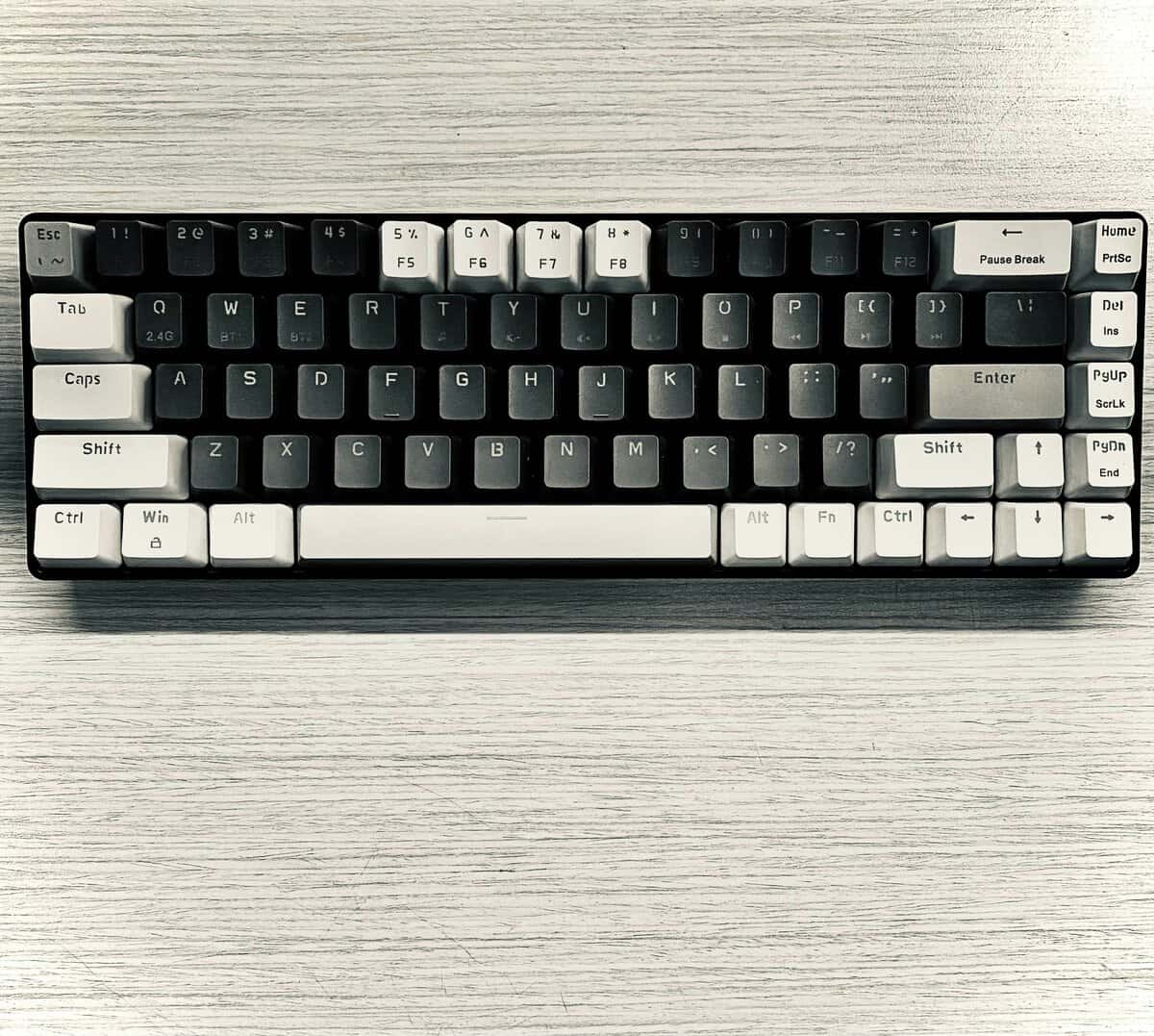
Why the top-end clusters around a few models
There’s a reason the same names keep coming up in competitive Fortnite. ProSettings reports that Wooting accounts for 32.93% of usage among 327 surveyed pro players, while SteelSeries sits at 30.18%. That concentration points to one thing more than anything else. Adjustable actuation has become essential at the high end.
That doesn’t mean copying pro gear automatically improves your gameplay. It means these boards focus on the feature set that matters for fast building and editing.
SteelSeries Apex Pro Mini Gen 3
Wooting still dominates pro Fortnite usage, but they sell direct rather than through Amazon, and that’s a real friction point for most buyers. The closest Amazon-buyable equivalent is the SteelSeries Apex Pro Mini Gen 3. It’s a 60% form factor with OmniPoint 3.0 HyperMagnetic switches, full per-key adjustable actuation, rapid trigger, and Rapid Tap (SteelSeries’ SOCD feature). The feature set tracks closely to a Wooting 60HE+ in the spots that matter for Fortnite, building, editing, and movement, while keeping you inside the Amazon ecosystem.
Spending up at this premium tier when the Aula Win60 HE delivers similar HE features for far less only makes sense if the brand polish, software (SteelSeries GG), build quality, and OLED screen actually matter to you. The Hall-effect feature ceiling is broadly the same. You’re paying for the SteelSeries premium, not raw functionality.
SteelSeries Apex Pro TKL Gen 3
The SteelSeries Apex Pro TKL Gen 3 is the strongest option for players who want top-tier tuning but prefer a TKL layout. The TKL shape is easier to live with than a 60% board for a lot of people, especially if the keyboard handles more than just Fortnite. If you want the layout rundown, this guide on the TKL keyboard form factor is useful.
The SteelSeries case is simple:
- Broad actuation adjustment
- Esports-friendly TKL footprint
- Good fit for players who want competitive features without dropping to 60%
The best premium keyboard isn’t the one with the most extras. It’s the one that lets you tune the board around your own bind habits without fighting the hardware.
Wireless and Compact Keyboard Recommendations
Wireless and compact boards make sense for Fortnite, but only when you understand the compromise. A cleaner setup is nice. More mouse room is useful. Neither matters if the keyboard gets in your way.
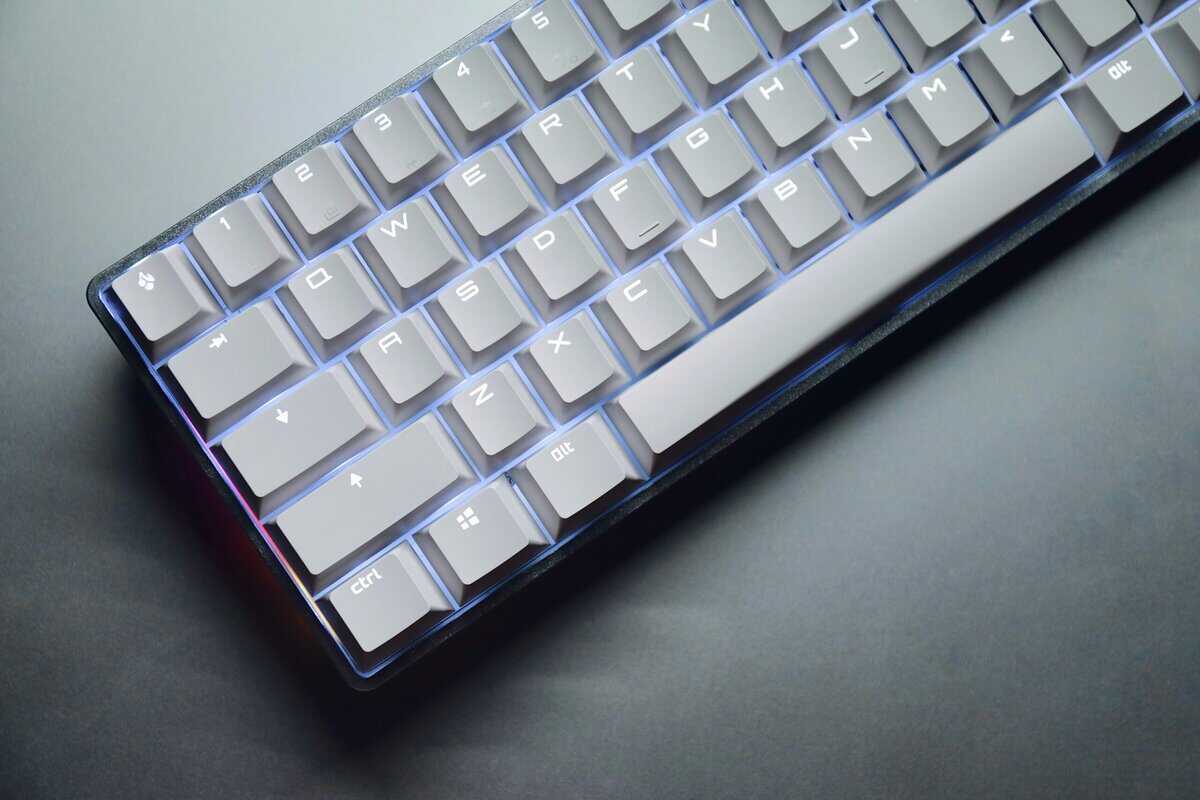
Best compact choice
The strongest compact recommendation is a 60% performance board with fast switches and reliable software. For Fortnite specifically, compact layouts do two things well:
- They open up more horizontal mouse space
- They reduce desk clutter in tighter setups
The catch is learning the function layer. If you use arrow keys, function keys, or extra controls often for streaming, work, or MMOs, a 60% keyboard can get annoying until the layout becomes muscle memory.
That’s why compact doesn’t automatically mean better. It means better for the right player. Both 60% boards in this guide fit that mold: the Aula Win60 HE covered above if you want Hall effect on a budget, and the SteelSeries Apex Pro Mini Gen 3 if you want the flagship version of the same idea.
Best wireless choice
A good wireless gaming keyboard should use a reliable low-latency connection and give you the option to plug in when needed. For competitive use, I still prefer wired if Fortnite is your priority. It removes one more variable.
But wireless can still be worth it if your setup serves multiple jobs:
- Streaming desk that needs cleaner cable management
- Shared gaming and work setup
- Players who move their keyboard often
If you’re weighing cable-free options more broadly, this guide to the best wireless gaming keyboard is a good next step.
Gamakay TK75HE V2
The Gamakay TK75HE V2 is the value Hall-Effect pick for Fortnite. It is a compact 75% board with tri-mode wireless, an 8K polling rate, and magnetic switches that support rapid trigger and adjustable actuation. That fast reset helps with quick wall edits, resets, and repeated taps without the flagship price of the premium options. The software is less refined than SteelSeries or Razer, but it delivers most of the competitive benefit for noticeably less.
Which players should avoid these categories?
Compact and wireless boards aren’t wrong. They’re just easy to buy for the wrong reasons.
Skip compact if:
- You hate function layers
- You use lots of extra shortcuts outside Fortnite
- You’re still figuring out binds and don’t want more adaptation
Skip wireless if:
- You only care about raw competitive simplicity
- You never move your setup
- Battery management annoys you
For pure Fortnite value, wired TKL and wired 60% boards are still the easiest recommendations. Wireless and compact options become stronger when desk space, portability, or mixed-use convenience matter alongside game performance.
Optimizing Your Keyboard Settings for Fortnite
A fast keyboard helps. A badly configured fast keyboard can still feel sloppy.
The biggest mistake I see is players setting every key to the lightest possible actuation, then wondering why movement feels messy. Fortnite rewards speed, but it also punishes accidental inputs.
Start with your highest-impact keys
If your keyboard supports actuation tuning, don’t treat every key the same.
Use a practical split:
- Movement keys should be less sensitive than your build keys if you often get accidental strafes.
- Build binds benefit from lighter actuation because they’re repeated constantly under pressure.
- Edit and confirm keys should feel quick, but not so hair-trigger that you misfire them during tense fights.
That’s a key advantage of adjustable boards. You can shape the keyboard around Fortnite instead of forcing every key into one behavior.
Setup advice: Tune for control first, then speed. If your resets are fast but your movement feels sloppy, your settings are too aggressive.
Match the layout to your bind logic
A good Fortnite layout reduces finger conflicts. Your keyboard can’t fix bad binds, but it can expose them.
A few practical habits help:
- Separate frequent actions across different fingers when possible.
- Keep edit-related inputs easy to repeat without awkward stretching.
- Don’t copy someone else’s binds blindly if your hand position and keyboard size are different.
Compact boards often improve mouse freedom, but they also force discipline. If a smaller layout makes your overall bind logic cleaner, that’s a win. If it creates more hand confusion, it isn’t.
Think beyond launch-day performance
That matters if you play daily, stream, type for school or work, and expect the keyboard to last.
A few long-term priorities:
- Stable construction beats fancy trim
- Replaceable parts can be worth paying for
- Software support matters if your settings are core to your play
For FPS gaming, Fortnite, and general competitive use, I’d rather own a plain-looking keyboard with dependable software and durable parts than a flashy board that becomes annoying after months of use. For MMO or streaming use, a slightly larger layout can also be the better value because it’s easier to live with outside matches.
The keyboard is one piece of the loadout. Our guides to mouse picks for Fortnite, monitors for Fortnite and mousepads for Fortnite cover the rest. For sound and squad chat, see our picks for the best headset for Fortnite.
Frequently Asked Questions
Do I really need a mechanical keyboard for Fortnite?
You don’t need one to launch the game, but if you care about building speed, edit consistency, and cleaner input feel, a gaming-focused keyboard is a real upgrade. For most players, the bigger question isn’t “mechanical or not.” It’s whether the keyboard gives you the right actuation behavior and a layout that fits your setup.
Is a 60% keyboard good for a beginner?
It can be, if your main goal is Fortnite and you’re happy to learn layers for missing keys. It’s less ideal if the same keyboard also handles school, work, streaming controls, or games that lean more heavily on extra keys.
What keyboard type is best for Fortnite?
For pure Fortnite performance, adjustable actuation is the most useful feature. That’s why Hall effect boards and fast optical designs keep showing up in serious recommendations. If you want a quick refresher on optical designs, our guide to an optical switch keyboard explains the basics well.
Should I buy the same keyboard pros use?
Only if the feature set matches your needs and budget. Pro usage tells you what works at the top end. It doesn’t tell you what’s smartest for your money. For most players, the right move is buying the keyboard that gives them useful speed features, solid durability, and a layout they’ll enjoy using every day.
If you want more value-first gear advice without the usual hype, check out Budget Loadout. It’s built for gamers and streamers who want better performance, better durability, and fewer bad purchases.
Related Articles