You’re probably staring at two product pages right now. One shows a big metal tower with heat pipes and fans. The other shows a clean-looking radiator, tubes, and a pump block with lighting. Both claim strong cooling. Both have people online swearing they’re the obvious choice.
That’s where most first serious upgrades get stuck. Air cooler supporters talk about reliability and value. AIO fans point to cleaner looks, stronger thermals, and better fit for hotter CPUs. Both sides are right some of the time.
The aio vs air cooler decision isn’t about chasing the lowest temperature screenshot. It’s about matching the cooler to your CPU, your case, your gaming habits, and how much maintenance risk you’re willing to accept over the next few years. If you’re still sorting out the rest of your build, this gaming PC build guide helps frame the cooler choice in the context of the whole system.
- Air coolers usually win on long-term ownership cost — fan replacements are cheap, and there’s no pump to fail.
- AIOs make sense when your CPU runs hot under sustained load or your case can’t fit a tall tower air cooler.
- Check TDP rating, case clearance, and radiator support before committing to either option.
- Pump noise is the AIO’s hidden tax — quiet on day one, often louder by year three.
- For most budget gaming builds, a quality dual-tower air cooler beats an entry-level AIO at the same price.
Table of Contents
The Core Dilemma for Every PC Builder
A cooler looks like a simple part until you live with it.
An air cooler usually wins the first argument because it’s straightforward. Big heatsink, one or two fans, fewer parts to fail, less to think about. An AIO often wins the second argument because it looks cleaner in the case and gives hotter chips more thermal room when you’re gaming, streaming, or running long all-core loads.
That’s why online advice feels so split. The person building a value-focused FPS machine with a mid-range CPU doesn’t need the same answer as the person running a hotter processor, streaming for hours, and caring about noise under sustained load. The same goes for an MMO player who keeps lots of background apps open versus someone playing short competitive matches with lighter CPU demand.
Practical rule: Buy the cooler for the system you’ll still want to own in a few years, not the benchmark screenshot that impressed you for five minutes.
Long-term ownership changes the conversation. A cooler isn’t just a day-one purchase. It’s a durability choice, a maintenance choice, and sometimes a replacement-cost choice. That matters more than flashy features if you’re trying to get solid value instead of just buying the cheapest option.
Understanding the Technology Air vs Liquid Cooling
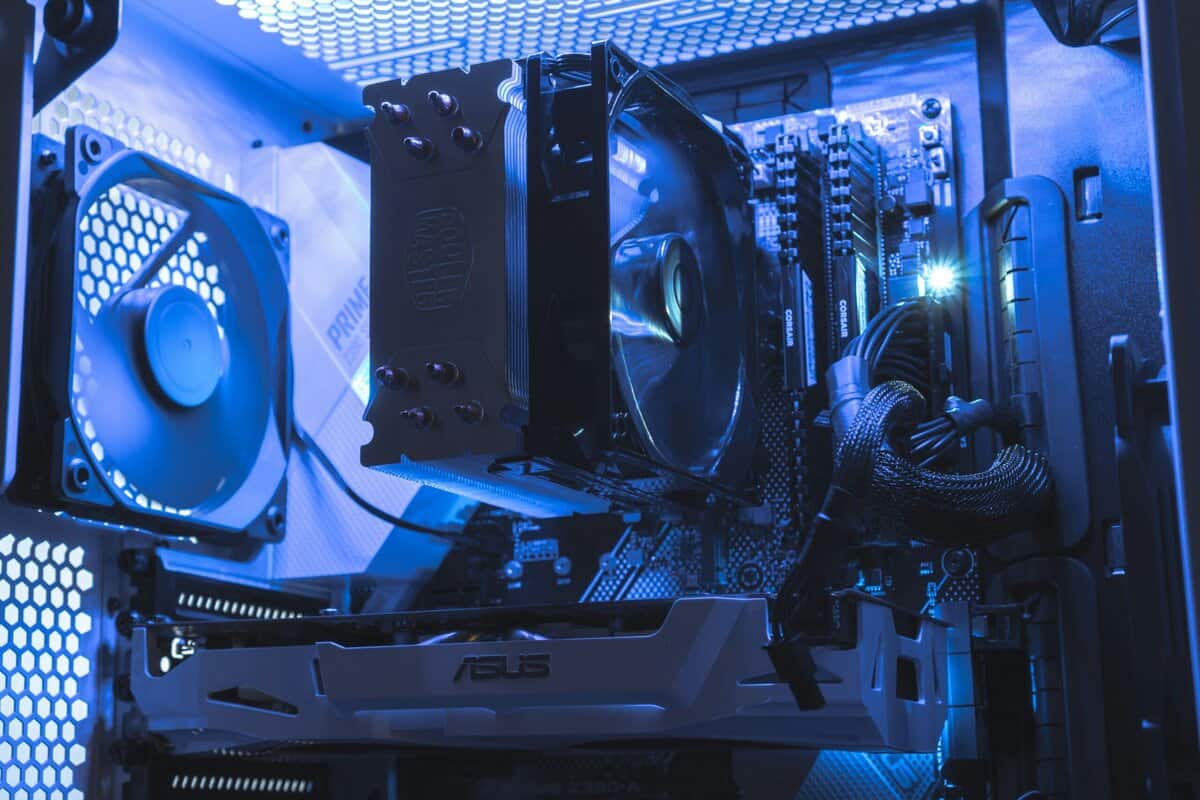
An air cooler moves heat with metal and airflow. The CPU dumps heat into the cooler’s base, heat pipes carry that energy up into the fin stack, and the fan pushes air through the fins to get that heat out of the case. It’s effectively a heat highway. The route is direct, simple, and easy to service.
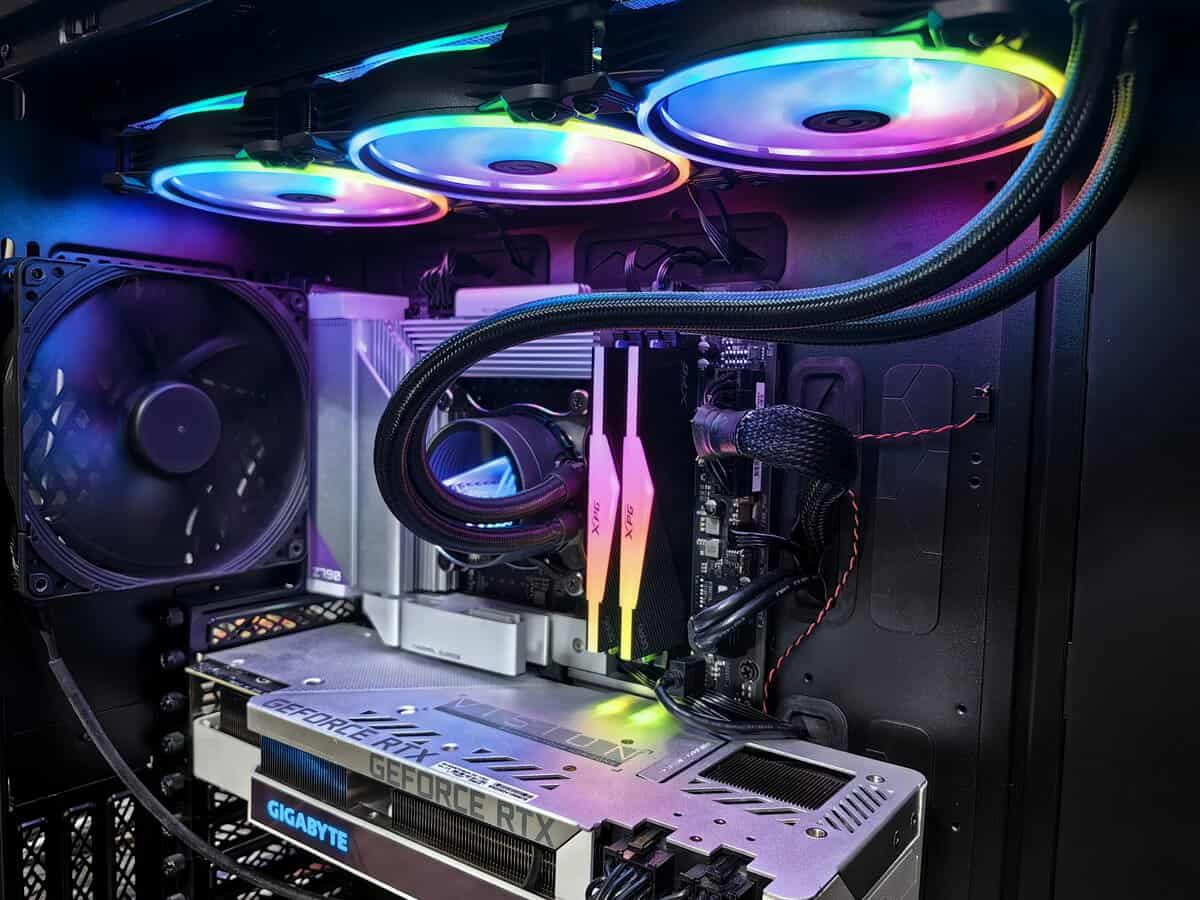
An AIO liquid cooler uses a closed loop. The water block sits on the CPU, liquid absorbs the heat, the pump moves that liquid to the radiator, and radiator fans blow the heat away. It’s more like a heat subway. The heat gets moved off the motherboard area before it’s dumped into the airflow path elsewhere in the case.
What that means in practice
Air coolers are mechanically simpler. That’s the appeal. No pump, no tubes, no liquid to worry about, and usually no complicated troubleshooting when something goes wrong. If a fan starts rattling years later, replacing it is usually simple and cheap.
AIOs add complexity for a reason. They’re built to move heat away from the CPU socket more efficiently under heavy loads. That can help with hotter processors and cramped layouts, especially when a large tower cooler would crowd the motherboard area.
When installing either type, prep matters. If you’re reusing a cooler or swapping platforms, this guide on how to remove thermal paste from CPU is a useful refresher before you remount anything. If you’re still narrowing down good value options, this roundup of the best budget CPU coolers is a practical place to compare categories.
Why beginners misread the trade-off
A lot of first-time builders assume liquid means advanced and air means basic. That’s too simplistic.
Air cooling is mature, effective, and often enough for gaming-focused builds. AIO cooling is a tool, not a trophy. It’s the better tool when the CPU runs hot enough to justify the extra parts, cost, and eventual replacement risk.
Performance and Noise A Battle of Thermals and Acoustics
You notice this trade-off after the honeymoon period. A new build can look quiet and cool on day one, then sound very different a year or two later once dust builds up, fan bearings wear, or an AIO pump starts adding a constant hum.
That matters because gaming and streaming loads are uneven. A match in a shooter may only push the CPU in short bursts, while a long stream, shader compilation, background apps, and voice chat keep heat coming for hours. The cooler that looks fine in a quick benchmark is not always the one you still want to live with after three summers.
For a lot of gaming PCs, a good air cooler already does the job. A solid tower heatsink can keep modern mid-range CPUs under control without chasing benchmark wins that do not change your actual frame rate. In real builds, the difference often shows up less in average gaming performance and more in how much acoustic annoyance you tolerate under sustained load.
Where air is enough
Air cooling makes the most sense when the CPU is not sitting near its thermal limit for long stretches. That includes plenty of gaming-first systems with locked or lightly tuned processors, especially if the GPU is doing most of the heavy lifting.
The noise profile is usually simpler too. You hear fan airflow, and that is about it. If a fan gets louder with age, you can usually swap it out cheaply and keep the heatsink in service. From a long-term ownership view, that predictability is hard to beat.
I usually recommend air when the goal is stable gaming performance, low fuss, and fewer future failure points.
Where AIOs pull ahead
AIOs start making more sense with hotter CPUs, longer all-core workloads, and cases where a large tower cooler is awkward to fit. If the system spends a lot of time encoding, rendering, compiling, or streaming while gaming, the extra thermal headroom can help the CPU hold boost behavior more consistently.
Larger radiators can also spread heat across more surface area, which often lets the fans run at lower speeds than a smaller air cooler would need. In a well-tuned system, that can sound smoother under heavy load.
The catch is long-term behavior. Pump noise does not scale up and down the same way fan noise does. It is just there, all the time, and some people notice it immediately. A pump can also become the part that ages out first, which means the whole cooler often becomes a replacement job instead of a simple fan swap.
Here’s a solid visual breakdown if you want to see that trade-off in action:
Noise isn’t just volume
Two systems can measure similarly and still feel very different at your desk.
Air coolers: You usually hear fan whoosh and occasional ramp-up under load. The upside is that the sound character is familiar and easy to tune with a fan curve.
AIOs: You hear radiator fans plus a constant pump tone. Even when fan speeds stay reasonable, the pump can become the sound that bothers you most.
Aging changes the comparison: An older air cooler often just needs a new fan. An older AIO may develop pump noise, reduced flow, or performance drift that is harder to diagnose.
Dust affects both: A clogged heatsink or radiator pushes fan speeds higher and raises temperatures. This guide to cleaning your computer from dust is worth bookmarking if your system gets louder over time.
Before blaming the cooler, check what counts as normal CPU temperatures for your type of workload. A lot of builders replace hardware when the problem is dust, a bad fan curve, or old thermal paste.
For long-term value, the quietest cooler is often the one that stays predictable after years of use, not the one that posts the best launch-day benchmark.
Cost vs Value The Price You Pay Now and Later
A lot of first-time builders look at cooler pricing the wrong way. They compare checkout totals and stop there. The better question is what this part will cost you after three or four years of gaming, streaming, dust buildup, summer heat, and normal wear.
AIO vs Air Cooler Key Trade-Offs at a Glance
| Factor | Air Cooler | AIO Liquid Cooler |
|---|---|---|
| Upfront cost | Usually lower | Usually higher |
| Budget sweet spot | Strong fit for budget and mid-range builds | Easier to justify in higher-end builds |
| Main failure point | Usually the fan | Pump or full unit failure |
| Replacement cost over time | Often a cheap fan swap | Often full cooler replacement |
| Leak risk | None | Rare, but present |
| Maintenance | Simple cleaning and occasional repaste | Cleaning, repaste, and more age-related concerns |
| Beginner friendliness | Easier | More mounting and routing decisions |
Air cooling usually wins on value because the design is simple. A metal heatsink does not wear out in normal use. The fan is the part most likely to fail, and that is usually a cheap, easy fix.
An AIO asks you to pay more for extra complexity. You get a pump, tubes, a radiator, and more points where age can show up. On day one, that may be a fair trade. Five years later, it often looks different.
The failure mode question
This is the part that affects ownership cost.
If an air cooler starts getting loud or a fan stops spinning, the fix is usually obvious. Replace the fan, clean the fins, reapply thermal paste if needed, and keep using the same cooler. That is why a good air cooler can survive multiple builds.
If an AIO develops pump noise, weaker cooling, or intermittent temperature spikes, the fix is rarely as clean. You usually replace the whole unit. Even when there is no leak, pump wear and coolant aging can turn a once-quiet cooler into a part you no longer trust.
That changes the value math fast.
A cheaper air cooler can end up costing less over the full life of the PC, even if an AIO posts slightly better temperatures on a benchmark chart. For gaming and streaming builds that need to stay dependable, predictable maintenance matters more than chasing a small thermal win that may disappear once the pump ages.
There is also the downtime factor. A failed case fan is annoying. A failed pump can shut the system down as a gaming or work machine until the entire cooler is replaced. If this is your only PC, that difference matters.
Case choice affects the total cost too. A large air cooler needs height clearance. An AIO needs room for a radiator and sensible tube routing. Buying the wrong cooler for your chassis can force an expensive change later, so check your gaming PC case compatibility and radiator support before you buy.
The best value cooler is the one you can live with, maintain easily, and replace cheaply if one part fails.
For budget-conscious builders, air usually has the stronger long-term argument. AIOs still make sense for specific builds, especially where space, aesthetics, or higher-end CPUs push you there, but they are usually the more disposable option over time.
Installation and Compatibility Fitting It in Your Case
Cooling performance on paper doesn’t help if the part doesn’t fit.
Air coolers and AIOs fail in different ways during installation. Air coolers usually create clearance problems around the socket. AIOs usually create radiator and tube-routing problems elsewhere in the case. Before buying anything, pull up your case specs and your motherboard layout. If you need a starting point, this guide to choosing a gaming PC case makes the compatibility check easier.
Air cooler checklist
Start with height clearance. A large tower cooler may fit the motherboard but still hit the side panel.
Then check RAM clearance. Dual-tower models often overhang the DIMM area. That’s fine with low-profile memory. It’s annoying with tall heat spreaders.
Also think about access. A giant air cooler can make it harder to reach the top M.2 slot, fan headers, or EPS power cable once the system is assembled.
AIO checklist
With an AIO, the radiator placement matters as much as the radiator size.
Top mount: Usually the cleanest setup if the case supports it. It often works well for exhausting CPU heat out of the case.
Front mount: Common in many builds, but it can shift warmer air through the case depending on airflow layout.
Side mount: Useful in some layouts, especially if the case is designed around it.
Tube length and tube direction matter too. You don’t want sharp bends or awkward pressure against the pump block. You also need to confirm the case supports the radiator thickness and fan stack, not just the radiator length.
The gotcha most people miss
Big air coolers can interfere with RAM. AIOs can interfere with everything else.
That’s why small and mid-sized cases often make the decision for you. Sometimes the better cooler isn’t the one with the stronger benchmark result. It’s the one that fits cleanly, keeps airflow sensible, and doesn’t turn the build into a frustrating puzzle.
Recommendations by Gamer Profile and Budget
A lot of cooler regret shows up late. The build looks great on day one, temperatures are fine, and then three years later the pump starts rattling or a fan dies and you have to tear the system apart. That is why gamer profile matters here. The right pick is not just about the best benchmark result. It is about how the system will age.
The value-focused FPS gamer
For a gaming build aimed at high frame rates with a sensible mid-range or upper-mid-range CPU, a quality dual-tower air cooler is usually the better buy.
Why? Long-term ownership is simpler. If a fan wears out, replacing it is cheap and easy. The heatsink itself is just metal, so there is very little to fail. That matters more than shaving off a few degrees you will never notice in actual matches.
Recommended type:
A high-performance dual-tower air cooler
A strong single-tower air cooler for lower-power CPUs
An AIO only if the case layout clearly favors it
This is the safe recommendation for someone who wants solid gaming performance now and fewer repair headaches later.
The streamer who also cares about looks
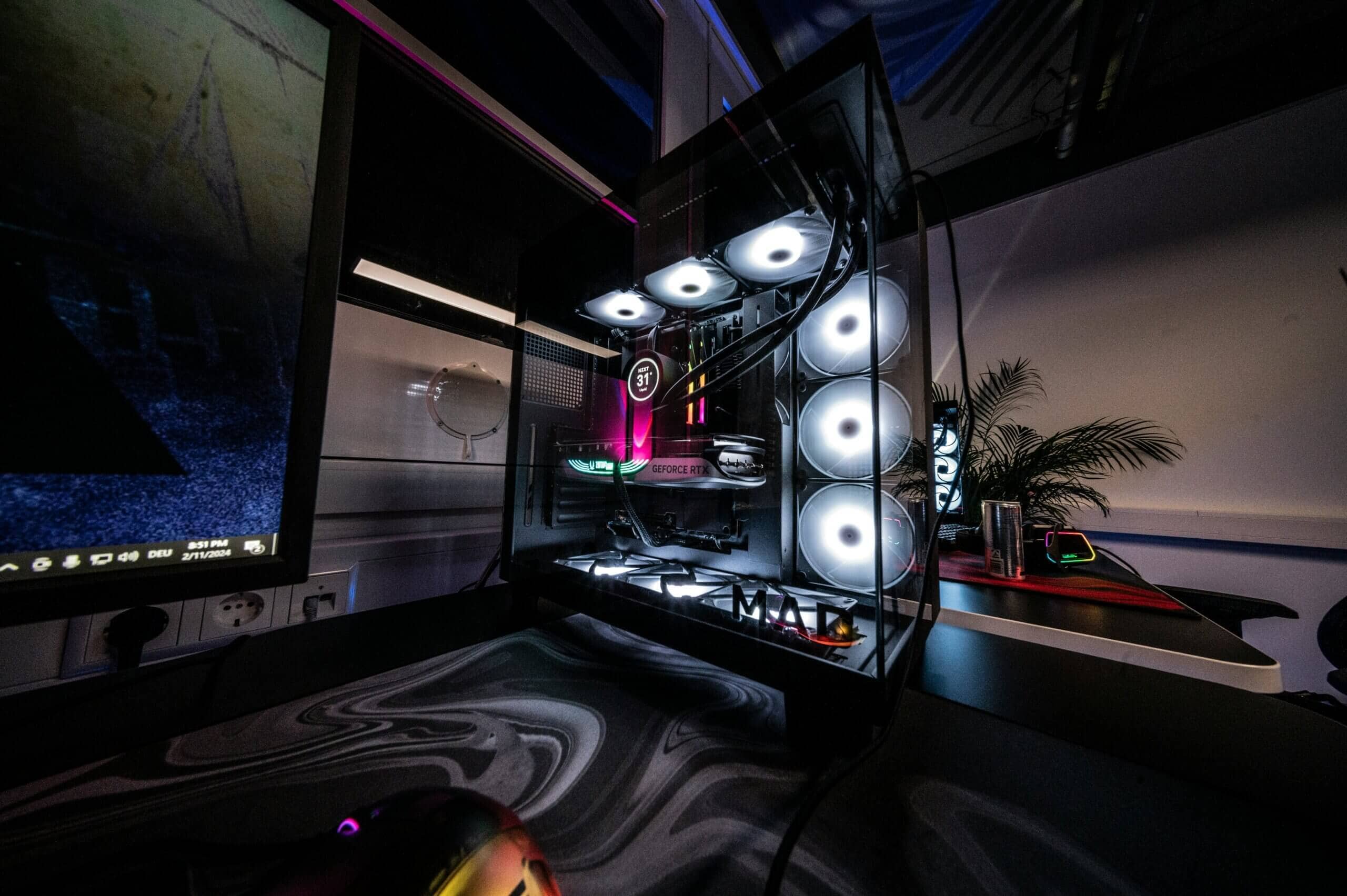
If the PC spends hours gaming, encoding, recording, and running background apps, a good 240mm or 360mm AIO can make sense. You get more thermal headroom on hotter CPUs, and the area around the socket stays visually clean.
The trade-off is ownership risk. Pumps age. Tubing and liquid loops add another part that can fail. Good AIOs can last years, but they do not age as gracefully as a solid air cooler. Buy one because your CPU and workload justify it, or because the case layout benefits from it. Do not buy one just because liquid cooling looks more expensive.
Recommended type:
A quality 240mm AIO known for solid value
A 360mm AIO for hotter high-end CPUs and long sustained loads
A premium air cooler if you want lower maintenance with slightly less peak headroom
If you are building a clean streaming setup and making content without showing your face, this guide for faceless video creators is relevant on the content side too.
The MMO player with long sessions
This profile sits in the middle. Long play sessions, Discord, browser tabs, add-ons, launchers, and occasional streaming can keep the CPU busy for hours without looking extreme in a short benchmark.
For most of these builds, air still wins on value. A good tower cooler handles sustained loads well enough, keeps maintenance simple, and avoids pump-related aging. Step up to a 240mm or larger AIO if you are pairing the system with a hotter CPU and you know those long sessions will push it regularly.
If overall case heat is the main problem, reducing GPU heat output can help more than overspending on the CPU cooler. This guide on how to undervolt your GPU for lower case temperatures is one of the better fixes for that.
The small-form-factor builder
Small builds change the math. Serviceability gets worse, component density goes up, and any failure is more annoying to deal with.
An AIO can be the right call if it solves a tight layout problem and the case supports it cleanly. An air cooler is still the better long-term pick if it fits, because replacing a standard fan in a cramped case is usually easier than troubleshooting pump noise or replacing an aging liquid unit. In compact systems, the best cooler is often the one you are least likely to curse at two years from now.
Common Questions About CPU Coolers
Are 120mm AIOs worth it?
Usually, no.
Do you need to refill an AIO?
No. An AIO is a closed-loop cooler. You don’t treat it like a custom loop.
How often should you clean your cooler?
Clean it when dust starts affecting airflow, noise, or temperatures. That applies to both air coolers and AIO radiators.
Which lasts longer?
In general, air coolers are the safer long-term bet because they’re simpler. A metal heatsink doesn’t wear out in the same way a pump does.
What should most budget-conscious gamers choose?
A good air cooler.
Related Articles