Most advice about the best Nintendo Switch accessories gets one thing wrong. It treats official gear and premium picks as the default, then works backward from there.
The reality of Switch accessory purchases often differs from expectations. Parents want gear that survives backpacks and tile floors. Students want accessories that hold up through daily use. Handheld players want comfort and protection more than flashy extras.
The sweet spot isn’t the cheapest option. Cheap accessories often fail at the zipper, the cable, the thumbsticks, or the fit tolerances. The sweet spot is where you get most of the practical benefit, without paying extra for branding or features you’ll barely use.
- No-drift Hall effect sticks at a budget price
- Works wired or wireless across Switch and PC
- Remappable buttons and tunable triggers
- Smaller than a Pro Controller: adjustment period for big hands
- No HD rumble (Switch-exclusive feature)
- No NFC for amiibo support
- Rigid shell protects against pressure and impact
- Odorless felt interior: no chemical smell out of the box
- Properly sized cutouts for the original Switch and Switch 2
- Not waterproof: splash-resistant only
- Limited internal accessory storage
- Tighter fit than budget pouch-style cases
- Built-in USB-C cable means one less thing to forget
- Enough capacity for a weekend without a wall outlet
- High-wattage output works for laptops too
- Larger and heavier than a 10,000mAh option
- No fast charging back into the bank itself
- Built-in cable wears out faster than removable ones
- Express speeds feed the Switch 2’s faster storage pipeline
- Official branding means validated compatibility
- Backward-compatible with the original Switch
- Express speed advantage only applies on the Switch 2
- 256GB fills faster with Switch 2 file sizes
- Costs more per gigabyte than old-standard cards
- Major comfort upgrade for long handheld play
- Stays compatible with most carrying cases
- No tools required: slips on and off
- Adds bulk for jeans-pocket portability
- Some grips can interfere with screen protector edges
- Not protective on its own: pair with a case
- The value sweet spot for Switch accessories is third-party gear that solves the actual problem without paying for branding
- The biggest day-to-day upgrades are a Hall-effect controller (no stick drift), a hard-shell case, and a tempered glass screen protector: those three change the experience the most
- Spend up on storage and a USB-C PD power bank if you travel with the Switch: both pay for themselves in convenience the first long trip
- Mini docks make sense for travel, but only from brands with a real engineering reputation: sketchy clones still cause display and power-delivery problems
Table of Contents
Switch 2 Accessories That Work on Both Generations
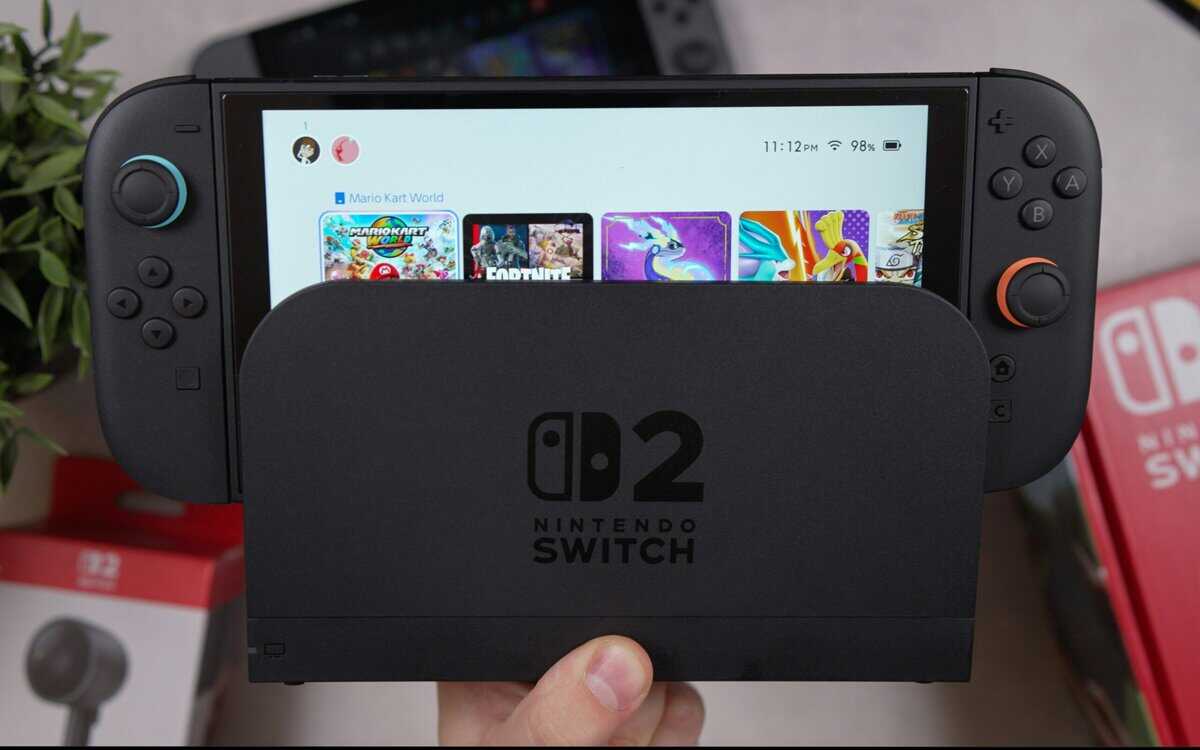
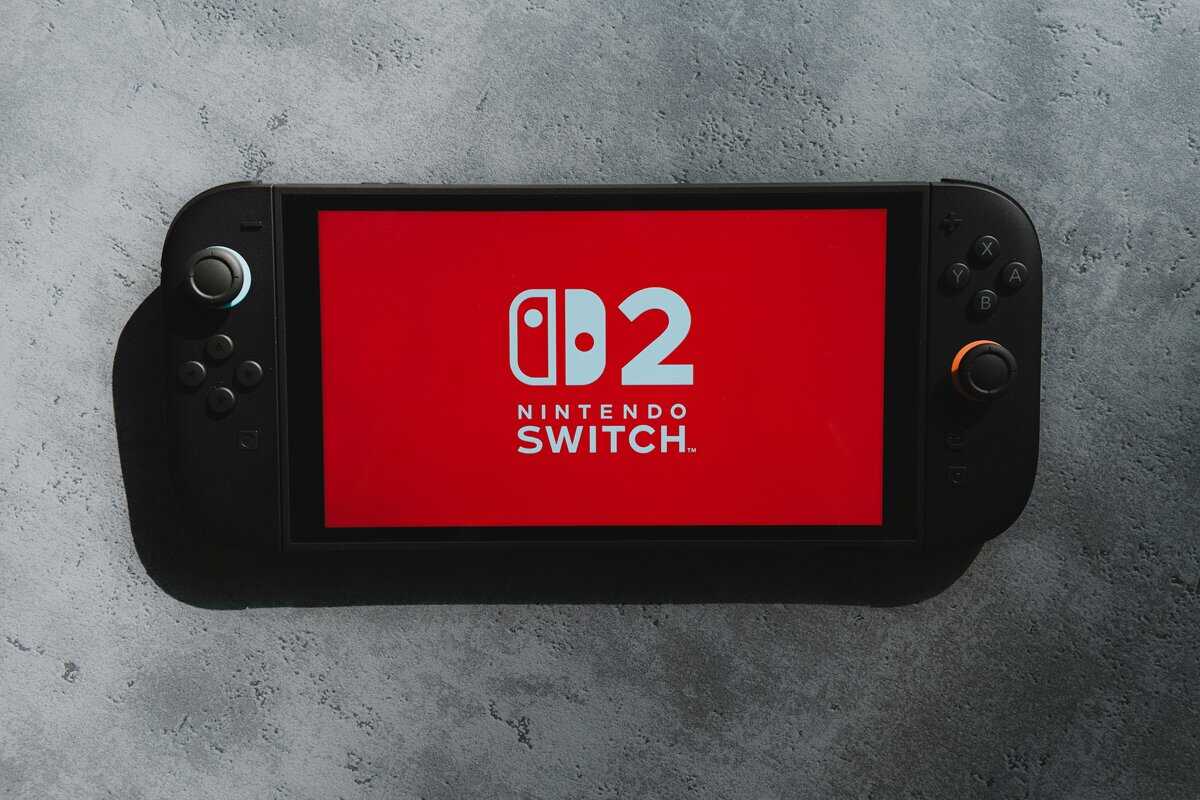
The good news for anyone hunting switch 2 accessories on a budget: most of this list already qualifies. The Switch 2 changed two rules and left the rest alone, so a smart Switch 1 loadout carries over almost intact.
What crosses the line cleanly: the 8BitDo Ultimate 2C pairs with both consoles in its current revision, the Anker power bank and HyperX headset never cared which Switch you own, the tomtoc case pick here is its Switch 2 sizing, and the amFilm glass below is cut for the new 7.9-inch screen.
The two rule changes: video output and storage. The Switch 2 only outputs video through its own dock, so third-party TV docks stay a Switch 1 purchase; our Switch 2 dock guide covers that reality. And Switch 2 games demand microSD Express cards, which is exactly what the storage pick below now is. For gear built only for the new console, our Switch 2 controller guide ranks the pads made for it.
Finding Value Beyond Official Nintendo Gear
A lot of players assume official accessories are safer, better built, and worth the extra money by default. That’s outdated thinking. Third-party Switch gear is much better than it used to be, and some categories now have clear value options that deliver most of what people need.
The fundamental error is buying by headline reputation instead of buying by failure points. A case either protects corners, zippers cleanly, and holds shape, or it doesn’t. A controller either stays accurate over time, feels right in the hand, and avoids common stick problems, or it doesn’t. Once you look at accessories that way, the gap between official gear and smart value picks gets smaller fast.
For players trying to build a practical setup, the better question is this: where does extra spending stop changing the experience in a meaningful way?
What value actually looks like
In my experience, the value sweet spot usually has three traits:
Strong core function: the accessory solves the actual problem, whether that’s comfort, storage, charging, or protection.
Good materials in the right places: firm shell, decent padding, reliable cable strain relief, sturdy triggers, clean seams.
No gimmick tax: you’re not paying mainly for branding, cosmetics, or one niche feature you’ll use twice.
Budget gear makes sense when it cuts fluff, not when it cuts durability.
If you want more Switch-specific buying advice, Budget Loadout’s Nintendo category is a useful hub for value-focused recommendations and accessory guides.
Quick Reference The Best Value Switch Accessories
If you want the short version, start here. These are the categories that change the day-to-day Switch experience the most, and these are the picks that hit the best balance of utility, durability, and sensible spending.
| Category | Top Value Pick | Key Feature |
|---|---|---|
| Controller | 8BitDo Ultimate 2C | Hall effect sticks, Switch + PC compatible |
| Case | tomtoc Slim Carrying Case | Hard shell with structured felt interior |
| Screen protector | amFilm Tempered Glass | 9H hardness with alignment installer |
| Storage | Samsung 256GB microSD Express | Officially licensed Switch performance |
| Power | Anker 20,000mAh Power Bank | 87W output with built-in USB-C cable |
| Dock alternative | Mirabox 36W Mini Dock | Better travel convenience than a full dock |
| Audio | HyperX Cloud Stinger 2 Core | Lightweight wired headset with clear mic |
| Handheld comfort | Skull & Co. NeoGrip | Major comfort gain for long handheld sessions |
For players who stream or capture docked gameplay, pairing your setup with a dedicated capture card guide for Nintendo Switch helps avoid buying accessories that don’t fit your actual use case.
Controllers That Outperform Their Price
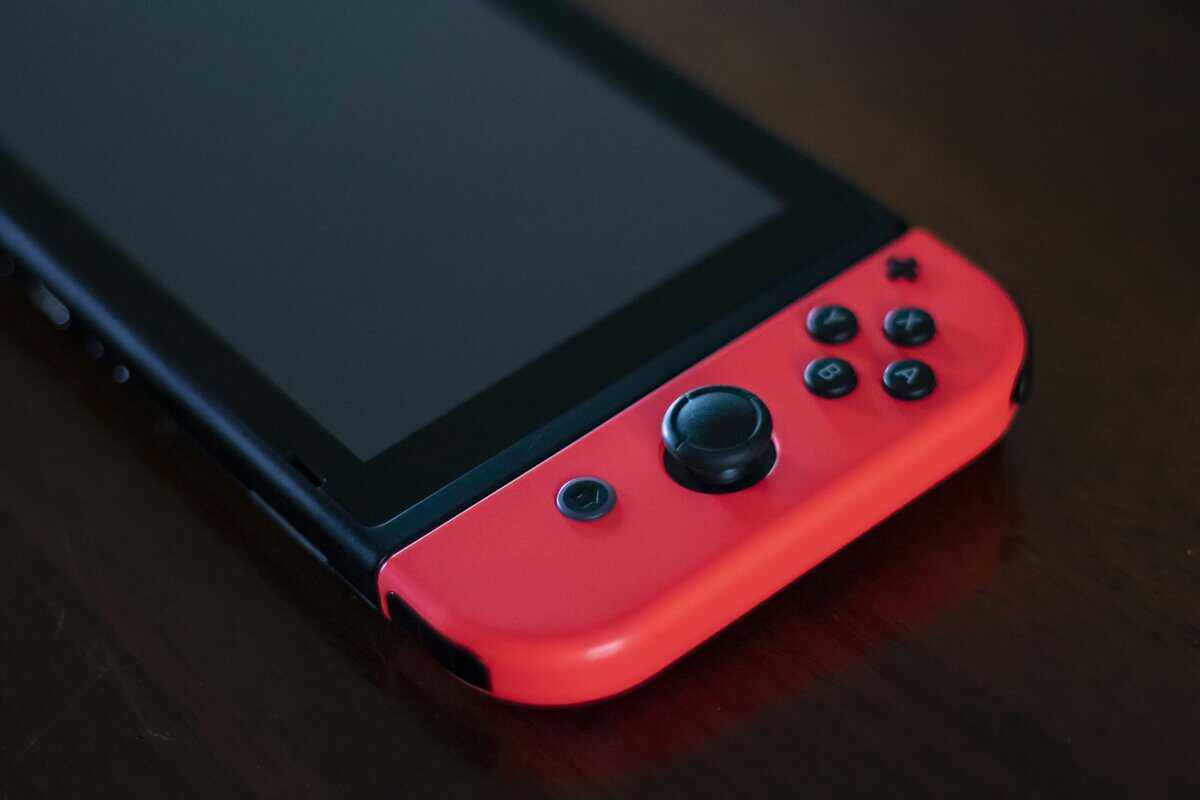
Controllers are where bad advice costs people the most. A lot of lists still treat the official pad as the obvious answer, but that only makes sense if you value first-party branding more than value per dollar.
By 2026, specialized controllers had become top-tier recommendations alongside Nintendo’s own option, and the 8BitDo Ultimate stood out as a strong competitor because of its Hall effect sticks and included charging dock, according to GamesRadar’s overview of Nintendo Switch accessories. That matters because Hall effect sticks attack one of the most annoying long-term problems in controllers: stick drift.
Where the value sweet spot sits
For most players, the sweet spot is a well-built third-party controller with strong ergonomics, reliable wireless performance, and durable sticks. You get most of the experience people want from a premium controller without paying mainly for the logo.
That matters in different ways depending on what you play:
FPS gaming: responsive sticks and stable gyro support matter more than cosmetic shells or extra RGB.
MMO or menu-heavy games: face button consistency and a clean D-pad matter more than ultra-light triggers.
Platformers and retro games: D-pad quality can be the deciding factor.
Streaming from the couch: battery handling and dock convenience matter because interruptions get old fast.
What’s worth paying for
Spend more on the parts you touch every second. That means stick tech, button feel, shell rigidity, and trigger consistency.
Skip paying extra for:
Flashy finishes: they don’t help accuracy or longevity.
Overstuffed software features: many players set them once and never use them again.
Collector branding: it raises the price faster than it improves the controller.
A cheaper wired controller can still make sense if you mostly play docked and don’t care about cable management. That’s the lower end of the value curve. The trade-off is usually lighter construction, less refined buttons, and more clutter around the TV.
Practical rule: If a controller feels good on day one but has loose triggers, a hollow shell, or mushy face buttons, it’s not a bargain. It’s a delayed replacement.
For a closer look at controller fit, features, and long-term buying trade-offs, this Nintendo Switch controller guide is a solid reference point.
Here’s a useful hands-on look at controller choices and design trade-offs:
Our pick: The 8BitDo Ultimate 2C is the budget winner here: Hall effect joysticks (no stick drift), works wired or wireless, and pairs with both Switch and PC. The Pro-tier 8BitDo Ultimate 2 adds extra rear buttons if you want them, but the 2C handles the value sweet spot.
Protecting Your Investment Cases and Screen Protectors
If you buy only two accessories for a Switch, make them a carrying case and a tempered glass screen protector. Not a charging stand. Not thumb grips. Not a decorative shell.
For the newer console specifically, our Switch 2 case roundup covers three verified picks from slim hard shell to a full travel kit that carries the dock.
Protection is where “budget” goes wrong fastest. The cheapest cases look fine in product photos, then collapse under pressure, press against the sticks, or split at the zipper seam. A weak screen protector saves a few bucks upfront, then scratches up and gets replaced sooner than it should.
What a case needs to do
Real-world durability data shows that quality carrying cases reduce device damage by 85-92% during drops and impacts, and the useful specs are practical ones: 10mm+ foam padding, water-resistant exteriors, and tempered glass with at least 9H hardness for the screen protector, according to this case-durability comparison test.
That tells you where the value line really sits. You don’t need a luxury travel case with oversized branding and fancy trim. You do need actual structure.
Look for this:
Rigid outer shell: enough stiffness to stop pressure from reaching the screen and sticks.
Meaningful interior padding: not a thin liner pretending to be impact protection.
Soft lining: microfiber or similar material that won’t turn dust into scratches.
Tidy internal storage: enough organization for a charger, cable, and a few extras without crushing the console.
Why screen protectors are a simple buy
This is one of the easiest categories to shop well. Tempered glass is the move. Plastic film isn’t. Plastic picks up scratches too quickly, feels worse under the fingers, and becomes false economy once you replace it.
The value sweet spot is basic, clean tempered glass from a reputable accessory maker. No special coating claims. No overpriced “gaming edition.” Just proper fit, decent adhesive, and glass that doesn’t distort the display.
Buy the protector with the easiest installation system you can find if you hate redoing alignment. That’s a quality-of-life feature that actually matters.
A good protection setup should feel boring. That’s the point. You install it, zip it up, toss it in a bag, and stop worrying every time the Switch travels.
Our pick: The tomtoc Slim Carrying Case is our case pick: odorless felt interior, structured hard shell, and proper space for game cards. Pair it with the amFilm Tempered Glass screen protector (9H hardness, comes with an alignment installer that makes a clean install almost foolproof). That combo covers the two most likely failure points.
Staying Powered On The Go Chargers and Power Banks
Charging accessories are full of junk. This category punishes impulse buys because the bad options often don’t fail dramatically. They just charge too slowly, run hot, or create weird reliability issues over time.
The first thing to check is USB-C Power Delivery support. If a charger or power bank doesn’t properly support PD, the Switch won’t charge the way most players expect, especially during active play in handheld mode.
What actually matters
Ignore the marketing language and check the basics:
PD support: this is essential for useful charging behavior.
Stable output while gaming: some weak power banks can charge a resting device but struggle when you’re playing.
Port quality and cable fit: loose USB-C connections are a red flag.
Size and weight: important if you want a travel setup that doesn’t feel annoying in a backpack.
Compact wall chargers make the most sense when you want one brick for your Switch, phone, and other gear. Power banks matter more for flights, long commutes, hotel stays, or events where outlets are unreliable.
The diminishing returns point
Spending more than necessary on a charger only makes sense if you need extra ports, a smaller travel footprint, or cleaner thermal performance. Otherwise, the core function is straightforward. Safe charging, proper PD support, and decent build quality.
If you want a broader look at portable battery options and how they fit travel use, AquaVault charging gear is a relevant resource for comparing on-the-go charging setups.
Avoid ultra-cheap unbranded chargers with vague specs. With power accessories, “good enough” only counts if the engineering is good enough too.
Our pick: The Anker 20,000mAh Power Bank with a built-in USB-C cable and 87W PD output is what you want: enough capacity for a full Switch recharge twice over, and the integrated cable means one less thing to forget in your bag.
Expanding Your Library Without Breaking the Bank
Storage is one of the least exciting Switch upgrades, and one of the smartest. It’s also a category where branded packaging tricks people into overspending.
The simple truth is that you don’t need a card with gaming-themed artwork or Nintendo branding to get a good result. You need a reputable microSD card with the right speed class, dependable consistency, and real capacity.
The broader accessory market backs up how practical buyers think. In 2026, amFilm’s screen protector was the #1 best-selling Nintendo Switch accessory on Amazon, with over 30,000 monthly sales and a 4.6-star rating across more than 1,249 competing products, showing that buyers prioritize affordable protection and essential upgrades over premium performance extras, based on ASInsight’s Nintendo Switch accessories market report.
The storage sweet spot
For most players, the sweet spot is a mainstream high-speed microSD card from a trusted brand in the middle capacities, not the smallest option and not the largest one either. That gives you enough room for a healthy game library without paying a premium for capacity you might never use.
The specs that matter are straightforward:
microSD Express: the standard the Switch 2 requires for its games; older UHS-I cards still serve the original Switch.
A1 or A2 app rating: useful shorthand for capable everyday performance.
Trusted source: fake cards are a bigger threat than slightly slower load times.
Where people waste money
They waste money in two ways. First, by paying extra for branding on the label. Second, by chasing the absolute highest capacity when their actual library doesn’t justify it.
What works is boring and reliable. Buy a genuine card from a known manufacturer, format it properly, and test it soon after purchase. If transfer behavior looks strange or file verification fails, return it immediately. Storage is a place for caution, not creativity.
Our pick: The Samsung 256GB microSD Express is officially licensed for Nintendo Switch: fast enough that load times feel native, and the licensing means it has been validated specifically for Switch firmware.
Upgrading Your Dock and Display Options
The official dock does the job, but it’s bulky and not ideal as a travel companion. That’s why mini docks and compact dock replacements appeal to so many Switch owners.
One generation line to draw before you buy: everything in this section applies to the original Switch family only. The Switch 2 outputs video exclusively through its own dock, so treat portable docks as Switch 1 gear and see our Switch 2 dock setup guide for the new console’s options.
The problem is history. Early third-party dock options earned a bad reputation because some were poorly engineered. That made players understandably cautious, and that caution still makes sense today.
What makes a dock alternative worth using
A good compact dock earns its place by solving a specific problem. Usually that’s portability, a cleaner desk setup, or the need for a second display connection in another room.
When I evaluate a dock alternative, I care about:
Reliable power handling: no weird handshake issues, no unstable display output.
Solid port fit: HDMI and USB-C should feel secure.
Heat management: tiny shells are convenient, but not if they trap too much heat.
Travel practicality: the whole point is saving space without adding hassle.
If you travel with the Switch, a mini dock can make more sense than hauling the full official unit, but only if it comes from a brand with a reputation for careful engineering.
Where diminishing returns start
You don’t get much benefit from paying extra for a dock once it handles video output reliably, works cleanly with a proper PD charger, and holds up physically. Fancy housings and extra cosmetic design do not significantly affect the docked experience.
The best value use case is simple. A compact secondary dock for travel, office breaks, or a second TV. If you also game on portable displays, this portable monitor guide helps you think through what matters in a compact dock-and-monitor setup.
Our pick: The Mirabox 36W Mini Dock is our travel pick: full 4K@60Hz output over HDMI, USB-A passthrough for a wired controller or keyboard, and a footprint small enough to drop in a backpack pocket. Pair it with a 30W+ USB-C PD charger and you have a complete travel TV setup.
Essential Audio and Communication Gear
Audio on the Switch is easier than it used to be, but there are still trade-offs. A lot of people go straight to Bluetooth because it sounds convenient, then notice lag, pairing friction, or instability once multiple accessories are in the mix.
For serious play, especially anything timing-sensitive, the value answer is usually simpler.
The best use case for each option
A wired headset remains the easiest recommendation for budget-minded players. It’s dependable, doesn’t need charging, and avoids wireless quirks. If you play shooters, action games, or anything where audio cues matter, that consistency matters more than a cleaner setup.
A low-latency dongle-based wireless headset makes sense if you play docked often and want freedom from cables. It’s the better wireless route for players who care about responsiveness.
Native Bluetooth audio is fine for casual use. It’s less convincing for competitive play or voice-heavy sessions where lag and connection behavior become more noticeable.
What to prioritize
Don’t shop audio gear by driver size or exaggerated sound claims. Focus on:
Comfort over long sessions: clamp force, ear pad material, and weight.
Connection reliability: wired or low-latency wireless tends to win.
Clear mic pickup if you chat regularly: especially for co-op sessions.
Build quality at hinge points and cable joins: those are common failure spots.
For players cross-shopping budget headsets that can also work away from the Switch, these cheap over-ear headphones are a useful starting point for balancing cost, comfort, and durability.
Our pick: The HyperX Cloud Stinger 2 Core is the easy budget answer: wired 3.5mm so you skip Bluetooth latency, lightweight enough for long sessions, and has a swivel-to-mute mic that works for online play.
Improving Comfort with Ergonomic Grips
If you mostly play handheld, an ergonomic grip is one of the few accessories that can change how long you want to keep playing. The bare Switch shape is portable, but it isn’t especially comfortable for long sessions.
Check the generation before ordering: grips are molded to a specific console body, and the NeoGrip covered here fits the original Switch family. Skull and Co. makes a separate Switch 2 version, so match the listing to the console in your hands.
That matters more than people expect. Hand cramps don’t show up in spec sheets, but they absolutely shape whether an accessory was worth buying.
Why grip cases are such a strong value buy
Grip cases solve a basic design compromise. The Switch has to stay slim and modular. Your hands would usually rather hold something with fuller contours and better support.
A good grip changes three things at once:
Hand position: less pinch, less strain on the fingers.
Control stability: easier aim corrections and steadier longer sessions.
Confidence while carrying: more secure hold in handheld mode.
For action games, shooters, and long RPG sessions, the comfort gain is obvious. It also helps if you stream casually from unusual spots around the house, because you’re less likely to shift your grip constantly and create noise or distraction. If you’re also dialing in room sound for content creation, professional home theater sound setup is worth reading because audio environment matters as much as the headset when you’re playing or talking in a shared room.
What separates a good grip from a bad one
Dockability matters. So does fit precision. A grip that flexes, blocks vents, or makes button access awkward isn’t helping.
Look for clean molding, solid attachment, and handles that fit your hands instead of forcing your fingers into a cramped angle. This is one category where spending a little more often gets you a noticeably better shape and sturdier materials.
Our pick: The Skull & Co. NeoGrip is our grip pick: properly contoured grips that fit adult hands without making the Switch unpocketable, and it works alongside most carrying cases instead of replacing them.
Frequently Asked Questions About Switch Accessories
Do all Switch accessories fit every model
No. Fit varies across the original Switch, OLED model, and Lite. Cases, grips, and screen protectors are the most common problem areas. Always check exact model compatibility before buying, especially with dockable shells and molded travel cases.
How can you spot a risky low-quality accessory
Watch for vague product listings, missing spec details, poor port alignment in photos, and generic packaging that doesn’t clearly identify the model. On physical products, rough seams, loose buttons, rattling shells, and thin cables usually tell you what the long-term experience will be.
Which categories are worth buying first
Start with protection, then whichever category matches how you play. Handheld players should move quickly to grips and storage. Docked players get more value from a proper controller and reliable audio. Frequent travelers should prioritize power and a compact case before novelty extras.
Are premium accessories ever worth it
Sometimes. Premium gear makes sense when the extra money buys better durability, better ergonomics, or a feature that directly changes how you play. It doesn’t make sense when the upgrade is mostly branding, cosmetic finish, or a long feature list you won’t use.
What’s the safest buying mindset
Buy for failure points, not for hype. Check materials, fit, port quality, button feel, and long-term wear areas. If an accessory solves a real problem and looks built to survive regular use, that’s usually the right side of the value curve.
If you’re building a Switch setup that needs to last, Budget Loadout focuses on the part that matters most: finding gear that performs well, holds up over time, and avoids the usual overspending traps.
Related Articles