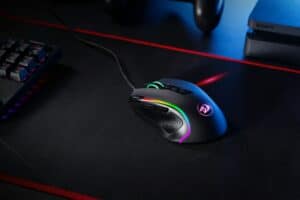
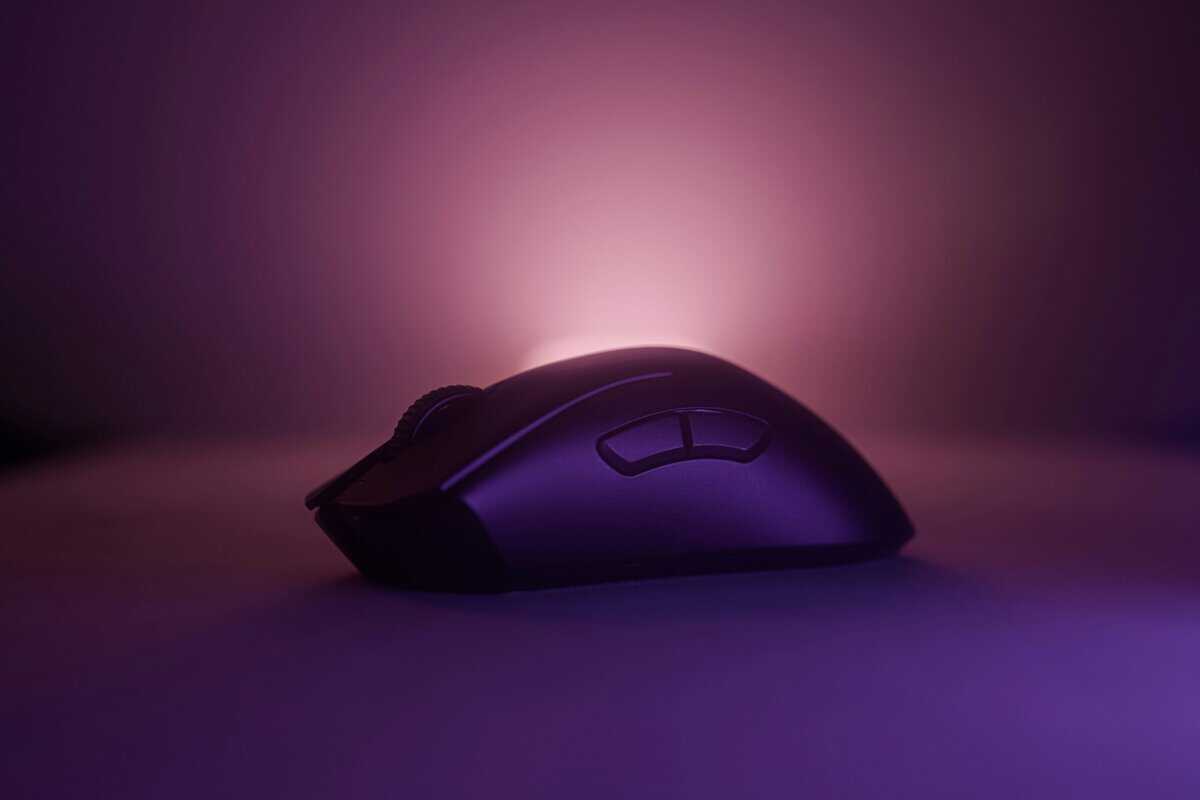
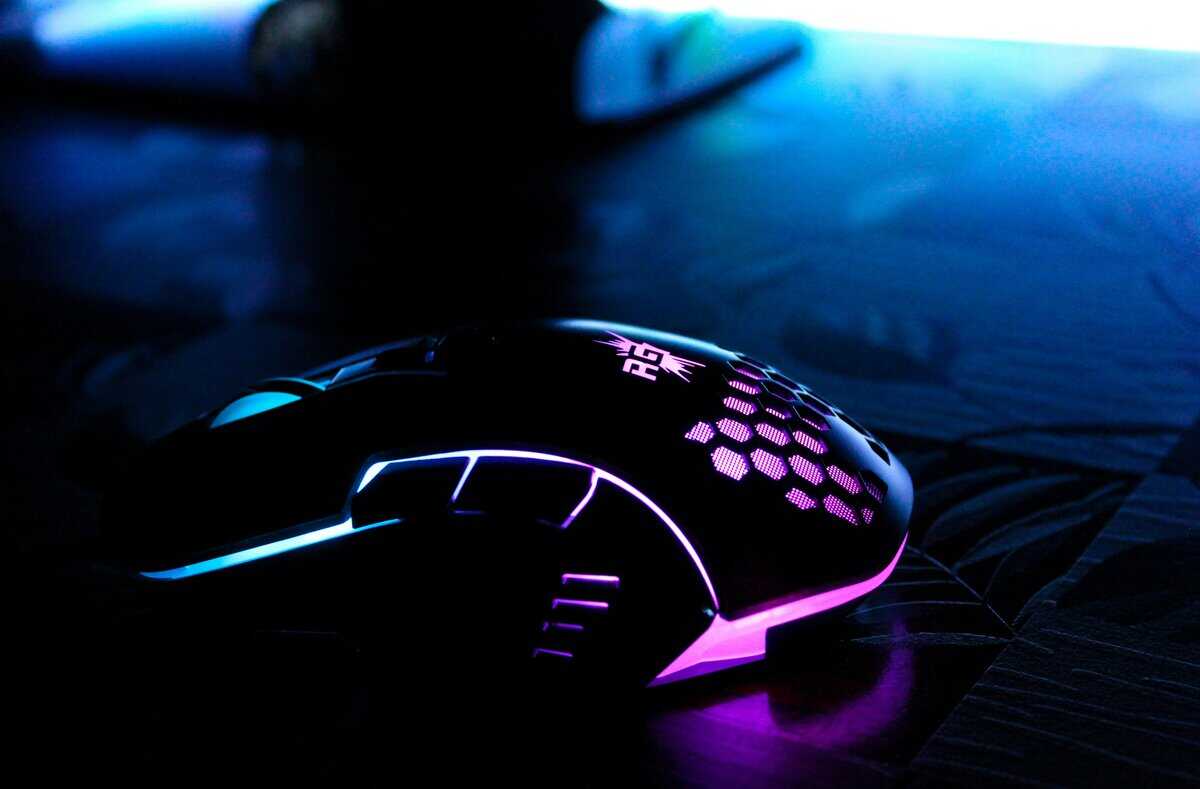
Finding the best budget mouse for Apex Legends means cutting through marketing hype. Models like the Logitech G305 or Razer Cobra are popular because they deliver a top-tier sensor and reliable build without the premium price, giving you the core performance of a high-end mouse for a fraction of the cost. “Budget” here means value for performance, not the absolute cheapest option available.
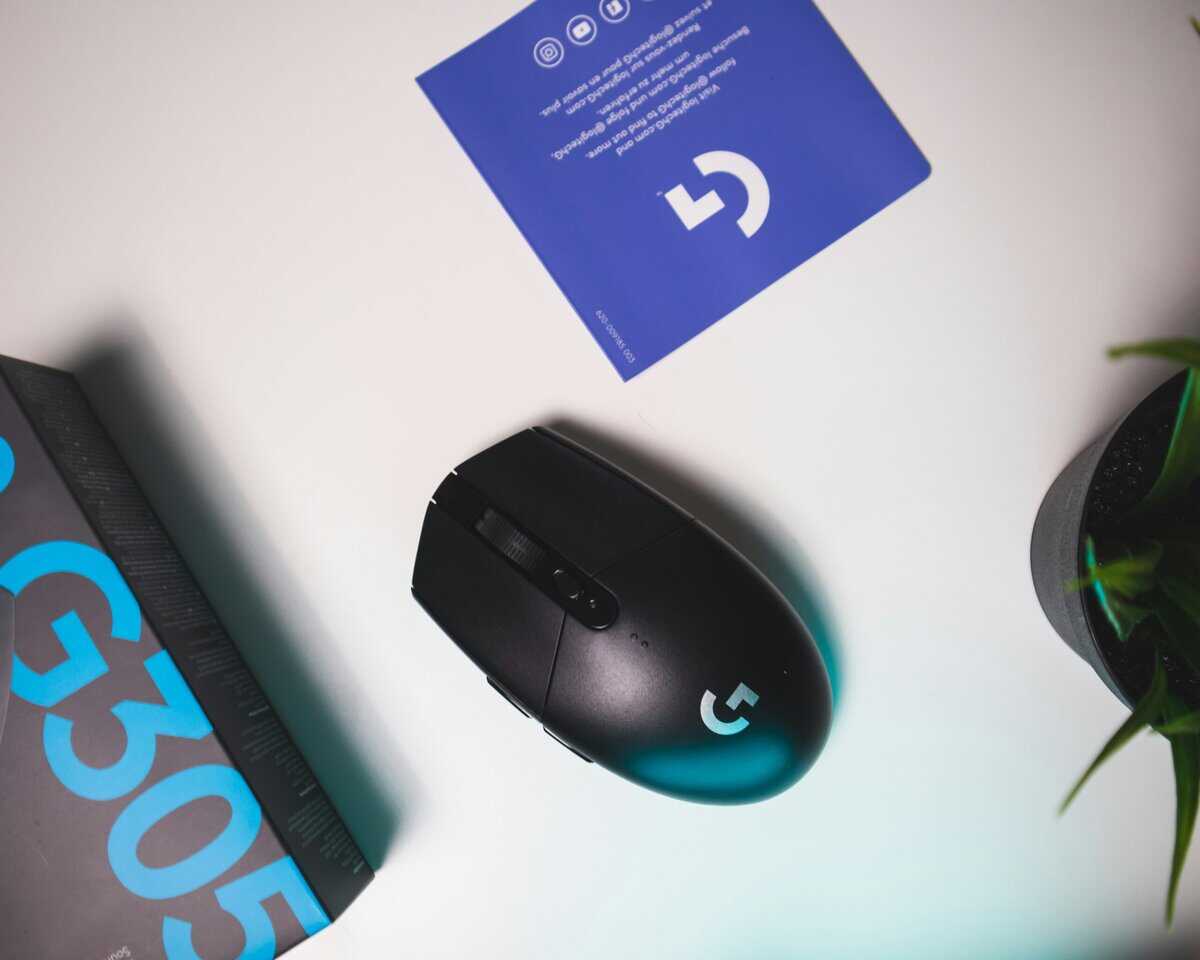
- Proven 8,000 DPI sensor with consistent tracking across all surfaces
- Classic ergonomic shape that suits both palm and claw grip styles
- Logitech G HUB software offers deep DPI and button customization
- At 85g it feels heavier compared to newer ultralight competitors
- The braided cable may create some drag during fast swipes
- RGB lighting is limited to the logo and front strip only
- 58g ultralight design enables effortless flick shots and fast repositioning
- Gen-3 optical switches provide crisp clicks with a 90 million click lifespan
- 100% PTFE mouse feet and Speedflex cable minimize friction and drag
- Wired-only design may feel limiting for players who prefer wireless freedom
- Compact shape may not suit larger hands that prefer a full palm grip
- Chroma RGB underglow adds style but contributes slightly to the price
- Lightspeed wireless delivers 1ms response time, feels identical to wired
- HERO 12K sensor tracks precisely up to 12,000 DPI with zero smoothing
- 250-hour battery life on a single AA eliminates charging anxiety
- At 99g with battery it’s heavier than dedicated ultralight wired mice
- Uses a AA battery instead of built-in rechargeable, adding slight weight
- Compact egg shape may feel small for players with larger hands
- For Apex Legends, a mouse with at least 8,000 DPI, low click latency, and a comfortable shape for your grip style matters more than brand or price tag
- The Logitech G203 Lightsync is the ultra-budget starting point: a proven sensor in a simple wired shape
- The Razer Cobra steps up build quality and weight for the mid-tier without leaving budget territory
- The Logitech G305 Lightspeed brings wireless freedom with latency that keeps up in ranked lobbies
- Weight and shape fit matter more for movement-heavy Apex fights than any spec-sheet extra
Table of Contents
What Defines a Good Budget Mouse for Apex Legends
Finding the right mouse for a game as fast as Apex isn’t about chasing the highest specs or grabbing the cheapest option on the shelf. It’s about focusing on the core features that directly translate to better aim and smoother movement in the arena. You need a tool that’s reliable and precise, not one loaded with gimmicks.
Core Performance Specifications
A few specs are non-negotiable for competitive FPS gaming. These are the foundational elements that determine if a mouse can keep up with the frantic gunfights and rapid movement in Apex Legends.
- A Flawless Optical Sensor: This is the top priority. A quality optical sensor, like those in the PixArt 33xx series or a brand’s proprietary equivalent, guarantees 1:1 tracking without prediction or acceleration. This means the cursor moves exactly how your hand moves, which is critical for building muscle memory for consistent aim. Our guide on optical vs. laser sensors provides more detail on this topic.
- A Stable 1000Hz Polling Rate: Polling rate is how often your mouse reports its position to your PC. A 1000Hz rate (a 1ms response time) is the industry standard for gaming and provides the smooth, responsive cursor movement needed to track a strafing enemy. Anything less will feel sluggish.
- A Practical DPI Range: Ignore mice advertising absurdly high DPIs like 20,000+. It’s marketing noise. Most competitive players use a DPI between 400 and 1600. A good budget mouse needs a reliable sensor that performs flawlessly within this practical, usable range.
A mouse’s value is measured by its in-game consistency, not its spec sheet. A flawless sensor and stable polling rate are far more impactful than RGB lighting or an ultra-high DPI you’ll never use.
Physical Design and Durability
Beyond the internal hardware, the physical design of a mouse is just as important for both your performance and its long-term durability.
Here’s a quick reference guide to the features that matter for a fast-paced FPS like Apex.
Key Mouse Specifications for Apex Legends Performance
| Specification | Why It Matters for Apex Legends | Budget-Friendly Target |
|---|---|---|
| Weight | Lighter mice (under 85g) make rapid flicks and 180-degree turns easier, reducing fatigue. | Sub-90g |
| Shape & Size | Must match your grip style (palm, claw, fingertip) for comfort and control. | Personal preference |
| Switches | Durable switches prevent frustrating double-clicks. Look for ratings of at least 20 million clicks. | 20M+ click rating |
| Cable | A flexible, paracord-like cable reduces drag, making a wired mouse feel almost wireless. | Paracord-style or flexible rubber |
Getting these specs right is what separates a good purchase from a frustrating one. They ensure the mouse not only performs well but also holds up to the wear and tear of intense gaming.
Tiered Recommendations Under $75
Finding a capable budget mouse for Apex Legends means figuring out where your money makes the biggest difference. This section sorts our top picks into clear tiers, helping you get a mouse that won’t hold you back, regardless of your specific budget.
Each of these recommendations is grounded in sensor quality, build quality, and real-world performance.
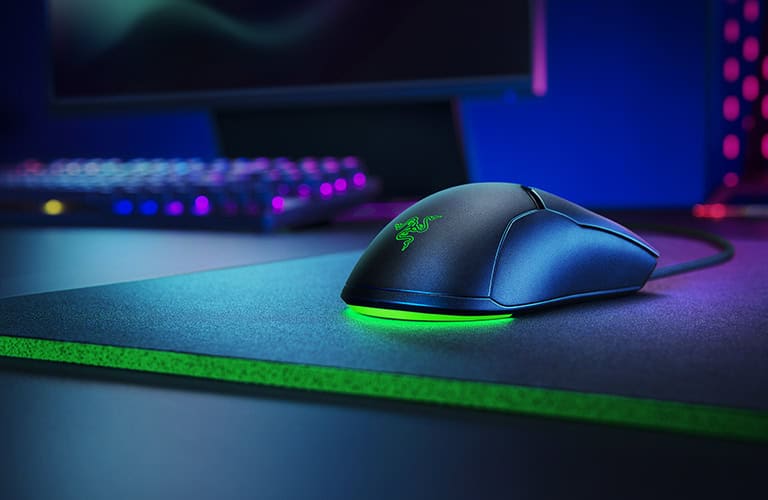
We’ve organized these picks based on what budget-conscious players need: proven performance that will survive countless matches, not just the lowest price tag. That means reliable sensors and builds that feel solid in your hand.
The Ultra-Budget Contender: Under $30
When on the tightest budget, the Logitech G203 Lightsync is a common choice. It’s a workhorse entry-level mouse that handles the fundamentals well, making it a safe and dependable option for new players or as a backup.
The G203 uses a proprietary Logitech sensor that provides reliable, spin-out-free tracking up to 8,000 DPI. While it isn’t a top-tier PixArt sensor, it’s consistent and sufficient for hitting shots in Apex. At this price, the primary benefit is that you won’t be fighting your hardware. You can check the real DPI of any mouse with our free mouse DPI test.
- Build Quality & Durability: The plastic shell feels sturdy for the price, with no significant creaking. Its main switches are rated for 10 million clicks, which is a fair lifespan for this cost but a clear tradeoff compared to more expensive options.
- Use Cases & Tradeoffs: Its classic, small ambidextrous shape is a good fit for players with small to medium hands, particularly for claw or fingertip grips. The main tradeoff is its stiff rubber cable; it creates noticeable drag unless a mouse bungee is used. This makes it less than ideal for FPS gaming where fast, unimpeded swipes are common.
The Mid-Tier Champion: Around $50
Stepping up to the $50 mark yields significant upgrades in performance and feel. In this bracket, the Razer Cobra is a dominant choice for FPS players who prioritize a lightweight design and fast clicks.
This mouse is built for speed. At just 61 grams, it feels nimble, making fast flicks and tracking fast-moving targets feel responsive. It uses a capable PixArt 3359 optical sensor that tracks accurately, providing the 1:1 precision needed for competitive play.
The Razer Cobra’s optical switches are a key feature in this price range. They use a light beam to register clicks, which is faster and makes them immune to the double-clicking issues that can plague budget mechanical switches over time.
- Build Quality & Durability: Despite its low weight, the build quality is solid. The switches are rated for 50 million clicks, offering good durability.
- Use Cases & Tradeoffs: The biggest tradeoff is its size; this is a small mouse and will feel awkward for anyone with large hands or a dedicated palm grip. For claw and fingertip grip users, however, the shape is functional. Its Speedflex cable is also a major benefit, offering good flexibility that minimizes drag. For a streamer, its prominent RGB underglow adds visual flair to a desk setup.
The Premium-Value Pick: Under $75
When your budget can stretch towards $75, you enter the territory of premium features in an affordable package. Here, the Logitech G305 Lightspeed wireless mouse is a clear winner, offering pro-grade wireless performance at a competitive price.
The G305 is armed with Logitech’s HERO sensor, a flagship-level sensor known for its flawless tracking and power efficiency. More importantly, it features Lightspeed wireless, which provides a solid, 1ms connection that is indistinguishable from a wired mouse in terms of latency. This is tournament-grade wireless, not lag-prone Bluetooth.
- Build & Durability: The G305 has a dense, robust build. Its switches are rated for 10 million clicks, a noticeable step down from the Razer Cobra and a clear area where Logitech cut costs.
- Use Cases & Tradeoffs: Its compact, “egg-like” ambidextrous shape works for many grip styles but can be polarizing. The main tradeoff is that it runs on a single AA battery, which pushes its weight to around 99 grams. Swapping to a lighter Lithium AA battery is a popular and inexpensive modification that reduces the weight and improves the balance. For any gamer, from FPS to MMO players, who wants to cut the cord without sacrificing performance, this is strong value.
Comparing Top Budget Mice for Apex
Knowing the top picks is one thing, but figuring out which one is right for your hands requires a direct comparison. It’s time to move past spec sheets and see how these mice actually handle the chaos of an Apex Legends match. We’re putting the Logitech G203, Razer Cobra, and Logitech G305 head-to-head.
This isn’t about which mouse has the highest DPI. It’s about how each one performs in specific situations, from frantic shield-swapping fights in Fragment to holding a pixel-perfect angle with a Sentinel. The goal is to match a mouse to your grip and playstyle so you’re getting the best tool for the job.
Close-Quarters Combat Scenarios
When trapped in a building with multiple enemies, rapid movement and snapping between targets is everything. This is where mouse weight and shape become make-or-break features.
- Razer Cobra: The 58g weight is a significant advantage here. For aggressive wrist aimers who favor weapons like the Peacekeeper and R-99, the Razer Cobra feels light and responsive. Snapping a 180-degree turn to punish a flank or quickly switching between targets is effortless. Its small, flat shape is ideal for claw and fingertip grippers who need maximum micro-adjustment control.
- Logitech G203 Lightsync: At 85g, the G203 feels heavier but offers more stability in return. Some players find ultralight mice too twitchy, and the G203 provides a more controlled platform. Its classic shape is comfortable, but its stiff rubber cable is a real drawback in CQC. It can snag during fast swipes, which is a major problem in a close-range fight.
- Logitech G305 Lightspeed: The G305 comes in at around 99g with a standard AA battery. For pure wrist aimers, this can feel sluggish in close-quarters fights. However, the wireless freedom is a game-changer. For arm aimers who make large, sweeping movements, having zero cable drag is a huge benefit. You’ll never have a moment where cable tension ruins a perfect track.
Long-Range Engagements and Tracking
When trying to land crucial shots with a 30-30 Repeater, sensor precision and a stable grip matter more than raw agility.
The sensors in all three mice, Logitech’s Mercury, Razer’s 3359 Optical, and Logitech’s HERO, are all flawless for gaming. None will spin out or introduce jitter during small adjustments. The real differentiator here is the mouse’s shape and how it supports your hand during tense, precise moments.
For long-range fights, a mouse’s shape is just as crucial as its sensor. An uncomfortable grip leads to hand fatigue and micro-stutters in your aim, which can be the difference between hitting a headshot and missing entirely.
The Razer Cobra’s small, low-profile body can be a liability here, especially for palm grip players who need more support to stay steady. It doesn’t fill the hand enough for some users. On the other hand, the Logitech G203 and G305 share a taller, more pronounced hump that provides a stable base for making the tiny adjustments needed to track a distant, strafing target. For players who value stability over pure speed, the G305’s solid, wireless platform is hard to beat for controlled aiming.
Head-to-Head Comparison of Top Budget Mice for Apex
To make the choice clearer, this table breaks down how our top recommendations stack up, highlighting key performance and comfort metrics that will directly impact your gameplay in Apex Legends.
| Model | Sensor Performance | Weight & Shape | Best For Playstyle | Notable Trade-Off |
|---|---|---|---|---|
| Razer Cobra | Flawless Optical | 58g, small & ambidextrous | Aggressive wrist aimers, CQC, claw/fingertip grip | Small size may lack palm support for long-range stability |
| Logitech G203 | Reliable Mercury | 85g, classic egg shape | Balanced aimers, all grip styles | The stiff rubber cable creates noticeable drag during fast swipes |
| Logitech G305 | Flawless HERO | ~99g, classic egg shape | Arm aimers, stability-focused players, any grip | Heavier weight can feel sluggish for CQC wrist aiming |
Ultimately, each of these mice delivers performance that exceeds its price tag. The decision comes down to your priorities: the nimble agility of the Razer Cobra, the affordable stability of the G203, or the wireless freedom of the G305. Your answer will depend on how you play the game.
How Your Grip Style Influences Mouse Selection
Sensor and switch discussions are secondary if the mouse feels wrong in your hand. Your grip style, how you naturally hold the mouse, is the most important factor for comfort and aiming consistency in Apex Legends.
A mouse that fights your natural grip will damage your consistency and lead to fatigue, no matter its specs.
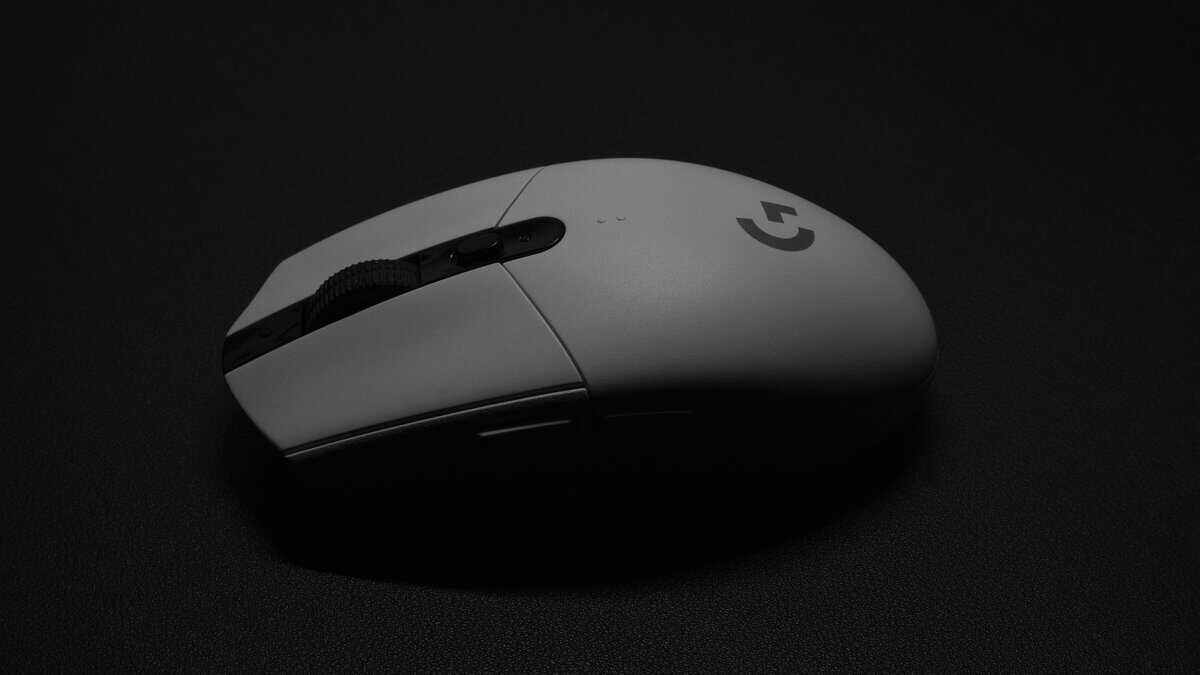
The three main grip styles are palm, claw, and fingertip. Each interacts with a mouse differently, demanding specific shapes and sizes to give you the control needed for Apex’s high-speed gameplay.
Palm Grip: The Stability-Focused Style
This is the classic, relaxed grip where your entire palm and most of your fingers rest flat on the mouse. It offers maximum stability and is favored by players who use their whole arm for aiming.
A palm grip requires a mouse with a large, long body that provides full hand support. Ergonomic right-handed shapes like the Razer Basilisk series are ideal because they’re designed to fill the palm and reduce strain over long sessions. An ambidextrous mouse can work, but only if it’s big enough that your fingers don’t hang off the front.
- Ideal Shape: Long, wide body with a high, pronounced hump.
- Recommended Playstyle: Controlled, long-range tracking and holding steady angles.
Claw Grip: The Agile Hybrid
Claw grip is a popular middle ground between stability and agility. Your palm rests on the very back of the mouse for support, but your fingers are arched in a claw-like shape, ready for small adjustments.
This grip style calls for a shorter mouse with a prominent rear hump. That hump acts as an anchor point for your palm, while the shorter length gives your fingers room for quick micro-adjustments. The classic “egg” shape of the Logitech G203 or G305 is a good example of a design that feels locked-in for claw grippers.
The key for a claw gripper is a shape that locks securely into the back of your palm. This stability allows you to confidently make rapid adjustments with your fingers without losing your base of control.
Fingertip Grip: The Ultimate in Agility
With a fingertip grip, you have no palm contact. Only your fingertips touch the mouse, giving you the highest degree of mobility by relying completely on finger and wrist movements. This style is built for aggressive, fast-paced plays.
If you’re a fingertip gripper, a small, lightweight, and low-profile mouse is non-negotiable. The Razer Cobra, weighing 61 grams, is a prime example. The goal is a mouse so light it feels like an extension of your fingers, allowing for unimpeded movement. Larger, heavier mice are a huge disadvantage, as they create drag and force you to work harder.
Optimizing Your Mouse Settings for the Arena
Unboxing a new mouse is just the start. The next step is dialing in your settings to turn the hardware into a natural extension of your hand, tailored for the pace of the Arena.
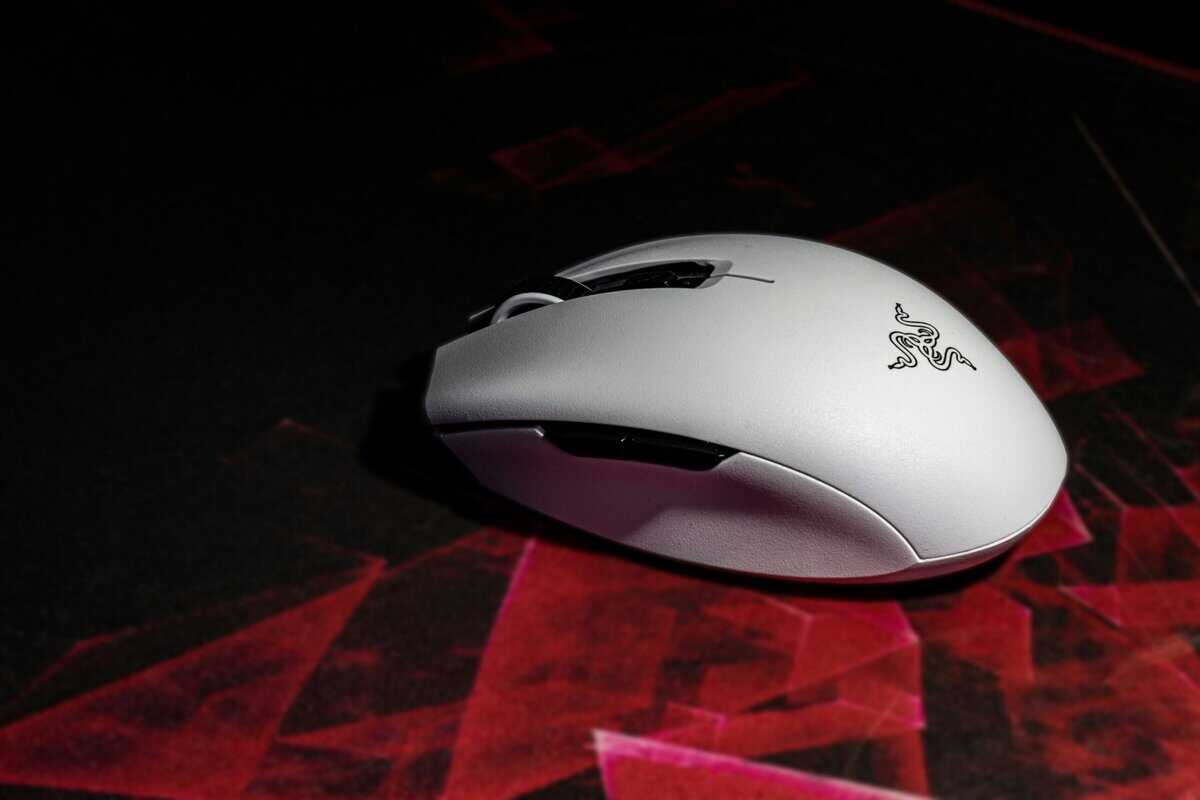
This is about finding a balance that feels right for you and locking in a few key settings for maximum consistency.
Finding Your Perfect eDPI
Your effective DPI, or eDPI, is the single most important number for your aim. It’s a simple formula: Mouse DPI x In-Game Sensitivity = eDPI. This final number is your true sensitivity.
Most professional Apex Legends players use an eDPI between 800 and 1600.
- Low eDPI (below 1200): This is for players who want precise aim at range. Micro-adjustments are easier, but you’ll need a large mousepad and sweeping arm movements to perform a 180-degree turn.
- High eDPI (above 1200): This is for wrist-aimers who excel at tracking fast-moving targets up close. You can snap 180 degrees instantly, but fine-tuning a shot with a 3x scope can feel twitchy.
A common starting point is to set your mouse DPI to 800 and your in-game sensitivity to 1.5, which gives you a 1200 eDPI. Play a few games with that, then adjust your in-game sensitivity up or down by 0.1 until it feels right.
The goal is to find a setting where you can comfortably perform a 180-degree turn in one smooth motion but still feel steady when aiming down sights at a distant target.
Essential Technical Settings
Beyond sensitivity, two technical settings need to be locked in for competitive play, typically found in your mouse’s software.
- Polling Rate: Set this to 1000Hz and leave it. This forces your mouse to report its position every millisecond. Anything less will feel sluggish.
- Lift-Off Distance (LOD): Set this to the lowest possible option. A low LOD means the sensor stops tracking the instant you lift your mouse, preventing your crosshair from drifting when you reset your position during a big swipe.
Once these settings are locked in, go to the Firing Range. Spend time there snapping between targets, tracking moving dummies, and practicing recoil control. This is how you build muscle memory.
Even the best settings can be undermined by a poor surface. Check out our guide on the best budget mousepad for Apex Legends to ensure your whole setup is optimized.
Building out the rest of the setup? See our guide to budget monitors for Apex Legends. For audio, our Apex Legends headset guide covers hearing enemies above and below you.
Common Questions About Budget Mice for Apex
Here are practical answers to common questions about budget gaming mice for your Apex Legends setup.
Is a Wireless Budget Mouse Good Enough for Apex Legends?
Yes, but only if it uses dedicated 2.4GHz technology. Modern budget wireless mice from brands like Logitech (Lightspeed) and Razer (HyperSpeed) offer latency that is indistinguishable from their wired counterparts for nearly all players.
The main tradeoff at the budget end is usually a slightly higher weight from the internal battery or shorter battery life. For Apex, a solid wireless connection is perfectly viable for competitive play, just prioritize a mouse with proven 2.4GHz tech over a cheaper, Bluetooth-only model, which will have unacceptable latency for FPS gaming.
How Important Are Extra Buttons for Apex Legends?
For Apex, having at least two programmable side buttons is almost a requirement. They’re useful for binding crucial actions like using a shield cell/battery or your tactical ability. This lets you keep your fingers on the WASD movement keys.
While some mice are covered in buttons, this is overkill for an FPS like Apex. MMO mice with 6-12 side buttons add unnecessary weight and complexity, hindering the fast, fluid aim the game demands. Two well-placed side buttons are the ideal configuration.
Once your mouse is optimized, ensuring your keyboard is also up to the task is the next logical step. You can check out our guide on the best budget keyboard for Apex Legends to complete your setup.
Do I Need a Mouse With an Extremely High DPI?
No. Sky-high DPI numbers like 16,000 or more are almost entirely a marketing gimmick. The vast majority of competitive and professional Apex players use a DPI setting between 400 and 1600.
The quality of the sensor is far more important than its maximum DPI. You need a mouse that tracks flawlessly at these lower, practical sensitivities without introducing jitter or acceleration. Prioritize a model with a proven optical sensor over one advertising the biggest number on the box.
How Long Should a Good Budget Gaming Mouse Last?
A well-made budget gaming mouse should last 2-3 years or more of regular, intense gaming. The most common points of failure are the main click switches (which can lead to double-clicking issues) and the scroll wheel encoder.
Look for mice that specify their switch durability, often rated in millions of clicks, a 20 million click rating is a solid benchmark for a budget model. Build quality is key; even at a lower price, avoid mice that feel flimsy or creak under pressure, as these are signs of poor construction that won’t withstand intense gameplay.
For more budget gaming gear guides, tips, and recommendations, check out Budget Loadout, your go-to resource for gaming on a budget.
Related Articles