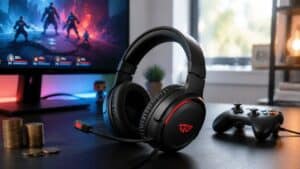
Finding the best PS5 headset means balancing Sony’s Tempest 3D Audio performance, microphone clarity, and long-session comfort. You don’t need the most expensive model; the goal is to find the best value—a headset that delivers where it counts without overpaying for features you won’t use.
- Massive 60-hour battery life for marathon sessions
- 100+ game-specific EQ presets via SteelSeries app
- Low-latency 2.4GHz wired with USB-C dongle
- Mic is good but not exceptional
- EQ requires SteelSeries GG app
- Reliable wired connection with no battery to manage
- Lightweight build for comfortable extended sessions
- Wired only via 3.5mm
- Audio trails wired competitors
- No companion app for EQ
- Planar magnetic drivers deliver audiophile-grade audio
- PlayStation Link provides the lowest PS5 wired latency
- Retractable boom mic is convenient and sounds clear
- Requires PlayStation Link dongle
- Heavier than budget alternatives
- Sony’s Pulse 3D headset delivers solid 3D Audio support at a reasonable price, but third-party options often provide better comfort
- Wireless PS5 headsets need either a USB dongle or Bluetooth — Sony’s proprietary dongle offers the lowest latency
- 50mm drivers and Tempest 3D Audio support are the key specs for immersive PS5 gaming — bigger drivers don’t always mean better sound
- Budget wired headsets like the HyperX Cloud Stinger 2 Core offer excellent audio quality at half the price of wireless alternatives
Table of Contents
Your Guide to the Best Value PS5 Headset
Choosing a headset for your PS5 is an investment in your gaming experience. The market is saturated, but the “best” option is the one that aligns with your specific needs and budget. A high price tag doesn’t guarantee a better experience. For the platform-agnostic view, our best wireless gaming headset roundup ranks the whole wireless field.
This guide focuses on real-world value. We cut through marketing hype to focus on what matters: precise audio for locating enemies, a clear microphone for team communication, and a comfortable fit that doesn’t become a distraction. Build quality is a key factor, as a headset that breaks in six months is a poor investment regardless of its performance.
What to Expect From Our Recommendations
Our approach is practical. This guide is built to help you make a decision based on tangible benefits, not just a list of technical specs.
- Honest Trade-Offs: We will be direct about the compromises at each price point. A sub-$100 headset will not have the premium materials of a $250 model, which is an acceptable trade-off if the core performance is solid.
- Specific Use Cases: We connect features to gameplay. We explain why one headset excels in a competitive FPS like Call of Duty, while another is better suited for an immersive RPG or for a beginner streamer.
- Focus on Durability: We will consistently evaluate build quality. Headbands, earcup joints, and cables are common points of failure, and we will highlight materials and construction.
Our Core Philosophy: The right headset isn’t the one with the longest feature list. It’s the one that reliably delivers on core functions, session after session.
To get started, here’s a summary of our top recommendations. This table is designed for an at-a-glance comparison before we detail what makes each one a strong contender.
Top PS5 Headset Recommendations at a Glance
This table breaks down our top picks, helping you quickly match a headset to your budget and gaming style. It’s the fastest way to see where each model excels.
| Headset Model | Key Feature | Best For |
|---|---|---|
| SteelSeries Arctis Nova 5 | 60-Hour Battery & 100+ Game Presets | Versatile gamers who play multiple genres |
| Turtle Beach Atlas 200 | Officially Licensed PlayStation Headset | Budget gamers wanting solid wired audio |
| Sony Pulse Elite | Planar Magnetic Drivers & PlayStation Link | Gamers wanting the official premium experience |
| HyperX Cloud Stinger 2 Core | Exceptional Build Quality & Durability | Players who prioritize a long-lasting investment |
Each of these headsets offers a solid package for its price but is built for a different type of player. Now, let’s break down why these models earned their spots.
Understanding What Truly Matters in a PS5 Headset
Before buying a new PS5 headset, it’s crucial to look past marketing and focus on features that directly impact gameplay. The right gear can mean the difference between hearing an enemy’s footsteps and being sent back to the lobby. Knowing what to look for ensures you get real value for your money.
First is compatibility with Sony’s Tempest 3D AudioTech. This is the PS5’s audio engine, designed to create a convincing, three-dimensional soundscape. While any stereo headset can process it, models tuned for gaming do a much better job of rendering spatial cues, making worlds more immersive and providing a tactical advantage.
Audio Performance and 3D Audio
Tempest 3D Audio is designed to make sound feel like it’s coming from hundreds of individual sources around you. For an FPS player in Call of Duty, this means pinpointing where an enemy is reloading. For someone in Horizon Forbidden West, it’s hearing environmental details with precise directionality.
A good headset for the PS5 doesn’t need special drivers for this, but its sound profile is critical. A headset with a “flat” or neutral audio signature typically performs best because it doesn’t artificially boost bass or treble, allowing the Tempest engine’s positional audio to come through cleanly. Heavily bass-boosted headsets can muddy these details, turning a tactical advantage into a confusing rumble.
Microphone Clarity for Team Communication
A headset’s microphone is your link to your squad. The goal for most gamers is not broadcast-level quality but clear, consistent voice comms. A decent mic should have noise cancellation to isolate your voice from background sounds like button mashing or a fan.
- For FPS Gaming: The priority is a noise-canceling microphone that makes callouts crisp during intense moments. Clear communication is a tactical necessity.
- For MMO Raids: Similar to FPS, your team needs to understand your instructions without distraction. The mic must be reliable over long play sessions.
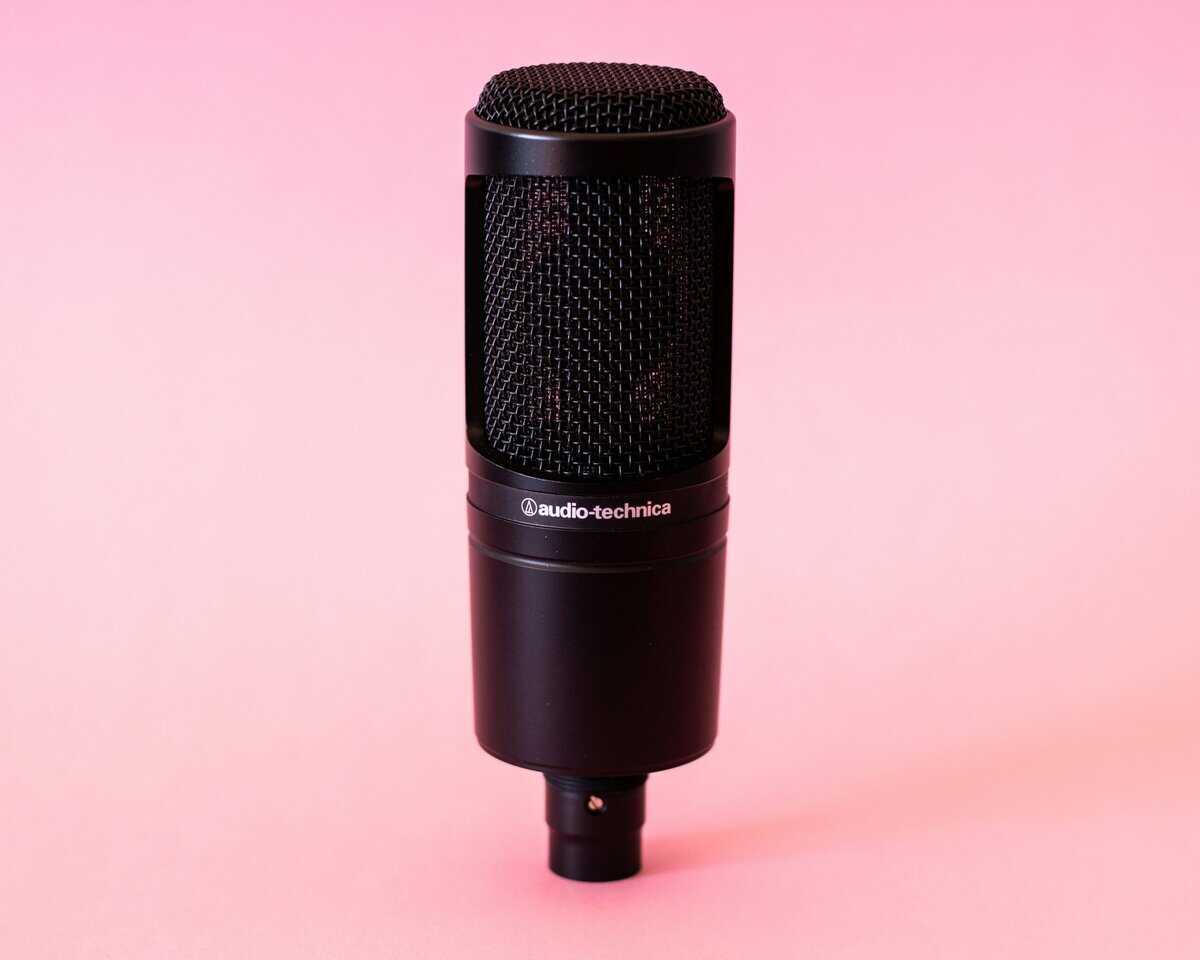
- For Entry-Level Streaming: If you plan to stream, look for a mic with a richer, fuller sound. It’s a solid starting point before investing in dedicated equipment. If you get serious, our guide to the best budget USB microphones explains the next step up in quality.
The real test of a mic isn’t how it sounds in a quiet room, but how it performs when game audio is high and your team needs to hear you clearly.
Comfort and Build Quality
A headset can have perfect audio, but it’s useless if it’s uncomfortable. Comfort is determined by clamping force (how tightly it grips), earcup material, and overall weight. A well-designed headset distributes weight evenly and offers enough adjustment to prevent pressure points during long sessions.
Build quality dictates longevity. Look for headsets with a metal-reinforced headband and durable plastic. The joints where the earcups swivel and cable connection points are the most common points of failure. A headset built with sturdy materials is an investment that will outlast cheaper, flimsier alternatives.
The Wired vs Wireless Decision
Finally, you have to decide between a wired or wireless connection. This is a balance between convenience, performance, and cost.
Wired Headsets:
- Pros: Offer zero latency, never need charging, and are almost always more affordable.
- Cons: The cable can feel restrictive and is at risk of damage over time.
Wireless Headsets:
- Pros: Complete freedom of movement and a cleaner setup.
- Cons: Require charging, are more expensive, and have a small potential for signal interference (though modern 2.4GHz connections have largely solved this).
For most budget-conscious gamers, a wired headset that plugs into the DualSense controller’s 3.5mm jack is a reliable, high-value choice. If your budget allows, the convenience of a good wireless model with 30-60 hours of battery life is a significant quality-of-life upgrade.
Comparing The Top Value-Focused PS5 Headsets
Choosing the right headset requires balancing your priorities. One model might be perfect for long RPG sessions where comfort is key, while another delivers the clear mic required for competitive shooters. This comparison focuses on these real-world trade-offs to help you choose a headset that fits how you play.
We are looking past the spec sheet to see how these headsets perform under pressure. The goal is to understand the compromises each one makes so you can align your purchase with what you value most—be it audio accuracy, microphone quality, or long-term wearability.
Headset Performance And Feature Trade-Offs
The “best” headset is a personal decision. The needs of a casual single-player gamer are different from those of a dedicated competitive player. The table below breaks down the strengths and weaknesses of our top value picks to clarify that choice.
| Headset Model | 3D Audio Performance | Microphone Clarity | Build & Durability | Comfort Score (1-10) | Value Proposition |
|---|---|---|---|---|---|
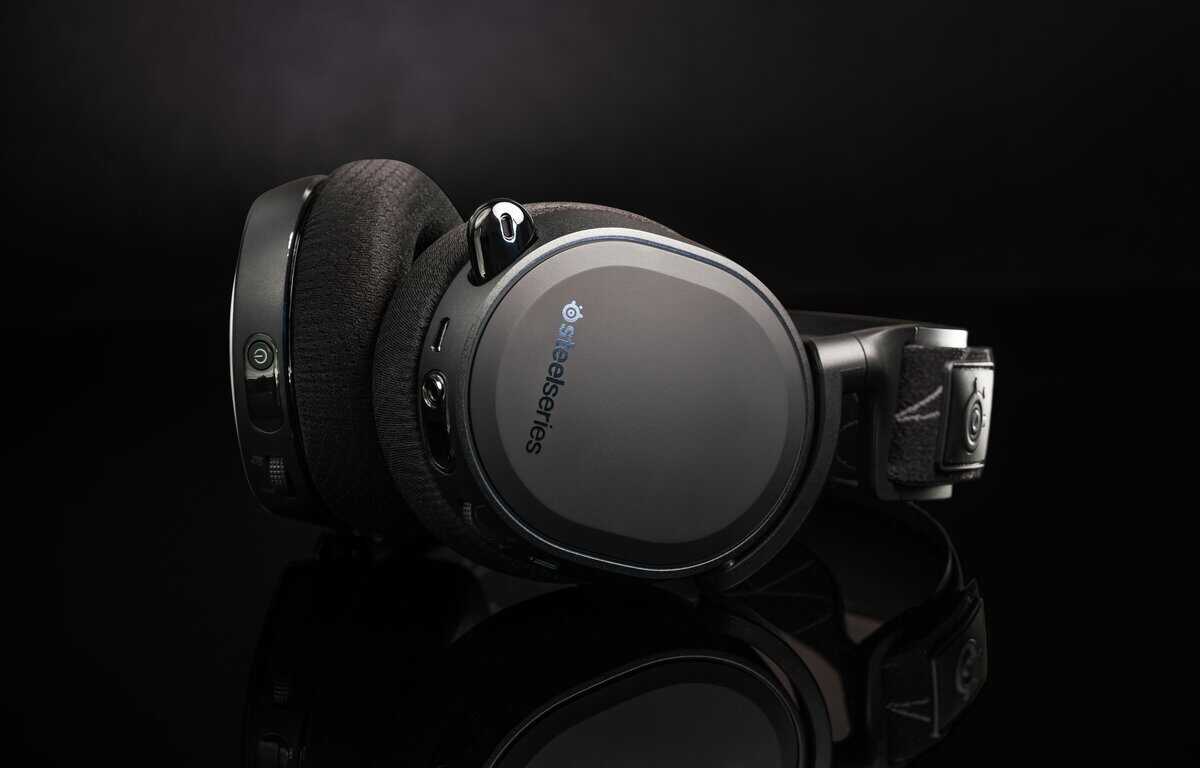
| SteelSeries Arctis Nova 5 | Excellent. Fully compatible with Tempest 3D Audio, delivering precise spatial awareness for both atmospheric and competitive games. | Excellent. The ClearCast 2.X mic offers 2X the clarity of previous generations with AI noise cancellation on PC. | Lightweight plastic build at 265g. Flexible and sturdy, with a retractable mic that reduces wear points. | 9/10 | The top choice for versatile gamers. 60-hour battery, 100+ game audio presets, and cross-platform compatibility. |
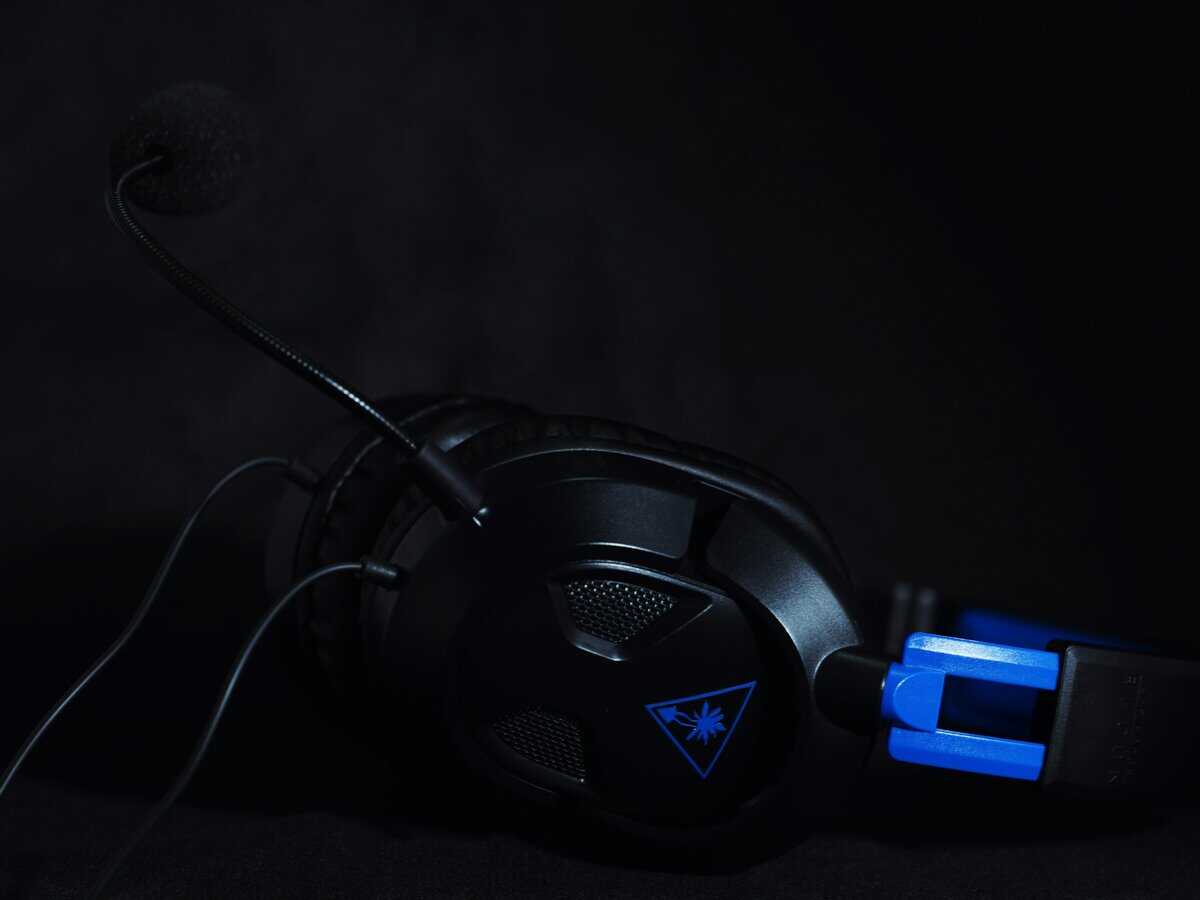
| Turtle Beach Atlas 200 | Very Good. The 50mm Nanoclear drivers are optimized for PS5’s spatial audio and deliver clear positional cues. | Good. The flip-to-mute unidirectional mic is clear for party chat. Not broadcast quality, but solid for team communication. | Sturdy construction at 280g. The floating headband design and ProSpecs glasses-friendly cushions are durable. | 8/10 | The best official PlayStation-licensed budget option. Excellent wired performance at an affordable price. |
| Sony Pulse Elite | Excellent. Planar magnetic drivers tuned specifically for Tempest 3D Audio deliver an immersive, distortion-free soundscape out of the box. | Very Good. The retractable mic features AI-enhanced noise rejection for clear voice capture. A significant upgrade over the Pulse 3D. | All-plastic construction that feels solid. The charging hanger is a nice touch for organized storage. | 8/10 | The hassle-free official PS5 experience with PlayStation Link wireless technology. 30-hour battery with quick charging. |
| HyperX Cloud Stinger 2 Core | Very Good. Delivers precise positional audio, though the bass can be overpowering on default settings. | Good. The detachable mic is clear and reliable for all team communication. | Exceptional. Features a tough aluminum frame and high-quality materials. It is built to last. | 8/10 | A true long-term investment. Its premium build quality justifies its slightly higher price. |
This comparison highlights a key point: you must pick your priority. The Arctis Nova 5 dominates on features and battery life. The Pulse Elite wins on seamless PS5 integration. The Cloud Stinger 2 Core Wireless is the durability champion. And the Atlas 200 is the best pure value for wired gaming.
Situational Use Case Analysis
Let’s examine how these trade-offs impact gameplay. Your choice should reflect the games you spend the most time in.
For The FPS Competitor (e.g., Call of Duty, Apex Legends)
- Top Choice: SteelSeries Arctis Nova 5
- Why: The companion app includes dedicated “FPS Footsteps” presets tuned to emphasize enemy footstep audio. The ClearCast 2.X mic ensures your team hears callouts clearly. The quick-switch between 2.4GHz and Bluetooth means you won’t miss calls during matchmaking.
For The RPG And MMO Enthusiast (e.g., Elden Ring, The Elder Scrolls Online)
- Top Choice: Sony Pulse Elite
- Why: Marathon gaming sessions demand comfort and immersion. The Pulse Elite’s planar magnetic drivers deliver the rich, detailed soundscapes that bring game worlds to life. The 30-hour battery with quick charging (2 hours of play from 10 minutes of charge) ensures you’re never stuck waiting.
The core decision often comes down to this: do you need a tool for competition or a gateway to immersion? Your primary game genre should guide your answer.
For The All-Around Gamer (Plays Multiple Genres)
- Top Choice: SteelSeries Arctis Nova 5
- Why: If you jump between different types of games, the Nova 5 offers the most versatile package. With 100+ game-specific audio presets and cross-platform compatibility (PS5, PC, Switch, mobile), it adapts to whatever you’re playing. The 60-hour battery life means weekly charging at most.
For The Budget-Conscious Gamer
- Top Choice: Turtle Beach Atlas 200
- Why: At $60, the Atlas 200 is Turtle Beach’s first officially licensed PlayStation headset and punches well above its price. The 50mm Nanoclear drivers deliver clear audio, and the lightweight 280g design with floating headband makes it comfortable for long sessions. No batteries to worry about.
The Durability Factor
Finally, build quality. A headset is handled daily and must be durable. The HyperX Cloud Stinger 2 Core is the clear winner here. Its aluminum frame is a significant step up from the all-plastic bodies of its rivals.
While it costs more upfront, its superior durability means you are less likely to be buying a replacement in a year. For many, that makes it a smarter long-term value, especially for those who are rough on their gear.
Matching Your Headset to Your Favorite Games
There is no single “best” PS5 headset. The right headset depends entirely on what you play. A headset that gives a Call of Duty player a tactical advantage with sharp audio cues might feel flat to someone who wants to get lost in the epic score of an RPG.
Matching your gear to your genre is the smartest way to get real value from your purchase. It’s about prioritizing the features that will make a difference. For one person, that’s pinpointing enemy footsteps. For another, it’s all-day comfort for a marathon session.
Let’s break down which features serve different types of games.
For Competitive FPS And Battle Royale Players
In games like Call of Duty, Apex Legends, or Fortnite, audio is as important as visuals. Hearing an enemy reload or sprint around a corner is critical information. This is where a headset’s sound signature and its performance with Tempest 3D Audio are deciding factors.
You need a headset that delivers clean high and mid-range frequencies without being drowned out by muddy bass. A neutral or slightly brighter sound profile lets the PS5’s 3D audio engine place crucial sounds in the environment with accuracy.
Key Priorities for FPS Gamers:
- Precise Positional Audio: Look for headsets with a clear soundstage that doesn’t artificially inflate bass. This lets you distinguish vital audio cues from background chaos.
- Excellent Microphone Isolation: Your team needs to hear your callouts, not your button mashing. A mic with solid noise cancellation is non-negotiable.
- Secure Fit: A headset with a firmer clamping force is beneficial here, as it will stay in place during fast-paced matches.
A great competitive headset is less about immersion and more about information. It’s a tool designed to give you an audible advantage.
For MMO, RPG, And Adventure Gamers
If you spend your time in games like Final Fantasy XIV, Elden Ring, or God of War Ragnarök, your needs change. These are marathon sessions, making long-term comfort the number one priority. A headset that feels heavy or pinches after an hour will ruin the experience.
Audio priorities also shift. While positional audio is still useful, the focus moves to a rich, balanced sound that does justice to soundtracks and environmental effects. For MMO players, a clear mic is still important for coordinating with a guild, but it doesn’t need the aggressive noise-cancellation of an FPS-focused mic.
For Streamers And Content Creators
If you’re streaming your gameplay, your headset mic is serving both your team chat and your audience. While a dedicated USB mic is the endgame for any serious creator, a high-quality headset mic is a solid, budget-friendly start.
You need a microphone that produces a warm, clear vocal tone, avoiding the compressed, tinny sound of many gaming headsets. The trade-off might be a bulkier design or a higher price, but it saves you from buying a separate microphone immediately.
Build quality is also important. A streaming headset sees constant daily use and must withstand being put on and taken off frequently. While a headset is a great all-in-one solution, for a more portable setup, you can find solid options among the best cheap gaming earbuds that still deliver a decent mic experience.
How to Configure Your New PS5 Headset for Optimal Audio
Unboxing your new headset is the first step. The next is tweaking the PS5’s settings, which can transform your audio experience.
The single most important setting is Sony’s Tempest 3D Audio. This is the console’s built-in spatial audio engine, designed to work with any stereo headset. It creates a more convincing and immersive soundscape, letting you pinpoint footsteps or feel the game world expand around you.
Enabling 3D Audio and Personalizing Your Profile
First, navigate to the PS5’s main settings menu. This process is quick and makes a significant difference.
- Go to Settings (the gear icon in the top-right).
- Select Sound, then Audio Output.
- Scroll down and ensure Enable 3D Audio for Headphones is on.
Now for the critical step: once enabled, you’ll see an option called Adjust 3D Audio Profile. The system plays audio samples at five different height levels; pick the one that sounds most level with your ears. Everyone’s hearing is different, and this simple test tunes the 3D effect specifically for you.
Do not leave the 3D audio profile on the default setting. Taking 30 seconds to run the test personalizes the spatial audio effect, making positional cues in games like Apex Legends or Call of Duty significantly more accurate.
Adjusting Microphone and Chat Balance
Next, configure your microphone. Your teammates need to hear you clearly, without distortion. A poorly configured mic is as bad as a cheap one.
In the Sound settings, go to Microphone. Find the Adjust Mic Level option. Talk into your microphone at a normal volume and watch the meter. Adjust the slider so your voice stays in the “Good” range. If you constantly spike into the “Too High” section, your voice will be distorted for others.
One of the PS5’s best features is the on-the-fly game and party chat audio mixer.
- Tap the PlayStation button to open the Control Center.
- Select the Sound icon.
- You will see a slider for Game Chat Balance.
This tool lets you instantly prioritize game sounds or your team’s voices, which is crucial during clutch moments. If you get serious about streaming, you might want more control. Learning about the benefits of an audio mixer for PC offers a glimpse into how advanced setups handle audio routing. Getting these settings right ensures you’re ready for anything.
Got Questions About PS5 Headsets?
Choosing a PS5 headset can bring up a lot of questions. It’s easy to get lost in technical jargon. Let’s clear up the most common points of confusion.
We’ll tackle compatibility, durability, and the truth behind Sony’s 3D Audio tech to give you practical information.
Do I Really Need a PS5-Certified Headset?
The answer is simple: no, you do not need an officially licensed or “PS5-certified” headset. While headsets like Sony’s Pulse 3D are built for seamless integration, the PS5 is flexible with audio gear.
Almost any standard gaming headset will work via one of two connection types:
Plugging into the Controller (3.5mm Jack): Any headset with a standard 3.5mm audio jack can plug into your DualSense controller. This is the most universal method, offering zero latency.
Plugging into the Console (USB): Most wireless headsets connect with a USB-A or USB-C dongle. Plug the dongle into a port on your PS5, and the console recognizes it as an audio device. This is the method for almost all 2.4GHz wireless models.
“PS5-certified” mostly signifies guaranteed out-of-the-box compatibility and often a matching aesthetic. Technically, the console is an open platform for audio.
How Can I Make My Headset Last Longer?
A good headset is an investment. Build quality is a huge factor, but even rugged headsets fail if treated poorly. The most common points of failure are the cable, headband joints, and earcup padding.
Here are a few tips to extend the life of your headset:
Respect the Cable: On wired headsets, the cable is the weakest link. Avoid wrapping it tightly around the headset or controller. Be mindful of rolling over it with your gaming chair—it’s a leading cause of headset failure.
Handle with Care: When taking your headset on or off, use both hands and pull the earcups outward instead of stretching the headband. This reduces stress on the extenders, which are notorious breaking points.
Keep the Earcups Clean: Sweat and oils will break down the materials on earpads over time. Wipe them with a dry or slightly damp microfiber cloth occasionally to prevent peeling or cracking.
Does Tempest 3D Audio Only Work on Expensive Headsets?
This is a huge misconception. Tempest 3D Audio works on virtually any stereo headset. It’s a software-level audio engine built into the PS5 console, not a feature inside the headset.
The console does all the processing, creating a 3D soundscape and sending it as a standard stereo signal to your headset.
The quality of the 3D effect depends on the headset’s audio clarity, not a special chip. A headset with a clear, balanced sound profile will reproduce the spatial cues from the Tempest engine more accurately than a cheap headset with muddy, overpowering bass.
This is excellent news for budget-conscious gamers. You don’t need to spend $200 for an immersive 3D audio experience. A well-made, value-focused headset with decent drivers can deliver effective positional audio once you enable and tune the 3D Audio settings.
For more direct, value-focused recommendations on gaming and streaming gear, visit Budget Loadout. We cut through the hype to help you build a high-performance setup without breaking the bank. Find your next upgrade at Budget Loadout.
Related Articles