A WoW keyboard fails you when there is nowhere to put the bind you need halfway through a pull. The best keyboard for WoW gives your left hand more keys within easy reach and stays comfortable for a full raid night.
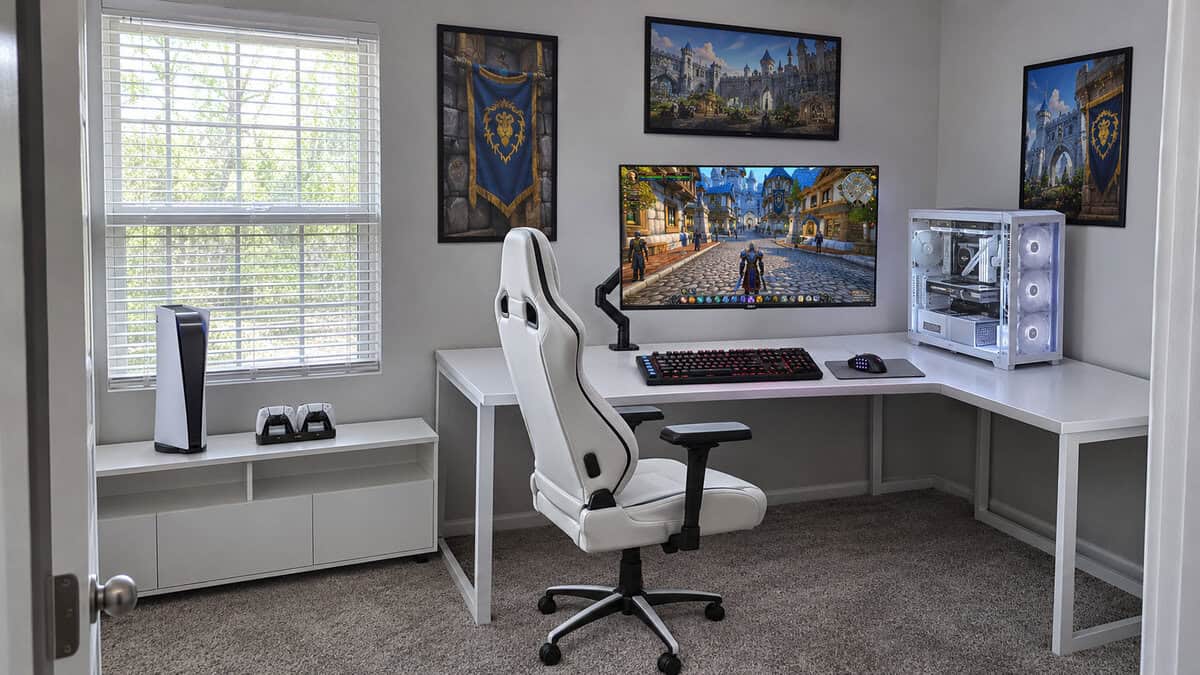
Speed matters less here than in a shooter. World of Warcraft asks you to hold a lot of abilities and press the right one at the right moment. Extra macro keys beside the main board help with exactly that.
That need runs across every version of the game. It covers modern World of Warcraft, Classic and the new Forever release. The three picks below split by switch feel and budget, and each one adds 5 or 6 macro keys.
A full-size board with a column of macro keys you can record without software. It has the biggest review base of the three.
- Five macro keys recorded right on the board
- Hot-swap sockets for trying other switches later
- Media keys and a volume roller for raid nights
- Blue switches are loud on an open mic
- No wrist rest in the box
- Fewer macro keys than the other two picks
The cheapest of the three and the quietest feel for voice chat. A palm rest comes in the box.
- Six dedicated macro keys
- Palm rest included
- IP42 protection against dust and spills
- Membrane feel rather than mechanical
- Fewest buyer reviews on its listing
- Macro setup runs through iCUE software
Smooth, quiet linear switches with six macro keys down the left edge. It has the most sound dampening here and costs the most.
- Quiet linear switches with built-in dampeners
- Six macro keys you can record on the fly
- Multi-function roller plus media keys
- The priciest pick of the three
- No wrist rest in the box
- Linear switches give no bump to feel
- WoW rewards keys within reach more than raw switch speed.
- A macro key works best as one more keybind. One press should mean one action.
- Count the binds you actually use before you pay for more keys.
- Clicky Blue switches carry over an open mic, so raiders on voice should lean linear or membrane.
- A side-button MMO mouse and a keyboard with macro keys share the load better than either one alone.
Table of Contents
WoW Keyboards With Room for Every Keybind
Every keyboard here adds a set of macro keys on top of a full-size layout. They differ in switch feel, sound and how you set the extra keys up. Here is how they line up before the details.
| Keyboard | Switch | Macro Keys | Macro Setup | Wrist Rest | Connection | Media Controls | Lighting | Best For |
|---|---|---|---|---|---|---|---|---|
| Redragon K580 | Outemu Blue clicky, hot-swap | 5 (G1-G5) | On the board, no software | Not listed | Wired USB-C | Media keys and volume roller | RGB | Most WoW players |
| Corsair K55 RGB PRO | Rubber-dome membrane | 6 | iCUE software | Detachable palm rest | Wired USB | Volume and media keys | 5-zone RGB | Budgets and quiet rooms |
| Razer BlackWidow V4 X | Razer Yellow linear | 6 | On the fly | Not included | Wired USB | Roller and media keys | Per-key Chroma RGB | Quiet mechanical feel |
Redragon K580
The Redragon K580 is the board we would put in front of most WoW players. It has five macro keys (G1-G5) in a column on the left edge, right where your fingers already rest. You can record a key or a short combo on the board itself with no software installed. Its listing also has by far the most buyer reviews of the three, so you are not gambling on a new name.
Redragon fits the K580 with Outemu Blue switches in hot-swap sockets. If the clicky feel wears on you, the listing says the sockets take other compatible switches. You can try a quieter set later without soldering or buying a new board.
Five extra keys under your pinky can hold a whole set of cooldowns.
The rest of the board covers the basics well. You get 104 keys with full anti-ghosting, double-shot keycaps and a rating of 50 million keystrokes. Media keys and a volume roller let you turn down a boss soundtrack without tabbing out. It connects by USB-C.
The tradeoff is sound. Blue switches click on every press, and an open mic picks that up. Five macro keys is also the smallest count here. If you want more mechanical boards in this price range, our budget mechanical keyboard guide covers them.
Corsair K55 RGB PRO
The Corsair K55 RGB PRO is the budget pick and the one we would hand to a healer who talks all night. It has six dedicated macro keys and a soft rubber-dome feel that stays quiet on voice chat. A detachable palm rest comes in the box, which none of the other picks can say.
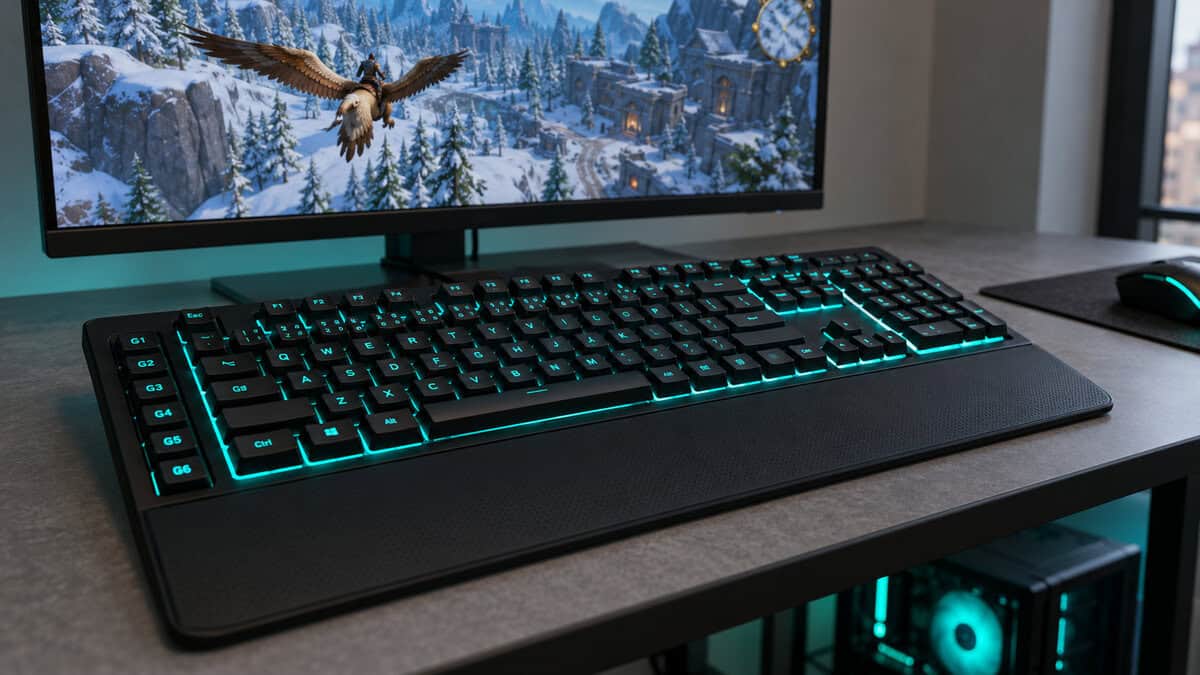
Corsair rates the board IP42 for dust and spill resistance. That matters on a desk where drinks sit next to the keyboard during a long dungeon run. The board has dedicated volume and media keys, and Corsair lists a 1,000 Hz report rate.
You set the macro keys up in Corsair’s iCUE software. That is an extra step compared with the K580, but it also gives you room to build several profiles. This listing is newer, so it has the fewest buyer reviews of the three.
The bigger question is feel. A membrane board does not have the crisp action of a mechanical switch. Plenty of players never notice. If you do, the other two picks are mechanical.
Razer BlackWidow V4 X
The Razer BlackWidow V4 X is the step-up pick for players who raid with voice on every night and want a mechanical board that stays quiet. It uses Razer Yellow linear switches with 45 g of force and a 1.2 mm actuation point. Razer adds built-in sound dampeners, foam under the circuit board and lubricated stabilizers to soften the sound.
Six dedicated macro keys run down the left edge. Razer says you can record them on the fly, so you do not have to open software every time you change a bind. A multi-function roller and media keys sit in the top corner.
Quiet linear switches keep a busy rotation quieter on voice chat.
This is the priciest of the three, and no wrist rest comes in the box. Linear switches also lack the bump some players like as a signal that a key registered. If you already own a quiet board and only want macro keys, the other two picks cost less.
Per-key Chroma RGB lighting is the other perk. You can color your macro keys differently from the rest of the board, which helps you find them in a dark room.
Counting the Binds Your Class Actually Uses
The number of keys you need depends on what you play. A keybind budget is the list of abilities you press often enough to want on a key. Work that out first and the right keyboard gets easier to pick.
Start with your action bars as they are today. Mark the abilities you press every fight and the ones you press only in emergencies. The first group belongs near WASD. The second group is where macro keys earn their place.
Healers and Mouseover Spells
Healers often lean on mouseover macros. These let you cast a heal on a party member by pointing at their frame, without changing your target. Each mouseover heal still needs its own key, so binds near the left hand add up fast.
A healer’s emergency spells are good candidates for macro keys. They are pressed less often than core heals but have to be easy to find under pressure. A key that sits apart from the main block is easier to hit without looking.
Tanks and Defensive Cooldowns
Tanks juggle a rotation and a set of defensive cooldowns. The cooldowns are the ones you cannot afford to miss. Putting each one on its own macro key gives it a fixed home that your hand learns quickly.
Taunts and interrupts sit in the same group. They need to be quick to reach, but they are not part of a steady rotation. A keyboard with five or six extra keys holds most of that list.
DPS Rotations and Burst Windows
Damage dealers usually press a core rotation over and over, with burst cooldowns stacked on top. The rotation keys belong around WASD where your fingers rest. Burst cooldowns, trinkets and potions fit well on macro keys.
This split keeps your main fingers on the moves that matter every few seconds. Your pinky or thumb handles the rest.
Classic and WoW: Forever Action Bars
Classic-style play starts you with nearly empty bars that fill as you level. Blizzard describes the Forever release as one that sits alongside modern and Classic WoW, set on the original continents with a level cap of 60. A fresh start like that is a good time to set up binds from scratch.
Your keybind budget will grow as you level. A board with macro keys gives you room for that growth without moving binds to awkward corners of the keyboard later.
Macro Keys as Keybinds and Where the Line Sits
Macro keys can do two different jobs. They can act as plain extra keys, or they can fire a recorded string of key presses. In WoW the first job is where they shine.
Treat a G-Key Like Any Other Key
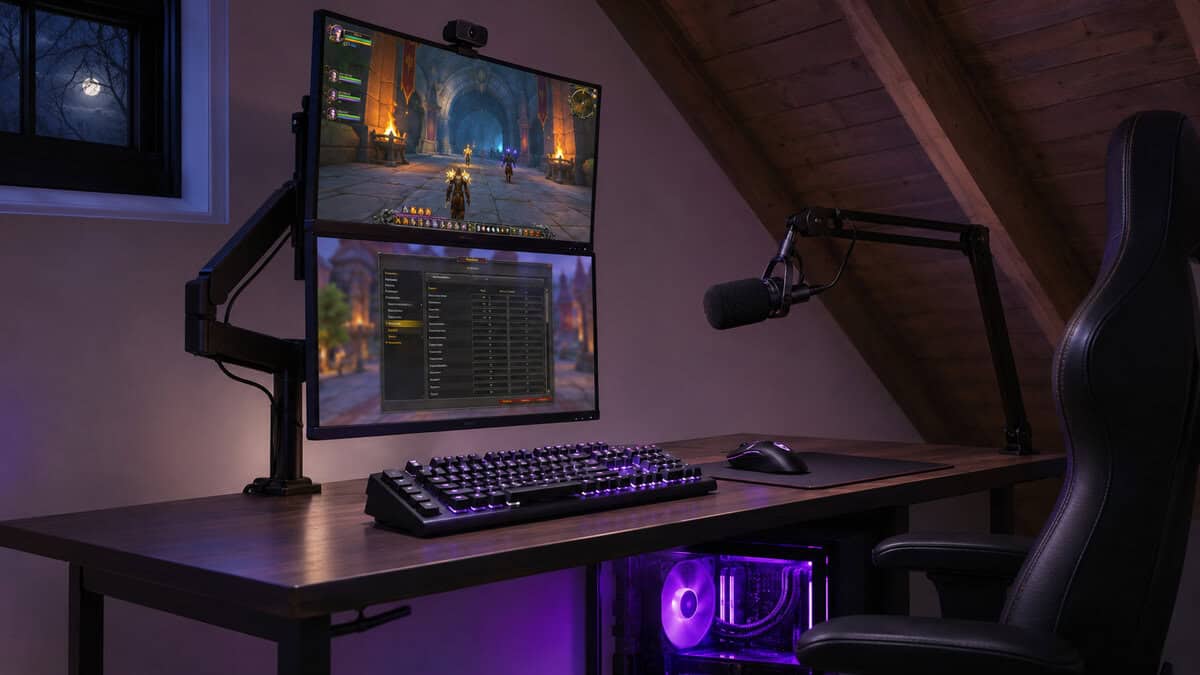
The simplest way to use a macro key is to bind it in WoW’s own keybinding menu. Assign one ability to it the same way you would assign one to the number 5. Nothing is recorded on the keyboard side, and the game treats it like any other key.
This approach also travels well. Your binds live in the game, so they follow you between keyboards. If you switch boards later, you only map the new keys.
Macro keys sit at the edge of the board, so you find them by feel. Put the abilities you need in a panic on the keys closest to your resting hand. Leave the farthest key for something you press once a fight, like a potion or a raid marker.
One Press Should Mean One Action
Recorded macros that press several abilities in a timed sequence are a different matter. They can feel tempting for a long rotation. They also take timing decisions out of your hands, and many players prefer to make those themselves.
Keep it simple with one key for each ability you press yourself.
WoW’s own in-game macros are a separate tool and can be bound to any key, macro keys included. Blizzard’s policy names software that broadcasts your input to several game clients at once as actionable. That is where the line sits. If you are ever unsure about a recorded sequence, read Blizzard’s current policy before you rely on it. The safe habit is one press for one action.
Splitting Binds Between the Keyboard and an MMO Mouse
A keyboard is only half of your bind space. Many WoW players pair it with a mouse that has a grid of side buttons. Splitting the work between the two keeps both hands on comfortable keys.
Pairing the Best Keyboard for WoW With a 12-Button Mouse
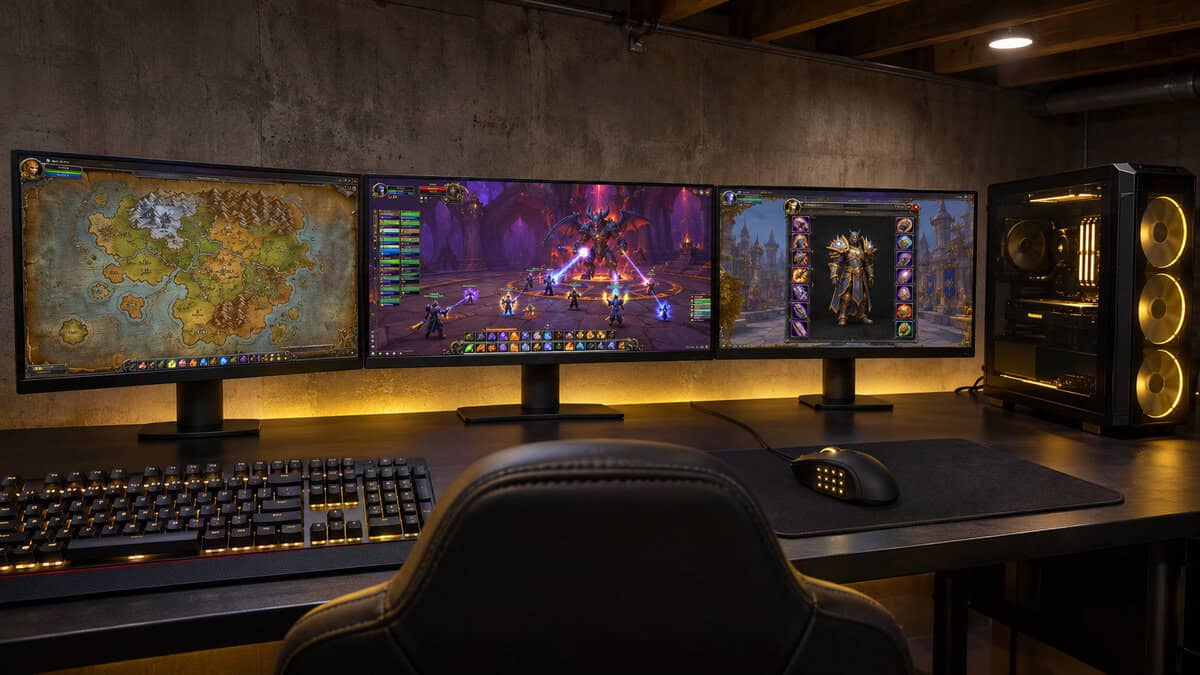
A side-button mouse spreads your binds across both hands. The mouse thumb grid often holds the abilities you press while moving, since your left hand is busy steering. Our 12-button mouse guide covers mice built for this.
Once the mouse carries a share of the load, five or six macro keys on the keyboard go a long way. You may find you need fewer keyboard binds than you thought.
Which Binds Belong Under Your Thumb
Abilities you press while running are good thumb binds. Movement skills, instant casts and interrupts are common choices. Keep the keys you press in a long cast or a standing rotation on the keyboard.
Modifier keys stretch a small set of binds further. Shift or Ctrl held with a macro key gives that key a second job. Save those combos for abilities you press rarely, since holding a modifier slows you down in a tense moment.
Give the split a week before you judge it. Your hands need time to learn new homes for old abilities.
Switch Feel Over a Long Raid Night
A raid night can run for hours. The switch type decides how a keyboard feels after that much use and how much of it your raid hears. Our mechanical vs membrane keyboard comparison goes deeper on the two families.
Clicky Blues and Voice Chat
Clicky Blue switches give a clear bump and a sharp sound on every press. Many players love that feedback. An open mic picks it up, because the click carries into voice chat.
Push-to-talk solves most of this, since your mic only opens when you speak. If you run open mic, look harder at a quieter switch.
Linear or Membrane for Quiet Rooms
Linear switches press straight down with no bump or click. With dampeners and foam, a board like the BlackWidow V4 X stays quiet even under a fast rotation. A rubber-dome membrane board such as the K55 RGB PRO is quieter still, at the cost of a softer feel.
If someone sleeps near your desk, a quiet switch matters more than any feature on the box. Pick for the room first.
Wrists and Desk Space for Long Sessions
Hours of raiding put steady load on your wrists. A keyboard that sits in the wrong spot makes that worse, whatever its switches. OSHA’s keyboard guidance suggests putting the keyboard directly in front of you with your shoulders relaxed and your elbows close to your body. It also says to keep your wrists straight and in line with your forearms.
A full-size board with macro keys is wide. That can push your mouse farther out to the right and pull your shoulder with it. Leave room for the mouse before you commit to a layout, and keep the keyboard centered on your body.
Breaks matter as much as gear. A pause between pulls or a short stretch during a wipe recovery gives your hands a rest that no keyboard can. Sit back, drop your shoulders and shake out your wrists before the next attempt.
A rest can help your hands settle between pulls. Only the K55 RGB PRO includes one. For the other two, our keyboard wrist rest guide shows what to look for.
Which WoW Keyboard Fits Your Keybind Count
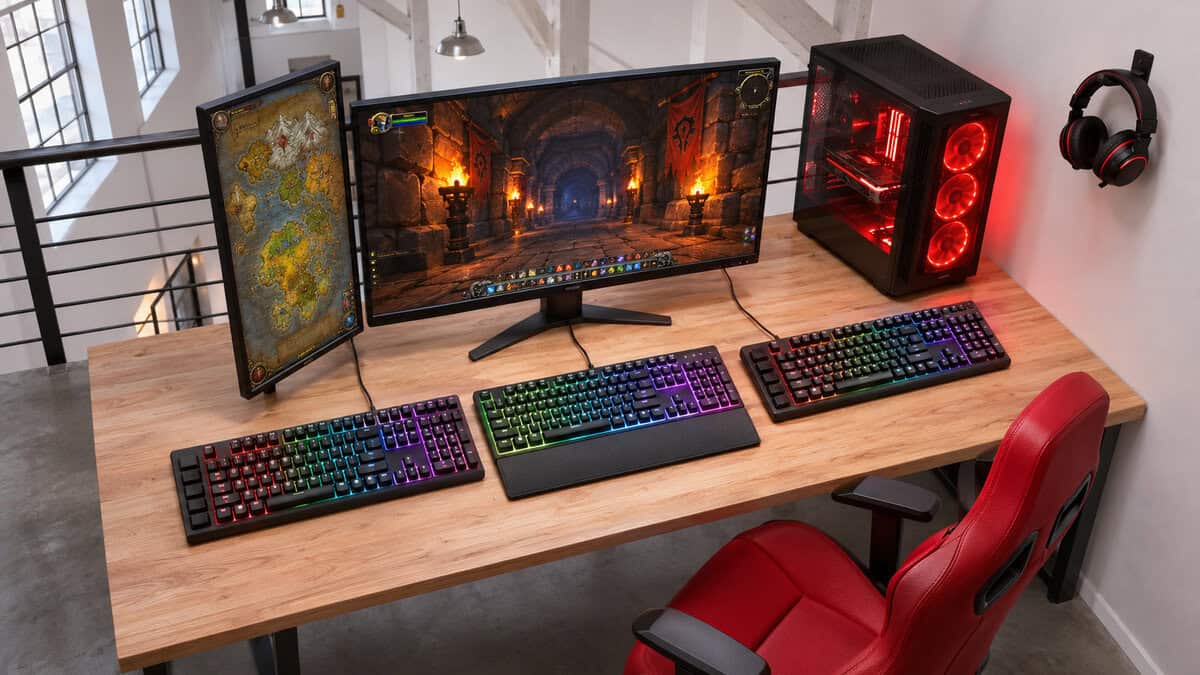
Your keybind budget and your room decide the pick more than any spec. Find the row that sounds like your raid night.
| Your Raid Night | Keyboard | Why It Fits | What You Give Up |
|---|---|---|---|
| A rotation plus a handful of cooldowns | Redragon K580 | 5 macro keys recorded on the board | Clicky and loud on an open mic |
| A rotation plus cooldowns, voice on all night | Corsair K55 RGB PRO | 6 macro keys and a quiet membrane | Membrane feel, not mechanical |
| A full rotation where feel matters | Razer BlackWidow V4 X | 6 macro keys on quiet linear switches | No wrist rest and the highest cost |
If two rows sound like you, let the room decide. Quiet switches win when someone else is nearby or your mic stays open. A clicky board is fine when you game alone with push-to-talk.
If your list runs past what any of these hold, a separate keypad can take the overflow. Our gaming keypad guide covers one-hand boards with many more keys.
Frequently Asked Questions
Quick answers on picking a keyboard for WoW.
Is WoW better on controller or keyboard?
Most players who run dungeons and raids use a keyboard and mouse. The game expects many abilities within quick reach, and a keyboard with macro keys plus a side-button mouse covers that well. A controller can suit relaxed questing.
Do macro keys get you banned in WoW?
Blizzard’s policy names input broadcasting across multiple game clients as actionable. A macro key used as an ordinary keybind on one account works like any other key. Check Blizzard’s current policy before relying on recorded sequences.
Do I need a number pad for WoW?
No, but many players bind abilities there. All three picks here are full-size boards with a number pad. If you want a smaller board, plan where those binds will go first.
Is it better to use a 1000Hz or 8000Hz keyboard?
For WoW, 1000Hz is plenty. The game rewards having the right key within reach far more than tiny differences in response time. Spend on macro keys and comfort before polling rate.
Should I get a gaming keypad instead of a keyboard with macro keys?
A keypad suits players who want every bind under one hand. A keyboard with macro keys suits players who want one device. Many WoW players start with macro keys and an MMO mouse and add a keypad only if they run out of room.
Looking for more budget gaming gear? Check out Budget Loadout for the latest reviews and recommendations.
Related Articles