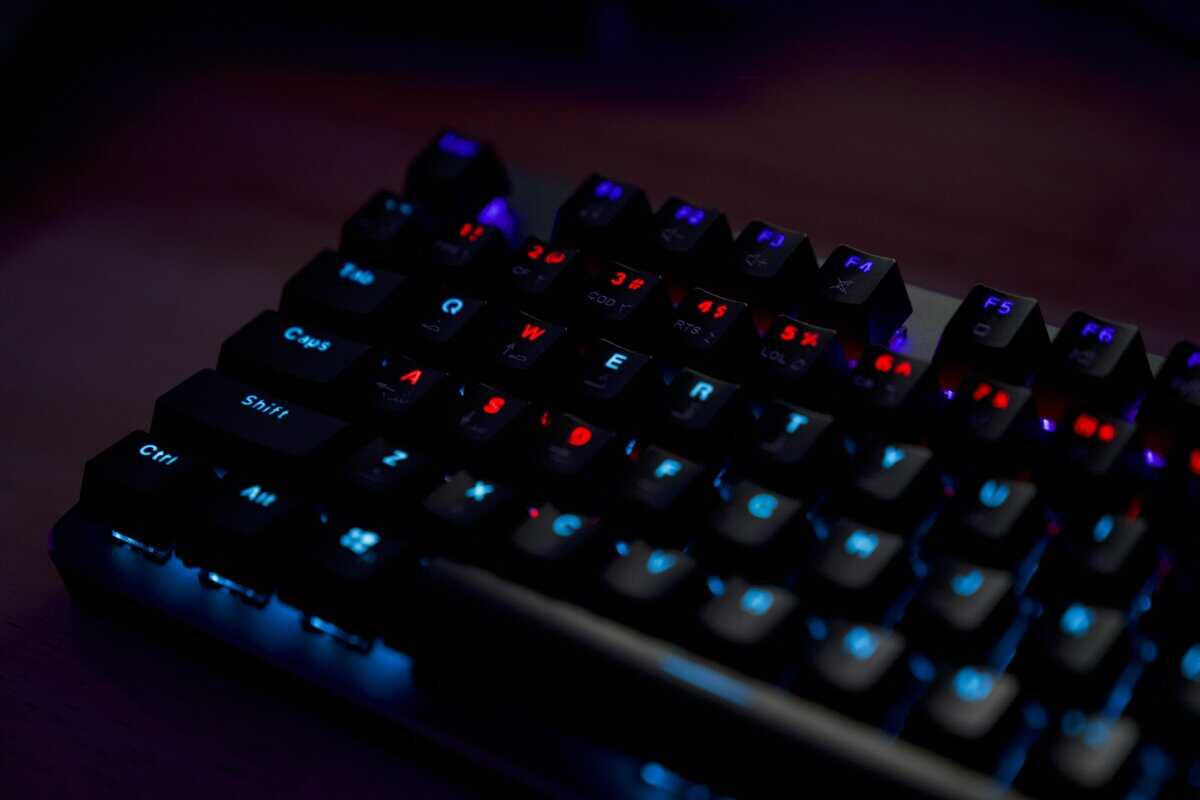
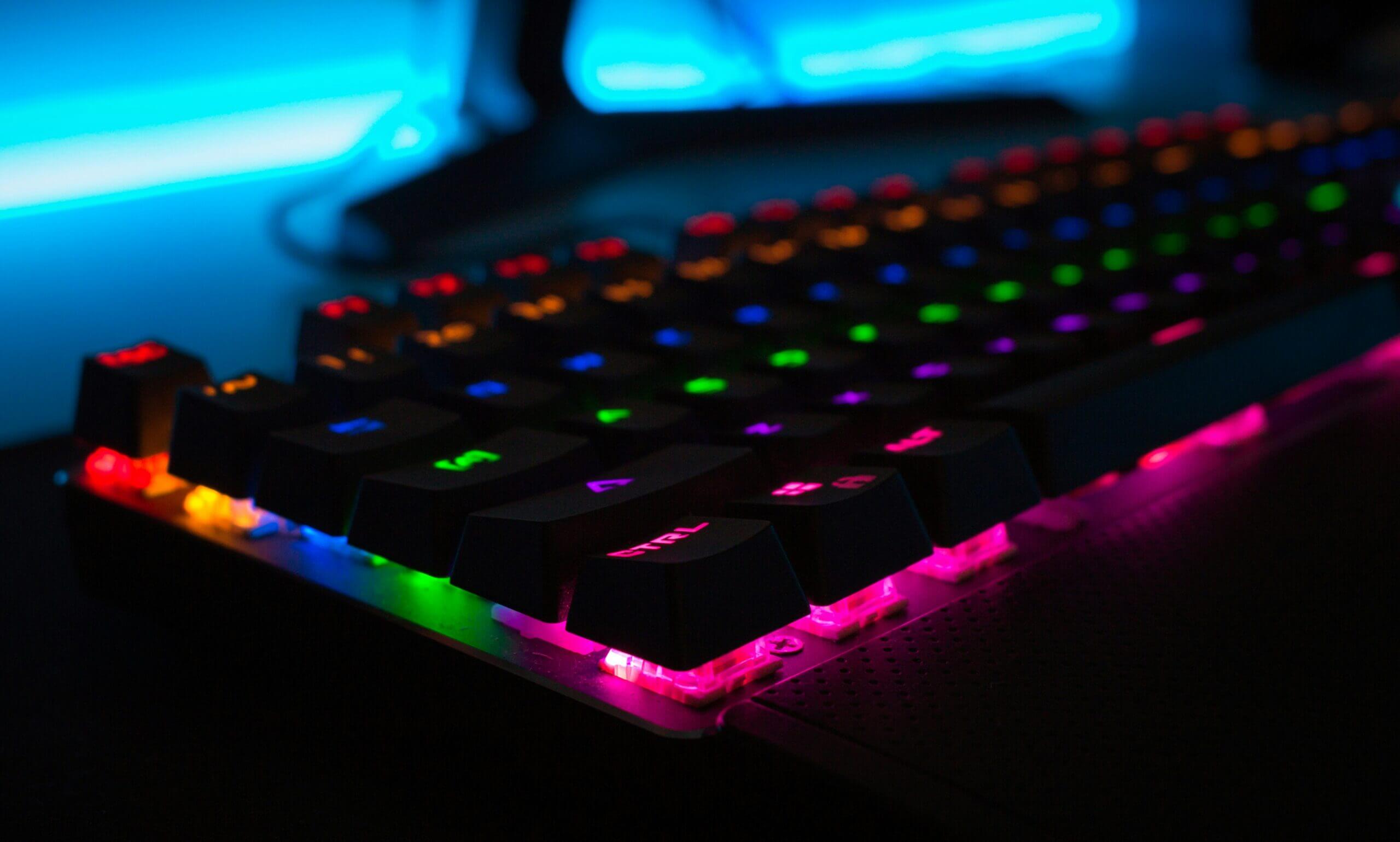
A low-profile keyboard is not a normal mechanical board with the legs cut short. It is a different switch family you are buying into, with shorter travel, its own keycaps and its own limits. A low-profile mechanical keyboard rewards that choice with a flatter wrist angle and a board that slides into a laptop bag, as long as you know which family you are signing up for.
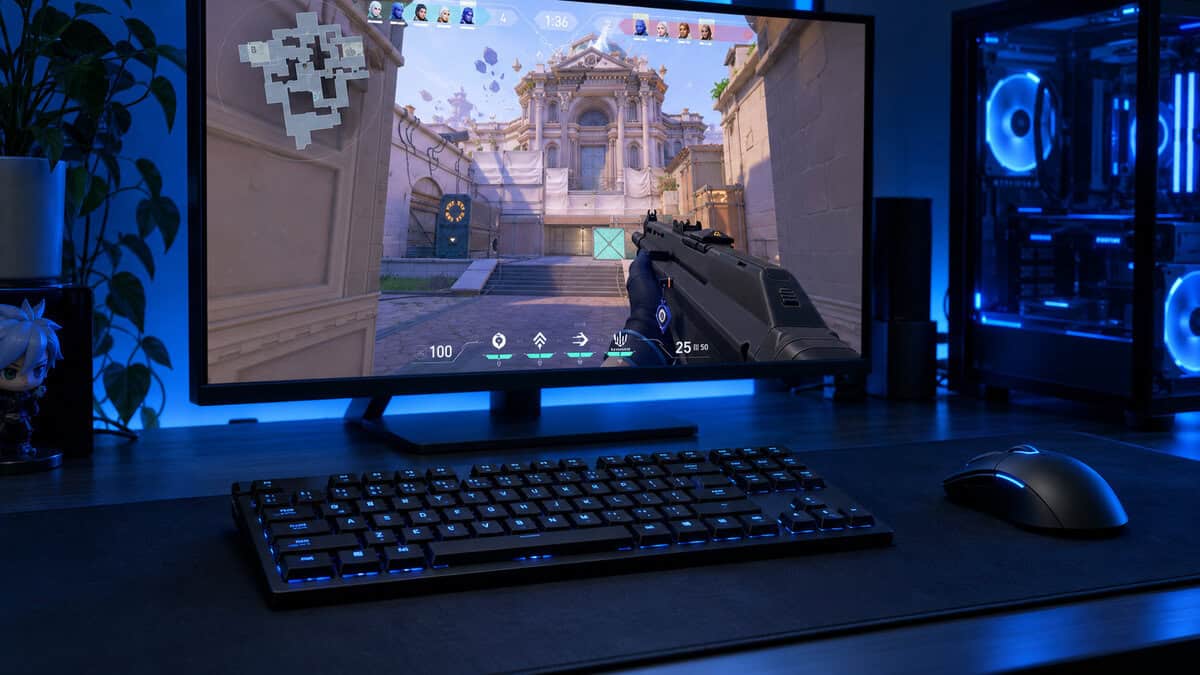
The three picks below split by job: a wireless tenkeyless board built for gaming, a slim 75% board that moves between a work laptop and a gaming desk, and a budget full-size board with a bank of macro keys.
The gaming pick of the three. Real 2.4GHz wireless, factory-lubed low-profile switches and a tenkeyless frame give you a slim board that still plays like a serious gaming keyboard.
- Lightspeed 2.4GHz for low-latency wireless
- Factory-lubed GL switches feel smooth
- Double-shot PBT keycaps resist shine
- Costs more than the other two
- GL switches limit keycap swaps
- No number pad on the TKL frame
The slimmest board here and the easiest to carry. It pairs with three devices over Bluetooth for work, then plugs in over USB-C when a competitive match starts.
- Thinnest and lightest board of the three
- Pairs with up to three devices
- Remap every key in Keychron Launcher
- Bluetooth only, no 2.4GHz dongle
- Mac layout out of the box
- White backlight, no RGB
The cheapest way into a tri-mode low-profile board. Twenty macro keys and a full number pad make it a strong fit for MMO players and spreadsheet days alike.
- Tri-mode connection at a budget price
- Twenty macro keys record without software
- Full number pad plus media controls
- Widest footprint on the desk
- Plastic build feels lighter than metal
- Owner reviews are more mixed
- Low-profile switches are their own families, so standard MX switches and most keycap sets will not fit.
- Check the listing for the words mechanical, mecha-membrane or scissor before you trust a slim board’s label.
- For competitive games, use 2.4GHz wireless or a cable; Bluetooth adds delay you can feel in a fast shooter.
- A board around 22 mm tall usually lets your wrists stay neutral without a wrist rest.
- Pick the layout first: TKL for mouse room, 75% for a laptop bag, full-size for a number pad and macros.
Table of Contents
Three Slim Boards and Who Each One Suits
Each of these boards uses true low-profile mechanical switches, not a membrane under thin keycaps. What separates them is the layout, how they connect and what you can change later. Start with the wireless and layout columns, then read the section for the board that fits your desk.
| Keyboard | Layout | Switch Family | Switch on Our Link | Wireless | Wired | Height | Keycaps and Extras | Remapping |
|---|---|---|---|---|---|---|---|---|
| Logitech G515 Lightspeed TKL | Tenkeyless (TKL) | Logitech GL low-profile | GL Tactile (Brown) | Lightspeed 2.4GHz + Bluetooth | Yes | 22 mm | Double-shot PBT, LIGHTSYNC RGB | KEYCONTROL, up to 15 functions per key |
| Keychron K3 Version 2 | 75% | Keychron low-profile | Brown | Bluetooth 5.1, 3 devices | USB-C | 0.87 in (about 22 mm) | Mac and Windows keycaps, white backlight | QMK via Keychron Launcher |
| Redragon K618 PRO | Full-size + 4×5 macro zone | Redragon low-profile | Red linear | 2.4GHz + Bluetooth | USB-C | 1.26 in (per listing) | RGB, 20 macro keys, media controls | On-board macros + Redragon software |
The Low-Profile Mechanical Keyboard Built for Gaming: Logitech G515 Lightspeed TKL
The Logitech G515 Lightspeed TKL is the board to buy if games come first. It stands 22 mm tall, drops the number pad for more mouse room, and connects three ways: Lightspeed 2.4GHz wireless, Bluetooth or a cable. Three hotkeys switch between Lightspeed, Bluetooth and Game Mode without digging into software.
The switches are Logitech’s low-profile GL mechanical family, factory-lubed and rated at a 1.3 mm actuation point. Our link points to the Tactile version, which has a light bump at the actuation point. Logitech also sells a Linear version for players who want a smooth press with no bump.
A slim board only earns a place on a gaming desk if its wireless is as fast as a cable.
Lightspeed is what makes this the gaming pick. Logitech lists a 1 ms report rate over the dongle, and the receiver can also pair a compatible Logitech G wireless mouse, so one USB port runs both. Battery life is listed at up to 36 hours, and the double-shot PBT keycaps hold up better against shine than the ABS caps on most budget boards.
KEYCONTROL in G HUB lets you stack up to 15 functions on each key, which covers MMO bars and editing shortcuts without a separate macro pad. The tradeoffs are the higher cost against the other two and the GL switch lock-in: standard MX keycap sets will not fit. If you need a number pad, look at the full-size boards further down.
Keychron K3 Version 2 Is the 75% Board That Travels
The Keychron K3 Version 2 is the slimmest board here at 0.87 in tall per its listing, with a 75% layout that keeps the arrow keys and function row while trimming everything else. The top case is aluminum with a plastic bottom frame, so it feels sturdier than its weight suggests and slips into a laptop sleeve.
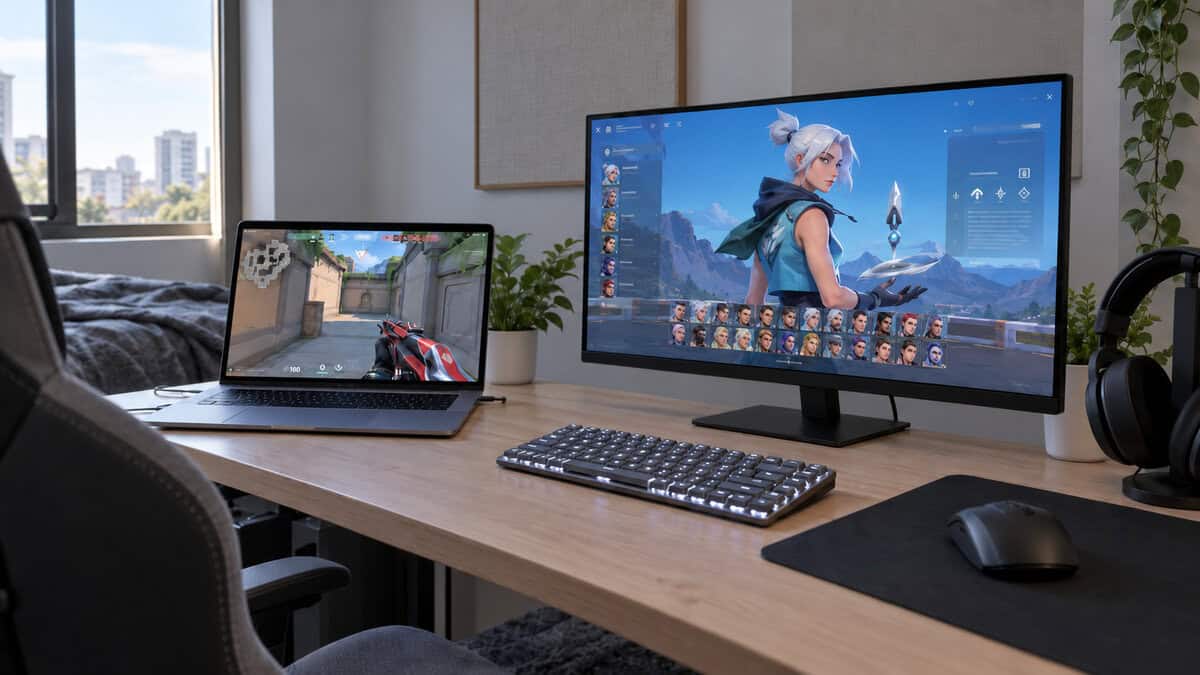
It pairs with up to three devices over Bluetooth 5.1, so the same board can type on a work laptop, a tablet and a gaming PC. It ships with a Mac layout, but Windows keycaps are in the box, and the open-source QMK firmware lets you remap any key through the Keychron Launcher web app.
One board for the laptop bag and the gaming desk only works if you plug it in when the match starts.
Here is the catch, stated plainly: the K3 Version 2 has no 2.4GHz dongle. Its wireless mode is Bluetooth only, which is fine for typing and slower games but adds delay in a competitive shooter. Use the USB-C cable for ranked matches and Bluetooth for everything else. The white backlight also skips RGB, which suits an office but looks plain beside a lit gaming setup.
Redragon K618 PRO Puts Macro Keys on a Budget Board
The Redragon K618 PRO is the only budget board here with all three connection modes: USB-C, Bluetooth and 2.4GHz. That last one matters, because it gives you a dongle connection for games without paying for a premium brand.
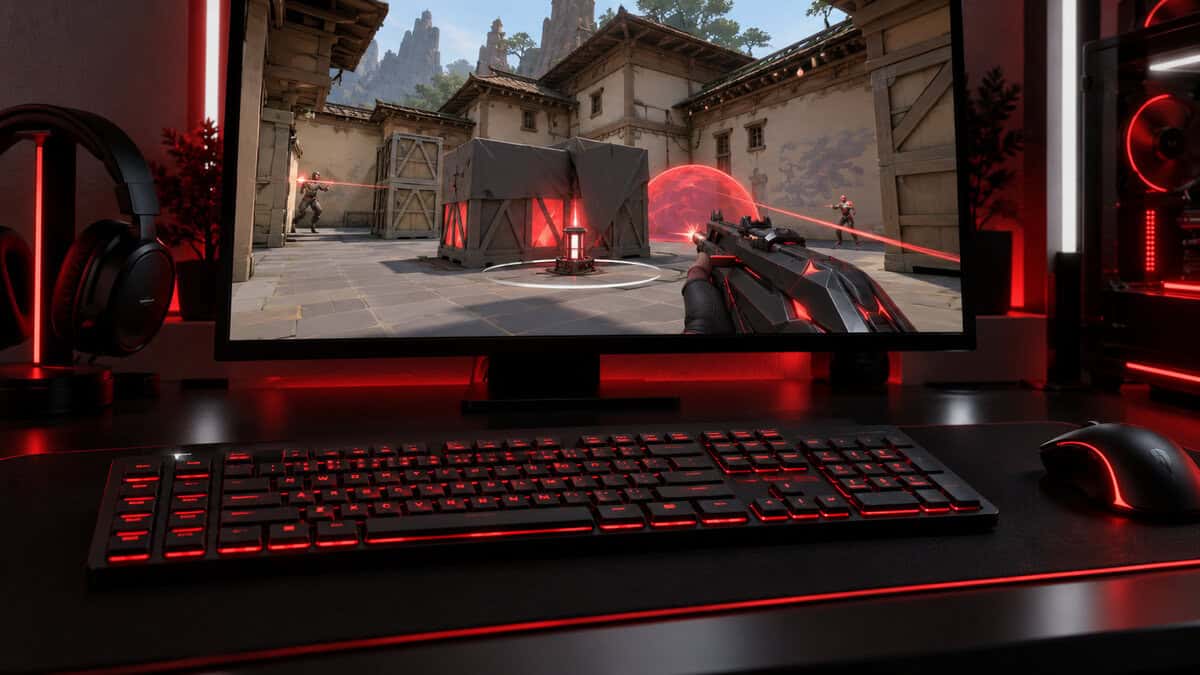
It is also the only full-size pick, and then some. A dedicated 4×5 macro zone adds 20 macro keys you can record on the fly with no software, next to a full number pad and media controls. A one-touch switch flips the layout between Windows and Mac. Our link points to the stock Red linear switches, which press smoothly with no bump.
Know what the price leaves out. The frame is plastic and feels lighter than the aluminum Keychron, and the owner reviews are more mixed than the G515’s. It is also the widest board by far, which pushes your mouse further out. If you play MMOs, live in spreadsheets or simply want a cheap tri-mode board with a number pad, those tradeoffs are easy to accept.
The Switch Family You Are Buying Into
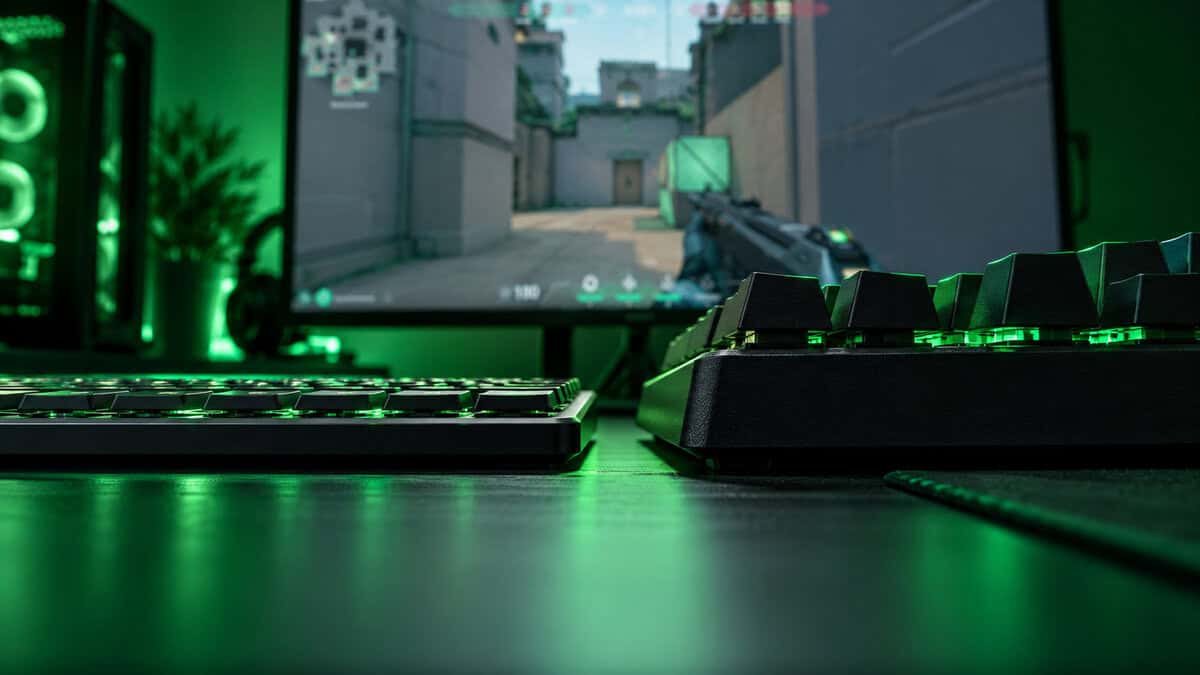
On a standard mechanical board, switches and keycaps follow one shared design, so you can swap in almost any set. Low-profile boards break that rule. Each maker uses its own short switch, and the keycaps are built to match it, so the board you pick decides what you can change later.
Logitech GL Switches
Logitech’s GL family sits in the G515 and the pricier G915 X. On the G515 they come in Tactile and Linear types, arrive factory-lubed and actuate at 1.3 mm. GL keycaps are thin and specific to the family, so replacements come from Logitech-compatible sets rather than the wide MX market.
Keychron Low-Profile Switches
The K3 Version 2 on our link uses Keychron’s low-profile Brown switches, a light tactile type. Swapping keycaps means buying a low-profile set made for these switches. The upside is a very short, quiet stack that keeps the whole board thin.
Razer Low-Profile Mechanical Switches
Razer’s newest slim board is the Razer BlackWidow V4 Low Profile HyperSpeed, a full-size wireless board with Orange tactile switches on our link. Razer lists 2.8 mm of total travel against 4.0 mm on its full-height switches, an 18.5 mm front height, Snap Tap for fast strafing and up to 980 hours in its power-saving mode.
The switches are not hot-swappable, and early owner ratings are thin and mixed, which is why it sits here as an option rather than a pick. If you want Razer’s software and a full-size frame, it is the gaming alternative to the K618 PRO.
Budget Low-Profile Switches From Redragon
Redragon fits its own low-profile switches to the K618 PRO, with Red linear on our link. They feel lighter and less refined than GL switches, but they are genuine mechanical switches, and the linear Red type is among the quieter options here. If quiet typing is the main goal, our guide to the quietest mechanical keyboard switches explains which switch types stay calm on a shared desk.
Choose the switch family first, because it decides every upgrade you can make afterward.
Slim Does Not Always Mean Mechanical
Plenty of roundups for this category quietly mix in boards that are not mechanical at all. They look thin, they carry gaming branding, and they type differently. Here is how to tell what you are actually buying.
Mecha-Membrane and Scissor Boards
The Razer Ornata V3 is a good example. It has low-profile keys and RGB, but it uses Razer’s mecha-membrane design: a rubber dome under the key with a mechanical-style click on top. It is a fine budget board, just not a mechanical one. Scissor-switch office boards are slimmer still, with very short travel and a laptop-like feel.
How to Read a Listing
Look for three things before you buy. First, the switch name: a real mechanical board names its switch, such as GL Tactile, Brown or Red. Second, the words mecha-membrane, membrane or scissor anywhere in the title or bullets. Third, the travel: low-profile mechanical switches still list a few millimeters of key travel, while scissor keys feel much closer to a laptop.
Analog and Optical Switches Are Separate Branches
Some slim boards skip metal contacts entirely. Logitech’s G515 RAPID TKL uses magnetic analog switches with an adjustable actuation point from 0.1 to 2.5 mm, and it is wired only. That is a different technology with rapid trigger in mind, and our hall effect vs mechanical keyboard comparison covers when it beats a regular switch.
Optical switches are another branch, using a light beam instead of a metal contact to register a press. If that sounds appealing, our look at whether an optical switch keyboard is worth it covers the tradeoffs.
Does a Lower Board Help Your Wrists
A tall keyboard makes your wrists bend upward to reach the keys, and many people prop them on a wrist rest to compensate. A slim board lowers the whole keyboard, so your hands can stay closer to flat. Cornell University’s ergonomics guide to typing posture recommends keeping the keyboard at or below elbow height, with the board flat or tilted gently away from you so the wrists stay neutral.
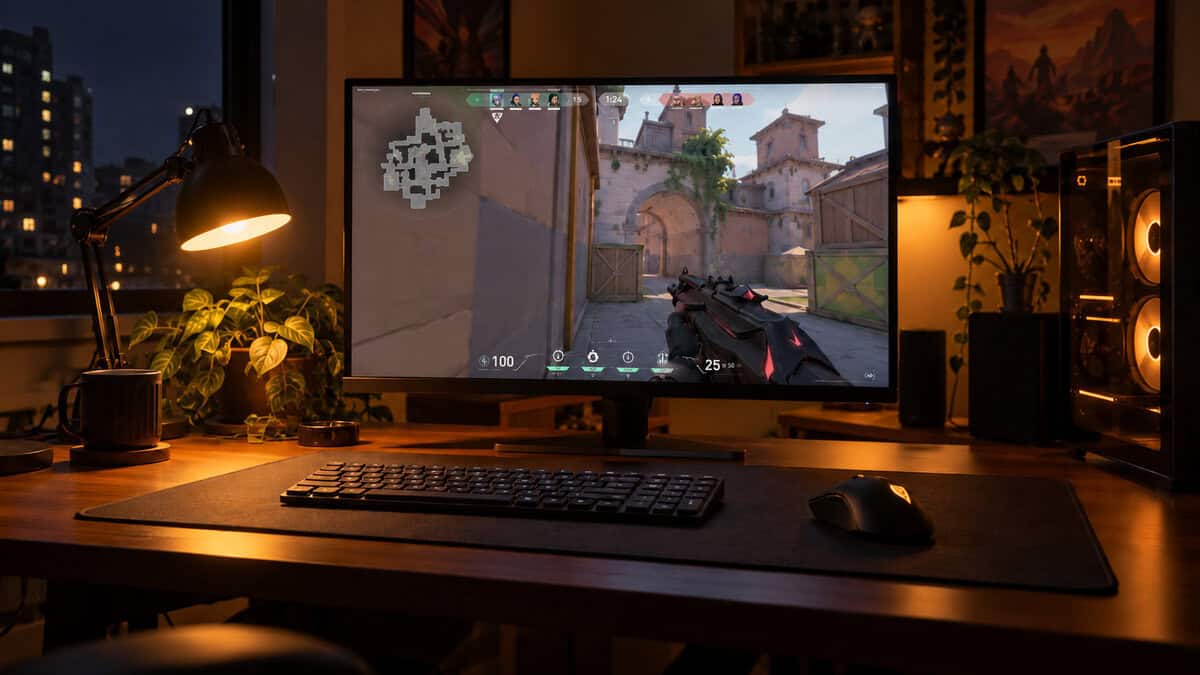
That is where a board around 22 mm tall earns its place. With the G515 or the K3 Version 2 flat on the desk, the home row sits low enough that many people no longer need a wrist rest at all. Leave the rear feet folded; extending them tilts the board toward you, which works against the neutral angle.
The lower the keys sit, the less your wrists have to bend to reach them.
A taller board like the K618 PRO still sits well below a standard mechanical keyboard, but you may want a thin rest in front of it. Whatever board you choose, a slim profile cannot fix a desk that is too high, so check the chair and desk height first.
Wireless on a Slim Board
Slim boards are often bought to travel or to clean up a desk, so most of them are wireless. The connection type matters more than the battery figure.
2.4GHz vs Bluetooth for Games
A 2.4GHz dongle like Logitech’s Lightspeed or the K618 PRO’s receiver gives you a fast, stable link that feels the same as a cable in most games. Bluetooth is built for convenience and multiple devices, and it adds a small delay that shows up in fast shooters. That is why the K3 Version 2 should be plugged in for ranked play.
If you mostly play tactical shooters, our budget keyboard for CS2 guide covers the boards built around that kind of play. For everything else, Bluetooth’s ability to jump between a laptop, a tablet and a PC is the reason to own it.
Battery Life and Backlighting
Backlighting is the biggest drain on any wireless board. The G515 lists up to 36 hours with its RGB, while office boards with dimmer lights run far longer. Logitech’s MX Mechanical Mini for Mac lists up to 15 days per charge with its backlight on, using quiet tactile switches in a compact Mac layout. Turn the lighting down and nearly any of these boards will last a work week between charges.
Desk Setup for a Thin Keyboard
A slim board changes how the rest of the desk should be arranged. OSHA’s computer workstation guidance on keyboards suggests placing the keyboard directly in front of you, at a height that keeps your shoulders relaxed and your elbows close to your body, with wrists straight.
Keyboard Height and Mouse Height
Keep the mouse at the same height as the keyboard, ideally on the same surface. A low board on a thick desk mat with the mouse on bare wood leaves your arms at two different heights, which tires the shoulder over a long session. A thin mat under both is the easy fix.
TKL vs 75% vs Full-Size Width
Width decides how far your mouse hand sits from your body. A TKL board like the G515 drops the number pad and gives the mouse more room. A 75% board like the K3 Version 2 is narrower still, and our best 75% keyboard roundup covers more compact options if you like that size. A full-size board like the K618 PRO, with its macro zone, is the widest of the three, so give it a desk with room to spare.
Which Slim Board Fits Your Desk
Find the row that sounds most like your setup.
| Your Desk | The Board | Why |
|---|---|---|
| Competitive gaming on one PC with a wireless setup | Logitech G515 Lightspeed TKL | Lightspeed 2.4GHz, a TKL frame for mouse room and smooth GL switches |
| A laptop bag plus a home desk, on Mac and Windows | Keychron K3 Version 2 | Thinnest board here, three Bluetooth devices and a cable for ranked play |
| Tight budget, MMO macros and a full number pad | Redragon K618 PRO | Tri-mode wireless and 20 macro keys for far less than the others |
Whichever board you pick, decide on the switch family and the layout first. Those two choices shape every upgrade and every desk change that follows.
Frequently Asked Questions
Quick answers about choosing and living with a low-profile mechanical keyboard.
Are low-profile mechanical keyboards good for gaming?
Yes, when they have a fast connection. Low-profile switches still register presses as quickly as full-height ones, and the shorter travel can feel faster. Pick a board with 2.4GHz wireless or use a cable, like the Logitech G515 Lightspeed TKL, rather than relying on Bluetooth in competitive games.
Do standard keycaps fit a low-profile keyboard?
Usually not. Low-profile switches use their own stems and spacing, so standard MX keycap sets will not fit. Each family, such as Logitech GL, Keychron low-profile or Redragon low-profile, needs keycaps made for it. Check compatibility before you buy a set.
Are there quiet low-profile switches?
Yes. Linear switches like the Red type on the Redragon K618 PRO are quieter than clicky ones, and the Logitech MX Mechanical Mini for Mac uses quiet tactile switches built for shared spaces. Avoid clicky low-profile switches if you share a room or take voice calls.
Is a low-profile keyboard better for your wrists?
It can be. A slimmer board lets your wrists stay closer to flat, which is what typing posture guides recommend. Keep the board at or below elbow height and leave the rear feet folded. A slim board will not fix a desk that is too high.
Low-profile TKL or 75%: which size?
Choose TKL if you want a standard layout without the number pad and plenty of mouse room for gaming. Choose 75% if you also carry the board in a bag, since it keeps the arrows and function row in a narrower frame.
Looking for more budget gaming gear? Check out Budget Loadout for the latest reviews and recommendations.
Related Articles