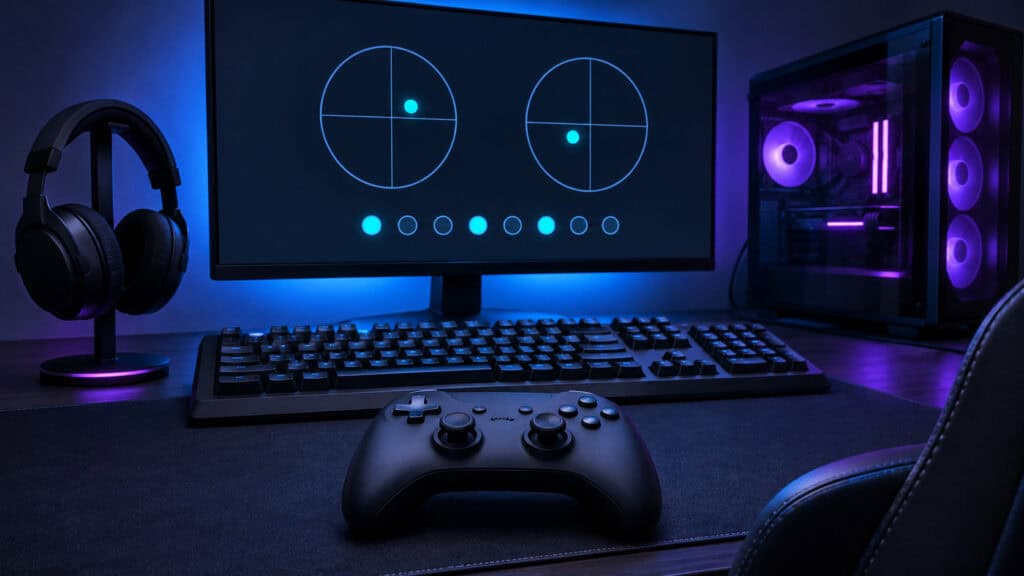
Plug in your controller and this free stick drift test shows exactly where each stick rests when you let go. It also tells you the deadzone that hides any drift and checks every button and trigger.
Use a USB cable or Bluetooth. Browsers keep a controller hidden until you press a button, so tap A or Cross once it’s connected. Nothing is sent anywhere; the test runs on this page.
- X
- 0.000
- Y
- 0.000
- Tilt
- 0%
- X
- 0.000
- Y
- 0.000
- Tilt
- 0%
The test reads your controller through the browser’s Gamepad API, so it works in Chrome, Edge, Firefox and Safari with no download. The drift test samples both sticks for ten seconds while you leave them alone. Our bands are Budget Loadout’s own. Under 5% off center is normal resting wobble, 5 to 10% is slight drift a small deadzone hides, and anything past that usually shows up in game.
How the Stick Drift Test Works
Your browser reads each stick as two numbers, left to right and up to down, from minus one to one. A healthy stick at rest sits close to zero on both. The drift test waits a moment for you to let go, then samples both sticks for ten seconds and records the furthest each one strays from center.
That peak becomes the verdict. Under 5% off center is normal resting wobble, 5 to 10% is slight drift and anything past that tends to show up in game. The deadzone the test suggests is the peak plus a little headroom, so the game ignores the drift without making the stick feel numb.
The range check does the opposite job. Roll each stick around its outer edge and the test traces how far it reaches in every direction. A stick that falls short in one spot is often dirty or worn there.
If the test finds drift, the results suggest a few fixes and point you to our Hall effect controller picks. Our TMR vs Hall effect guide explains how the two magnetic stick types differ.
Frequently Asked Questions
Quick answers about stick drift, deadzones and getting your controller to show up.
What is stick drift?
Stick drift is when a controller's thumbstick reports movement you aren't making. Your character creeps forward or your camera slides slowly to one side with your thumbs off the sticks. It usually comes from wear or dirt inside the stick, which shifts the reading the controller treats as center.
How do I know if my controller has stick drift?
Connect it to this page, let go of both sticks and run the drift test. Every stick wobbles a little at rest, so a reading under 5% off center is normal. A stick that sits past 10% off center, or keeps creeping in one direction, is drifting.
Can I fix stick drift without opening the controller?
Often, yes, at least for a while. Raising the deadzone in the game's settings hides small drift, and the test tells you the number to use. Cleaning around the stick base with short bursts of compressed air sometimes clears it. If the drift keeps getting worse, check the warranty before buying anything.
Do Hall effect controllers get stick drift?
Much less often. Hall effect and TMR sticks read position with magnets instead of parts that rub together, so they don't wear out in the way that causes most drift. They can still rest slightly off center, which a small deadzone covers.
Why doesn't the test see my controller?
Browsers keep a controller hidden until you press a button on it, so press one after connecting. If nothing shows up, close any app that takes over the controller, try a USB cable instead of Bluetooth, or open the page in another browser.