If you use a controller for racing games, making the switch to a gaming steering wheel is the single most significant upgrade for your setup. It’s not a minor improvement; it fundamentally changes your connection to the car and the track. A quality wheel provides a level of precision and feedback that a thumbstick cannot match, which can lead to faster, more consistent driving and a more immersive experience.
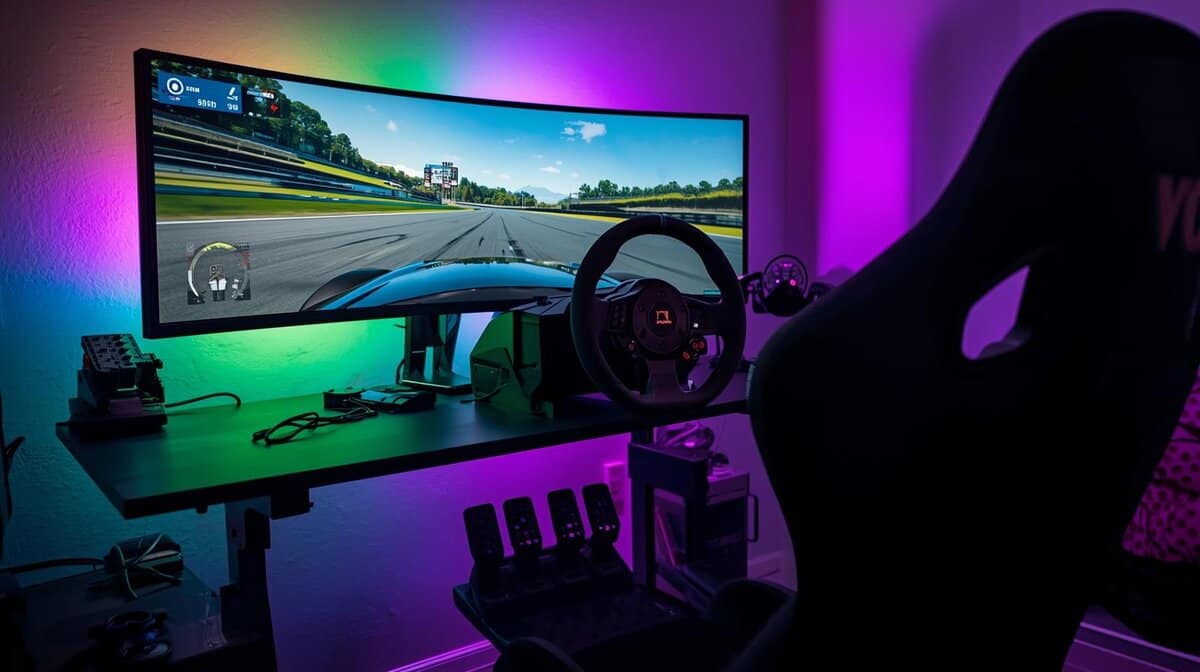
- Belt-driven force feedback wheels offer significantly smoother and more realistic feel than gear-driven models, making them the best value upgrade for sim racing
- The pedals matter more than the wheel itself — upgrading to a load cell brake pedal is the single biggest improvement for consistent braking and lap times
- Always check platform compatibility first, as not all steering wheels work across PC, PlayStation, and Xbox — some are locked to specific ecosystems
- A solid desk clamp mount works fine for getting started, but a dedicated wheel stand or cockpit dramatically improves stability and immersion as you get more serious
Table of Contents
- Three-pedal set with progressive brake included
- Leather-wrapped wheel with 900-degree rotation
- Strong ecosystem with affordable upgrades like the Driving Force Shifter
- Gear-driven feedback feels notchy
- ~$250 is a big investment for beginners
- Needs sturdy mounting for best results
- Same reliable build and pedal set as the G29 for Xbox users
- 900-degree rotation provides realistic steering range
- Compatible with the Logitech Driving Force Shifter add-on
- Gear-driven system is noisier
- Desk clamp may shift during racing
- Pedals benefit from load cell upgrade
- Hybrid gear/belt system provides smoother force feedback
- Lower price point around $200 for budget-conscious racers
- 1080-degree rotation for realistic steering feel
- Two-pedal set vs Logitech's three
- Lighter build than G29/G920
- Upgrades cost more than Logitech's
Why a Gaming Steering Wheel Is a Major Upgrade
Here’s the bottom line: a controller approximates driving, while a steering wheel simulates it. The key difference is force feedback, a system of motors inside the wheel that translates the car’s behavior directly into your hands. You’ll feel the tires start to slip, the texture of the asphalt, and the weight of the car shifting as you enter a corner. This isn’t a gimmick; it’s critical information that allows for split-second corrections.
Additionally, a wheel offers a much wider range of motion—typically 900 to 1080 degrees from lock to lock. A controller’s thumbstick offers a small fraction of that. This difference allows for smoother and more precise steering inputs, which is essential for maintaining control of a car at its performance limit.
This guide focuses on identifying real value for budget-conscious gamers. We’re not pointing to the cheapest option available. Instead, we’ll break down the practical trade-offs between different technologies to ensure you invest in durable hardware that actually improves your driving. The logic is similar to comparing a gaming chair vs an office chair for long-term comfort and performance—the focus is on what provides the best function for the cost.
Core Technologies and What They Mean for You
To make an informed purchase, you need to understand the technology that powers these wheels. Each type directly impacts the feel, durability, and price.
Force Feedback Type: This is the core of the wheel. Gear-driven systems are common on budget models but can feel clunky or “notchy.” Belt-driven wheels are a step up, offering a smoother and more realistic sensation. At the high end, direct drive systems connect the motor straight to the wheel for the most direct and detailed feedback, but this comes at a premium price.
Build Quality & Durability: The materials indicate a wheel’s expected longevity. Entry-level wheels are often mostly plastic. The real value is in options that use metal for the wheel spokes, paddle shifters, and pedal faces. This adds durability where it matters most. For example, a wheel for FPS gaming would prioritize different build features than one for a racing sim.
Comparing Force Feedback Drive Systems
The single most important technology in a gaming wheel is its force feedback. This system uses motors to resist your inputs, letting you feel every bump, curb, and loss of traction. However, not all force feedback is created equal. The mechanical system a wheel uses to generate these sensations—its drive system—is what separates a toy from a functional piece of sim racing gear.
Understanding what’s inside the wheelbase is critical. It dictates the wheel’s performance, feel, durability, and, most importantly, its price. We will break down the three main types: gear-driven, belt-driven, and direct drive. Each offers a different balance, and the right choice depends on your specific use case.
Gear-Driven Systems: The Budget Foundation
Gear-driven wheels are the entry point for most people to force feedback. In these setups, a motor turns a series of gears connected to the steering shaft. It’s a simple and cost-effective design, which is why it dominates the sub-$300 market.
The trade-off is fidelity. As the gears mesh, they can create a slightly grainy or “notchy” feeling during rotation. This mechanical noise can obscure the finer details the game is trying to communicate. You will feel large impacts, like hitting a wall, but the subtle feedback about tire grip may be lost. These wheels also tend to be the loudest.
Despite these drawbacks, for someone upgrading from a controller, a gear-driven wheel is a significant improvement. Manufacturers have refined this technology for years, so the build quality is generally sufficient for regular use. They are a practical entry point for gamers who want to experience force feedback without a large financial commitment, particularly for arcade racers or less demanding sims.
For gear-driven options, the Logitech G29 (PlayStation/PC) and Logitech G920 (Xbox/PC) remain the budget standard at around $250. They include a three-pedal set with a progressive brake, leather-wrapped wheel, and 900-degree rotation. The build quality holds up to years of use, and the ecosystem supports affordable upgrades like the Logitech Driving Force Shifter. For PlayStation racers wanting an even cheaper entry point, the Thrustmaster T150 (~$200) is a hybrid gear/belt system that offers smoother feedback than pure gear-driven wheels.
Belt-Driven Systems: The Smooth Mid-Range
This is where the technology becomes more serious. Belt-driven systems are a significant step up and represent the best value for many sim racers. Instead of gears, these wheels use a system of belts and pulleys to transfer force from the motor to the wheel.
The result is a much smoother, more fluid experience. By eliminating direct gear-on-gear contact, the notchiness disappears. This allows for more detailed and nuanced feedback to be transmitted. You can feel subtle changes in the road surface and, crucially, catch a slide earlier because the sensations are cleaner. The build quality and durability are also typically a step up, with a mix of high-quality plastics and metal components ensuring they can handle intense use.
Key Takeaway: The main advantage of a belt-drive system is its ability to deliver detailed force feedback without the mechanical graininess of gear-driven wheels. That smooth response gives you a more direct and immersive connection to the car’s behavior.
Naturally, this performance comes at a higher cost, but for many, the improvement in feel is worth the additional investment. Belt-driven wheels are a solid choice for dedicated racers who demand more fidelity and a quieter, more refined experience. They are well-suited for a range of driving disciplines, from F1 to rally.
The Thrustmaster T300 RS GT (~$450) is the go-to belt-driven option for PlayStation and PC racers. It includes a brushless motor, three-pedal set with clutch, and a quick-release system for swapping wheels. The force feedback is noticeably smoother than gear-driven alternatives, and the ecosystem allows future upgrades to load cell pedals and add-on wheels. For Xbox racers, the Thrustmaster TX (~$400) offers similar belt-driven performance in a compatible package.
Understanding Compatibility and Ecosystems
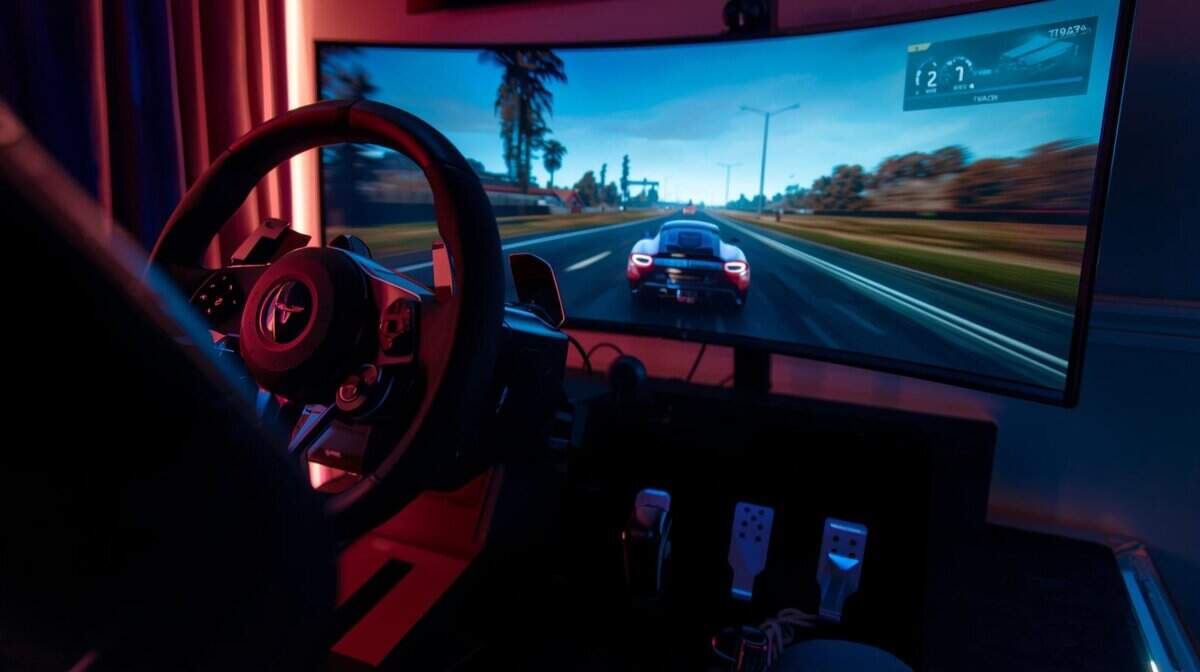
Before discussing force feedback or pedal feel, it is critical to address compatibility. A gaming steering wheel is useless if it doesn’t work with your PC or console. This is the first and most important factor to verify.
It’s not as simple as plugging in a USB cable. Consoles, specifically PlayStation and Xbox, require a specific security chip inside the hardware for it to be recognized. This is a licensing requirement, and it’s why you’ll see a wheel that works on Xbox and PC, but not on PlayStation. An incorrect purchase will result in a non-functional piece of equipment.
Platform Compatibility: The First Check
The rule is straightforward: an Xbox-licensed wheel will not work on a PlayStation, and a PlayStation wheel will not work on an Xbox. There is no workaround for this.
The good news is that nearly every wheel built for a console will also work on a PC. This makes the PC the most flexible platform for sim racing.
PC Gamers: You have the most options. You can use almost any wheel from any brand. More importantly, you have the freedom to mix and match components—for example, using Thrustmaster pedals with a Fanatec wheelbase. This is a significant advantage for future upgrades, especially for streamers or those with complex setups.
Xbox Gamers: Your search is direct. You must buy a wheel that is officially licensed for Xbox. Your options are more limited but include solid entry-level choices from Logitech and Thrustmaster.
PlayStation Gamers: The same rule applies as for Xbox. You need a wheel with the official PlayStation license. Once you select a brand, you are generally locked into its ecosystem for accessories.
The console certification is the main constraint. The security chip required by Sony or Microsoft locks a wheel into one console family. Before purchasing, look for the official Xbox or PlayStation logo on the box. No logo means no compatibility.
Brand Ecosystems and Upgrade Paths
When you choose a wheel, you are buying into a brand’s ecosystem. This is particularly true for console racers, where cross-brand compatibility is virtually nonexistent. You cannot plug a Logitech shifter into a Thrustmaster wheel on your PlayStation and expect it to work.
For anyone on a budget, this means you need to plan ahead. Committing to a brand like Logitech or Thrustmaster is often the most practical path. It ensures that when you’re ready to upgrade your pedals or add a shifter, the new gear will be compatible.
PC users have more freedom, but many still stick to one ecosystem to avoid driver issues and potential conflicts. This is a different scenario from generic gamepads. If you’re used to that kind of flexibility, our guide on the best budget gaming controllers for PC shows how much that market differs. Your first wheel purchase lays the foundation for your entire rig. Choosing a brand with a clear and affordable upgrade path allows you to improve your setup over time.
Evaluating Pedals, Shifters, and Build Quality
A capable force feedback wheel is a good start, but it’s only part of the equation. Your pedals and shifter are your primary points of interaction, and the overall build quality and durability of your gear will determine whether it’s a satisfying long-term investment or a frustrating one that needs replacement.
The Achilles’ Heel of Budget Setups: The Pedals
Most entry-level wheel bundles include a two-pedal set made almost entirely of plastic. These pedals use potentiometers, which measure how far you press them. While functional, they present a handicap because your muscle memory has to learn distance traveled, not pressure applied.
This makes consistent braking difficult. You are trying to guess a position with your foot instead of feeling the force, which is how a real car’s brake system works. It is a primary reason why beginners frequently lock up their tires.
Why Your First Upgrade Should Be a Load Cell Brake
The single most impactful upgrade you can make to your rig is a set of pedals with a load cell brake. A load cell functions differently—it measures pressure, not distance. It feels much closer to a real car’s hydraulic brake system, allowing your muscle memory to learn a consistent feel for braking thresholds.
Even a basic load cell offers a significant leap in precision and durability over a potentiometer. The difference is immediate and can often reduce lap times more than a more powerful wheel.
The Thrustmaster T-LCM Pedals (~$200) are the most accessible load cell option on the market. They feature an all-metal construction, adjustable pedal positions, and six included springs to customize brake stiffness. They work standalone via USB on PC or connect directly to Thrustmaster wheelbases on console. For those already in the Logitech ecosystem wanting an upgrade, the Logitech G Pro Racing Pedals (~$350) are an option, though the price-to-performance ratio favors the T-LCMs for most budgets.
Key Tradeoff: A quality set of pedals with a load cell can cost as much as an entire entry-level wheel bundle. However, the gain in braking consistency is so substantial that it is often a smarter use of money than upgrading the wheel itself.
Build Quality and Durability
Sim racing gear is subjected to significant physical stress. You will be turning the wheel and pressing the pedals for hours, so durability is critical. When evaluating a wheel, pay close attention to the materials in high-stress areas.
Wheel and Base: Look for metal spokes and a solid wheelbase. Even if the outer casing is plastic, a metal internal frame provides necessary rigidity.
Paddle Shifters: Metal paddles provide a tactile click and will withstand thousands of shifts. Plastic paddles often feel less precise and are a common point of failure.
Pedals: Metal pedal faces offer better grip, but a sturdy metal base is more important. This prevents the unit from flexing under heavy braking, ensuring all input is registered accurately.
A setup with these key metal components will feel more substantial and will hold up better to intense use. This is the difference between gear that feels like a toy and equipment that feels reliable.
Shifters: When (and When Not) to Bother
Many modern race cars use only paddle shifters, so an external H-pattern shifter isn’t always necessary. The decision depends on what kind of cars you drive.
If you are mostly racing F1, GT3, or other modern circuit cars, the paddle shifters on your wheel are sufficient. Spending money on an H-pattern shifter for these cars is not a practical use of your budget.
However, if you enjoy rally, drifting, or driving classic manual cars, a dedicated shifter is essential for an immersive experience. An H-pattern shifter adds a level of mechanical engagement that paddles cannot replicate. The decision is straightforward: if your favorite cars have a stick shift, it’s a worthwhile upgrade. If not, allocate that money toward better pedals.
The Logitech Driving Force Shifter (~$60) is the budget king for H-pattern shifting. It features a solid steel gear shaft, leather knob, and satisfying mechanical clicks between gears. It only works with Logitech wheels (G29, G920, G923), but for that ecosystem it’s the obvious choice. Thrustmaster users should look at the Thrustmaster TH8S (~$100), which offers H-pattern and sequential modes in a compact package.
Choosing the Right Mounting Solution for Your Space
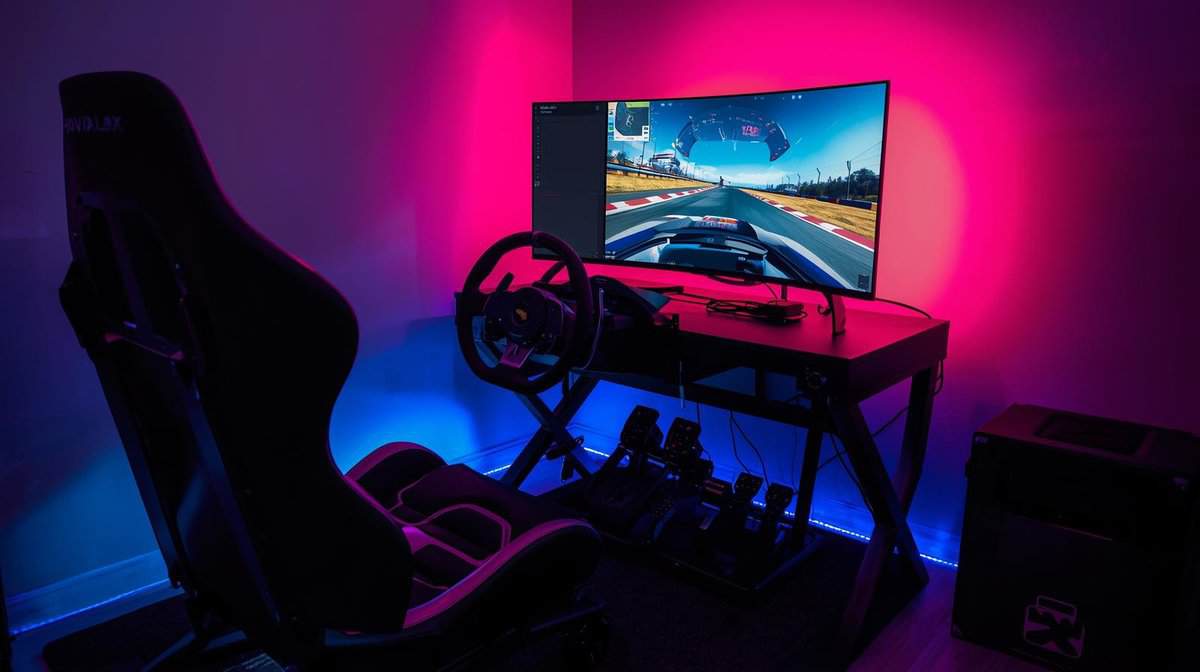
A powerful gaming wheel is ineffective if it slides across your desk. The force feedback motors generate significant torque, and any instability in your setup will become apparent immediately. A stable mount is not a luxury; it’s a requirement.
Your choice depends on your space, budget, and how permanent you want your racing rig to be. Let’s break down the three main options: desk clamps, wheel stands, and full cockpits. Each comes with a distinct set of trade-offs.
Desk Clamps: The Simple Starting Point
Nearly every entry-level and mid-range wheel includes a built-in desk clamp. This is the most direct and budget-friendly way to get started. You latch the wheelbase onto the edge of your desk, tighten the clamps, and begin.
The primary trade-off is stability. Stronger force feedback can cause the wheel to shift or loosen during a race, especially on thinner desks. Furthermore, your pedals are loose on the floor, which can cause them to slide away during braking. This solution is adequate for casual use with lower-powered wheels.
Honest Assessment: Desk clamps get you started, but they are a compromise. If you find yourself constantly readjusting the wheel or your pedals, you have likely outgrown this method.
Wheel Stands: The Flexible Middle Ground
For those with limited space, a dedicated wheel stand offers the best value. These are foldable metal frames designed to securely hold a wheel, pedals, and often a shifter. They provide a major stability upgrade over a desk clamp because the wheel and pedals are locked into a single, rigid unit.
Their main advantage is portability. Most stands fold down with the gear still attached, allowing for easy storage. However, build quality varies. Cheaper stands may still exhibit flex under heavy braking or when used with more powerful wheels. Durability can be a concern with lower-end models.
The Next Level Racing Wheel Stand Lite 2.0 (~$150) is the top recommendation in this category. It features a foldable steel frame, adjustable wheel and pedal plates, a chair cradle to prevent sliding, and pre-drilled holes for Logitech, Thrustmaster, and Fanatec gear. It supports wheelbases up to 10 Nm and can later be upgraded to a full cockpit with the Victory Seat Add-on. For tighter budgets, the GT Omega Apex (~$130) offers similar functionality with slightly less adjustability.
Full Cockpits: The Ultimate Immersion
A full cockpit, or sim rig, is the most stable and immersive option available. This is a complete frame with an integrated racing seat, creating a solid platform for all your equipment. With a cockpit, flex is practically eliminated, ensuring all force feedback is transmitted directly to you.
The obvious downsides are cost and space. A good cockpit is a serious investment and requires a dedicated area. This is the path for serious racers who want a permanent setup and the best ergonomic position for long driving sessions. The build quality of a full rig ensures maximum durability.
A sturdy mounting solution is as critical as the wheel itself. The stability of your desk plays a significant role; for more insights, check our guide on finding the right gaming desk for your needs.
Frequently Asked Questions About Gaming Steering Wheels
Making a final decision on a gaming steering wheel involves navigating technical jargon and marketing claims. Here are direct answers to common questions from budget-conscious buyers.
Is a More Expensive Gaming Steering Wheel Always Better?
No. While a higher price can get you powerful direct drive motors and premium materials, the law of diminishing returns is a major factor in sim racing.
The performance gain from a basic, non-force feedback wheel to a quality $250 gear- or belt-driven wheel is substantial. The jump from a solid $500 belt-drive setup to a $1,000 direct drive base, however, is far less dramatic for the average driver.
A well-regarded, mid-range belt-driven wheel from a brand like Thrustmaster or Logitech provides an immersive experience. For most people, this represents a smarter use of money than stretching the budget for an entry-level direct drive system, especially if it means compromising on pedal quality. The durability and build quality of these mid-range options are generally very good.
Do I Need a Clutch Pedal and H-Pattern Shifter?
This depends entirely on the types of cars you want to drive. An H-pattern shifter and a third pedal are not a universal requirement. A streamer might want one for variety, but a competitive MMO player using a wheel for a specific game would not.
Here’s the breakdown:
You probably don’t need them if: You’re mainly interested in modern racing like F1, GT3, or prototype cars. These vehicles use sequential paddle shifters, so the paddles on your wheel are sufficient for an authentic experience.
They are essential if: You’re passionate about rally, drifting, or driving classic road cars. The mechanical feel of using a clutch and an H-pattern gearbox is a core part of the experience for these disciplines.
What Is the Most Important Upgrade After the Wheel Itself?
The single biggest upgrade to improve your consistency and lap times is a set of pedals with a load cell brake.
Standard pedals use potentiometers, which measure how far you press the pedal. This is imprecise and difficult for muscle memory to learn consistently.
A load cell measures pressure—like the brake system in a real car. This allows you to develop a true feel for braking force, which reduces lock-ups and improves trail-braking. It is a genuine performance-enhancing upgrade. The build quality of load cell pedals is also typically higher, offering better durability.
How Much Force Feedback Torque Do I Really Need?
More is not always better. Professional direct drive wheels can output over 20 Nm of torque, which is enough force to be fatiguing and unnecessary for most users.
For the vast majority of gamers, a wheel that produces between 3-8 Nm of torque is the ideal range.
This range is strong enough to communicate fine details about tire slip and road texture without feeling like a physical struggle. It provides an immersive experience that aids your driving rather than forcing you to fight the wheel. When investing in a good steering wheel, you want to be able to enjoy long sessions comfortably. While considering comfort, you might also look into solutions for eye strain, like this guide to blue light glasses for gamers.
At Budget Loadout, we believe in making smart investments that deliver real performance gains. For more guides on building a high-quality gaming setup without breaking the bank, visit us at https://budgetloadout.com.
Related Articles