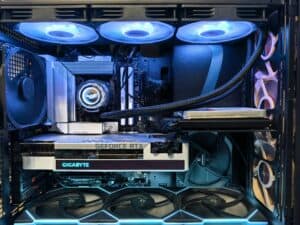
For anyone serious about PC gaming, finding the best graphics card for 1440p is about hitting a specific performance target. You want a card that can consistently deliver a smooth experience without an excessive price tag. In 2026, the clear value option is the AMD Radeon RX 9060 XT 16GB. It provides a solid balance of price, VRAM, and rasterization performance for current games.
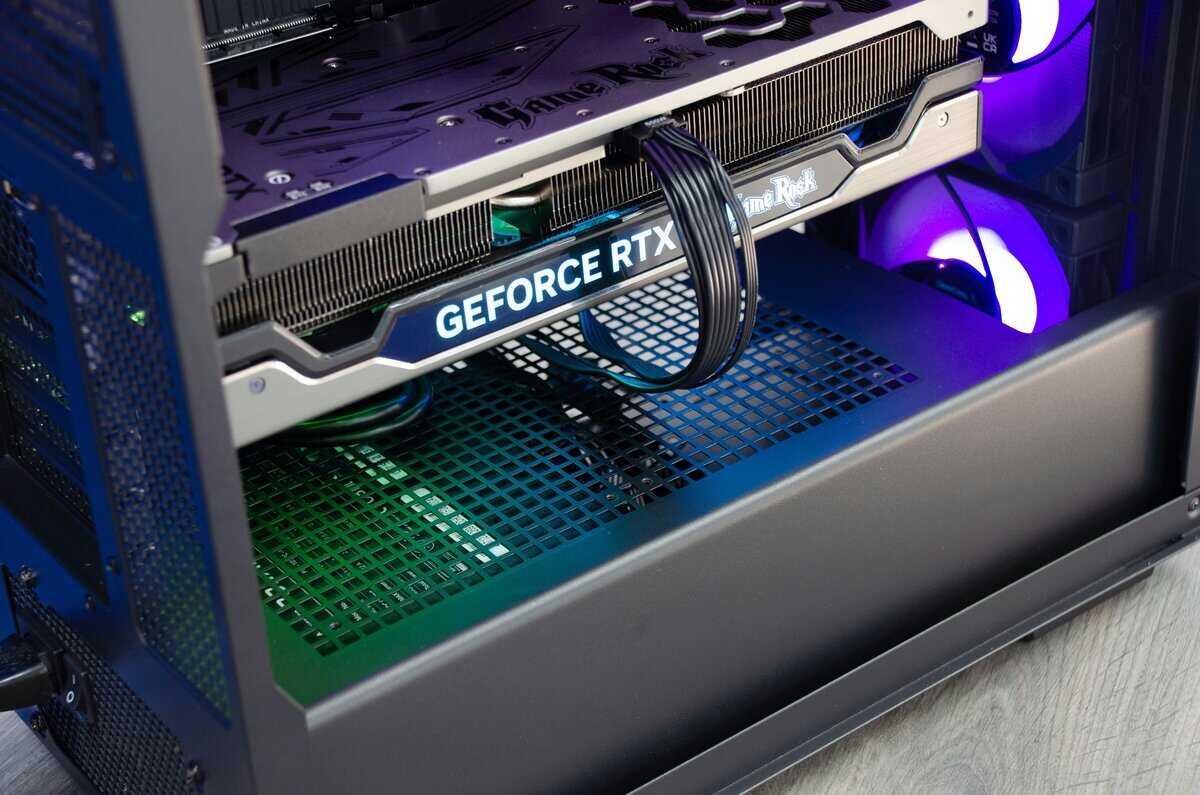
- The RX 9060 XT and RTX 5060 Ti are the two best GPUs for 1440p gaming in 2026, each under $350-$430 MSRP
- AMD’s RX 9060 XT wins on raw price-to-performance with 16GB VRAM and strong rasterization at $349 MSRP
- Nvidia’s RTX 5060 Ti takes the lead in ray tracing, DLSS 4 upscaling, and streaming via NVENC
- Both cards handle 1440p high/ultra settings at 60+ FPS in modern titles
- 16GB VRAM is the sweet spot for 1440p in 2026 — both picks deliver it
- Check street prices before buying — MSRP and actual shelf price can differ by $70-120 right now
Table of Contents
- Best value at $349 MSRP
- 16GB VRAM future-proofs for 1440p
- Lower power draw than the competition
- Weaker ray tracing vs Nvidia
- FSR 4 not as refined as DLSS 4
- Street prices inflated above MSRP
- Superior DLSS 4 upscaling and frame gen
- Best-in-class ray tracing at this tier
- NVENC encoder ideal for streaming
- Higher MSRP at $429
- Slightly higher power consumption
- Street prices above MSRP
Why 1440p Is the Gaming Mainstay
For years, 1080p was the default resolution for PC gaming, but that era has passed. By 2026, 1440p (2560×1440) is the ideal middle ground, offering a noticeable visual improvement over 1080p without the performance cost of 4K. Games are sharper and more detailed at this resolution, and it is achievable with mid-range hardware.
This guide focuses on value. We’re not looking for the cheapest card available. We are identifying options that provide the best performance for the cost, whether you’re playing competitive shooters, MMOs, or streaming your gameplay.
Our evaluation is based on these criteria:
Sustained Performance: Smooth, consistent frame rates in demanding titles, not just benchmark peaks.
VRAM Adequacy: Enough video memory to use high-resolution textures without causing stutters.
Power Efficiency: The card’s power consumption and its corresponding heat output.
Build Quality & Durability: The physical construction and cooling solution, as a card that overheats will throttle its performance.
Current 1440p Market Leaders
Recent testing highlights two main contenders for value-oriented 1440p gaming. Early 2026 benchmarks show the AMD Radeon RX 9060 XT 16GB as a strong performer, with an MSRP of $349, though street prices currently sit closer to $470. Its main competitor, the Nvidia RTX 5060 Ti 16GB, delivers better performance in certain scenarios with an MSRP of $429 and street prices around $520 You can see more on the 2026 GPU landscape over at PCGamer.com.
Choosing the right GPU is only part of the equation. A powerful graphics card is limited if your monitor can’t display the frames it produces. Learn more in our guide to choosing a 1440p monitor.
This guide provides direct recommendations. Our goal is to help you select the best graphics card for your 1440p system—one that fits your use case and budget.
Top Value GPU for 1440p: AMD Radeon RX 9060 XT
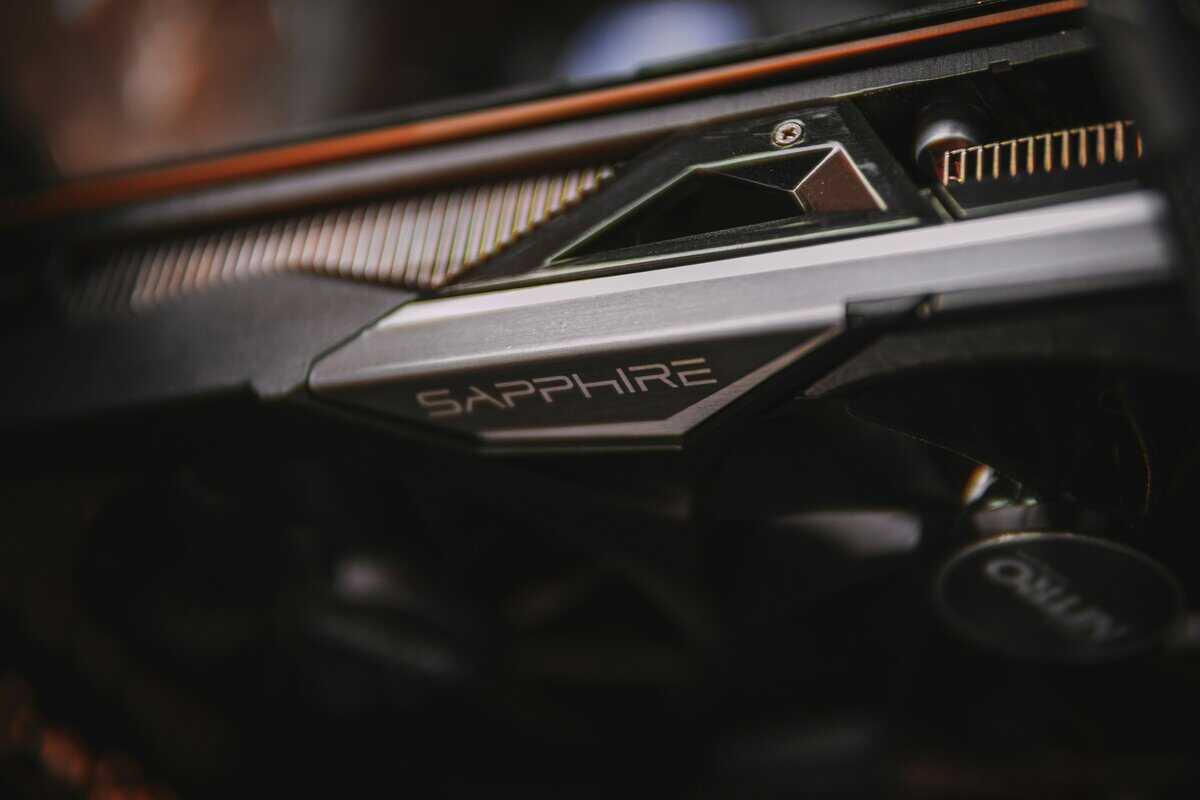
Based on price-to-performance, the AMD Radeon RX 9060 XT is the leading choice for 1440p gaming in 2026. This card is priced competitively and delivers performance that challenges more expensive models. For gamers who want strong performance without a premium price, this is the recommended option.
A key feature is its 16GB of VRAM. This is essential for modern titles. Games like Alan Wake 2 and Call of Duty: Black Ops 7 can use over 12GB of video memory at 1440p with high textures. The ample memory buffer prevents stuttering caused by VRAM limitations.
Real-World Gaming Performance
The RX 9060 XT delivers a consistent 60+ FPS in most modern games at 1440p with high settings. For competitive FPS gamers playing Apex Legends or Valorant, this GPU can push well over 144 FPS, which is ideal for a high-refresh-rate monitor. For MMOs, the card maintains stable performance during large-scale raids in games like Final Fantasy XIV, where visual effects can strain less capable GPUs.
For a new PC build on a sensible budget, the RX 9060 XT is a sound investment. It provides a 1440p gaming experience comparable to more expensive last-generation cards and is well-equipped for future games with its 16GB of VRAM.
However, there are tradeoffs. The main limitation is ray tracing performance. While it has improved over previous AMD generations, it does not match Nvidia’s RTX cards in this area. If your primary goal is to play games with ray tracing enabled at high settings, you will experience a significant performance decrease.
Build Quality and Power Considerations
Most board partners, such as Sapphire and PowerColor, equip the RX 9060 XT with robust dual- or triple-fan coolers. These are effective at managing temperatures, and the overall build quality is solid. Metal backplates are standard, adding rigidity and improving durability. A good cooling solution ensures the card can maintain its boost clocks without thermal throttling.
The RX 9060 XT is also impressively power-efficient, typically drawing between 150 and 180 watts under a full gaming load. This means a quality 500W PSU is sufficient for most builds, which helps control the total system cost. That low power draw also translates to less heat output, so you do not need an aggressive cooling setup in your case.
The Radeon RX 9060 XT is the best value card for 1440p because it makes sensible compromises. It trades class-leading ray tracing for excellent rasterization performance and a VRAM buffer sufficient for the coming years.
Top Performance GPU for 1440p: Nvidia GeForce RTX 5060 Ti
If you have a larger budget and want high frame rates with all graphical settings enabled, the Nvidia GeForce RTX 5060 Ti 16GB is the performance leader. It costs more than its AMD counterpart, but the additional investment provides a stronger feature set and superior performance in graphically intensive scenarios, particularly with ray tracing.
This card is a clear step up into the premium 1440p category. It delivers higher average frame rates in rasterization, but its primary advantage is with modern lighting effects.
The DLSS and Ray Tracing Advantage
Nvidia’s DLSS (Deep Learning Super Sampling) technology is a key differentiator for the RTX 5060 Ti. At 1440p, enabling DLSS provides a significant performance increase, often with image quality that is comparable or even sharper than native resolution. This feature makes it a strong choice for users who want to maximize graphical settings.
For gamers who prioritize visual fidelity, the RTX 5060 Ti makes ray-traced gaming viable at 1440p.
Cinematic Titles: In story-driven games like Cyberpunk 2077 or Alan Wake 2, the visual difference is significant. You can enable realistic lighting and reflections without a major drop in frame rate.
Competitive Shooters: In games like Call of Duty: Black Ops 7, the performance gain from DLSS helps maintain high refresh rates, often exceeding 165 FPS. This provides a tangible advantage for competitive players.
The RTX 5060 Ti justifies its higher price by offering a complete feature set. If you want strong rasterization, class-leading ray tracing, and effective streaming tools, it is the most well-rounded performance option for 1440p gaming.
A Better Choice for Streamers
For content creators, the RTX 5060 Ti has a clear advantage. Its dedicated NVENC encoder is highly efficient, allowing you to stream high-quality gameplay to platforms like Twitch with minimal impact on in-game performance. While AMD’s encoder has improved, NVENC is still the preferred option for streamers who need a smooth broadcast without a dedicated streaming PC.
Tradeoffs: Price and Power
This level of performance comes at a cost. The MSRP is $429 for the 16GB model, typically $80 more than its direct AMD competitor, and street prices have been running closer to $520. Power requirements are moderate at around 180 watts under a heavy gaming load. A quality 600W PSU is recommended for a balanced system build, and a case with decent airflow will keep temperatures in check.
Build quality from partners like ASUS and Gigabyte is generally high, with robust cooling solutions and durable components designed to handle the card’s thermal output. These cards are built for longevity, but their larger size requires you to check case compatibility before purchasing. For gamers who can justify the premium, the RTX 5060 Ti delivers a top-tier 1440p experience.
1440p Graphics Card Comparison: 2026 Value Options
This table provides a direct comparison of our recommended value contenders for 1440p gaming, focusing on key metrics that will influence your decision.
| Metric | AMD Radeon RX 9060 XT 16GB | Nvidia GeForce RTX 5060 Ti 16GB |
|---|---|---|
| Typical Price | $349 | $429 |
| Street Price (Feb 2026) | ~$470 | ~$520 |
| 1440p Rasterization | Excellent | Best-in-Class |
| Ray Tracing | Good, but requires FSR | Excellent, especially with DLSS |
| Upscaling Tech | FSR 4 | DLSS 4 |
| Power Draw | ~150-180W | ~180W |
| Best For | Price-to-performance focused gamers | Gamers wanting max settings & streamers |
| Key Advantage | Strong value in rasterization | Superior feature set (DLSS, RT, NVENC) |
Both cards are strong choices for 1440p. The decision depends on whether you prioritize raw value or are willing to pay a premium for a more feature-rich experience.
How to Pick a GPU for Your Gaming Style
A graphics card is not a one-size-fits-all component. The best GPU for one person may not be the right choice for another. Your personal gaming habits should be the primary factor in your decision.
Build quality and cooling are also important. A well-constructed GPU from a reputable partner like ASUS, Sapphire, or Gigabyte will use durable components and an effective cooler. This allows the card to consistently reach its advertised boost clocks without overheating during long gaming sessions.
Competitive FPS and High-Refresh Gaming
If you play fast-paced shooters like Valorant or Apex Legends, the goal is to maximize frame output for your high-refresh-rate monitor. Higher frame rates lead to lower input latency, providing a measurable competitive advantage. You need a card that can reliably sustain 144 FPS or higher at 1440p, often with settings lowered for maximum visibility.
In this context, raw rasterization performance is the most important metric. Features like ray tracing typically come with a performance penalty that competitive players avoid. Both the RX 9060 XT and RTX 5060 Ti perform well here, but Nvidia’s DLSS can provide a significant FPS boost that may be a deciding factor.
For a competitive gamer, every frame matters. Prioritize the card that delivers the highest average FPS in your specific games, as this translates directly to smoother gameplay and faster reaction times.
MMOs and Immersive RPGs
For players of sprawling MMOs like Final Fantasy XIV or graphically rich RPGs like Starfield, the priorities are different. These games feature dense environments, complex particle effects, and high-resolution textures. The goal is not to achieve 200 FPS, but to maintain a stable, stutter-free experience, especially in crowded cities or during large-scale raids.
This is where VRAM is critical. With large open worlds and detailed assets, a card with 16GB of VRAM is necessary to prevent performance drops when the on-screen action becomes intense. You need a card that can handle complex geometry and heavy texture loads without issues.
Streaming and Content Creation
If you plan to broadcast your gameplay on a platform like Twitch, your GPU performs two tasks simultaneously: rendering your game at a high framerate and encoding your video feed. A weak encoder can result in dropped frames in your stream or negatively impact your in-game performance.
This is an area where Nvidia’s NVENC encoder on the RTX 5060 Ti has a clear advantage. It has a minimal performance impact, allowing you to maintain high in-game framerates while delivering a clear broadcast. While AMD’s encoder has improved, NVENC remains the standard for serious streamers. If you are building your first PC, our guide on how to build a gaming PC can help ensure all your components are compatible.
Essential Factors to Consider Before You Buy
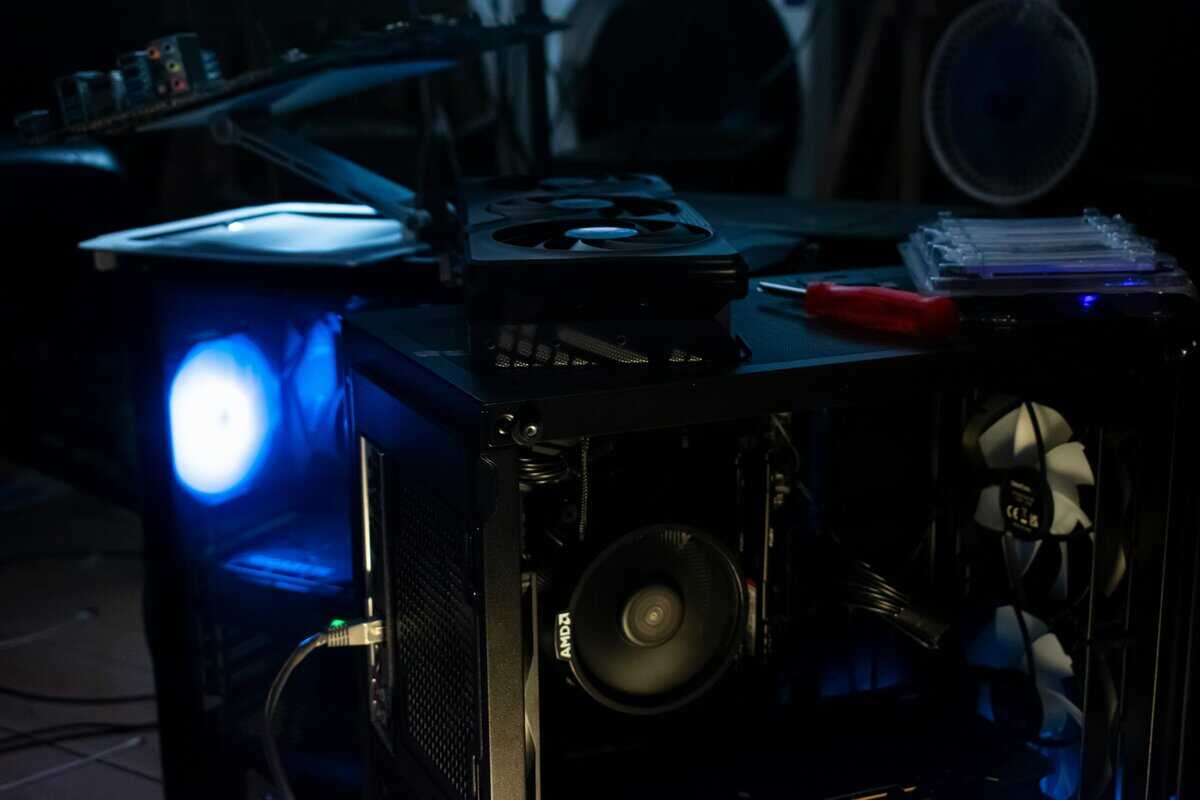
Once you’ve selected a GPU, a final check is needed to ensure it will work with your current system. Overlooking practical compatibility issues can lead to problems.
This checklist covers common compatibility issues. A few minutes of planning now can save you hours of frustration.
Physical Size and Power Supply Needs
Modern GPUs are often large and power-hungry. First, measure the interior of your PC case to find the maximum supported GPU length. Compare this measurement to the dimensions of the card you want, as custom coolers from different brands can vary in size.
Your power supply unit (PSU) is equally important. A new graphics card can overload an older or underpowered PSU, causing random shutdowns or system instability.
Check Wattage: Your PSU must meet or exceed the recommended wattage for your new GPU and the rest of your system. A quality 500W-600W power supply is a safe choice for the cards in this guide, though checking the specific recommendation for your chosen model is always smart.
Verify Connectors: Open your case and confirm your PSU has the necessary power connectors. The RX 9060 XT requires a single 8-pin power connector, while the RTX 5060 Ti also uses a single 8-pin connector. Check your specific partner card model as some factory-overclocked versions may differ.
CPU Pairing and System Bottlenecks
A graphics card works in tandem with your processor (CPU). If you pair a powerful new GPU with an old, slow CPU, you can create a bottleneck. The CPU will be unable to supply data fast enough, and your new card will not reach its full performance potential.
A balanced system is key to getting the most out of your hardware. An outdated CPU will hold back a new 1440p GPU.
You do not need a top-of-the-line processor for a good 1440p experience; a modern mid-range CPU is typically sufficient. The goal is to pair your GPU with a CPU that can handle modern games without issue. If you think your processor needs an upgrade, our guide on the best CPU for gaming can help.
Finally, consider your monitor. A high-refresh-rate display is required to see the 144+ FPS these GPUs can produce. Also, match your card’s variable refresh rate technology—AMD FreeSync or Nvidia G-SYNC—with your monitor’s capabilities to eliminate screen tearing and achieve smoother gameplay.
The Final Verdict: Which 1440p GPU to Choose in 2026
After reviewing benchmarks and features, which card should you buy? The choice depends on whether you prioritize pure value or if premium features are worth the extra cost. Your budget and the types of games you play will guide your decision.
For the pragmatic gamer seeking the most performance per dollar, the AMD Radeon RX 9060 XT 16GB is the logical choice. It offers strong rasterization performance, and its 16GB of VRAM makes it suitable for texture-heavy RPGs and high-refresh-rate shooters for years to come. It is the smart financial choice for a high-quality 1440p experience.
If your budget allows, the Nvidia GeForce RTX 5060 Ti 16GB is the more complete option. Its superior ray tracing performance, DLSS frame generation, and more efficient NVENC encoder make it a better all-around tool. This card is for gamers who want high visual fidelity and streamers who require reliable broadcast quality.
Your decision is straightforward. If you want the best value for pure gaming, get the RX 9060 XT. If you want the best features and are willing to pay for them, the RTX 5060 Ti is your card.
A Quick Look at the Rest of 2026
The GPU market is expected to be stable for the remainder of the year. No major new architectures are anticipated to launch in 2026, so the current performance landscape is likely to remain unchanged.
This means now is a good time to buy without concern that a next-generation release will quickly devalue your purchase. The performance and value available today should hold steady for the foreseeable future.
Frequently Asked Questions About 1440p GPUs
Making the jump to 1440p gaming is a significant step, and it’s common to have questions. Here are direct answers to some frequent concerns.
Is 12GB of VRAM enough for 1440p gaming in 2026?
No, 12GB of VRAM is no longer a reliable amount for 1440p gaming in 2026. While it is sufficient for many current titles, newer games with high-resolution textures are beginning to exceed this limit. Running out of VRAM causes significant performance drops and stuttering.
The new baseline for a smooth, high-settings experience at this resolution is 16GB. This provides the necessary headroom for today’s most demanding games and future releases, ensuring your GPU is not limited by its memory. A 16GB card is a sensible, forward-looking choice.
How much does ray tracing impact performance at 1440p?
Ray tracing has a significant performance cost at 1440p, often reducing frame rates by 30-50% or more without an upscaler like DLSS or FSR. The visual benefits—realistic lighting, shadows, and reflections—are substantial, but they come at a steep performance price.
For competitive players, this performance hit is generally not worth the visual improvement. For single-player, cinematic games, the trade-off may be acceptable, especially with an Nvidia card that has effective DLSS support. Treat it as a demanding, premium feature rather than a default setting.
Should I buy a used graphics card?
Buying a used GPU can save money, but it involves risk. You do not get a manufacturer’s warranty, and it is impossible to know the card’s history. A GPU used 24/7 for crypto mining may have a shorter remaining lifespan than one used for occasional gaming.
If you choose to buy used, purchase only from sellers with strong return policies and test the card thoroughly upon arrival. For most users who prioritize reliability, buying a new card is the safer option, even if it costs more upfront. A new card with a full warranty is a better long-term investment.
At Budget Loadout, we’re dedicated to helping you find the best value in gaming gear. For more guides and reviews to complete your setup without breaking the bank, check out our latest articles at https://budgetloadout.com.
Related Articles