Finding the best gaming keyboards under $50 isn’t impossible, but it requires navigating a field of compromises. The options in this price range are all about trade-offs. You might get real mechanical switches but sacrifice build quality, or get a solid frame but give up features. Forget premium materials; the goal here is to find a durable, responsive keyboard that outperforms generic office models without breaking the bank.

- Mechanical keyboards under $50 are widely available thanks to budget switch makers like Outemu and Gateron, delivering real mechanical feel without the premium price
- The RK ROYAL KLUDGE Sink87G offers rare wireless connectivity and hot-swappable switches for ~$50, ideal for streamers and flexible setups
- TKL format gives the best value under $50, saving money on the numpad while freeing desk space for mouse movement
- The HyperX Alloy Core RGB is the best membrane option for gamers who prefer quiet keys and spill resistance at ~$37
- Prioritize switch type and build quality over flashy features like RGB — the switches determine your actual gaming experience
Table of Contents
- Metal base plate provides a sturdy, premium feel uncommon under $50
- Outemu mechanical switches deliver satisfying tactile and audible feedback
- Compact TKL layout frees up desk space for wider mouse movements
- Outemu Blue switches may be too loud for shared spaces or streaming setups
- No wireless option — wired USB only
- Stock keycaps are ABS and may develop shine over extended use
- Dual-mode 2.4G wireless and wired USB connectivity at a budget price
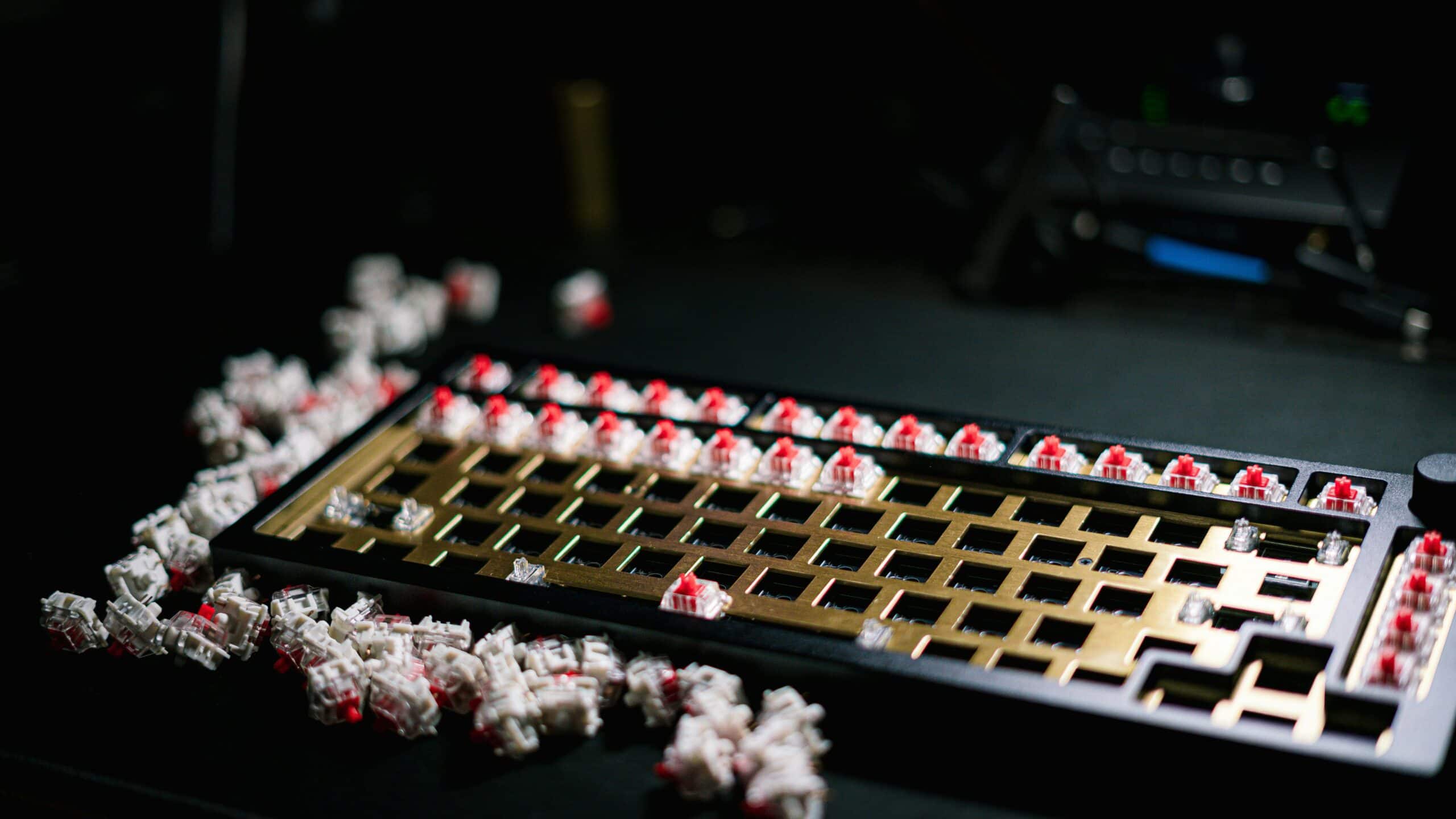
- Hot-swappable sockets let you change switches without soldering
- Compact TKL layout with solid battery life for wireless sessions
- Plastic frame feels lighter compared to metal-based alternatives
- 2.4G wireless may introduce minimal latency for competitive FPS players
- Software customization options are more limited than premium brands
- Full 104-key layout with dedicated numpad for MMO macros and productivity
- Outemu Red linear switches offer smooth, quiet keystrokes
- Customizable RGB backlighting with multiple preset modes
- Wired-only connection with no wireless option
- ABS keycaps may develop a polished look with heavy daily use
- Full-size footprint takes up more desk space than TKL alternatives
- Spill-resistant design protects against accidental drink spills
- Quiet membrane keys won't disturb nearby housemates or stream audio
- Dedicated media controls and game mode key for convenient access
- Membrane feel lacks the crisp actuation of mechanical switches
- Anti-ghosting covers common key combos but isn't full N-key rollover
- At ~$37, it sits at a higher price point than some basic membrane boards
Navigating the Budget Keyboard Minefield
Let’s be direct: the sub-$50 keyboard market is loaded with junk. Brands use confusing marketing terms, and it’s easy to buy something that fails within a few months. This isn’t about finding the absolute cheapest option. It’s about finding one that delivers genuine value and won’t need replacing after a few intense gaming sessions.
Understanding these trade-offs is the first step. You will not find a keyboard at this price that does everything perfectly. It’s a balancing act.
Switches vs. Build: You can get a true mechanical keyboard, but its frame will likely be flimsy plastic. Conversely, a rock-solid membrane keyboard will never have the crisp feedback of mechanical switches.
Performance vs. Features: A board might offer excellent anti-ghosting and key rollover—critical for FPS and MMO gaming—but cut corners on customizable RGB lighting or dedicated media controls.
Durability vs. Customization: Most budget boards ditch software for remapping keys or creating macros. The investment is in the core hardware, not a polished software ecosystem.
Common Pitfalls to Avoid
The biggest challenge is distinguishing genuine value from a cheap, disposable product. Watch out for keyboards marketed as “mem-chanical” or “hybrid mechanical.” These are almost always just membrane boards with a plastic bit inside to mimic a mechanical click, but they retain the mushy feel and lower durability of a standard keyboard.
The most significant compromise at this price point is build quality. An all-plastic frame will flex under pressure during intense gameplay, and keycaps made from thin ABS plastic will develop a shine and wear down quickly.
Flimsy construction is the number one killer of budget keyboards. Before you buy, look at the materials. A keyboard with an aluminum top plate—even if the rest of the body is plastic—gets a massive boost in rigidity and durability that you can feel.
For more in-depth comparisons and reviews of various models, you can explore our full range of keyboard articles.
What Truly Matters in a Budget Gaming Keyboard
When you’re hunting for the best gaming keyboard under $50, it’s easy to get distracted by flashy RGB lights and aggressive marketing buzzwords. To find a board that performs well and won’t die on you in six months, you have to ignore the noise and focus on the fundamentals that directly impact gameplay and durability.
Get these core components right, and you’ll have a keyboard that punches above its price tag. Everything else is secondary.
The Great Switch Debate: Mechanical vs. Membrane
The single biggest decision you’ll make is what’s under the keycaps. At this price, you’re looking at a direct trade-off between entry-level mechanical switches and high-quality membrane domes. There’s no single right answer, just the best choice for how you game.
Budget Mechanical (e.g., Outemu, proprietary clones): These switches provide distinct tactile feedback and an audible “clack” that many gamers prefer. They offer a crisp, consistent actuation point that is effective for rapid-fire inputs in FPS games. The catch? Budget mechanical switches can feel inconsistent from key to key and are often loud, which is a problem for streamers or anyone in a shared space. If you’re chasing a specific feel but need to keep the noise down, our guide to the quietest mechanical keyboard switches can help you figure out your options.
High-Quality Membrane: Don’t write off membrane keyboards. A well-built “mem-chanical” or premium membrane board can feel responsive and is almost always quieter than its mechanical counterparts. While you won’t get that sharp tactile bump, manufacturers can put the money they save on switches into a more durable frame, which is a huge plus at this price. They’re a solid choice for late-night sessions or dorm rooms.
Build Quality and Durability
A keyboard’s frame is its backbone. A flimsy, all-plastic build will flex and creak during intense moments, which feels cheap and can lead to missed inputs. Look for models that have a metal top plate—usually aluminum. This one feature adds significant rigidity and satisfying heft. It makes a night-and-day difference in how the keyboard feels and holds up over time.
An aluminum top plate is the single most important indicator of durability in a sub-$50 keyboard. It prevents chassis flex, adds weight, and protects the internal components far better than a pure plastic construction.
The keycaps are just as important. Most budget boards use thin ABS plastic, which quickly develops a greasy shine on high-traffic keys. It’s tougher to find, but keyboards with double-shot keycaps are the real prize. Their legends are made from a second piece of plastic, meaning they will never fade, no matter how many hours you put on your WASD keys.
Essential Gaming Features: Rollover and Connectivity
For gaming, a couple of technical specs are non-negotiable: N-key rollover (NKRO) and anti-ghosting. Anti-ghosting ensures that every keypress is registered correctly. NKRO is what lets you press multiple keys at once without any of them being dropped—absolutely critical for complex commands in MMOs and FPS games where you’re sprinting, jumping, and using an ability at the same time.
Finally, connectivity. While wireless is tempting, a wired connection is still the standard for competitive gaming. There’s a reason wired gaming keyboards held a 75.8% revenue share in 2023. They offer low-latency performance where even a millisecond can be the difference between winning and losing. You can discover more insights about keyboard market trends and see why pros almost universally stick with a cable.
Direct Comparison of the Best Gaming Keyboards Under $50
Let’s get into the head-to-head matchups. Forget generic pros and cons—we’re going to look at how these keyboards perform when the pressure is on. This is about real-world gaming scenarios, focusing on switch performance, build quality, and essential features. The goal is to show you the trade-offs so you can find the right board for your setup.
Redragon K552 vs. RK ROYAL KLUDGE Sink87G
The Redragon K552 is popular for a reason. It’s built with Outemu Blue switches, which are unapologetically loud, clicky, and tactile. You get unmistakable feedback on every keypress. That sharp “clack” confirms your command went through, which is useful in frantic games. But be honest with yourself: that noise is a dealbreaker if you stream or share your gaming space. Your teammates will hear every keypress through your mic.
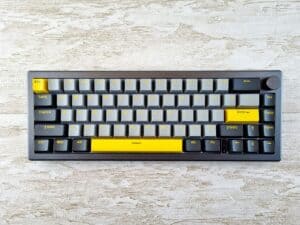
On the other hand, the RK ROYAL KLUDGE Sink87G offers dual-mode connectivity with both 2.4G wireless and wired USB, which is rare under $50. It features hot-swappable switches, so you can start with the included switches and swap in Reds, Blues, or Browns later without soldering. The wireless mode eliminates cable clutter, and the battery life is solid for extended sessions. The trade-off is a lighter plastic build compared to the K552’s metal frame.
The Redragon K552 is for the gamer who wants raw, loud, and tactile mechanical feedback. The RK ROYAL KLUDGE Sink87G is for the player who needs a quieter, smoother experience for streaming or shared living spaces where mic bleed is a real concern.
Where the K552 wins on build quality with its metal top plate, the Sink87G counters with features. It offers hot-swappable switches (so you can change your mind later) and wireless connectivity via 2.4GHz, freeing you from cable clutter. The 1850mAh battery lasts up to a week on a single charge. For a budget board, that’s a lot of flexibility.
Full-Size Options for MMO and Productivity
If you play MMOs or your gaming PC is also your workstation, a full-size layout with a dedicated number pad is a better fit. That numpad is valuable for binding complex macros, abilities, and items, giving you an edge in games like World of Warcraft or Final Fantasy XIV.
One of the better picks here is the Redragon K582. While its TKL version gets a lot of attention, the full-size model delivers the same value. It often features hot-swappable Outemu switches, a feature that’s almost unheard of under $50. This means you can start with clicky Blues for typing and swap in linear Reds for gaming later on without soldering.
The K582’s build is solid for the price. The plastic frame is sturdy enough for everyday use, and the dedicated software lets you remap keys and customize RGB zones. The main compromise is the ABS keycaps, which can develop shine over time with heavy use.
Another option is the HyperX Alloy Core RGB, which is a membrane gaming keyboard from a trusted brand. Before dismissing membrane, understand the trade-off. You lose the distinct mechanical click, but you gain a quieter, softer typing experience. The Alloy Core RGB is spill-resistant, has dedicated media keys, a game mode key, and full RGB lighting across all zones. For a gamer who wants a reliable membrane board from a trusted brand without breaking the bank, the HyperX Alloy Core RGB is a smart compromise.
To help you weigh these options at a glance, we’ve put together a direct comparison of their core specs and ideal use cases.
Head-to-Head Comparison of Budget Gaming Keyboards
This table breaks down the key specifications, build materials, and gaming-centric features of our top recommended keyboards under $50, making it easier to see where each one shines.
| Model | Switch Type | Build Material | Key Rollover | Best For |
|---|---|---|---|---|
| Redragon K552 | Clicky (Outemu Blue) | Metal & ABS Plastic | 87-Key Rollover | FPS gamers who want loud, tactile feedback. |
| RK ROYAL KLUDGE Sink87G | Hot-Swappable (Red/Blue/Brown) | ABS Plastic | N-Key Rollover | Streamers wanting quiet switches plus wireless flexibility. |
| Redragon K582 | Hot-Swappable (Red/Blue/Brown) | Aluminum & ABS Plastic | N-Key Rollover | Users who want to customize switches and need a full layout. |
| HyperX Alloy Core RGB | Membrane | ABS Plastic | 6-Key Rollover | MMO players and hybrid users needing macros and media keys. |
As you can see, your choice comes down to priorities: the feel of the switches, the need for a number pad, or extra features like macro keys. Each board offers a compelling package for its price, but they serve different needs.
The Value Proposition of Budget Mechanical Switches
The explosion of affordable gaming keyboards is a direct result of budget-friendly mechanical switches. Mechanical keyboards dominate gaming, holding a 67.2% market share in 2023 because they feel better and last longer. For the best gaming keyboard under $50, brands like Redragon use Outemu switches that mimic the feel of premium Cherry MX switches for a fraction of the cost. This has made the mechanical experience accessible to a huge audience.
This accessibility is precisely what makes a board like the K552 a solid value. It delivers the core mechanical experience without the premium price tag. Sure, the switch consistency and lifespan might not match a $150 keyboard, but it provides enough performance and durability for the vast majority of gamers. The compromise is clear, but the value is there.
Matching the Keyboard to Your Gaming Style

A keyboard’s specs are just numbers until you put them in context. The “best” gaming keyboard under $50 isn’t a specific model—it’s the one that feels like a natural extension of your hands for the games you play. Forget the hardware for a second and let’s talk about how these boards perform when it matters.
Choosing the right tool for the job makes a tangible difference. A keyboard built for one genre can feel clumsy in another, and that’s the last thing you want to worry about mid-match.
For the FPS and Battle Royale Player
When you’re playing Valorant, Apex Legends, or Call of Duty, every millisecond is the difference between winning a gunfight and staring at a respawn timer. Your priorities are clear: instant response, no missed inputs, and as much desk space as possible for your mouse.
Switch Type: You need one of two things. A smooth linear switch (like Reds) for rapid, effortless key presses, or a sharp, clicky switch (like Blues) for unmistakable feedback. The goal is to remove any doubt that your command went through.
Key Rollover: Full N-key rollover (NKRO) isn’t a luxury; it’s a requirement. You’re constantly sprinting, jumping, and strafing all at once. A keyboard that can’t keep up will drop inputs and get you killed.
Form Factor: A Tenkeyless (TKL) layout is a tactical advantage. Ditching the numpad frees up real estate for the wide, low-DPI mouse swipes essential for precise aim.
A keyboard like the Redragon K552, with its clicky switches and compact TKL frame, is purpose-built for this environment. Its reliable rollover means even frantic key combinations register flawlessly.
For the MMO and RPG Enthusiast
MMO and RPG players operate differently. In games like World of Warcraft or Final Fantasy XIV, your keyboard is a command center for managing abilities, macros, and items. Your needs are completely different.
For MMOs, a full-size layout isn’t just a preference; it’s a competitive advantage. The number pad becomes a dedicated command center for binding complex macros, cooldowns, and inventory items, keeping your main keys free for combat and movement.
This is where a full-size board like the Redragon K582 comes into its own. Those extra keys are invaluable for organizing hotbars. Plus, having hot-swappable switches means you can fine-tune the feel under your most critical keys without buying a new board. You don’t need the fastest switch, but you need the space and reliability to manage a complex interface.
For the Streamer and Content Creator
When you’re live, your keyboard is part of your audio setup. That loud, satisfying clack you might love is an annoying distraction for your audience, bleeding into your microphone and turning your commentary into a noisy mess.
A quieter switch is non-negotiable. A smooth linear Red or a muted tactile Brown is your best bet. Models like the RK ROYAL KLUDGE Sink87G with Red switches minimize background clatter, keeping your audio clean.
Dedicated media keys are also a huge quality-of-life feature, letting you adjust volume or skip a song without alt-tabbing out of your game. Getting your audio right is a primary hurdle for any new broadcaster; our guide on building a streaming setup for beginners dives into getting these essentials dialed in.
The Reality of Buying Budget Keyboard Brands
Let’s be straight about what you’re getting with brands like Redragon, Royal Kludge, or Tecware. They are popular because they pack a lot of performance into a low price tag. But to get that value, you’re making specific, calculated trade-offs. The goal here isn’t to scare you off, but to set your expectations correctly.
Think of it like this: these brands give you 80% of the performance of a premium keyboard for a fraction of the cost. That last 20% is where the compromises live.
Understanding the Tradeoffs
The main compromise isn’t the hardware itself; it’s the polish and support around it. The keyboard you get is usually a solid piece of kit, but the extras are trimmed down.
Software Support: Forget the sleek software from Corsair or Razer. The software for these boards, if it exists, is often clunky, poorly translated, or limited. You might be able to change the lighting, but setting up complex macros can be frustrating.
Quality Control: While they’re generally reliable, you can run into inconsistencies. One keyboard might be perfect, while the next has a chattering switch or an LED that dies a few months in. They produce huge volumes, and a certain percentage won’t be flawless.
Customer Service: Getting help can be a mixed bag. You’re usually dealing with overseas sellers or third-party distributors on Amazon. A simple replacement might be fine, but troubleshooting a technical issue is often a dead end.
The entire business model for a budget brand is to pour all the money into the hardware that directly affects gameplay—the switches and the frame. Everything else, from the software to the packaging, is a distant second.
For a savvy gamer, this is a winning formula. If you understand you’re buying a piece of hardware—not an ecosystem of software and support—you can get a keyboard that will hold its own in any game.
Frequently Asked Questions
Even after diving into the details, you probably still have a few questions. Let’s tackle the common ones that pop up when you’re trying to find a solid gaming keyboard for under $50. Getting these last few details right can be the difference between a good buy and a frustrating one.
Are Mechanical Keyboards Always Better for Gaming?
Not at this price point. A well-made membrane keyboard can be better than a cheaply built mechanical one.
While good mechanical switches give you crisp feedback and are built to last, a good membrane board can offer a more consistent feel, run quieter for streaming, and sometimes pack in features like media controls that mechanicals in this range lack.
The draw for budget mechanicals is that distinct switch feel, which many gamers prefer for precise movements. But if the keyboard’s frame is flimsy and the keycaps wobble, you lose that advantage.
How Important Is RGB Lighting on a Budget Keyboard?
It’s mostly for show. While simple backlighting helps you see your keys during late-night gaming sessions, don’t let flashy, customizable RGB effects fool you.
On a keyboard under $50, fancy lighting is often the first thing manufacturers add to catch your eye, but it’s also where they cut corners elsewhere to keep the price down. A keyboard with a solid metal frame and durable keycaps is a much smarter investment than one with a light show but a cheap plastic body that flexes during a firefight.
Will a Budget Keyboard Last as Long as an Expensive One?
No, and it’s important to be realistic about it. A premium keyboard is expensive because it uses higher-grade materials, features switches rated for 50-100 million clicks, and undergoes stricter quality control.
However, a well-chosen budget keyboard, especially one with a metal top plate and decent switches rated for 20-50 million presses, can easily survive several years of heavy gaming. You’re making a trade-off: you’re swapping top-tier longevity for immediate value and performance that gets the job done right now.
At Budget Loadout, we believe you don’t have to spend a fortune to get great gaming gear. Explore our guides to build a setup that delivers maximum performance for your dollar. Learn more at https://budgetloadout.com.
Related Articles