You’ve probably looked up from a late session and felt it right away. Dry eyes. A little blur when you refocus across the room. Maybe a headache that shows up after ranked matches, MMO grinds, or a few hours of editing clips.
That’s when gaming glasses start sounding reasonable.
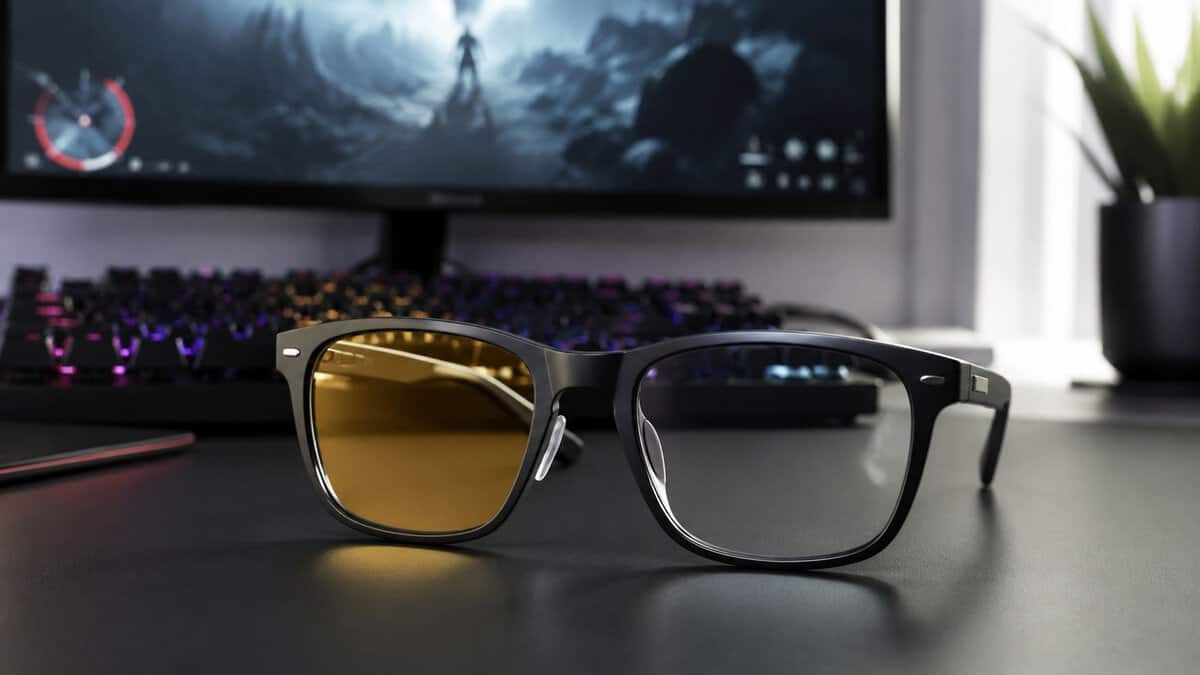
They’re also easy to buy for the wrong reasons. A lot of listings push vague claims, cheap coatings, and flashy language, while skipping the part that matters most for value-minded buyers: whether the glasses still feel good and work well after months of daily use. That’s the gap that matters if you’re trying to decide whether a lower-priced pair is enough or whether spending more provides savings over time.
Below is a practical guide to the best gaming glasses for people who care about comfort, durability, and real trade-offs, not gimmicks.
- Filters up to 86% of blue light in the peak band
- One of the largest review bases in the category
- Ships with a hard case, pouch, and cleaning cloth
- Amber tint shifts colors, so it suits play more than editing
- Frame styling is function-first rather than fashion-forward
- One-size frame will not fit every face equally
- Color-true clear lens works on stream and in editing
- GUNNAR lens coatings cut glare and reflections
- Light enough for all-day wear beyond gaming
- 35% filtering is the mildest on this list
- Costs more than budget clear-lens rivals
- This variant carries a smaller review base than the amber models
- Blocks up to 98% of blue light at peak wavelengths
- Classic Intercept frame fits most head sizes
- The strongest night-session option from a major brand
- Strong amber tint is unsuitable for color-sensitive work
- Bulkier frame than the Vertex
- Costs the most on this list
- The most affordable pick on this list
- Huge review base for a budget pair
- Barely visible tint keeps colors natural
- Milder filtering than the amber options
- Plastic build feels lighter than premium frames
- Basic accessories compared with the Horus X bundle
Picks and availability last verified: October 19, 2026
- The Horus X Gaming 2.0 is the best overall value: strong amber filtering with one of the biggest review bases in its class
- The GUNNAR Vertex with the Clear lens keeps colors honest, making it the streamer and creator pick
- The GUNNAR Intercept Amber Max blocks up to 98% of peak blue light for marathon night sessions
- The J+S Vision is the low-risk way to test whether gaming glasses help you at all
- Most screen discomfort comes from reduced blinking and dry eye, so treat filtering as a comfort aid, not a cure
Table of Contents
Do You Need Gaming Glasses?
If your sessions are short, your room lighting is decent, and your eyes rarely feel tired, you might not need gaming glasses at all. Plenty of players are better off fixing the basics first: screen brightness, room glare, monitor placement, and break habits.
If you regularly play for hours, though, glasses can make sense as a comfort accessory. They’re designed to filter blue light from screens, and the right pair can also cut glare, improve contrast, and reduce that “fried eyes” feeling after long nights. They aren’t magic. They won’t fix bad sleep, bad posture, or a monitor blasting your face in a dark room.
That’s why I treat them like any other peripheral. Buy them only if they solve a specific problem.
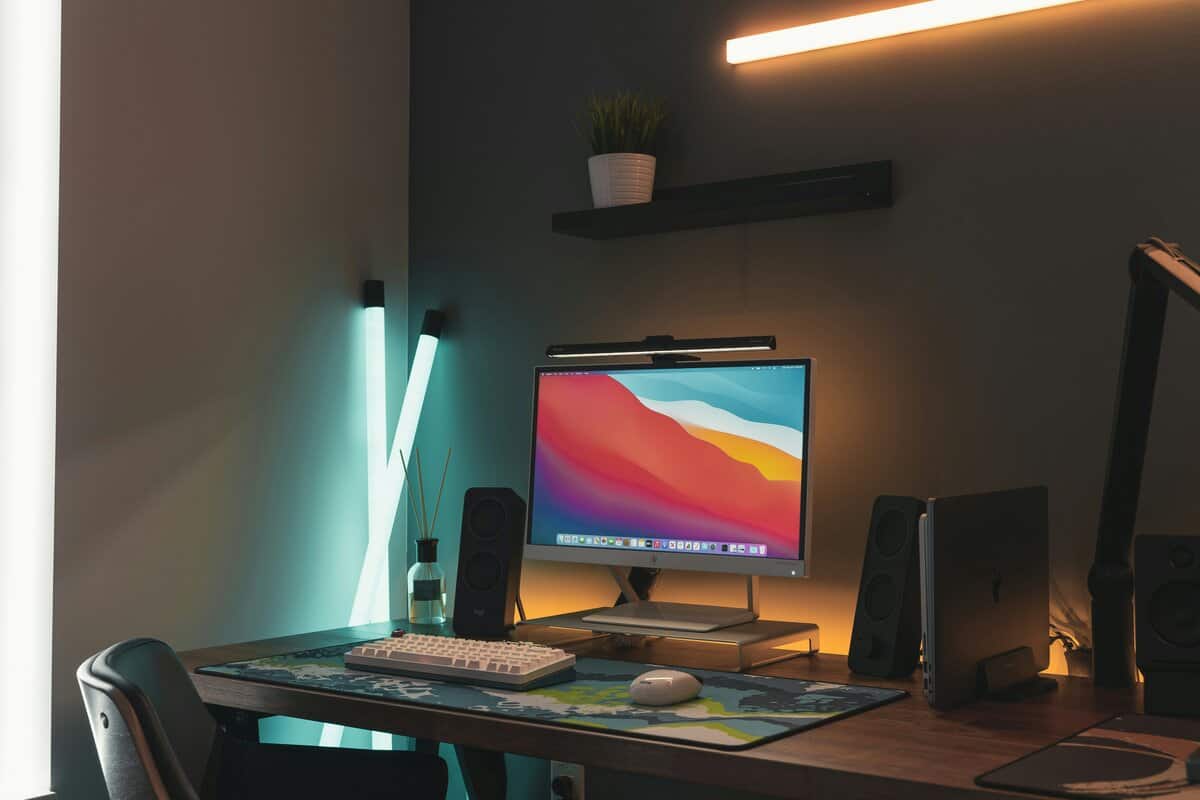
A smart first step is checking your setup before you spend money. A harsh overhead lamp or an overly bright panel can create more strain than your lenses. If your desk lighting is poor, a monitor light bar setup guide is worth reading before you commit to eyewear. If you also want a broader explanation of lens types and everyday use, this advice on blue light protection gives useful context.
When gaming glasses make the most sense
- Long sessions: If you play or work on screens for hours at a stretch, comfort matters more than style.
- Night gaming: Blue light concerns tend to matter more when you’re playing late and trying to wind down after.
- Glare-heavy setups: Strong LED lighting, glossy displays, and bright rooms can make a good lens coating worth paying for.
- Teen and student use: If a pair will get tossed in a backpack, durability matters almost as much as lens performance.
Practical rule: If your first instinct is to buy the cheapest pair you can find, stop. Cheap glasses are only a deal if the lenses stay clear and the frame survives daily use.
How Gaming Glasses Work and What the Science Says
Gaming glasses mostly come down to one thing: selective blue light filtering. The better models don’t just claim to block “blue light” in general. They target the harmful end of the spectrum that people most often associate with digital eye strain and disrupted sleep.
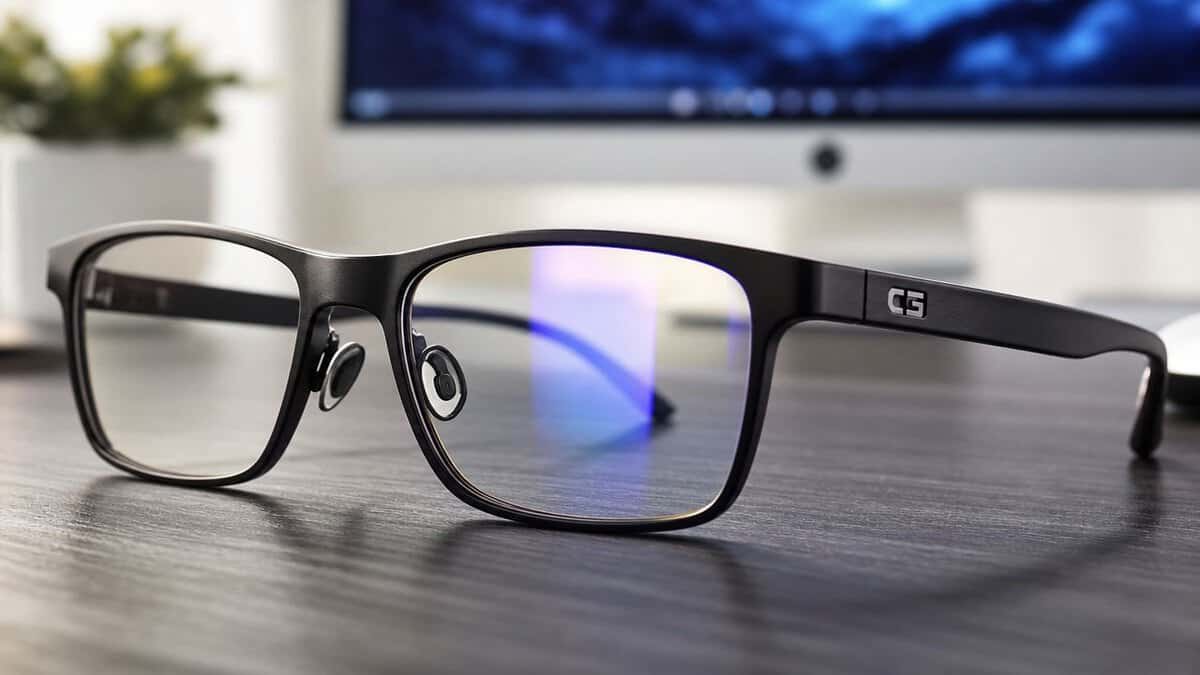
According to AddictiveTips’ gaming glasses breakdown, the highest-tier blue light filtering gaming glasses achieve a blocking rate of 92% to 99% within the harmful 380 to 450 nanometer wavelength spectrum. The same source notes that transparent lenses can sit at a more moderate point for color accuracy, while amber-tinted options push much harder on filtration and strain reduction.
That split matters more than most buyers realize.
Clear lenses versus amber lenses
Clear lenses are the safer all-round choice if you care about color accuracy. They’re better for streamers, creators, and anyone who doesn’t want their screen looking warm all the time.
Amber lenses are more aggressive. They usually increase perceived contrast and can feel better during long FPS sessions or late-night grinding, but they also shift the image. If you edit thumbnails, color grade clips, or just hate warm tint, that trade-off can get annoying fast.
A simple way to understand it:
| Lens Type | Best Use | Main Strength | Main Trade-off |
|---|---|---|---|
| Clear | Streaming, mixed use, everyday work | Better color fidelity | Less aggressive filtering |
| Amber | Competitive play, long night sessions | Stronger filtering and contrast boost | Visible color shift |
What the science actually supports
The honest answer is that the science around blue light and eye comfort is still debated. That’s why I don’t recommend glasses as a cure-all. What I do see consistently is that lens choice, glare control, and fit can make a meaningful difference for people who already know screens bother them. The American Academy of Ophthalmology attributes most screen discomfort to reduced blinking and dry eye rather than blue light itself, which is worth remembering when you weigh marketing claims.
A lot of “science-backed” marketing also ignores the rest of your setup. Panel type, brightness, room lighting, and contrast all affect comfort. If you’re also deciding between display technologies, a practical OLED vs IPS comparison for gaming is worth reading because the monitor itself can change how much strain you feel.
Some players also stack habits and accessories together. Better room lighting, regular breaks, and even lifestyle support can matter more than maxing out lens filtration. If focus and mental fatigue are part of your issue, this guide to nootropics for enhanced focus and memory adds a different angle than eyewear alone.
A good pair of glasses can help, but it can’t rescue a bad setup.
Key Features That Define Value and Durability
Most bad gaming glasses fail in predictable ways. The lenses distort slightly. The coating picks up scratches. The hinges loosen. The nose pads get annoying under a headset. None of that shows up well in a flashy product listing.
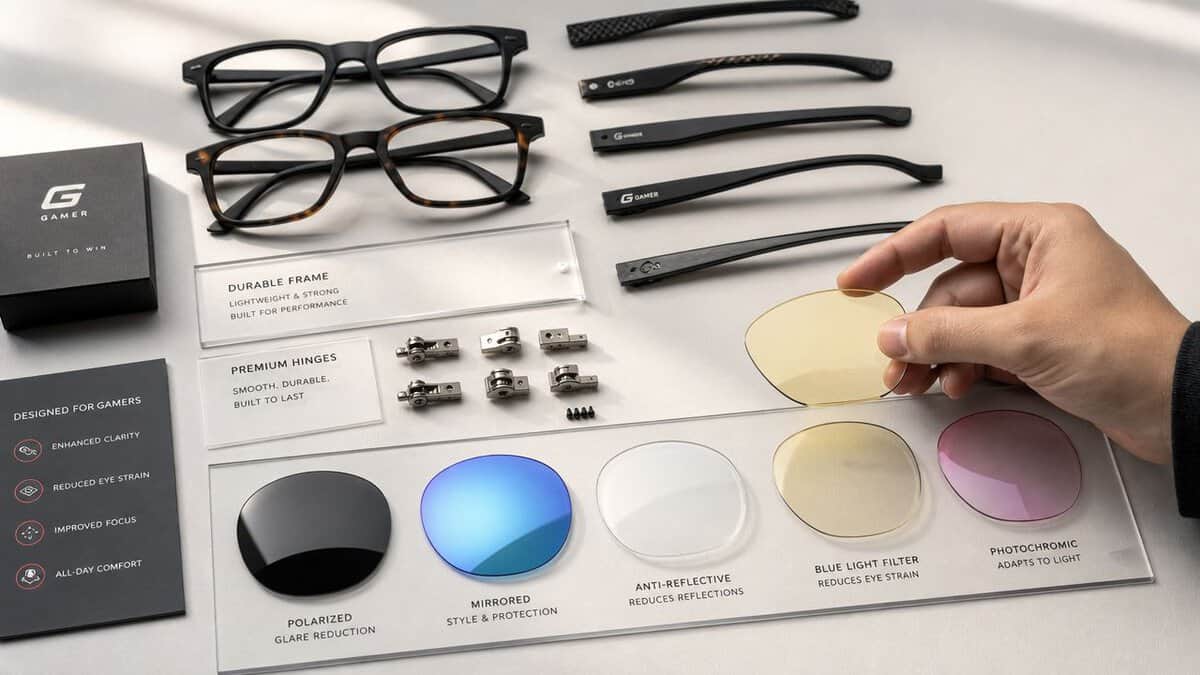
The first thing I look at is lens quality. GamingScan’s guide to gaming glasses notes that ultra-pure resin-coated lenses are used in top gaming glasses to eliminate distortion while blocking UVA, UVB, and blue light. It also points out why scratch-resistant coatings matter: once micro-abrasions build up, glare increases and contrast gets worse.
That’s the part cheap pairs rarely explain well.
What to check before you buy
- Lens clarity: If the lens introduces distortion at the edges, you’ll notice it fast in menus, HUD elements, and text-heavy games.
- Scratch resistance: Coatings are part of the value equation. A bargain pair that gets hazy after months of backpack use isn’t a bargain.
- Anti-glare treatment: This matters if you game under room lights or sit near windows.
- Weight and pressure points: Light glasses usually stay comfortable longer, especially under a headset.
- Hinge feel: Loose, crunchy, or flimsy hinges are often the first sign of cost cutting.
Frames matter more than people think
The frame decides whether you forget you’re wearing the glasses or rip them off after an hour. For MMO players and streamers, lightweight frames are especially important because they sit on your face for long stretches. Build quality also shows up in small details: how evenly the arms fold, how the temples sit under headphones, and whether the bridge pinches during a full session.
A poor frame ruins a good lens.
Here’s a simple buyer checklist I’d use before choosing between two similar pairs:
| Feature | What Good Looks Like | What Usually Goes Wrong |
|---|---|---|
| Lens coating | Clear, low glare, resistant to handling | Scratches early, looks cloudy |
| Frame | Light, balanced, headset-friendly | Pinches temples, slides down nose |
| Hinge | Smooth and firm | Loosens quickly or feels brittle |
| Nose support | Stable without pressure | Leaves marks or slips when warm |
What’s marketing fluff
Some product pages drown you in buzzwords without telling you how the glasses behave after repeated use. That’s where buyers get burned. “Gaming optimized” doesn’t mean much if the coating scratches from normal cleaning. “Premium frame” doesn’t matter if the arms fight your headset.
Buyer check: Put durability above branding. If the listing talks more about style than lens quality, coatings, and comfort, that’s usually a bad sign.
For value shoppers, the best gaming glasses aren’t the cheapest pair on the page. They’re the pair you won’t need to replace early.
Choosing the Right Glasses for Your Game
The right lens depends on what you do at your desk. A pair that works for ranked shooters can be the wrong pick for streaming, and a pair that’s fine for casual play can get annoying in a long raid.
FPS players
For competitive shooters, many players prefer warmer lenses because they can make contrast feel stronger and dark areas easier to parse. That can help with target pickup, especially during long sessions where your eyes start feeling tired. The catch is obvious: stronger tint can alter the game’s look.
If you mostly play fast shooters and care more about comfort and contrast than image neutrality, amber-leaning lenses are usually the better fit.
MMO and RPG players
Long-form games shift the priority. Comfort wins. You need lightweight frames, stable nose support, and arms that don’t fight your headset. MMO players often spend more time reading chat, tracking cooldowns, and watching busy interfaces than snapping to targets, so edge clarity and low distortion matter a lot.
Build quality matters here too. A pair that feels “fine” for one hour can become irritating over a full night.
Streamers and creators
Many buyers make an incorrect choice when selecting gaming glasses. For streaming, color distortion is a real problem. The YouTube discussion of streamer-focused gaming glasses points out that transparent lens technology is often the better fit for streamers because it avoids monitor color shift, while amber filters are often better for eye-strain-focused players who want extra contrast.
That’s the trade-off in one sentence. Color fidelity for content creation, contrast enhancement for strain reduction.
If you stream shooters and care about your monitor view matching your output, don’t automatically buy the strongest amber filter. And if you’re chasing a better competitive image, your monitor choice matters too. A guide to the best monitor for Fortnite on a budget is useful because display tuning and refresh behavior affect visibility just as much as your glasses.
If you already wear prescription glasses
You’ve got two real options: fit-over styles or prescription gaming lenses. Fit-overs are cheaper and simpler, but they can get bulky fast, especially under a headset. Prescription gaming lenses cost more up front, but they’re usually cleaner, lighter, and easier to live with if you wear them every day.
The best choice depends on frequency. If this is just for occasional night gaming, fit-overs can do the job. If you’re on screens daily, integrated prescription lenses are usually the better long-term call.
The Best Gaming Glasses 2026: A Value Focused Roundup
Here’s the short version first. These picks focus on value, comfort, and realistic use cases, not hype.
Top Gaming Glasses Picks for 2026
| Glasses | Lens | Best For | The Trade-Off |
|---|---|---|---|
| Horus X Gaming 2.0 | Amber, up to 86% filtering | Overall value for long sessions | Warm tint shifts on-screen color |
| GUNNAR Vertex (Clear) | Clear, color-true | Streamers and creators | Mildest filtering here |
| GUNNAR Intercept Amber Max | Amber Max, up to 98% | Maximum filtering for night marathons | Heavy tint, unsuitable for color work |
| J+S Vision | Clear with subtle tint | Low-risk first pair | Milder filtering, basic build |
Pricing for mainstream gaming glasses spans from impulse-buy cheap to premium territory, and the extras bundled in the box often explain the gap more than the lenses do.
Best Overall Value: Horus X Gaming 2.0
If your priority is reducing strain during long sessions, Horus X Gaming 2.0 stands out as a practical pick. Its lenses are built to filter blue light in the 380 to 450 nanometer band, a stronger filter than casual blue-light coatings.
That gap is meaningful if your eyes already react badly to long evening sessions.
Why it’s a value pick:
- Stronger filtration than casual filters: Better suited for people who know they’re sensitive to screens.
- Purpose-built design: It’s made for gaming use, not just generic office wear.
- Better fit for late-night play: This is the kind of pair that makes the most sense when you’re doing repeat sessions, not occasional matches.
Trade-offs matter. A stronger filter usually means a more noticeable effect on the image, especially compared with very light clear lenses. If your main priority is a neutral-looking monitor, you may not love that.
Best for Streamers: GUNNAR Vertex (Clear Lens)
For streamers, I’d lean toward the GUNNAR Vertex with the Clear lens. The reason is simple: streamers need to trust the image on screen. More aggressive amber lenses can be comfortable, but they can also nudge color in a way that gets annoying when you’re adjusting scenes, overlays, or clips.
This category makes sense if you:
- Stream regularly
- Edit or thumbnail on the same setup
- Want some blue light filtering without a constant warm cast
The trade-off is that you’re not getting the most aggressive filtering available. That’s a conscious compromise. For creators, it’s usually the right one.
Maximum Filtering: GUNNAR Intercept Amber Max
Some buyers know exactly what they want. They’re not worried about perfect color. They want as much blue light reduction as possible and they’re willing to accept a warmer image to get it. That is exactly what the GUNNAR Intercept Amber Max is built for, blocking up to 98% at the peak wavelengths.
That’s where amber-tinted premium filter models make the most sense. These are better for eye-strain-focused users than for mixed gaming and content work. If your sessions are mostly night play, single-player grinds, or competitive matches where comfort matters more than visual neutrality, this category has a real place.
The main drawback is adaptation. Some players love the added contrast. Others never stop noticing the tint.
If you edit content, don’t buy maximum-tint glasses as your only pair.
Best Low-Risk Budget Pick: J+S Vision
If you’re not sure gaming glasses will help you, an entry-level clear pair is a safer starting point than jumping straight into a strong amber filter. The J+S Vision is the proven pick in that lane, with one of the largest review bases in the category. You’ll spend less, the image will feel more normal, and you’ll quickly learn whether lens wear improves your comfort.
The risk is long-term value. Lower-cost pairs are more likely to cut corners on coatings and hinge quality. That doesn’t make them bad by default, but it does mean you should be picky about return policies, cleaning habits, and frame feel.
If you’re building your setup one smart purchase at a time, that same value mindset applies to everything on your desk, including budget over-ear headphones that don’t feel disposable.
My value-first recommendation
If you’re in the market for the best gaming glasses, I’d split it this way:
- Choose Horus X Gaming 2.0 if eye strain is the main problem and you want stronger filtering.
- Choose Gunnar transparent-lens models if you stream, edit, or care about color accuracy.
- Choose a basic clear pair only if you want a low-commitment test run and understand that durability may be the weak point.
That’s the practical answer. Buy based on use case first, then build quality, then price.
The Overlooked Factor: Long-Term Durability
This is the part most gaming glasses roundups skip. They review the unboxing, wear them for a few days, and rank them on comfort and style. That tells you almost nothing about whether the pair still feels worth the money after real use.
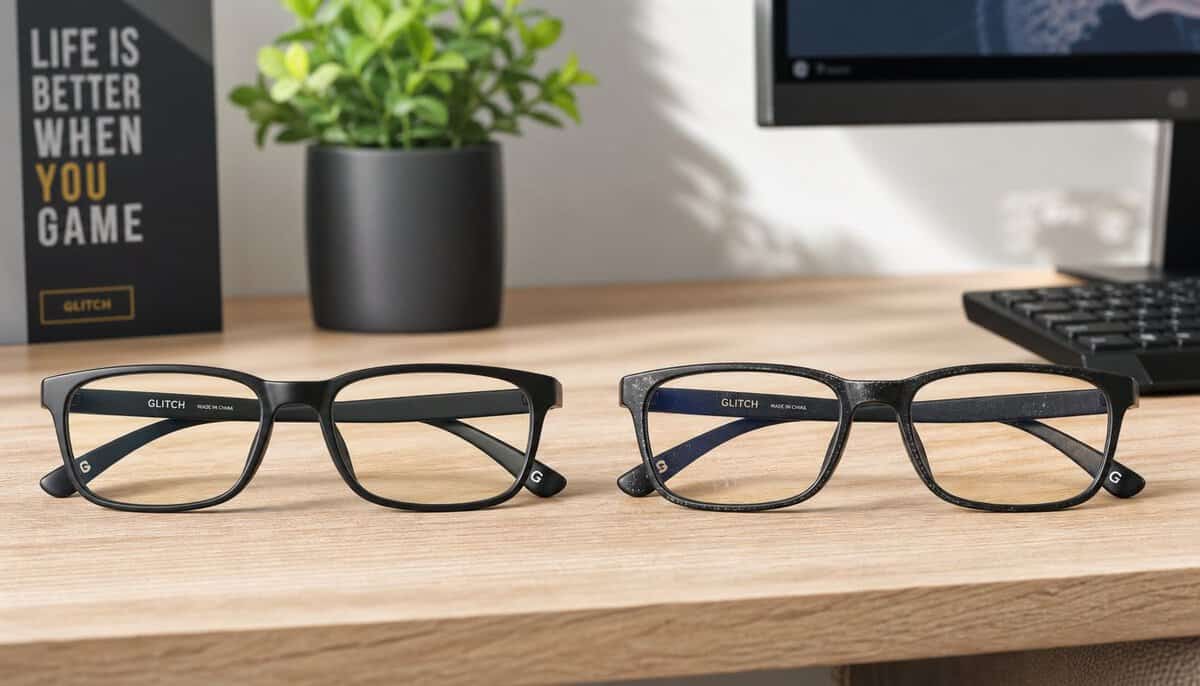
Of Zen and Computing’s gaming glasses review roundup calls this out directly: there’s no thorough long-term data on how budget versus premium coatings degrade over 6 to 12 months of daily use, and current reviews generally don’t track scratch resistance, peeling, or glare increase over time.
That’s a real problem for value buyers.
Why cheaper pairs can cost more later
A low-price pair can still be the right buy. But if the coating gets cloudy, the hinges loosen, or the frame warps under daily headset use, you’re replacing them sooner. That turns “cheap” into “temporary.”
Watch for these warning signs when you first handle a pair:
- Uneven frame tension: One arm opens looser than the other.
- Shallow lens coating: The surface picks up smudges and hairline scratches too easily.
- Poor temple shape: The arms press hard under a headset.
- Weak hinge feel: The fold action feels loose or brittle right out of the box.
How to judge durability without a lab test
You can still make a better bet, even without perfect long-term data. Look closely at hinge fit, lens finish, frame alignment, and how the glasses handle normal cleaning. Brands can claim scratch resistance all day, but the first month of real use usually tells the truth.
A similar logic applies to all daily-use peripherals. The difference between gear that lasts and gear that frustrates often comes down to wear points, not headline specs. If you care about that broader buying mindset, this breakdown of mechanical vs membrane keyboard durability and value follows the same principle.
Buy for total ownership time, not just checkout price.
How to Test and Maintain Your New Glasses
Once you’ve bought a pair, test them like any other piece of gear. Don’t just wear them for ten minutes and call it good.
Start with real use. Play a familiar game for a full session and pay attention to comfort, not placebo. Are your eyes less tired? Does text stay sharp? Do dark scenes look clearer, or just warmer? If the lenses distort menus or HUD edges, you’ll notice it quickly in games with lots of interface elements.
Then do a simple lens check:
- Use straight lines: Open a browser window or grid and look for edge distortion.
- Check glare behavior: Turn your room light on and off to see how reflections change.
- Wear them with your headset: Temple pressure often shows up only after an hour.
- Watch for slipping: A pair that constantly slides down your nose won’t survive regular use.
Cleaning matters more than buyers think. Coatings are often the first thing to fail, and rough cleaning speeds that up. Use a microfiber cloth, clean hands, and a lens-safe solution if needed. Don’t use your T-shirt. Don’t grind dust into the lenses. Don’t toss them loose into a backpack pocket with cables and keys.
Store them in a case. Wipe them gently. If a pair is worth buying, it’s worth not destroying with bad habits.
Frequently Asked Questions
Quick answers to the gaming glasses questions buyers ask most.
Do gaming glasses actually work?
They help many users with glare, perceived brightness, and evening comfort, but they are not a cure-all. Eye-care research attributes most screen discomfort to reduced blinking and dry eye rather than blue light itself. Treat gaming glasses as one comfort tool alongside breaks, blinking, and good monitor settings.
Should I get amber or clear lenses?
Amber lenses filter far more blue light but visibly warm the image, which rules them out for color-sensitive work. Clear lenses stay color-true with milder filtering. Pick amber for late-night marathons, clear if you stream, edit, or simply hate tinted vision.
Can I use gaming glasses with contacts or prescription lenses?
Over contacts, yes: gaming glasses work exactly the same. Over prescription frames you need fit-over styles or clip-ons, or a prescription blue-light option from an optician. Standard gaming glasses do not correct vision on their own.
Do gaming glasses help you sleep better?
They can help with evening wind-down, since blue light exposure late at night is linked to delayed sleepiness. Stronger amber tints filter more of the relevant wavelengths. They still will not offset gaming until 3 a.m., so pair them with a reasonable cutoff time.
How should I clean and store gaming glasses?
Use a microfiber cloth and lens-safe spray, never a shirt hem, which grinds dust into the coating. Store them in a hard case rather than loose on the desk, and check hinge screws occasionally. Coating scratches are the usual reason a pair gets retired early.
If you’re building a setup that feels good to use and holds up over time, Budget Loadout is built for exactly that. It focuses on practical gaming and streaming gear picks, honest trade-offs, and value-first advice so you can spend once, buy smarter, and avoid the usual regret purchases.
Related Articles